



 Steam
Steam  Windows
  Mac
Mac | Release Date | 06.03.2017 |
| Operating Systems | Mac OS |
| Publisher | Daedalic Entertainment |
| Operating Systems | Windows |
| Genres | Adventure, indie |
4.99€
Added to Cart
4.99€
Added to Wishlist
4.99€
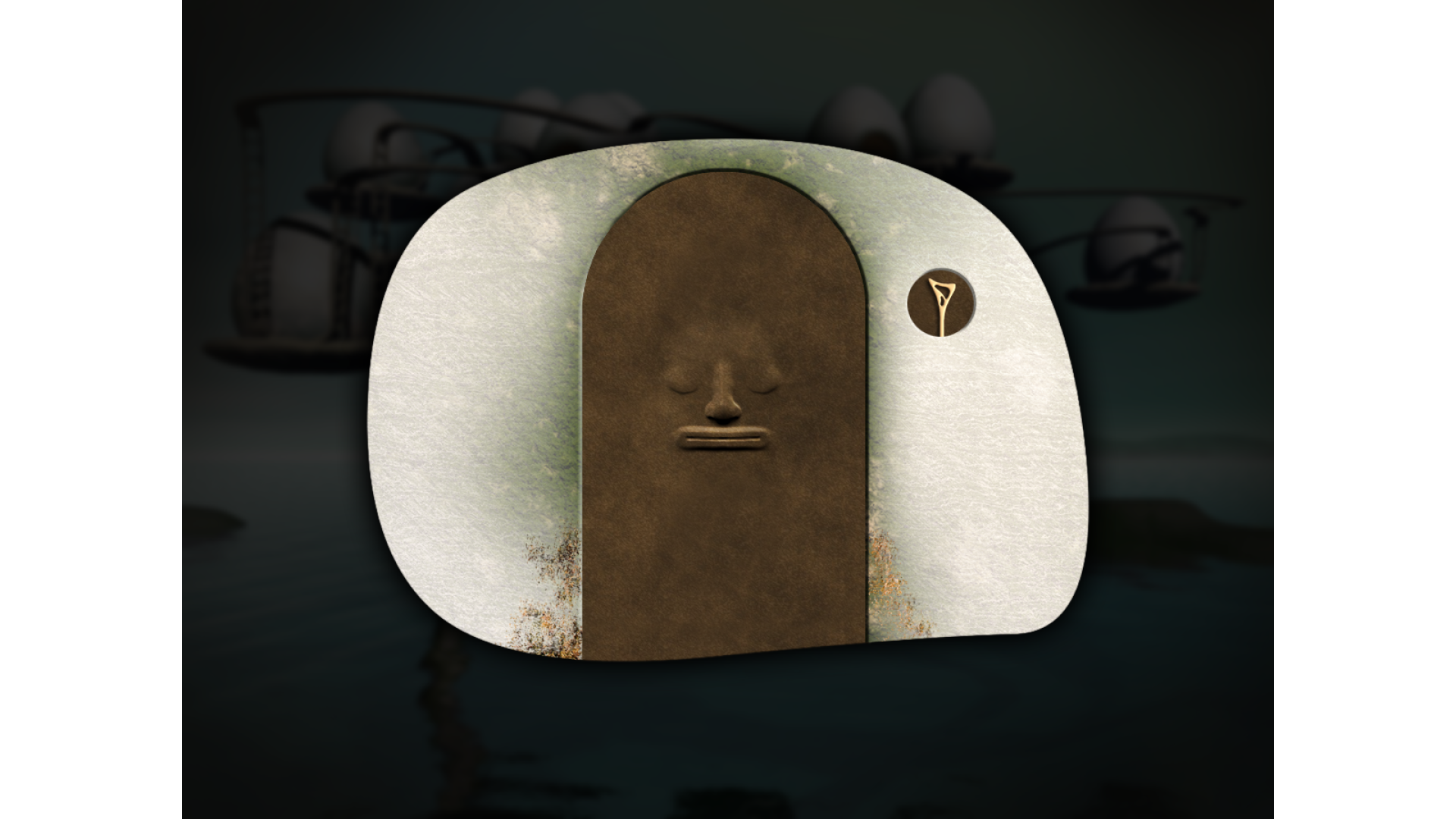
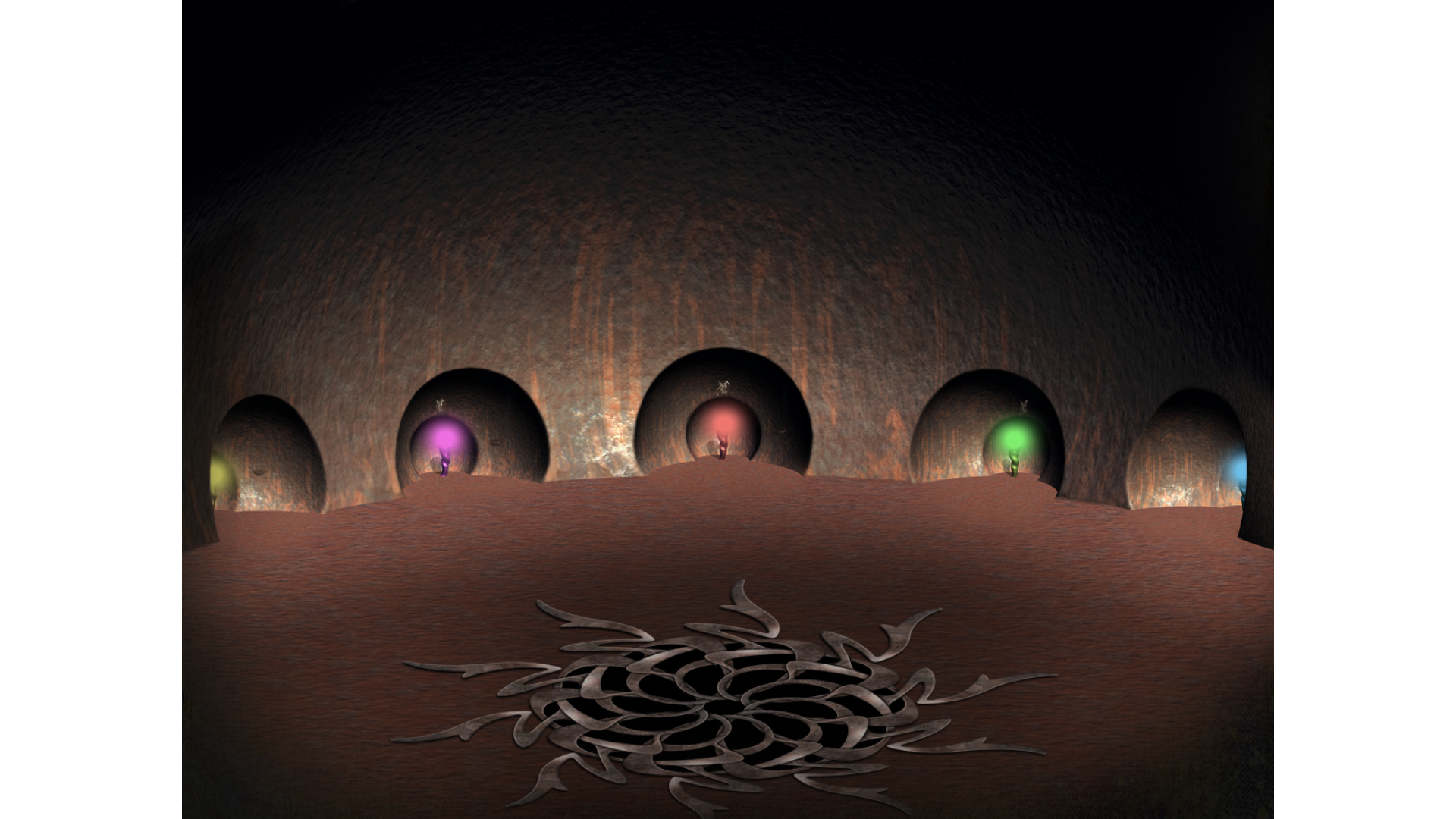
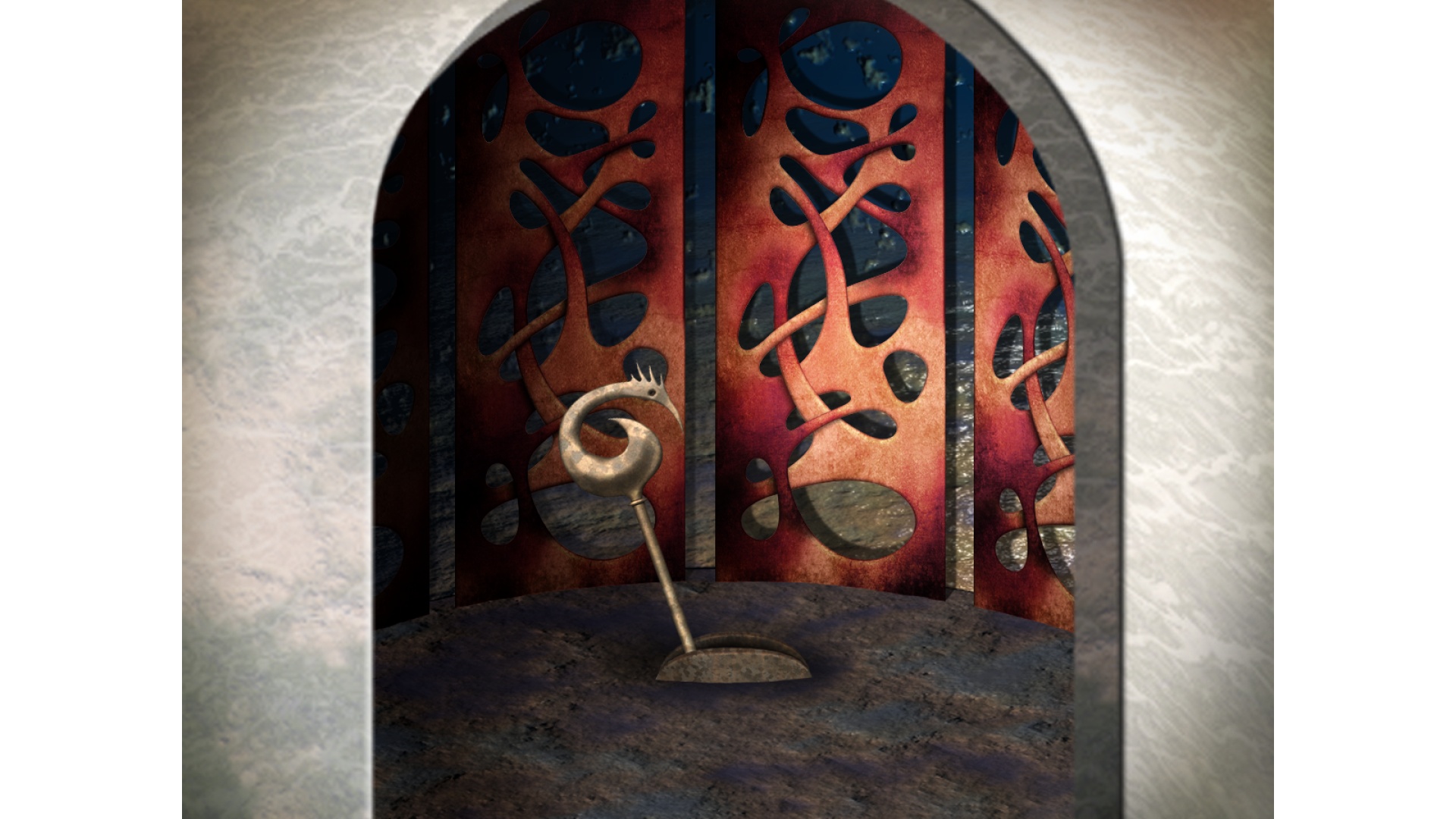
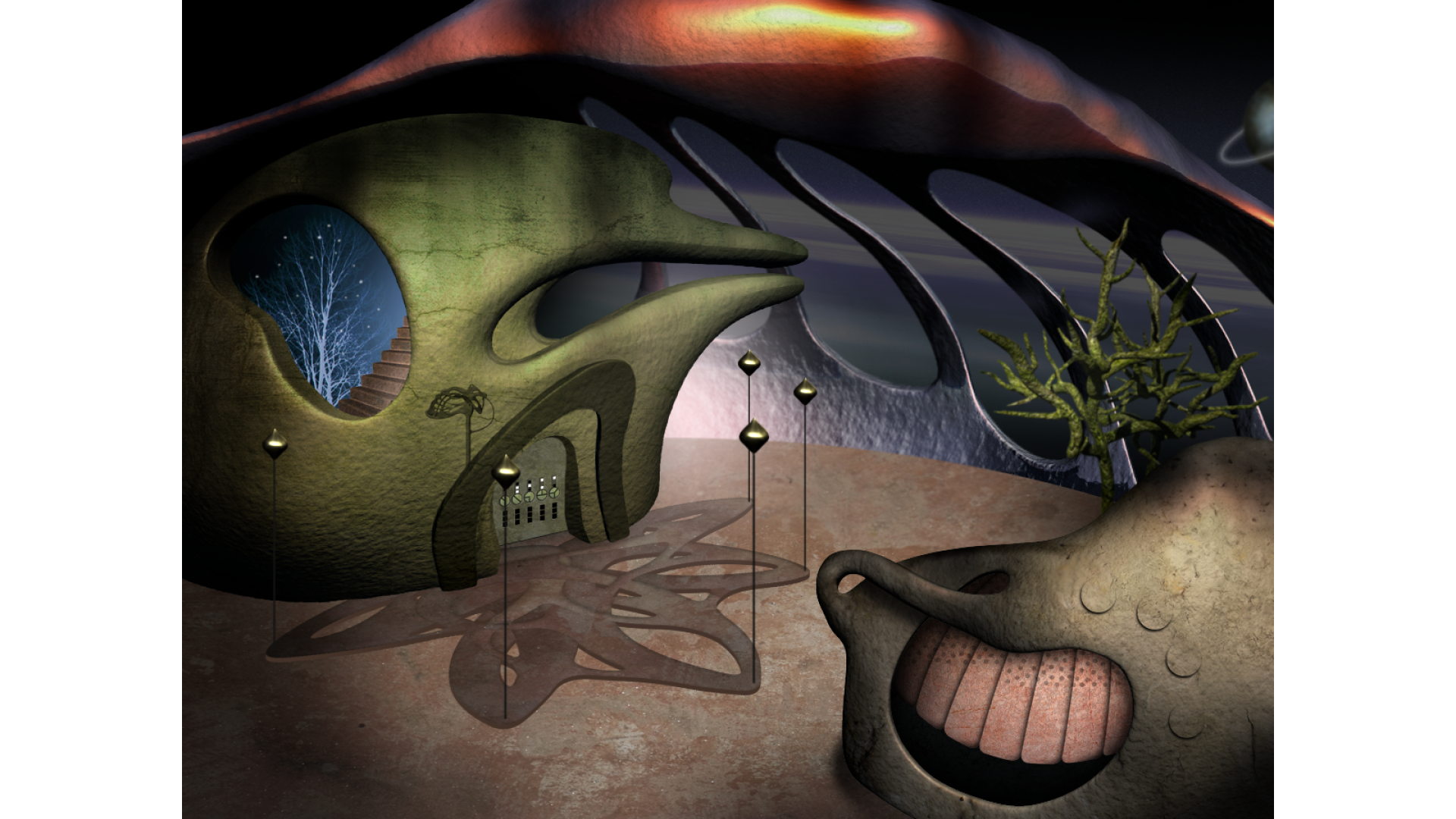
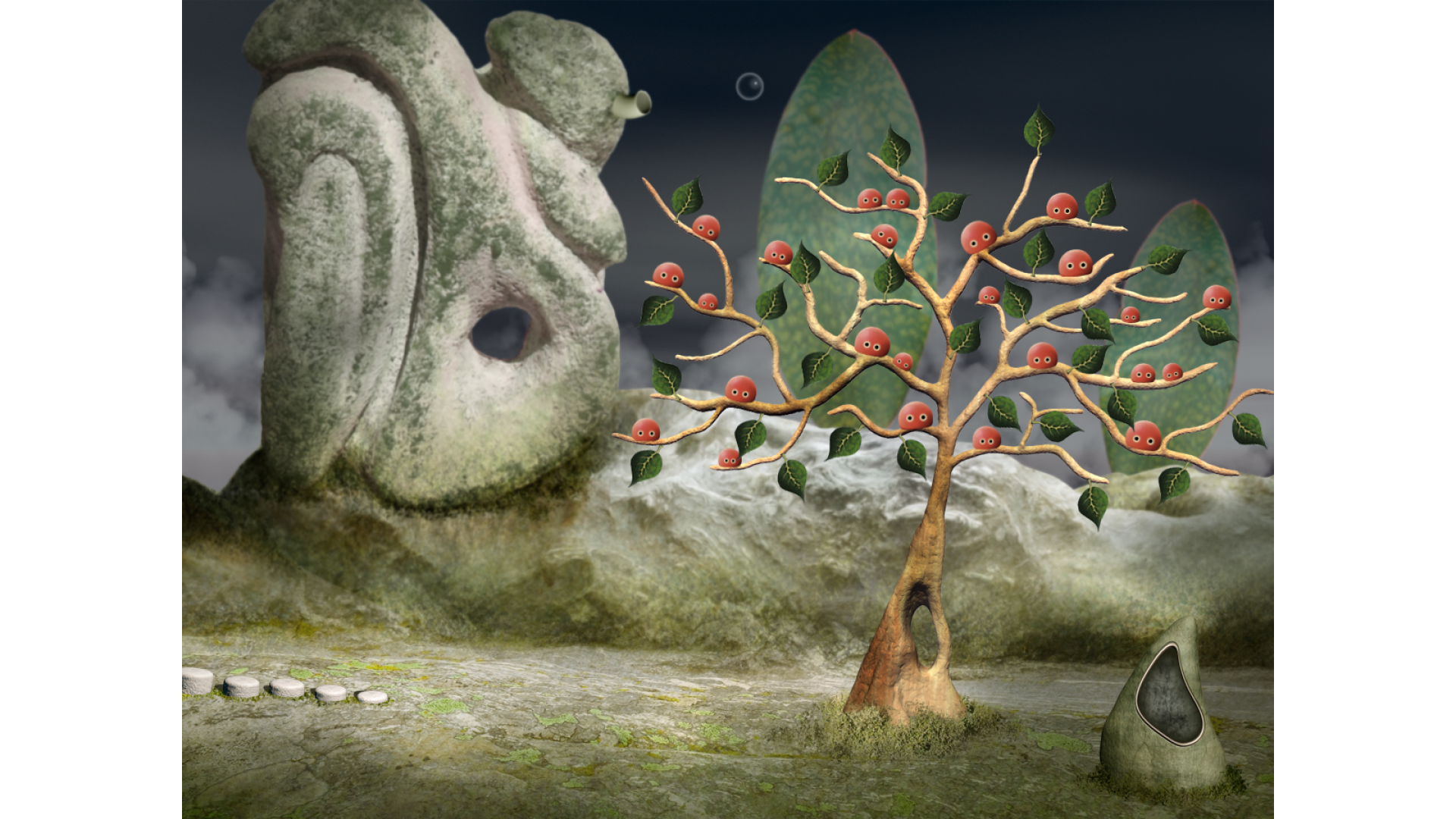
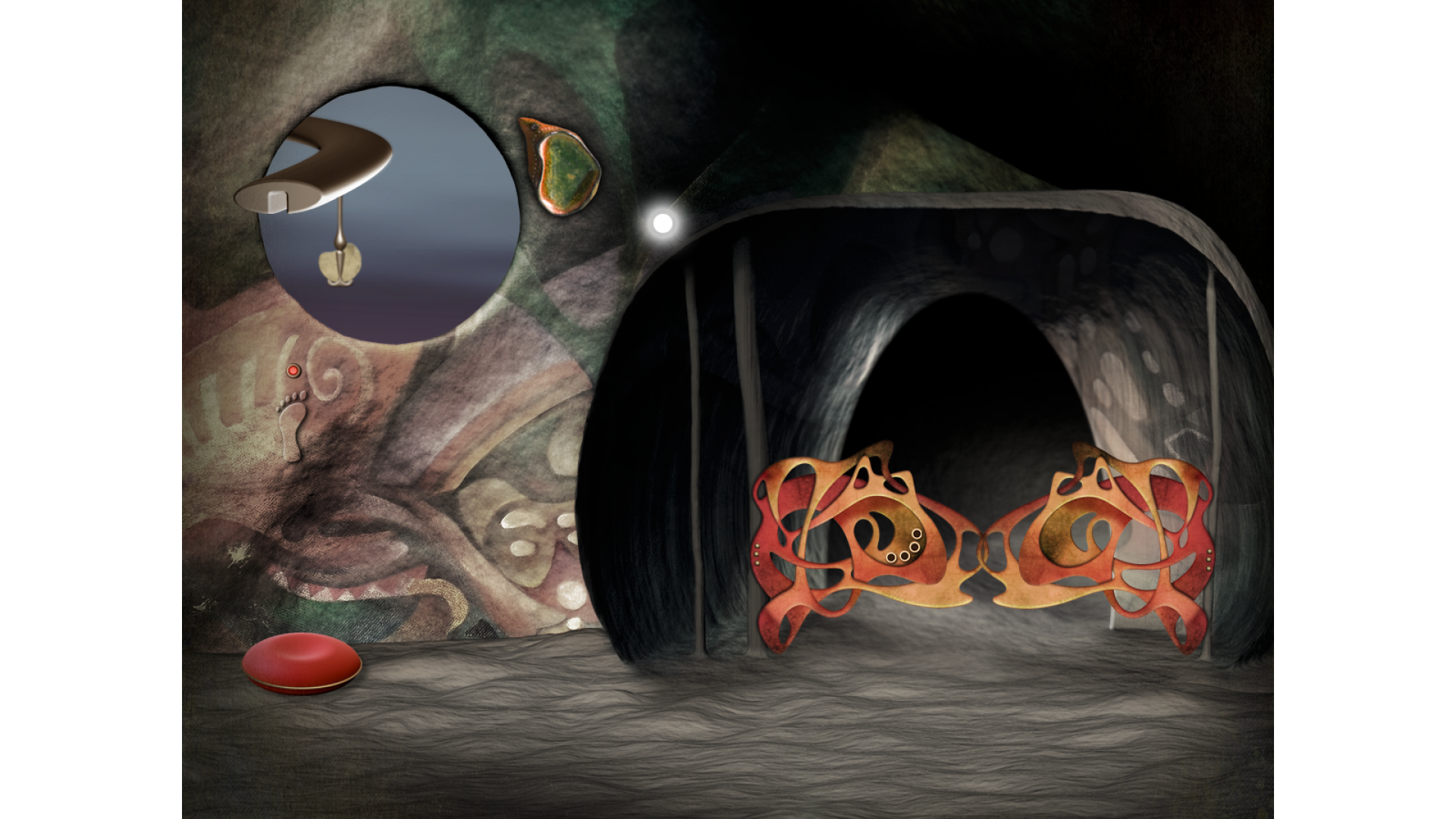
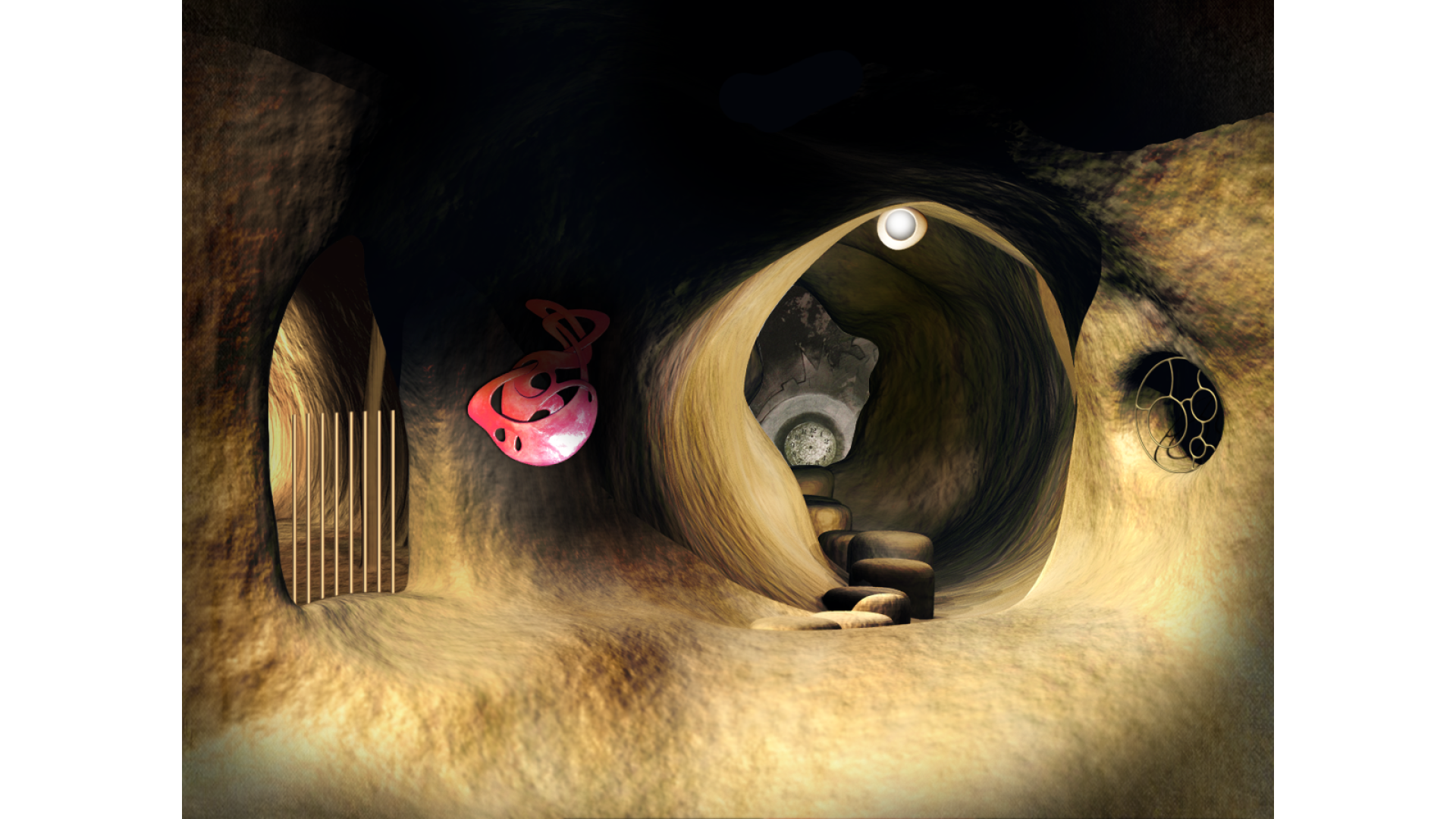
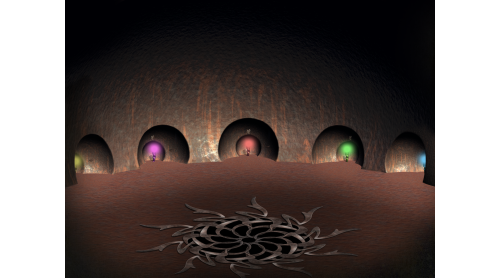
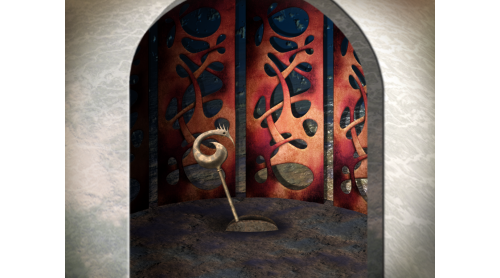
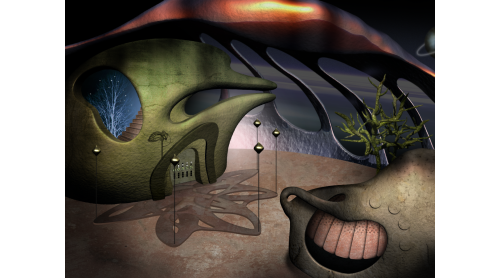
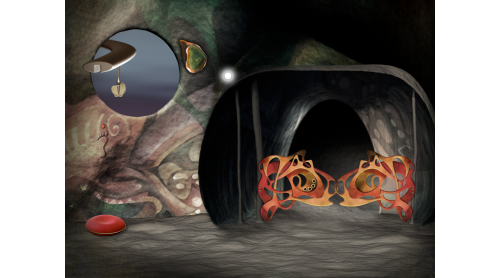
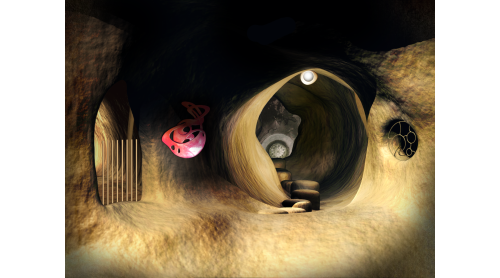
LEAVES - The Journey is an artistic exploration and puzzle-adventure full of real sculptures in a surreal dreamscape.
Collect and combine information and solve a huge variety of challenging puzzles and mini games.
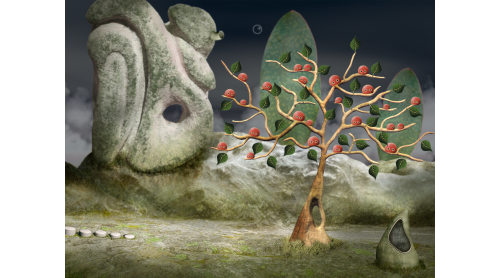
Your sudden arrival on the high plateau of the Stony Mountains caused quite the commotion among the Treefruities. They even forget holding on to the leaves of their home tree and so the calamity ensues. A gust of wind scatters the leaves all across the lands of Mononino.
Help the Treefruities to get their lost leaves back and look forward to an amazing journey. Explore the fantastic land of Mononino where strange creatures and secrets are waiting to be discovered.
Game Features:
© 2017 Daedalic Entertainment GmbH. Daedalic and the Daedalic Logo are trademarks of Daedalic Entertainment GmbH. All rights reserved.
ZAR 21, LEAVES: The Journey and the LEAVES: The Journey Logo are trademarks of ZAR 21 GmbH. All rights reserved.


How to activate your Steam key?
1. Open your Steam client. (If you don't have a Steam Client, you can install from here https://store.steampowered.com/about/)
2. Sign in to your Steam account. (If you don't have a Steam Account, you can create from here https://store.steampowered.com/join/)
3. Click “ADD A GAME” button which is at the bottom of the Steam Client.
4. Now select "Activate a product on Steam..."
5. Write or copy-paste your Steam key which you purchased from Gamesforpc.
6. Now your game is in your library.
7. Find your game in your library, select and click install to start your download.