






























 Steam
Steam  Windows
 | Release Date | 04.12.2025 |
| Publisher | Green Man Loaded |
| Operating Systems | Windows |
| Genres | Action, Simulation |
19.50€
Added to Cart
19.50€
Added to Wishlist
19.50€
MechWarrior 5: Clans - Wolves of Tukayyid
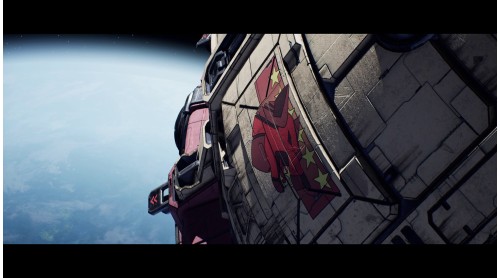
In the aftermath of the Battle of Luthien, ComStar uncovers the shocking truth about their Clan allies: Terra itself is their ultimate target. Alarmed, ComStar sends a proposal to Clan Wolf ilKhan Ulric Kerensky that could determine the fate of both ComStar and the entire Clan invasion.
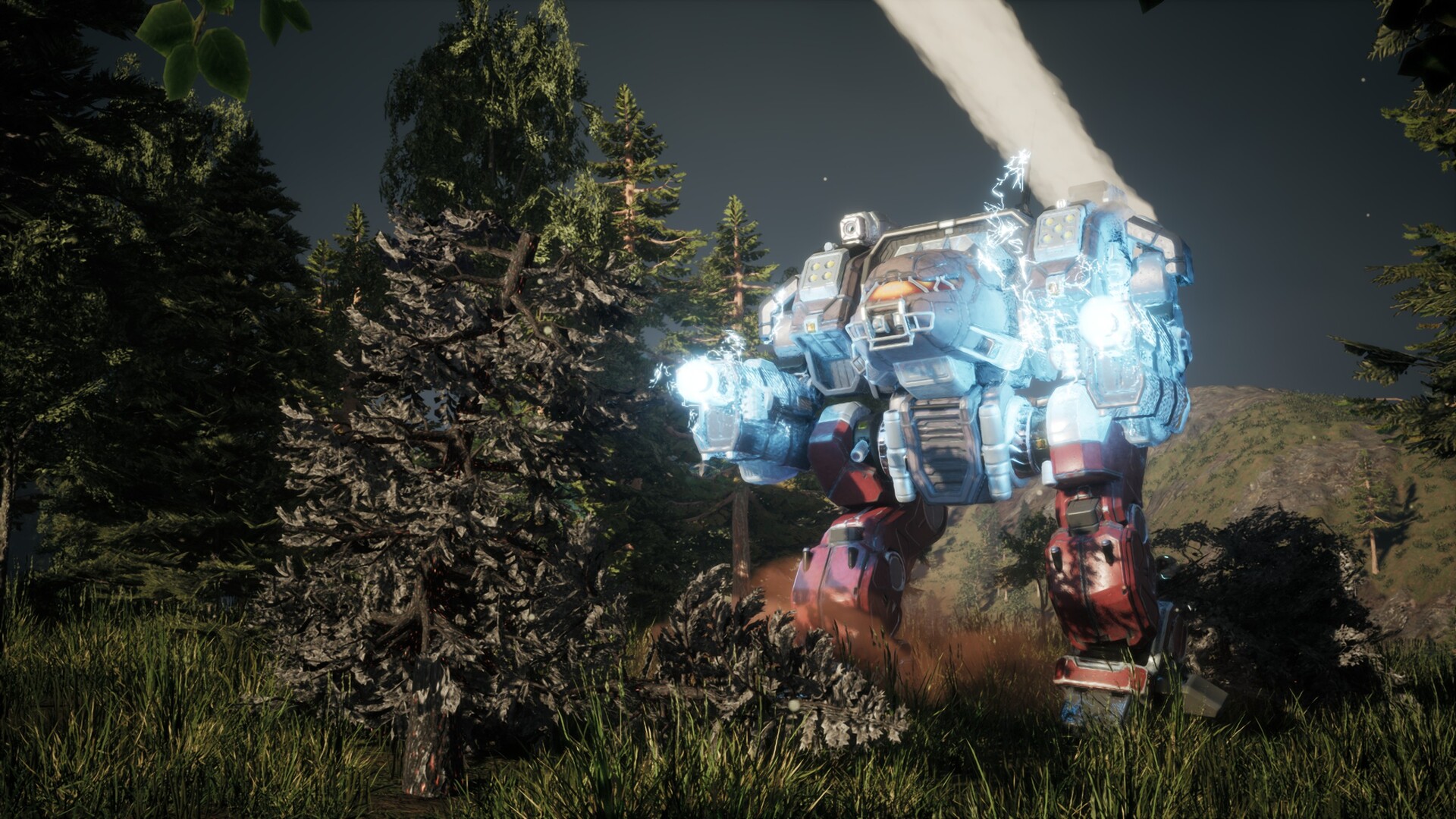
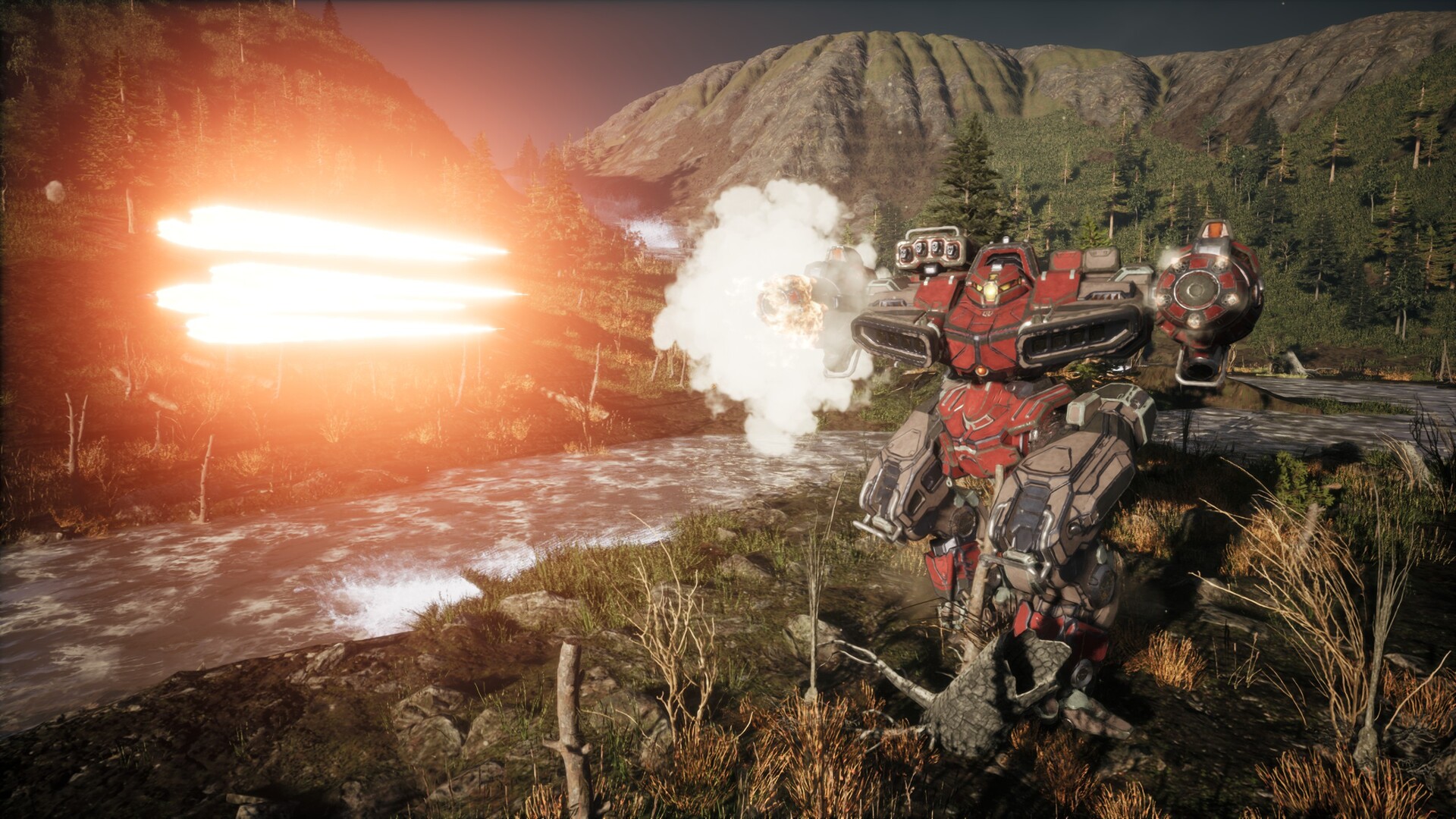
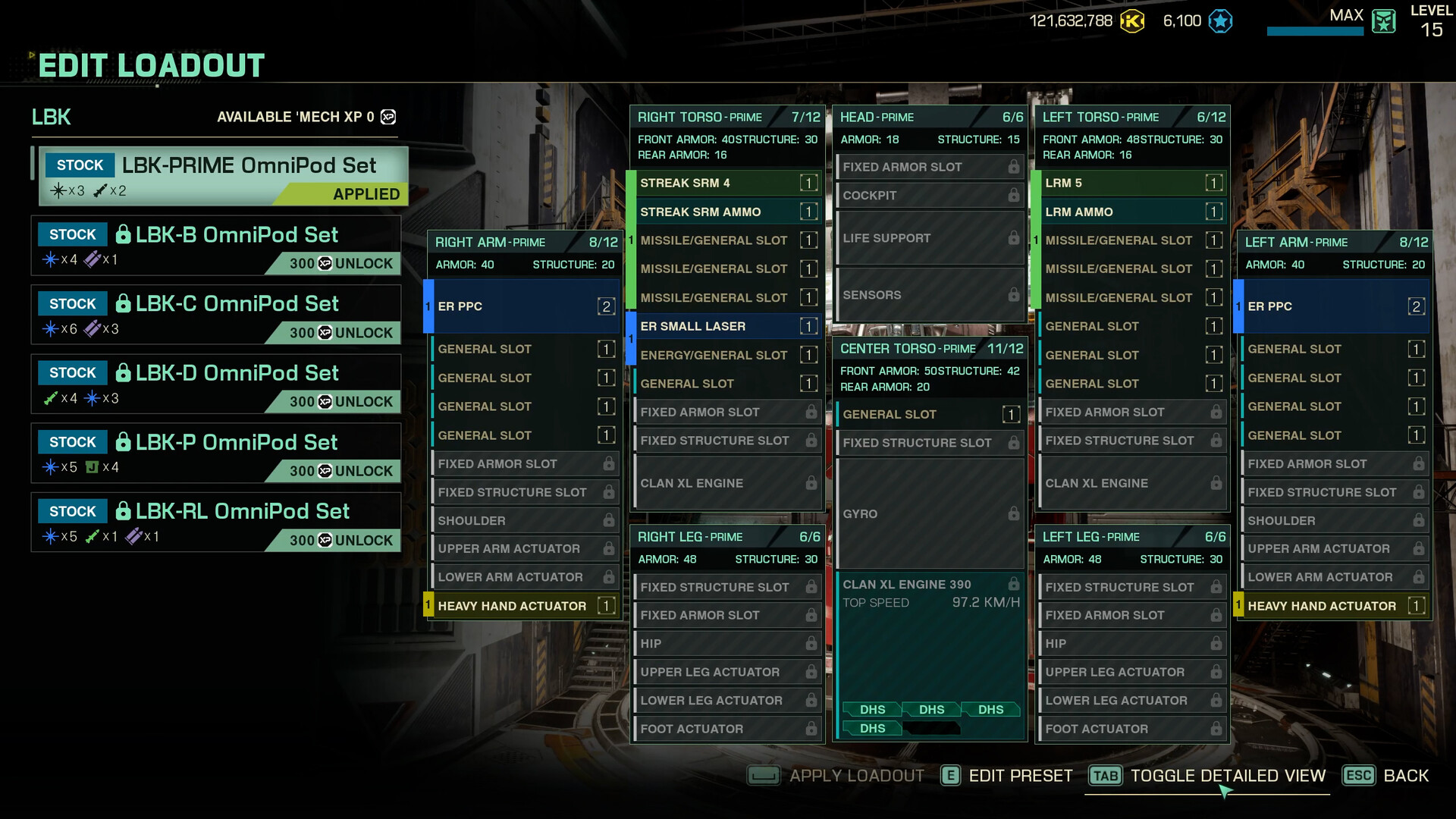
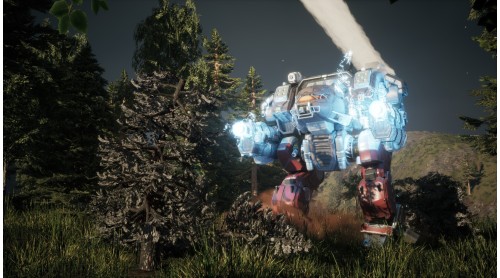
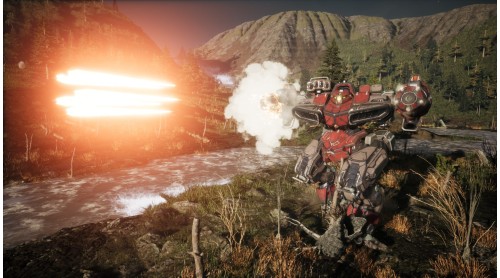
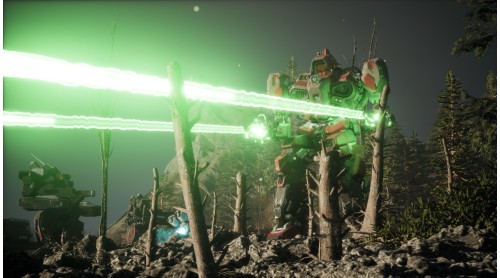
Join Natasha Kerensky's 13th Wolf Guards, the Wolf Spiders, in a 20 mission military campaign. Field six new 'Mechs including the Ice Ferret, Linebacker, Naga, Incubus, Shadow Hawk IIC, and Bane, and wield the tactical power of Arrow IV and Artillery Strikes.
Forge your path through the legendary Battle of Tukayyid and claim honor for Clan Wolf.
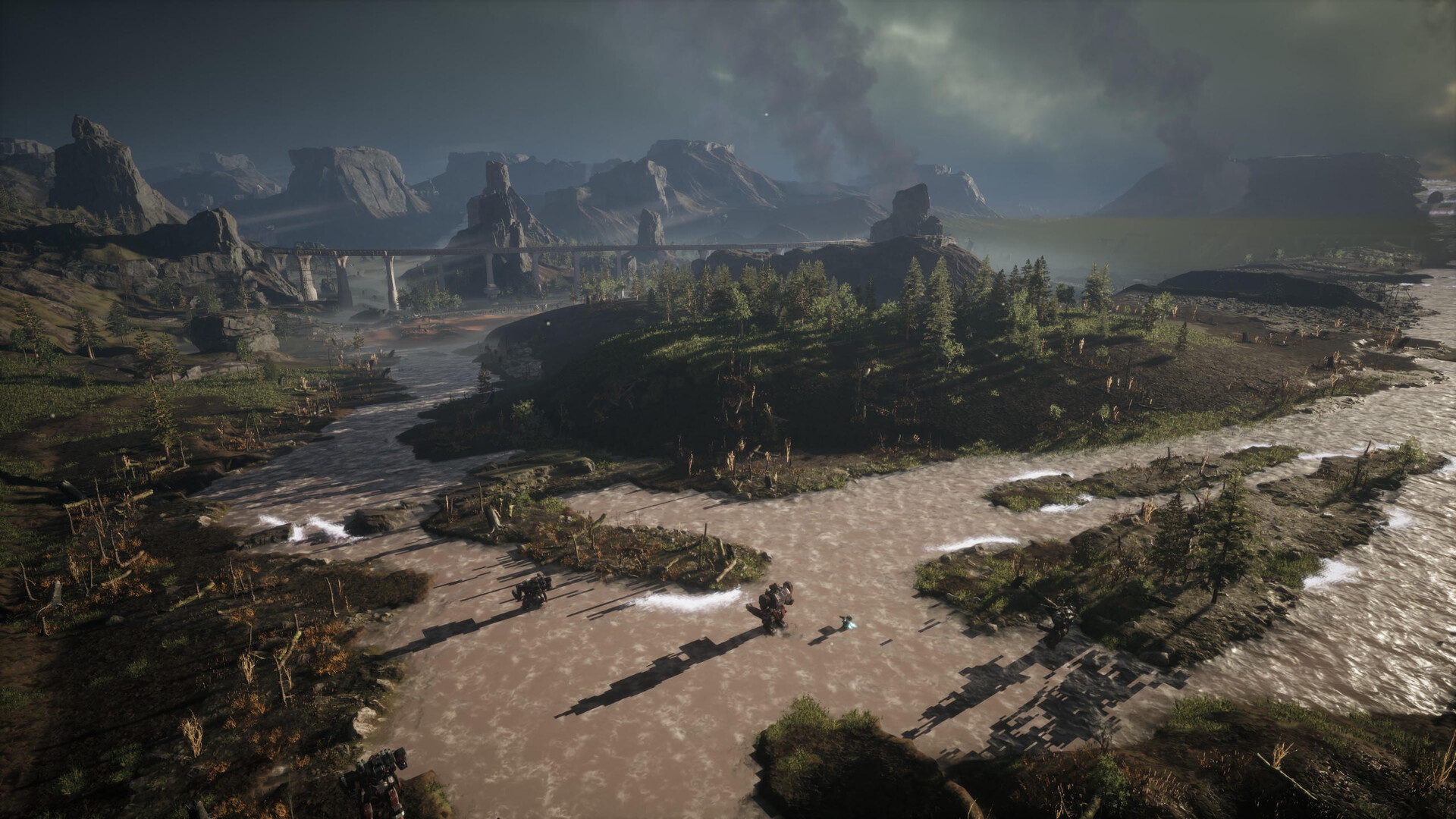
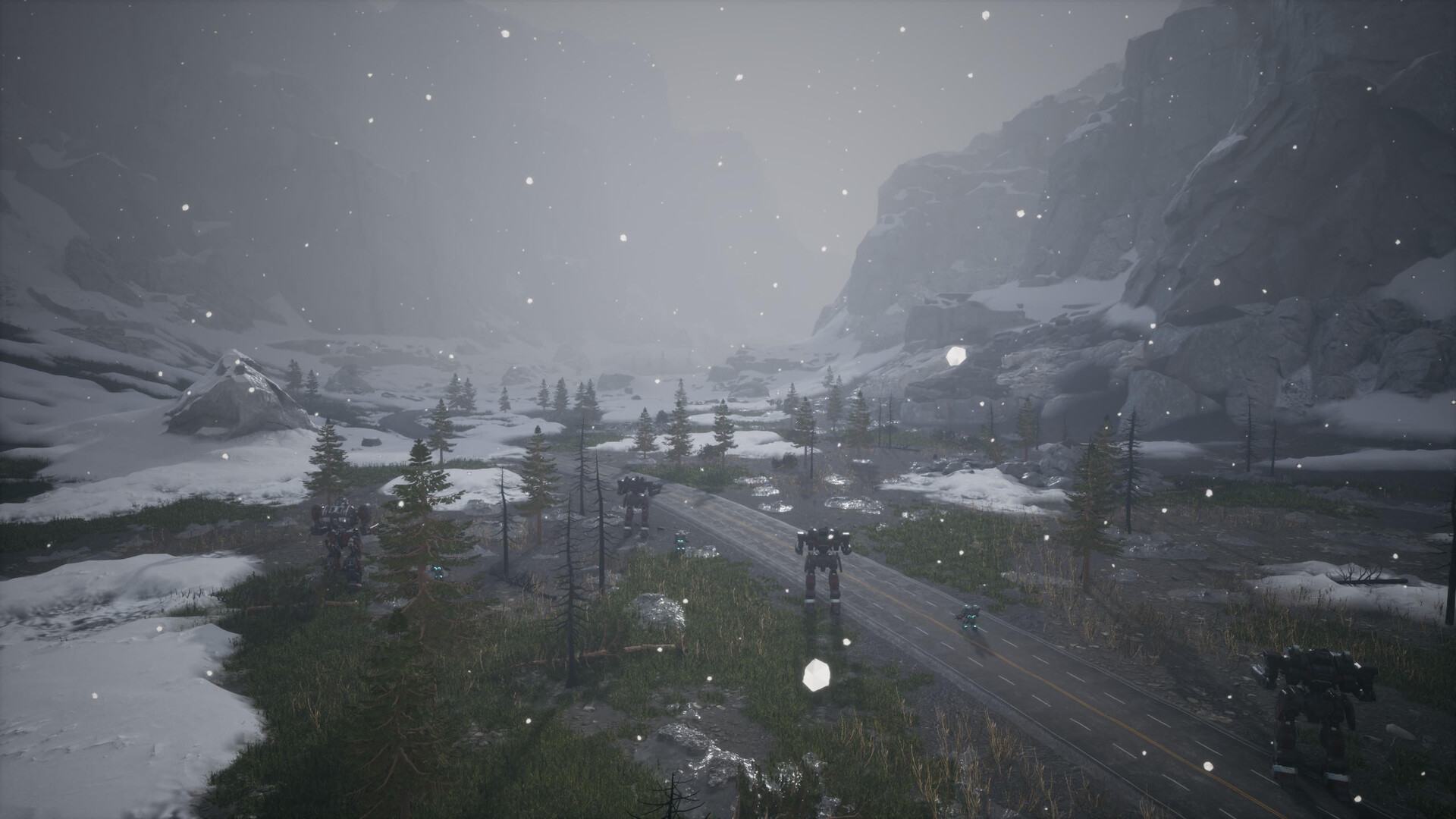
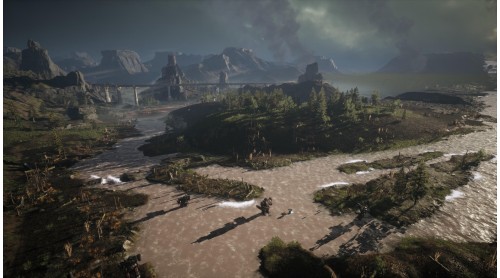
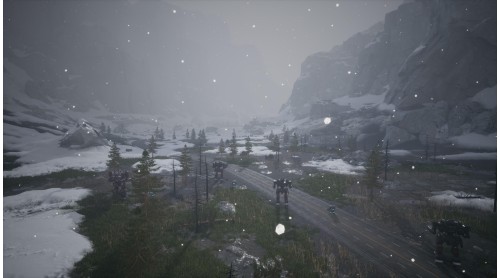
Experience the Battle of Tukayyid as a MechWarrior of the 13th Wolf Guards. Play through a 20-mission campaign with cinematic storytelling and shape the fate of Clan Wolf.
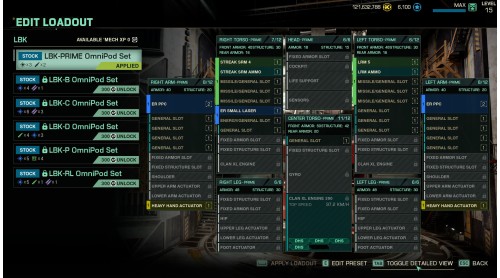
6 New Mechs - Field the Ice Ferret, Linebacker, and Naga OmniMechs, plus the Incubus, Shadow Hawk IIC, and Bane BattleMechs, all built for tactical dominance.
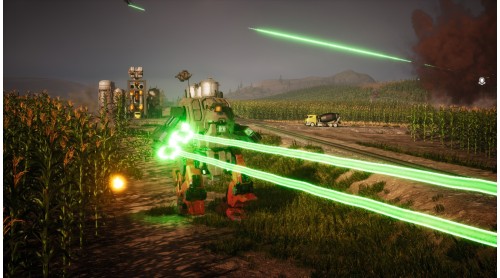
New Weapons - Equip Arrow IV Artillery to your 'Mech or call in Artillery support to devastate enemy positions.
MechWarrior® is a trade-mark of Microsoft Corporation
In the United States and other jurisdictions and is used under license.


How to activate your Steam key?
1. Open your Steam client. (If you don't have a Steam Client, you can install from here https://store.steampowered.com/about/)
2. Sign in to your Steam account. (If you don't have a Steam Account, you can create from here https://store.steampowered.com/join/)
3. Click “ADD A GAME” button which is at the bottom of the Steam Client.
4. Now select "Activate a product on Steam..."
5. Write or copy-paste your Steam key which you purchased from Gamesforpc.
6. Now your game is in your library.
7. Find your game in your library, select and click install to start your download.