 Steam
Steam  Windows
 | Release Date | 04.04.2023 |
| Publisher | Behaviour Interactive Inc. |
| Operating Systems | Windows |
| Genres | Action, Strategy |
14.79€
Added to Cart
14.79€
Added to Wishlist
14.79€
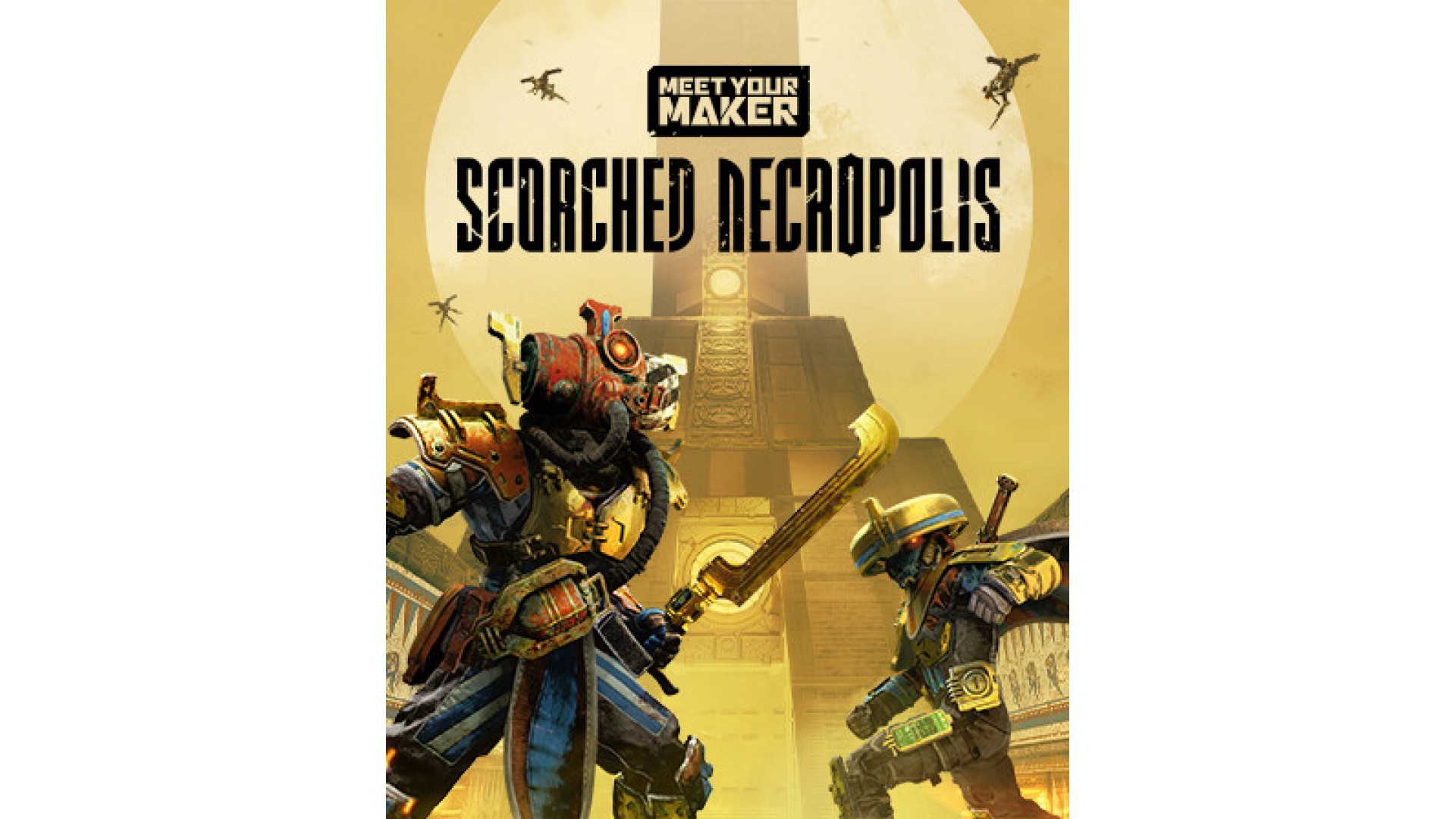
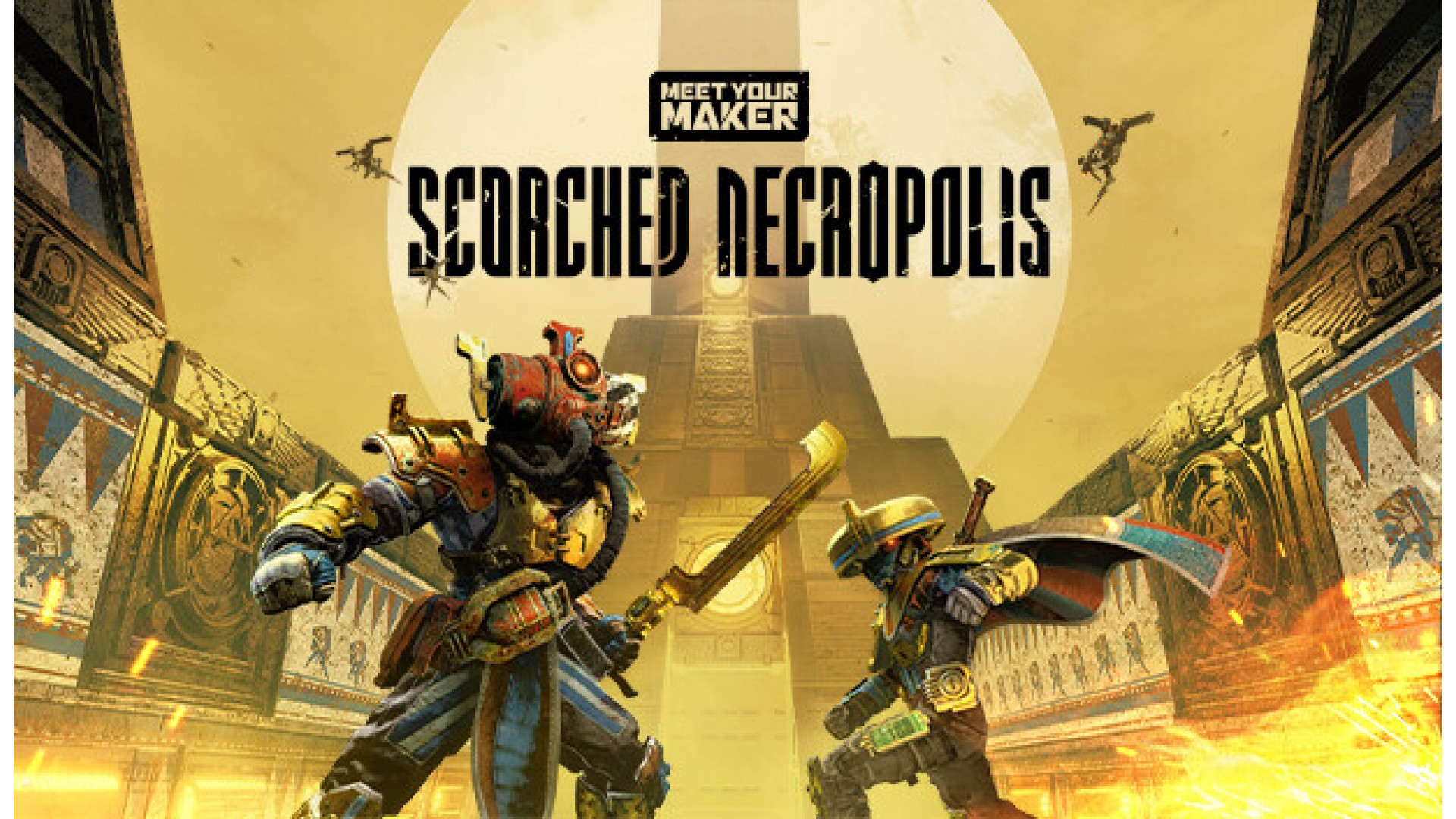
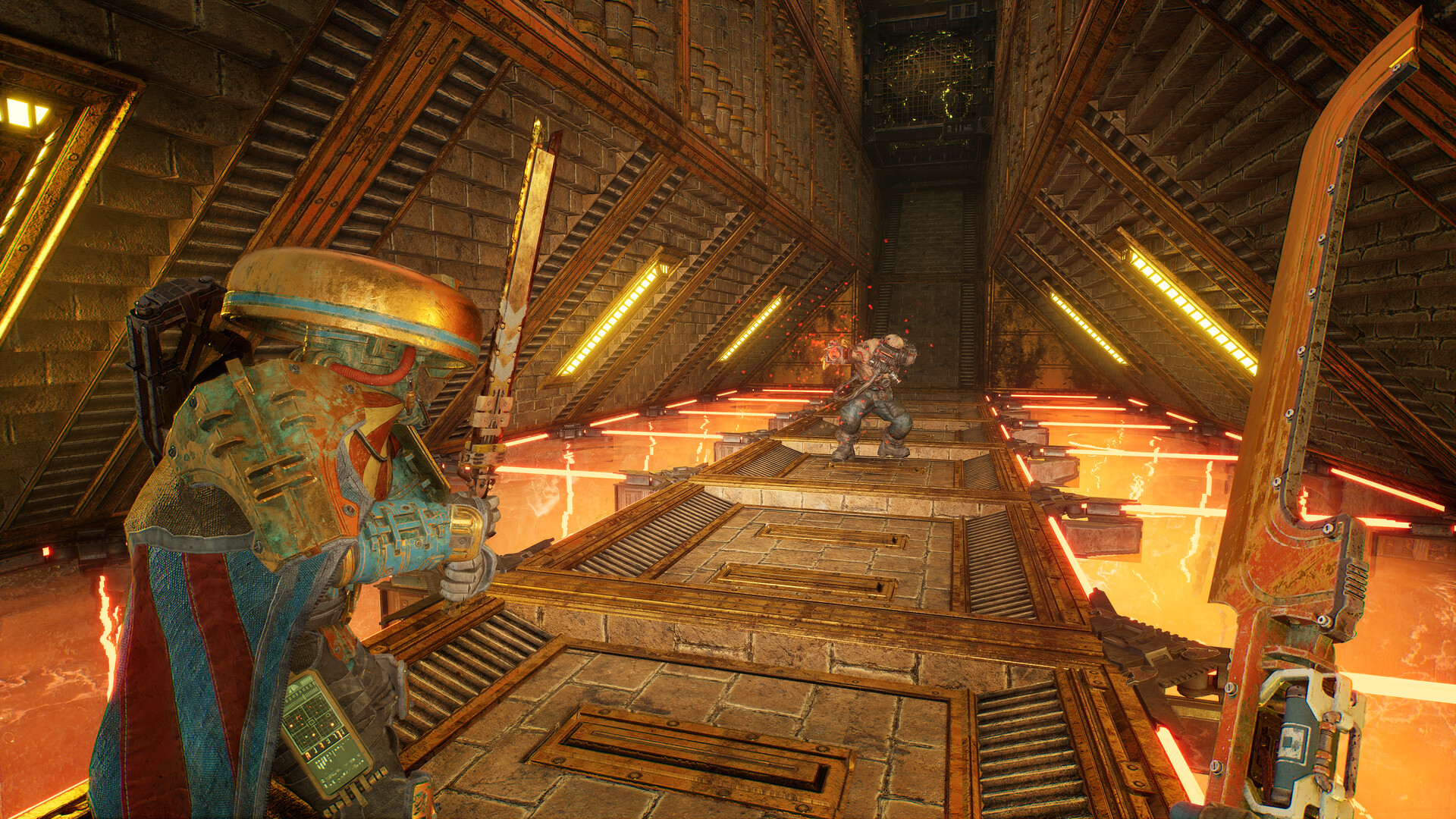
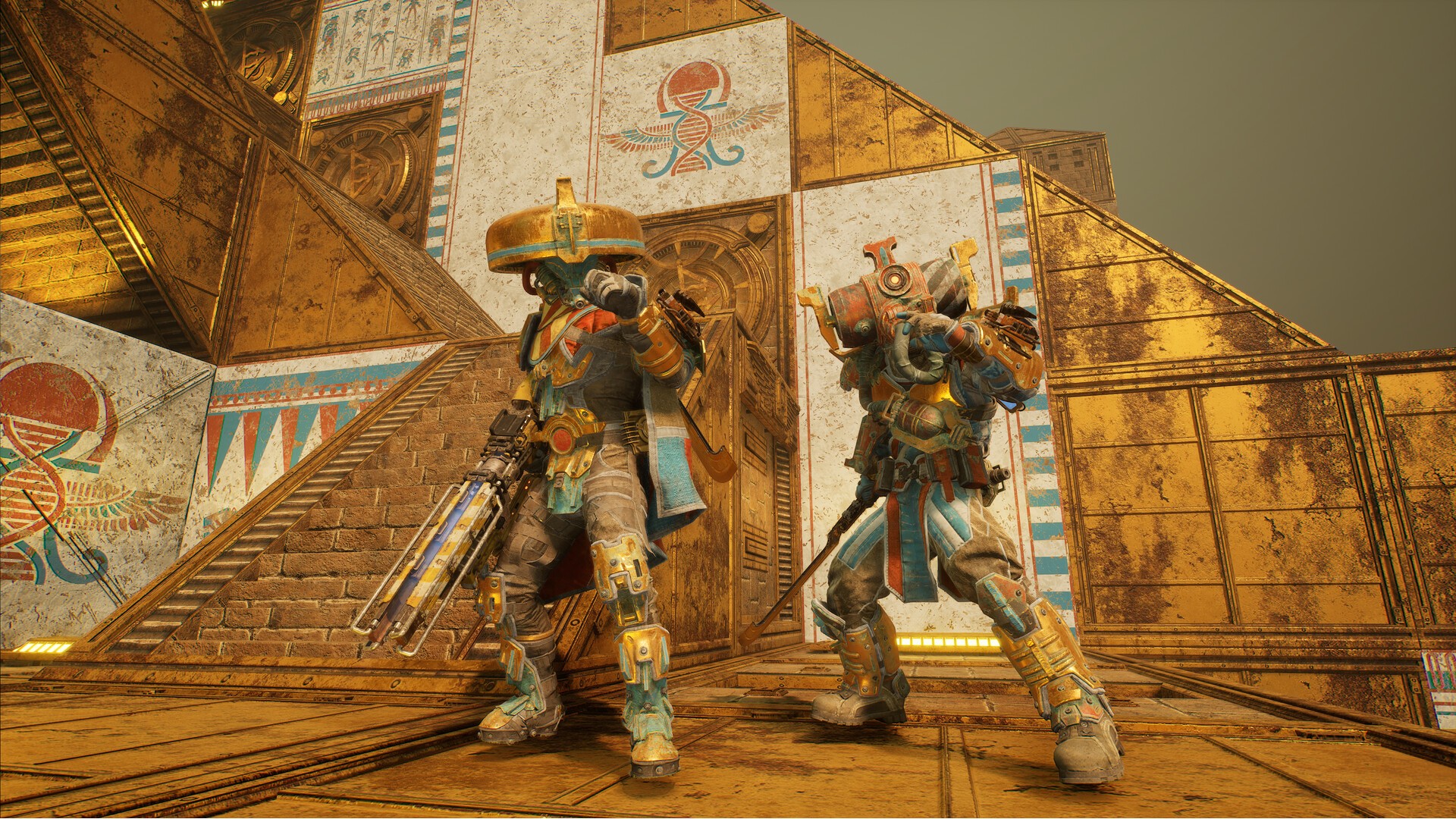
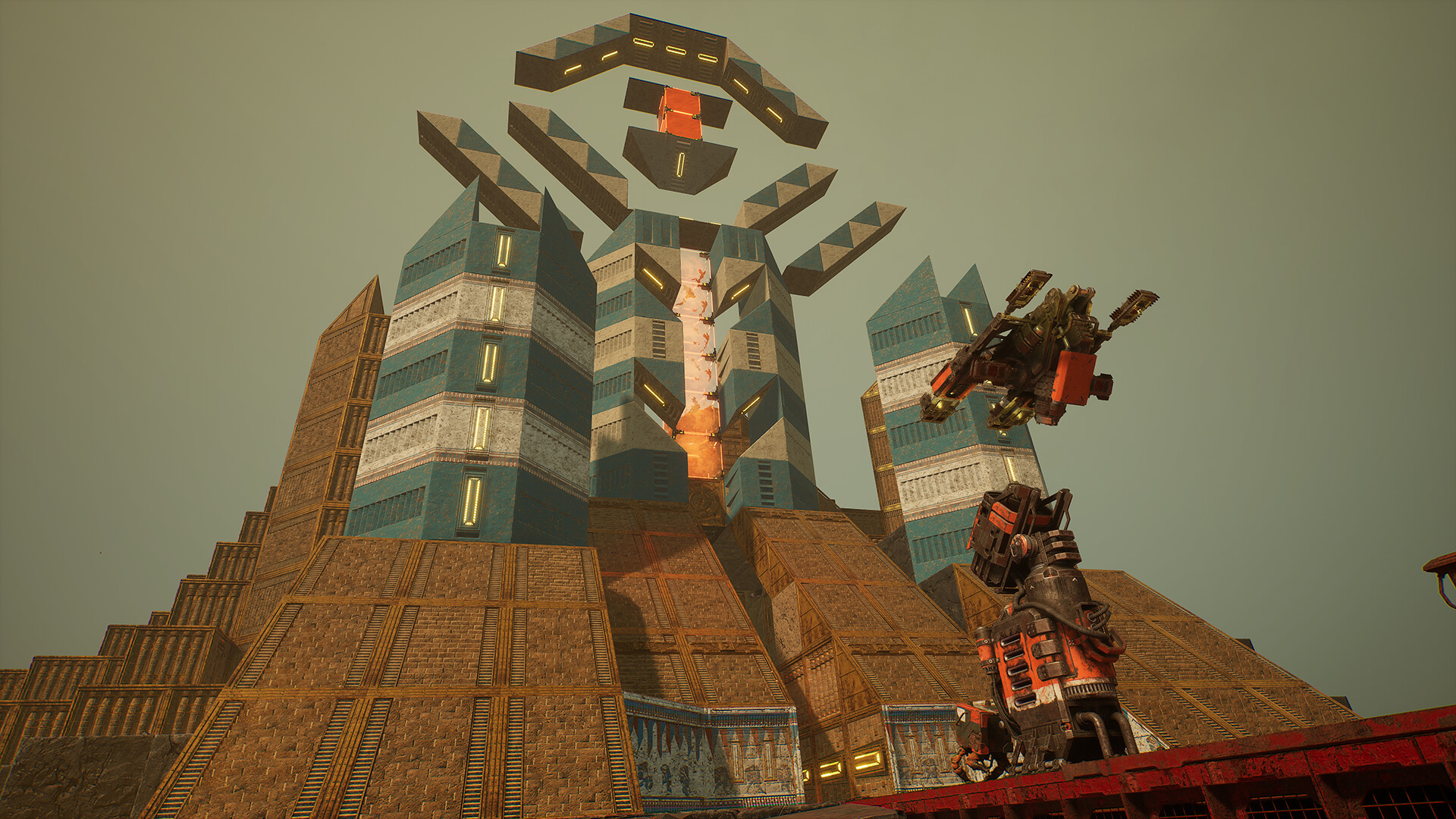
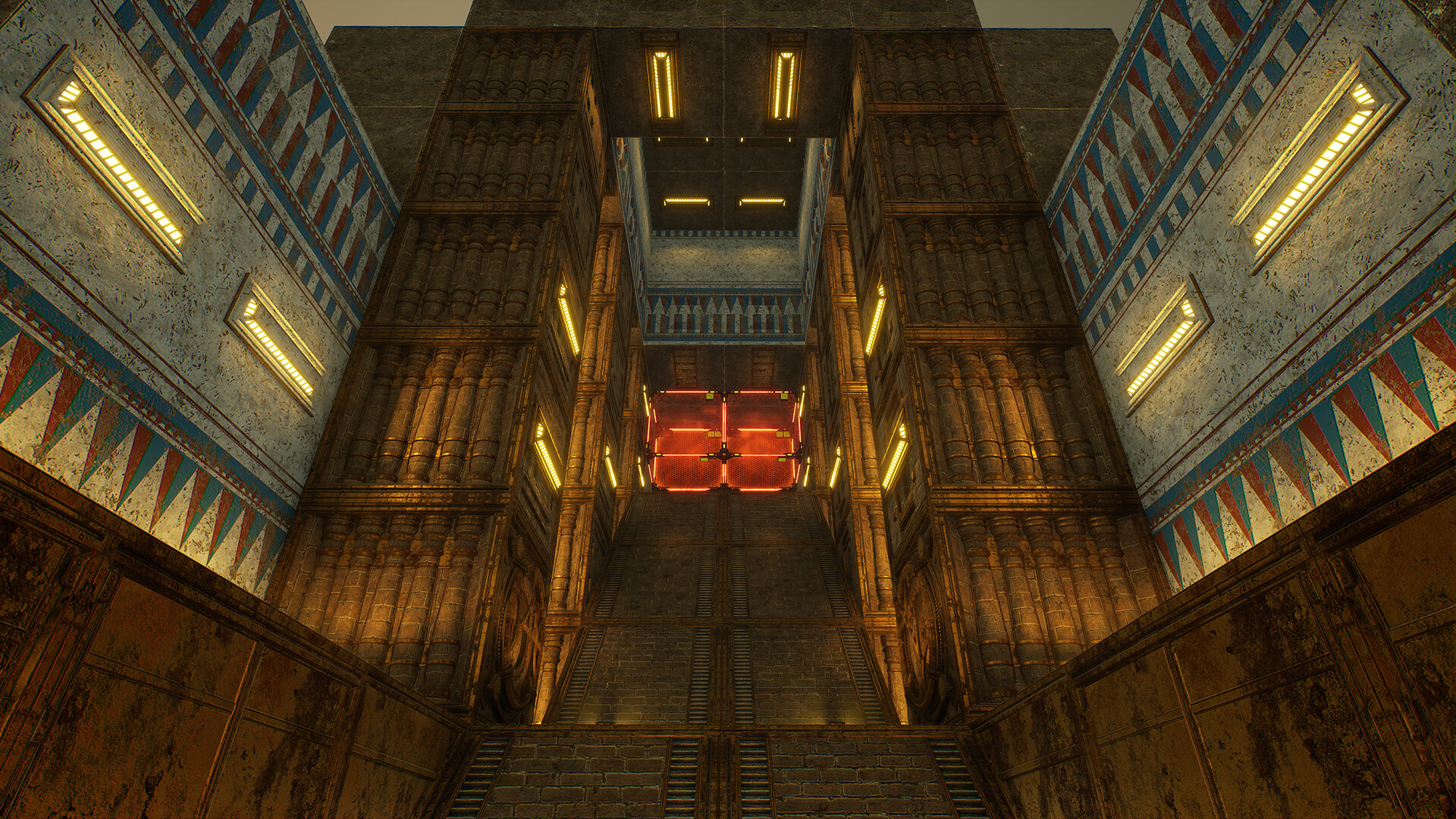
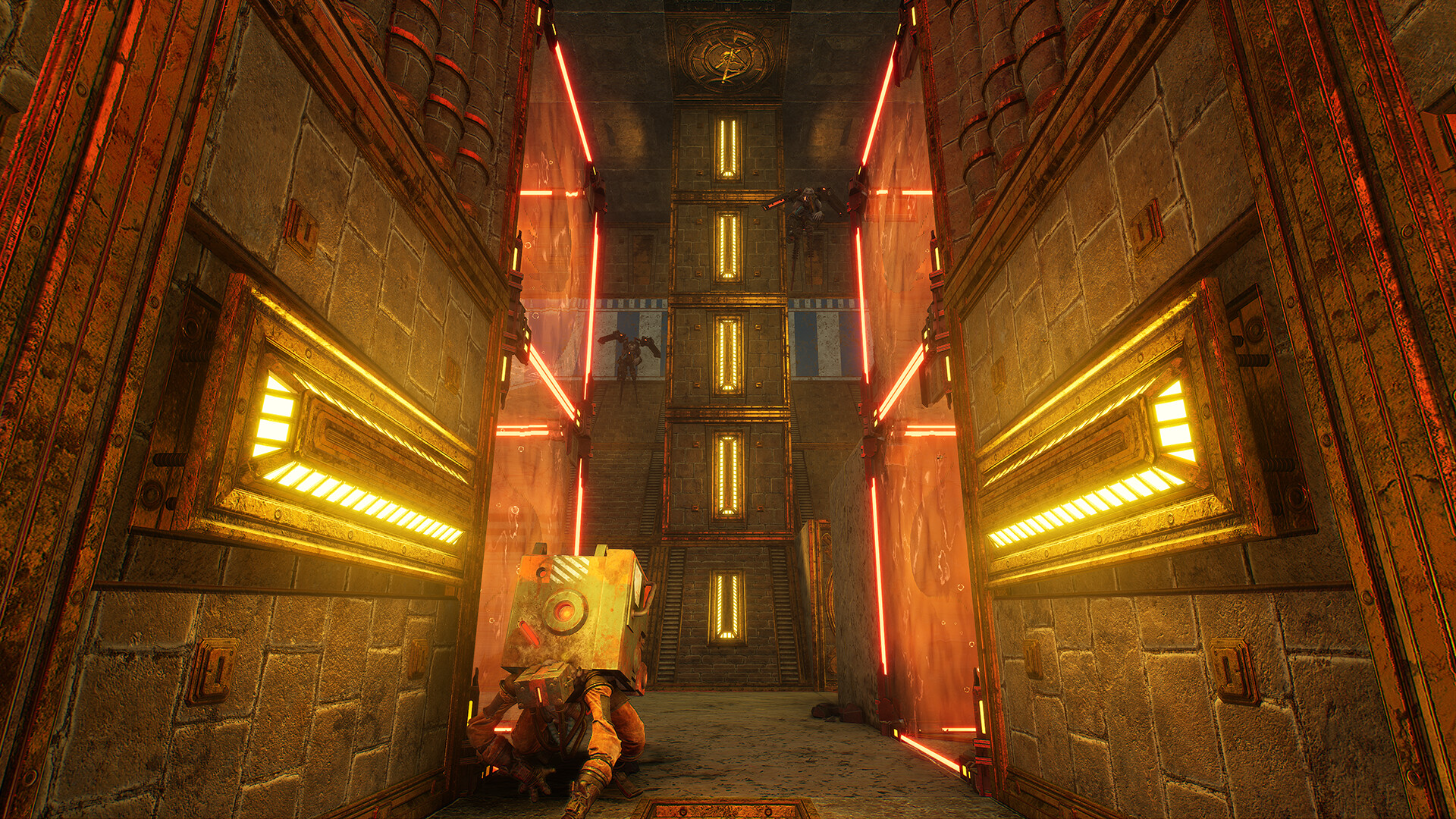
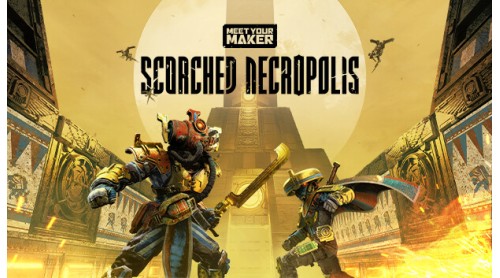
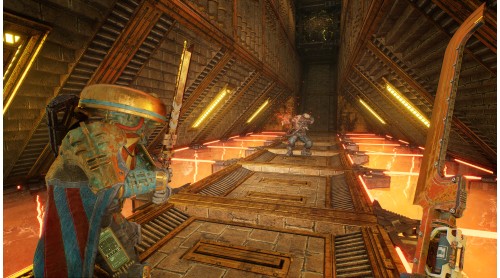
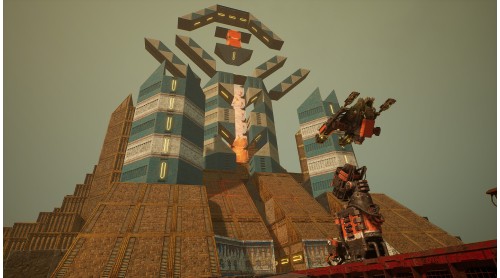
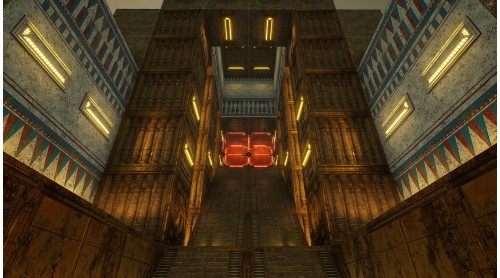
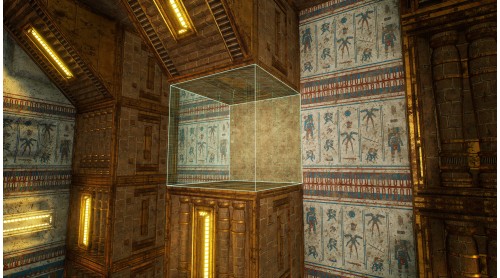
It rises from the rust-colored sands: an ancient Outpost unlike any in the wasteland, shimmering against the desert sun...
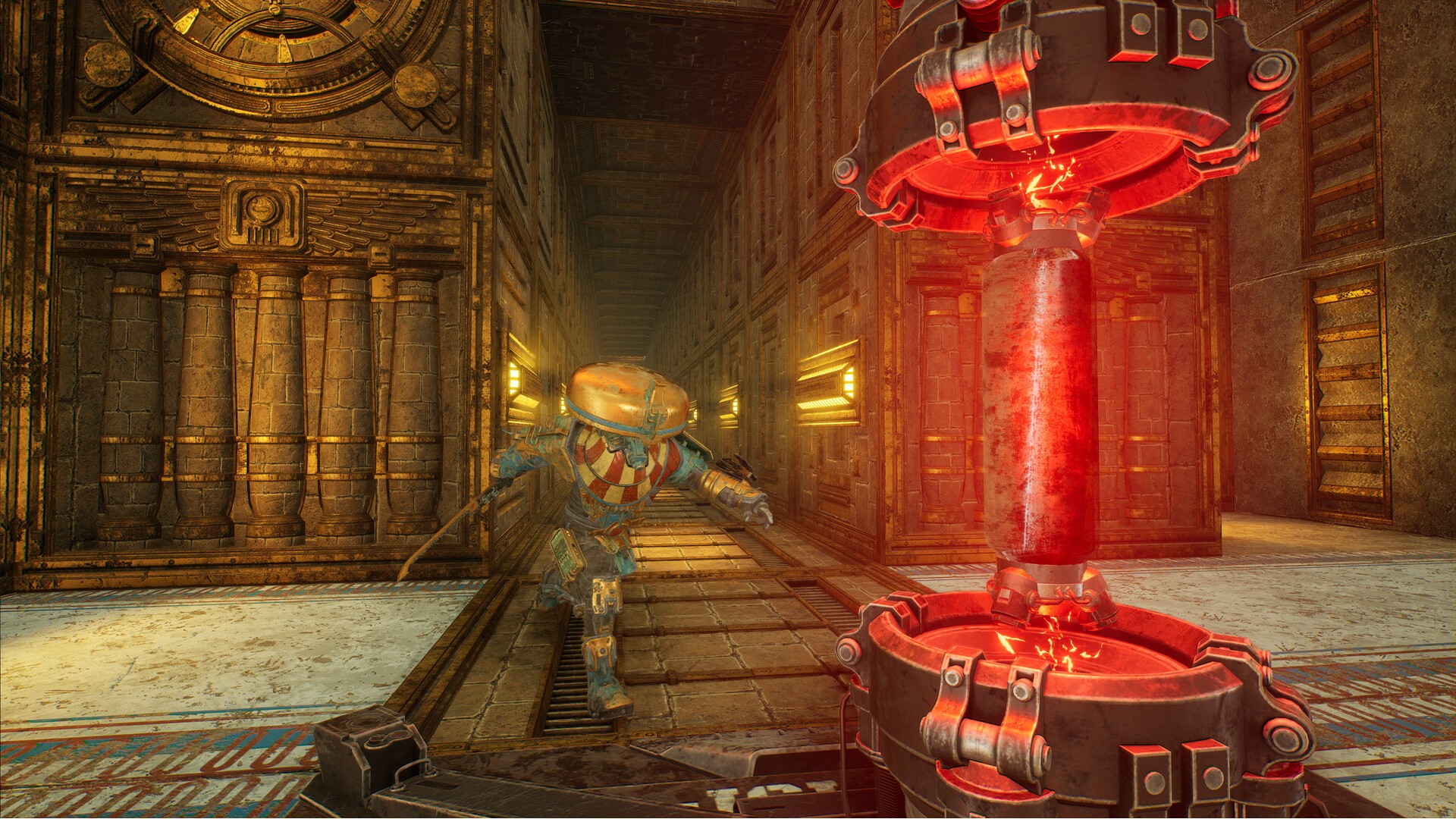
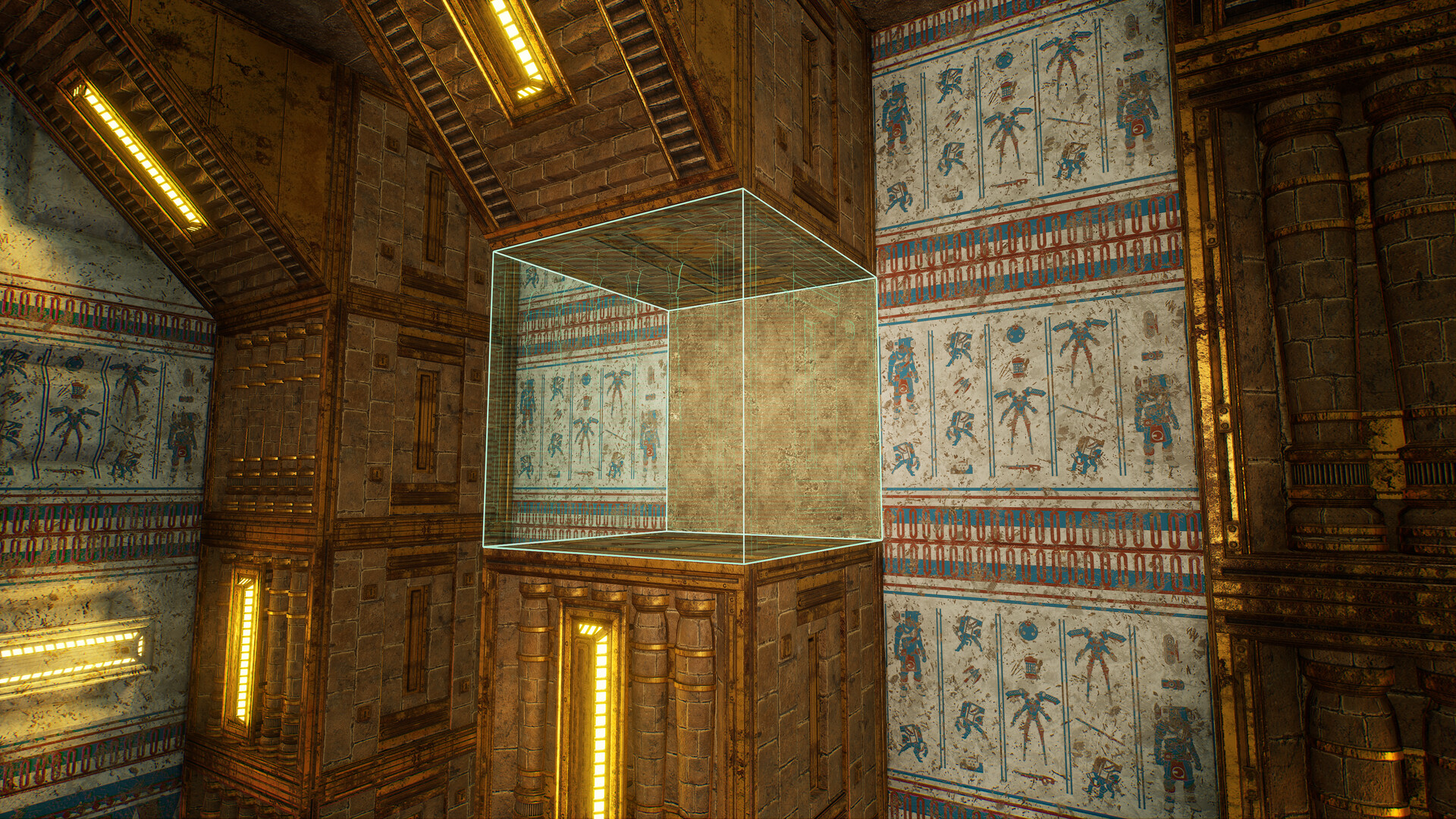
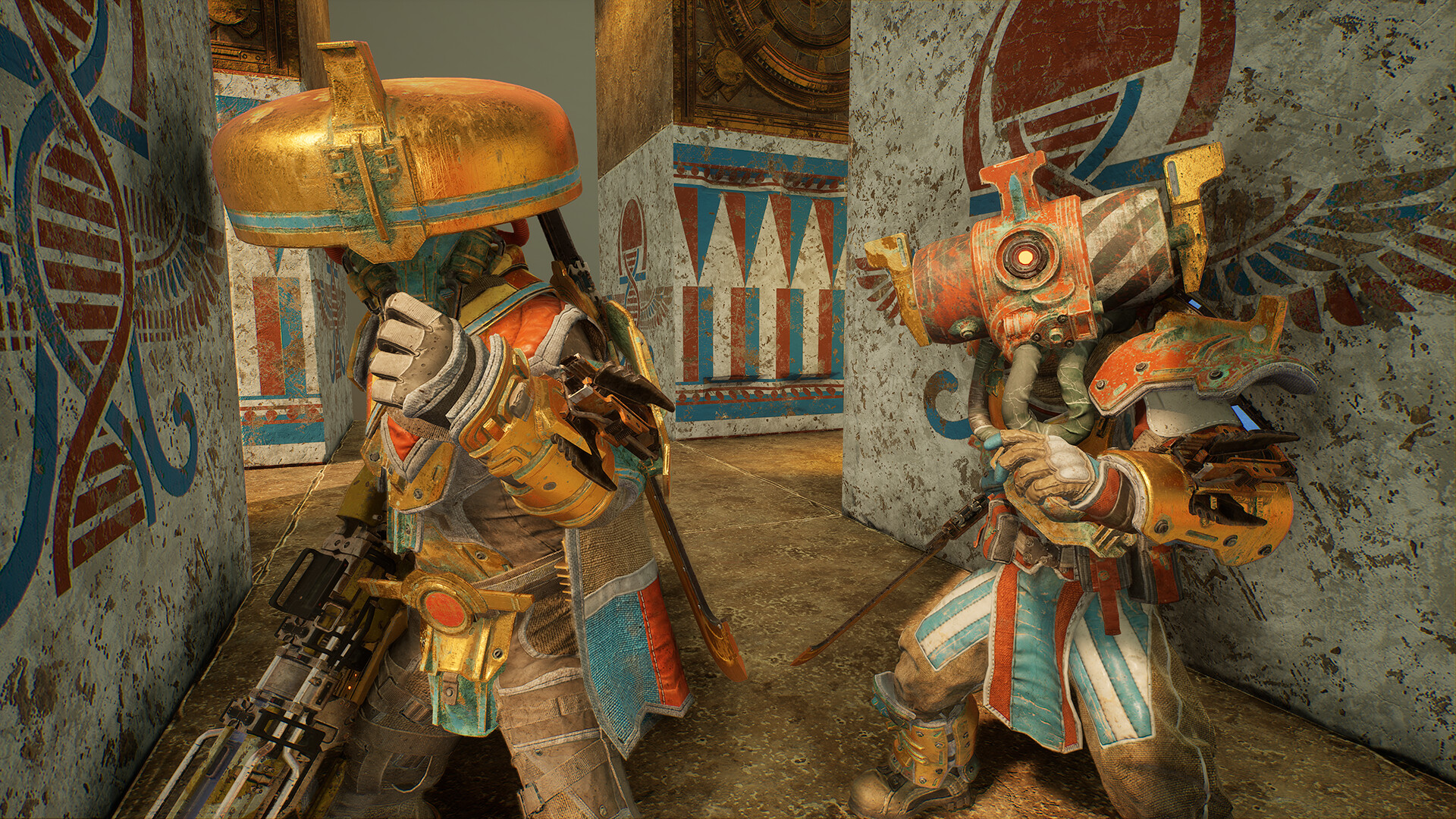
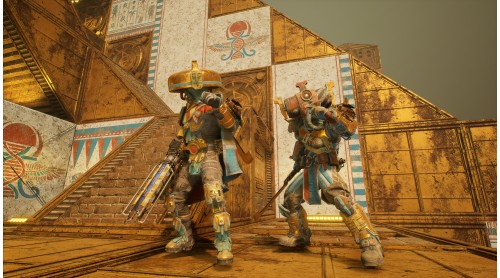
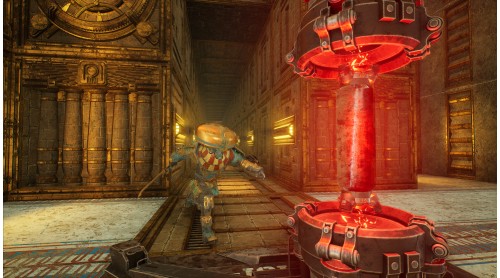
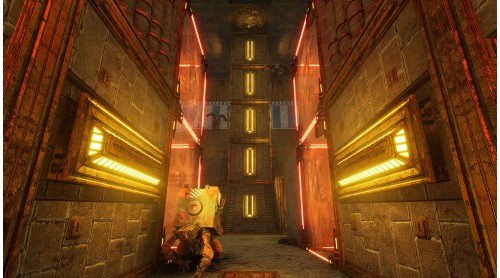
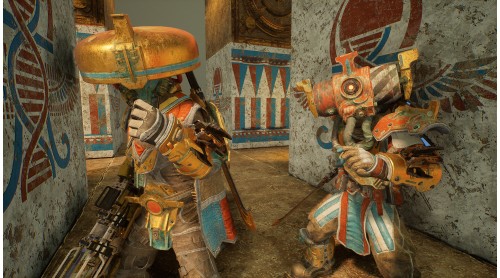
Featuring designs and architecture inspired by ancient Egypt, Meet Your Maker’s Scorched Necropolis Collection combines myth and machine to create post-apocalyptic tombs where gilded Raiders can find either glory – or their final resting place.
The Scorched Necropolis Collection contains:
*All items in Meet Your Maker can be mixed and matched freely when building an Outpost or creating a Raider loadout.
© 2021-2023 and BEHAVIOUR, MEET YOUR MAKER and other related trademarks and logos belong to Behaviour Interactive Inc. All rights reserved.


How to activate your Steam key?
1. Open your Steam client. (If you don't have a Steam Client, you can install from here https://store.steampowered.com/about/)
2. Sign in to your Steam account. (If you don't have a Steam Account, you can create from here https://store.steampowered.com/join/)
3. Click “ADD A GAME” button which is at the bottom of the Steam Client.
4. Now select "Activate a product on Steam..."
5. Write or copy-paste your Steam key which you purchased from Gamesforpc.
6. Now your game is in your library.
7. Find your game in your library, select and click install to start your download.