 Steam
Steam  Windows
 | Release Date | 27.06.2023 | |
| Publisher | Behaviour Interactive Inc. | |
| PEGI Rating | + 16 | |
| Operating Systems | Windows | |
| Genres | Action, Strategy |
6.89€
Added to Cart
6.89€
Added to Wishlist
6.89€
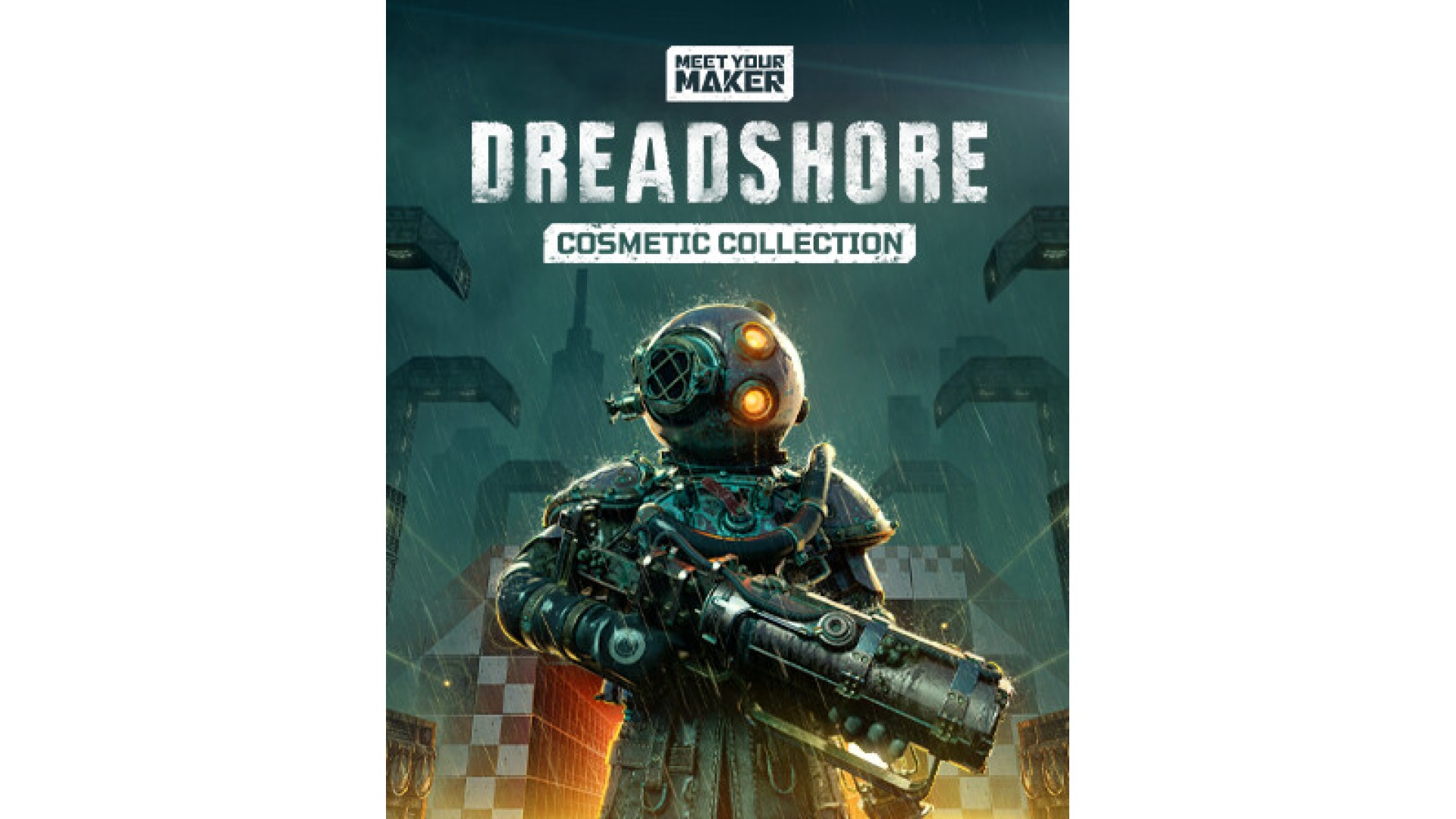
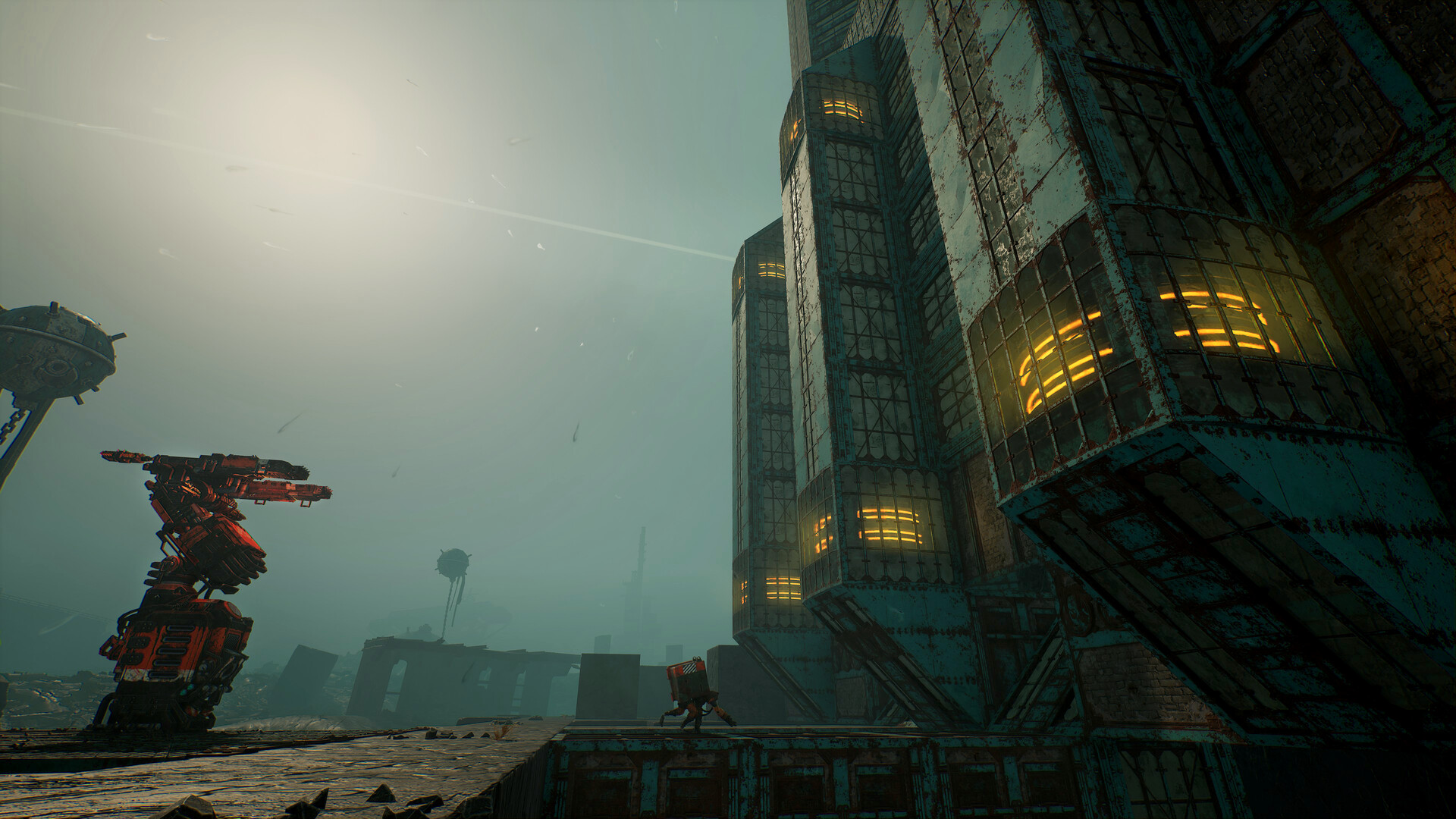
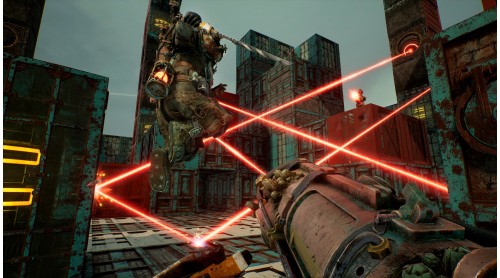
The lighthouse Sanctuary was supposed to be a symbol of hope. A light forward in the darkness of a ravaged world. Inside its walls, those seeking shelter found only pain and death.
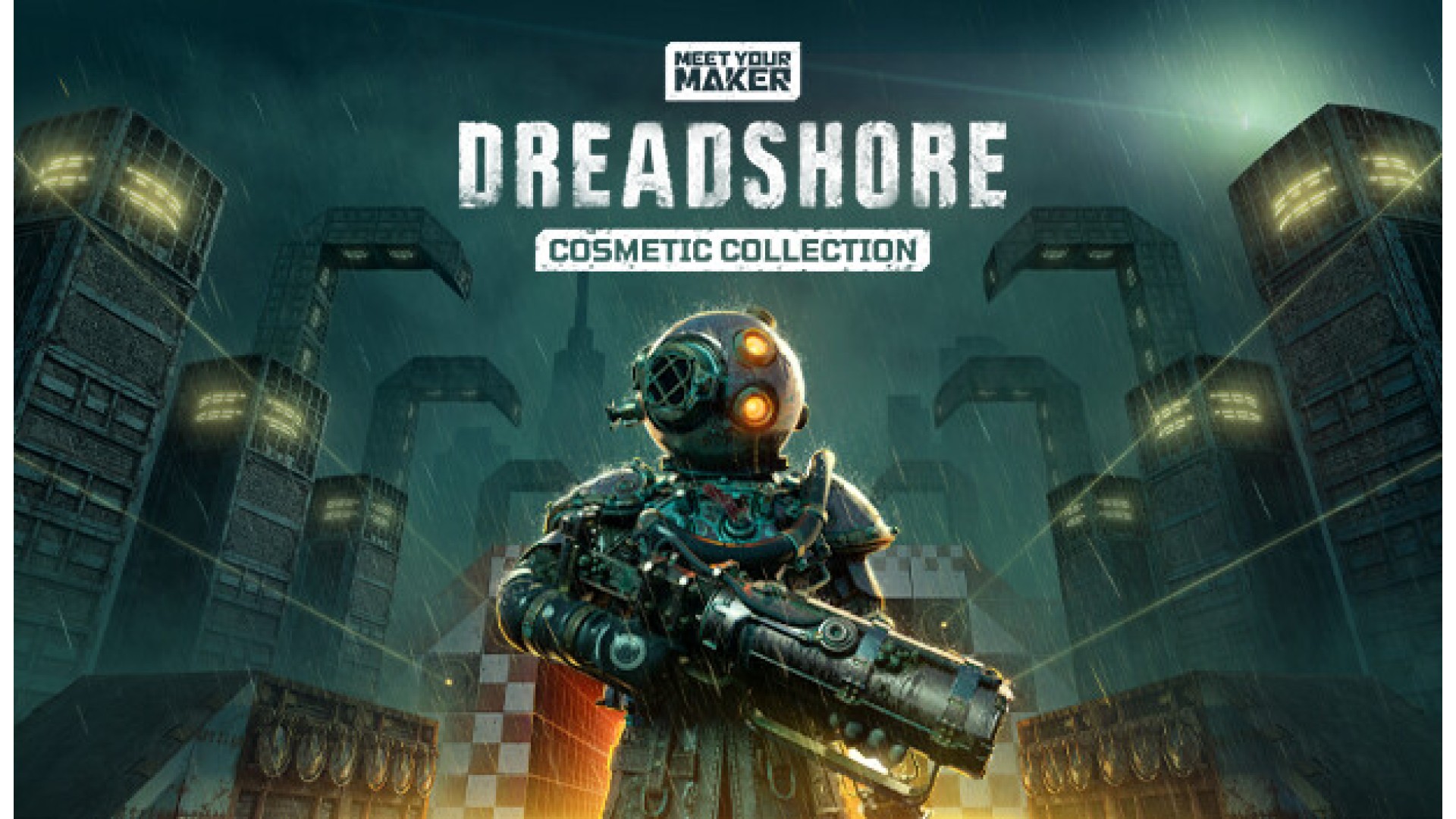
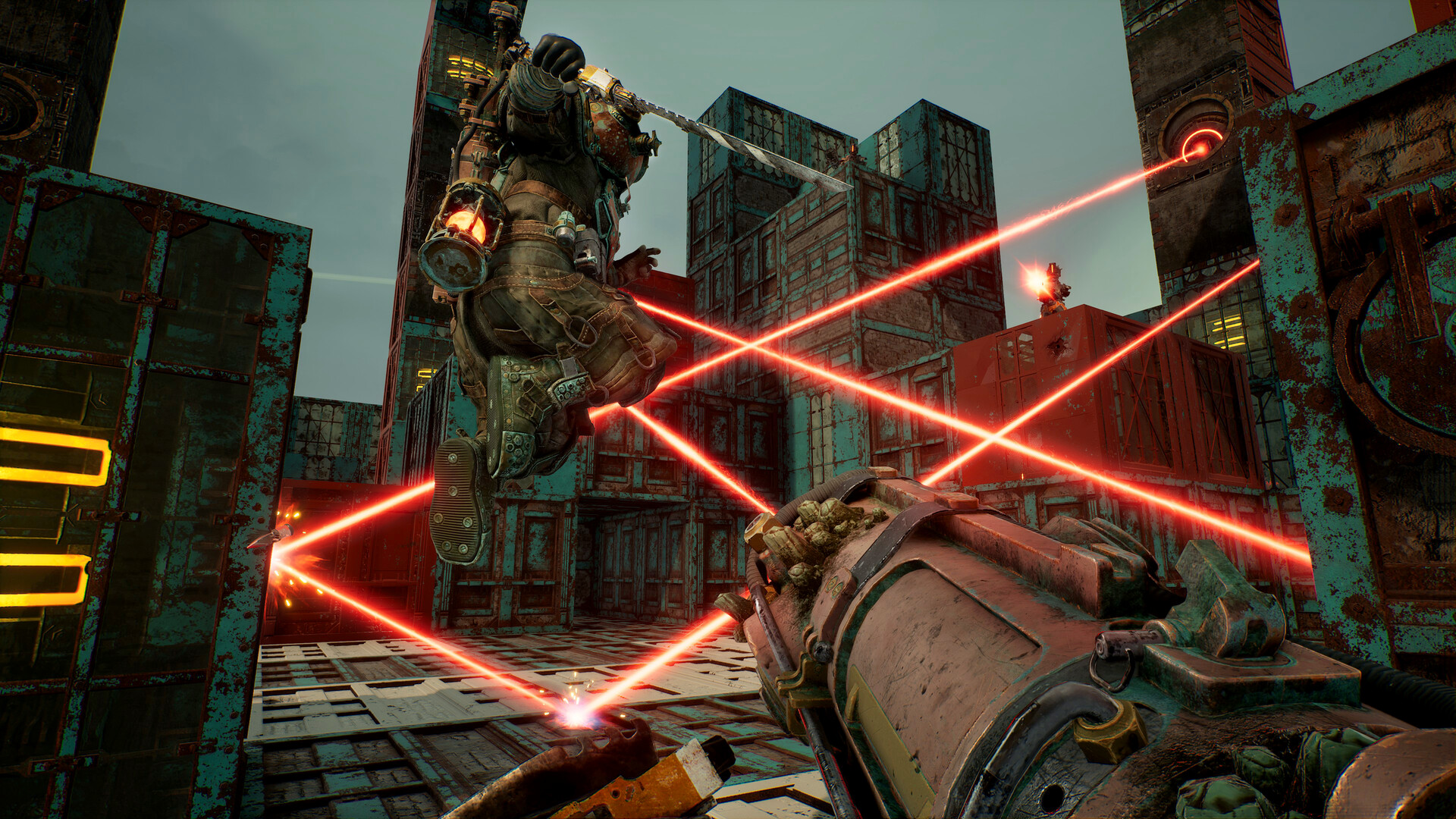
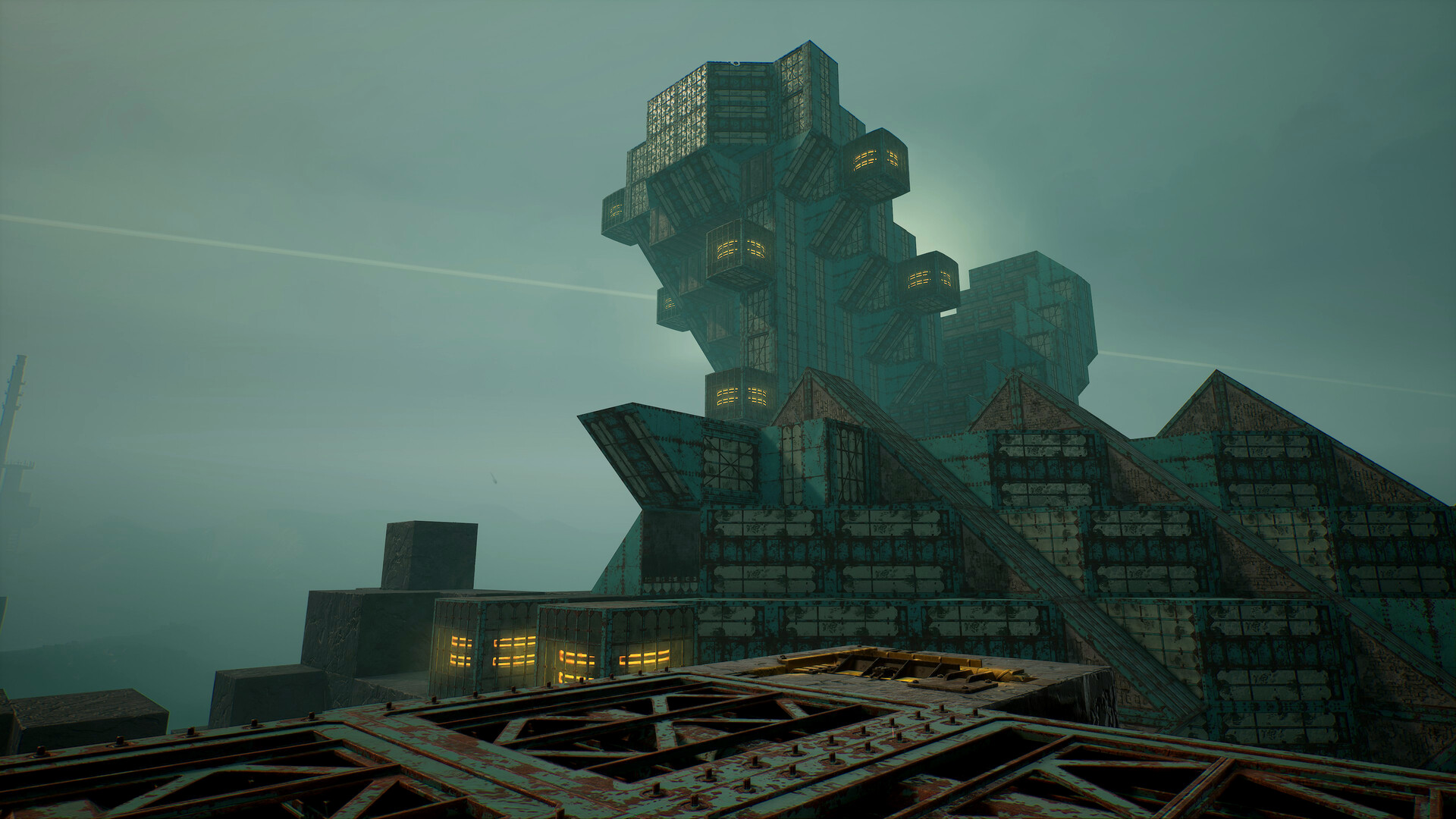
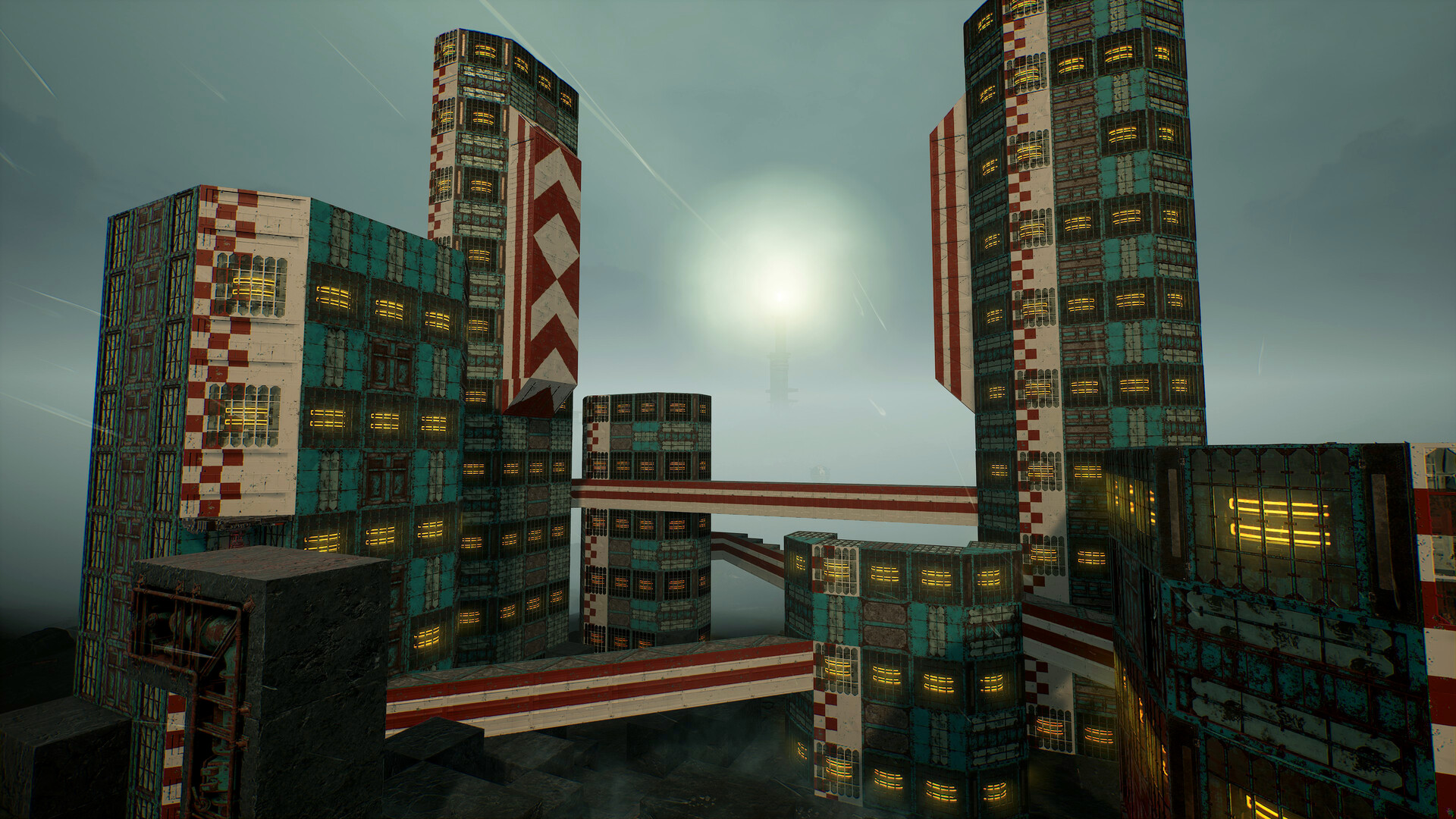
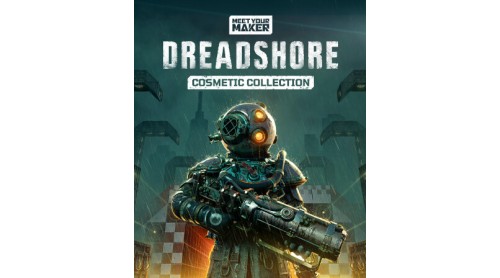
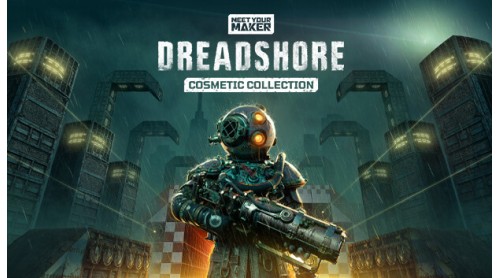
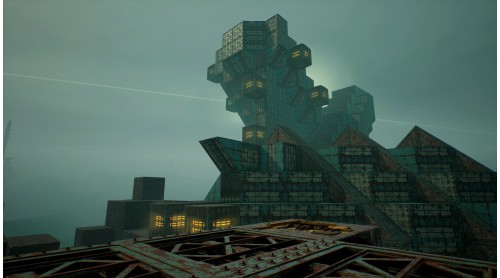
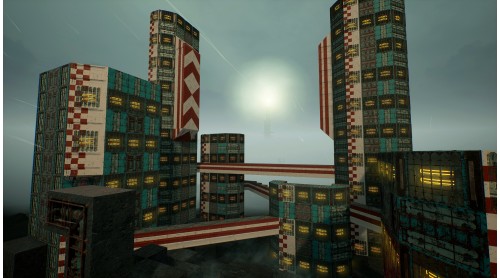
Meet Your Maker’s Sector 1 Cosmetic Collection invites you to delve deeper into the Dreadshore. Let your twisted creativity flow with cosmetics inspired by the infamous New England Sanctuary and the lone prisoner that escaped its sinister experiments.
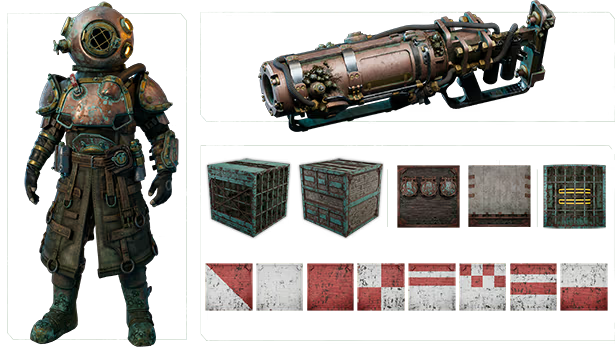
The Sector 1 Cosmetic Collection includes:
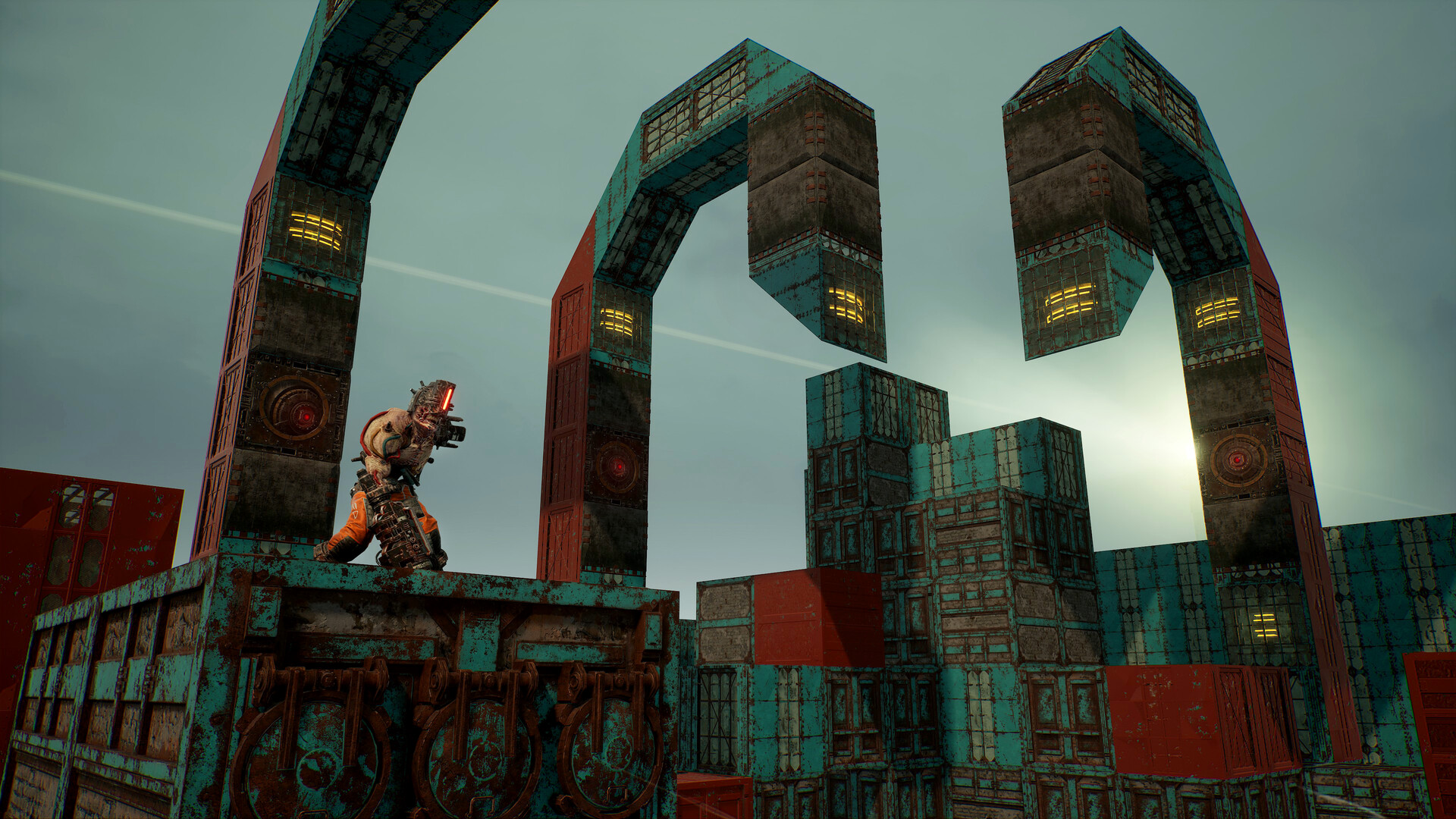
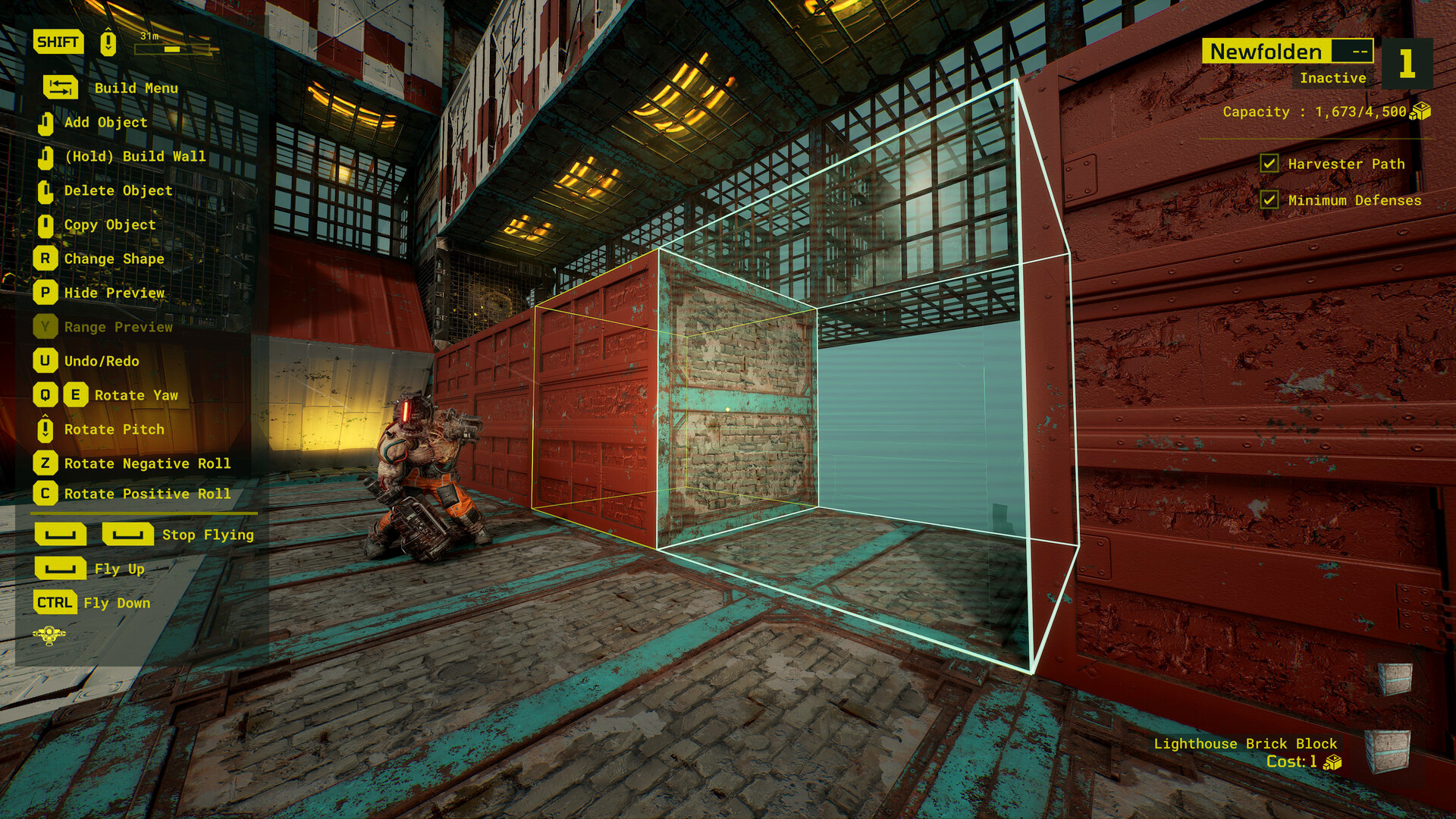
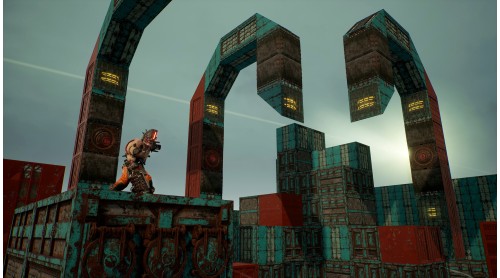
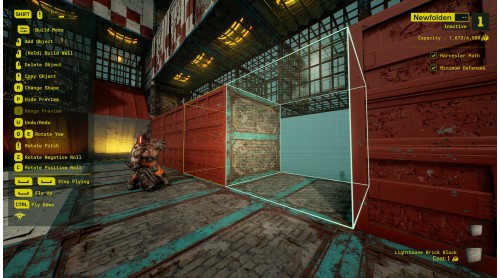
2 Blocks (Each available in 3 shapes)
- Lighthouse Brick
- Lighthouse Window
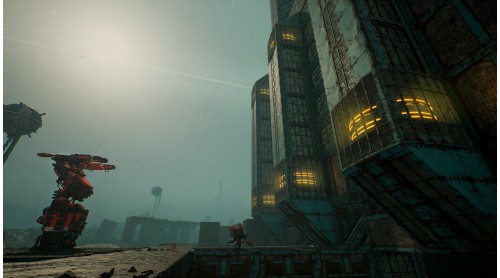
Build with lighthouse pieces that were made to survive the elements.
2 props
- Convex Wall
- Drainage Pipes
Lighthouse facility parts that are worn and r usted after years of use.
1 animated prop
- Machine Window
Moving machinery that powers a lighthouse beacon, luring Raiders in with its eerie glow.
8 Decals
Paint your Outpost with the patterns of a traditional lighthouse.
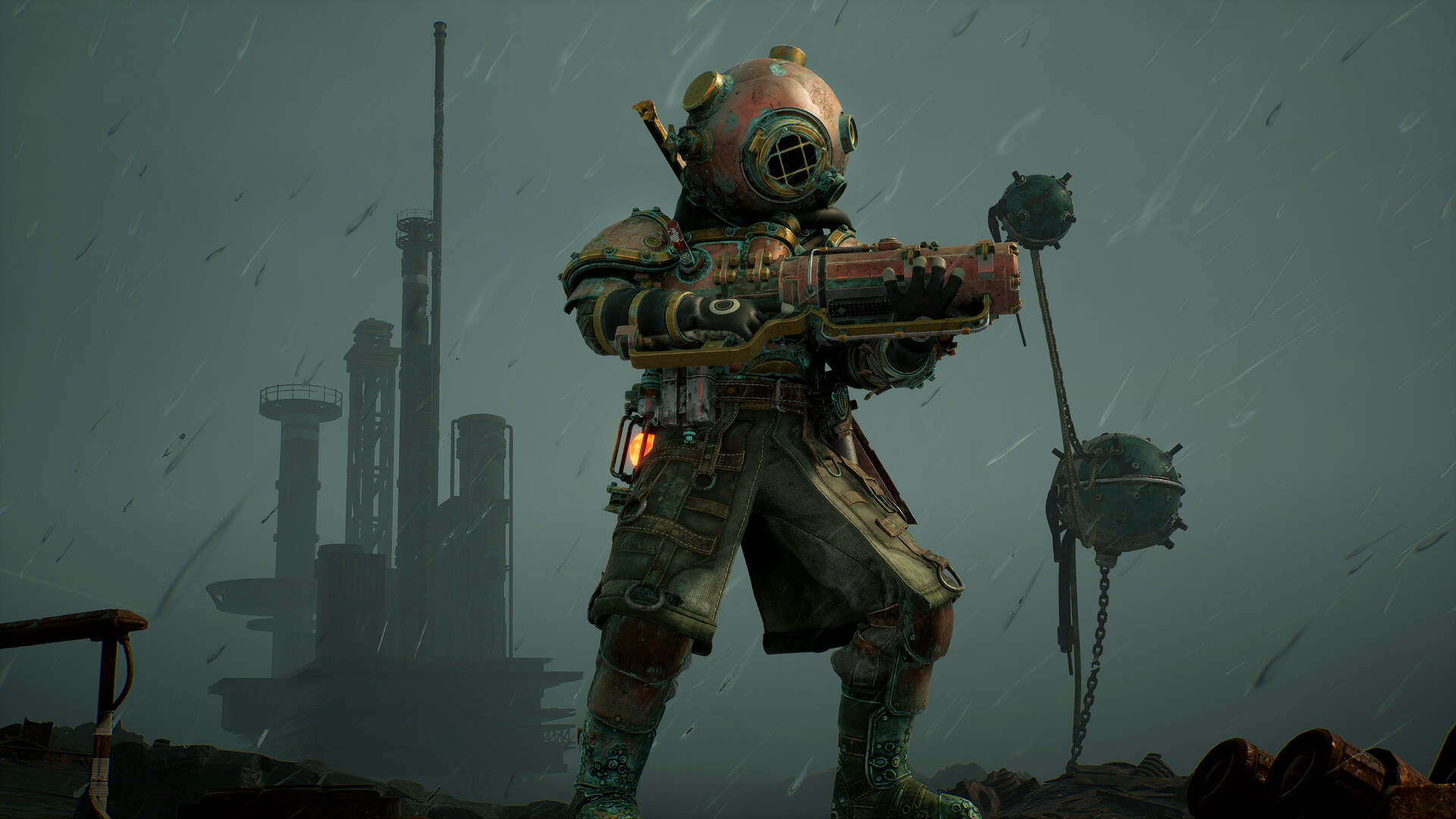
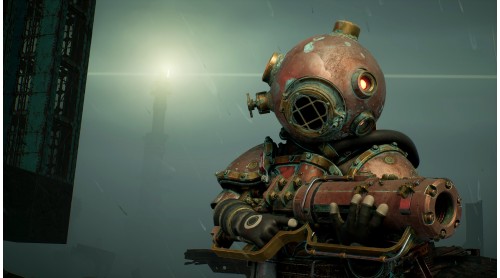
1 WEAPON SKIN:
- Dreadnought
A Demolition Cannon born from the hard steel of a beached warship.
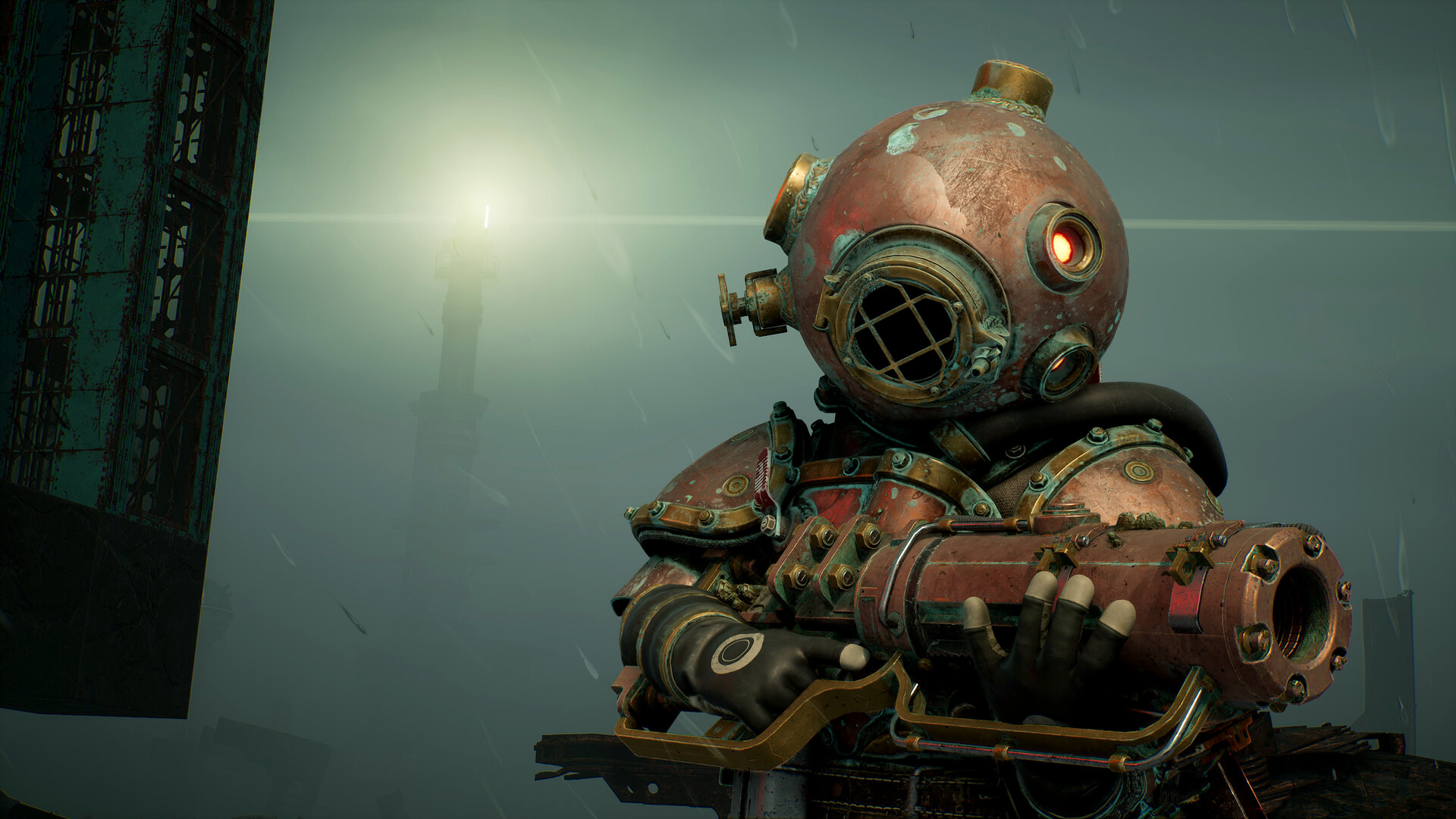
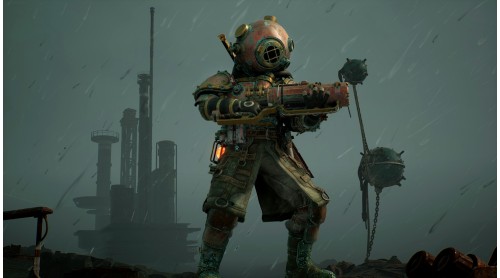
1 CUSTODIAN SKIN:
- Maelstrom
Another suit inspired by the legendary figure said to have trawled the ocean depths for the dead.
*All items in Meet Your Maker can be mixed and matched freely when building an Outpost or creating a Raider loadout.
© 2021-2023 and BEHAVIOUR, MEET YOUR MAKER and other related trademarks and logos belong to Behaviour Interactive Inc. All rights reserved.


How to activate your Steam key?
1. Open your Steam client. (If you don't have a Steam Client, you can install from here https://store.steampowered.com/about/)
2. Sign in to your Steam account. (If you don't have a Steam Account, you can create from here https://store.steampowered.com/join/)
3. Click “ADD A GAME” button which is at the bottom of the Steam Client.
4. Now select "Activate a product on Steam..."
5. Write or copy-paste your Steam key which you purchased from Gamesforpc.
6. Now your game is in your library.
7. Find your game in your library, select and click install to start your download.