 Steam
Steam  Windows
 | Release Date | 26.09.2023 | |
| Publisher | Green Man Loaded | |
| PEGI Rating | + 16 | |
| Operating Systems | Windows | |
| Genres | Action, Strategy |
6.99€
Added to Cart
6.99€
Added to Wishlist
6.99€
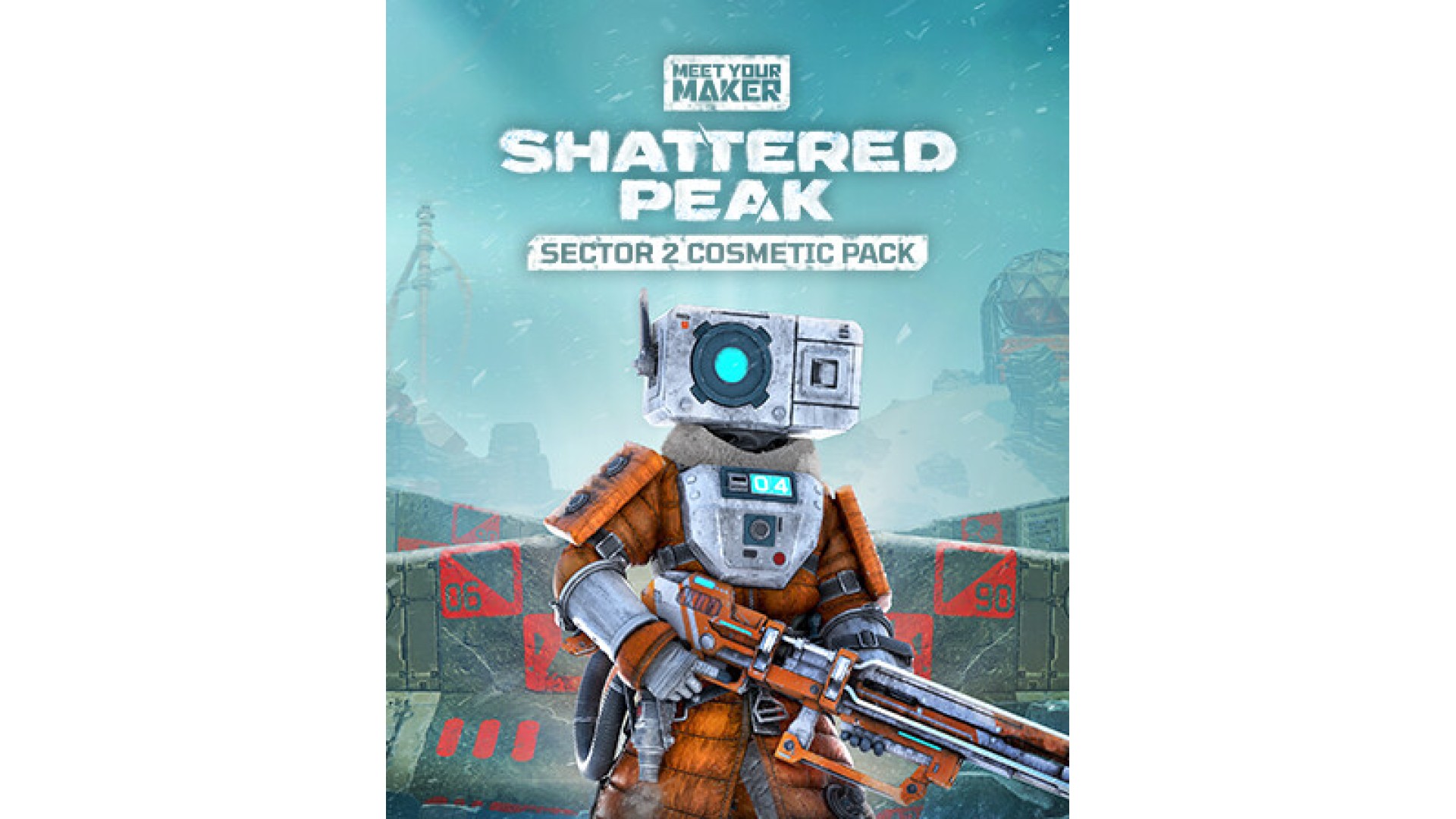
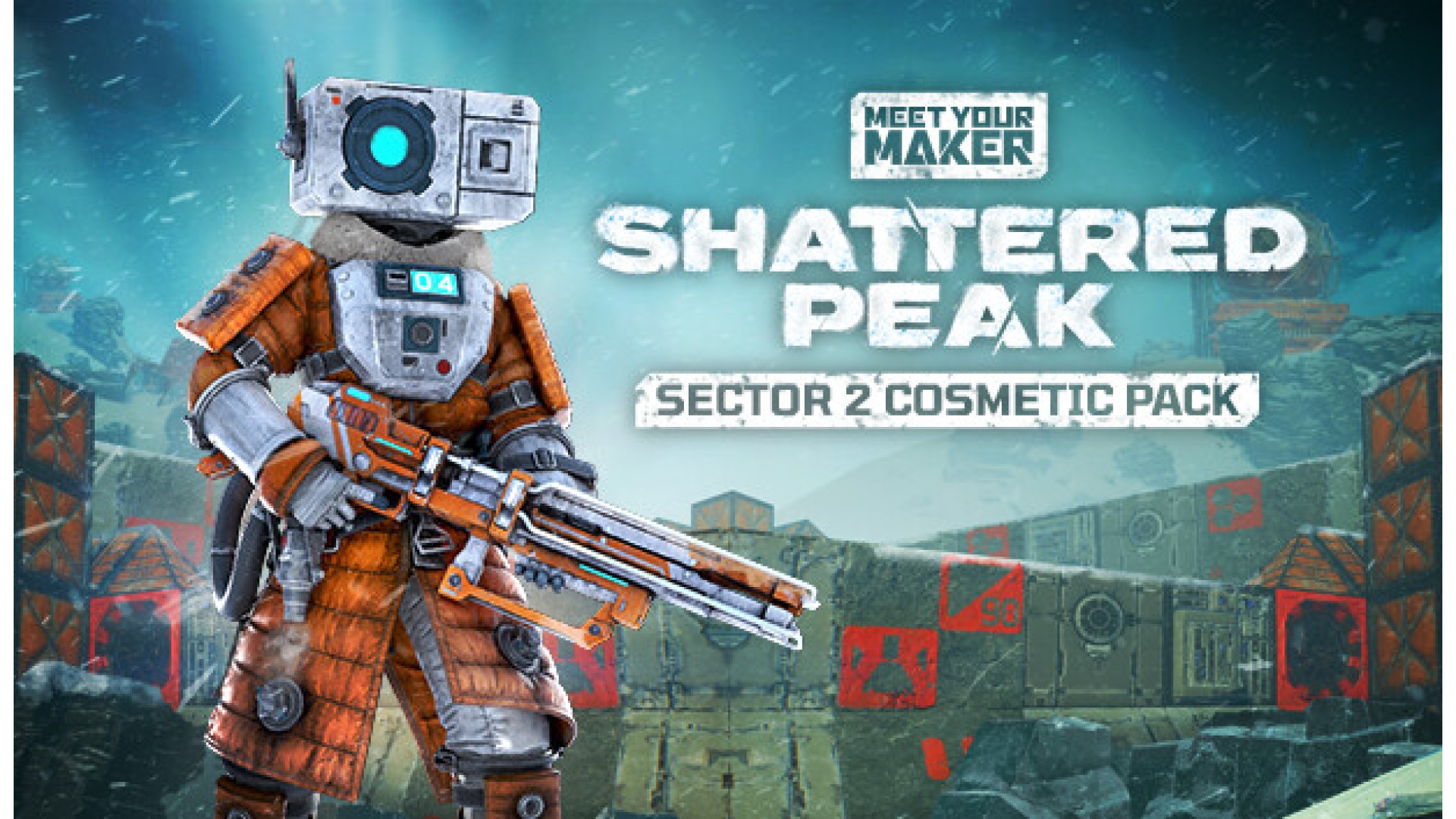
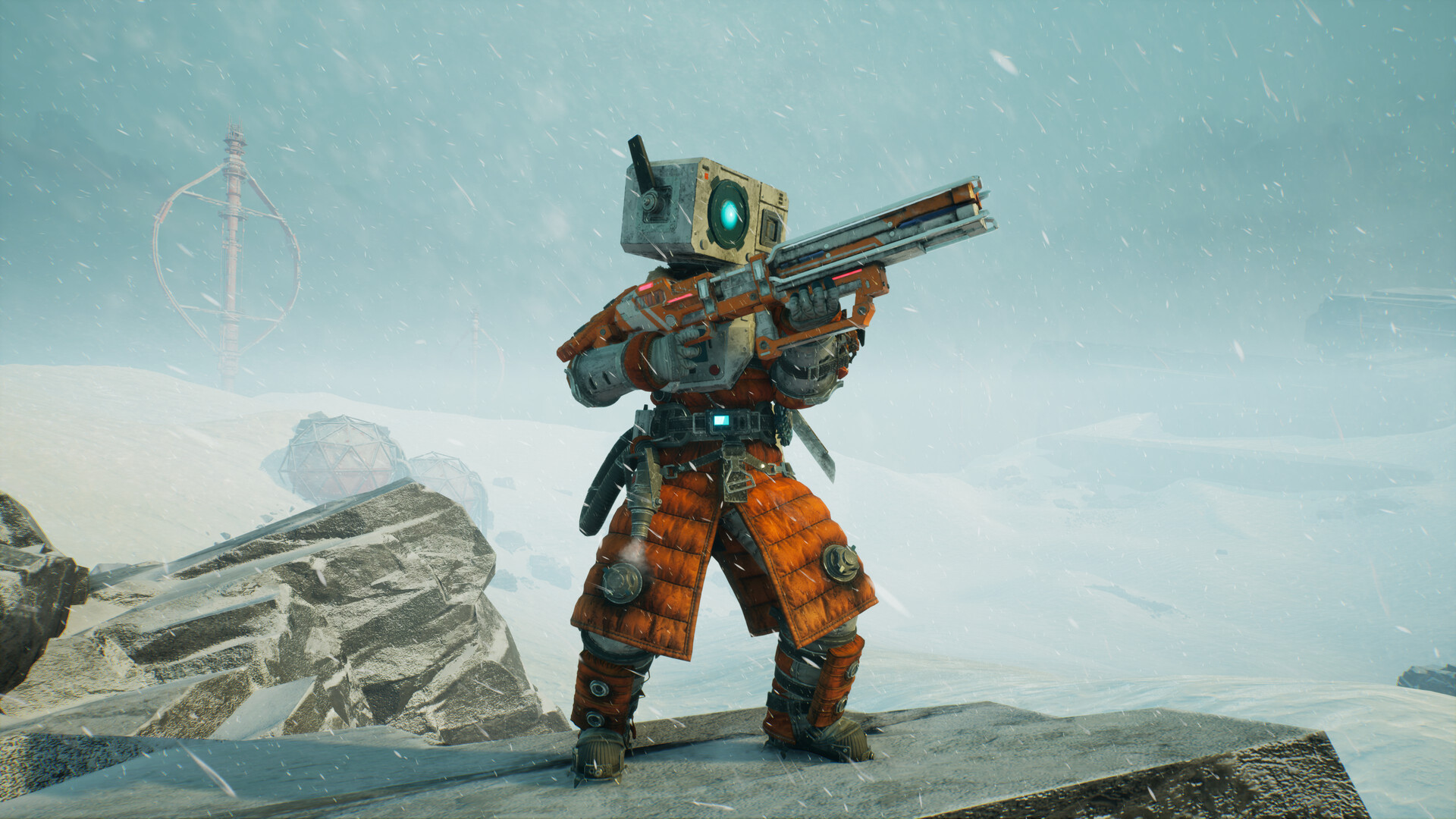
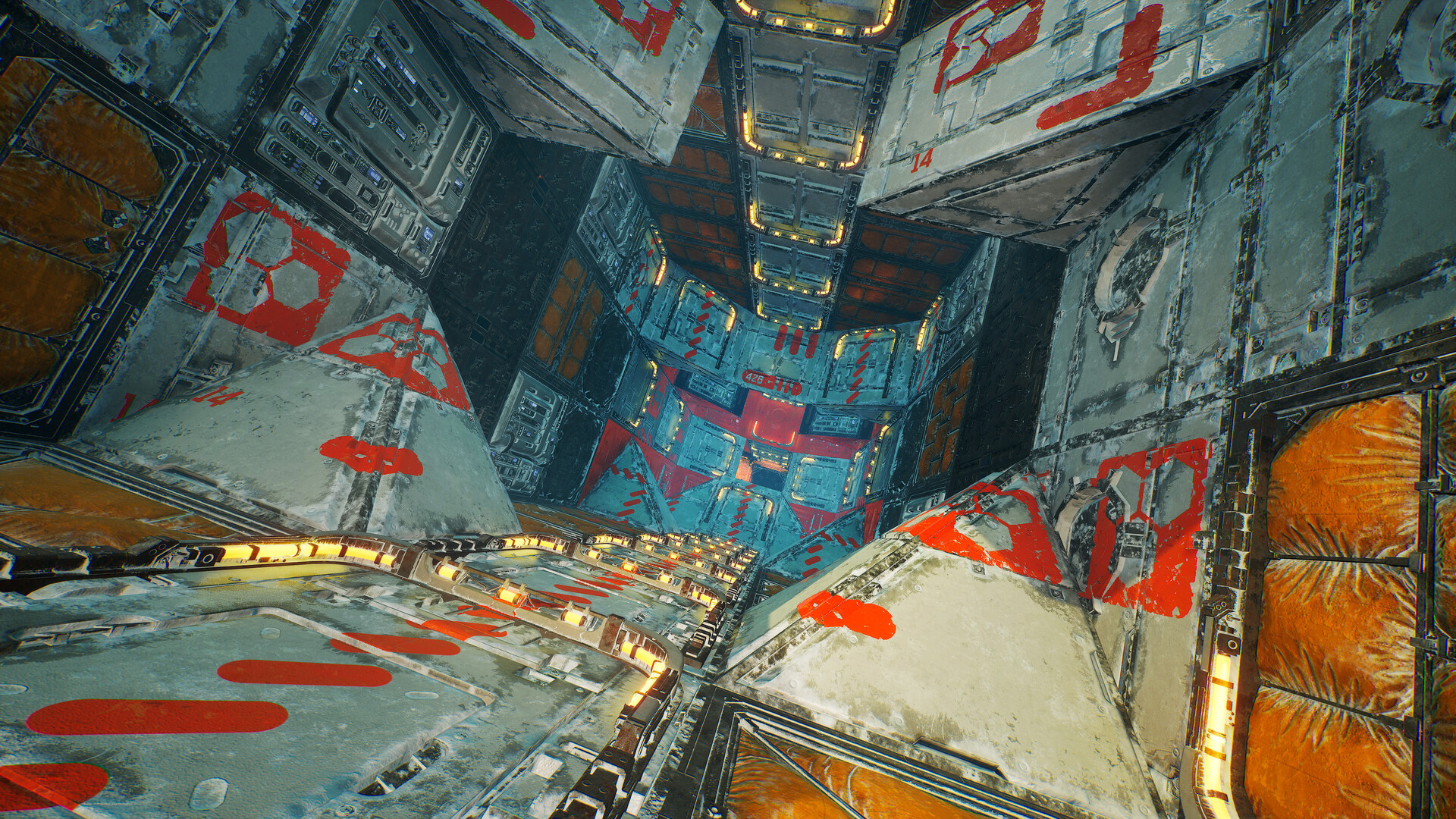
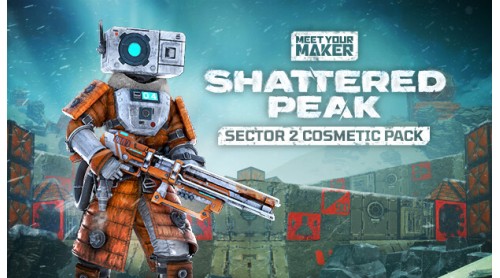
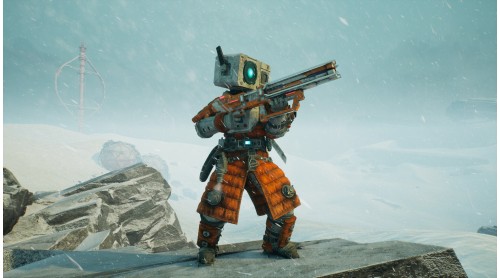
Nights are long, resources are scarce, and a bitter cold chills to the bone. Here only the ruthless survive. Meet Your Maker’s Sector 2 Cosmetic Collection is inspired by the bleeding-edge tech created to survive the Arctic wasteland's frigid extremes.
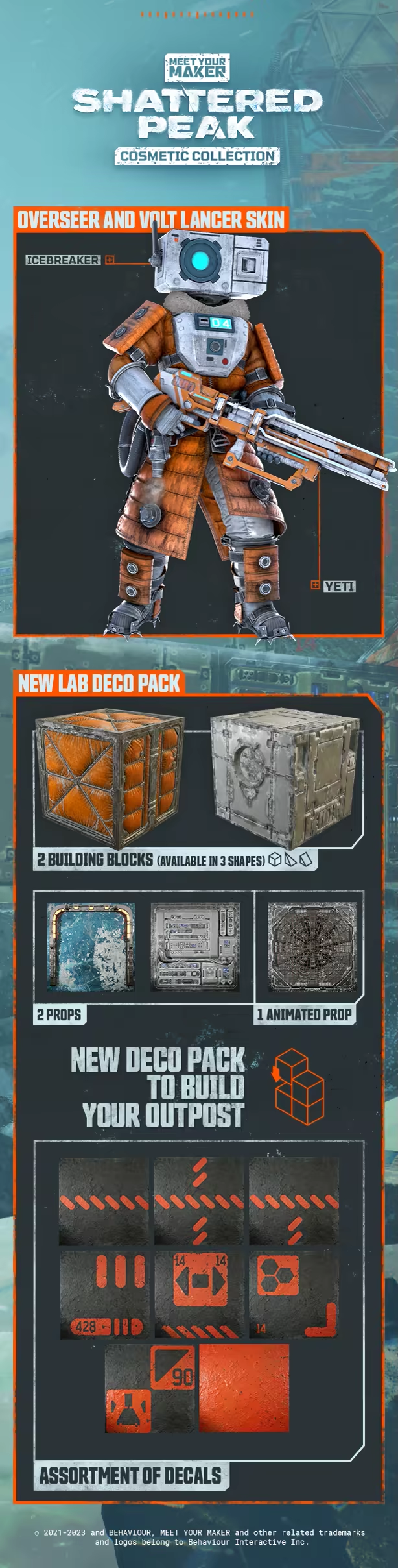
The Sector 2 Cosmetic Collection includes:
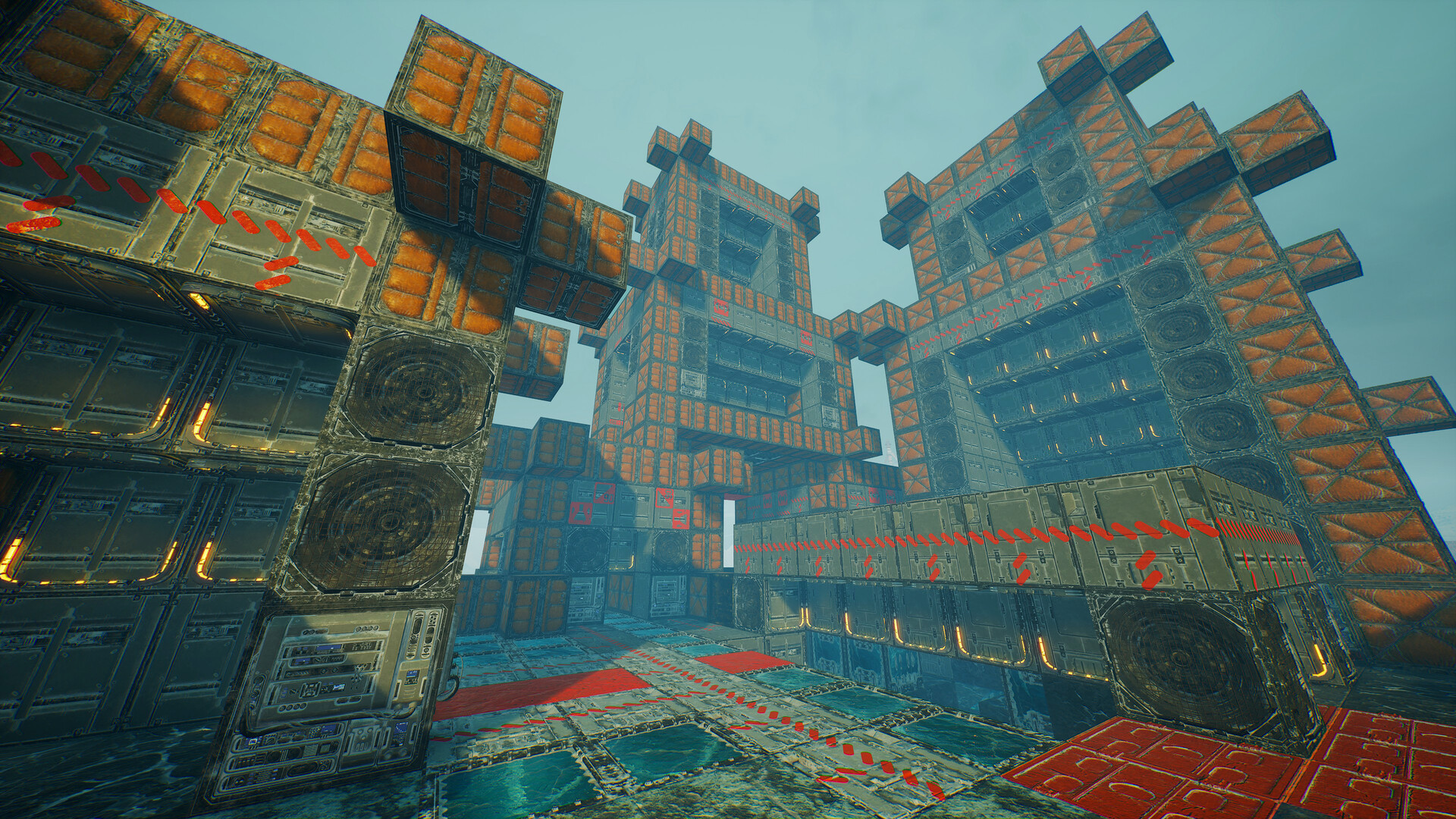
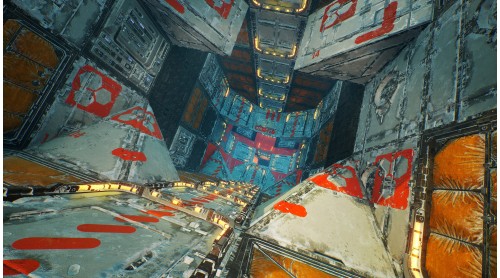
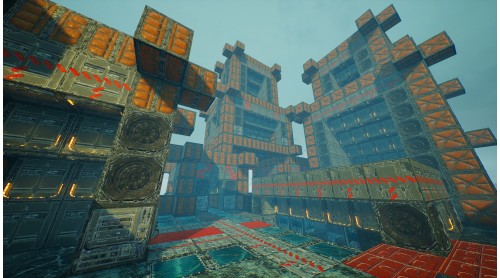
2 Blocks (Each available in 3 shapes)
- Reinforced Plastic
- Thermal Pack
Fiber-reinforced plastic panels and rip-stop fabric used for protection from the bitter cold.
2 props
- Laboratory Lighting
- Laboratory Computer
Lab technology needed to survive life in the Arctic wasteland.
1 animated prop
- Rickety Fan
A set of double fans that can be heard clattering away.
8 Decals
- Frozen Lab
Signage from the doomed Sanctuary of the snowy wastes.
-Yeti
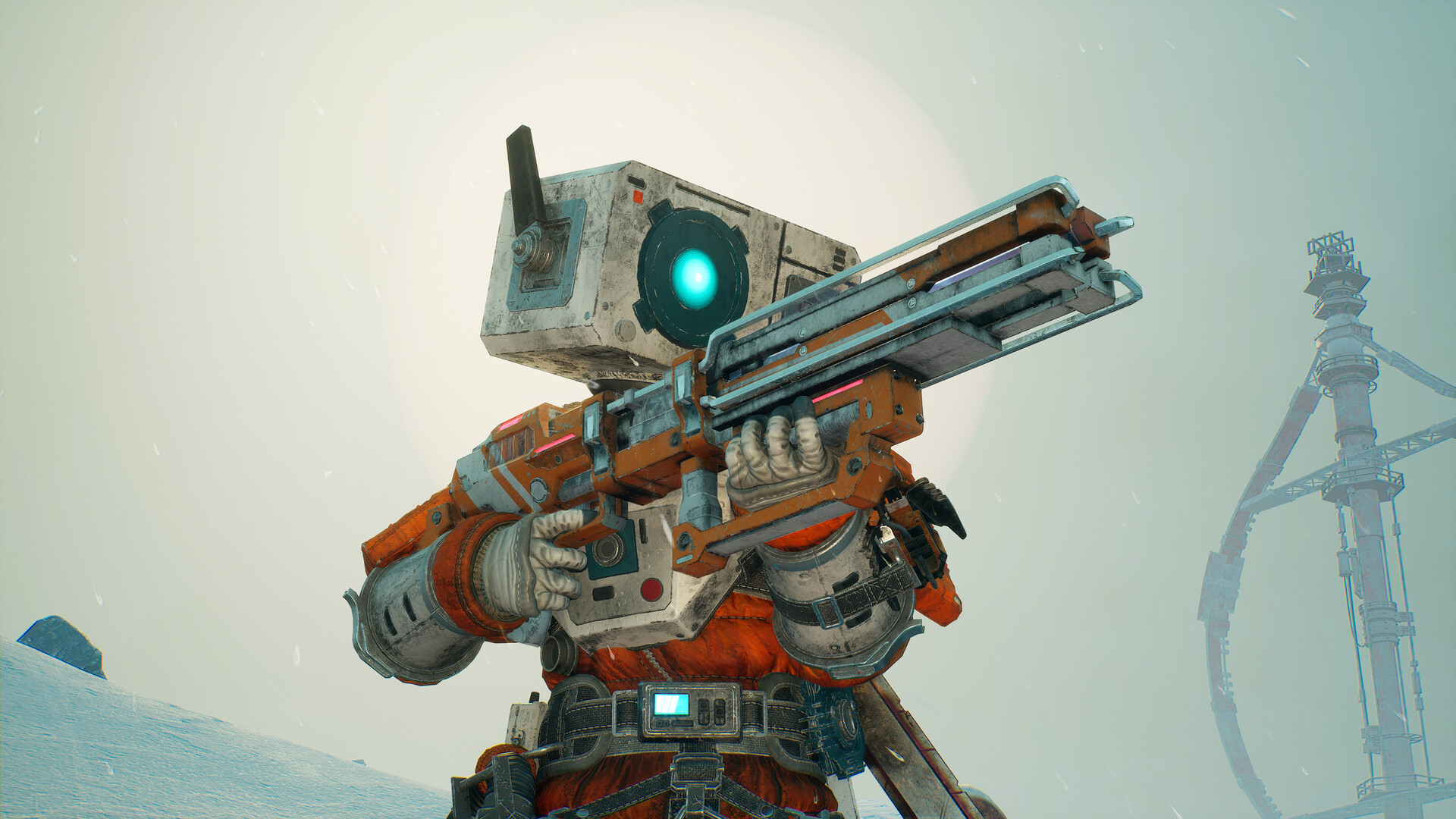
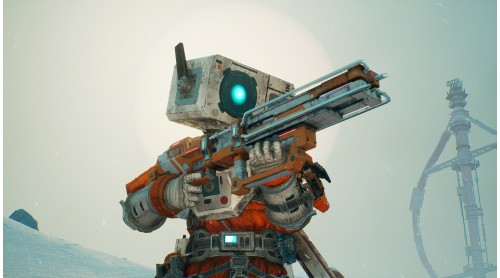
A bright Volt Lancer skin suited for powerful and fearless Raiders.
- Icebreaker
A power-hungry scavenger known for raiding across the Arctic wasteland.
*All items in Meet Your Maker can be mixed and matched freely when building an Outpost or creating a Raider loadout.
© 2021-2023 and BEHAVIOUR, MEET YOUR MAKER and other related trademarks and logos belong to Behaviour Interactive Inc. All rights reserved.


How to activate your Steam key?
1. Open your Steam client. (If you don't have a Steam Client, you can install from here https://store.steampowered.com/about/)
2. Sign in to your Steam account. (If you don't have a Steam Account, you can create from here https://store.steampowered.com/join/)
3. Click “ADD A GAME” button which is at the bottom of the Steam Client.
4. Now select "Activate a product on Steam..."
5. Write or copy-paste your Steam key which you purchased from Gamesforpc.
6. Now your game is in your library.
7. Find your game in your library, select and click install to start your download.