 Steam
Steam | Release Date | 10.06.2019 | |
| Publisher | Microsoft | |
| PEGI Rating | + 18 | |
| Genres | FPS, survival-horror |
14.99€
Added to Cart
14.99€
Added to Wishlist
14.99€
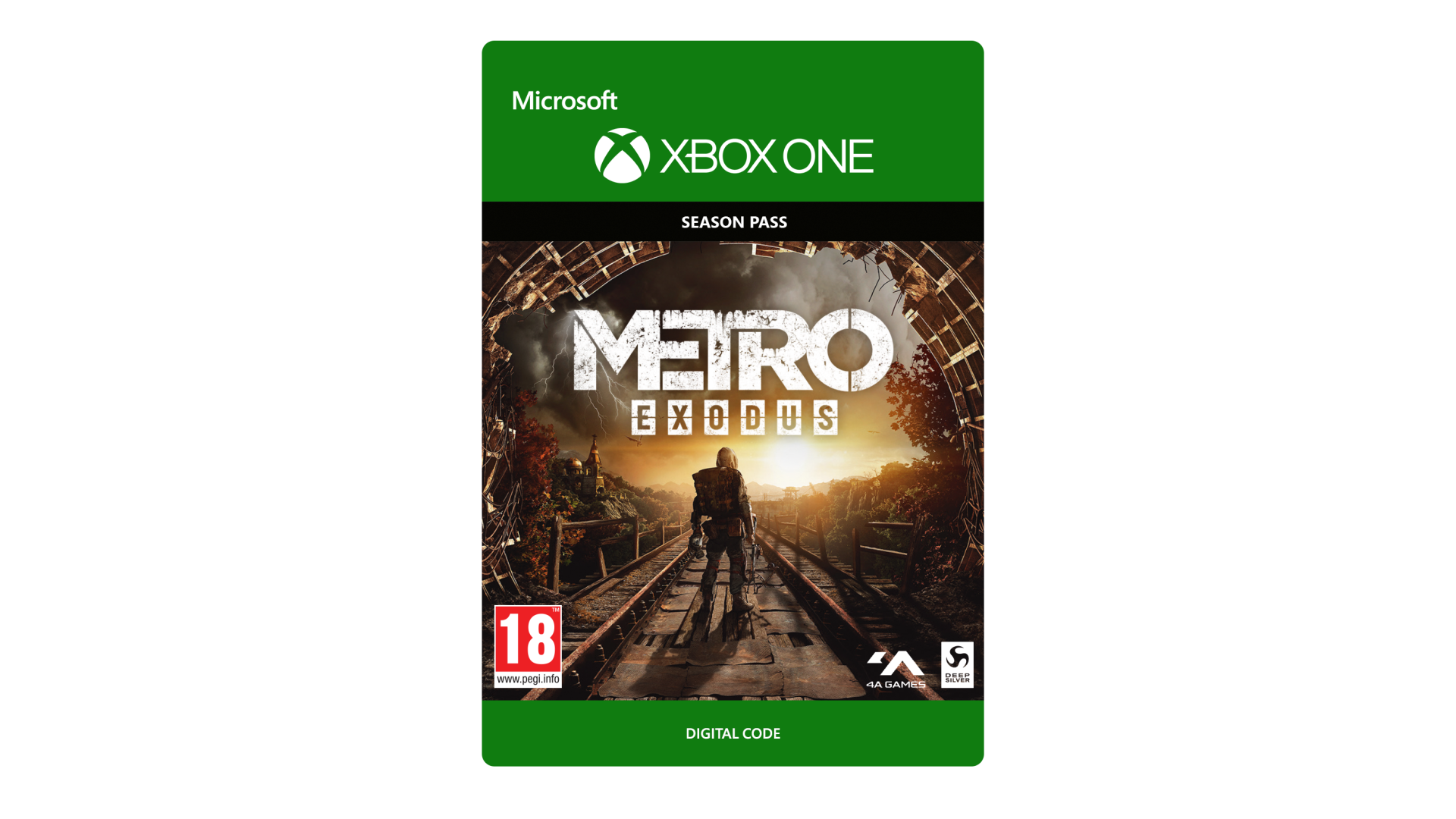
Discover new adventures in the post-apocalyptic Russian wilderness with the Metro Exodus Expansion Pass, which grants access to brand new story content featuring more thrilling single-player gameplay. For more details, visit MetroTheGame.com.


How to activate your Steam key?
1. Open your Steam client. (If you don't have a Steam Client, you can install from here https://store.steampowered.com/about/)
2. Sign in to your Steam account. (If you don't have a Steam Account, you can create from here https://store.steampowered.com/join/)
3. Click “ADD A GAME” button which is at the bottom of the Steam Client.
4. Now select "Activate a product on Steam..."
5. Write or copy-paste your Steam key which you purchased from Gamesforpc.
6. Now your game is in your library.
7. Find your game in your library, select and click install to start your download.