 Steam
 Windows
| Release Date | 19.11.2024 | |
| Publisher | Xbox Game Studios | |
| PEGI Rating | + 3 | |
| Operating Systems | Windows | |
| Genres | Simulation |
79.99€
Added to Cart
79.99€
Added to Wishlist
79.99€
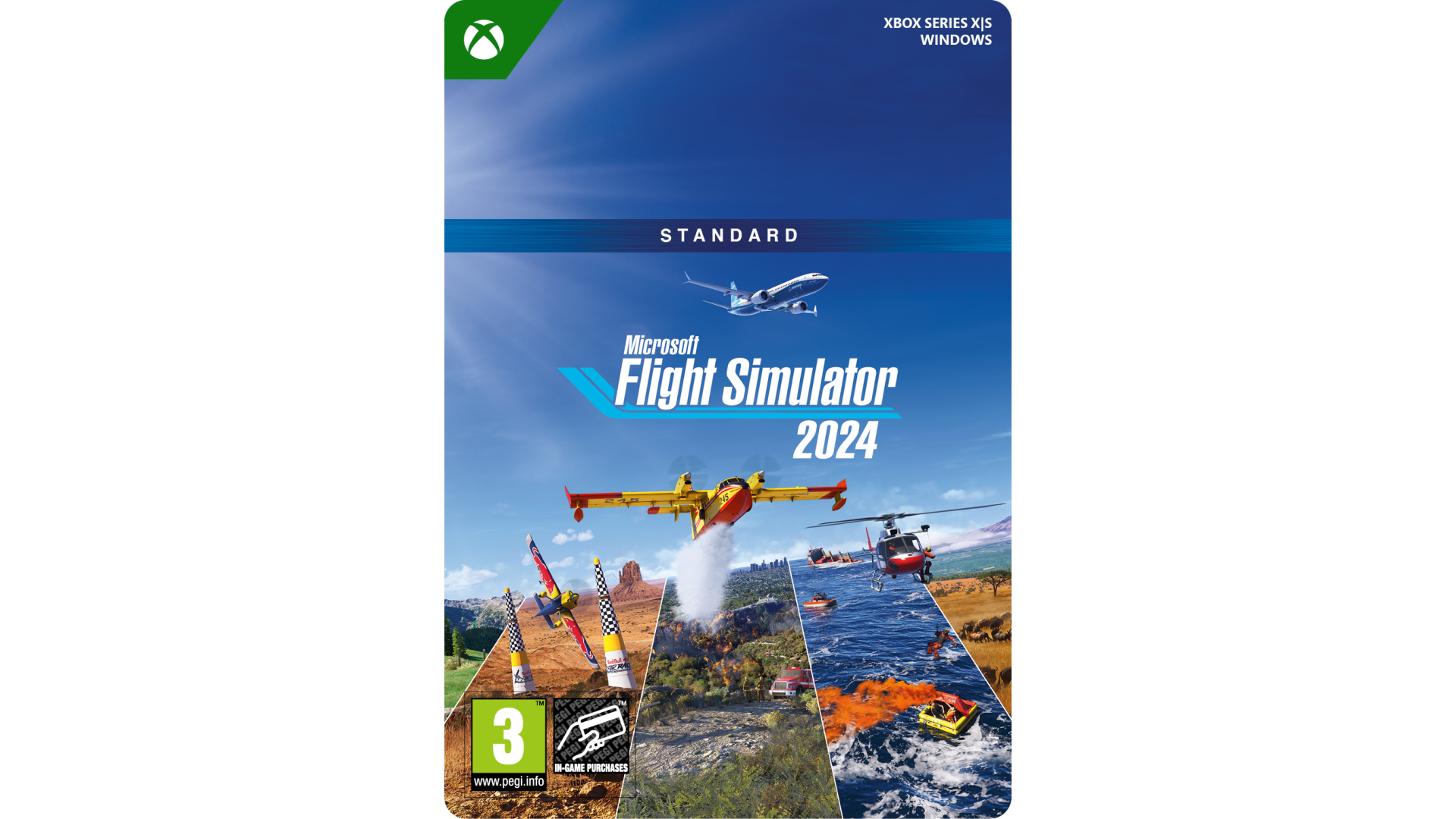
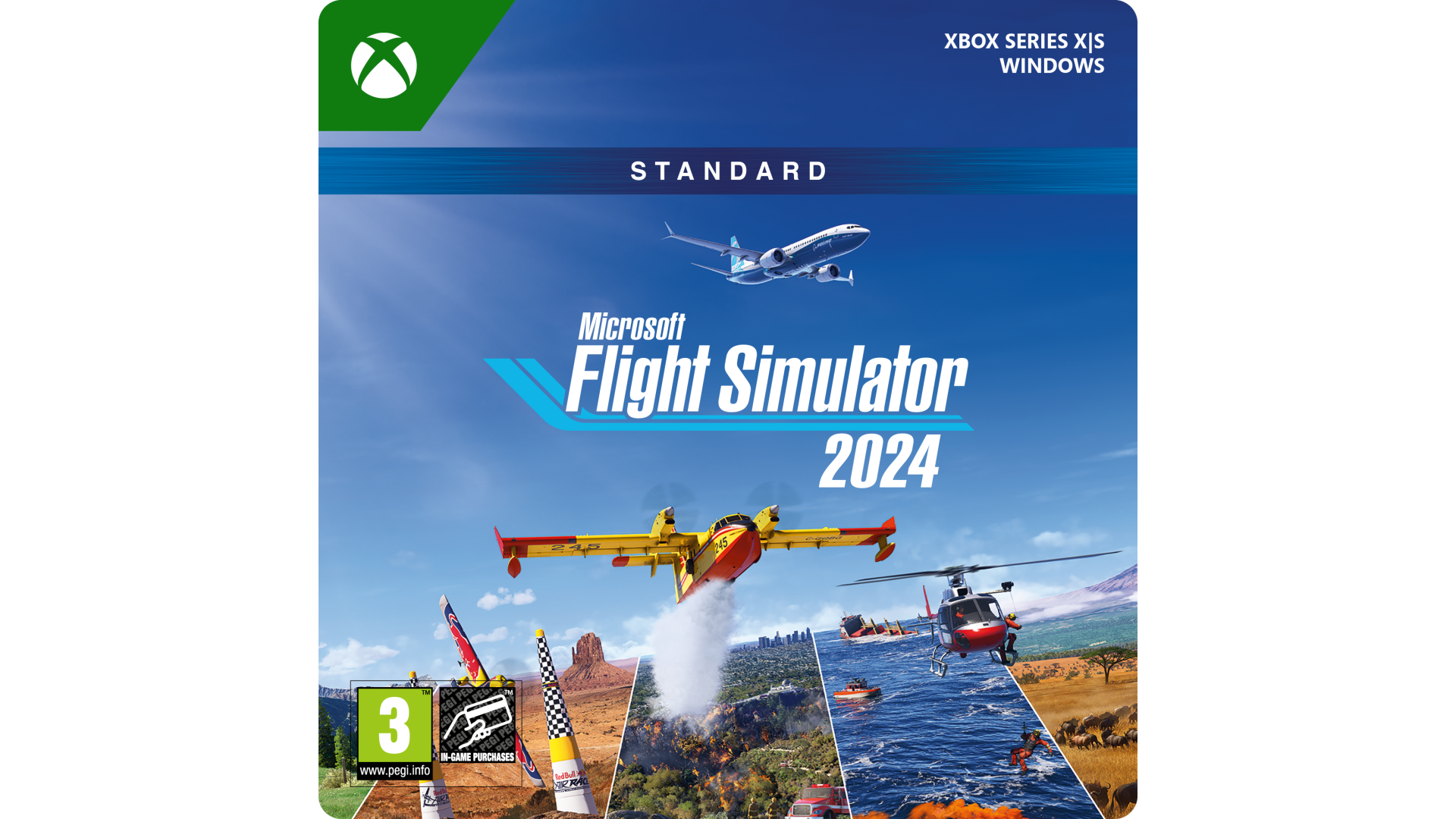
Explore the world with our largest Standard Edition fleet of aircraft and take simulation to new heights while pursuing your aviation career within Microsoft Flight Simulator 2024. The Standard Edition includes over 65 aircraft and 150 handcrafted airports.
Microsoft Corporation, One Microsoft Way, Redmond, WA 98052-6399, USA
www.xbox.com/support


How to activate your Steam key?
1. Open your Steam client. (If you don't have a Steam Client, you can install from here https://store.steampowered.com/about/)
2. Sign in to your Steam account. (If you don't have a Steam Account, you can create from here https://store.steampowered.com/join/)
3. Click “ADD A GAME” button which is at the bottom of the Steam Client.
4. Now select "Activate a product on Steam..."
5. Write or copy-paste your Steam key which you purchased from Gamesforpc.
6. Now your game is in your library.
7. Find your game in your library, select and click install to start your download.