 Steam
 Windows
| Release Date | 11.11.2022 | |
| Publisher | Xbox Game Studios | |
| PEGI Rating | + 3 | |
| Operating Systems | Windows | |
| Genres | Simulation |
119.99€
Added to Cart
119.99€
Added to Wishlist
119.99€
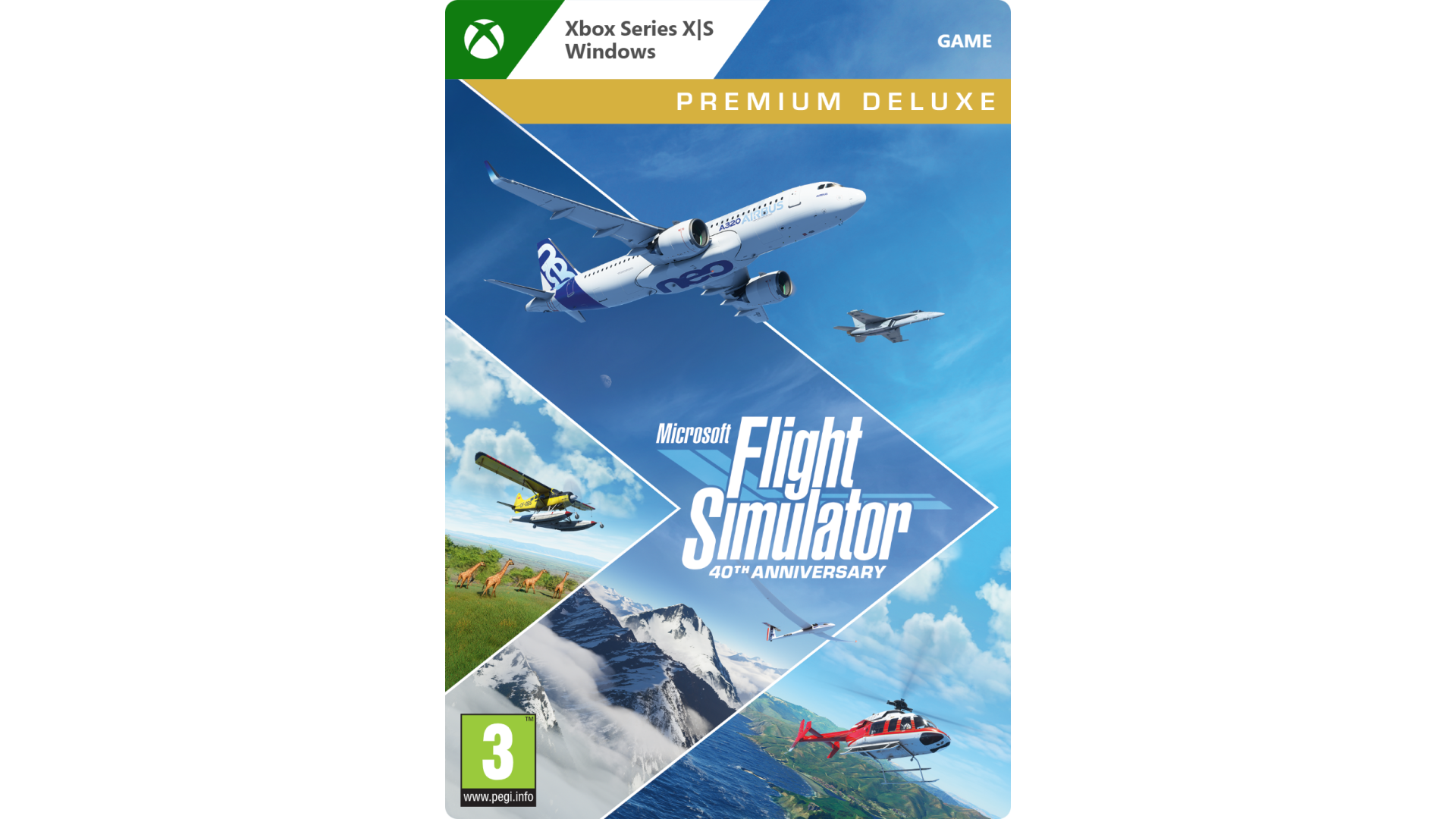
The Microsoft Flight Simulator 40th Anniversary Edition will feature, for the first time since 2006, helicopters and gliders, the most requested enhancements by our community. In addition to the helicopters and gliders, we will introduce another highly requested community feature: a true-to-life airliner, the sophisticated Airbus A-310, where nearly every single button works just as expected.
Celebrate the storied history of aviation with seven famous historical aircraft in the Microsoft Flight Simulator 40th Anniversary Edition. These aircraft include the 1903 Wright Flyer, the 1915 Curtiss JN-4 Jenny, the 1927 Ryan NYP Spirit of St. Louis, the 1935 Douglas DC-3, the beautiful 1937 Grumman G-21 Goose, the 1947 Havilland DHC-2 Beaver, and the famous 1947 Hughes H-4 Hercules (the largest seaplane and largest wooden plane ever made), also known as the Spruce Goose.
We are also adding four classic airports, including the Meigs Field in Chicago which is a traditional starting airport for the Microsoft Flight Simulator franchise. It is an exciting update full of aviation history to celebrate our community and the beauty of aviation! The sky is calling!
In summary, the 40th Anniversary Edition will introduce:
The new 40th Anniversary content is available as a free update for existing owners of Microsoft Flight Simulator, and the Standard 40th Anniversary Edition is included with Game Pass.
https://www.xbox.com/games/microsoft-flight-simulator


How to activate your Steam key?
1. Open your Steam client. (If you don't have a Steam Client, you can install from here https://store.steampowered.com/about/)
2. Sign in to your Steam account. (If you don't have a Steam Account, you can create from here https://store.steampowered.com/join/)
3. Click “ADD A GAME” button which is at the bottom of the Steam Client.
4. Now select "Activate a product on Steam..."
5. Write or copy-paste your Steam key which you purchased from Gamesforpc.
6. Now your game is in your library.
7. Find your game in your library, select and click install to start your download.