 Steam
Steam | Release Date | 30.11.2015 |
| Publisher | Microsoft |
30.00€
Added to Cart
30.00€
Added to Wishlist
30.00€
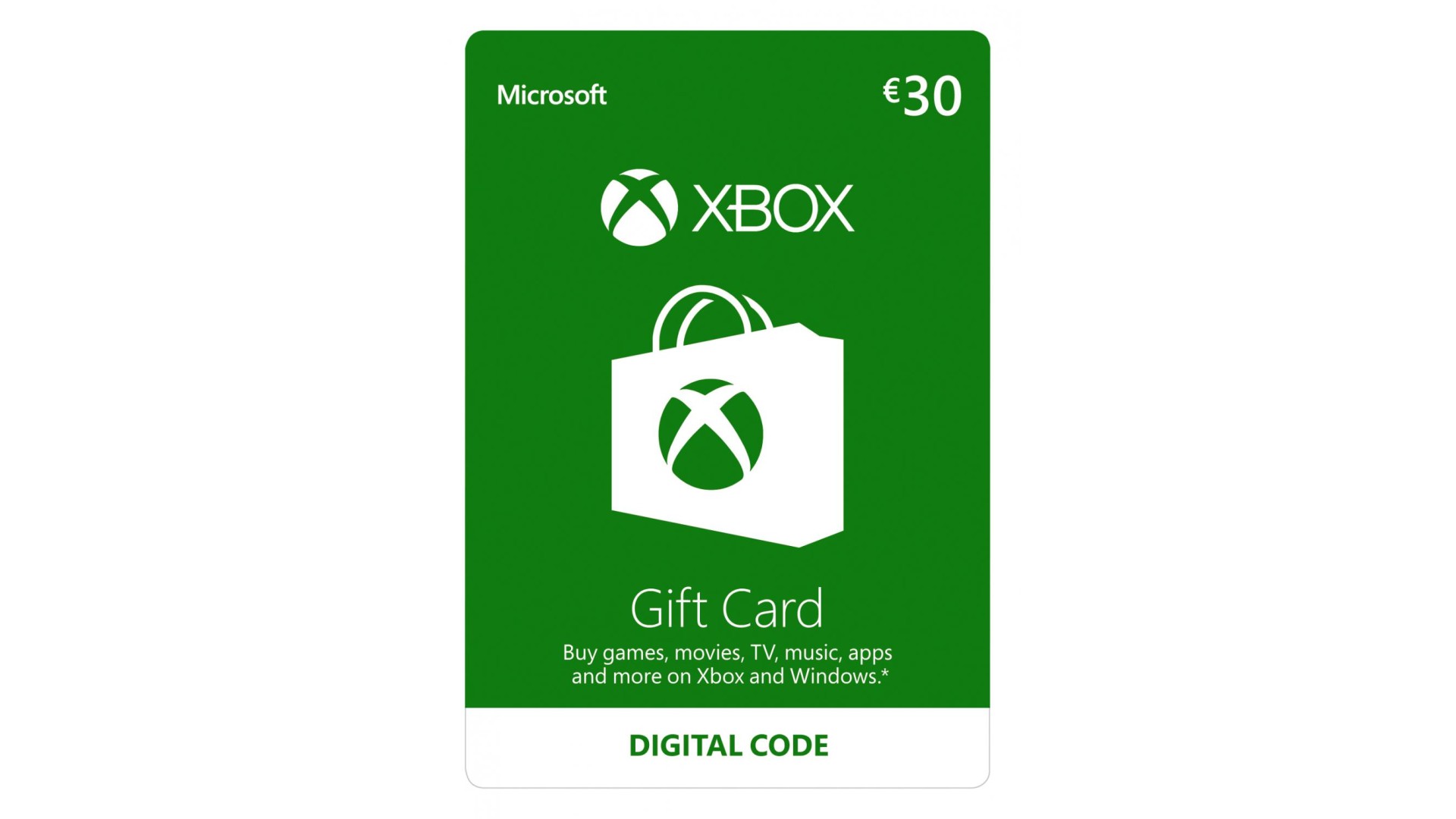
Buy Xbox full games, game add-ons, content and more through Xbox Store
Here is a few examples of what you can buy with this gift card
Xbox Gift Cards is the perfect way to expand your Xbox experience and the perfect gift for a gamer.
Once redeemed to your Microsoft account, the full code value will be applied and may be used for eligible purchases (exclusions apply) made directly at select Microsoft digital stores. Eligible purchases and prices vary by region, device, and over time. Geography limitations, country and balance restrictions, taxes, and Internet connection fees may apply. Paid subscriptions required for some content. You Must be 13+. Except as required by law, codes cannot be redeemed or exchanged for cash and are not reloadable or refundable. To create a new Microsoft account or to read full terms and conditions (which may change without notice), go to microsoft.com/cardterms. Void where prohibited or restricted by law. Cards and codes issued by and ©/™/® Microsoft Corp, a Washington Corporation, and/or its affiliates.
Microsoft Corporation - One Microsoft Way - Redmond, WA 98052-6399 - USA


How to activate your Steam key?
1. Open your Steam client. (If you don't have a Steam Client, you can install from here https://store.steampowered.com/about/)
2. Sign in to your Steam account. (If you don't have a Steam Account, you can create from here https://store.steampowered.com/join/)
3. Click “ADD A GAME” button which is at the bottom of the Steam Client.
4. Now select "Activate a product on Steam..."
5. Write or copy-paste your Steam key which you purchased from Gamesforpc.
6. Now your game is in your library.
7. Find your game in your library, select and click install to start your download.