














 Steam
Steam  Windows
 | Release Date | 27.03.2018 | |
| Publisher | THQ Nordic GmbH | |
| PEGI Rating | + 3 | |
| Operating Systems | Windows | |
| Genres | Simulation, racing, sport |
39.99€
10.00€
Added to Cart
39.99€
10.00€
Added to Wishlist
39.99€
10.00€
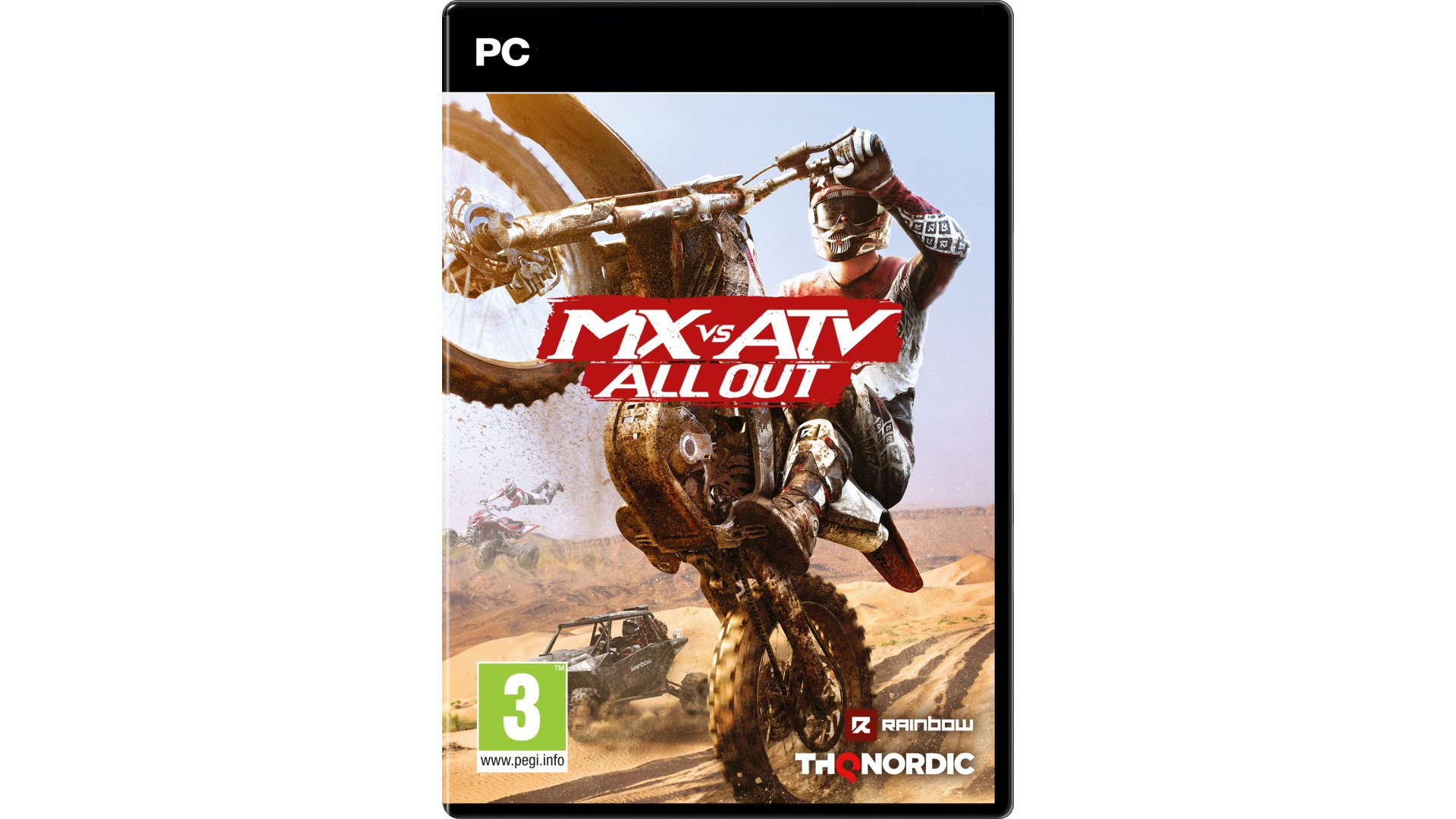
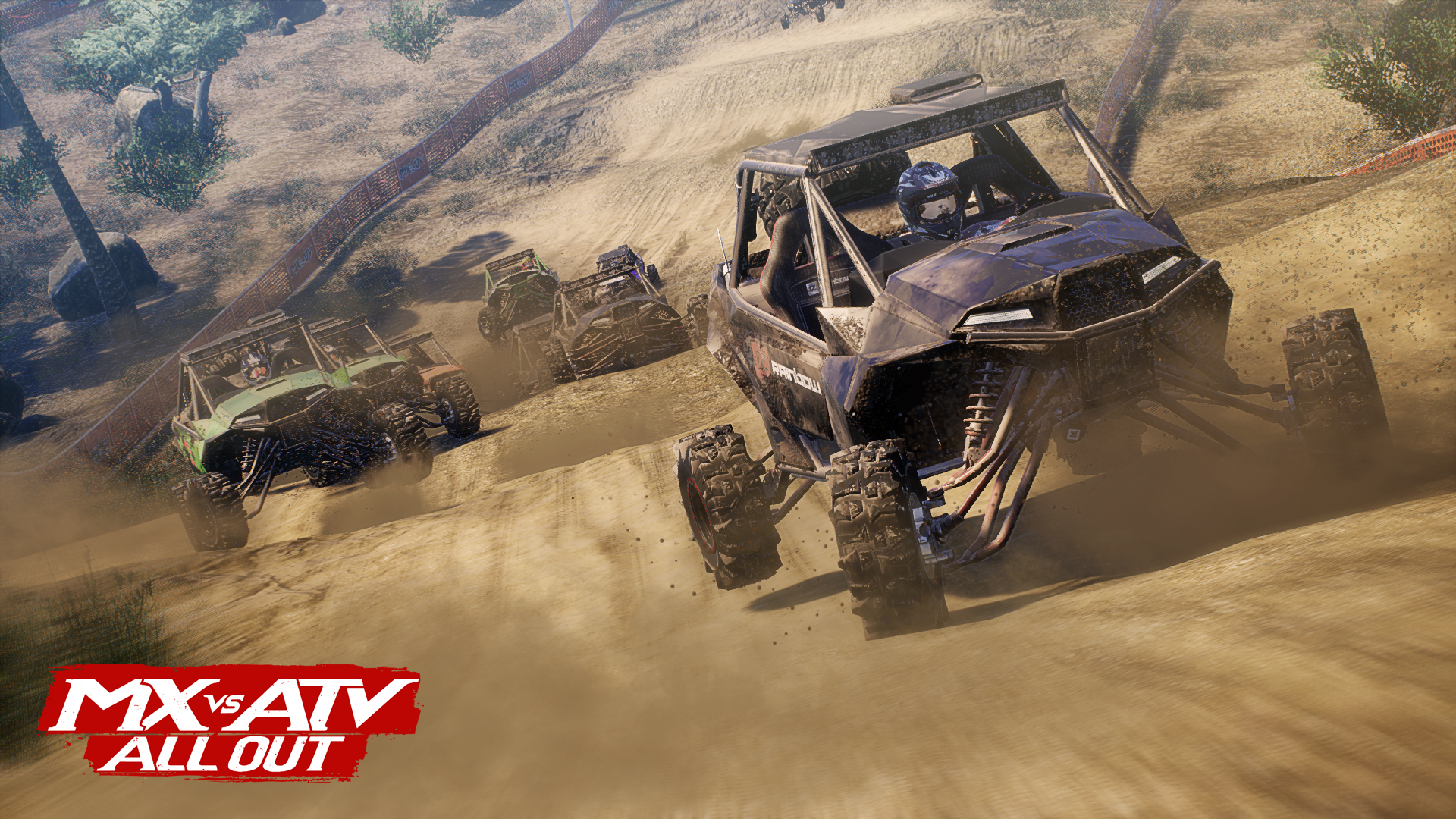
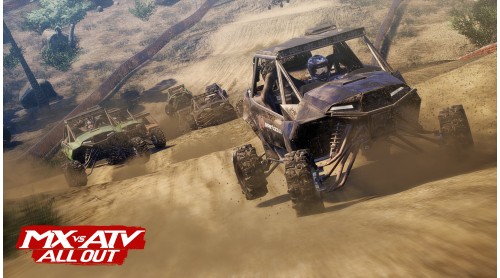
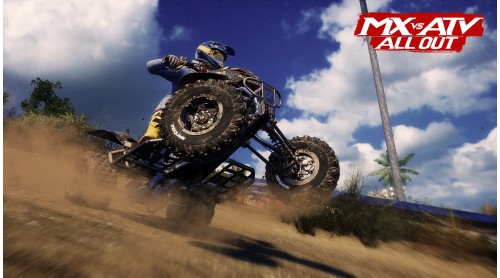
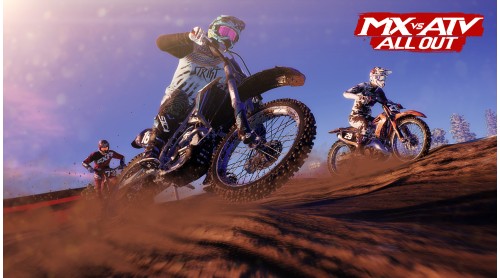
All Terrain, All Vehicles, All You! MX vs ATV All Out is the complete off-road racing and lifestyle experience!
Choose between bikes, ATVs, UTVs, refine your rider style at your private compound and blast across massive open worlds to compete head to head in various game modes! The all new Freestyle mode allows you to win with style and crazy stunts! Or go All Out and show your riding skills in Multiplayer!
Features:


How to activate your Steam key?
1. Open your Steam client. (If you don't have a Steam Client, you can install from here https://store.steampowered.com/about/)
2. Sign in to your Steam account. (If you don't have a Steam Account, you can create from here https://store.steampowered.com/join/)
3. Click “ADD A GAME” button which is at the bottom of the Steam Client.
4. Now select "Activate a product on Steam..."
5. Write or copy-paste your Steam key which you purchased from Gamesforpc.
6. Now your game is in your library.
7. Find your game in your library, select and click install to start your download.