 Steam
Steam 79.99€
Added to Cart
79.99€
Added to Wishlist
79.99€
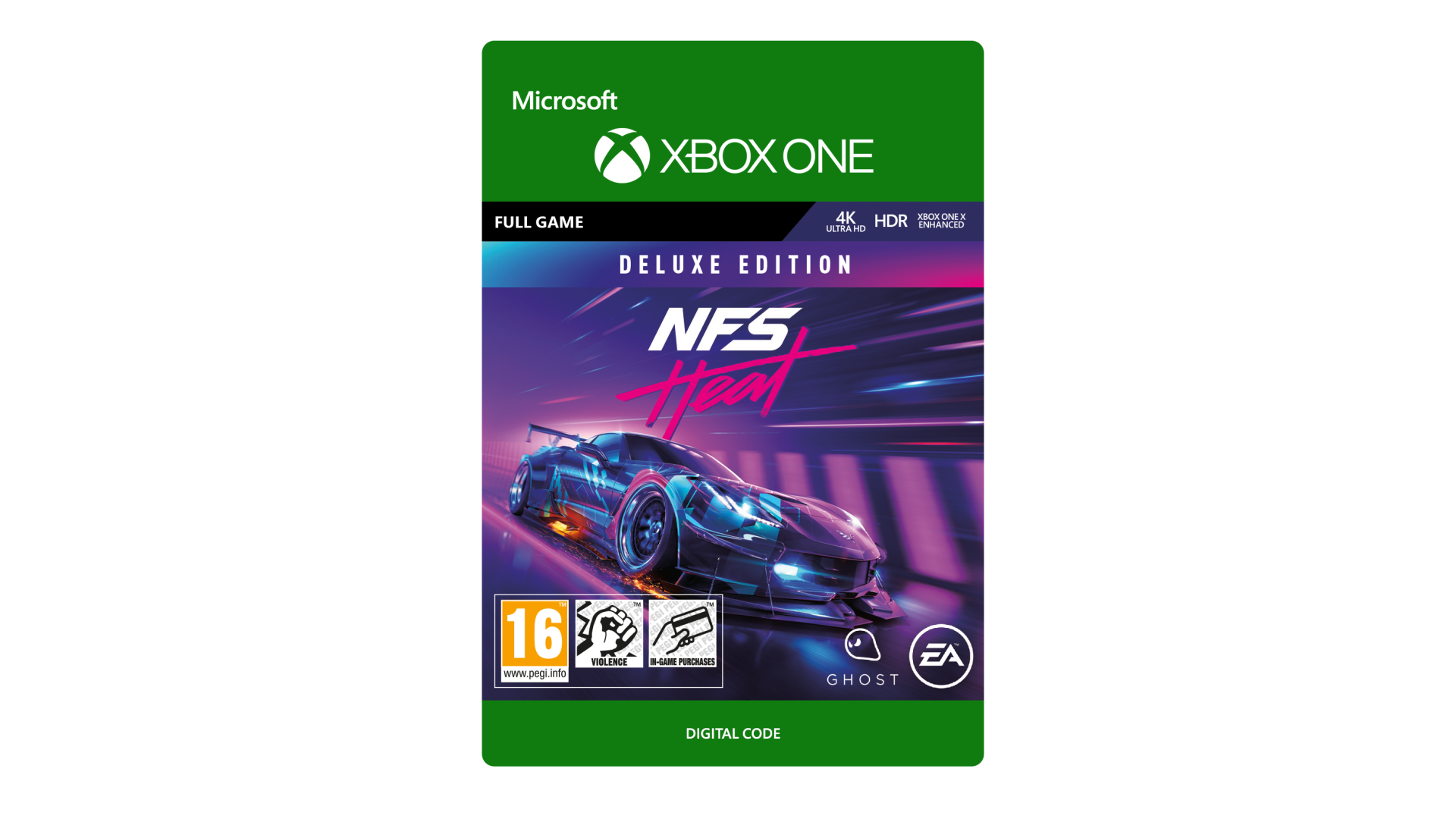
NEED FOR SPEED HEAT DELUXE EDITION
Hustle by day and risk it all at night in Need for SpeedTM Heat, a thrilling race experience that pits you against a city’s rogue police force as you battle your way into street racing’s elite.
Get noticed in Need for SpeedTM Heat with the K.S Edition starter car, 3 additional K.S Edition cars unlocked through progression, 4 exclusive character outfits and a REP and BANK boost.
ACCEPTANCE OF EA USER AGREEMENT (terms.ea.com) AND ACKNOWLEDGEMENT OF EA’S PRIVACY AND COOKIE POLICY (privacy.ea.com) REQUIRED TO PLAY. YOU MAY NEED TO BE 16+ AND HAVE AN INTERNET CONNECTION AND EA ACCOUNT TO ACCESS ONLINE FEATURES AND DELUXE CONTENT (AGE MAY VARY, SEE http://o.ea.com/ea/child-access FOR DETAILS). EA MAY PROVIDE CERTAIN FREE INCREMENTAL CONTENT AND/OR UPDATES, IF AND WHEN AVAILABLE. EA MAY RETIRE ONLINE FEATURES AFTER 30 DAYS NOTICE POSTED ON ea.com/service-updates. ADDITIONAL CONTENT WILL BE DOWNLOADED TO YOUR DEVICE AUTOMATICALLY. YOU MAY HAVE TO PURCHASE THIS CONTENT SEPARATELY. CONTENT DOWNLOADS MAY REQUIRE ADDITIONAL STORAGE OR INCUR BROADBAND USAGE FEES.
© 2019 Electronic Arts inc. EA, the EA logo, Need For Speed and the Need For Speed logo are trademarks of Electronic Arts inc. the names, designs, and logos of all products are the property of their respective owners and used by permission.
Vehicles may have been customized by EA using fictitious or licensed AEM parts, logos or modifications.Electronic Arts Inc. 209 Redwood Shores Parkway, Redwood City, CA 94065.


How to activate your Steam key?
1. Open your Steam client. (If you don't have a Steam Client, you can install from here https://store.steampowered.com/about/)
2. Sign in to your Steam account. (If you don't have a Steam Account, you can create from here https://store.steampowered.com/join/)
3. Click “ADD A GAME” button which is at the bottom of the Steam Client.
4. Now select "Activate a product on Steam..."
5. Write or copy-paste your Steam key which you purchased from Gamesforpc.
6. Now your game is in your library.
7. Find your game in your library, select and click install to start your download.