 Steam
Steam 9.99€
Added to Cart
9.99€
Added to Wishlist
9.99€
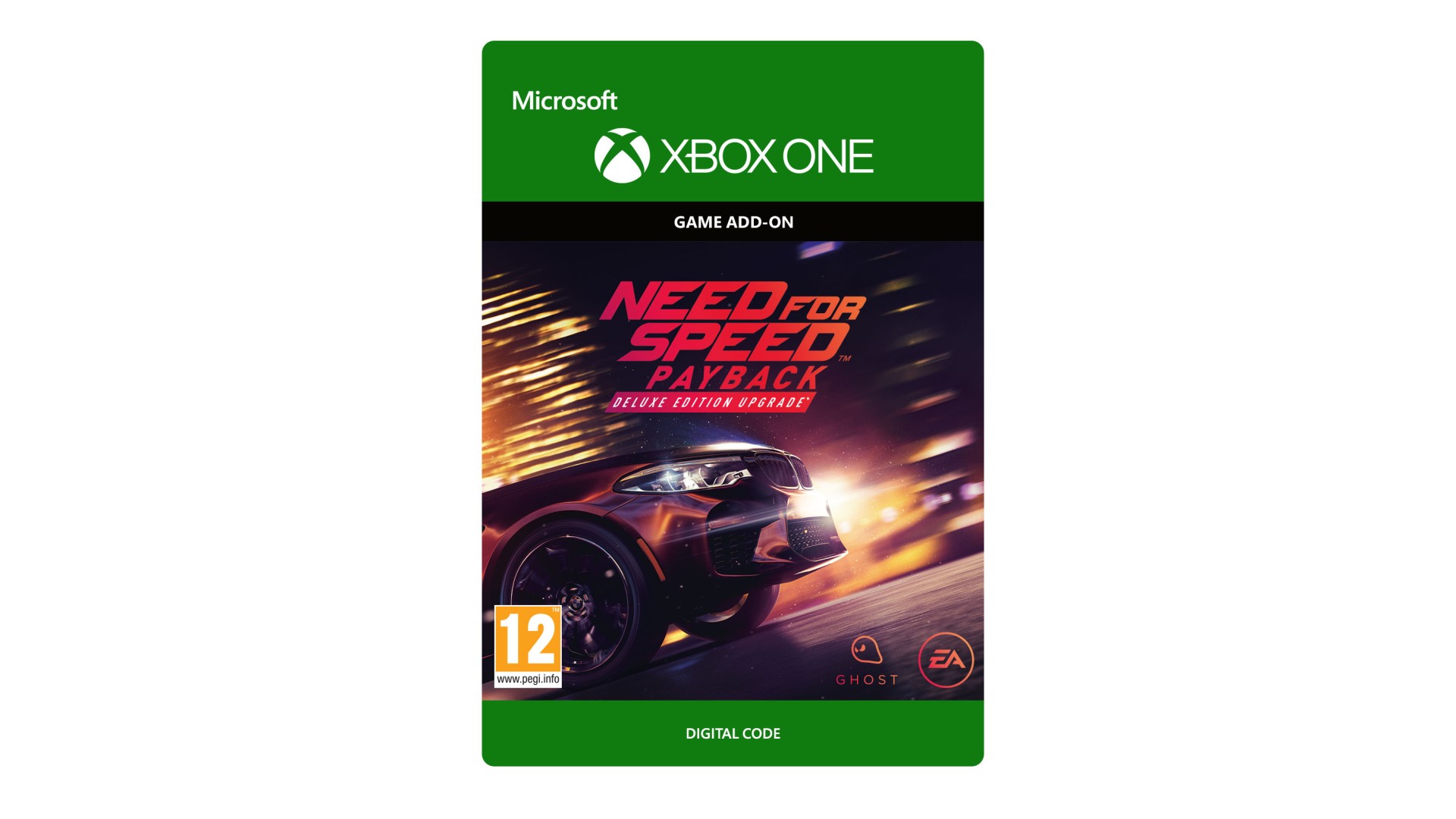
NEED FOR SPEED™ PAYBACK DELUXE EDITION UPGRADE
Stand out from the crowd with The Need for Speed™ Payback - Deluxe Edition Upgrade with exclusive customisation
items, in-game discounts, Rep bonuses, and five shipments to get your adventure started.
The Need for Speed™ Payback - Deluxe Edition Upgrade also includes the Upcoming Story Mission Pack and
Platinum Car Pack:
Deluxe Edition Content:
Platinum Car Pack:
† PLATINUM BLUE TIRE SMOKE EXCLUSIVE TO PLATINUM CAR PACK VEHICLES. PLATINUM BLUE UNDERGLOW EXCLUSIVE TO
STANDARD AND DELUXE EDITION PRE-ORDERS AND DELUXE EDITION UPGRADES.
REQUIRES NEED FOR SPEED PAYBACK ON XBOX ONE (SOLD SEPARATELY)
AND ALL GAME UPDATES.
Need for Speed Payback © 2017 Electronic Arts Inc. EA, the EA logo,
Need for Speed and the Need for Speed logo are trademarks of Electronic Arts Inc.


How to activate your Steam key?
1. Open your Steam client. (If you don't have a Steam Client, you can install from here https://store.steampowered.com/about/)
2. Sign in to your Steam account. (If you don't have a Steam Account, you can create from here https://store.steampowered.com/join/)
3. Click “ADD A GAME” button which is at the bottom of the Steam Client.
4. Now select "Activate a product on Steam..."
5. Write or copy-paste your Steam key which you purchased from Gamesforpc.
6. Now your game is in your library.
7. Find your game in your library, select and click install to start your download.