
 Steam
Steam  Windows
 | Release Date | 11.12.2025 |
| Publisher | HandyGames |
| Operating Systems | Windows |
| Genres | Simulation, Strategy, Adventure, indie |
9.99€
Added to Cart
9.99€
Added to Wishlist
9.99€
Build, Automate, and Thrill!
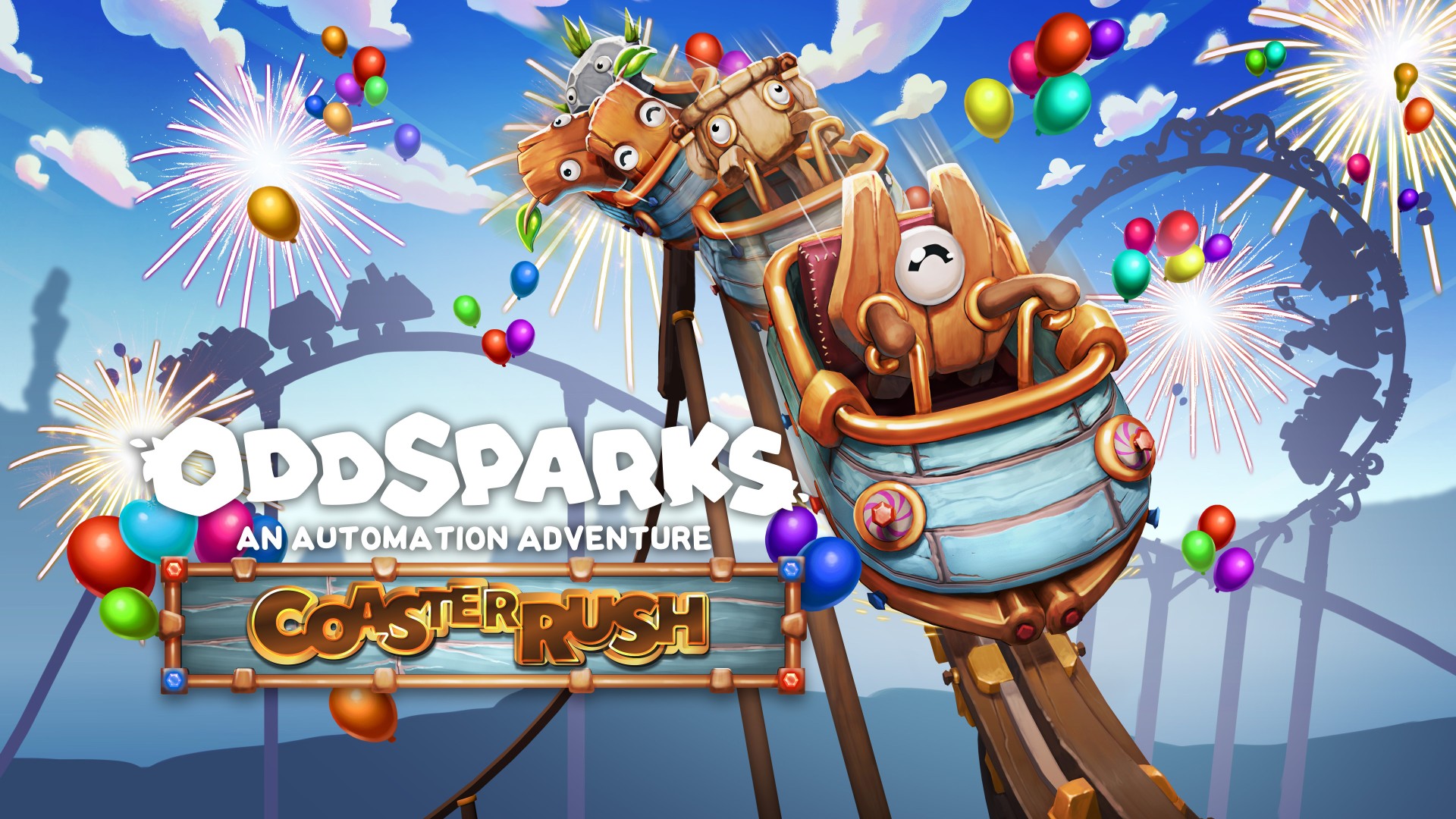
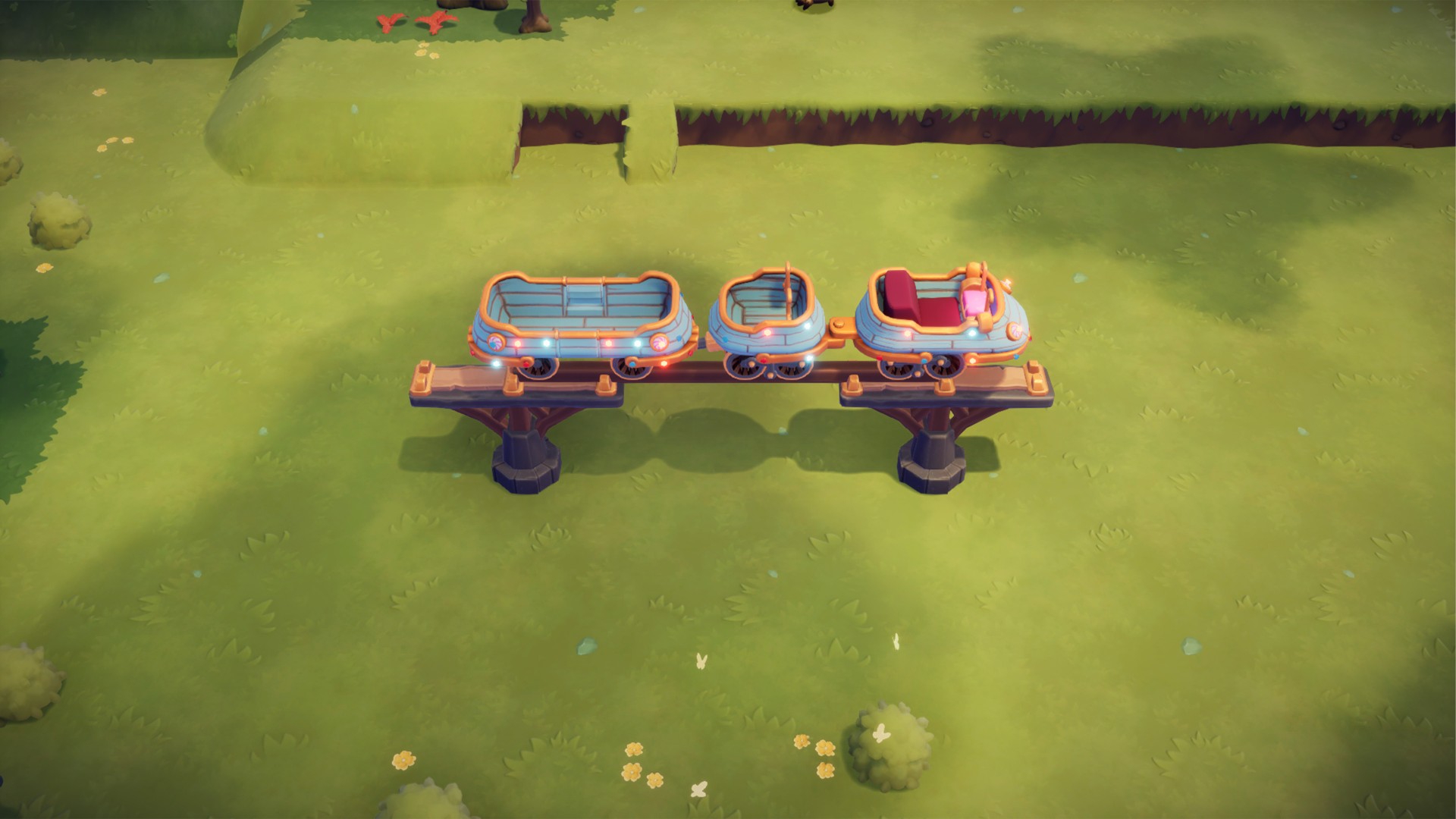
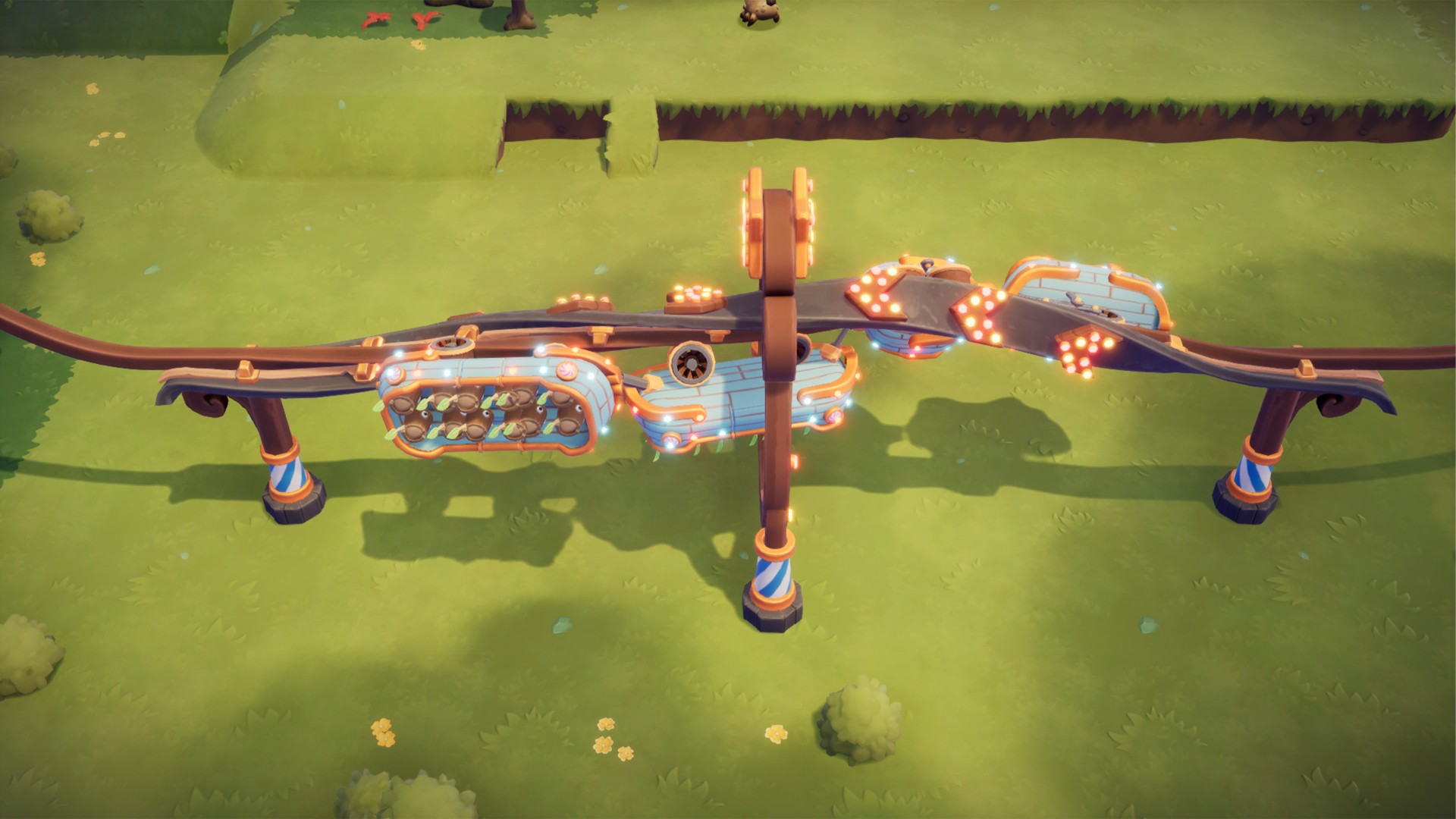
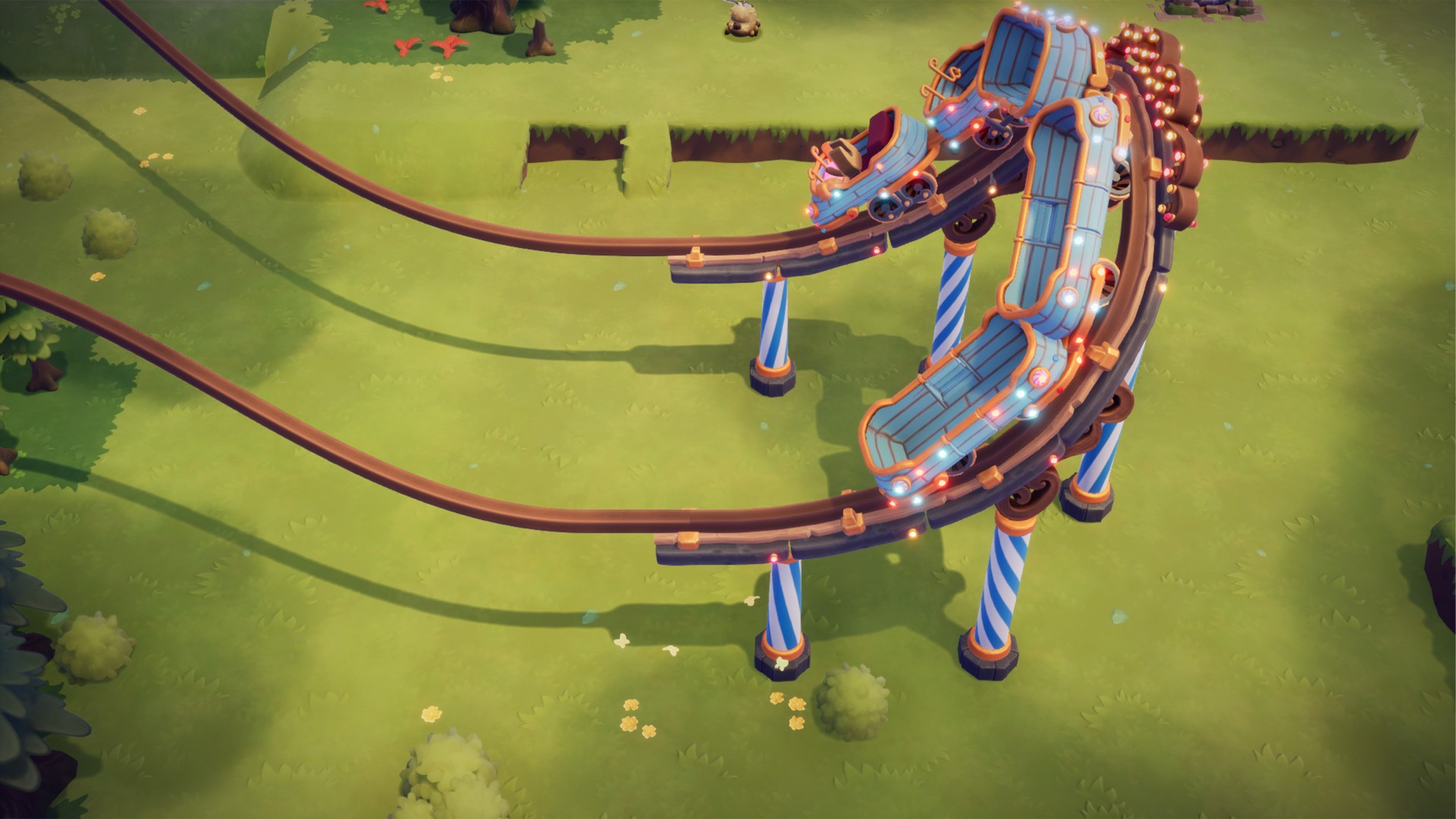
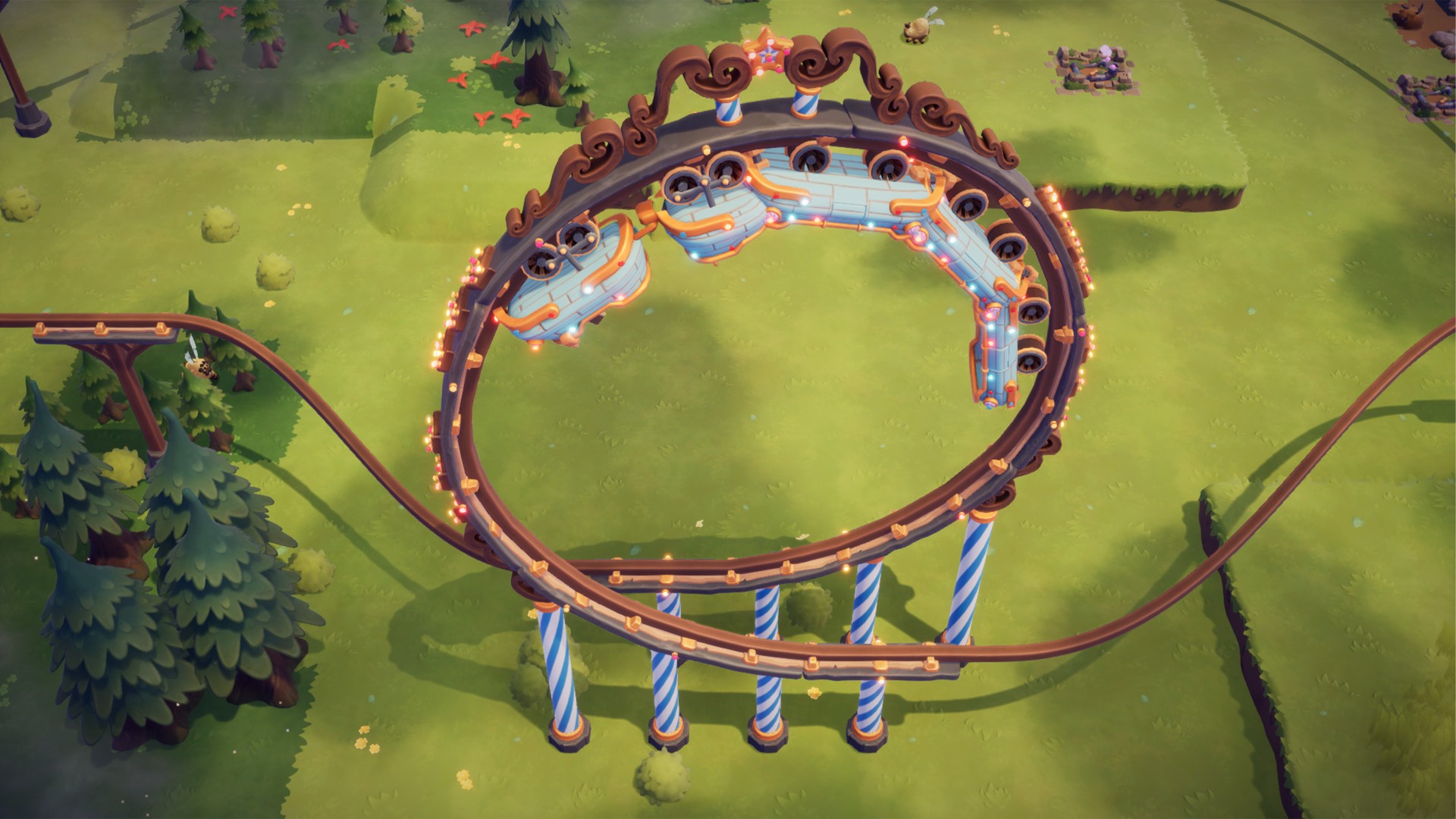
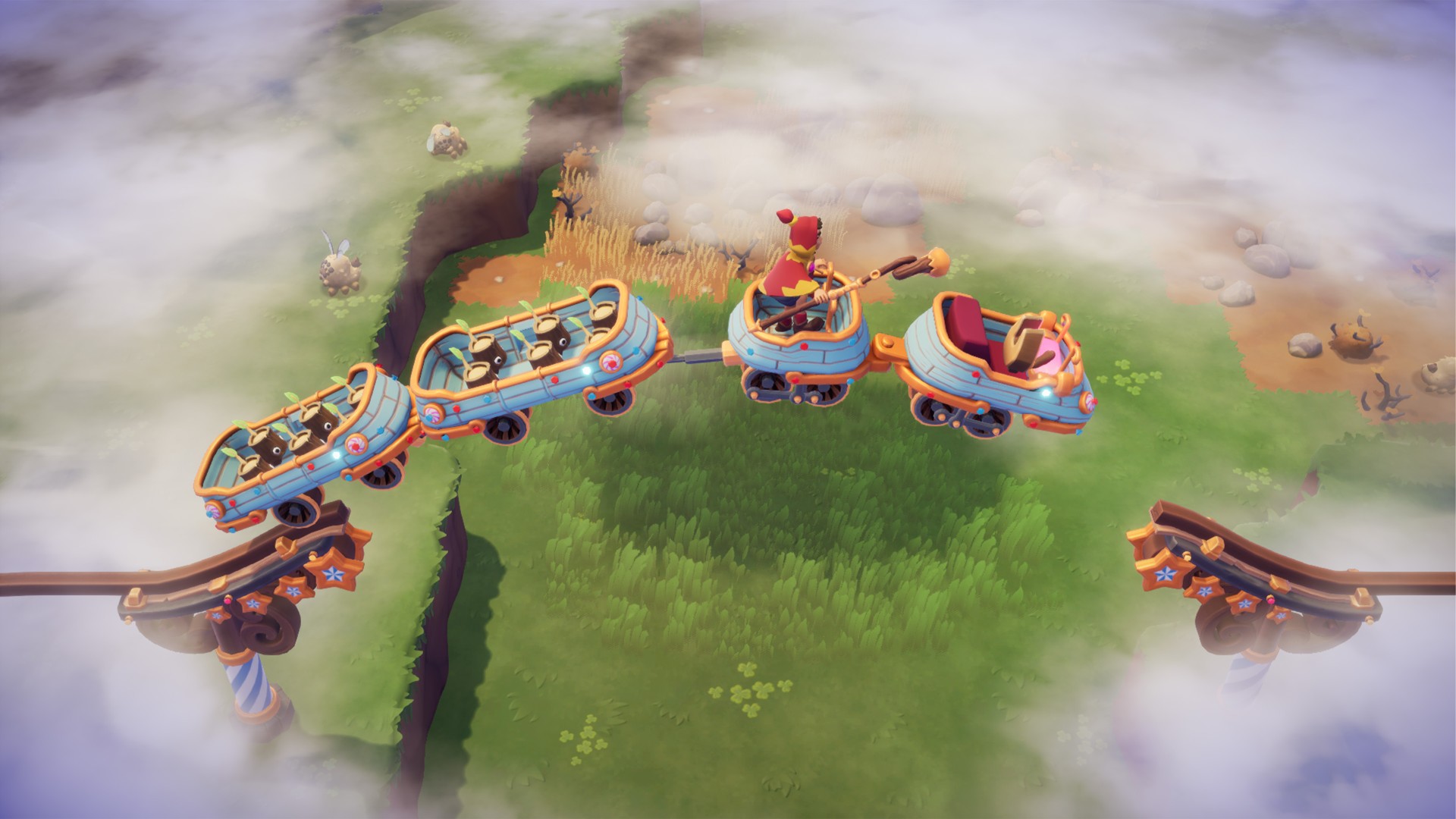
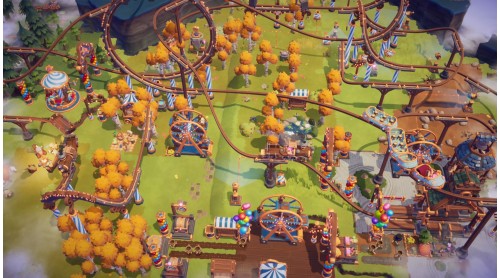
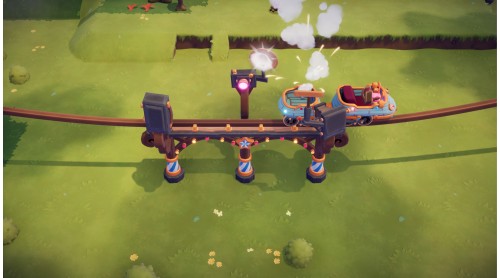
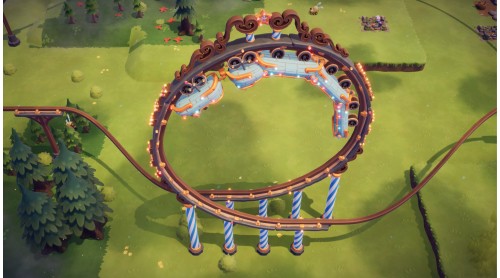
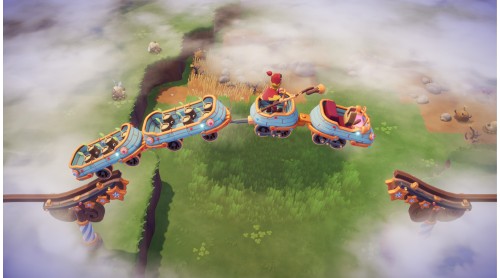
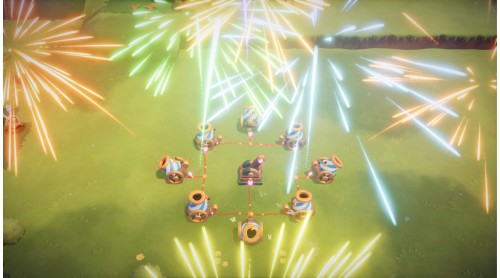
Get ready for a theme park frenzy! The Coaster Rush expansion blends intricate automation with spectacular, heart-pounding theme park elements. Give your Sparks the adventure they deserve, and inject pure, joyous excitement into your logistics network with incredible coaster-style train tracks!
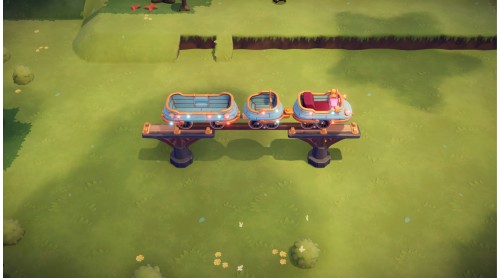
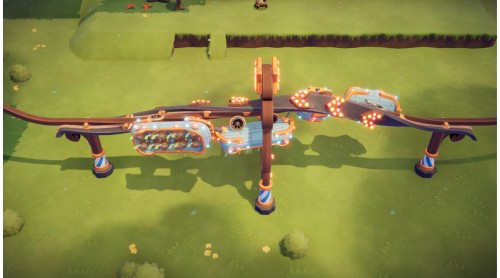
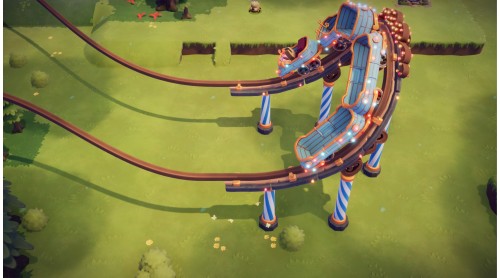
New Train Tracks: Thrills on Rails!
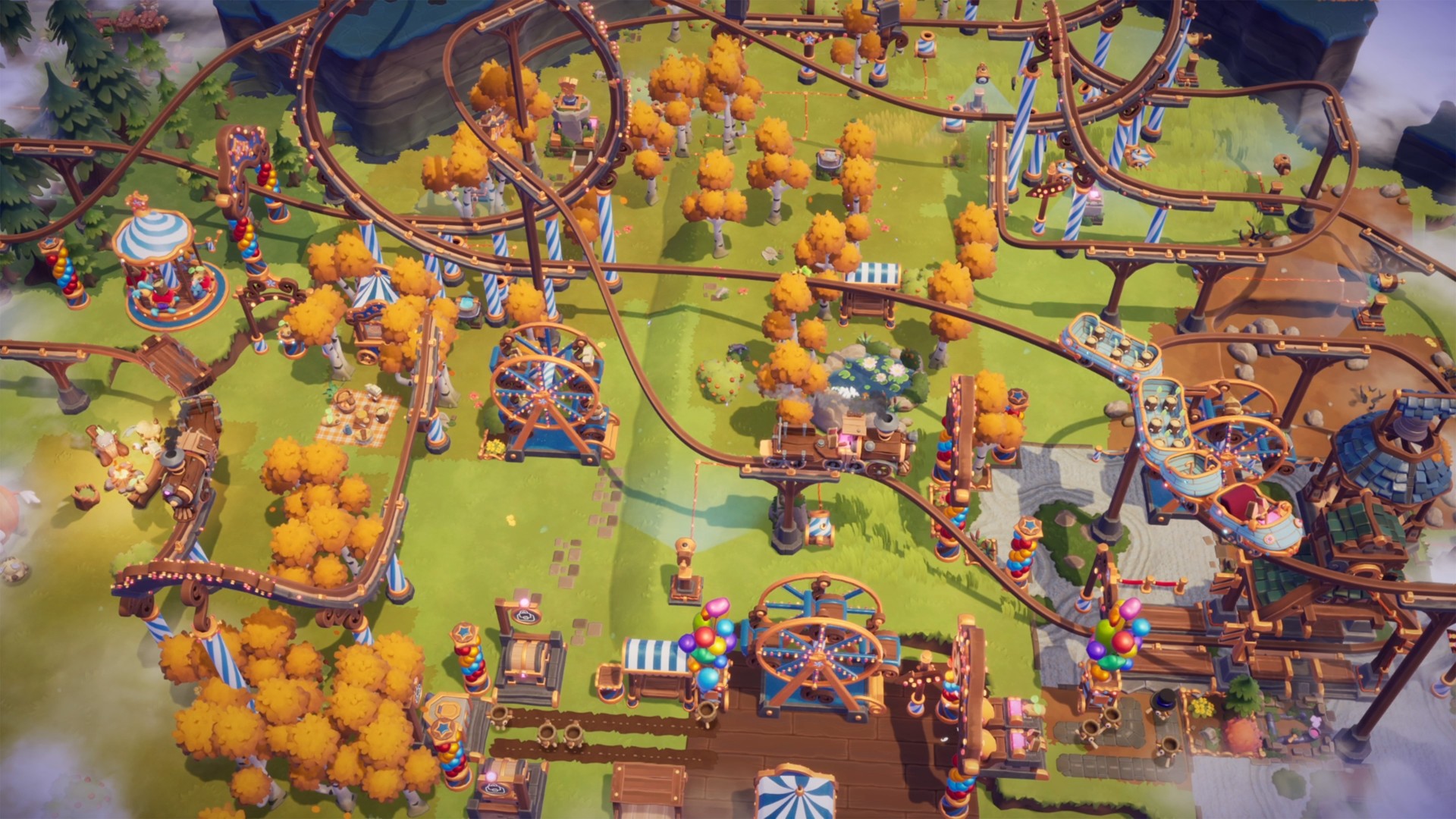
Ditch the drab logistics and embrace the dramatic with a host of new Rollercoaster Train Tracks!
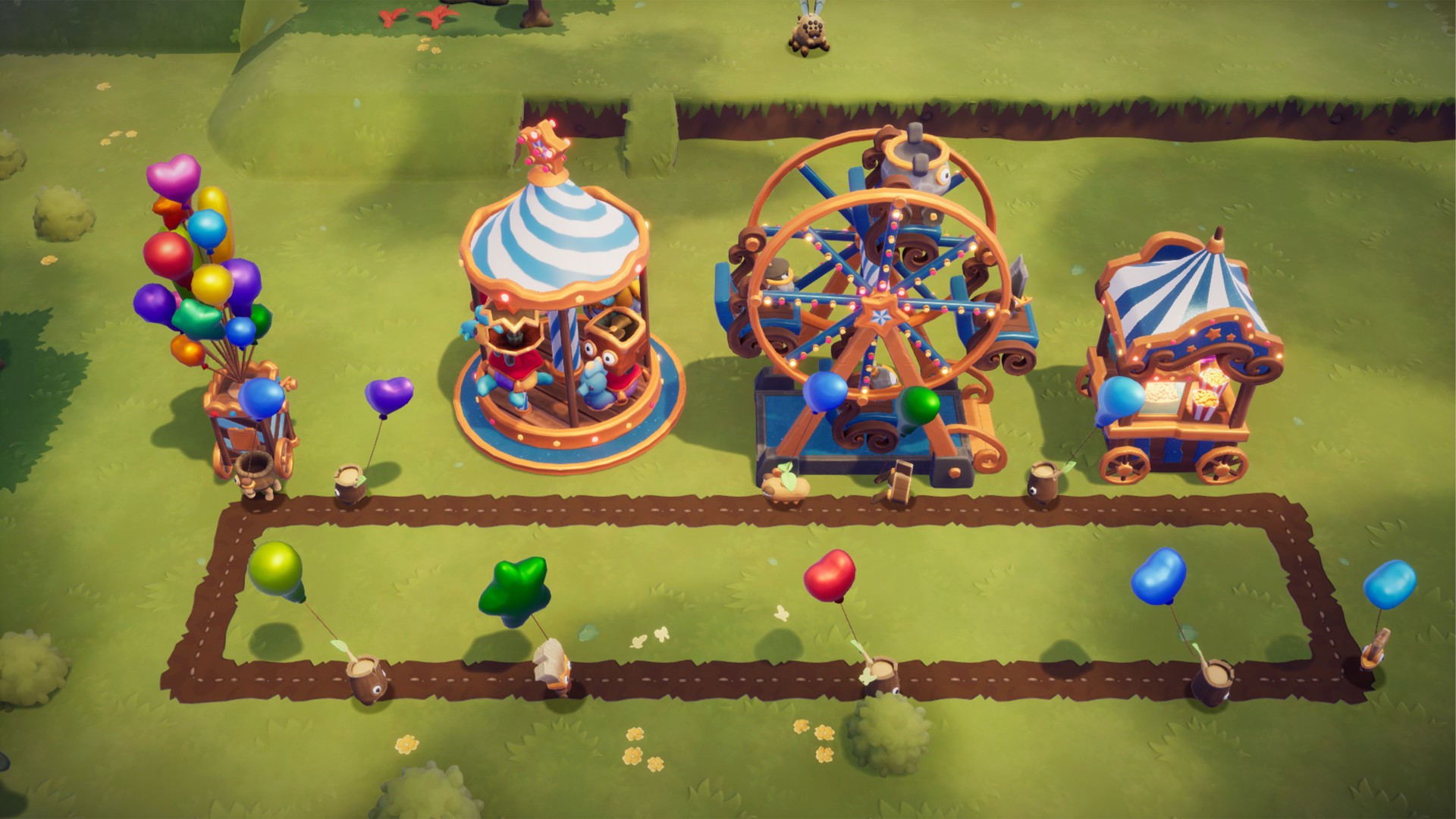
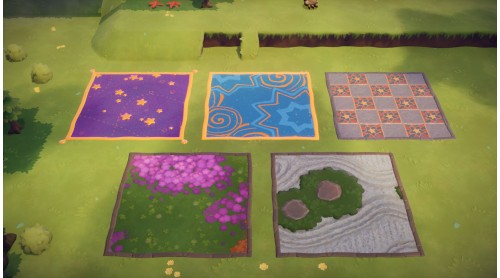
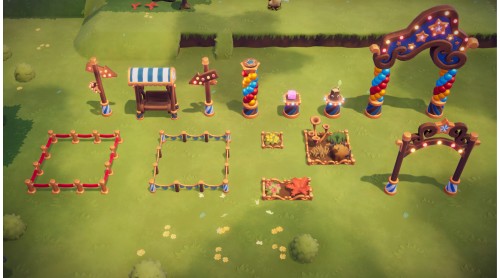
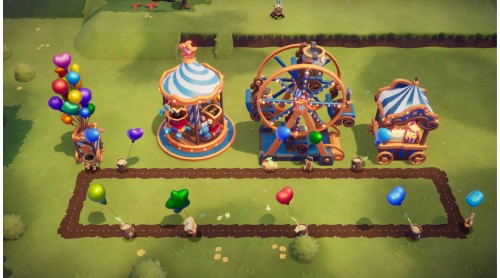
Theme Park Ambiance: Make Work a Walk in the Park!
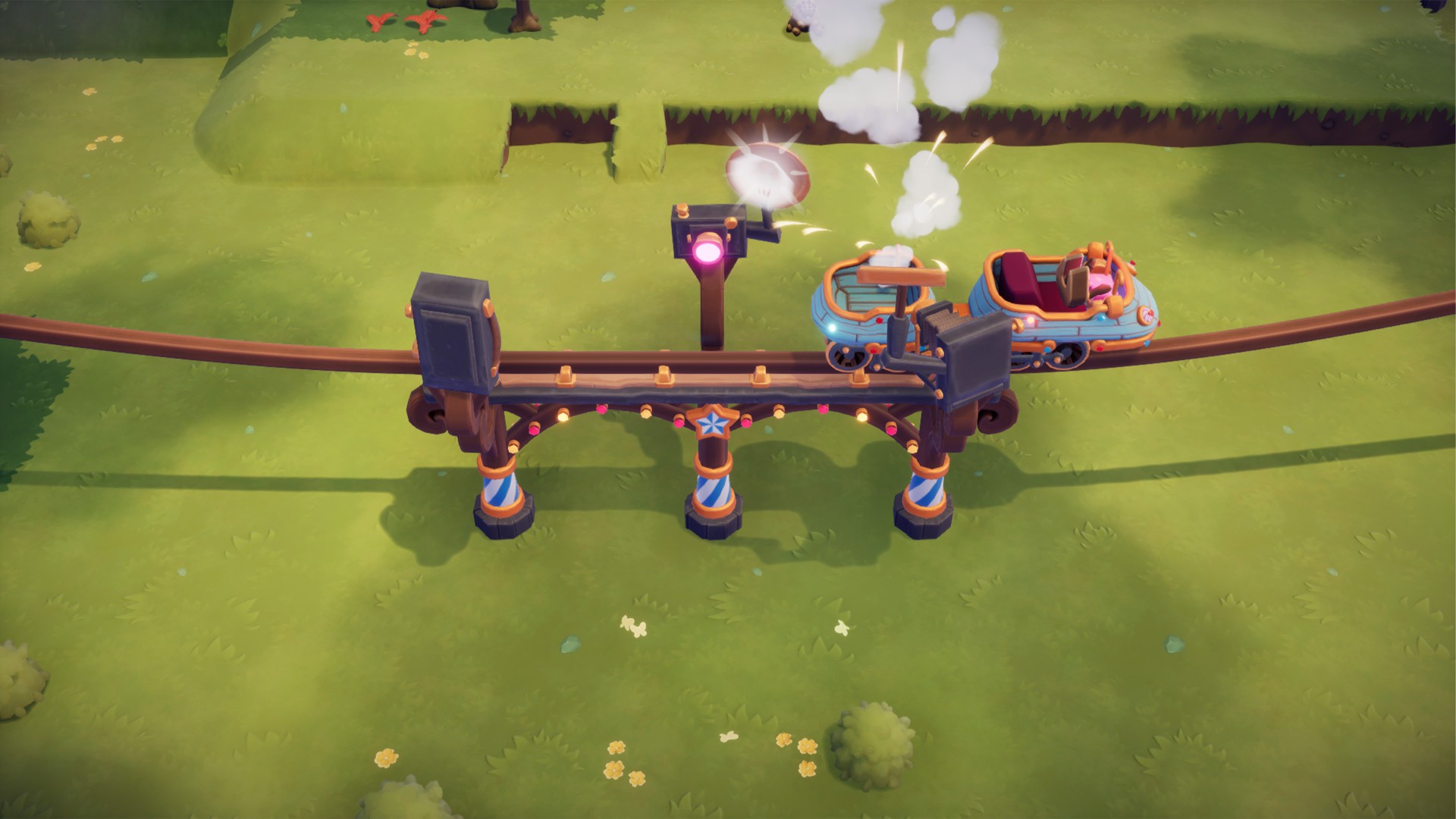
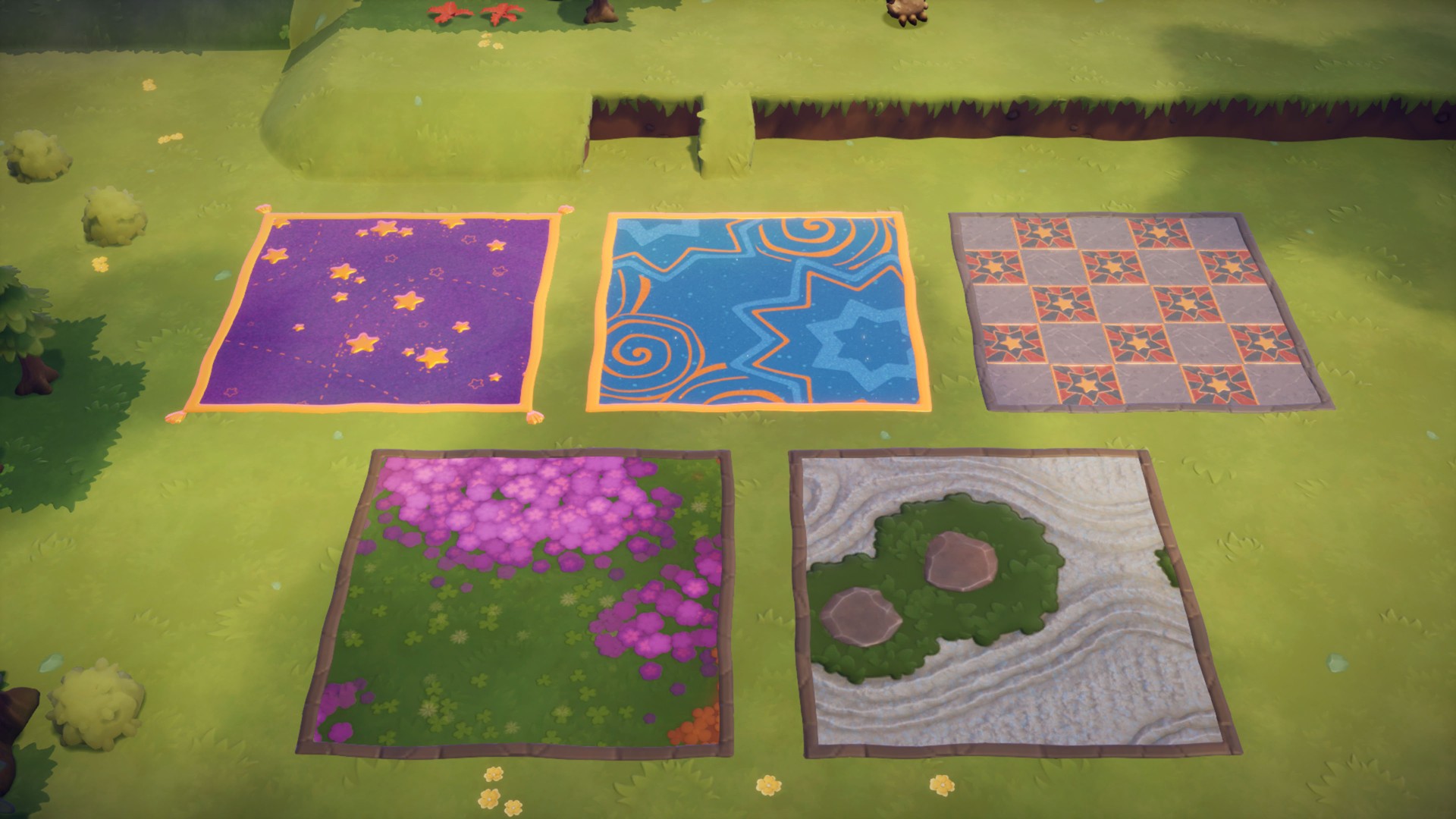
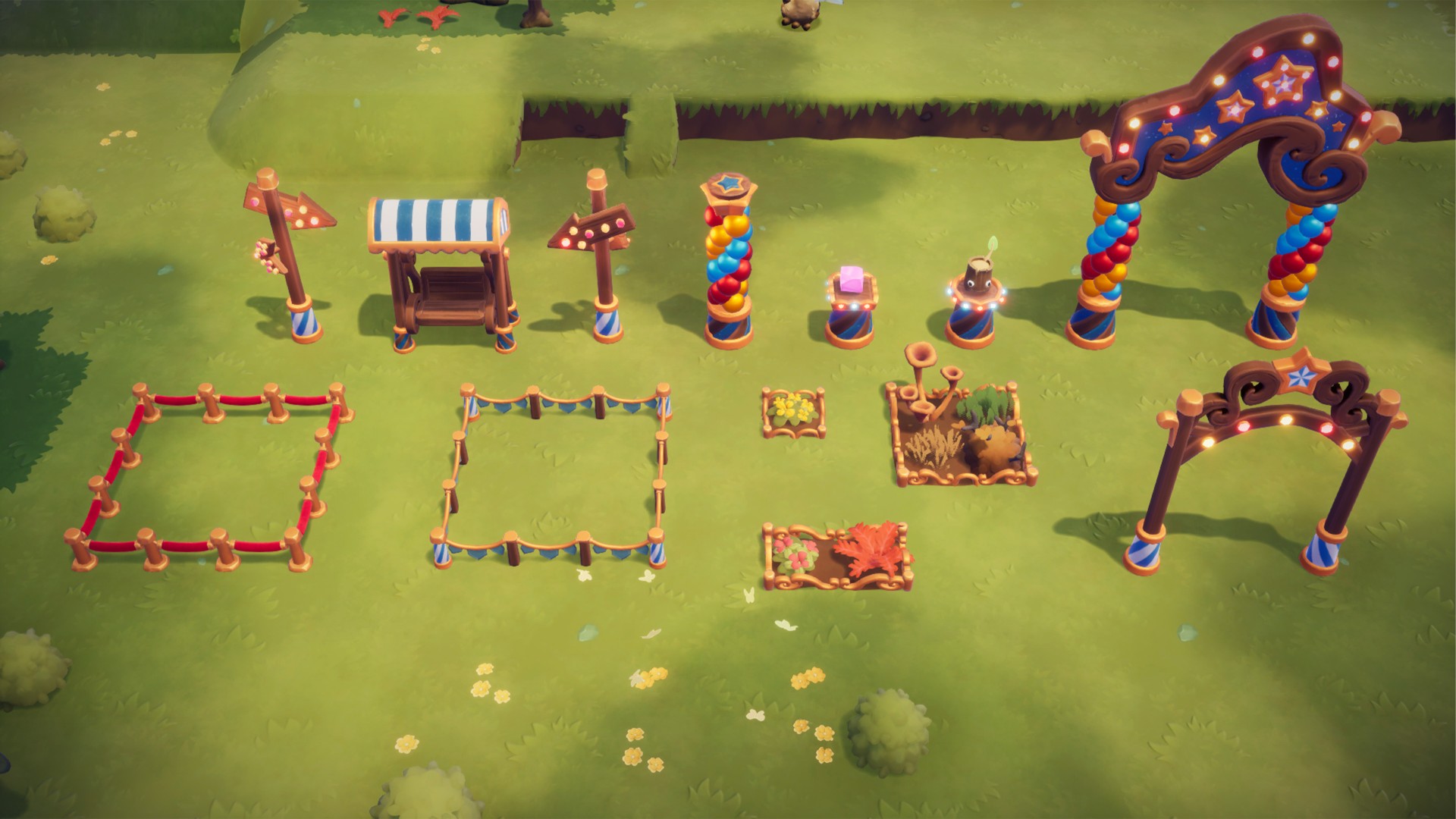
It's not a park without the proper atmosphere! Transform your workshop into a theme park with the packed with the brand-new decorations:
© 2025 THQ Nordic AB Sweden. Developed by Massive Miniteam, Germany. Published by www.Handy-Games.com GmbH, Germany. Oddsparks, THQ, THQ Nordic, HandyGames, and their respective logos are trademarks and/or registered trademarks of THQ Nordic AB. All rights reserved. All other brands, product names, and logos are trademarks or registered trademarks of their respective owners.


How to activate your Steam key?
1. Open your Steam client. (If you don't have a Steam Client, you can install from here https://store.steampowered.com/about/)
2. Sign in to your Steam account. (If you don't have a Steam Account, you can create from here https://store.steampowered.com/join/)
3. Click “ADD A GAME” button which is at the bottom of the Steam Client.
4. Now select "Activate a product on Steam..."
5. Write or copy-paste your Steam key which you purchased from Gamesforpc.
6. Now your game is in your library.
7. Find your game in your library, select and click install to start your download.