 Steam
Steam  Windows
 | Release Date | 15.03.2024 |
| Publisher | THQ Nordic |
| Operating Systems | Windows |
| Genres | Action |
39.99€
Added to Cart
39.99€
Added to Wishlist
39.99€
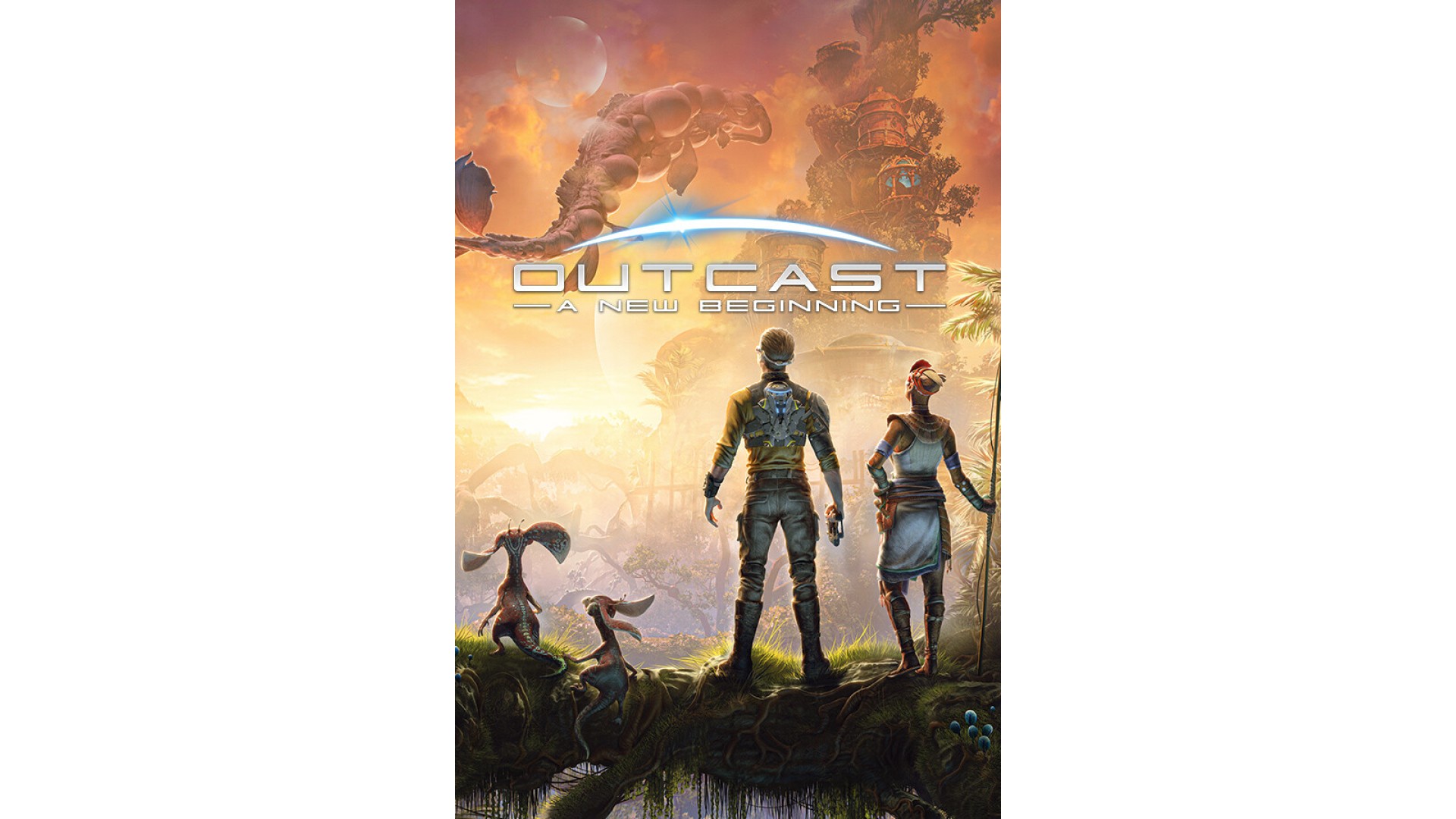
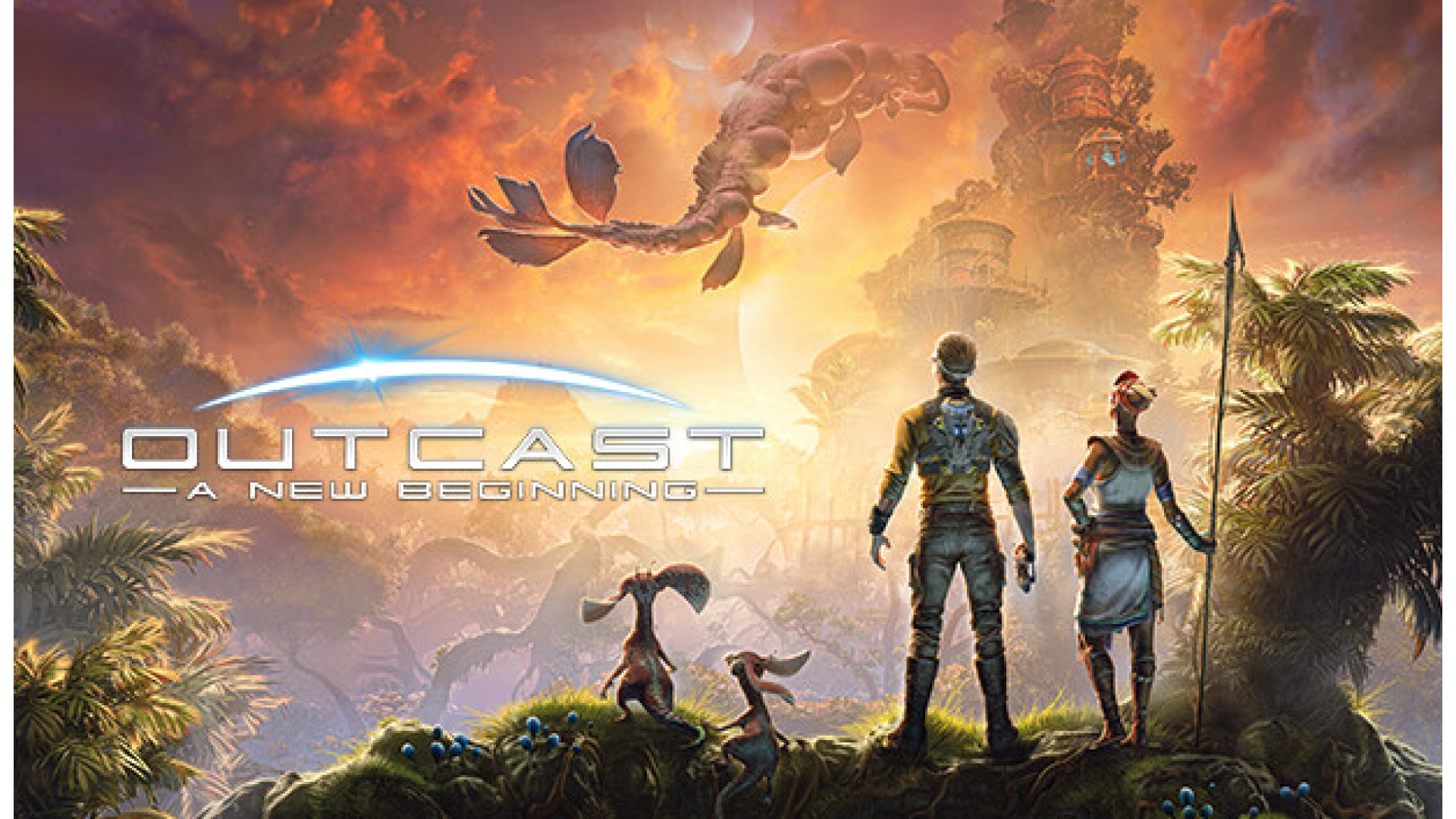
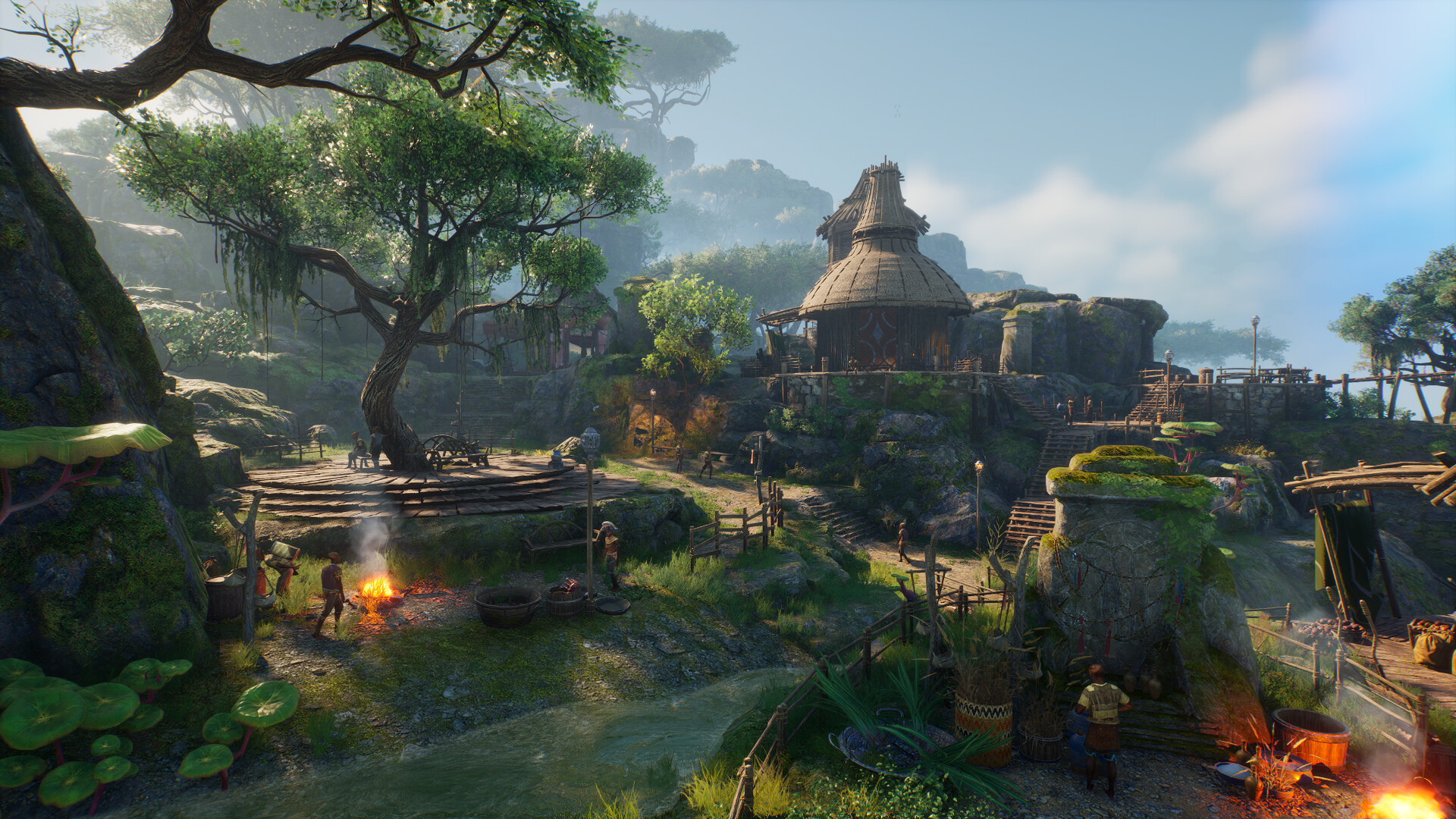
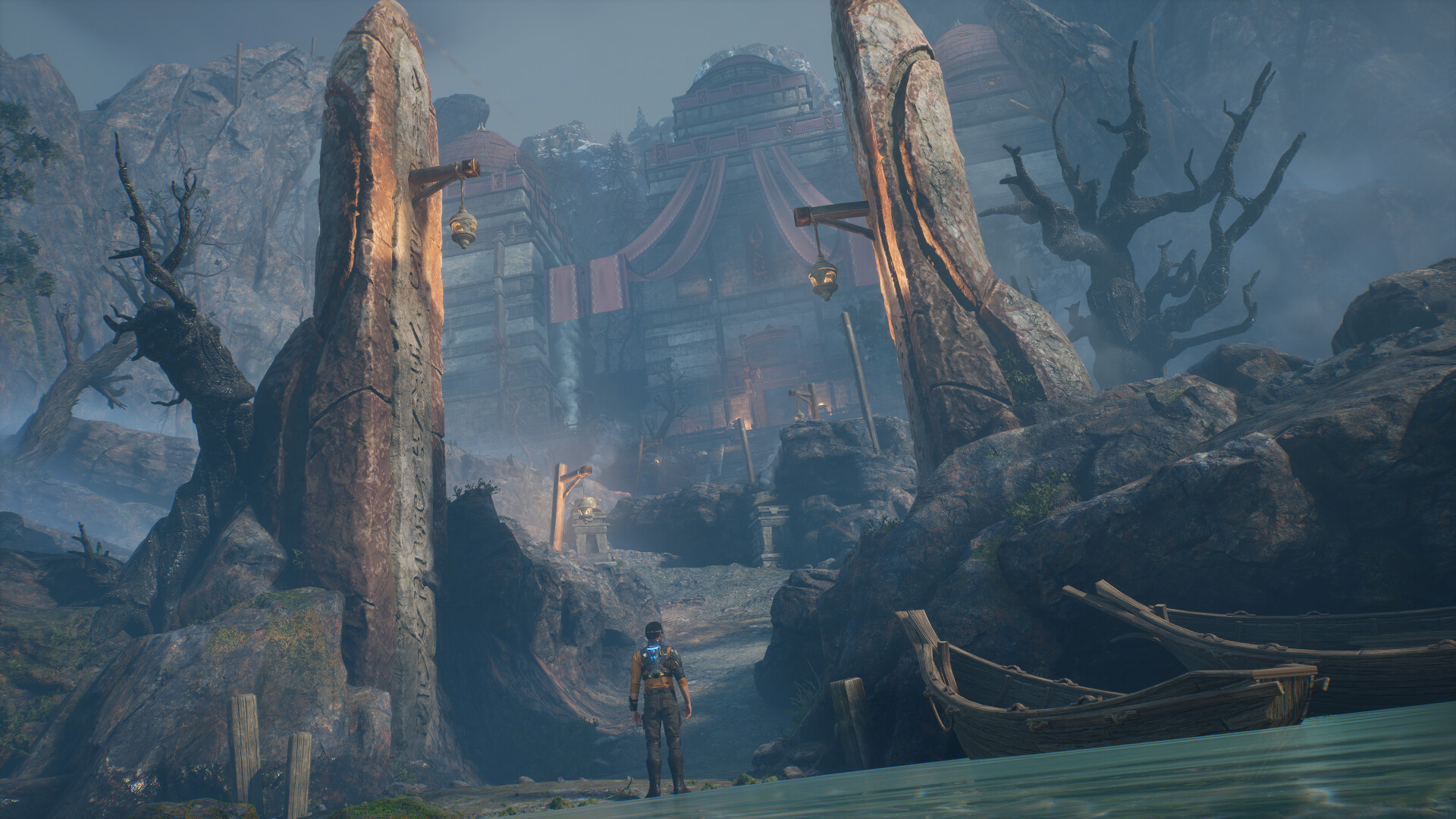
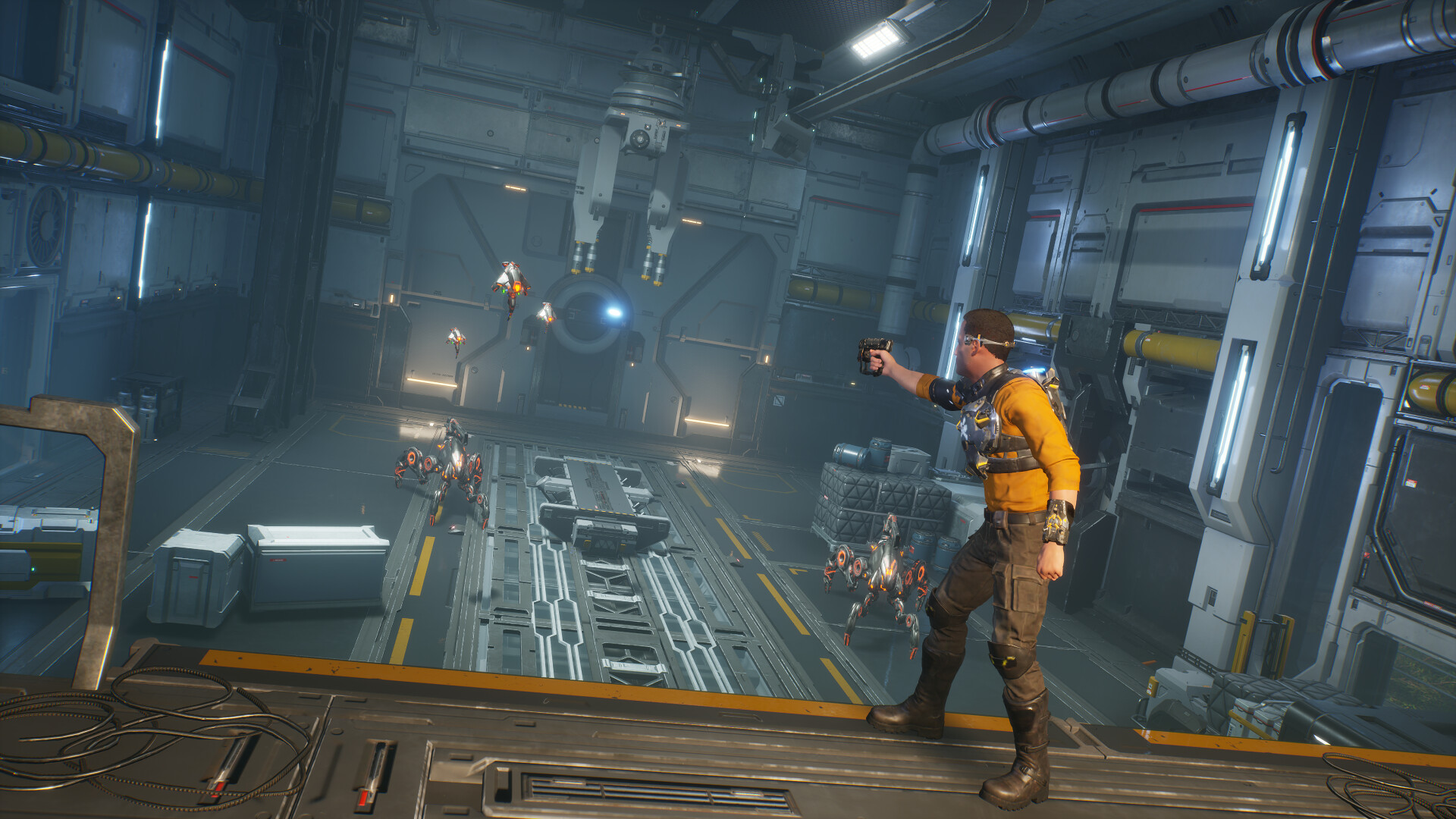
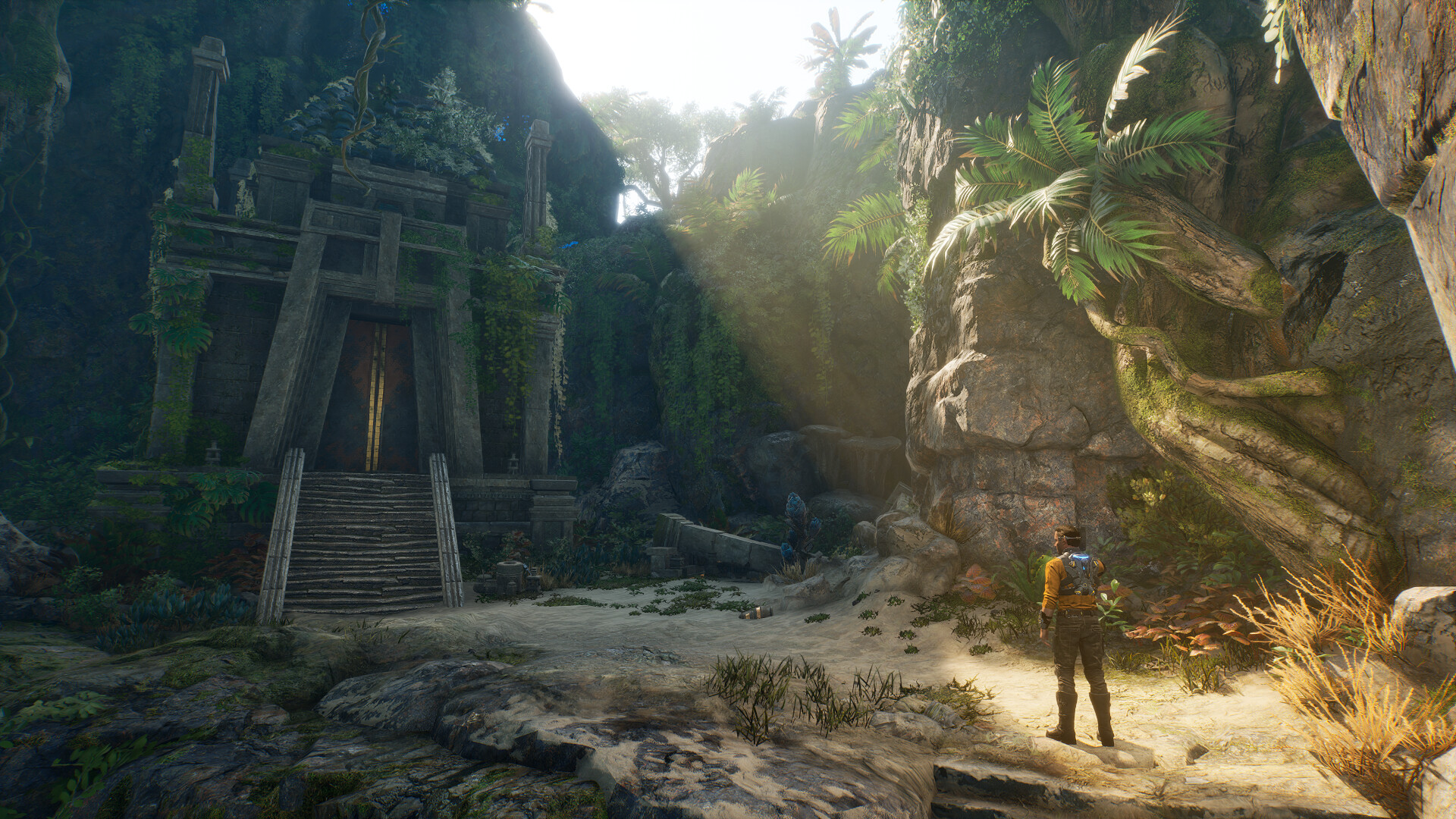
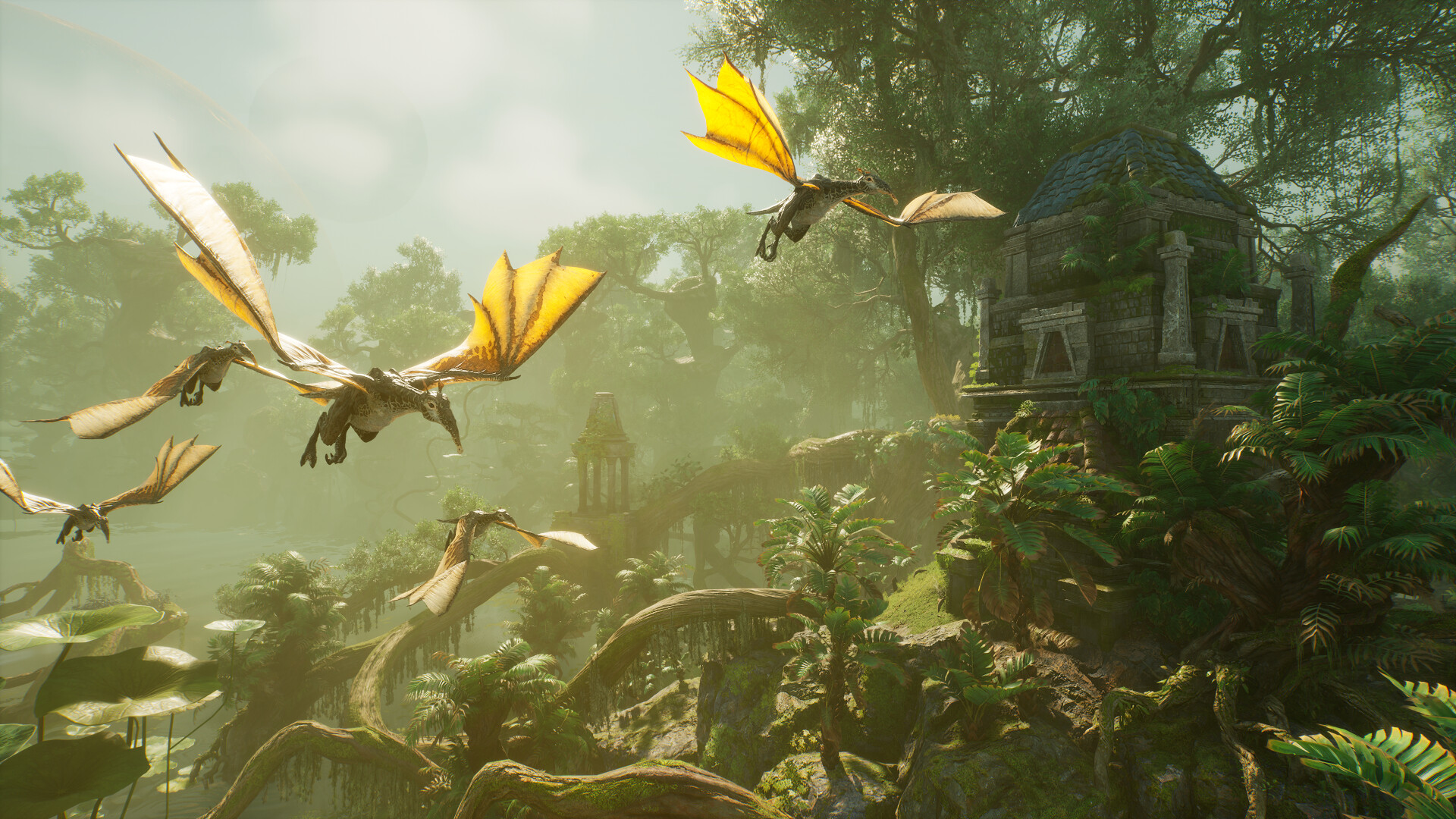
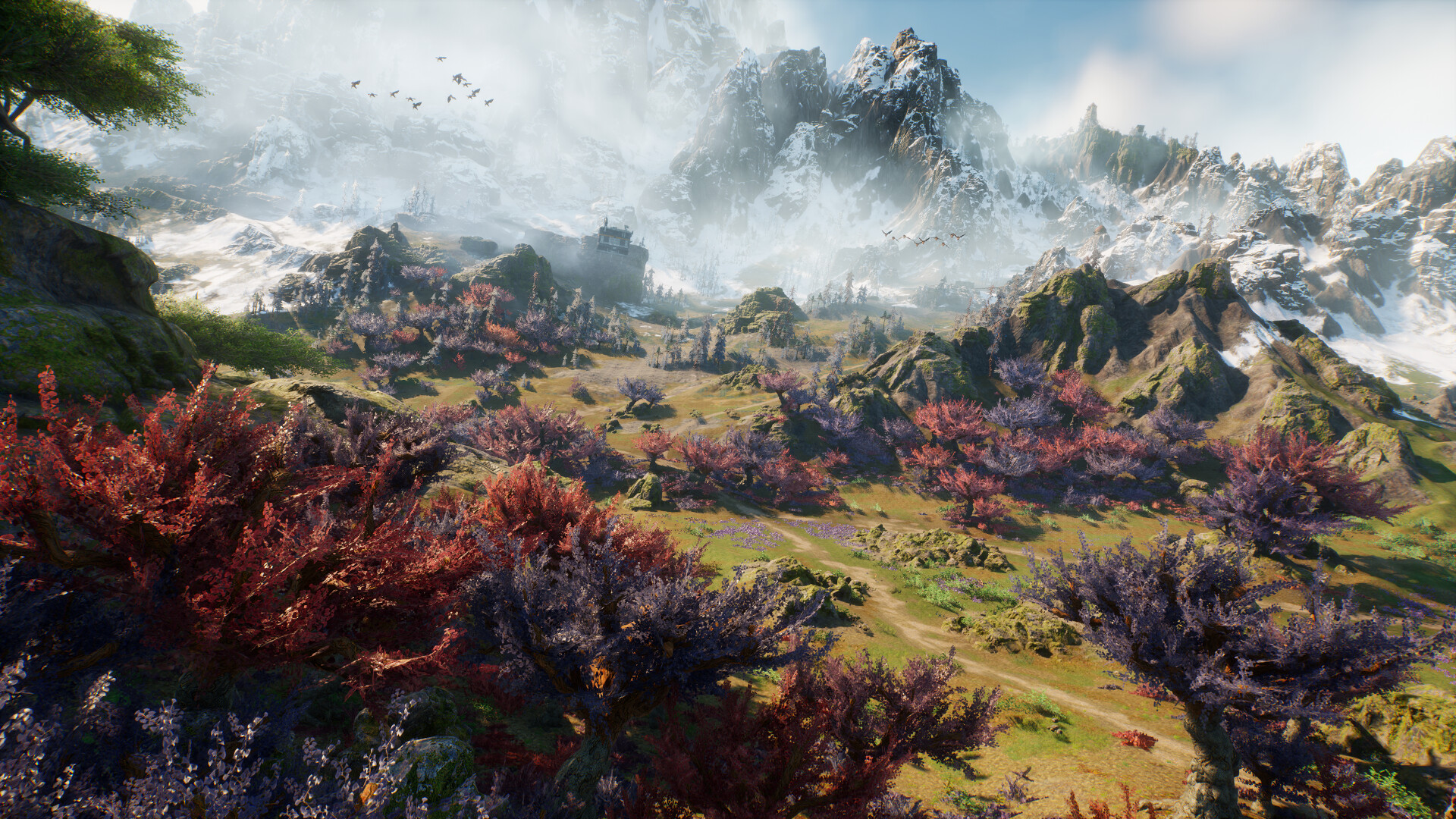
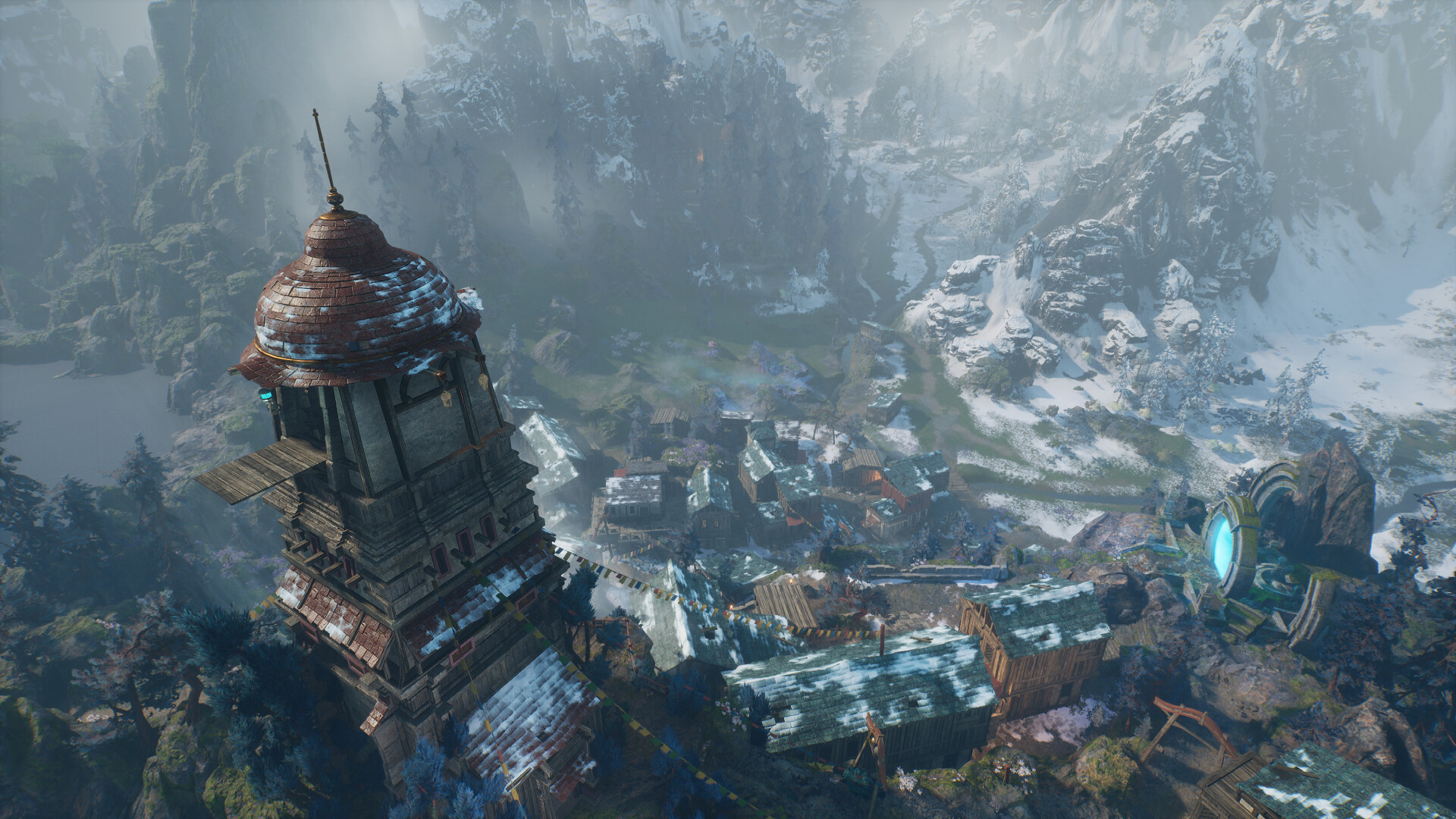
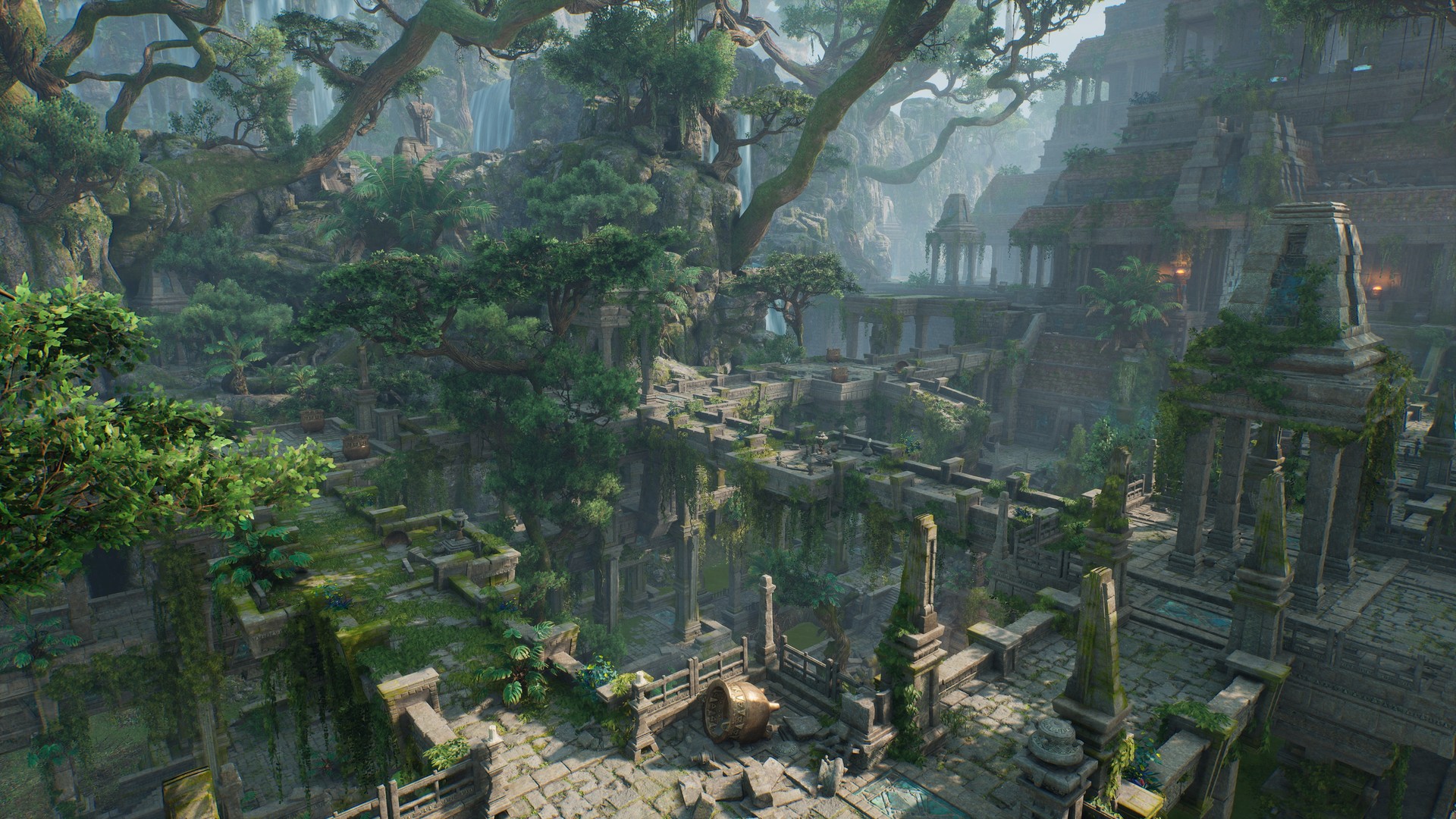
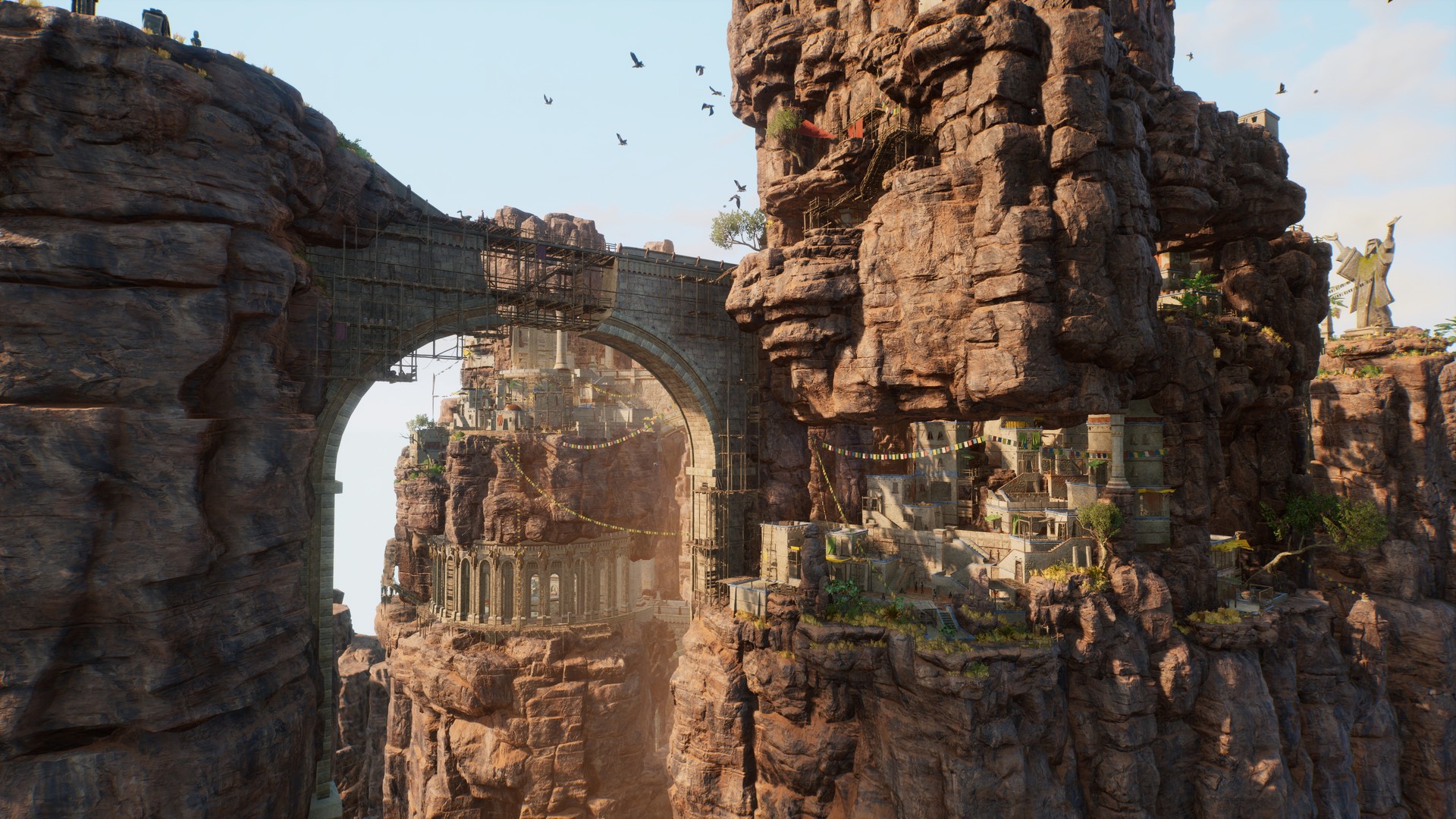
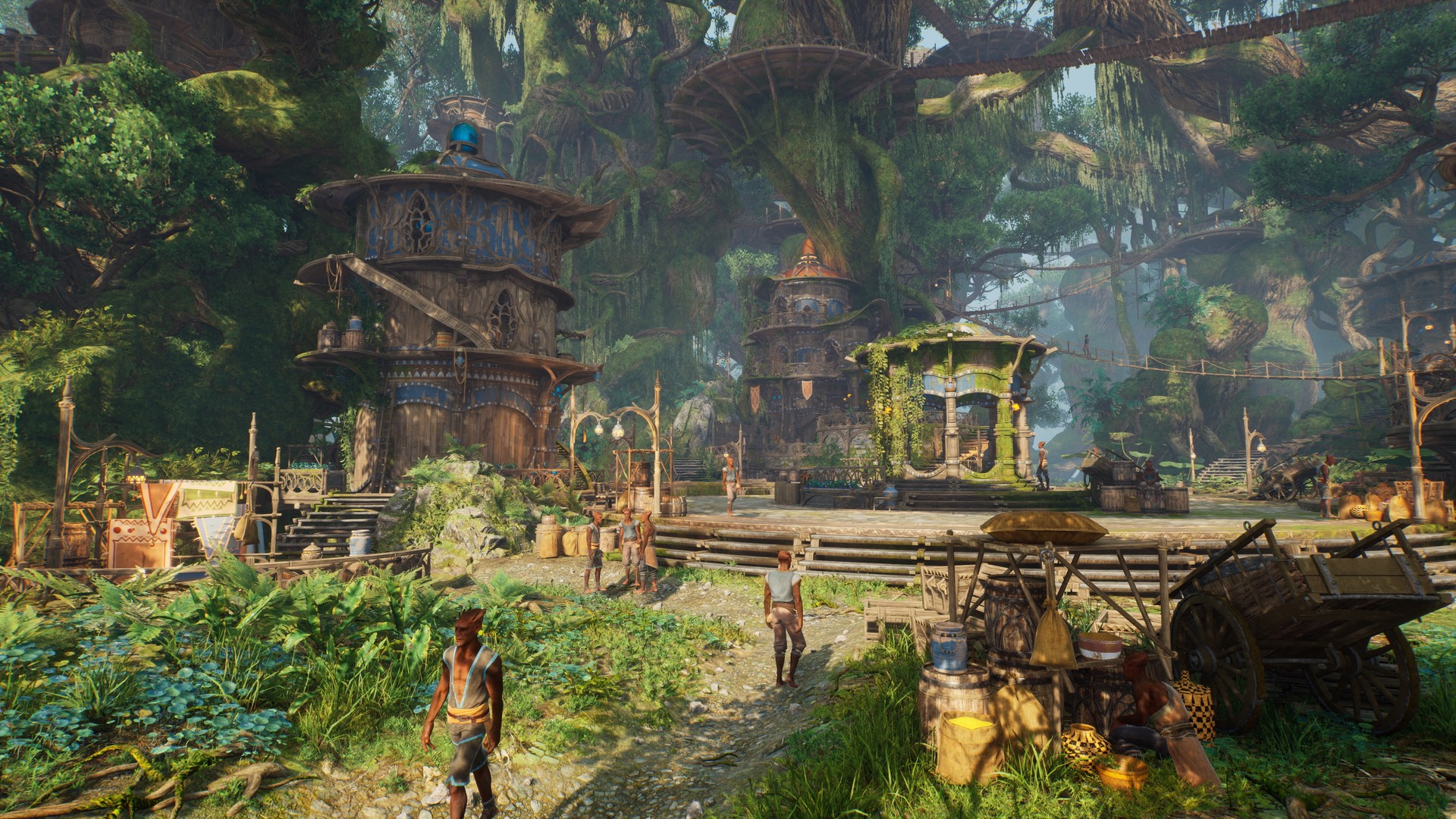
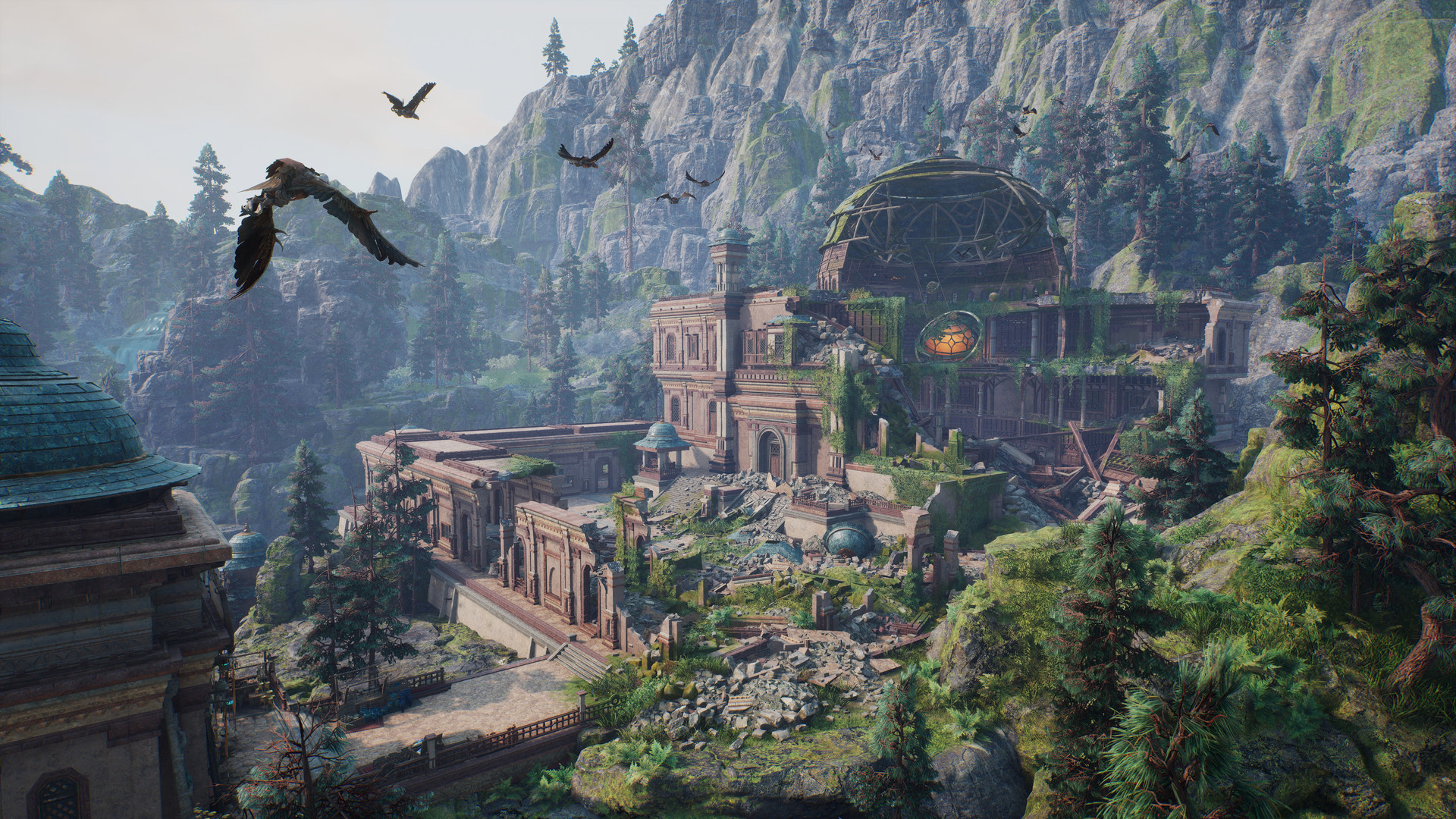
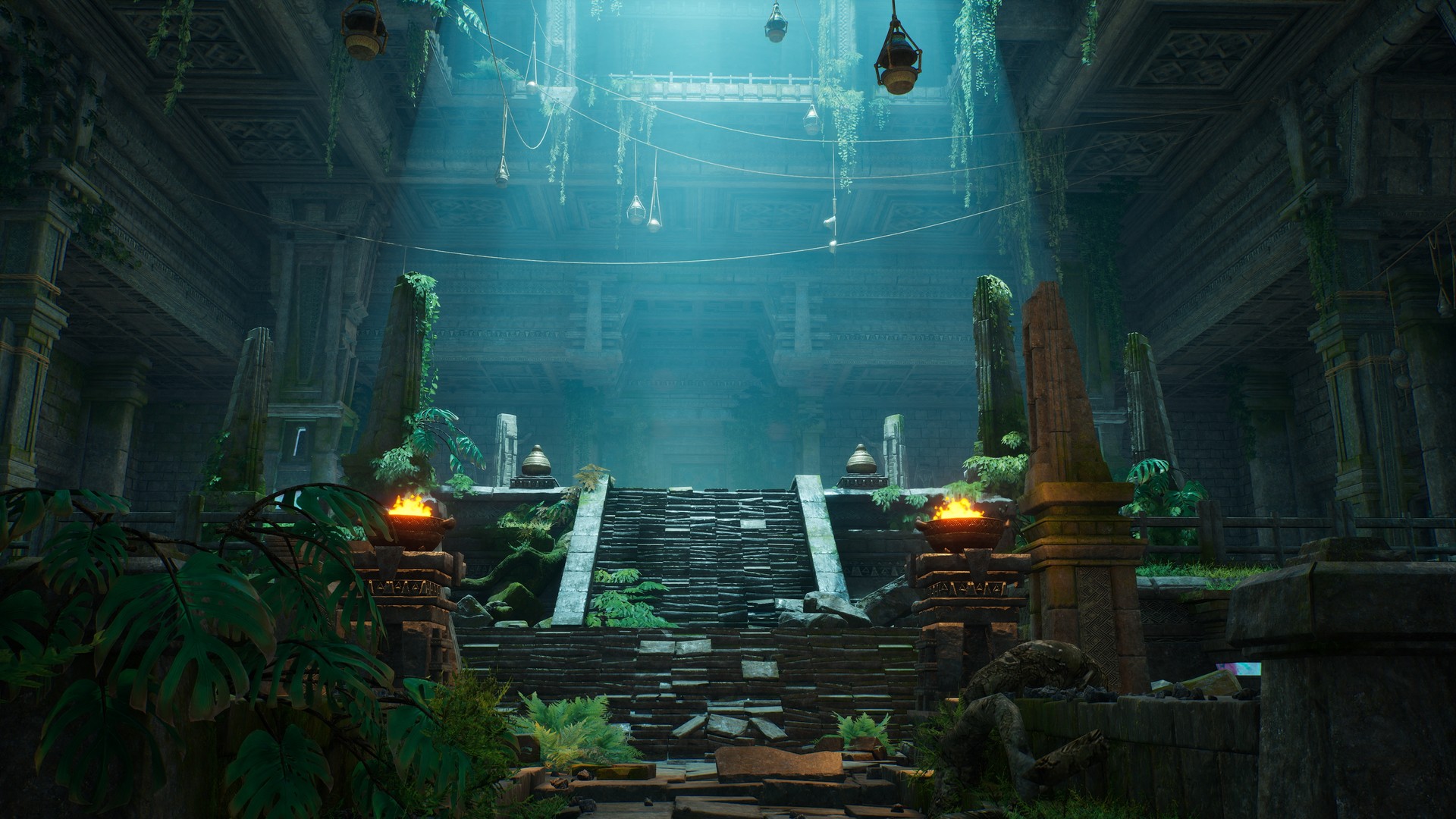
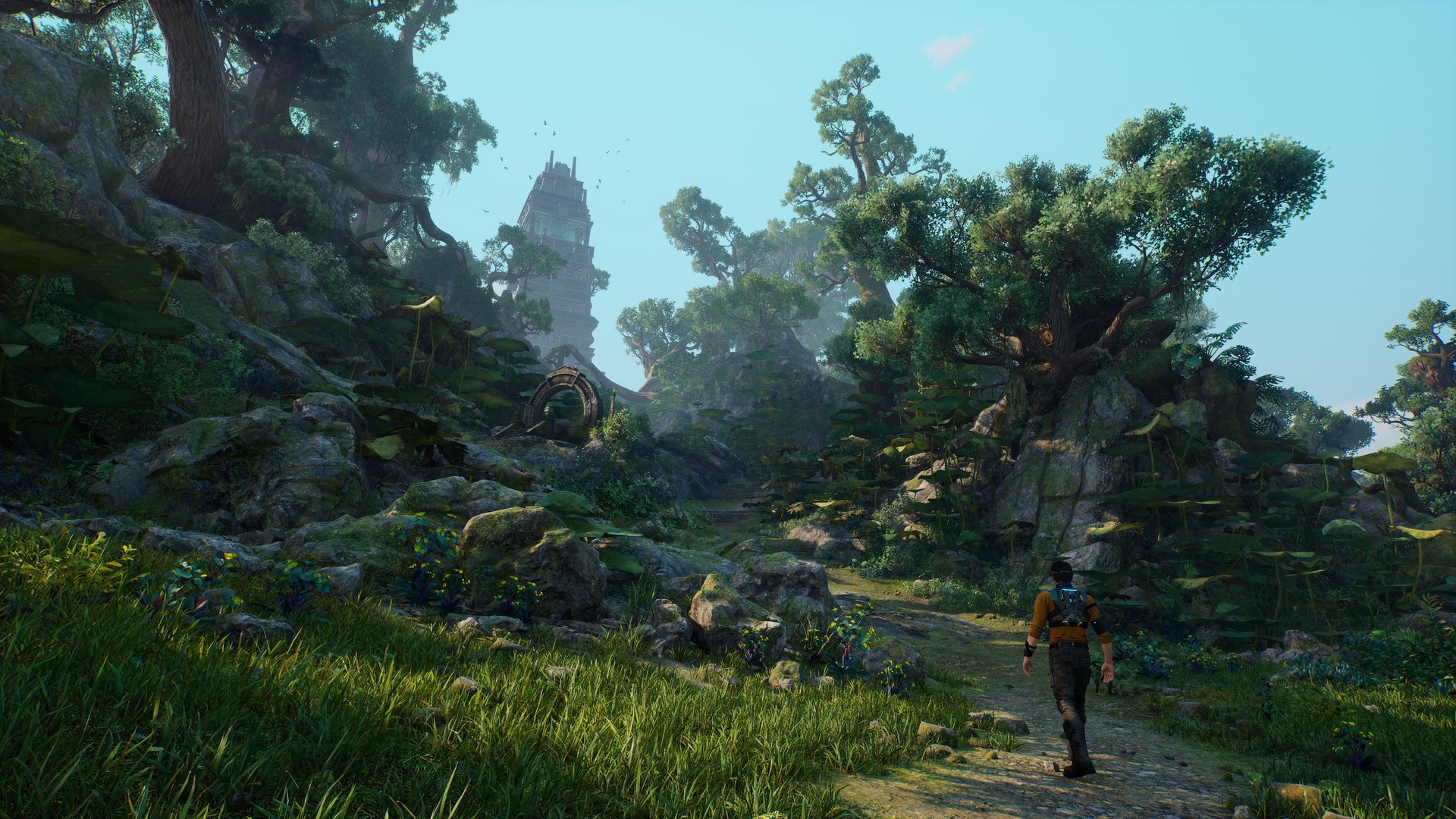
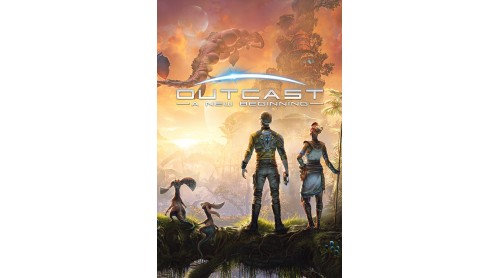
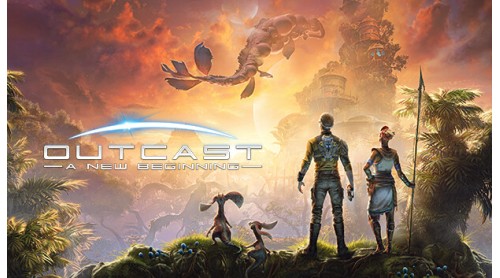
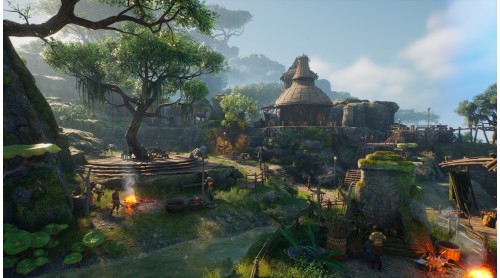
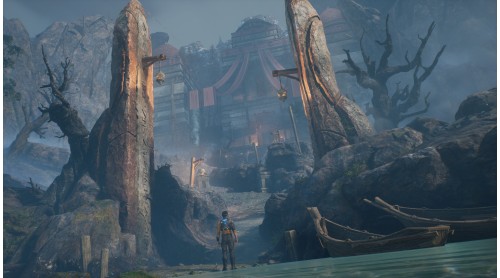
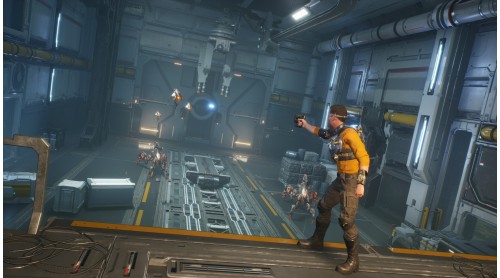
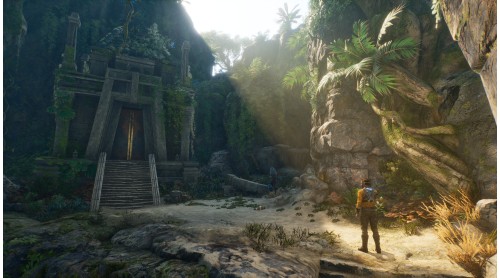
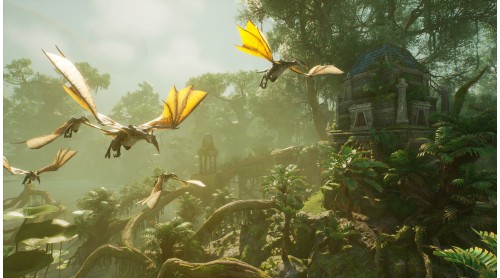
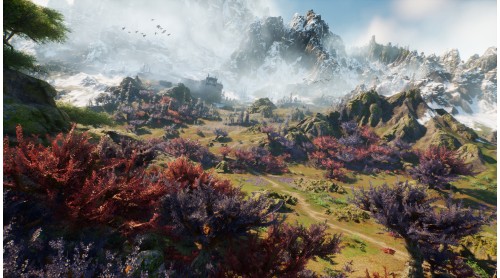
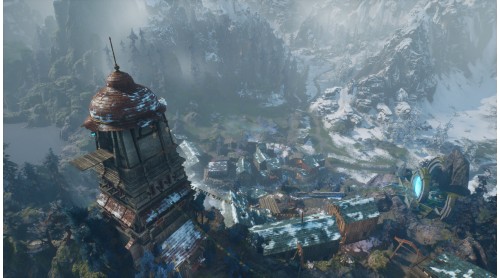
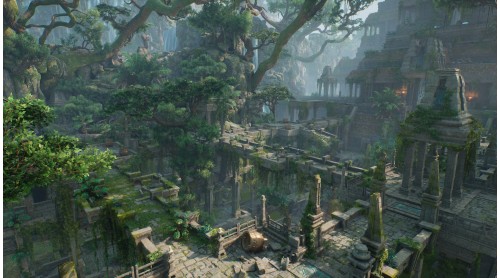
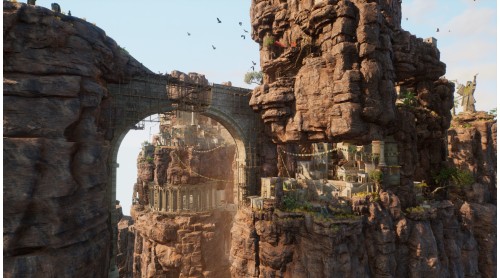
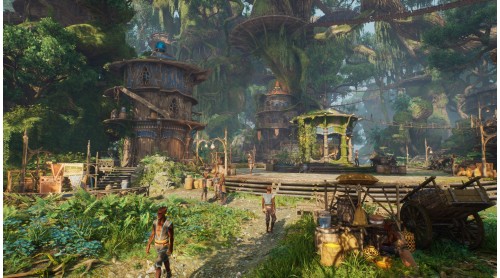
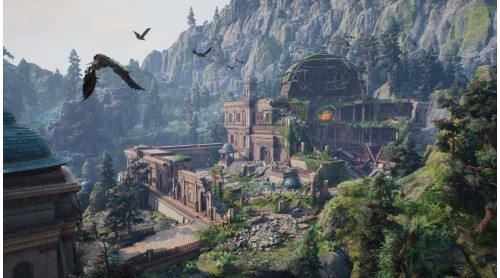
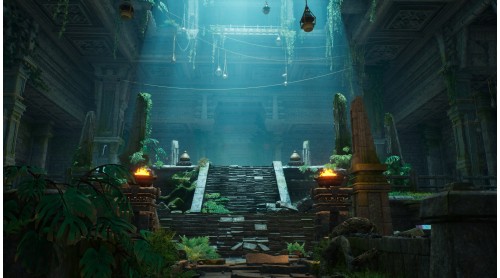
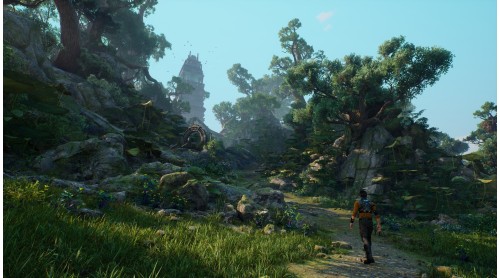
20 years after the award-winning action adventure hit, Outcast, pioneered the genre of non-linear open-world games, the long-awaited sequel sees Cutter Slade return to the spectacular alien world of Adelpha. Resurrected by the almighty Yods, he has returned to find the Talans enslaved, the world stripped of its natural resources, and his own past intertwining with the invading robot forces. It's up to him to go on a mission and save the planet again.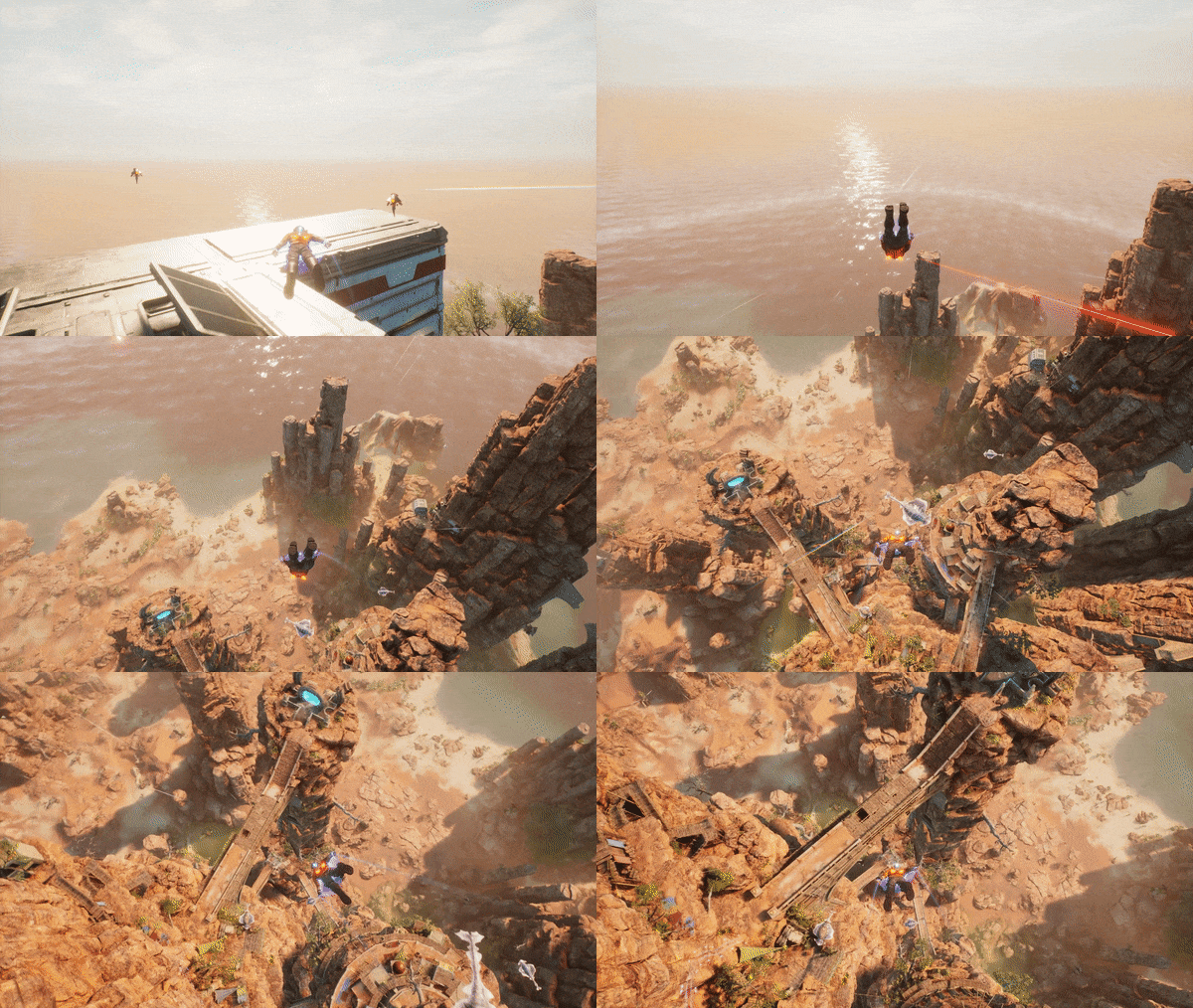
The original team behind Outcast 1 has reunited to create this fascinating world, full of dangerous creatures and home to the Talan people – an ancient culture whose fate has become inextricably linked with earth since the events of the first game. You play as Cutter Slade, ex-Navy SEAL, sporting the same dry wit he had back in the 90s – however, the world around him has changed and eventually, so will he.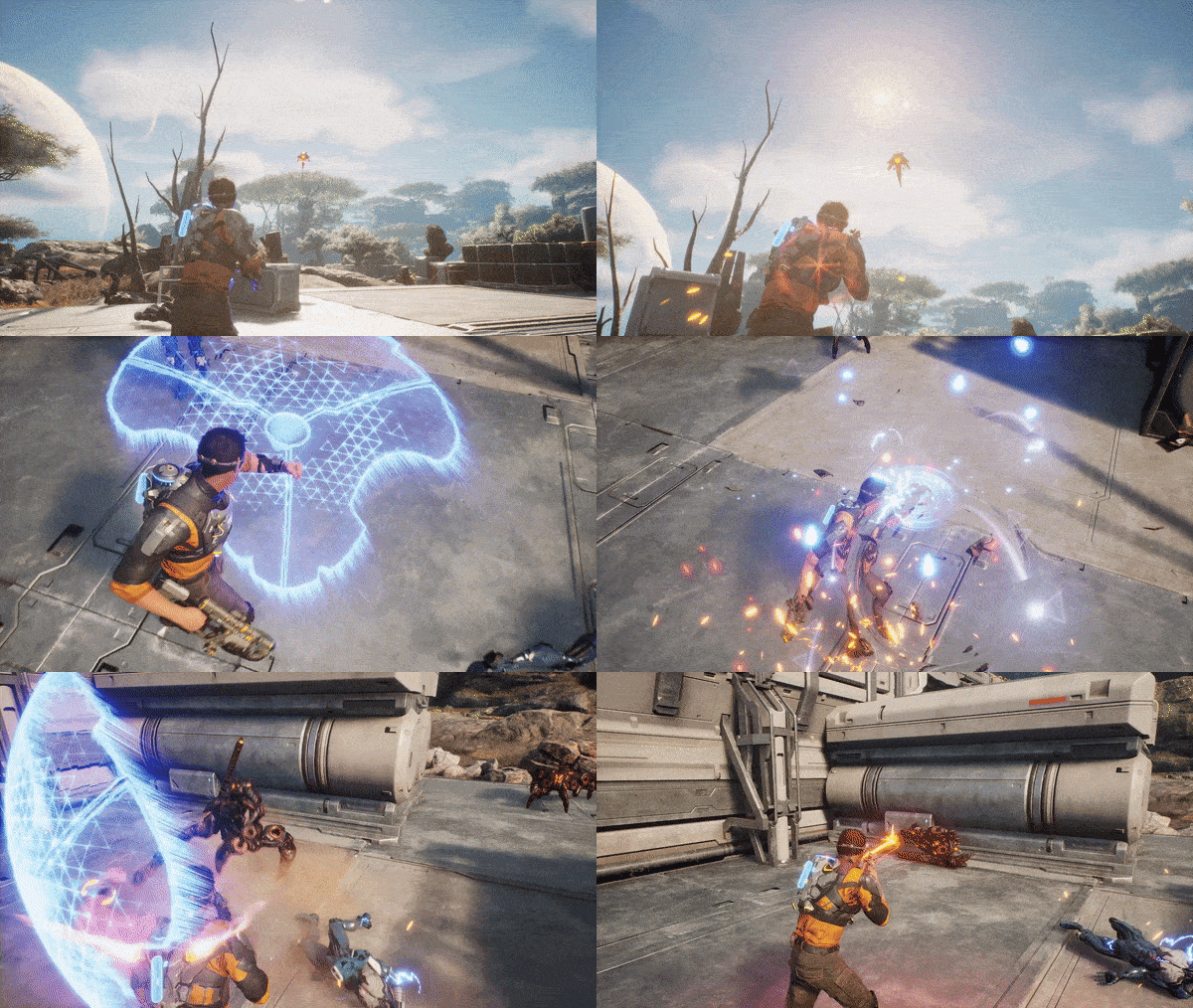
To save Adelpha, you will …

© 2024 THQ Nordic AB, Sweden. Developed by Appeal Studios, published by THQ Nordic GmbH, Austria. THQ, THQ Nordic, Outcast, Appeal Studios and their respective logos are trademarks and/or registered trademarks of THQ Nordic AB. All rights reserved. All other trademarks, logos and copyrights are property of their respective owners.


How to activate your Steam key?
1. Open your Steam client. (If you don't have a Steam Client, you can install from here https://store.steampowered.com/about/)
2. Sign in to your Steam account. (If you don't have a Steam Account, you can create from here https://store.steampowered.com/join/)
3. Click “ADD A GAME” button which is at the bottom of the Steam Client.
4. Now select "Activate a product on Steam..."
5. Write or copy-paste your Steam key which you purchased from Gamesforpc.
6. Now your game is in your library.
7. Find your game in your library, select and click install to start your download.