










 Steam
Steam  Windows
  Mac
Mac | Release Date | 22.11.2023 | |
| Operating Systems | Mac OS | |
| Publisher | Tate Multimedia | |
| PEGI Rating | + 3 | |
| Operating Systems | Windows | |
| Genres | Strategy, indie |
6.89€
Added to Cart
6.89€
Added to Wishlist
6.89€
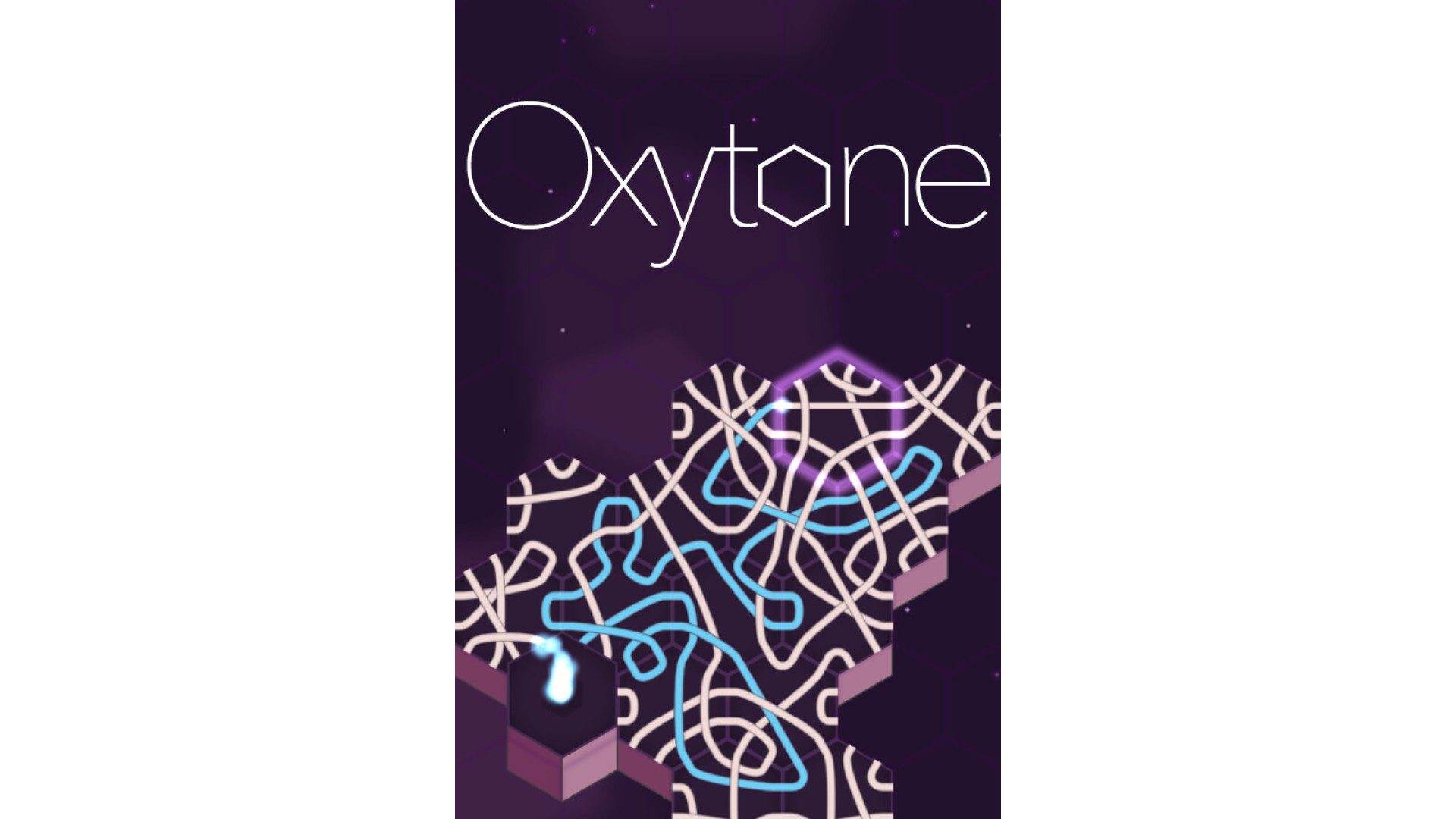
Are you ready for a unique adventure like no other? Oxytone invites you to explore the depths of your mind while offering a tranquil escape from the hustle and bustle of everyday life for those seeking relaxation. For more determined players, there are 99 challenges, colorful themes to unlock, and 12 meticulously designed maps. Oxytone is the ultimate puzzle game, equally easy to learn and challenging to master.
Strive for the highest scores by creating the longest paths and achieving impressive combinations. Every move matters, and success depends on strategy and planning. You can discard tiles that don't fit your plan, but this reduces your pool of available tiles. To refresh it, you must fill tiles by guiding paths through them six times, deepening the mechanics further.
Sound is an integral part of Oxytone, so I recommend playing with headphones. This will immerse you even deeper into the game. The sound design has been crafted with great care to create a unique and relaxing atmosphere, yet it can also deliver powerful moments when needed.


How to activate your Steam key?
1. Open your Steam client. (If you don't have a Steam Client, you can install from here https://store.steampowered.com/about/)
2. Sign in to your Steam account. (If you don't have a Steam Account, you can create from here https://store.steampowered.com/join/)
3. Click “ADD A GAME” button which is at the bottom of the Steam Client.
4. Now select "Activate a product on Steam..."
5. Write or copy-paste your Steam key which you purchased from Gamesforpc.
6. Now your game is in your library.
7. Find your game in your library, select and click install to start your download.