 Steam
| Release Date | 07.04.2021 | |
| Publisher | Microsoft | |
| PEGI Rating | + 3 | |
| Genres | family |
39.99€
Added to Cart
39.99€
Added to Wishlist
39.99€
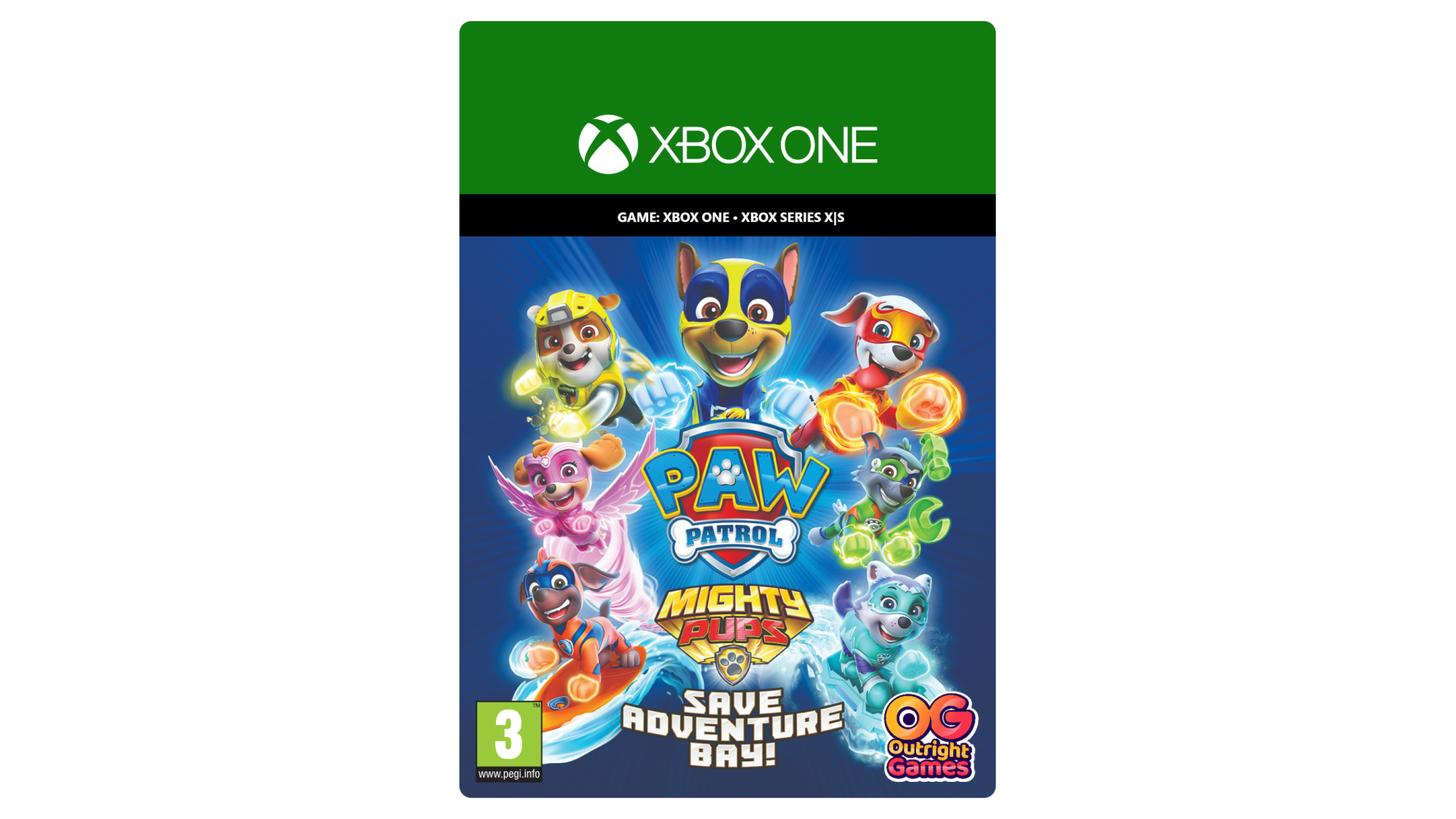
EVERY PUP IS HERE – Play as Chase, Rubble, Marshall, Everest, Skye, Rocky, Zuma and Tracker
EXPLORE ADVENTURE BAY – Take on 7 super-heroic missions to rescue friends and save the day. Plus 7 fun mini-games!
USE MIGHTY POWERS – Play as the pups and use their mighty powers to create whirlwinds, use Energy Super Tools, lift the heaviest things, and more!
TEAM UP ON THE DOUBLE – Two can play in co-op mode on the same screen.
A fallen meteor has given the pups mighty powers – and left Adventure Bay in a mighty mess. Now it’s up to you and the Pups to use their powers, rescue skills and gadgets to make the town PAWsome again!
Embark on super-heroic missions with the Mighty Pups and Chase’s Super Speed, Marshall’s Mighty Heat, Skye’s Whirlwind Power and the whole mighty PAW Patrol team. Explore the town and journey to Jake’s snowboarding resort, Tracker’s jungle and beyond, as you work together to rescue friends.
So, head to the Lookout and get ready for Mighty action! After you’re done saving the day, get playful with Pup -Pup Boogie, jump rope and more fun activities side-quests. And bring a friend along in 2-player co-op mode. Mighty Pups, GO!
SPINMASTER LTD. PAW PATROL AND ALL RELATED TITLES, LOGOS, CHARACTERS; AND SPINMASTER LOGO ARE TRADEMARKS OF SPIN MASTER LTD. USED UNDER LICENSE. NICKELODEON AND ALL RELATED TITLES AND LOGOS ARE TRADEMARKS OF VIACOM INTERNATIONAL INC. PUBLISHED BY OUTRIGHT GAMES. DEVELOPED BY DRAKHAR STUDIO.


How to activate your Steam key?
1. Open your Steam client. (If you don't have a Steam Client, you can install from here https://store.steampowered.com/about/)
2. Sign in to your Steam account. (If you don't have a Steam Account, you can create from here https://store.steampowered.com/join/)
3. Click “ADD A GAME” button which is at the bottom of the Steam Client.
4. Now select "Activate a product on Steam..."
5. Write or copy-paste your Steam key which you purchased from Gamesforpc.
6. Now your game is in your library.
7. Find your game in your library, select and click install to start your download.