
 Steam
Steam  Windows
 | Release Date | 04.05.2017 |
| Publisher | KISS |
| Operating Systems | Windows |
45.99€
Added to Cart
45.99€
Added to Wishlist
45.99€
A digital painting and visual effects program for Microsoft Windows.
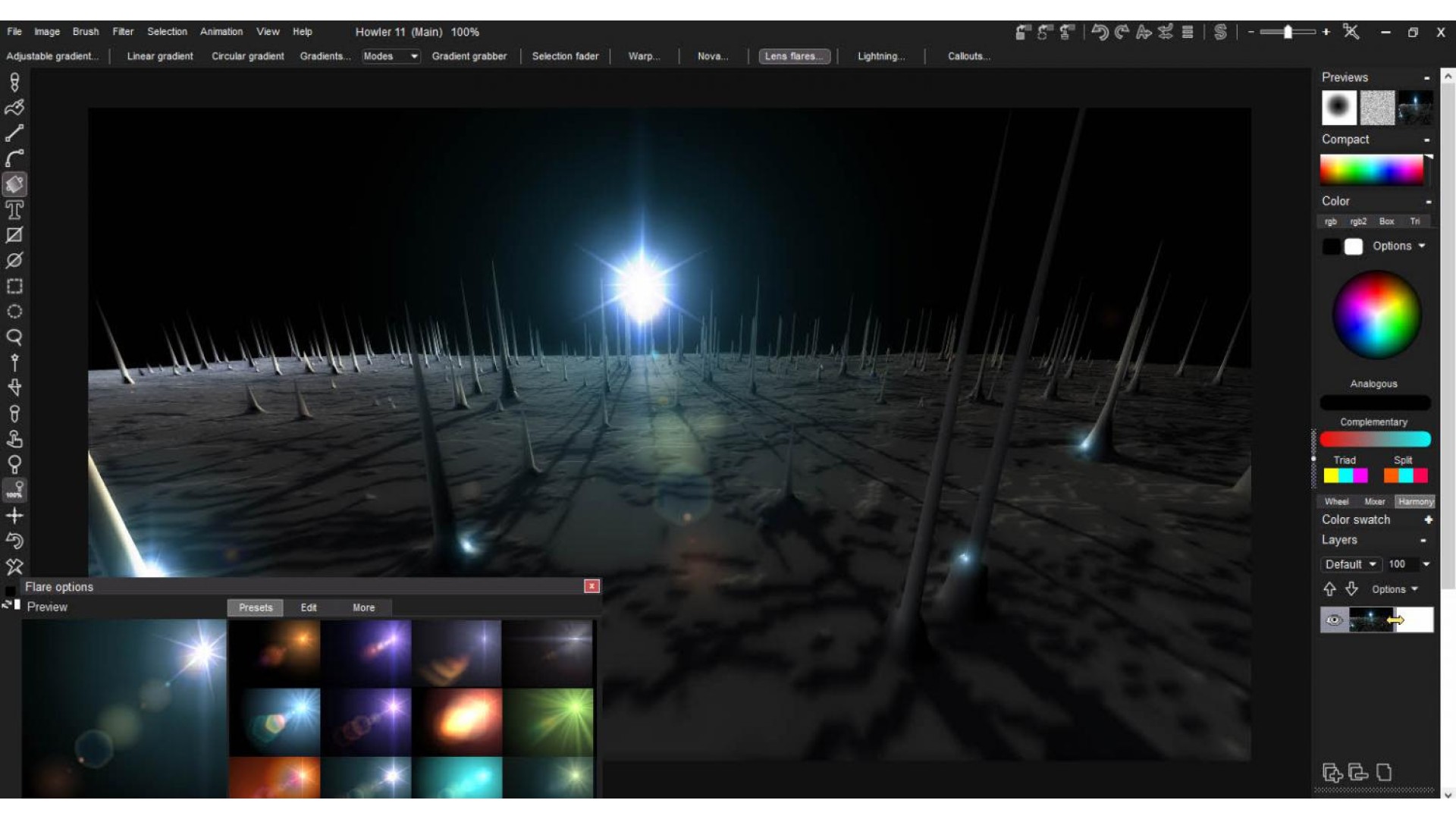
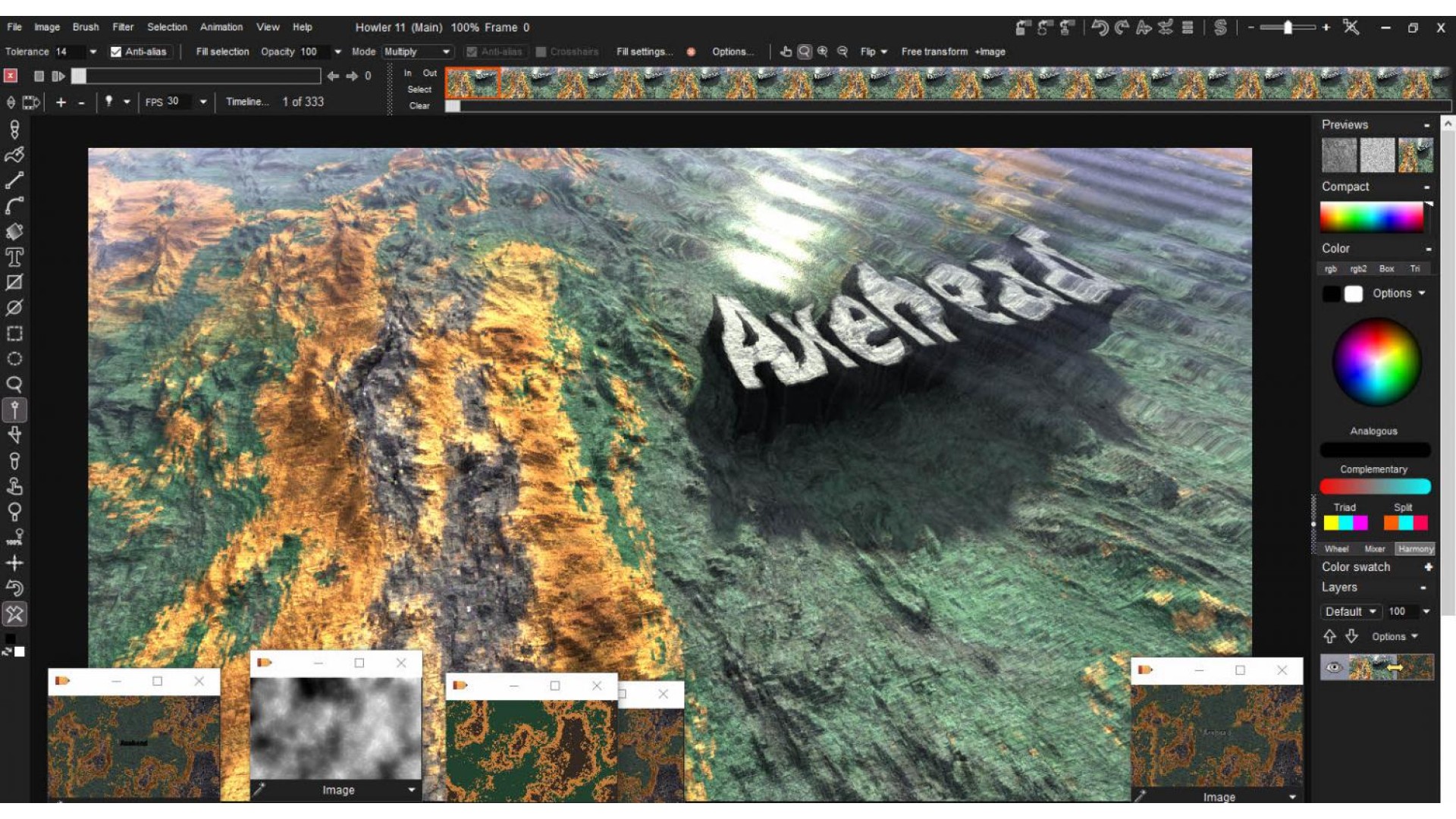
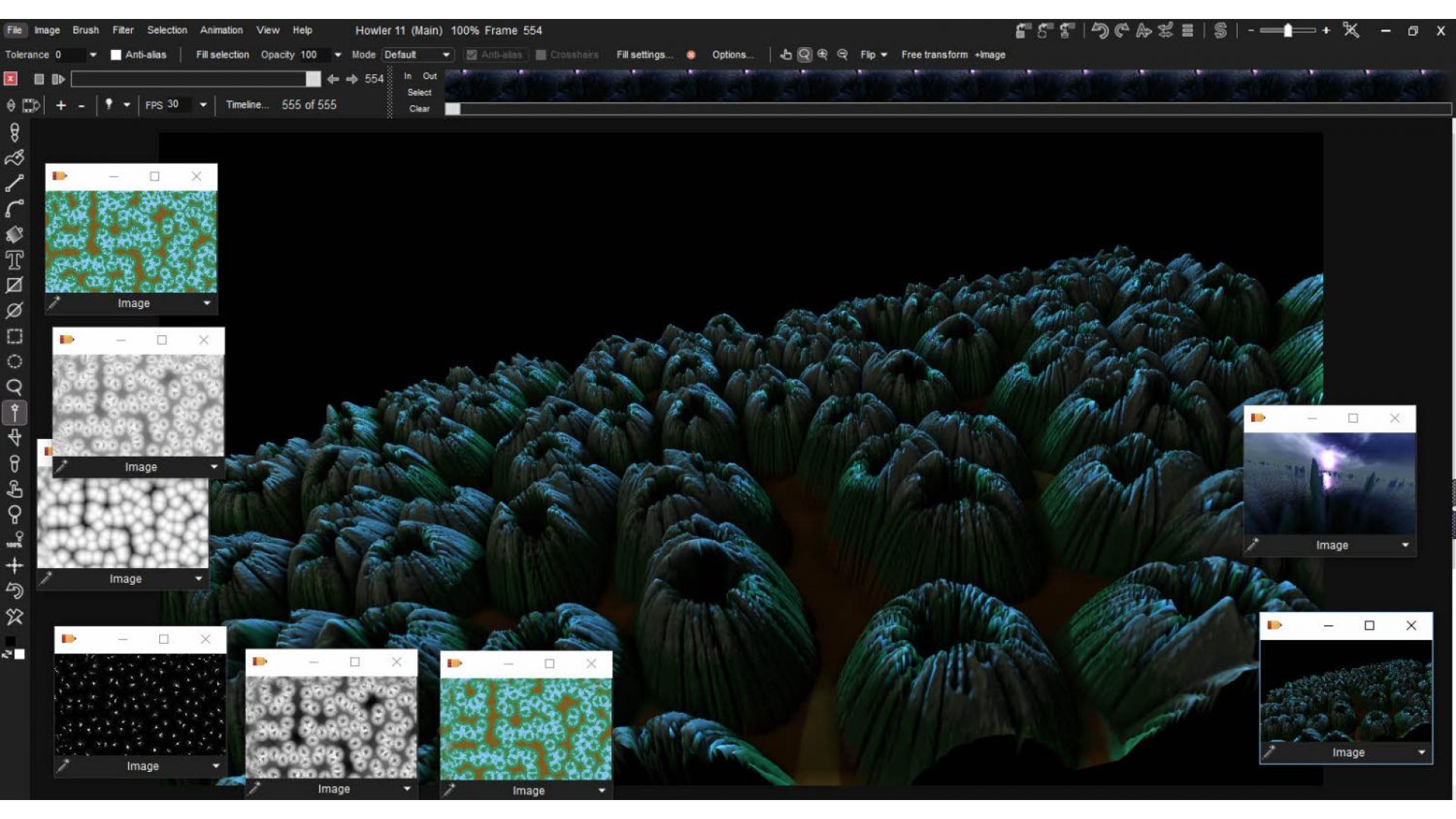
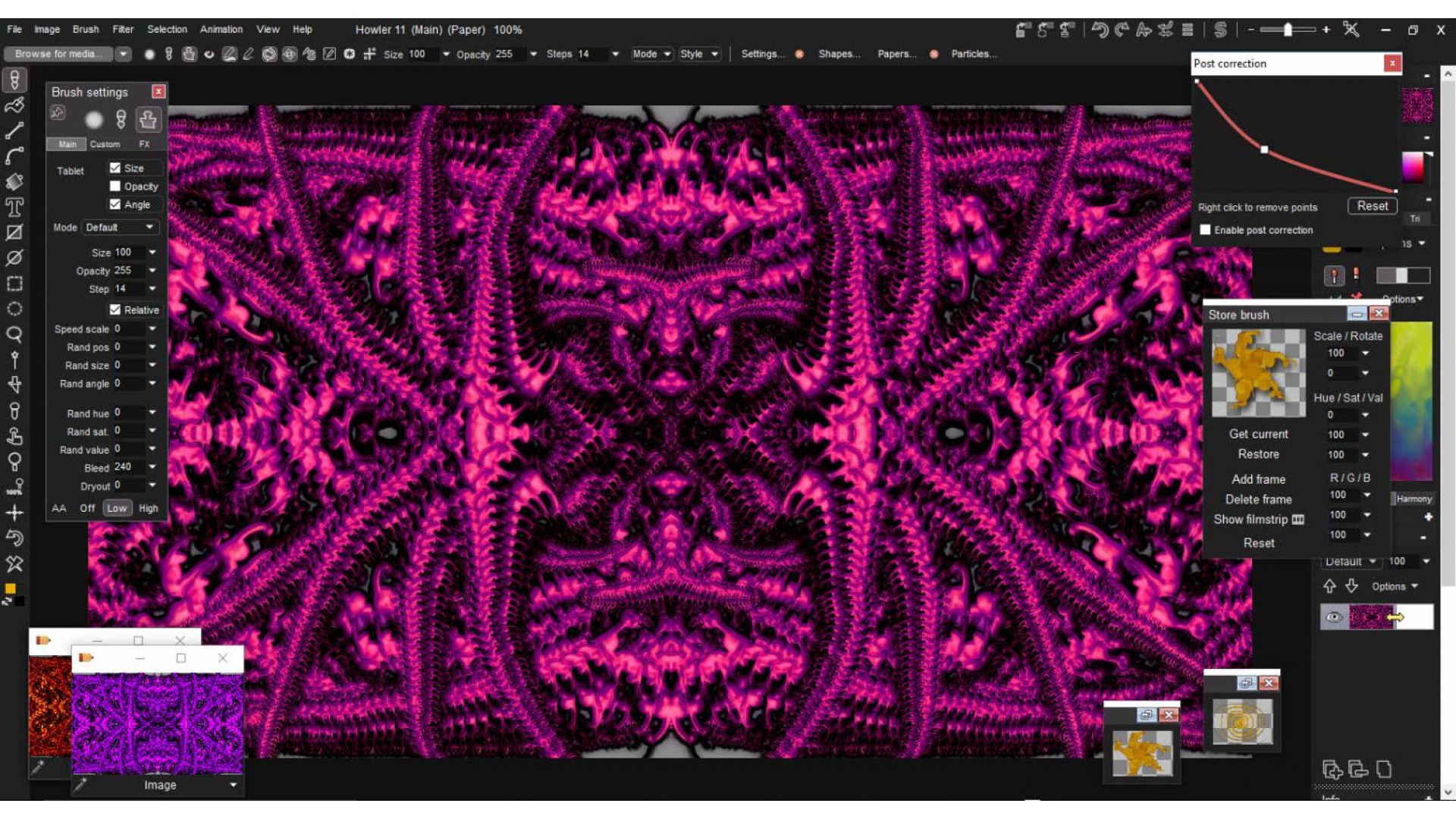
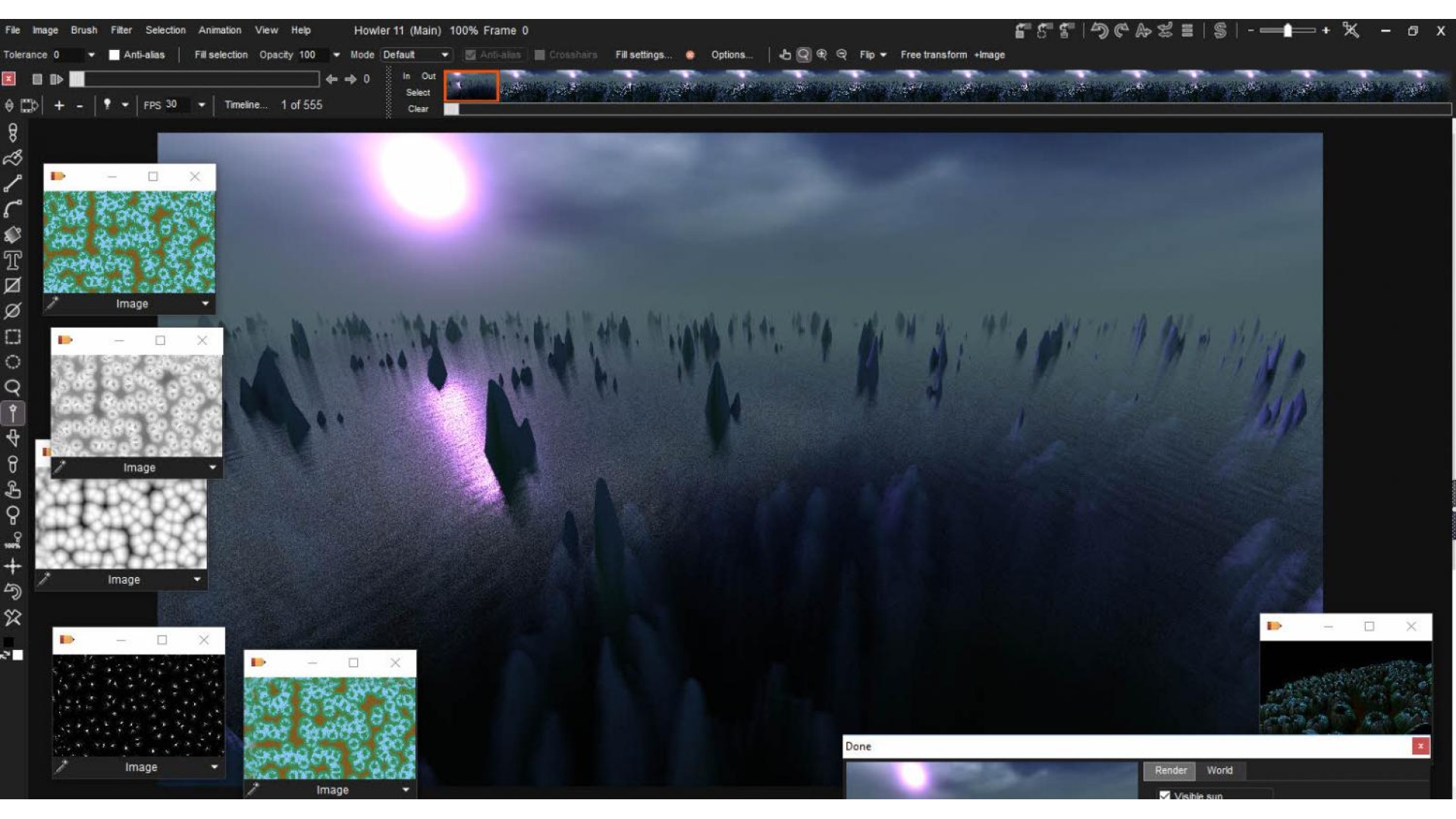
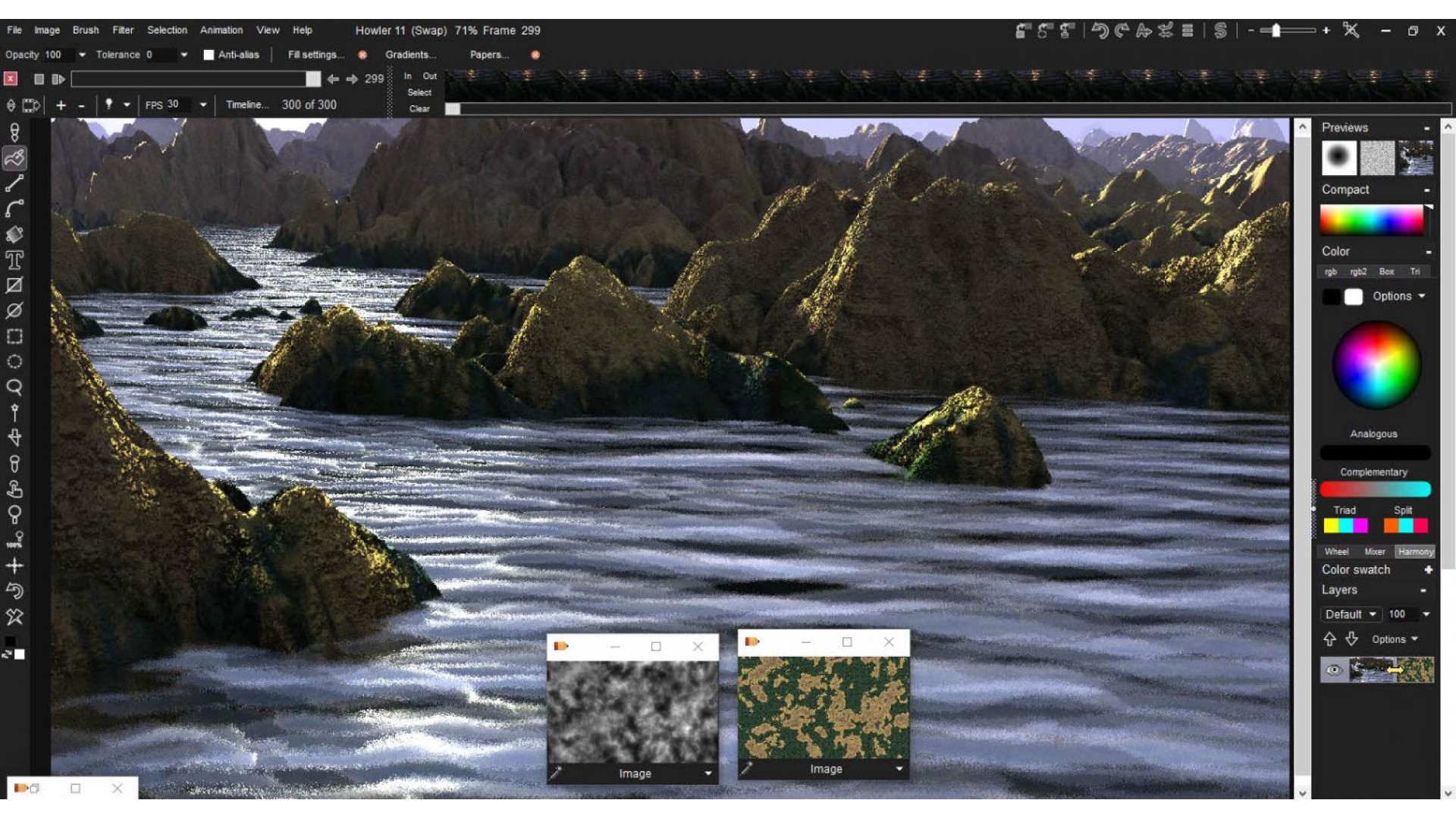
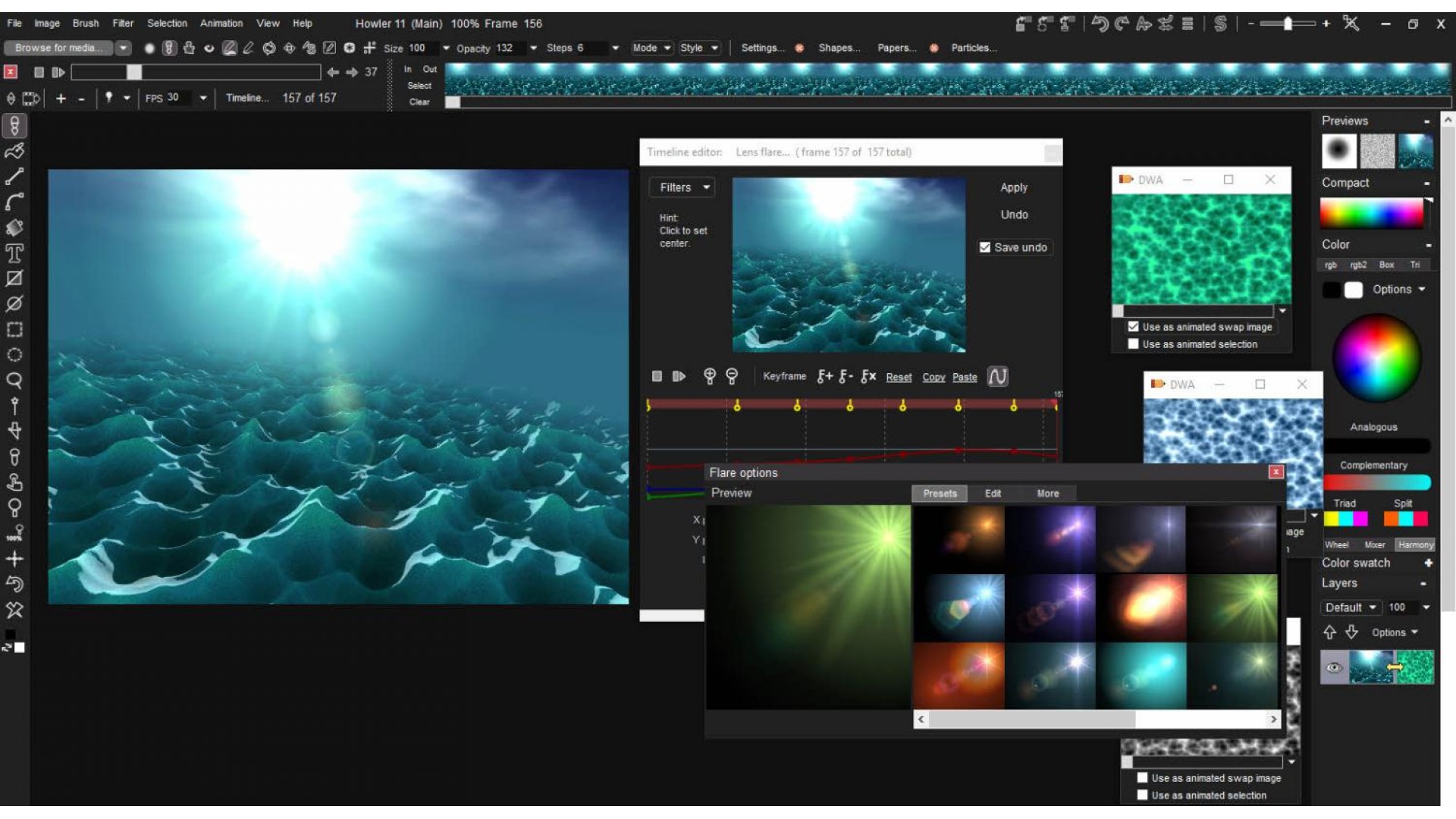
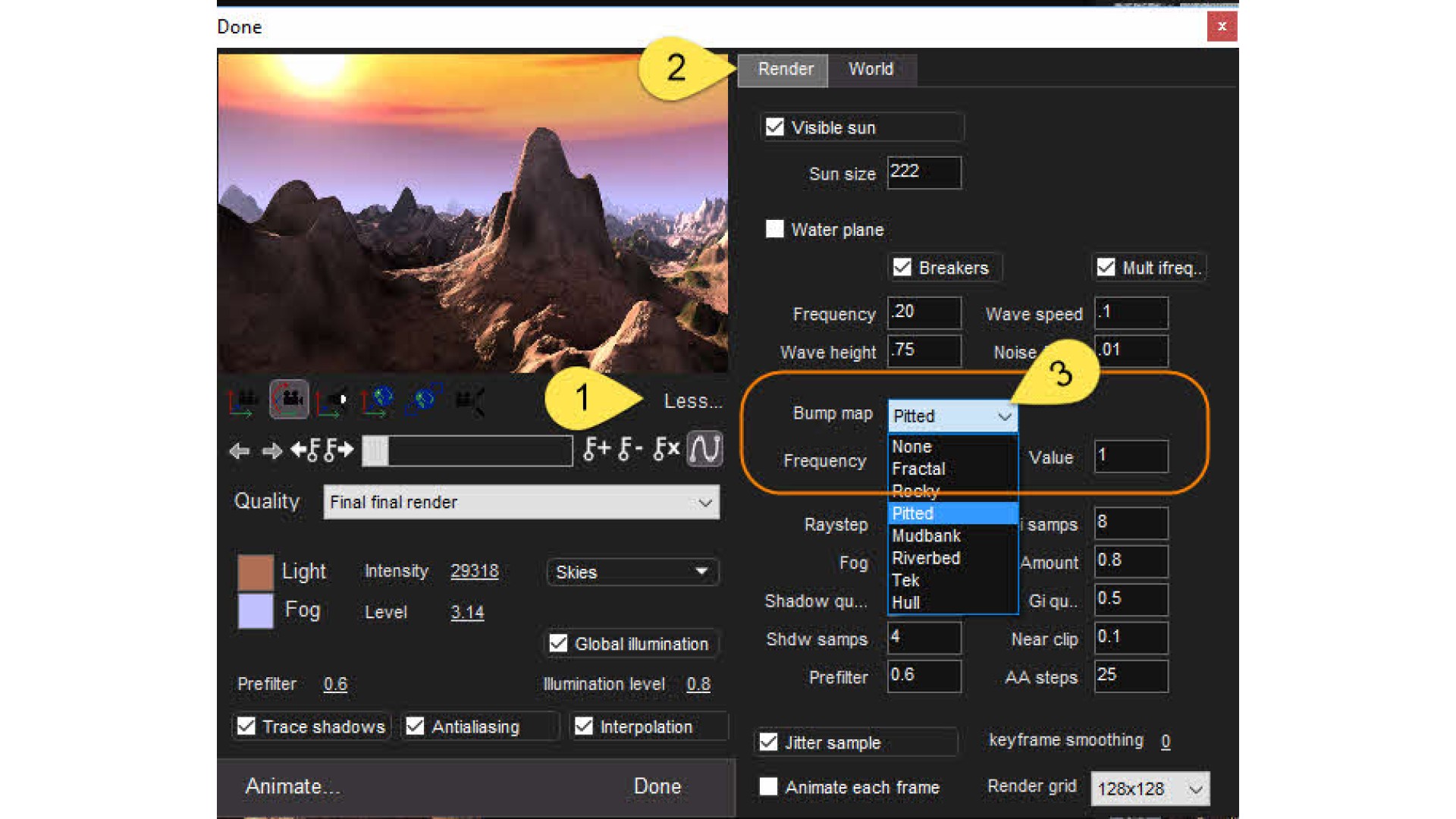
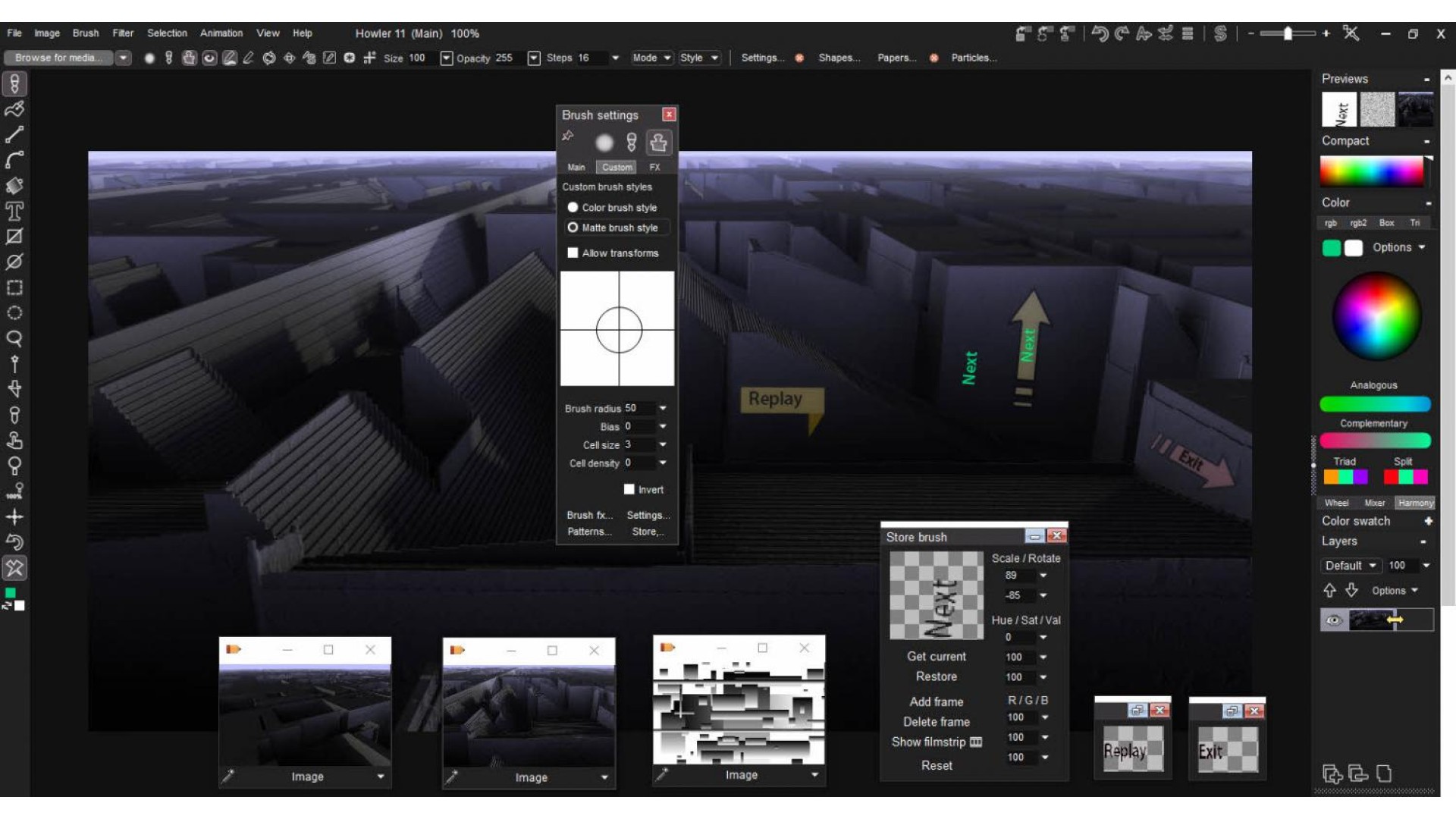
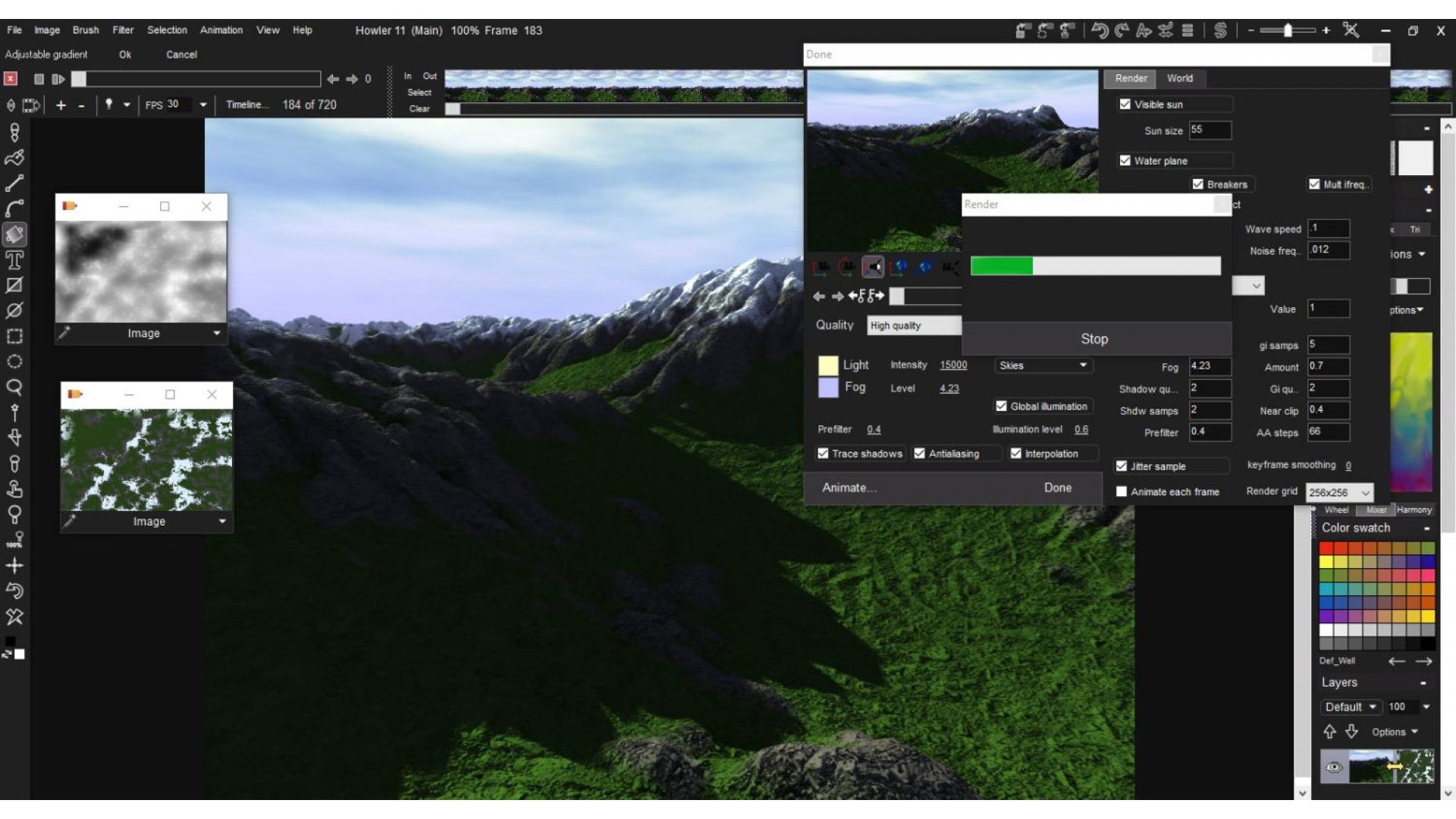
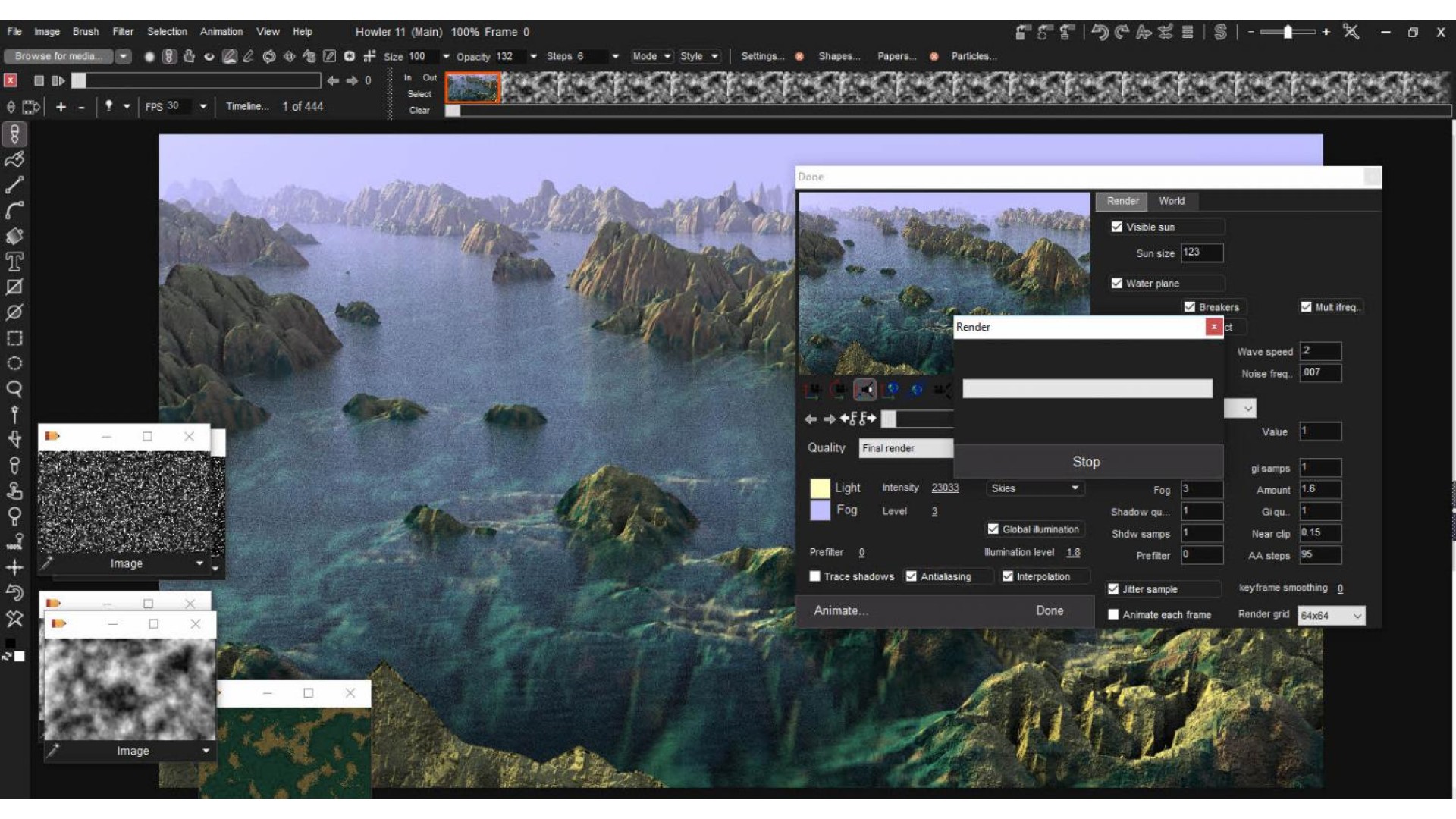
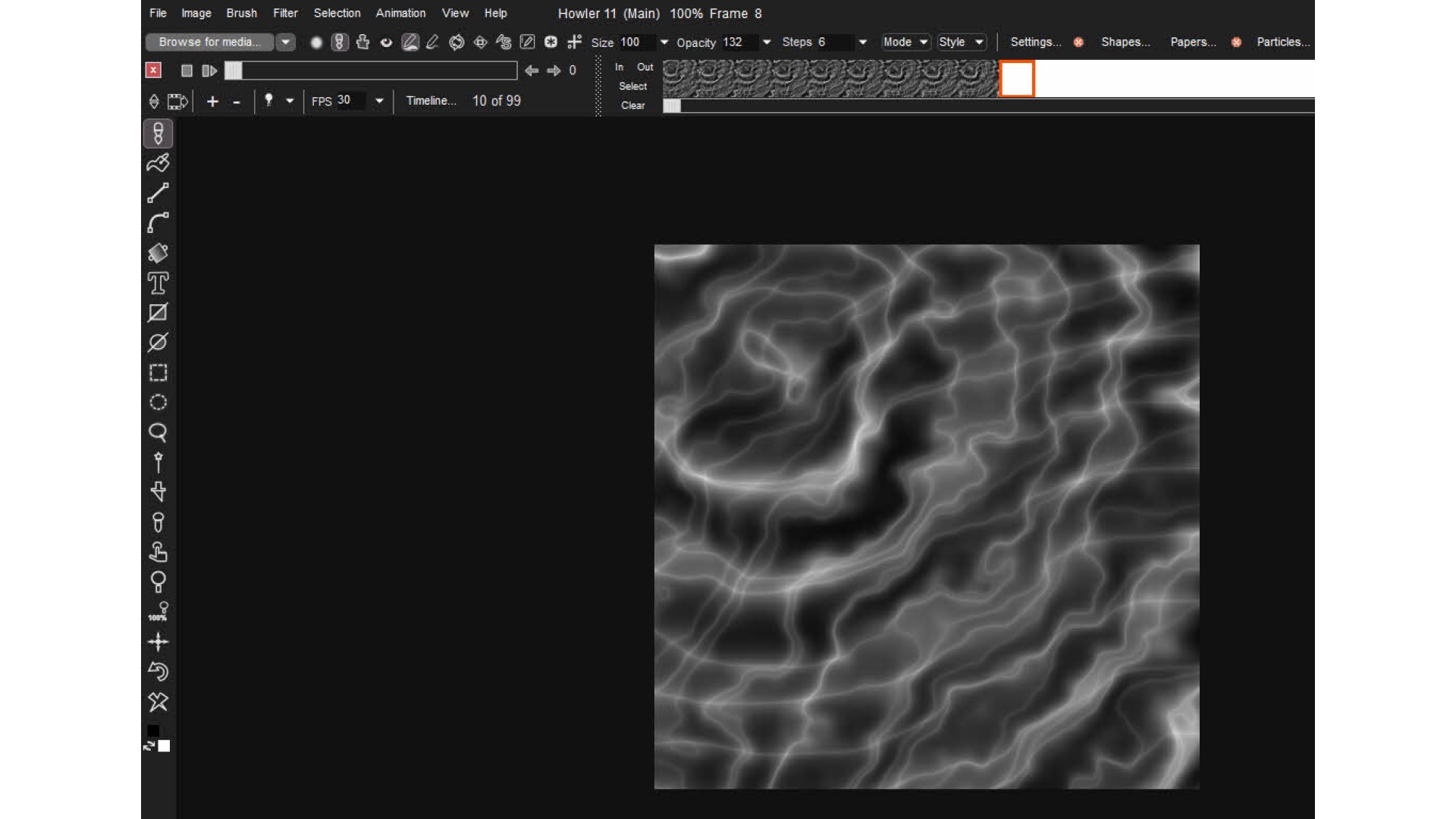
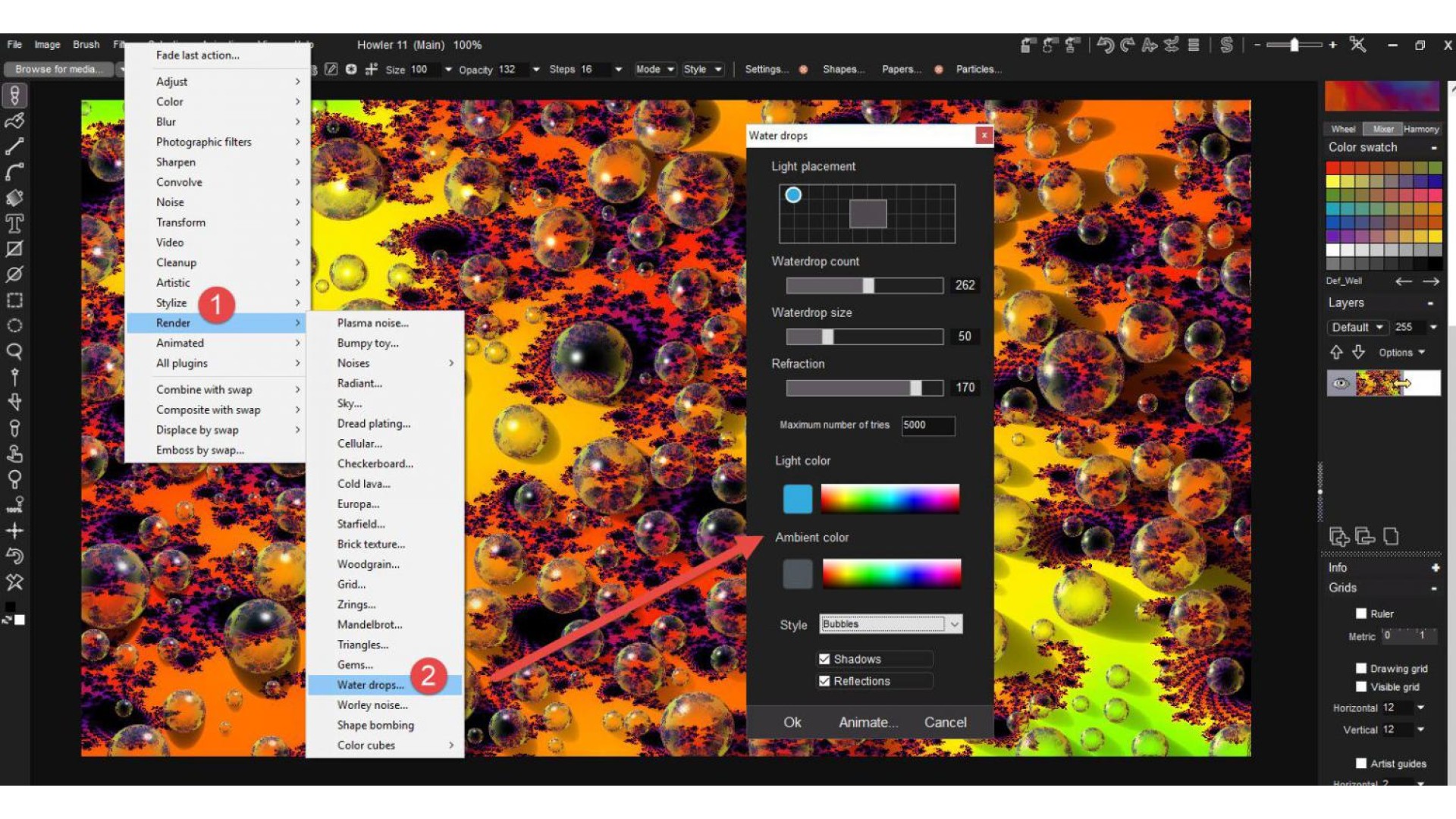
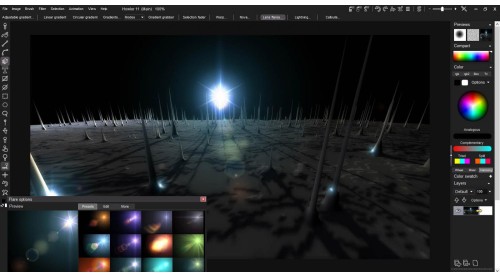
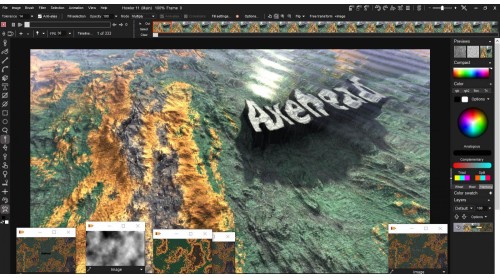
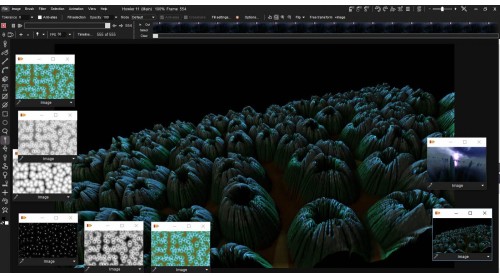
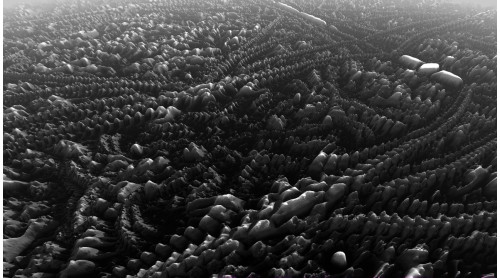
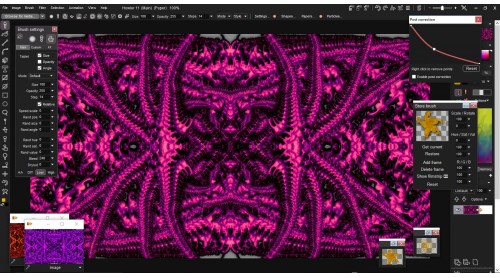
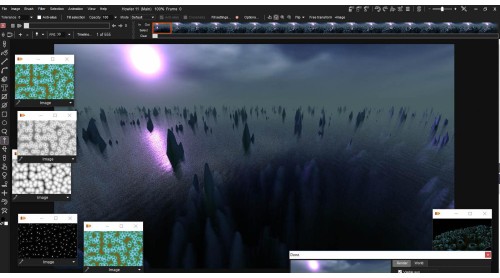
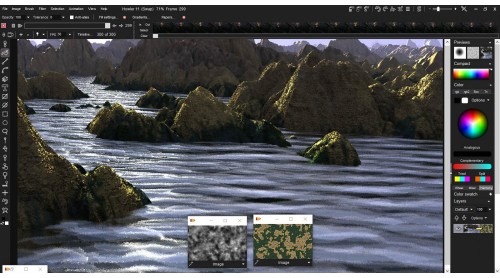
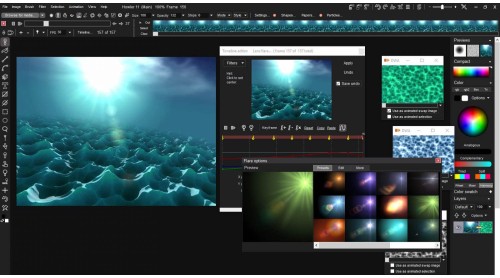
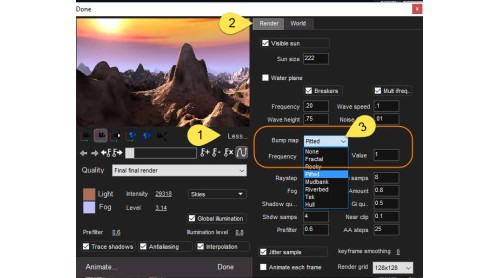
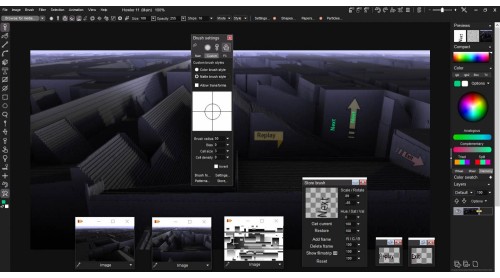
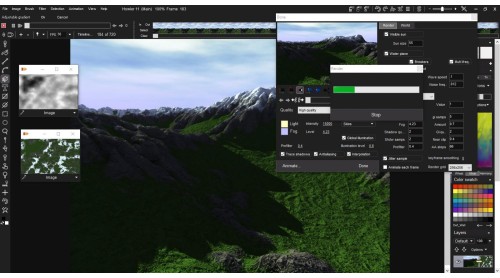
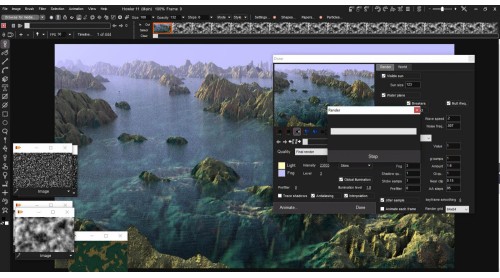
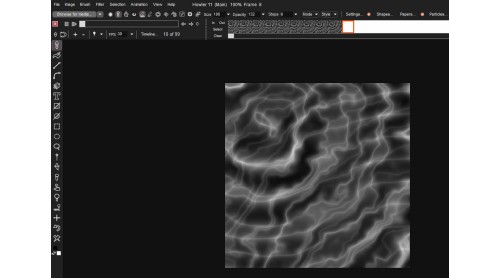
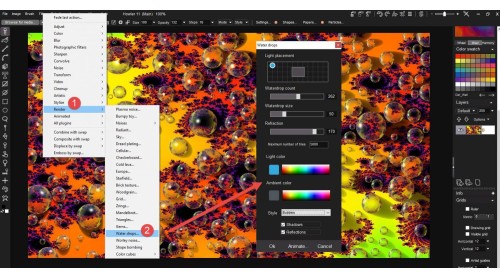
PD Howler 11 – Axehead is the latest in the PD Howler series of digital painting and visual effects applications. This affordable, but hugely powerful application includes new Painting, Animation, 3D and Visual FX tools.
As with all the applications in the PD Howler series, PD Howler 11 – Axehead is the perfect tool for home designers and game developers. It is a fraction of the cost of the so called professional applications, yet offers many of the same features.
What's new in Howler 11


How to activate your Steam key?
1. Open your Steam client. (If you don't have a Steam Client, you can install from here https://store.steampowered.com/about/)
2. Sign in to your Steam account. (If you don't have a Steam Account, you can create from here https://store.steampowered.com/join/)
3. Click “ADD A GAME” button which is at the bottom of the Steam Client.
4. Now select "Activate a product on Steam..."
5. Write or copy-paste your Steam key which you purchased from Gamesforpc.
6. Now your game is in your library.
7. Find your game in your library, select and click install to start your download.