 Steam
Steam  Windows
 | Release Date | 29.10.2026 | |
| Publisher | Frontier Developments | |
| PEGI Rating | + 3 | |
| Operating Systems | Windows | |
| Genres | Simulation, Strategy |
18.99€
Added to Cart
18.99€
Added to Wishlist
18.99€
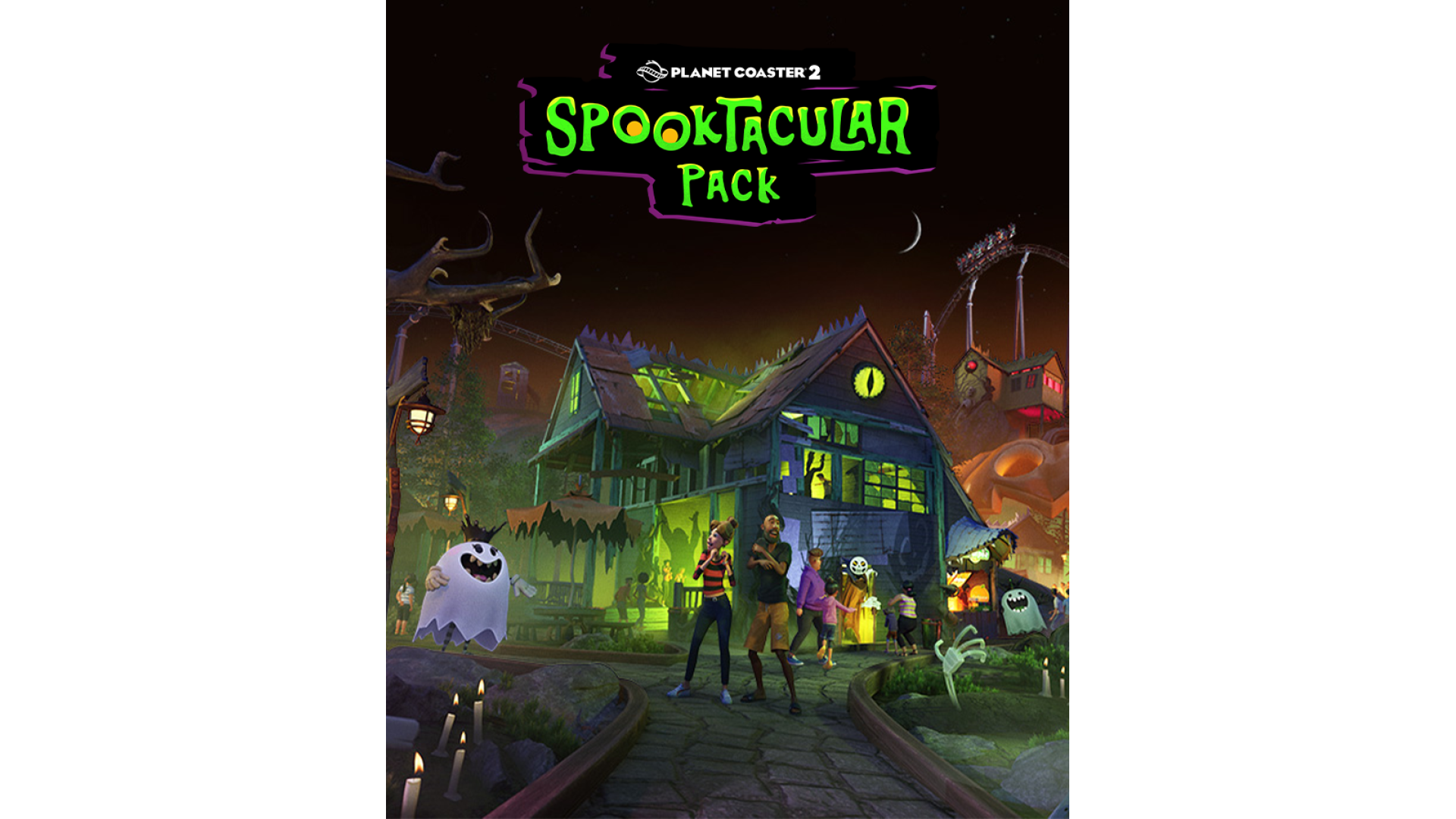
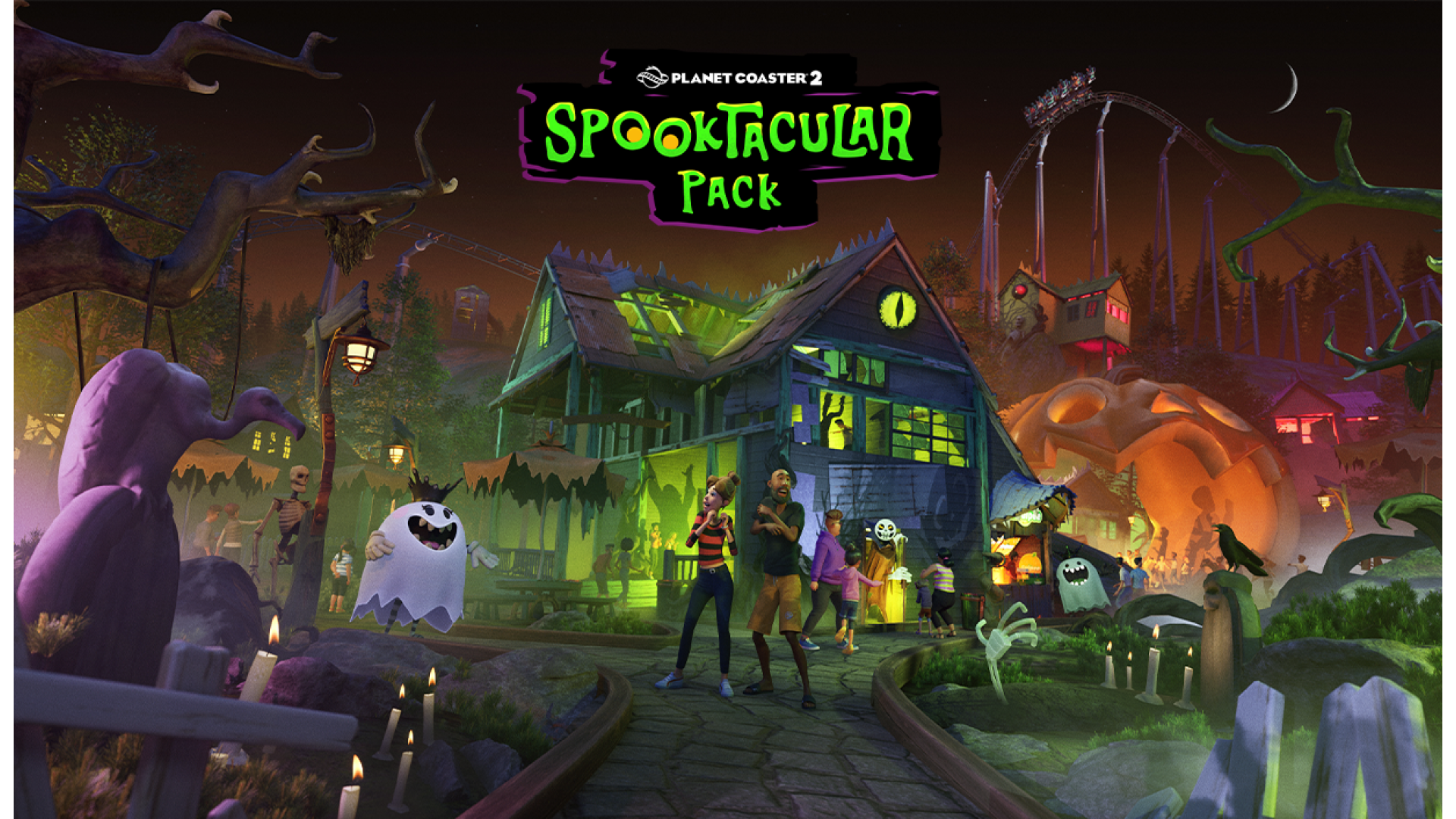
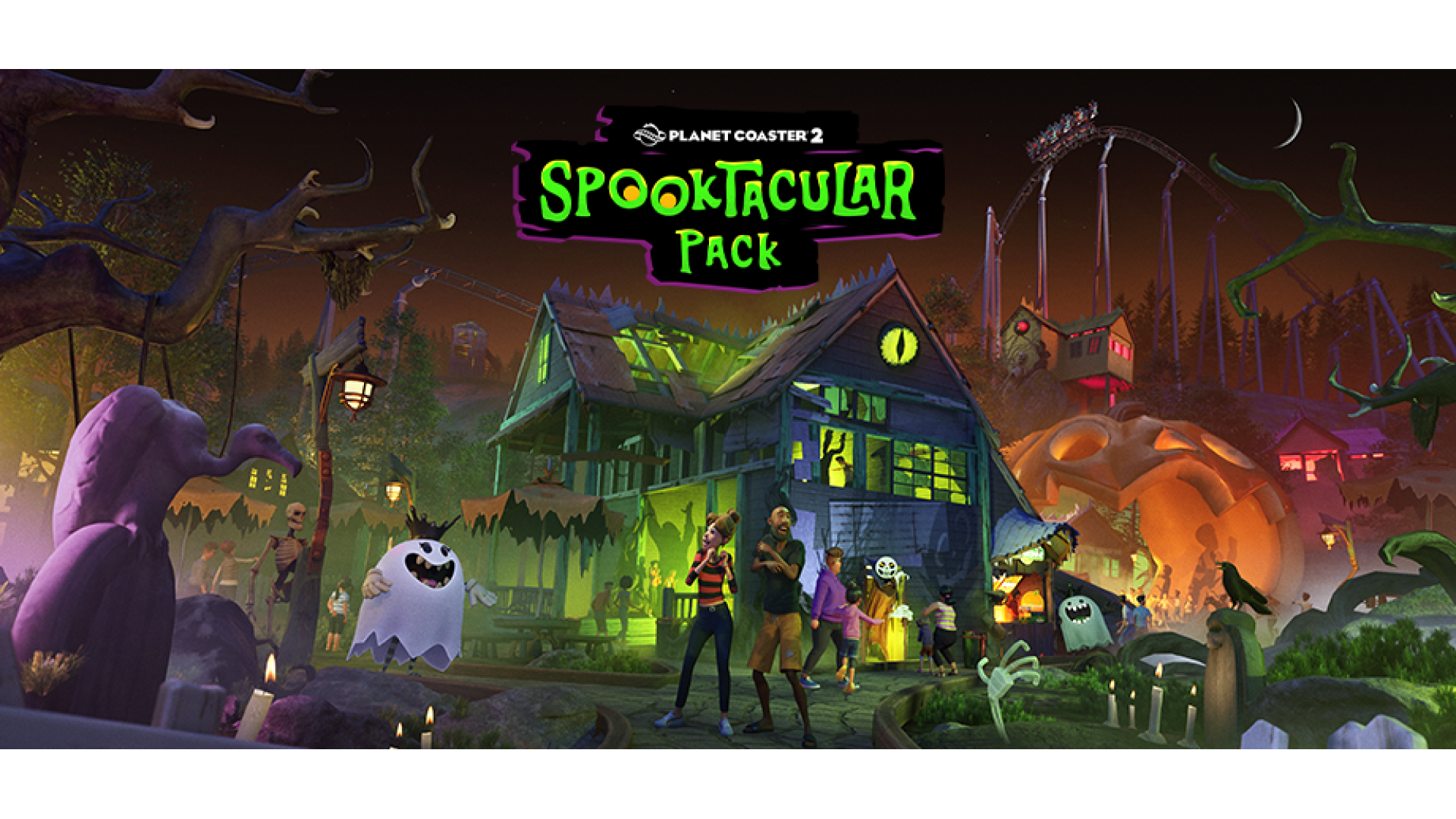
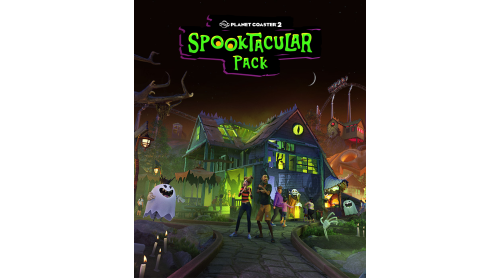
Trade thrills for chills with the Spooktacular Pack!
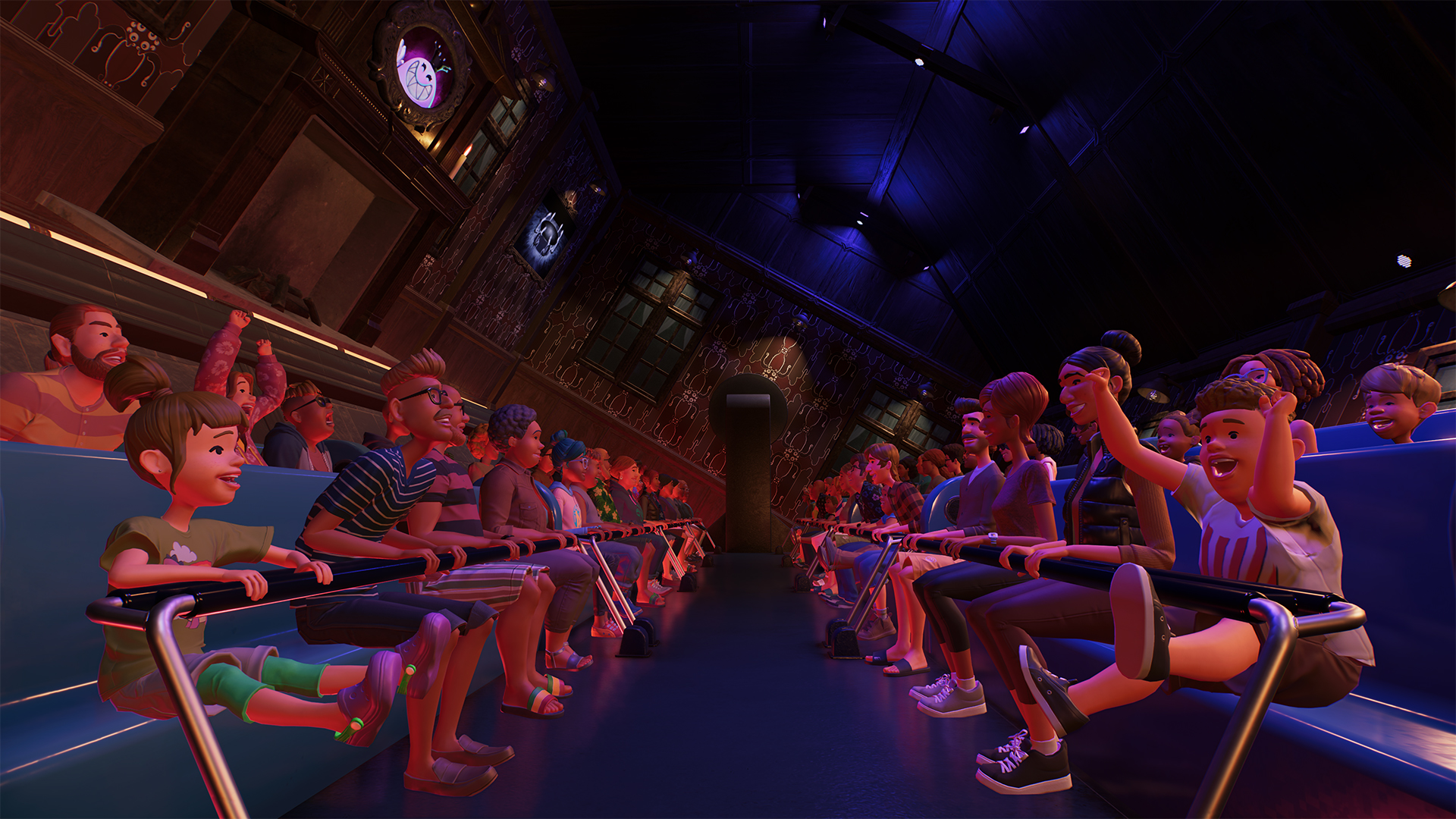
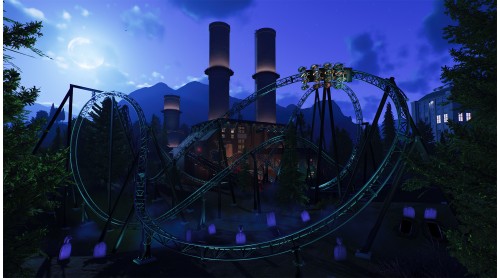
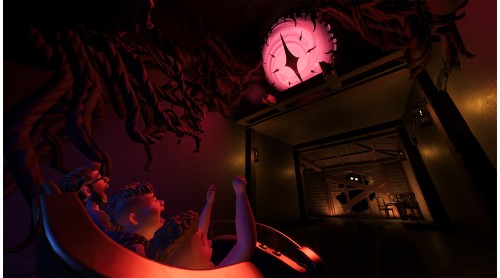
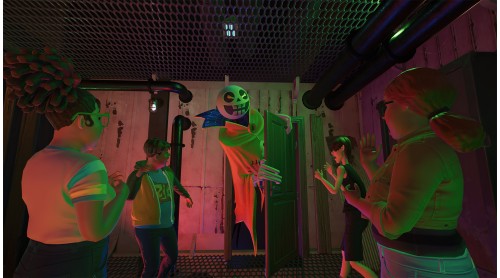
Let your guests descend into darkness with this wickedly wonderful feature pack, featuring Walkthrough Attractions, seven spine-chilling rides, over 700 scenery pieces, new entertainers, sounds, special effects and more!
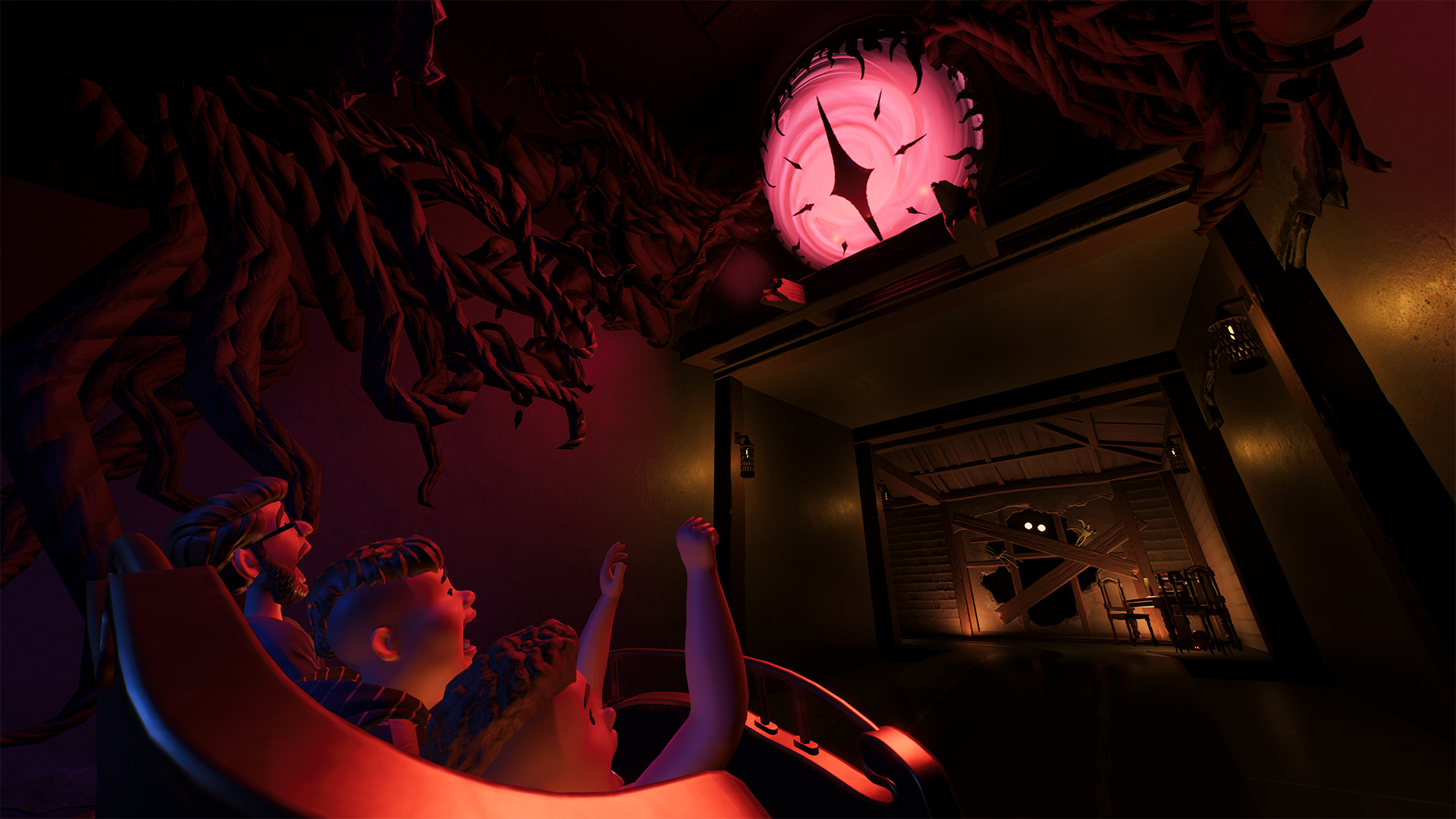
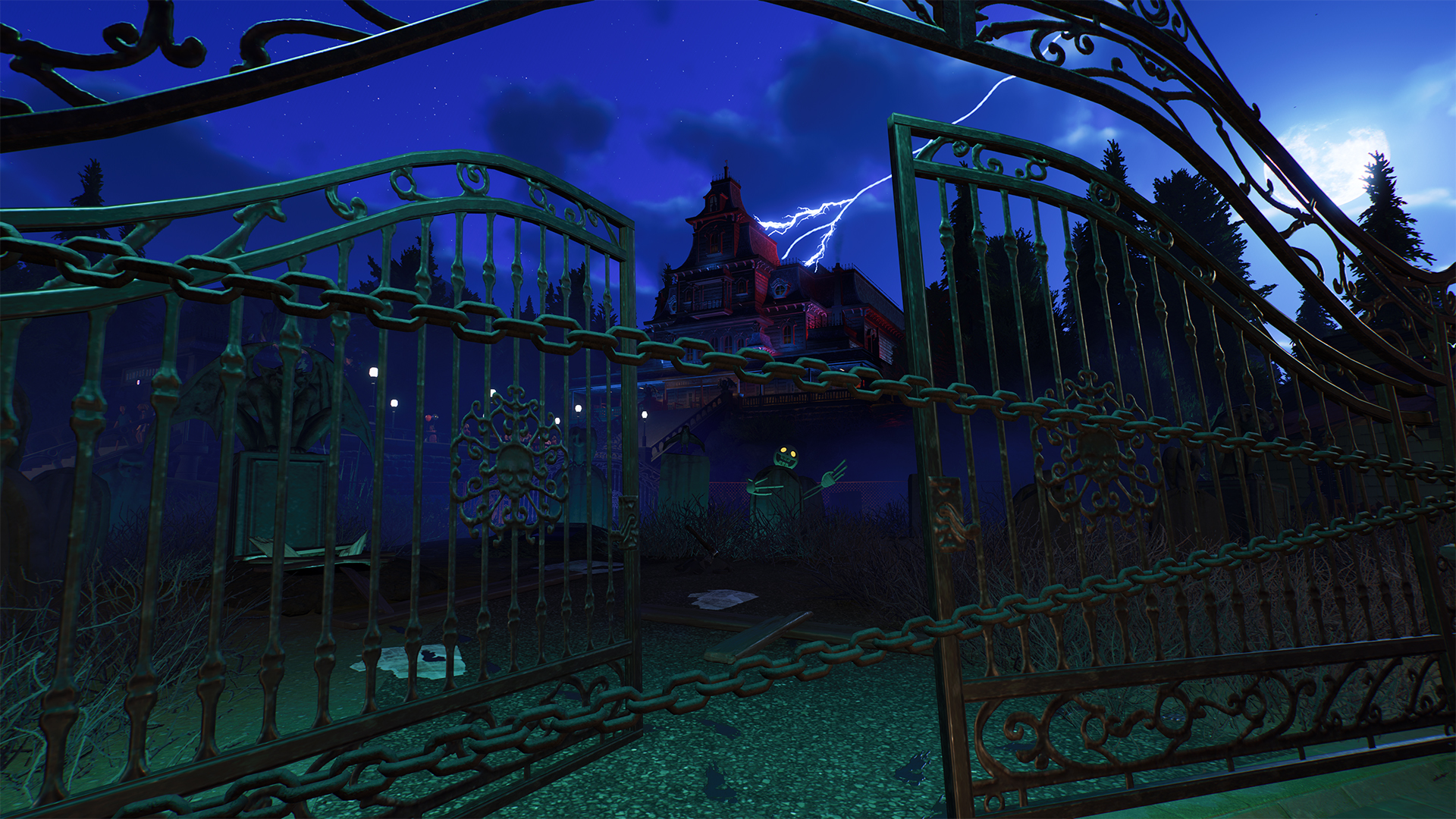
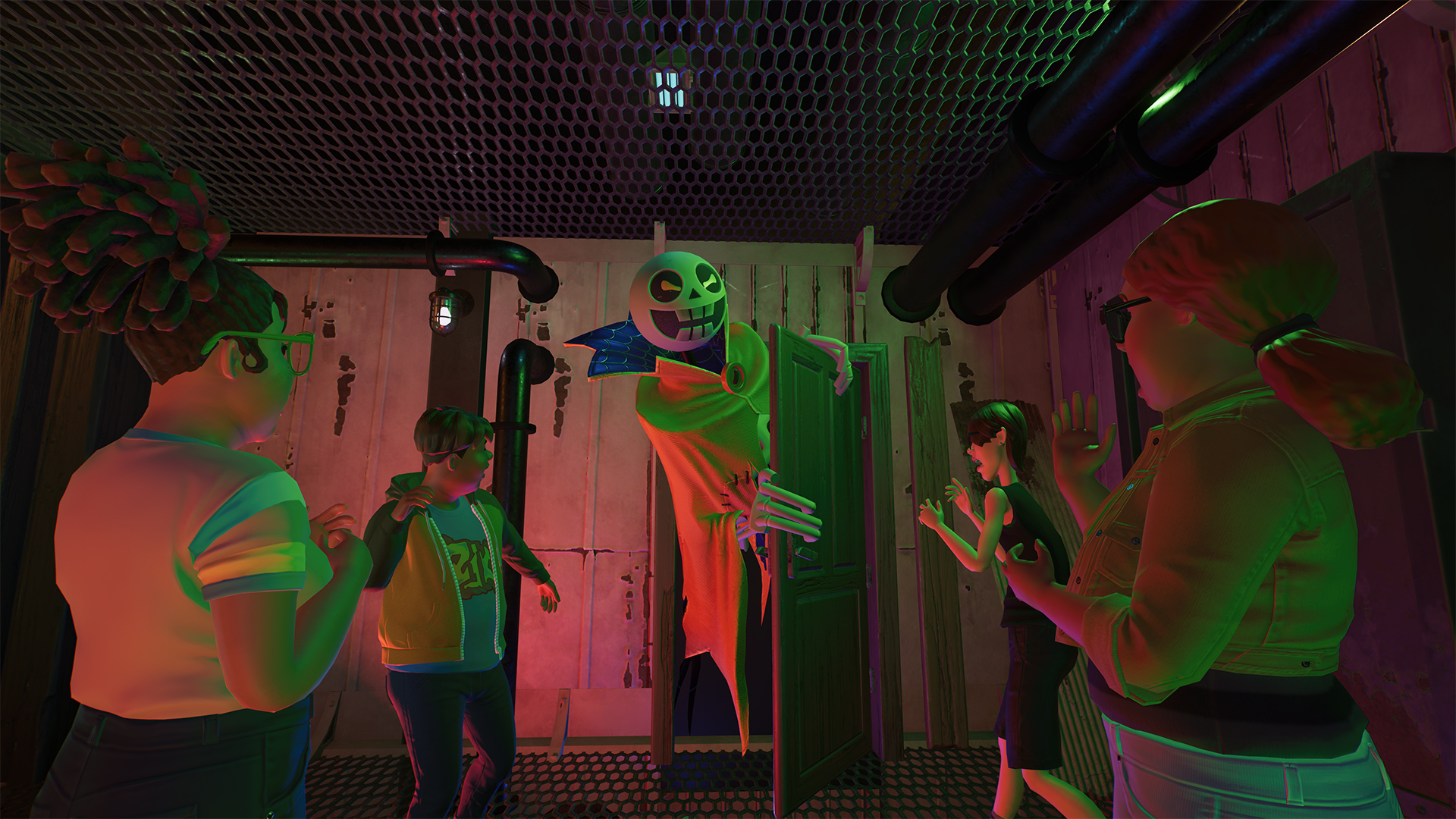
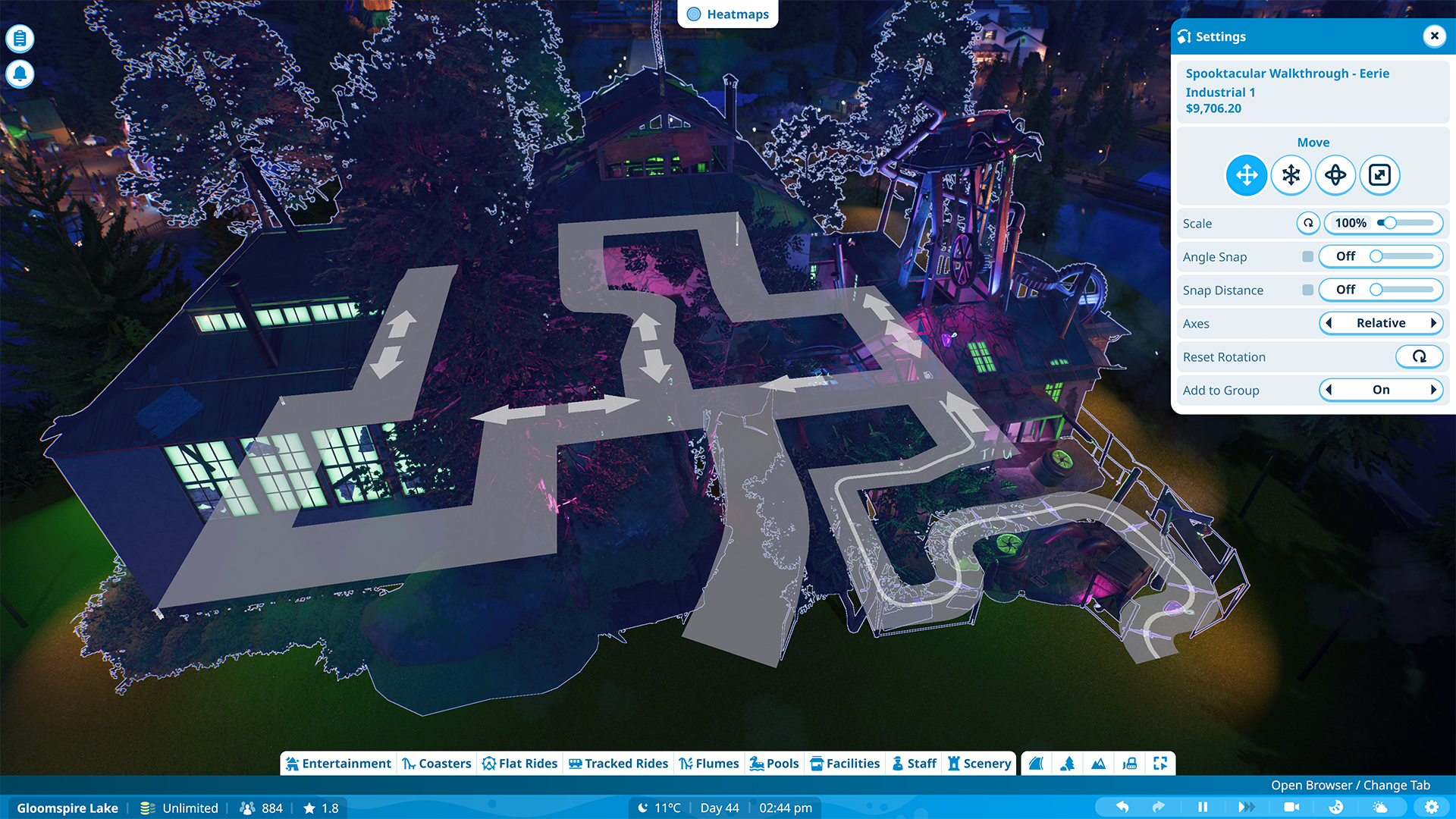
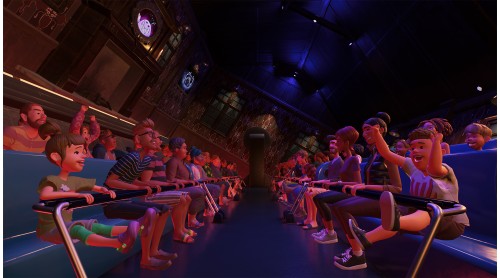
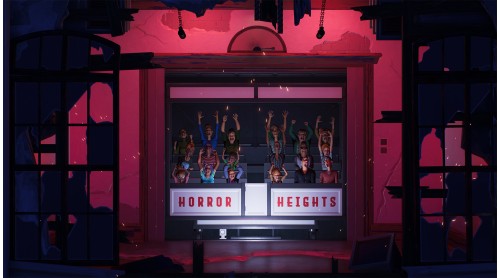
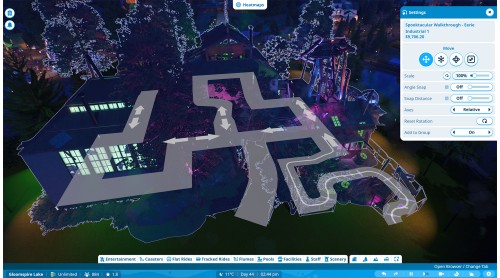
Fresh fears await! For the first time, create custom Walkthrough Attractions from the ground up, complete with customisable guest reactions. Build a scream-fest with Spooktacular scenery or create family-friendly adventures using Planet Coaster 2’s wide range of themes. Mix scenery, effects and reactions to craft memorable journeys that unfold scene by scene.
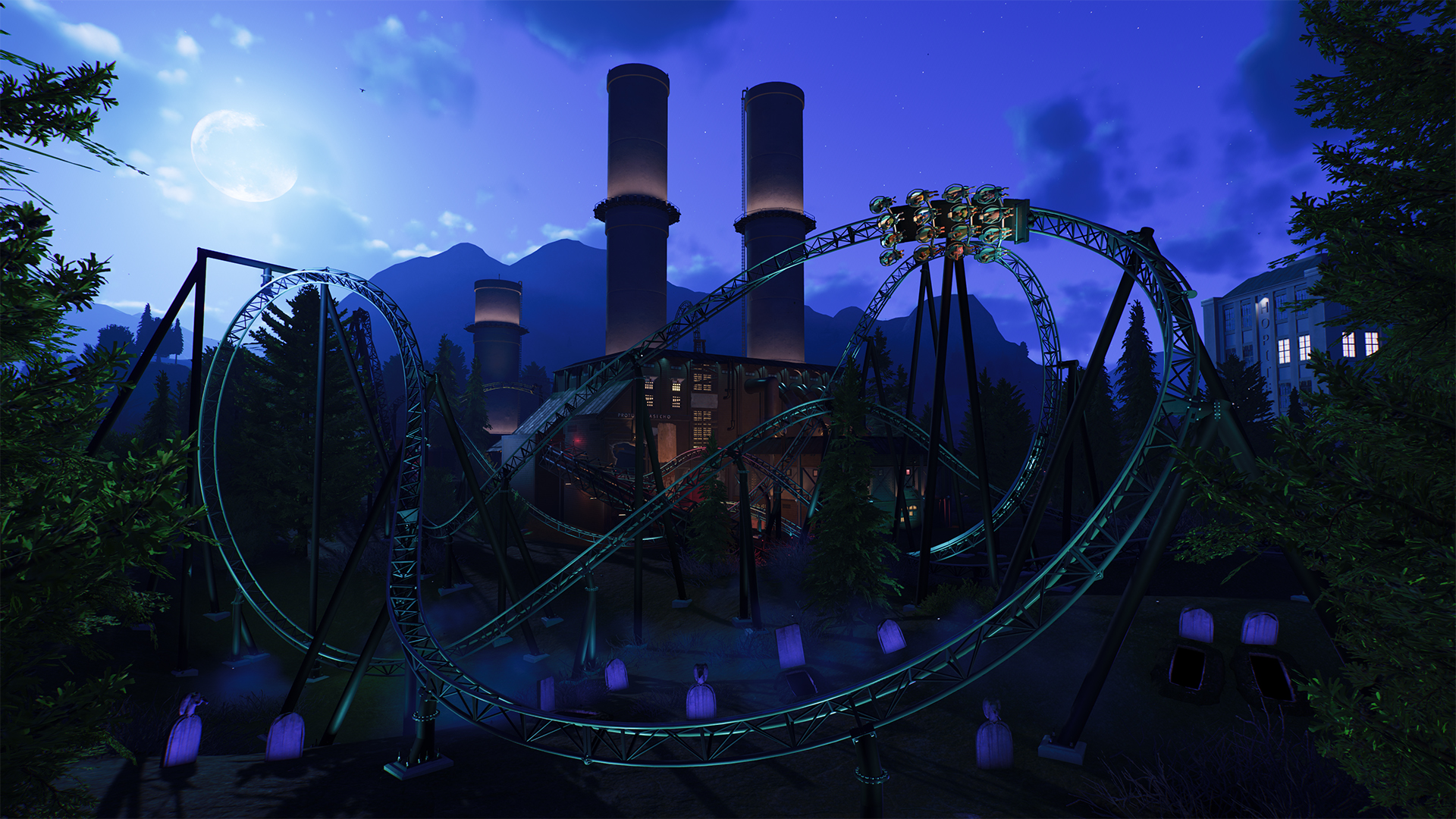
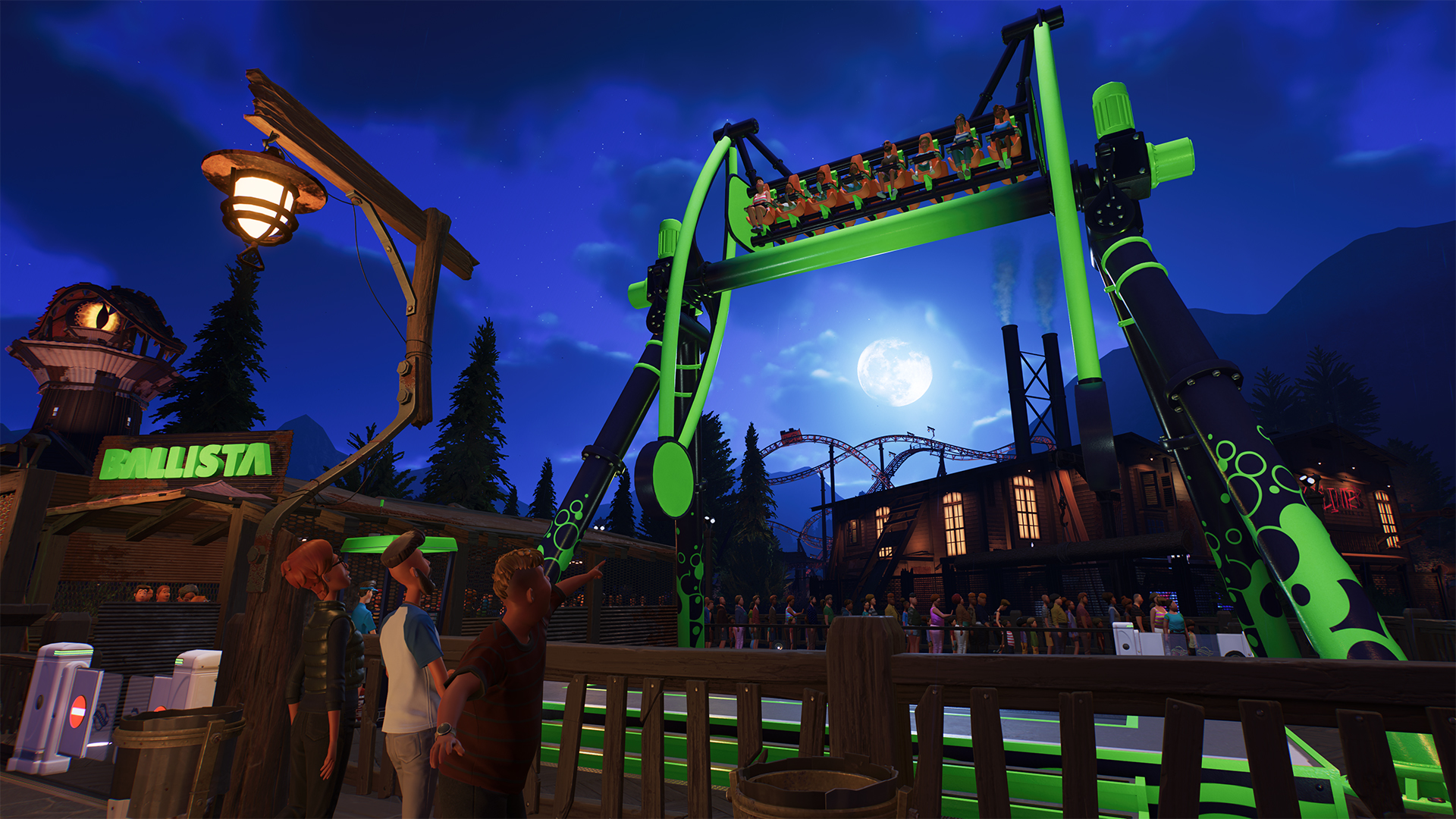
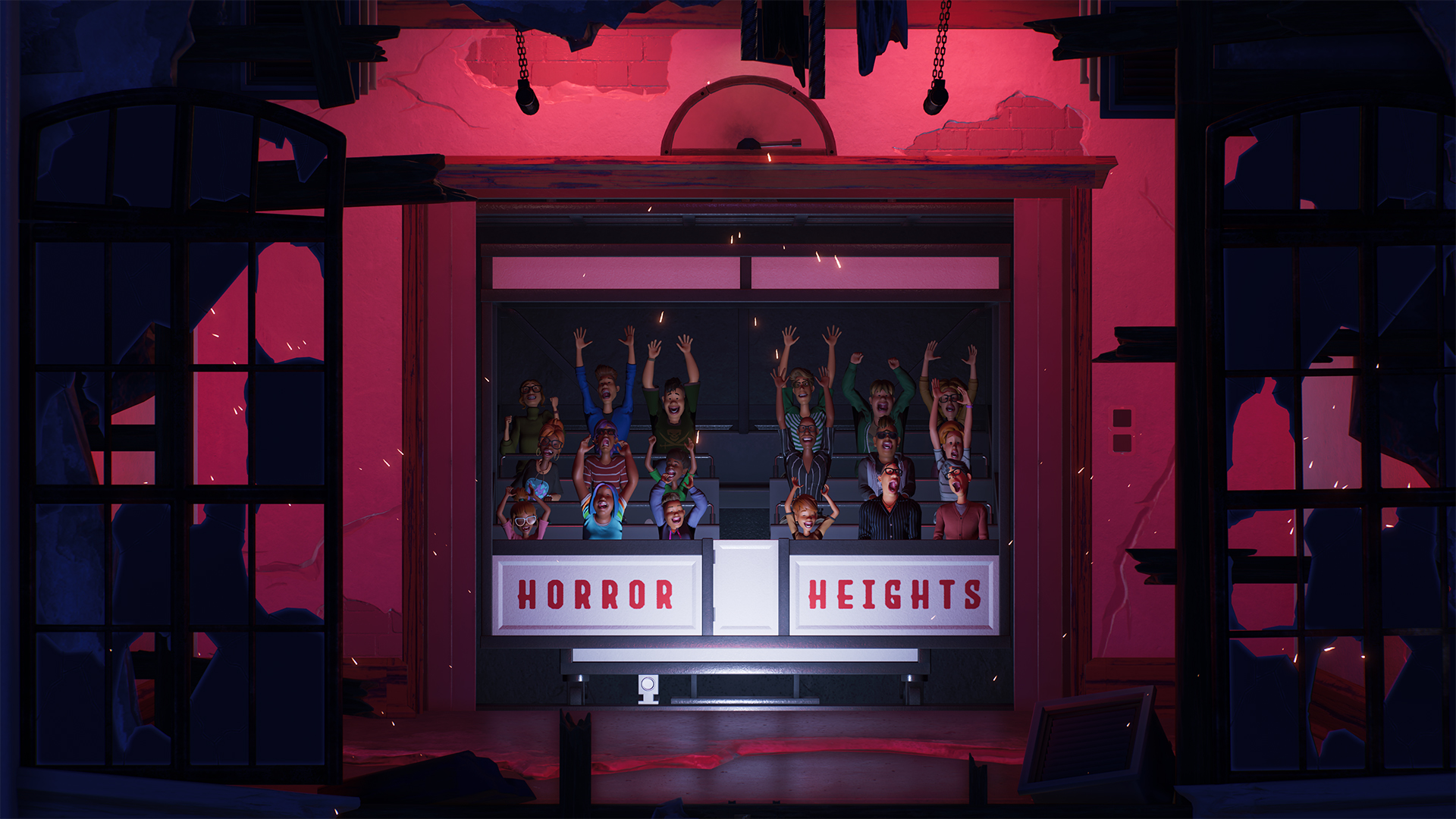
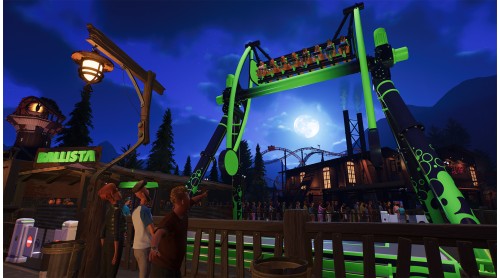
Bring scares, surprises and family-friendly fun to your parks with Spectre, Sledge, Bosetti, Ballista, Rumpus Room, Horror Heights and The Huntsman.
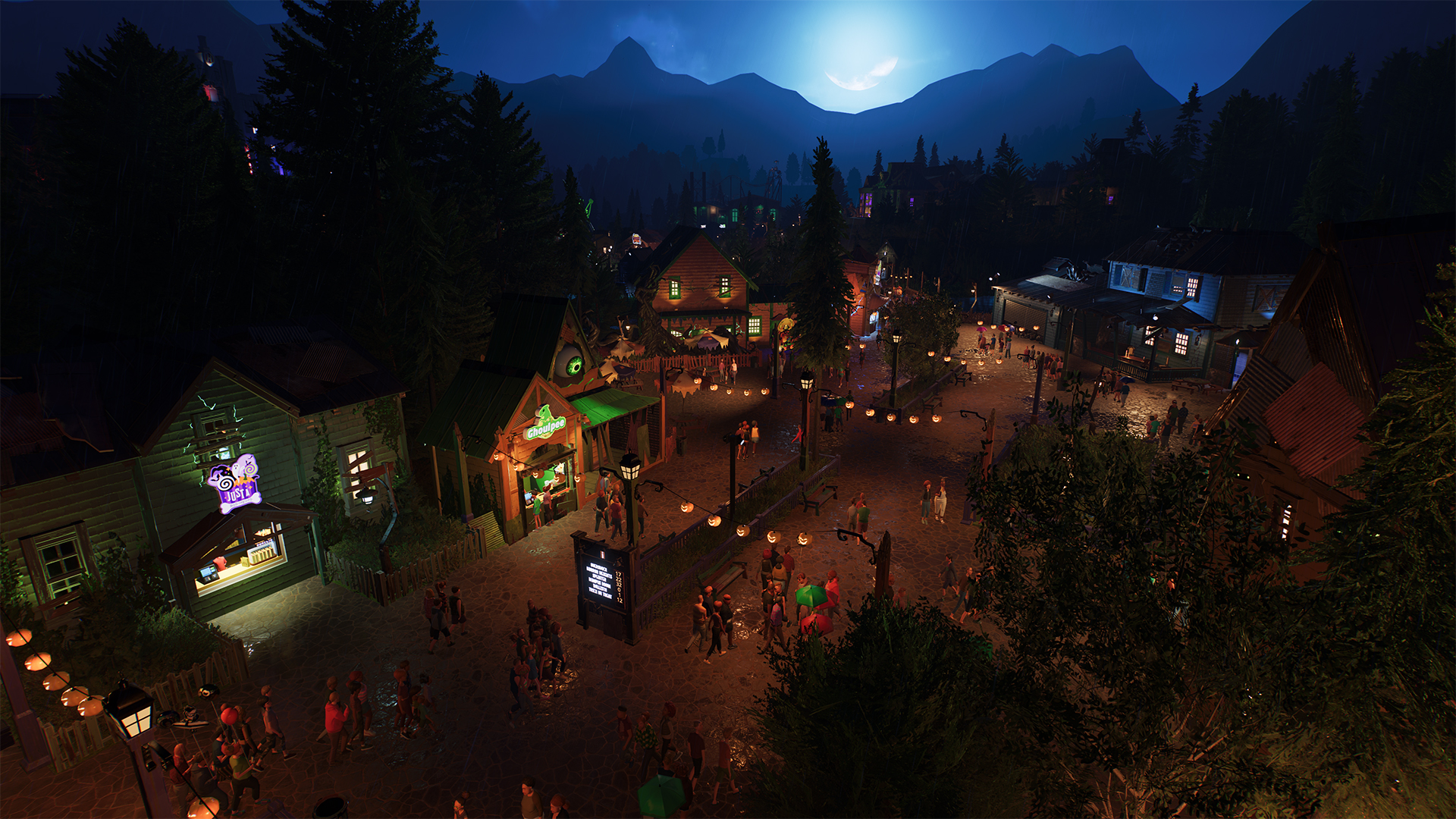
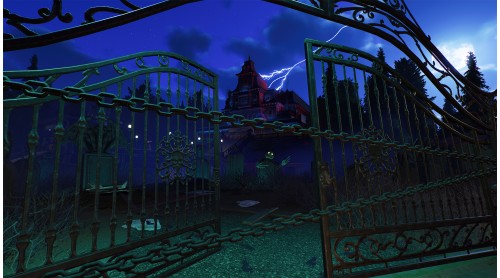
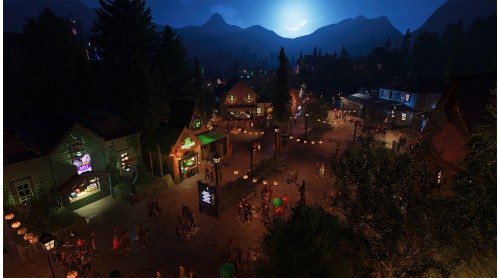
Transform your parks with over 700 scenery pieces across the Spooktacular and returning Spooky Themes. Build dilapidated ghost towns, crumbling crypts and eerie graveyards packed with animatronics, pumpkins, skeletons, gargoyles, cobwebs and more.
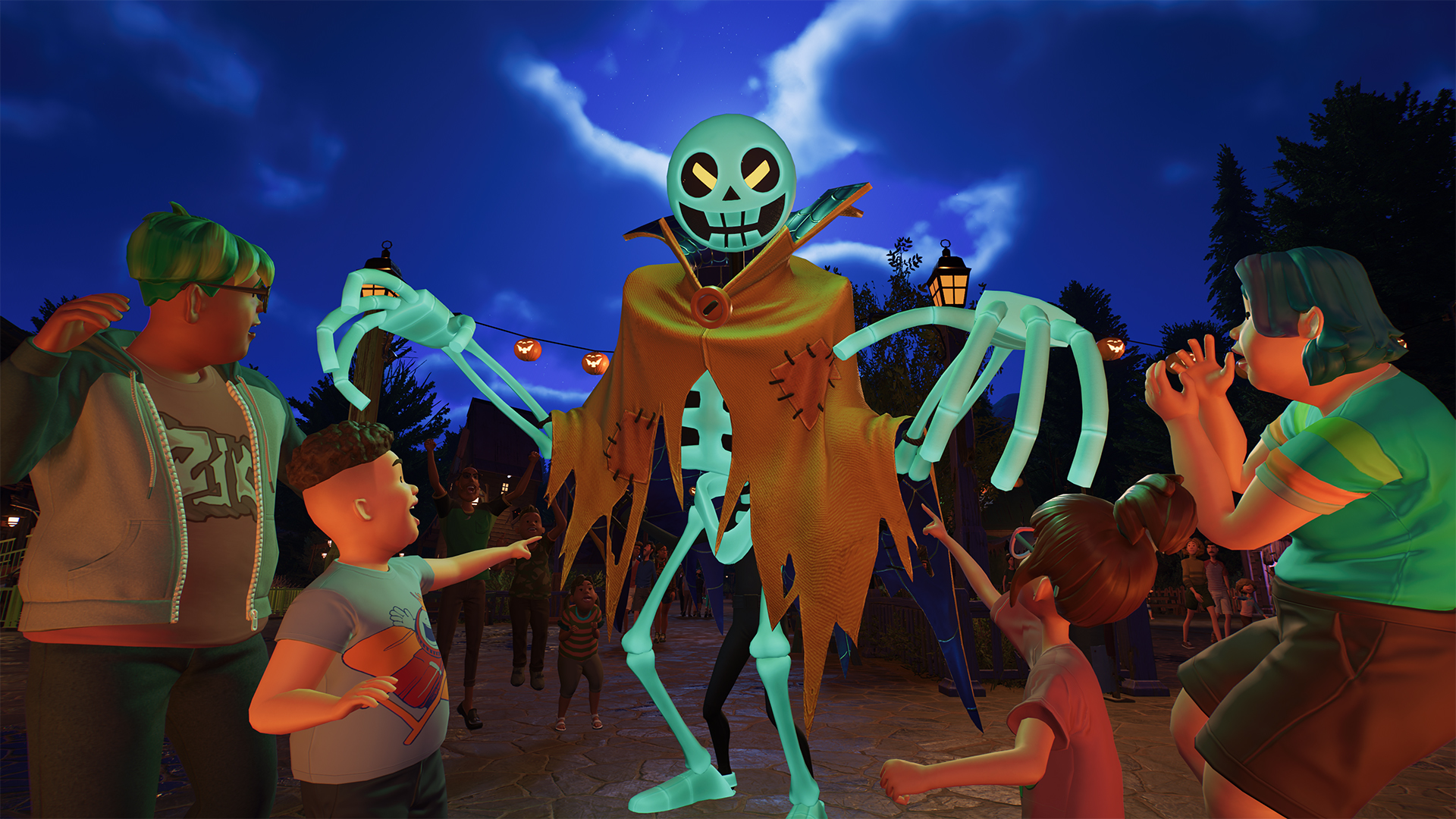
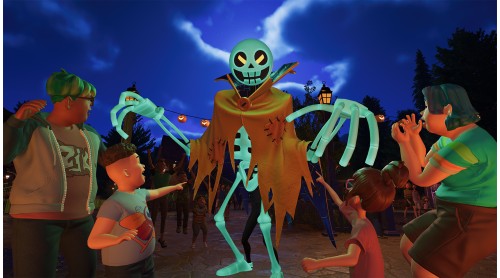
Meet three ghostly entertainers: Wigglebones, King Ghoster and Queen Scream, and give familiar in-game brands a spooky makeover with terrifying twists on food, drink and souvenir shops.
Set the scene with 29 atmospheric ambient sounds, over 90 haunting sound effects and 14 chilling music tracks. Then bring your creations to life with 20 special effects, including bats, lightning, rain, spiders, spooky flames, mist and slime.
Enter if you dare!
Planet Coaster 2 © 2024-2025 Frontier Developments plc. Frontier, the Frontier logo, Planet Coaster and the Planet Coaster 2 logo are trade marks of Frontier Developments plc, variably registered around the world. All rights reserved.


How to activate your Steam key?
1. Open your Steam client. (If you don't have a Steam Client, you can install from here https://store.steampowered.com/about/)
2. Sign in to your Steam account. (If you don't have a Steam Account, you can create from here https://store.steampowered.com/join/)
3. Click “ADD A GAME” button which is at the bottom of the Steam Client.
4. Now select "Activate a product on Steam..."
5. Write or copy-paste your Steam key which you purchased from Gamesforpc.
6. Now your game is in your library.
7. Find your game in your library, select and click install to start your download.