Description
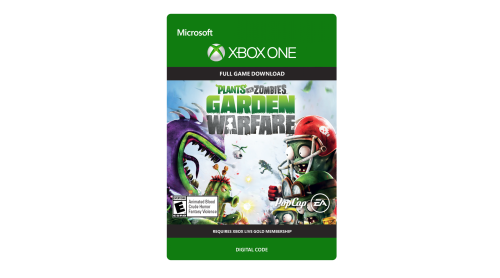
Plants vs. Zombies Garden Warfare digs into the trenches with an explosive new Co-op and Multiplayer action experience. Blast zombies and plants across a mine-blowing world that delivers the depth of a traditional online shooter blended with the refreshing humor of Plants vs. Zombies.
*ACCEPTANCE OF PRODUCT END USER LICENSE AGREEMENT (EULA) REQUIRED TO PLAY. INTERNET CONNECTION AND ORIGIN ACCOUNT REQUIRED TO ACCESS ONLINE FEATURES. YOU MUST BE 13+ TO ACCESS ONLINE FEATURES. EA ONLINE PRIVACY AND COOKIE POLICY AND TERMS OF SERVICE AVAILABLE AT WWW.EA.COM. EULAS AND ADDITIONAL DISCLOSURES AVAILABLE AT WWW.EA.COM/1/PRODUCT-EULAS. EA MAY RETIRE ONLINE FEATURES AFTER 30 DAYS NOTICE POSTED ON WWW.EA.COM/1/SERVICE-UPDATES. EA MAY PROVIDE CERTAIN INCREMENTAL CONTENT AND/OR UPDATES FOR NO ADDITIONAL CHARGE, IF AND WHEN AVAILABLE.
© 2014 Electronic Arts Inc. Plants vs. Zombies, PopCap, EA and the EA logo are trademarks of Electronic Arts Inc.

 Steam


How to activate your Steam key?
1. Open your Steam client. (If you don't have a Steam Client, you can install from here https://store.steampowered.com/about/)
2. Sign in to your Steam account. (If you don't have a Steam Account, you can create from here https://store.steampowered.com/join/)
3. Click “ADD A GAME” button which is at the bottom of the Steam Client.
4. Now select "Activate a product on Steam..."
5. Write or copy-paste your Steam key which you purchased from Gamesforpc.
6. Now your game is in your library.
7. Find your game in your library, select and click install to start your download.