 Steam
Steam  Windows
 | Release Date | 13.06.2016 | |
| Publisher | THQ Nordic GmbH | |
| PEGI Rating | + 7 | |
| Operating Systems | Windows | |
| Genres | Action, platform |
19.99€
Added to Cart
19.99€
Added to Wishlist
19.99€
NEW IN THE DEFINITIVE EDITION
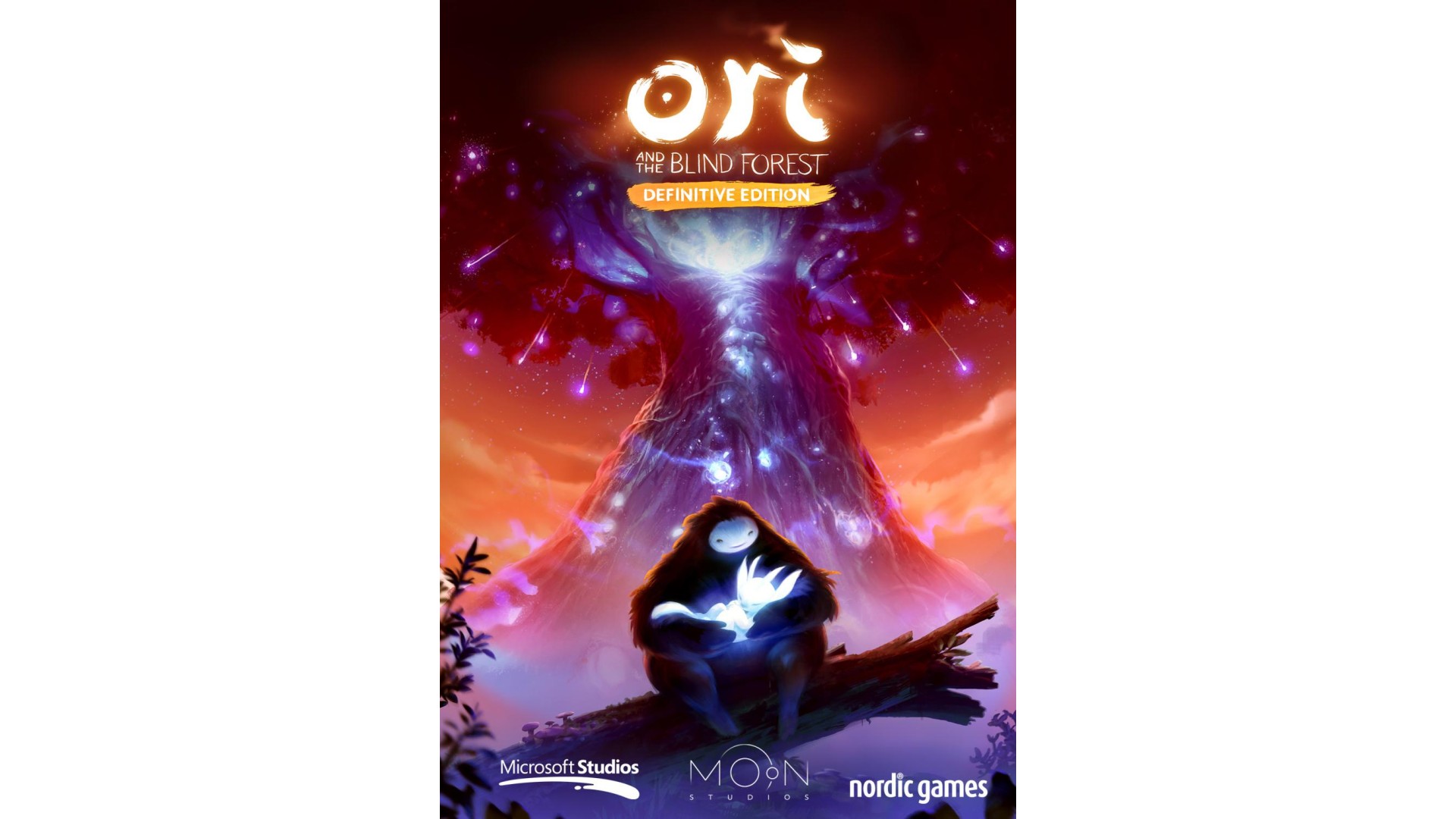
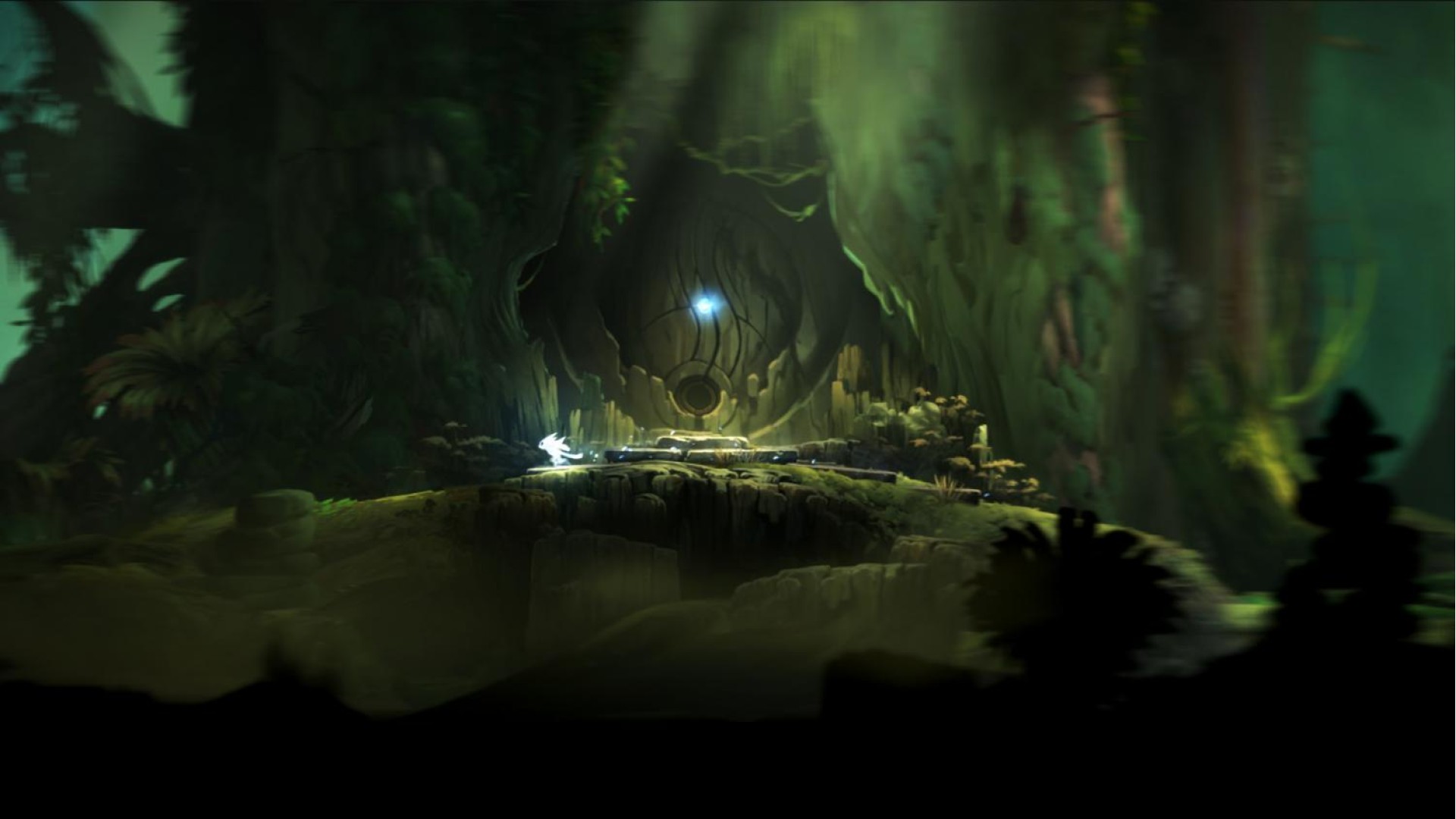
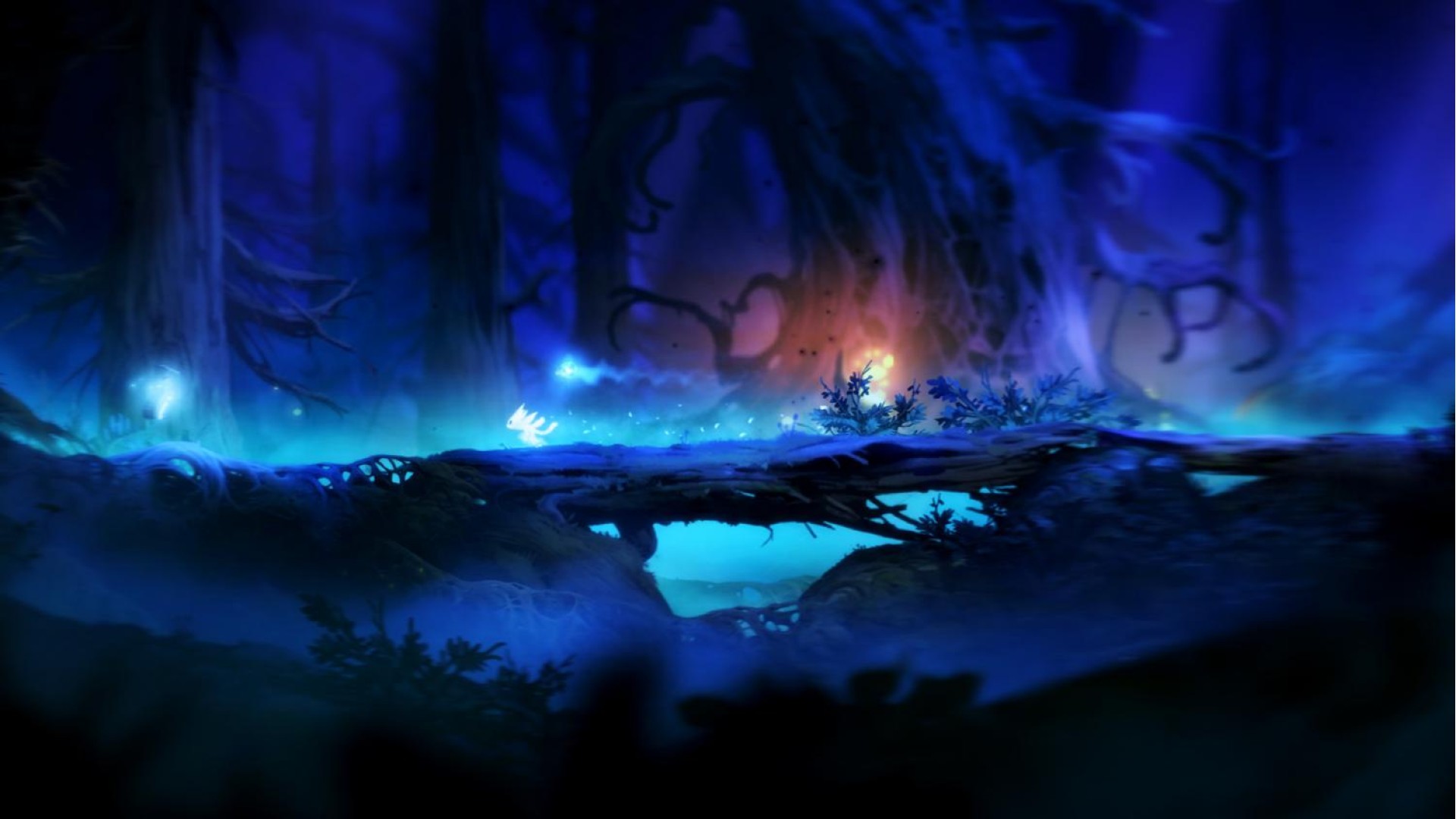
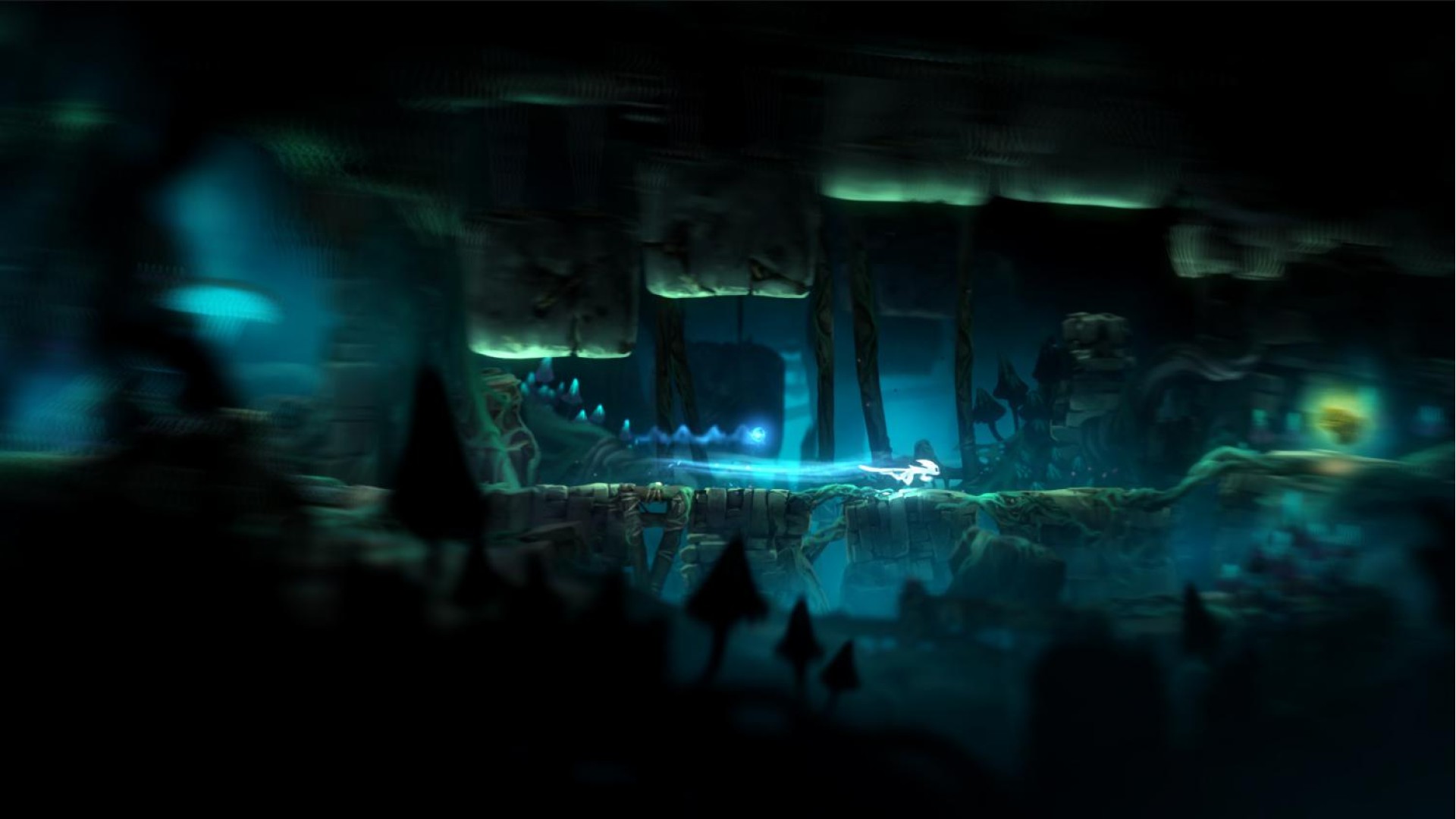
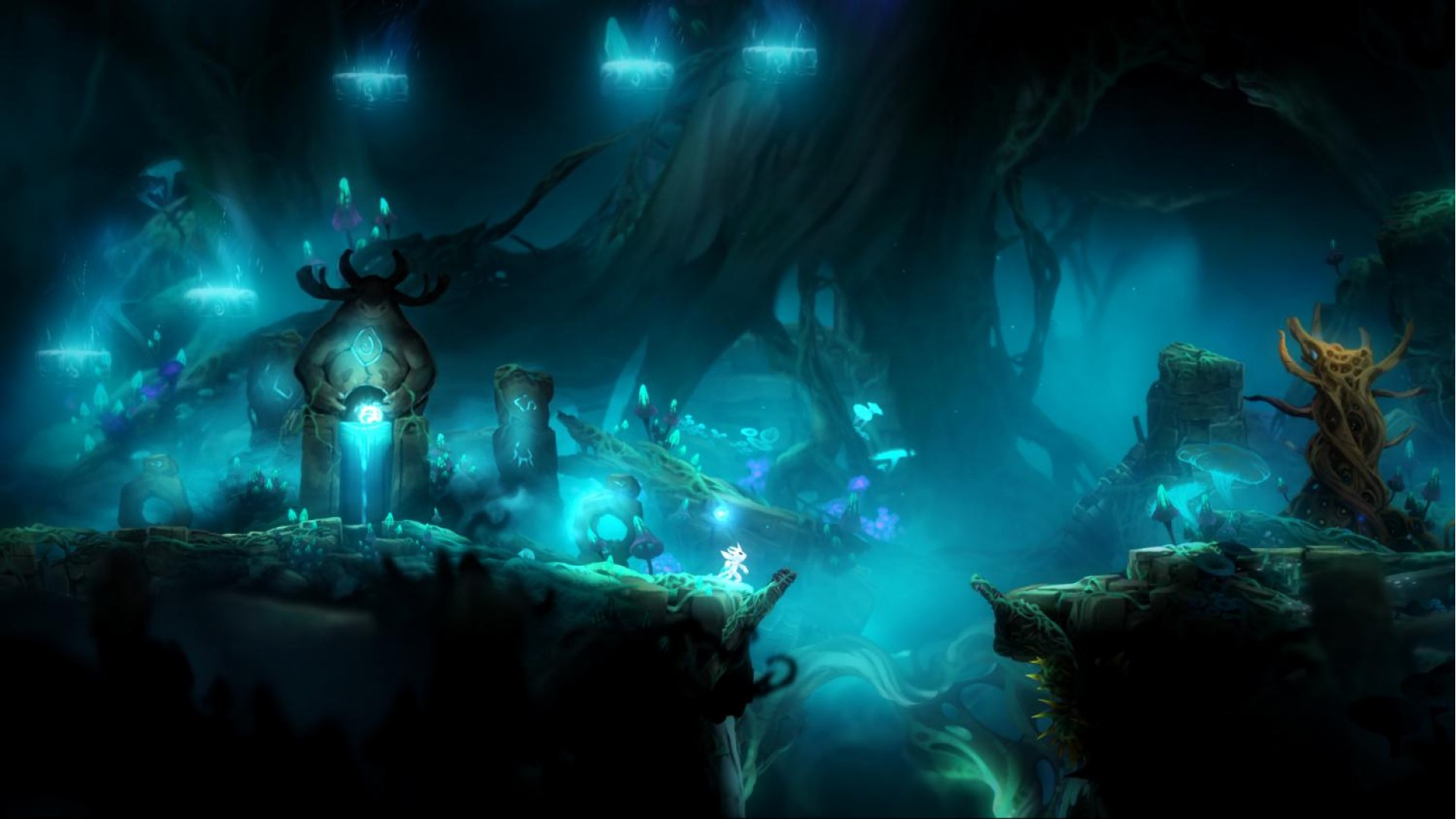
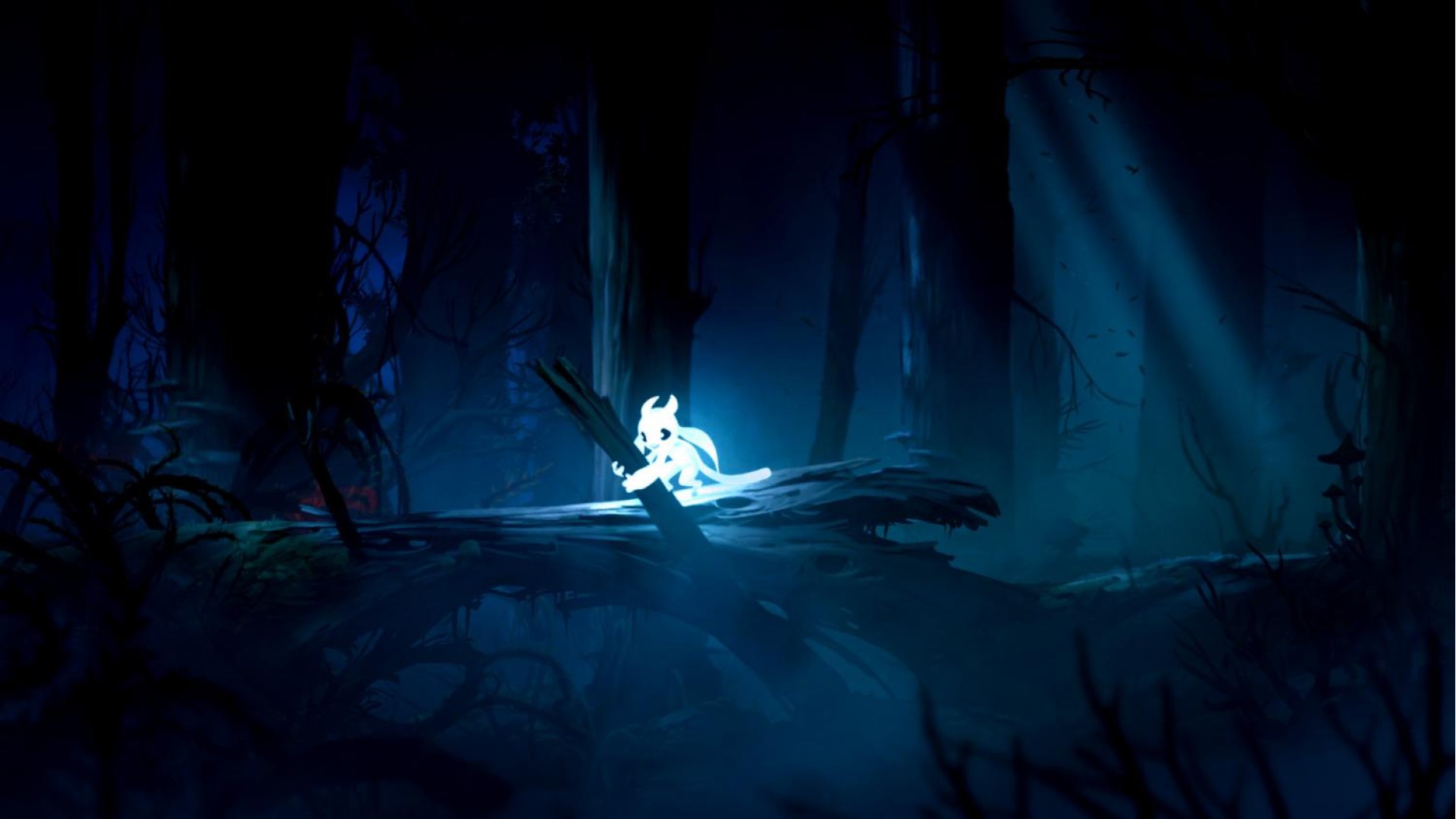
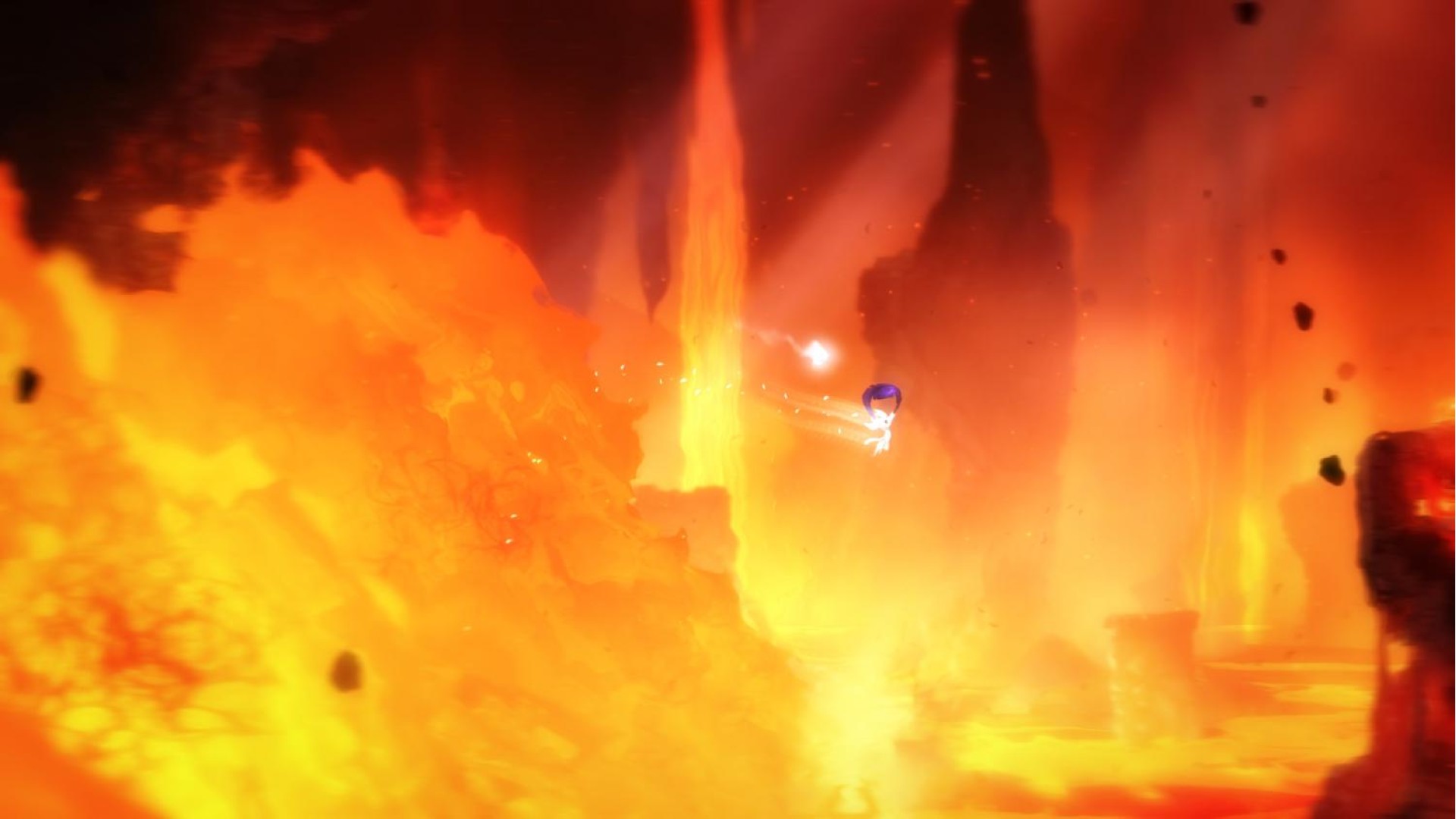
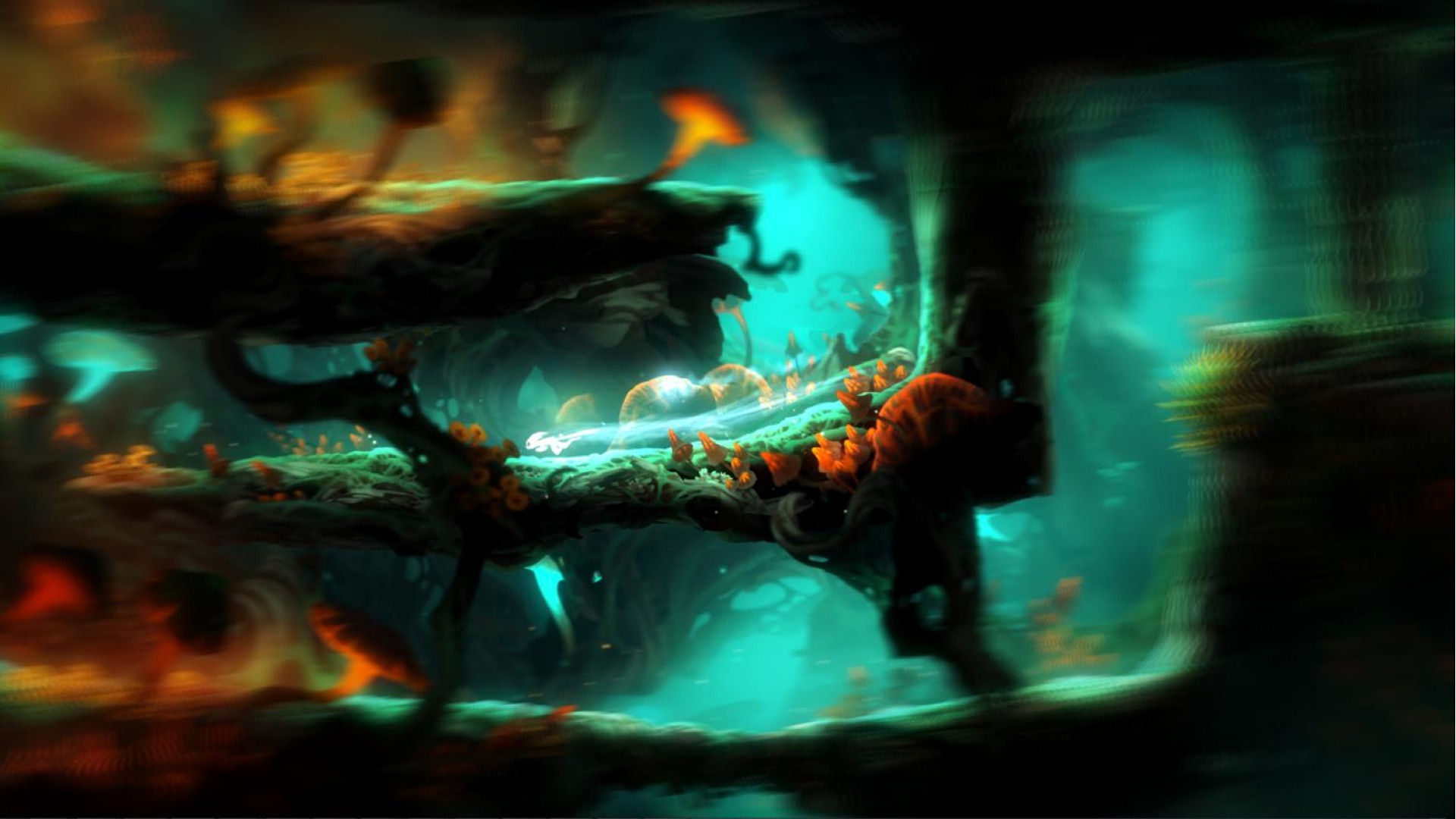
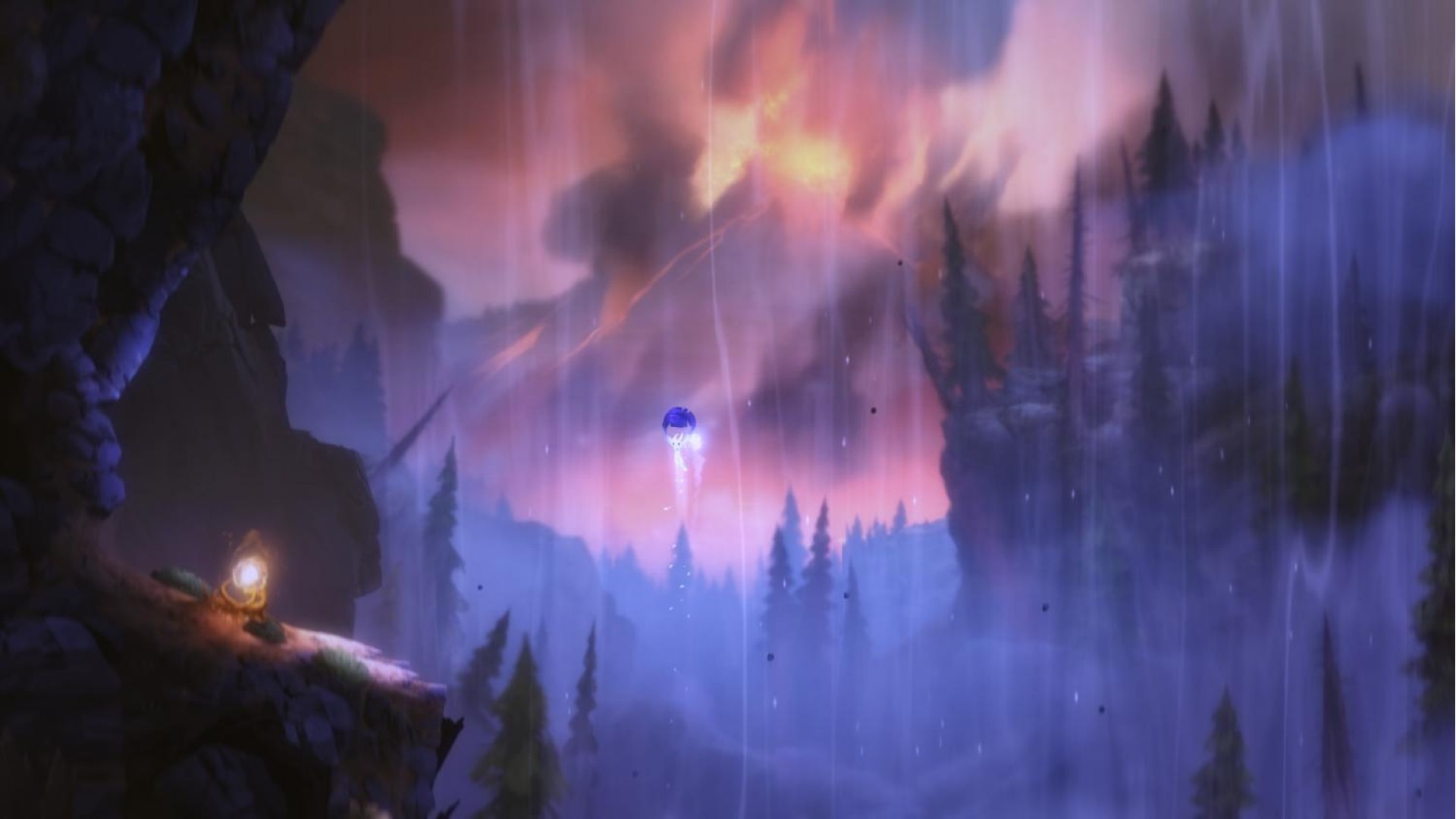
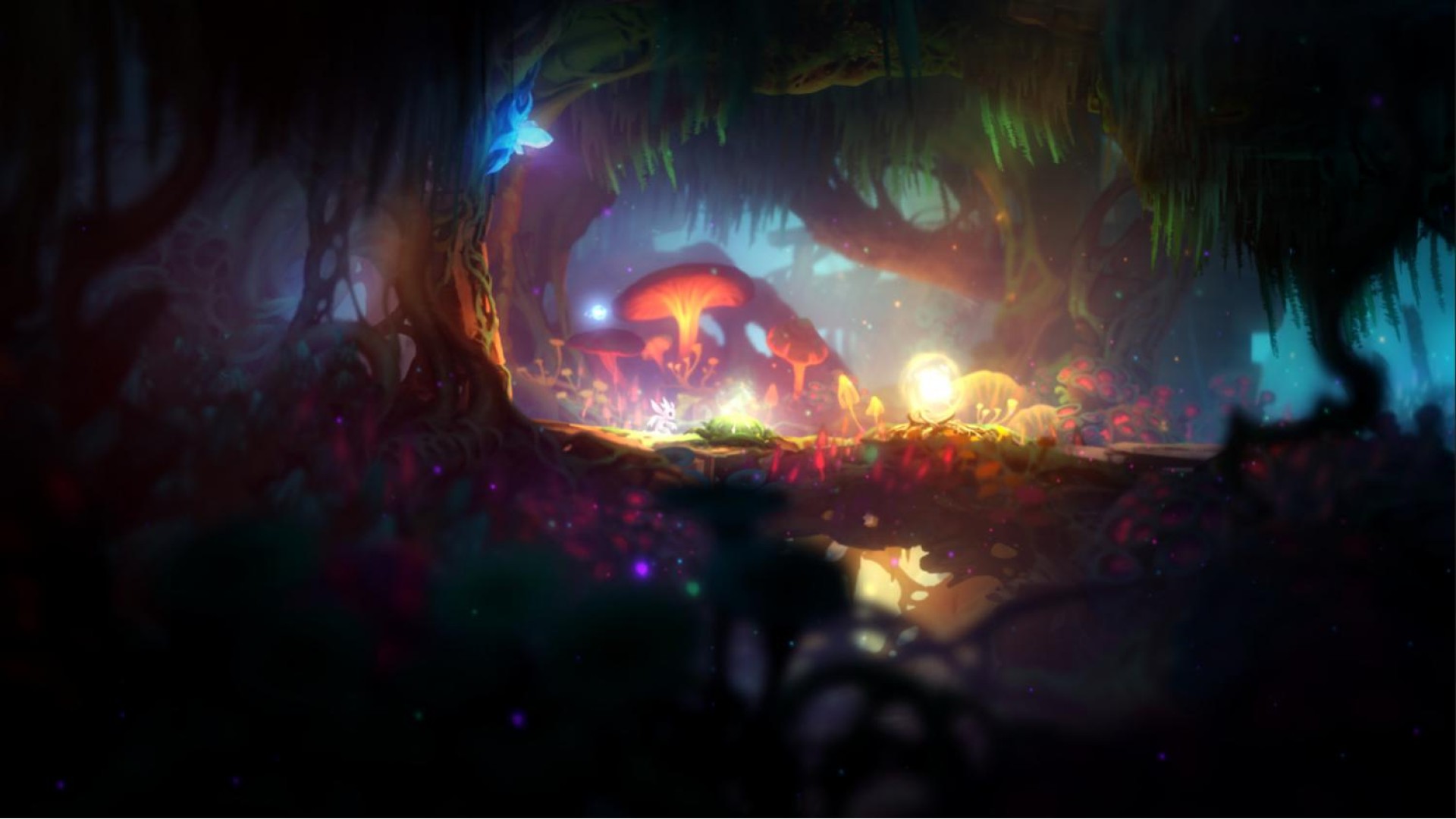
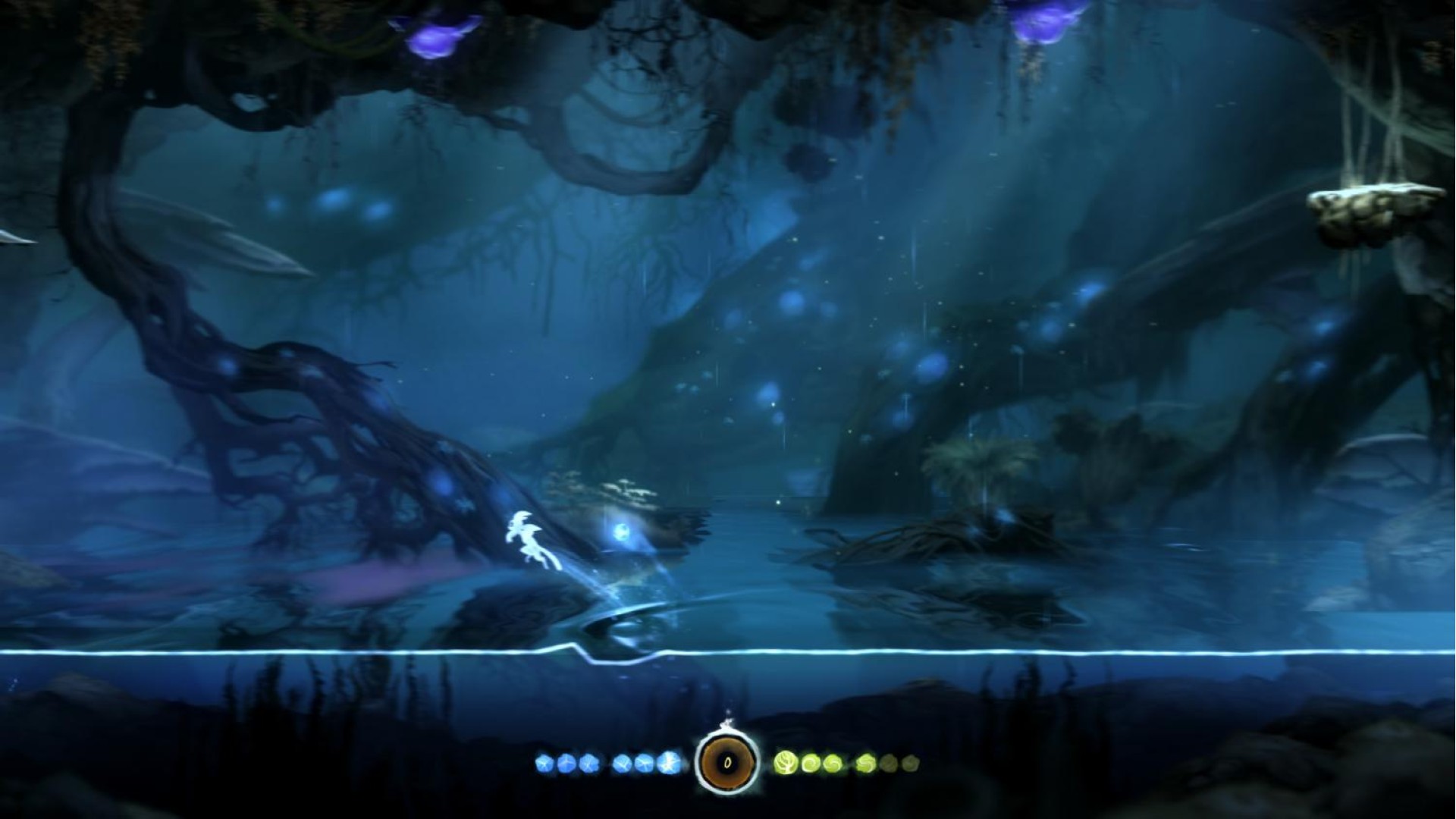
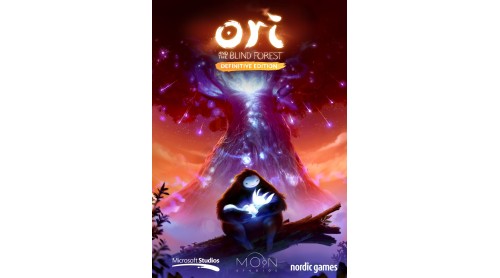
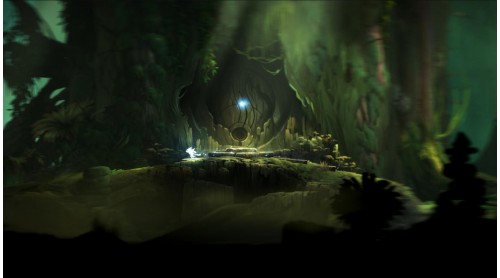
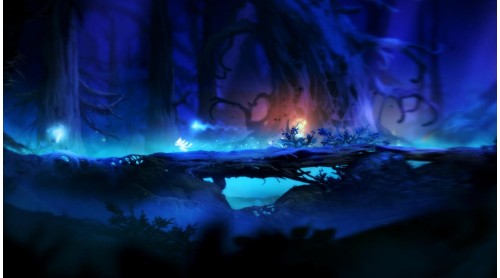
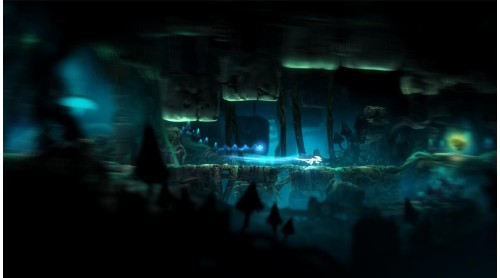
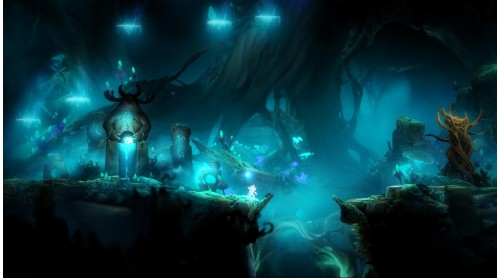
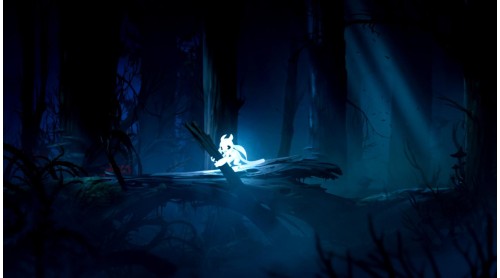
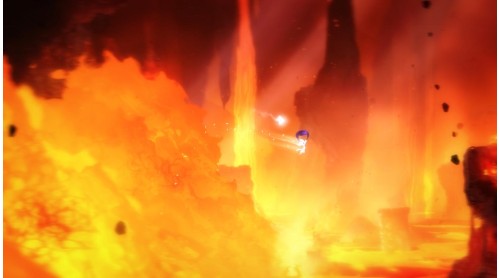
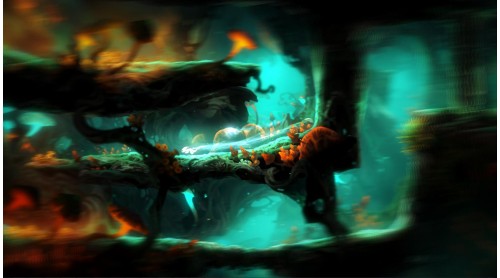
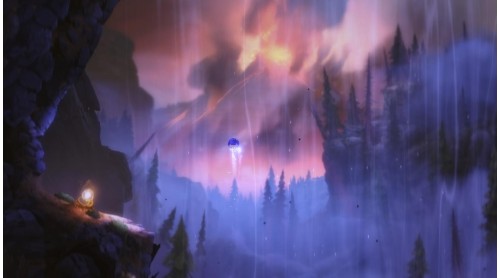
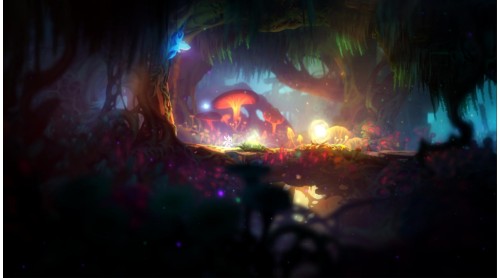
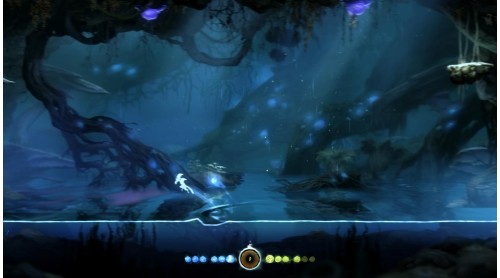
The forest of Nibel is dying. After a powerful storm sets a series of devastating events in motion, Ori must journey to find courage and confront a dark nemesis to save the forest of Nibel. “Ori and the Blind Forest” tells the tale of a young orphan destined for heroics, through a visually stunning Action-Platformer crafted by Moon Studios. Featuring hand-painted artwork, meticulously animated character performance, a fully orchestrated score and dozens of new features in the Definitive Edition, “Ori and the Blind Forest” explores a deeply emotional story about love and sacrifice, and the hope that exists in us all.


How to activate your Steam key?
1. Open your Steam client. (If you don't have a Steam Client, you can install from here https://store.steampowered.com/about/)
2. Sign in to your Steam account. (If you don't have a Steam Account, you can create from here https://store.steampowered.com/join/)
3. Click “ADD A GAME” button which is at the bottom of the Steam Client.
4. Now select "Activate a product on Steam..."
5. Write or copy-paste your Steam key which you purchased from Gamesforpc.
6. Now your game is in your library.
7. Find your game in your library, select and click install to start your download.