

 Steam
Steam  Windows
 | Release Date | 24.01.2020 |
| Publisher | Kalypso Media UK. Ltd |
| Operating Systems | Windows |
| Genres | Strategy |
19.99€
Added to Cart
19.99€
Added to Wishlist
19.99€
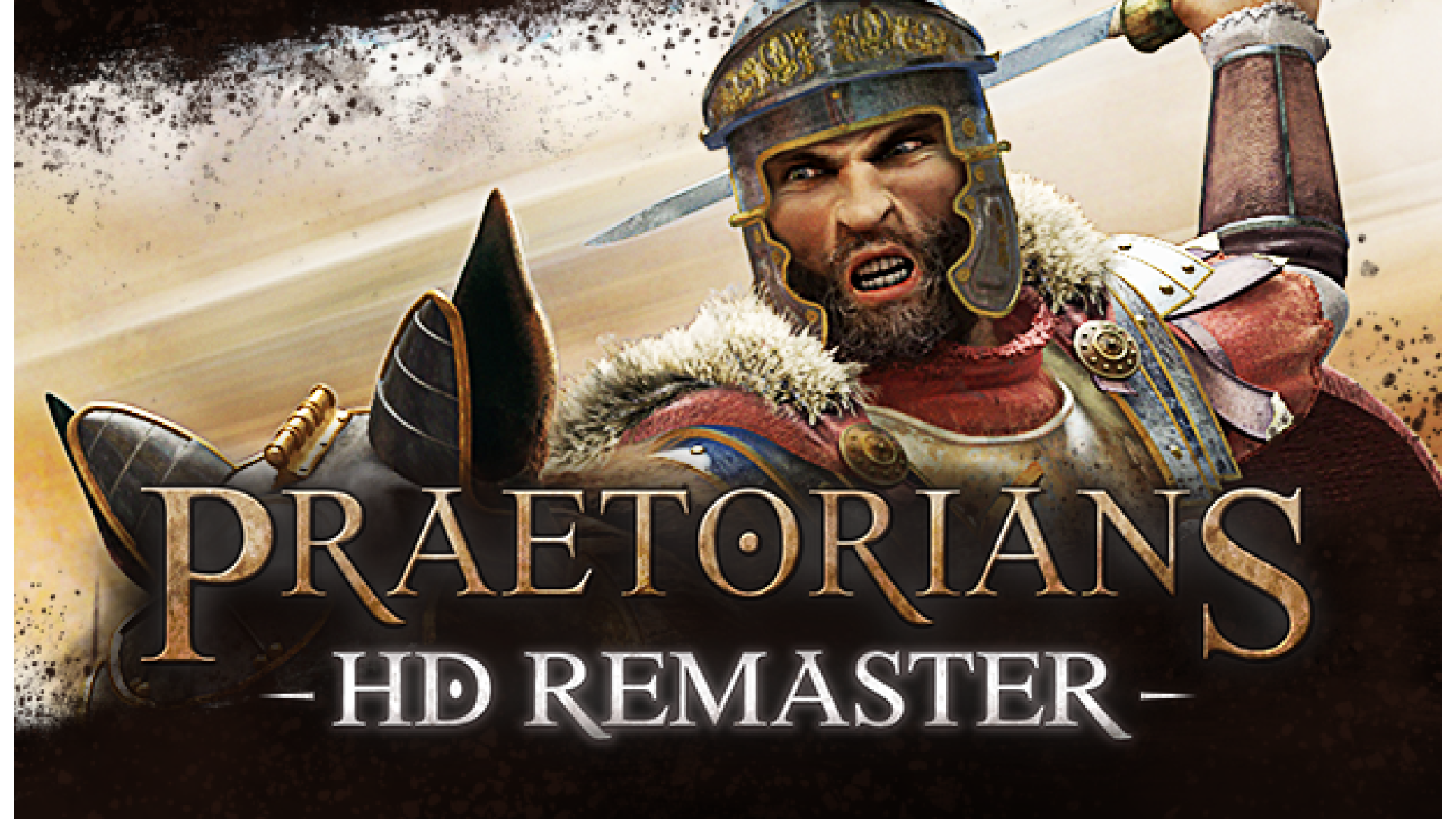
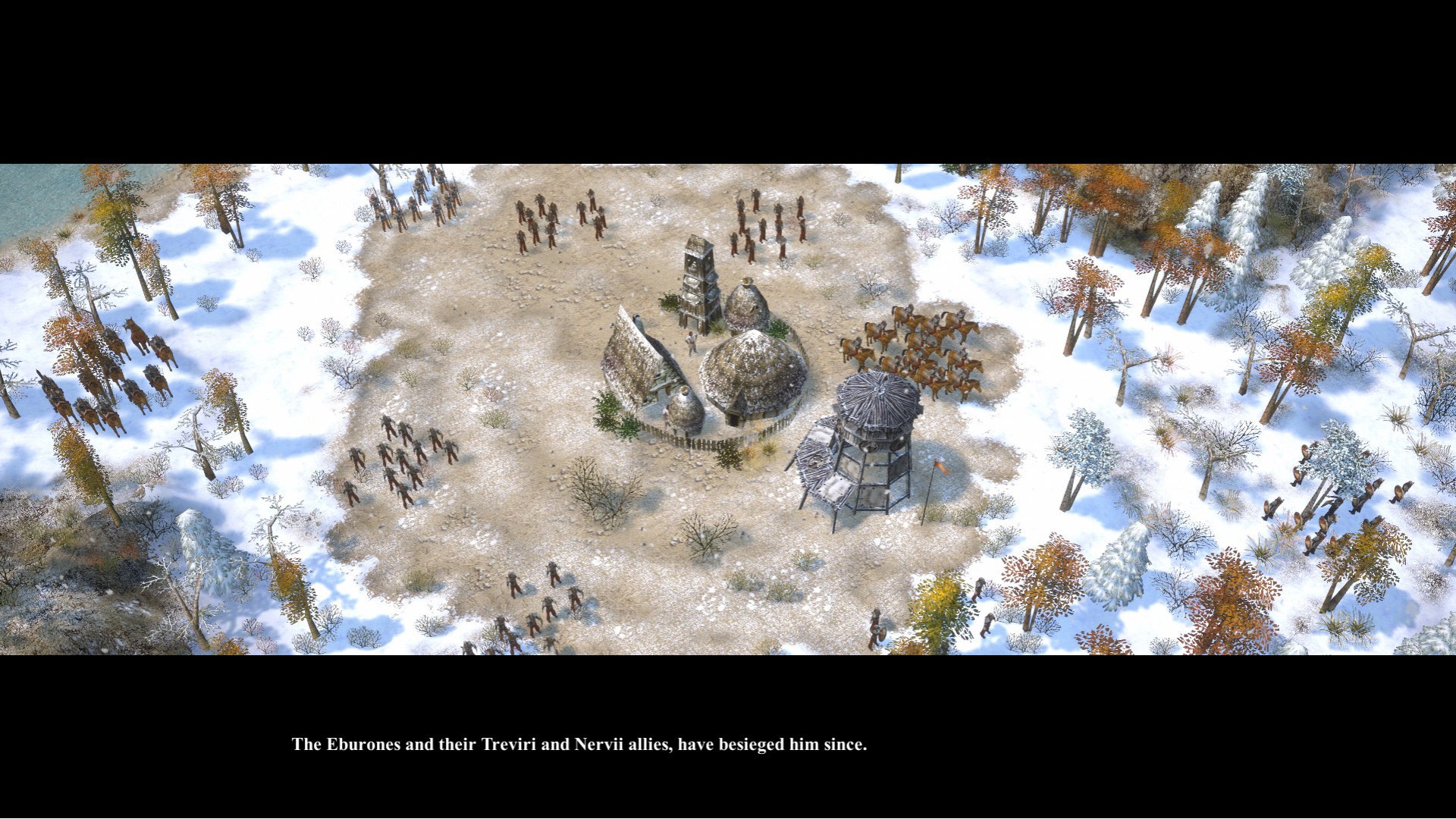
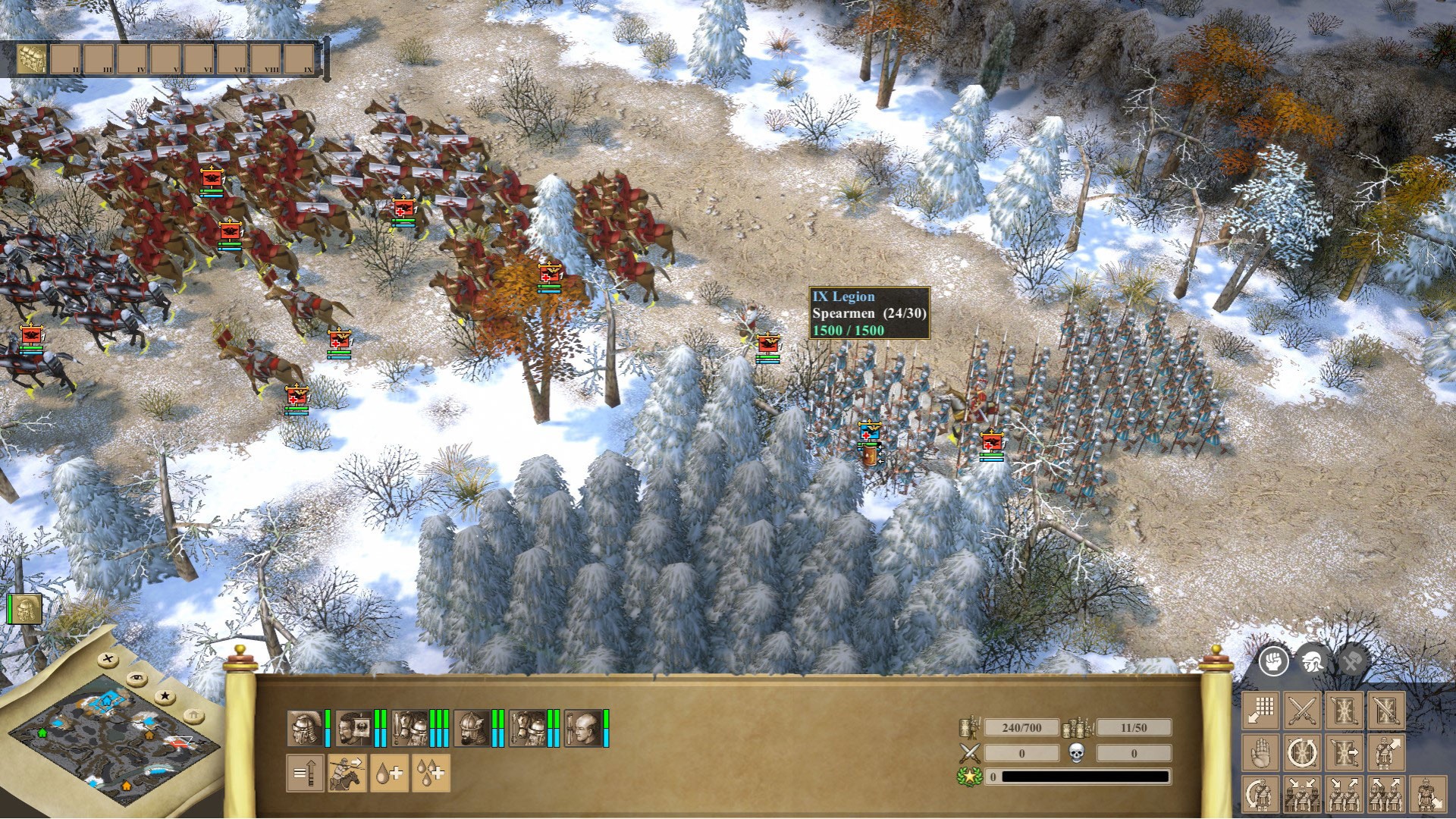
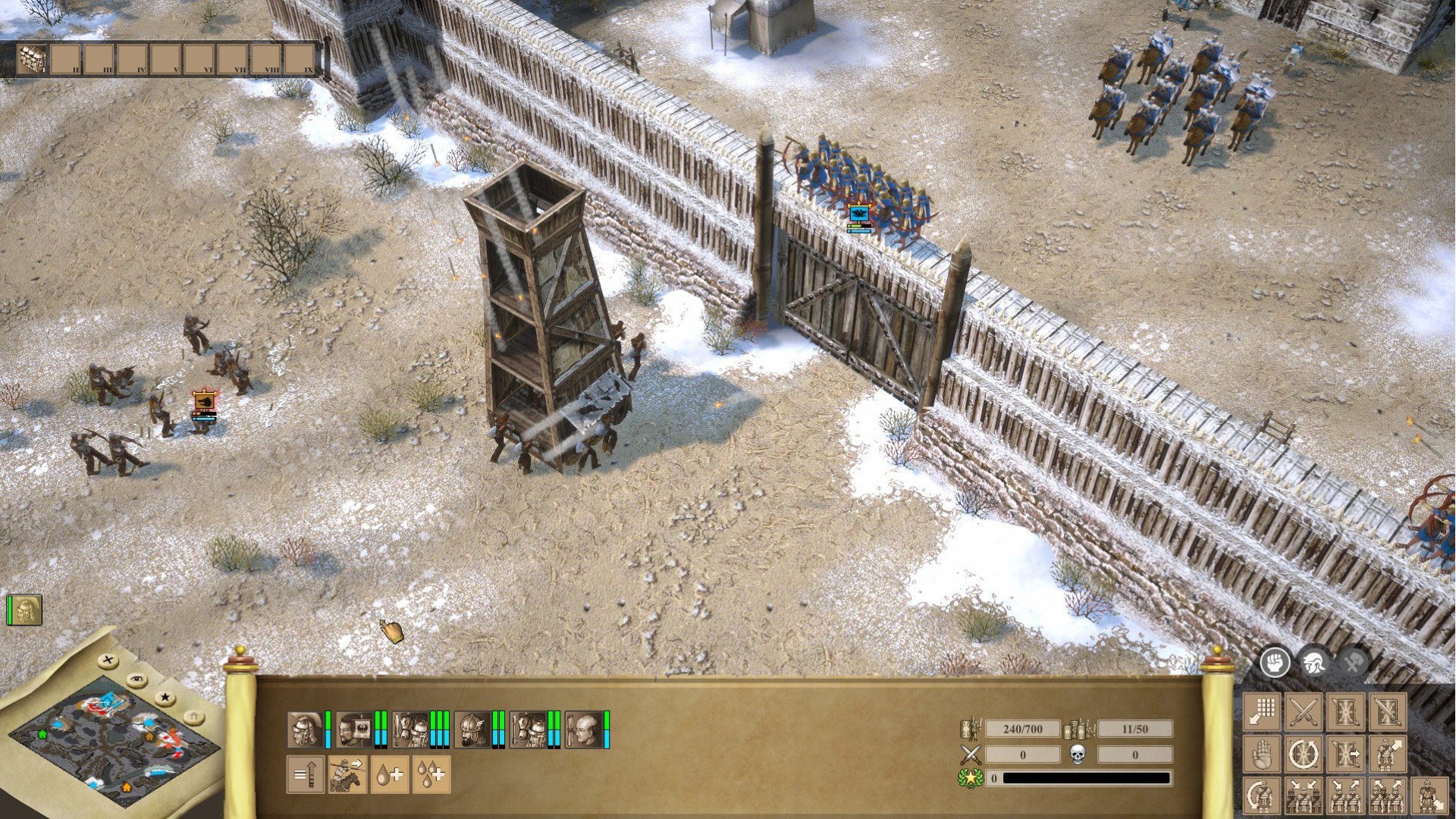
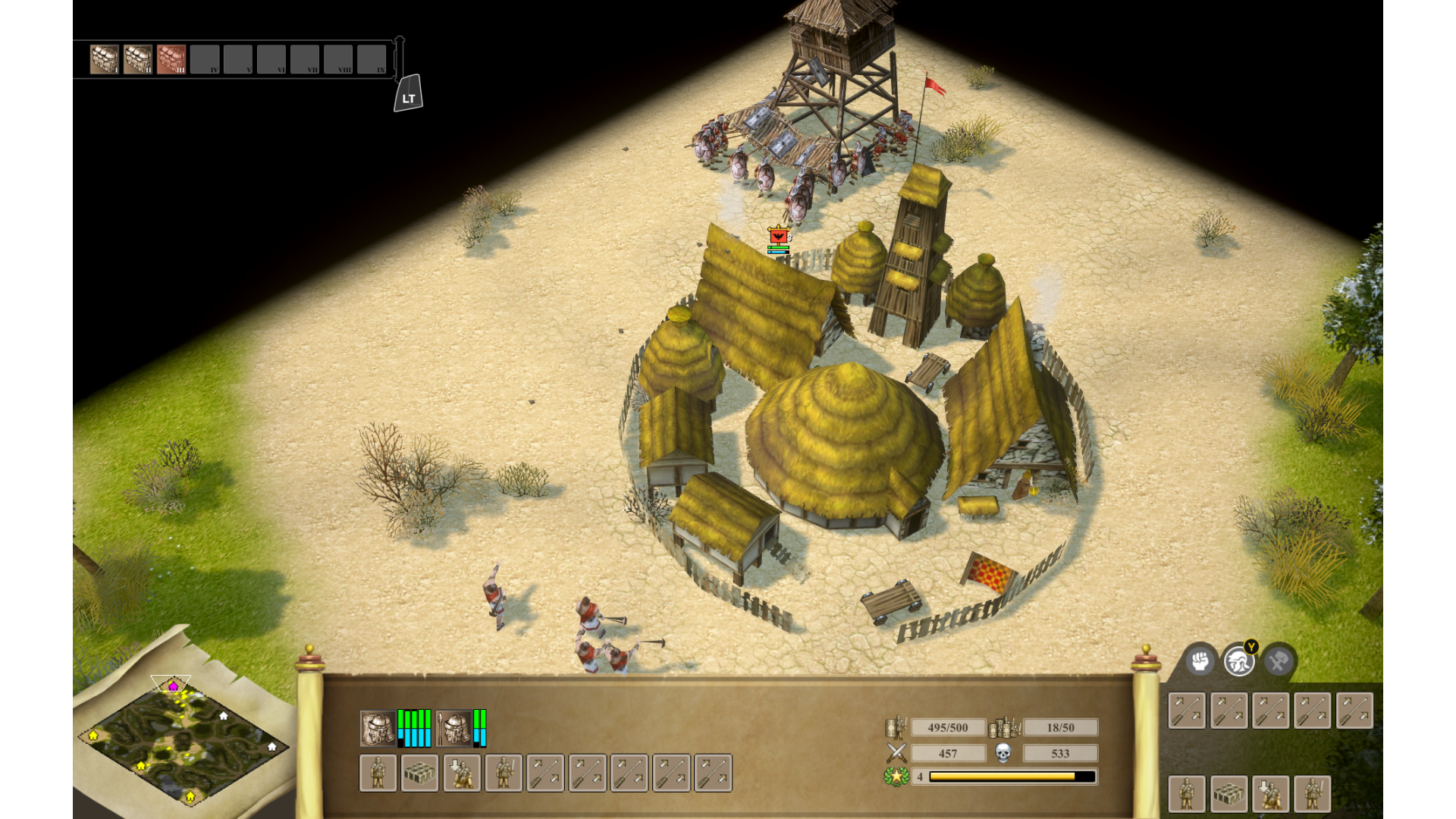
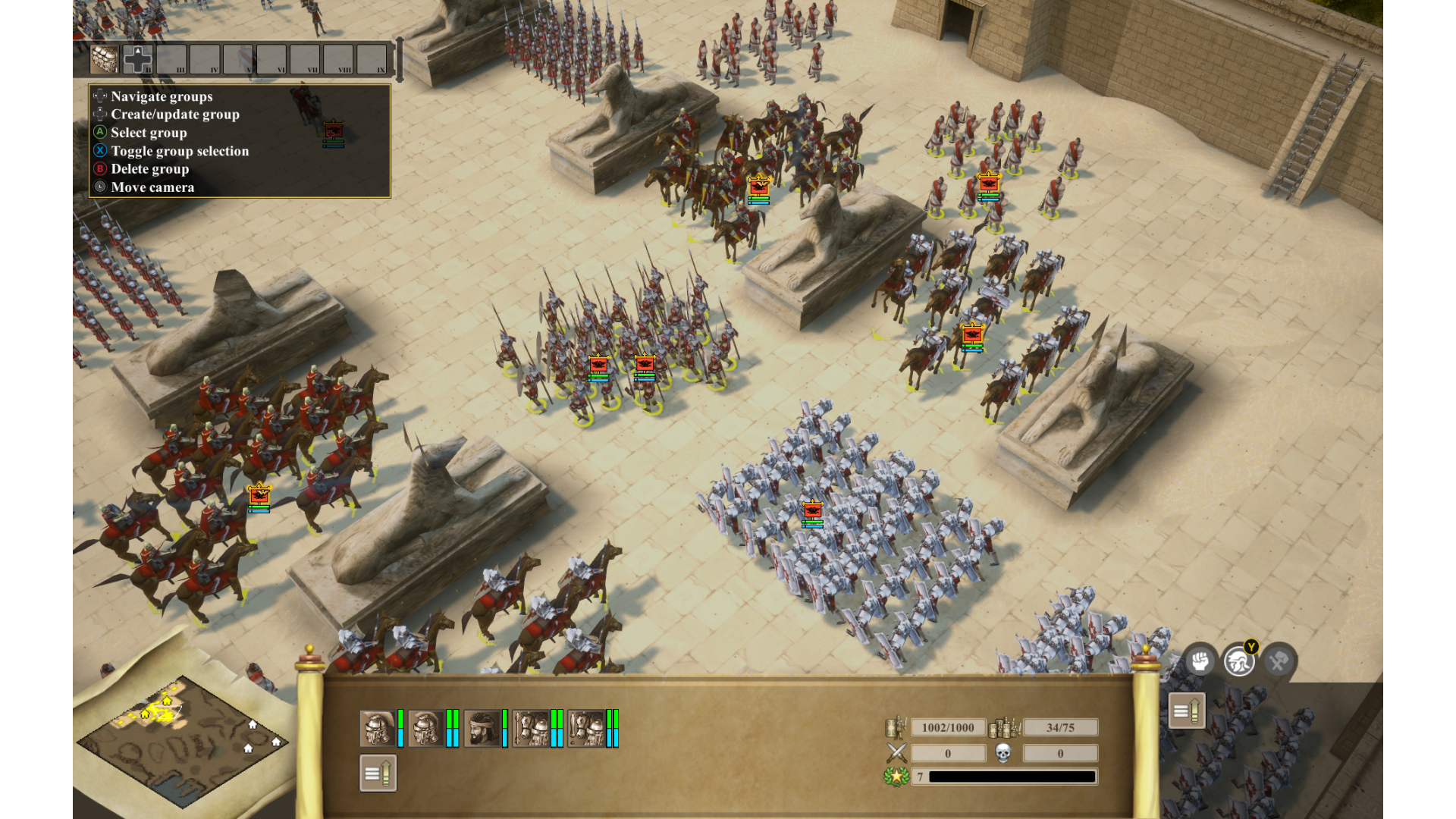
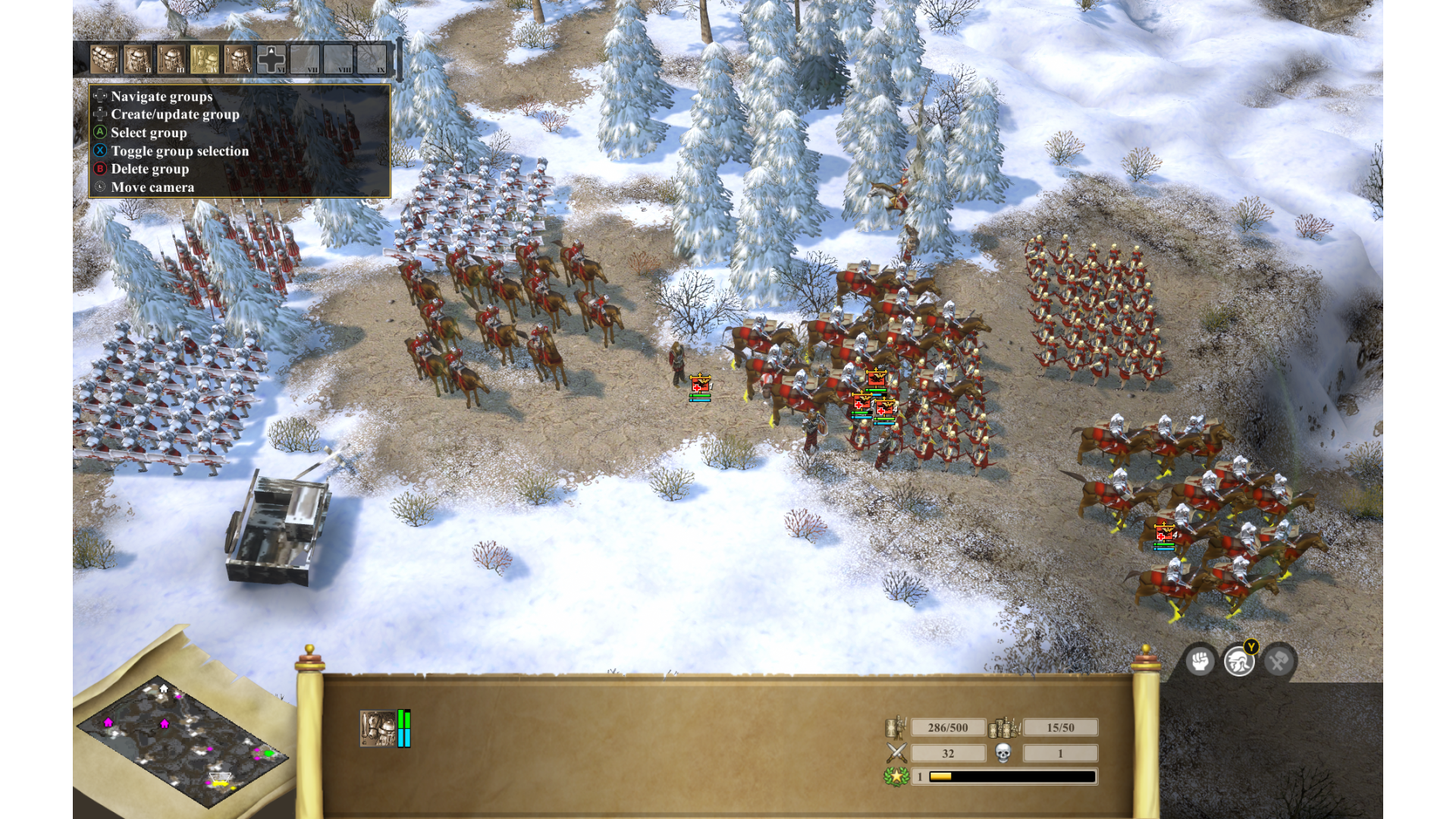
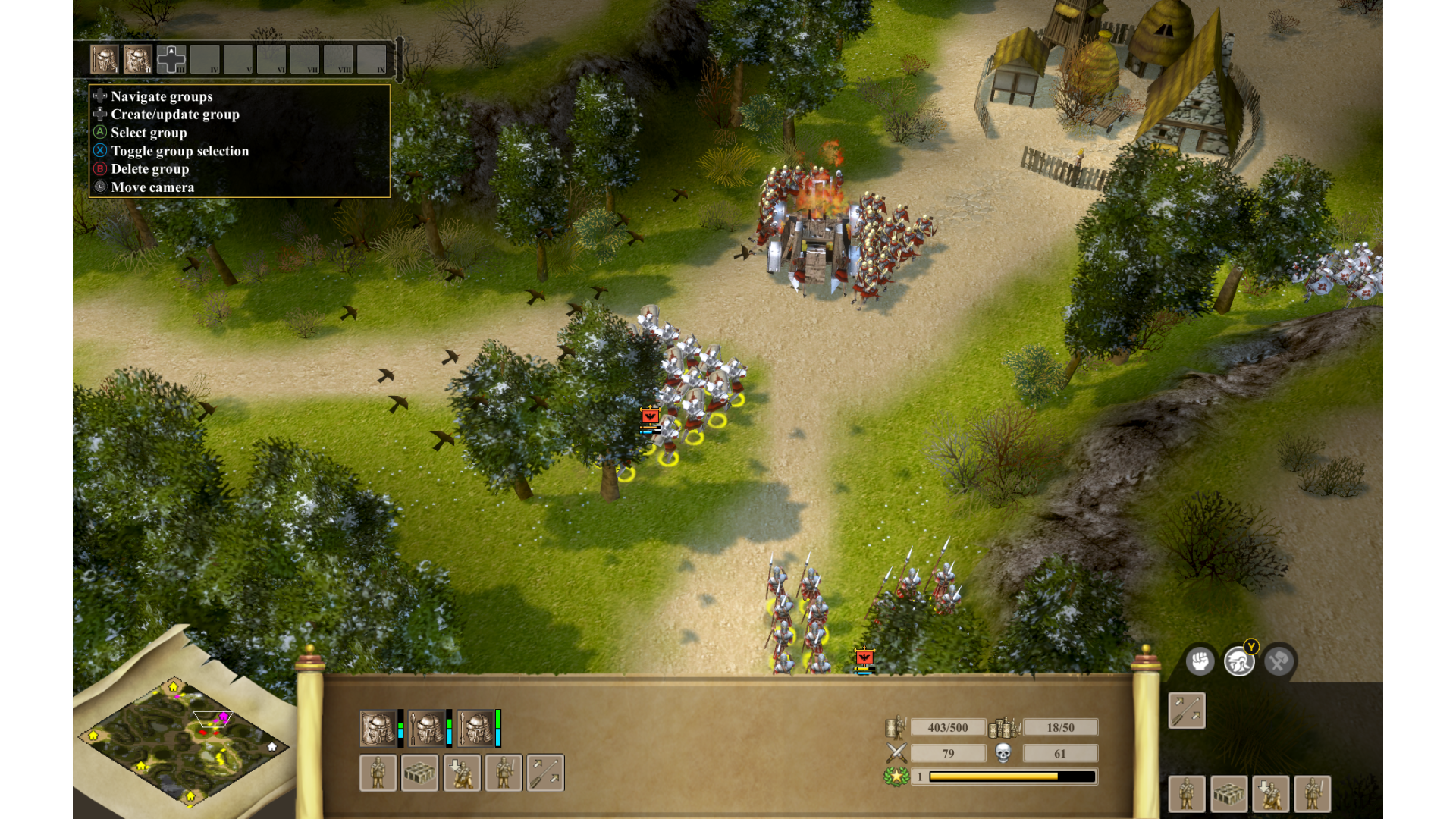
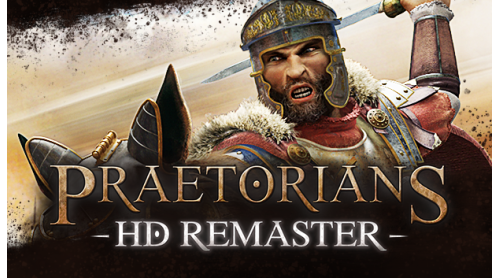
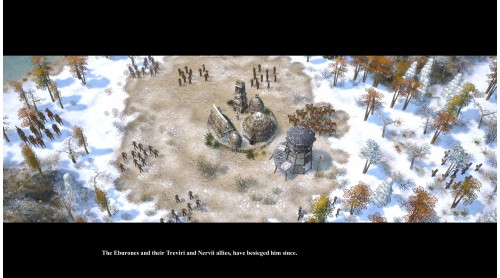
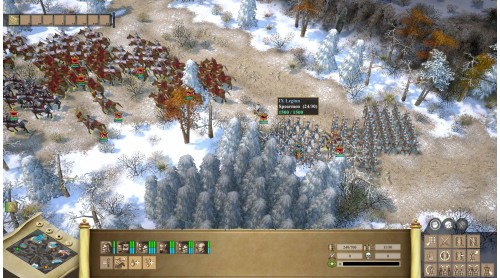
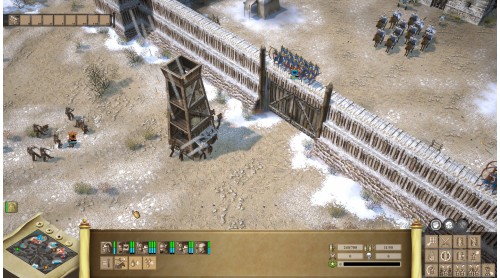
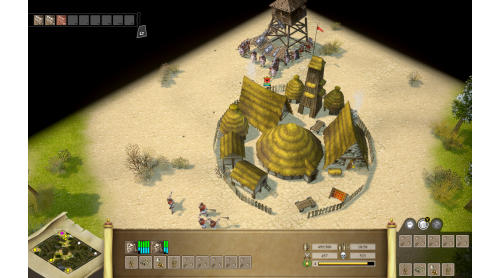
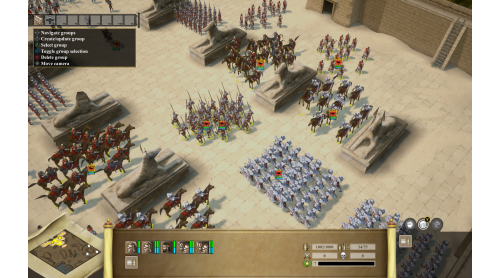
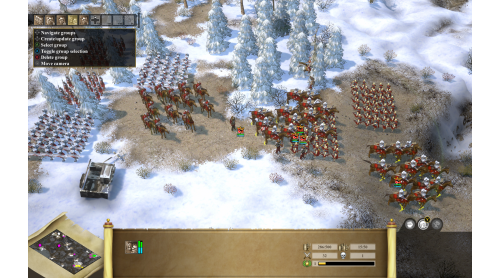
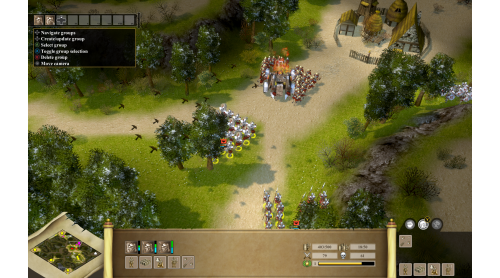
Relive the celebrated real-time strategy classic Praetorians, re-imagined in high definition. Praetorians is set amidst the political machinations of an emerging Roman Empire. Prove your worth on the battlefields of Egypt, the combat theaters of Gaul and finally the heart of the Empire itself in Italy, in the crusade to become Emperor. Your quest will not be an easy one, as the Empire is heavily defended by thousands of different troop types and war machines, all with special skills and individual strengths. To emerge victorious, you’ll need to learn to combine your units and exploit the weaknesses of your enemies. But beware – the closer you get to the Emperor, the closer you get to facing the Praetorian Guard – the most powerful and deadly fighting force in the Empire!
Features


How to activate your Steam key?
1. Open your Steam client. (If you don't have a Steam Client, you can install from here https://store.steampowered.com/about/)
2. Sign in to your Steam account. (If you don't have a Steam Account, you can create from here https://store.steampowered.com/join/)
3. Click “ADD A GAME” button which is at the bottom of the Steam Client.
4. Now select "Activate a product on Steam..."
5. Write or copy-paste your Steam key which you purchased from Gamesforpc.
6. Now your game is in your library.
7. Find your game in your library, select and click install to start your download.