











 Steam
Steam  Windows
 | Release Date | 31.03.2026 |
| Publisher | GIANTS Software GmbH |
| Operating Systems | Windows |
| Genres | racing |
9.99€
Added to Cart
9.99€
Added to Wishlist
9.99€
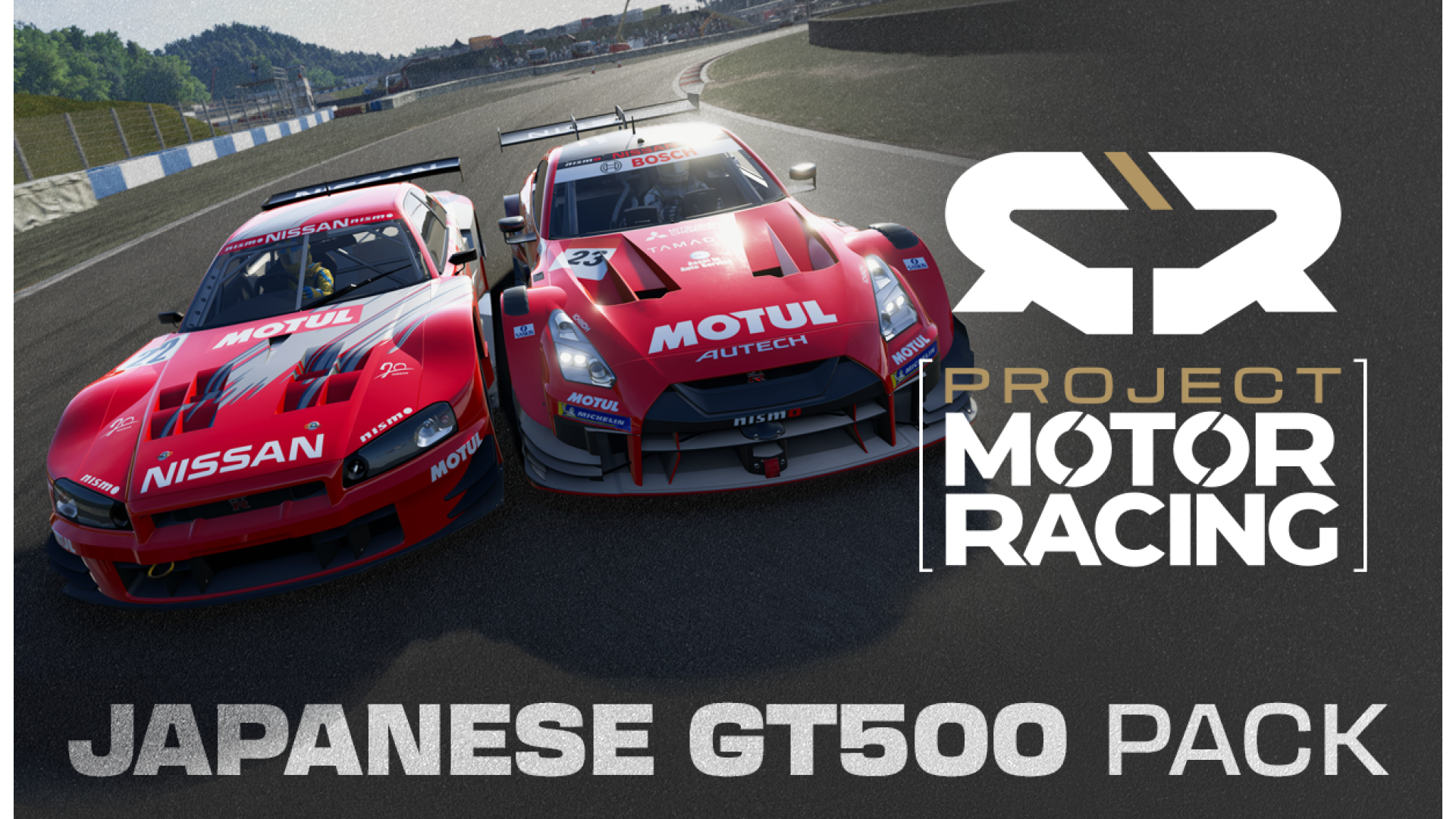
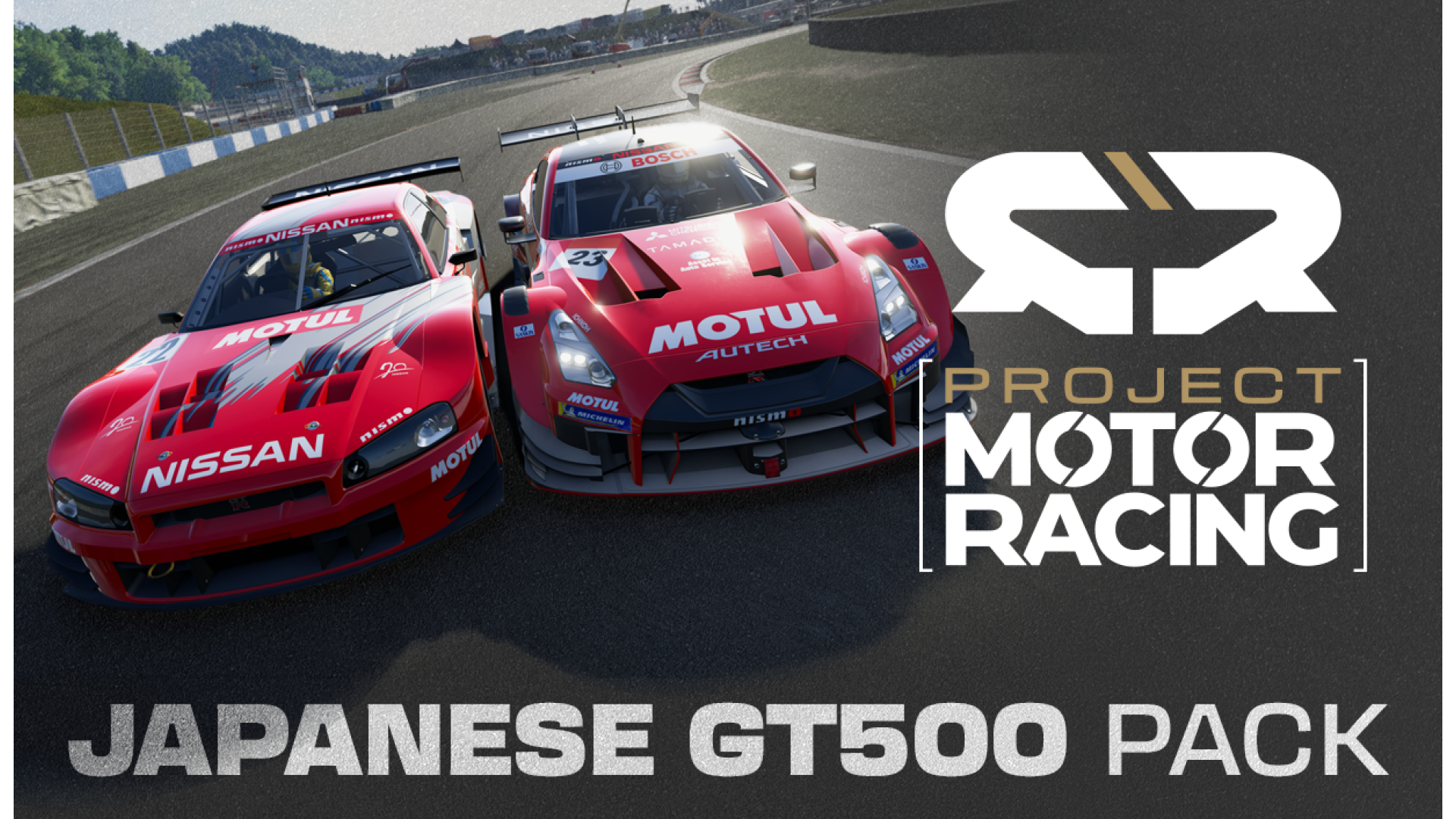
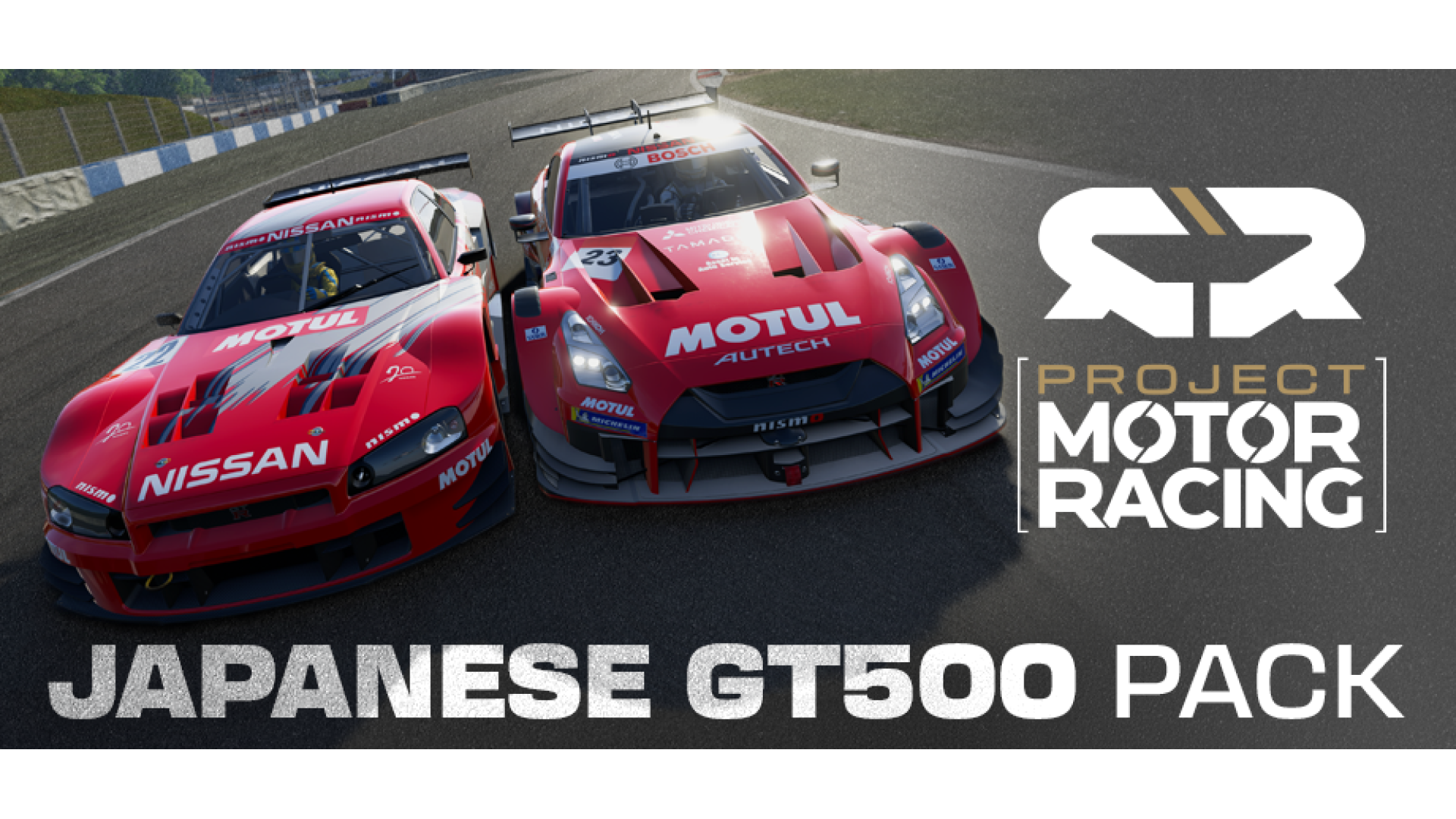
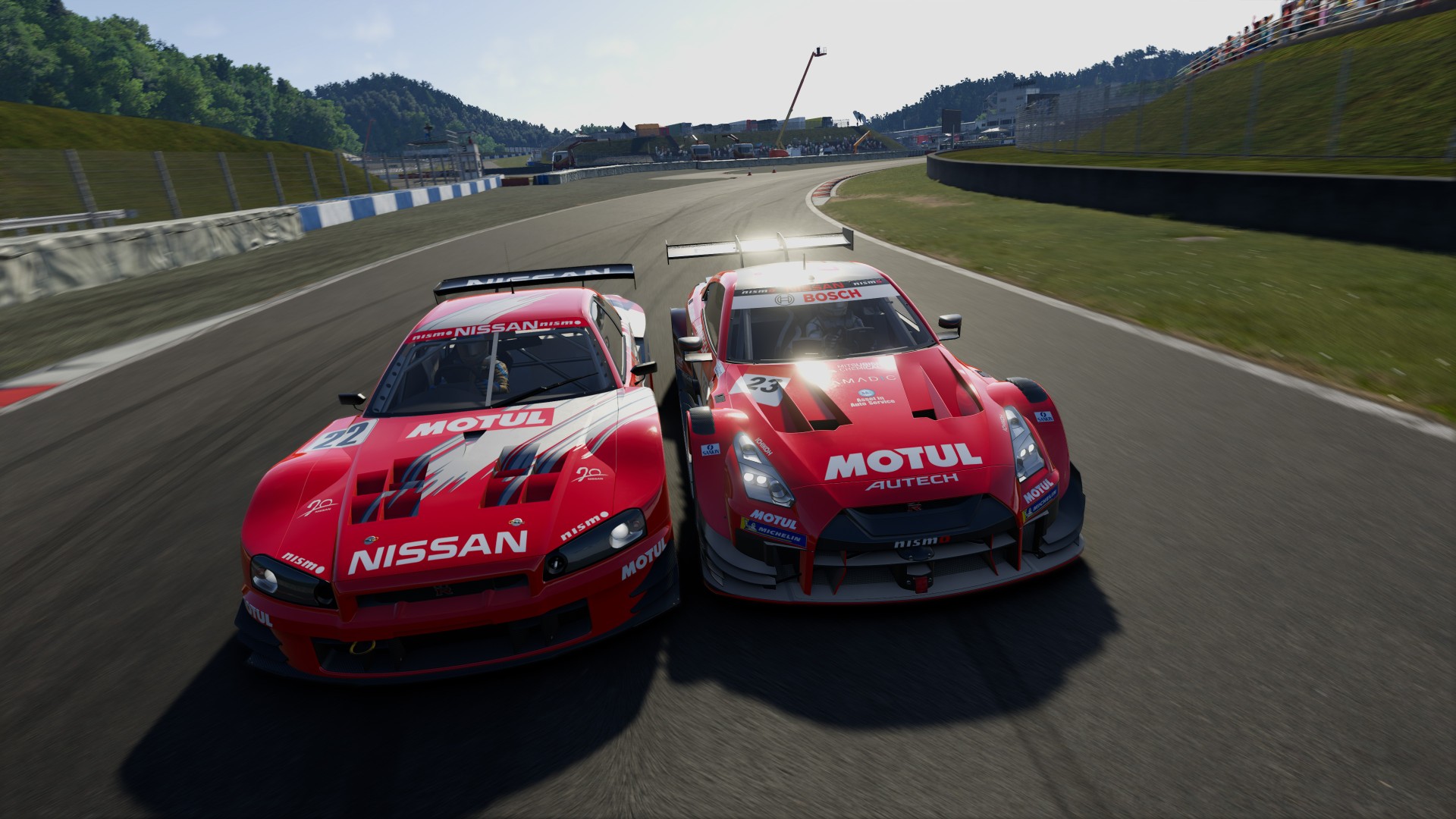
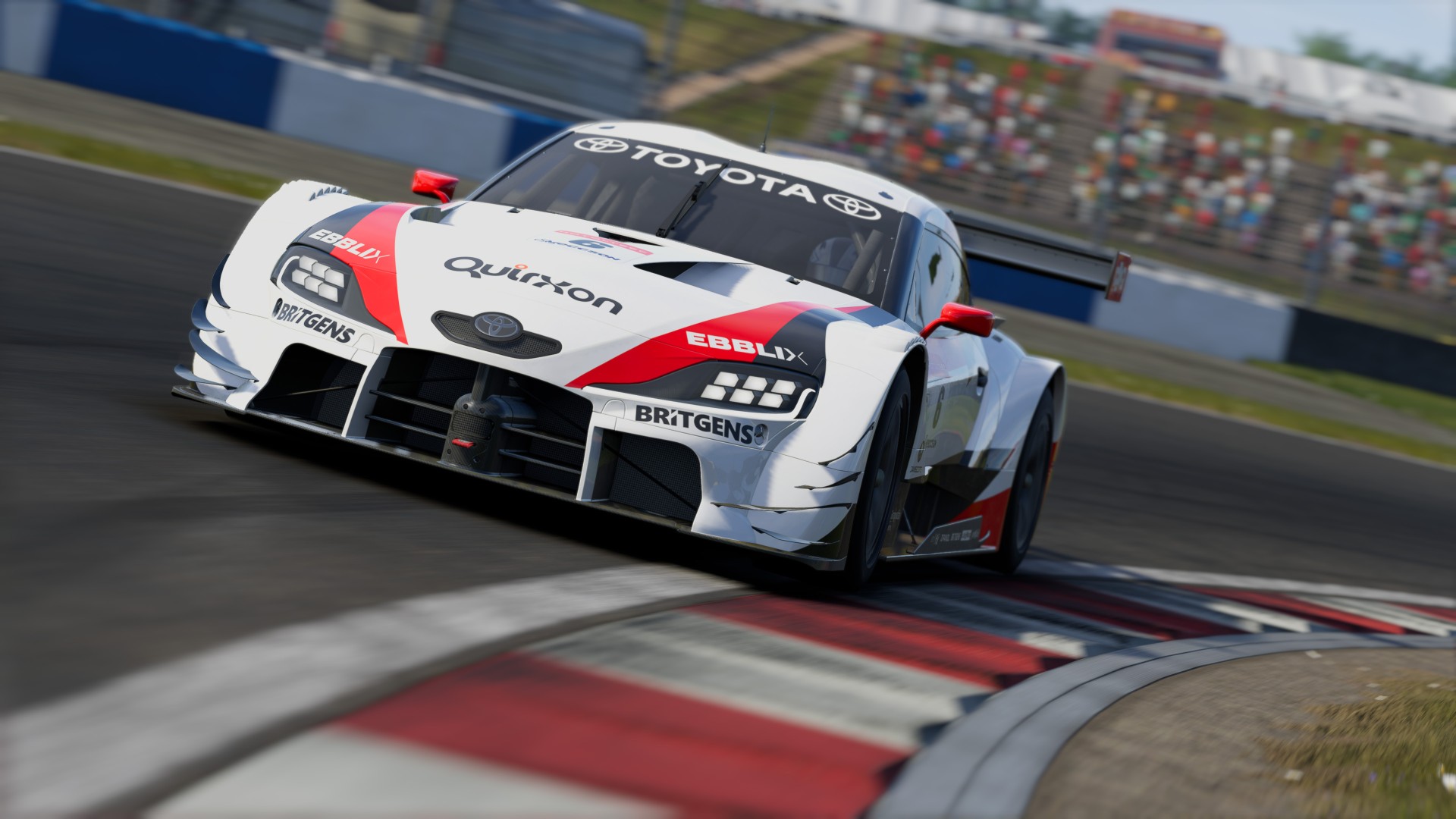
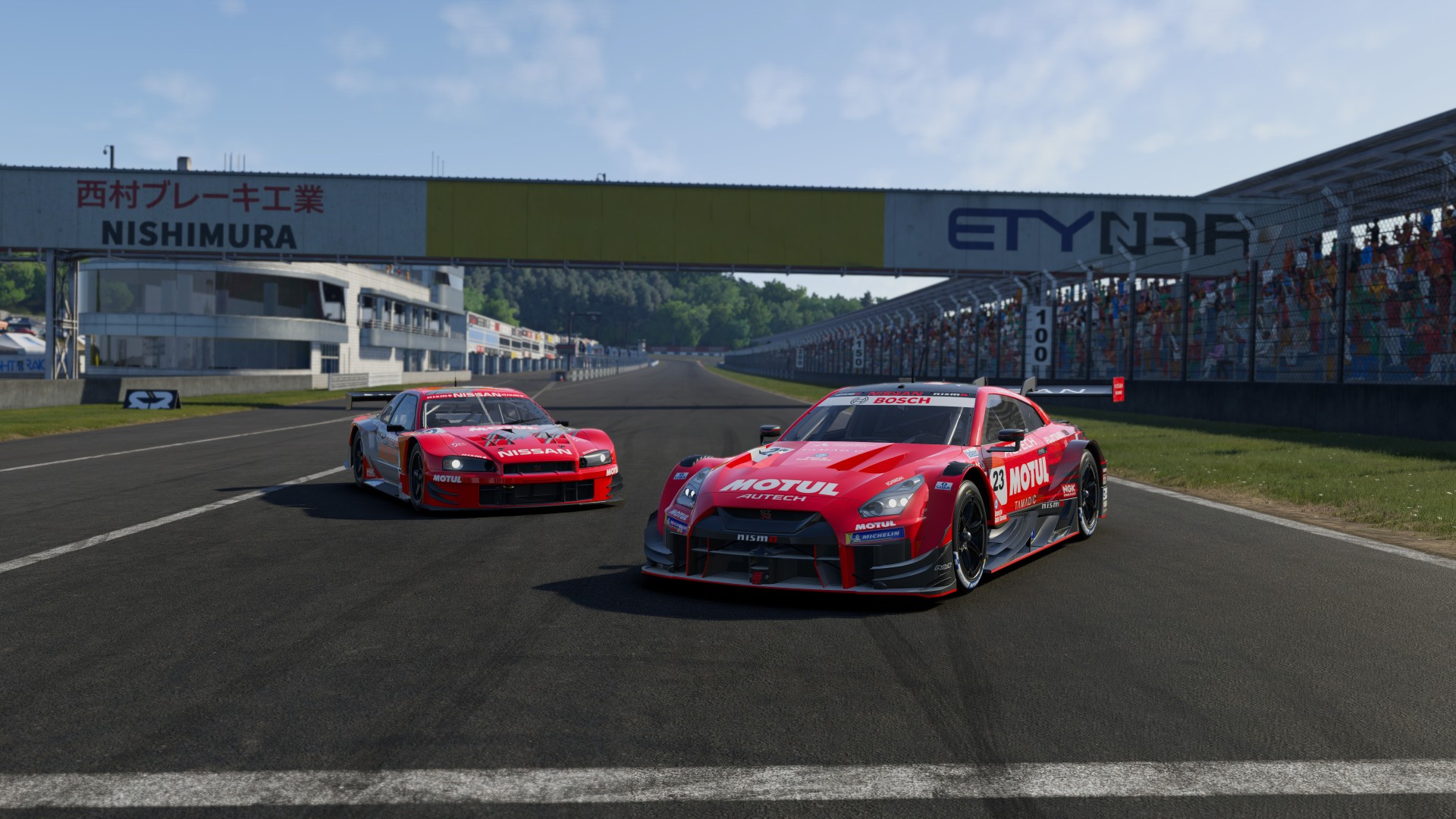
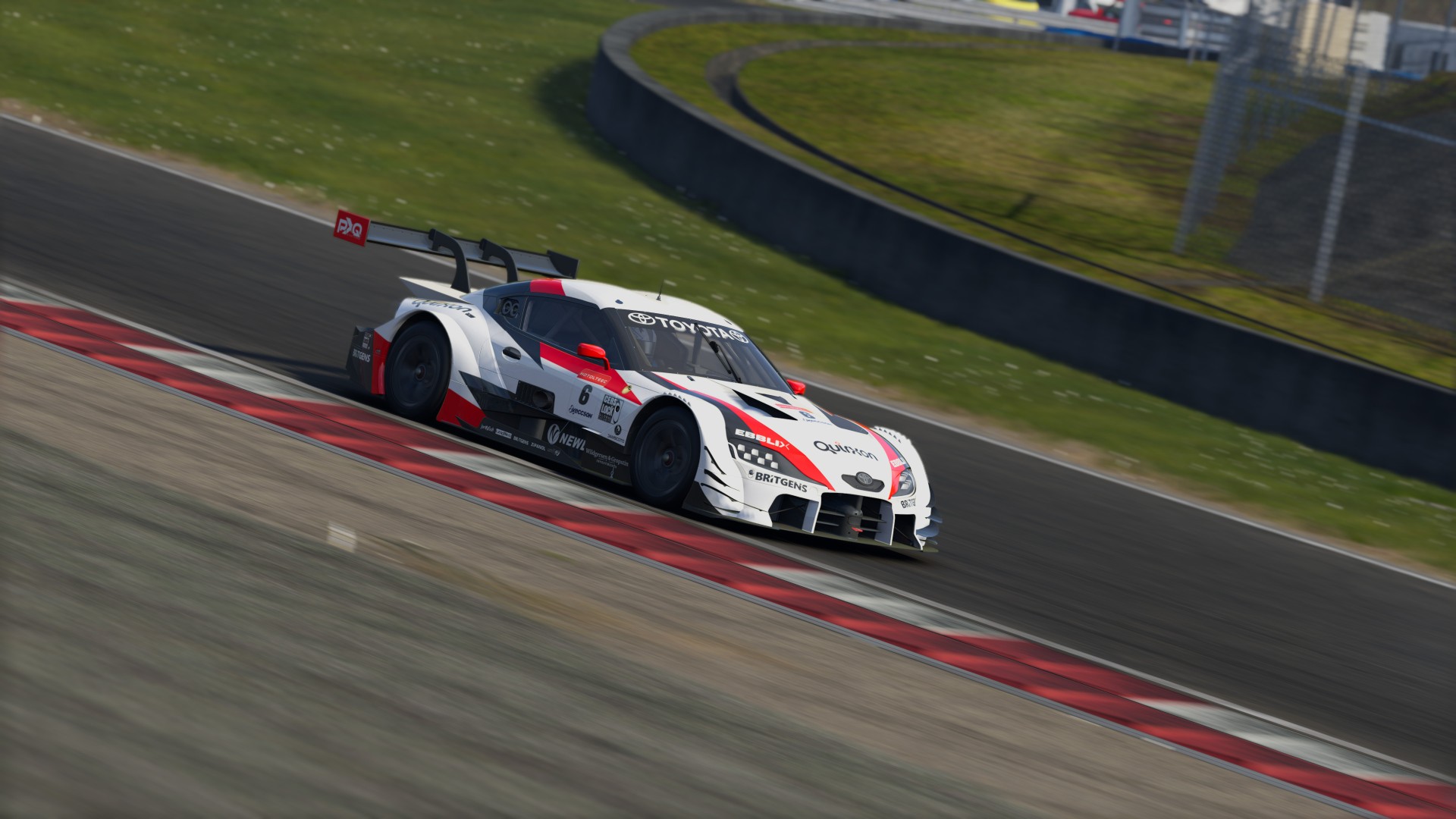
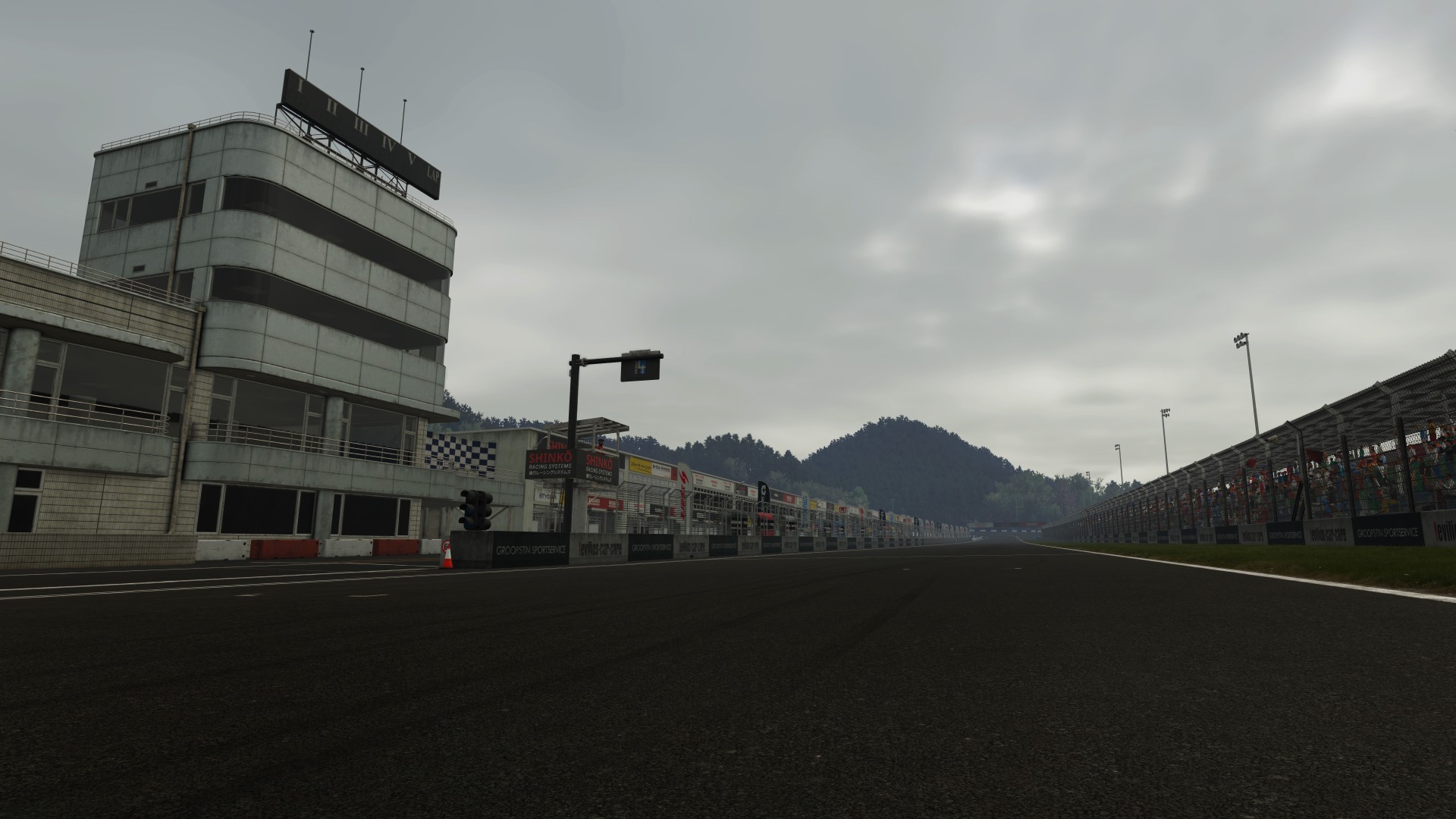
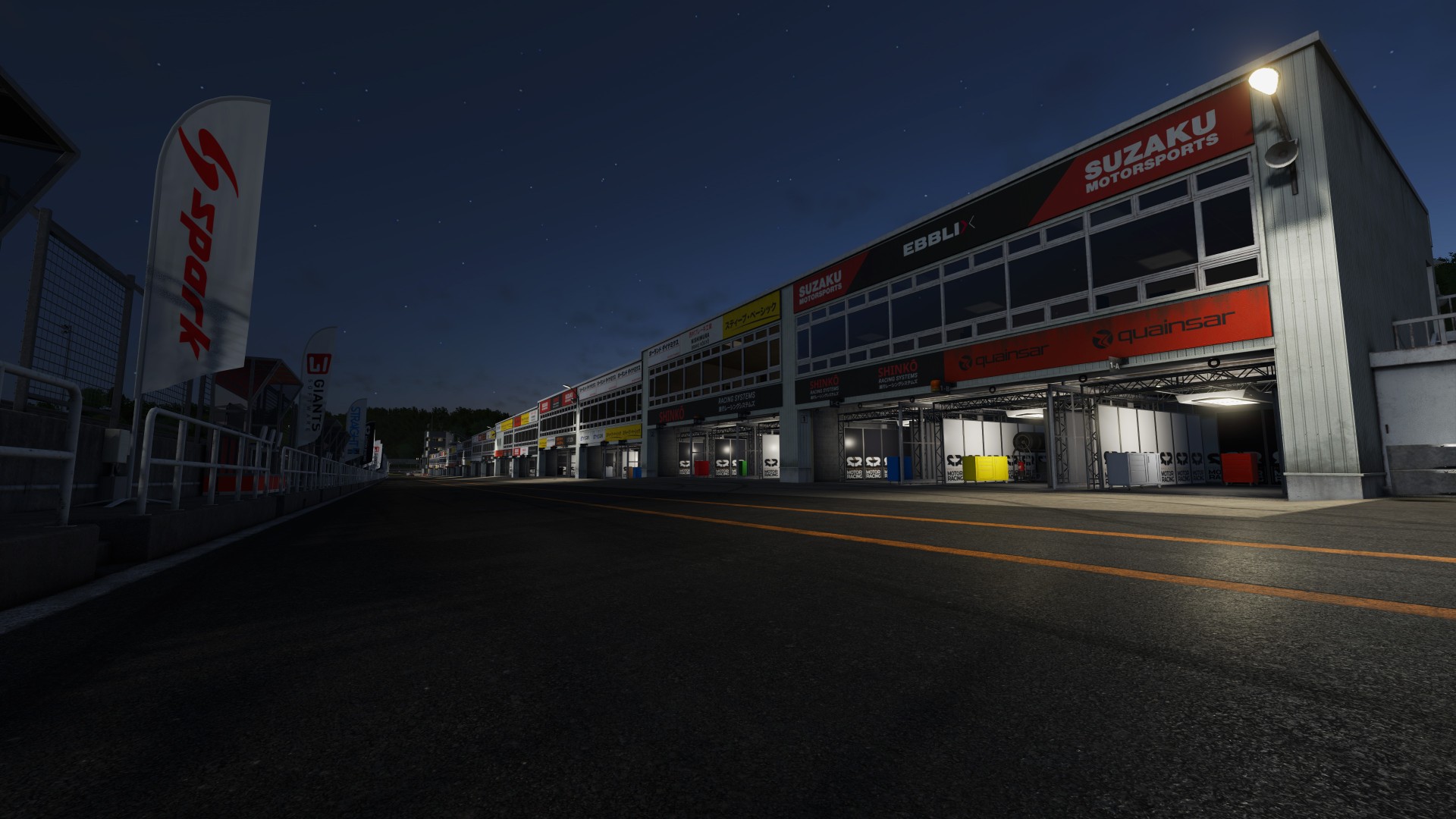
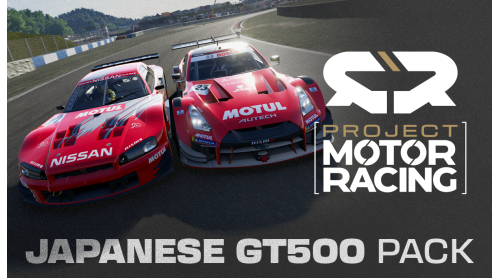
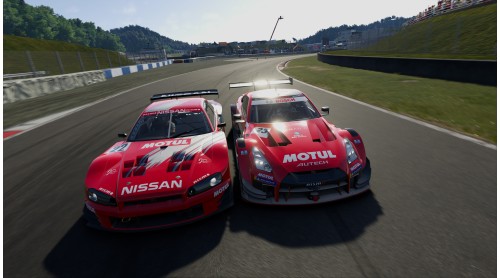
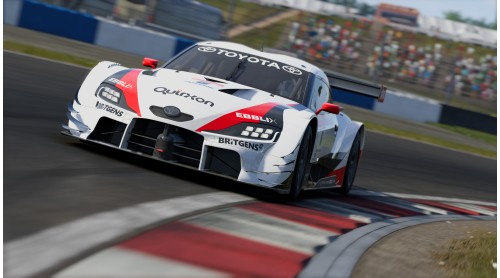
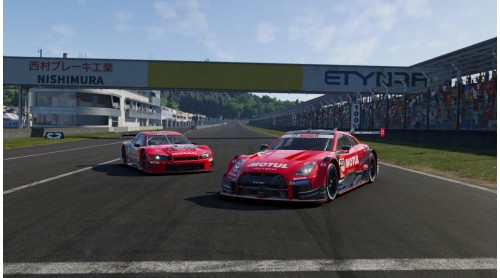
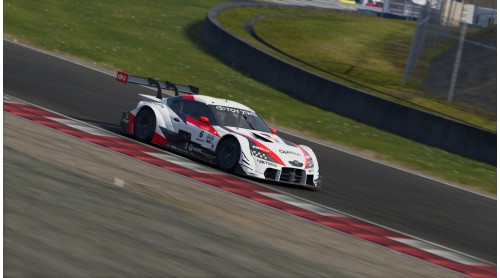
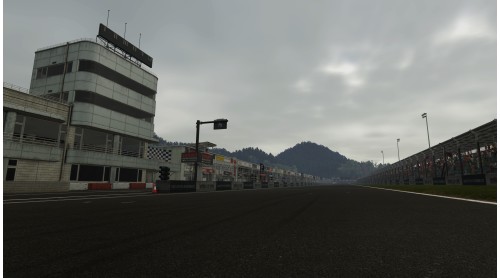
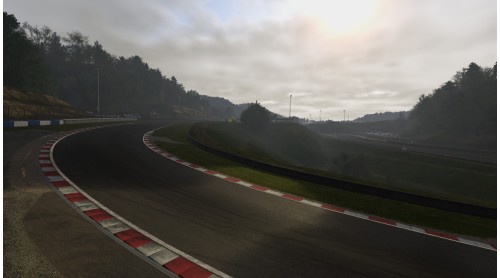
Experience the pinnacle of Japanese GT prototype racing with the GT500 Pack. This DLC brings together two definitive eras of Japan’s most iconic racing series for Project Motor Racing and comes with the demanding and technical Takimiya Circuit included.
Race the cutting edge of modern GT500 with 5 GTs built for extraordinary downforce, precision handling, and spectacular pace:
Then step back into the legendary cult of the JGTC era defined by bright liveried turbo monsters that brought wild aero, tuner-car energy and unforgettable racing:
Raw, analogue, and hostile, this really was the golden era of global GT racing.
Whether you’re chasing lap times or diving into multi-class battles, the GT500 Pack delivers all the intensity, heritage, and performance that make Japan’s premier GT category, past and present, one of the most spectacular racing formulas the world has ever known.


How to activate your Steam key?
1. Open your Steam client. (If you don't have a Steam Client, you can install from here https://store.steampowered.com/about/)
2. Sign in to your Steam account. (If you don't have a Steam Account, you can create from here https://store.steampowered.com/join/)
3. Click “ADD A GAME” button which is at the bottom of the Steam Client.
4. Now select "Activate a product on Steam..."
5. Write or copy-paste your Steam key which you purchased from Gamesforpc.
6. Now your game is in your library.
7. Find your game in your library, select and click install to start your download.