 Steam
 Windows
| Release Date | 22.09.2023 | |
| Publisher | Outright Games Ltd. | |
| PEGI Rating | + 3 | |
| Operating Systems | Windows | |
| Genres | Action, Adventure, family |
39.99€
Added to Cart
39.99€
Added to Wishlist
39.99€
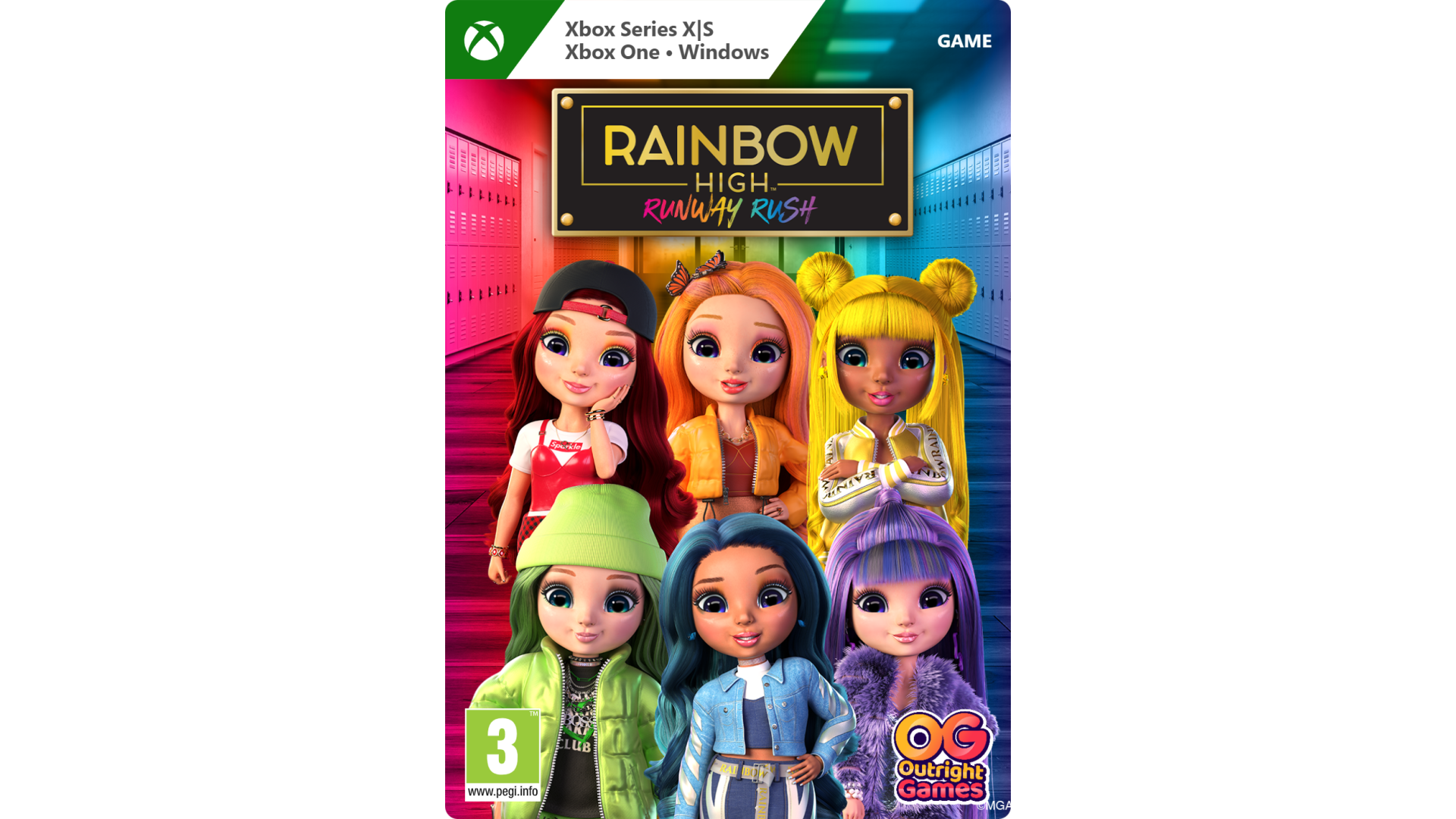
It looks like you’ve just got your first art assignment, the theme is ‘Everything is Art’. Play as Ruby, Poppy, Sunny, Jade, Skyler, and Violet. Use their unique talents and work together to present your best work to date.
Take a tour around the school. Check out the Atrium, hang out in Sunny's bedroom and Rainbow Union, play games, take selfies in the Student Lounge, and find fun materials in the Fabric Studio.
As you search for inspiration collect rainbow diamonds, find clues, and unlock the coolest outfits while you help your classmates.
#LetYourTrueColorsShine
CHOOSE YOUR BFF – Play as Ruby, Poppy, Sunny, Jade, Skyler, and Violet.
EXPLORE THE SCHOOL – Discover the classrooms, the student’s bedrooms, Rainbow Union, and more.
SOLVE THE PUZZLES – Find clues, collect rainbow diamonds, and unlock the coolest outfits.
HELP YOUR FRIENDS – Share your unique talents with them and complete your first assignment.


How to activate your Steam key?
1. Open your Steam client. (If you don't have a Steam Client, you can install from here https://store.steampowered.com/about/)
2. Sign in to your Steam account. (If you don't have a Steam Account, you can create from here https://store.steampowered.com/join/)
3. Click “ADD A GAME” button which is at the bottom of the Steam Client.
4. Now select "Activate a product on Steam..."
5. Write or copy-paste your Steam key which you purchased from Gamesforpc.
6. Now your game is in your library.
7. Find your game in your library, select and click install to start your download.