 Steam
Steam  Windows
 7.99€
Added to Cart
7.99€
Added to Wishlist
7.99€
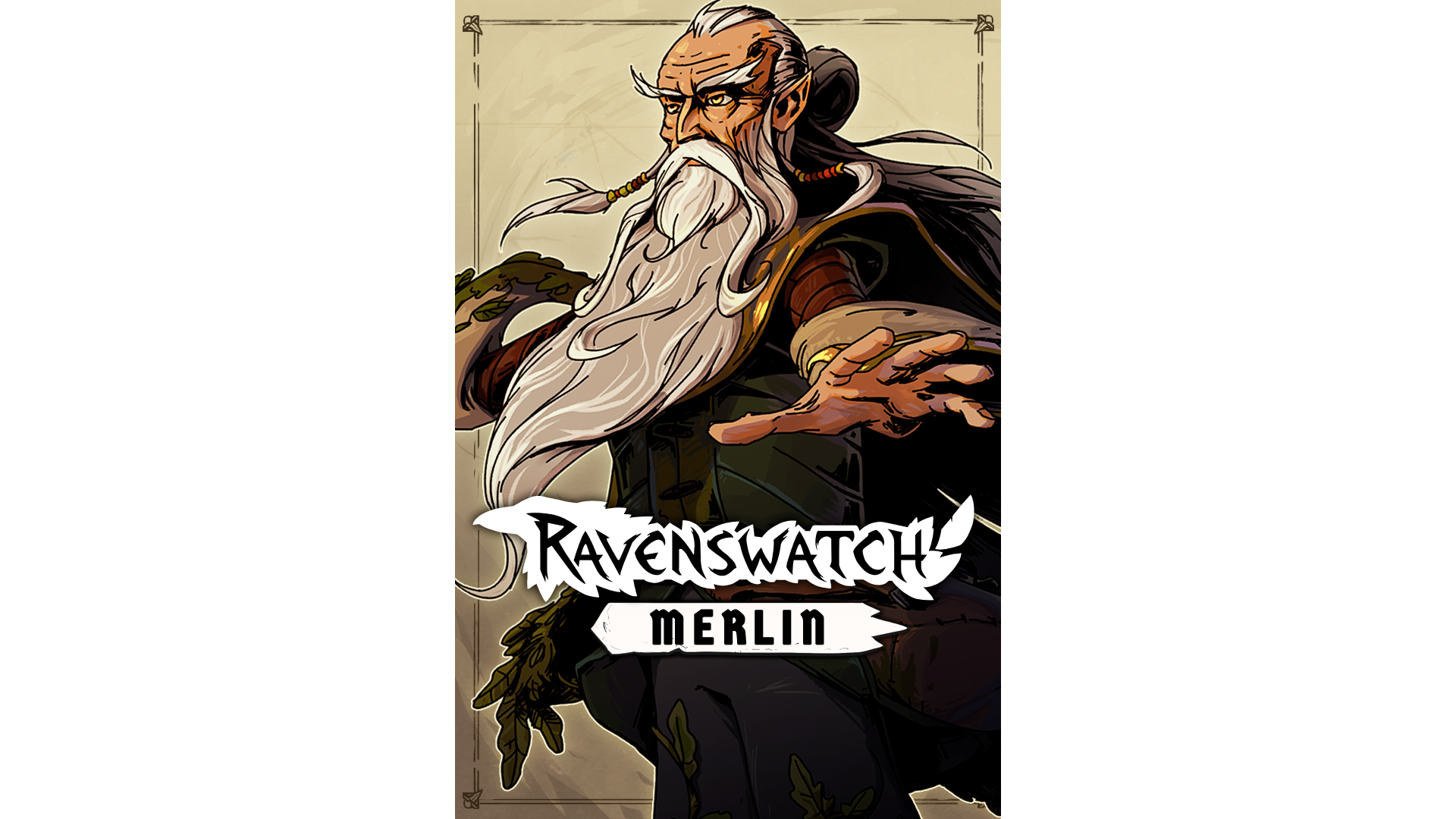
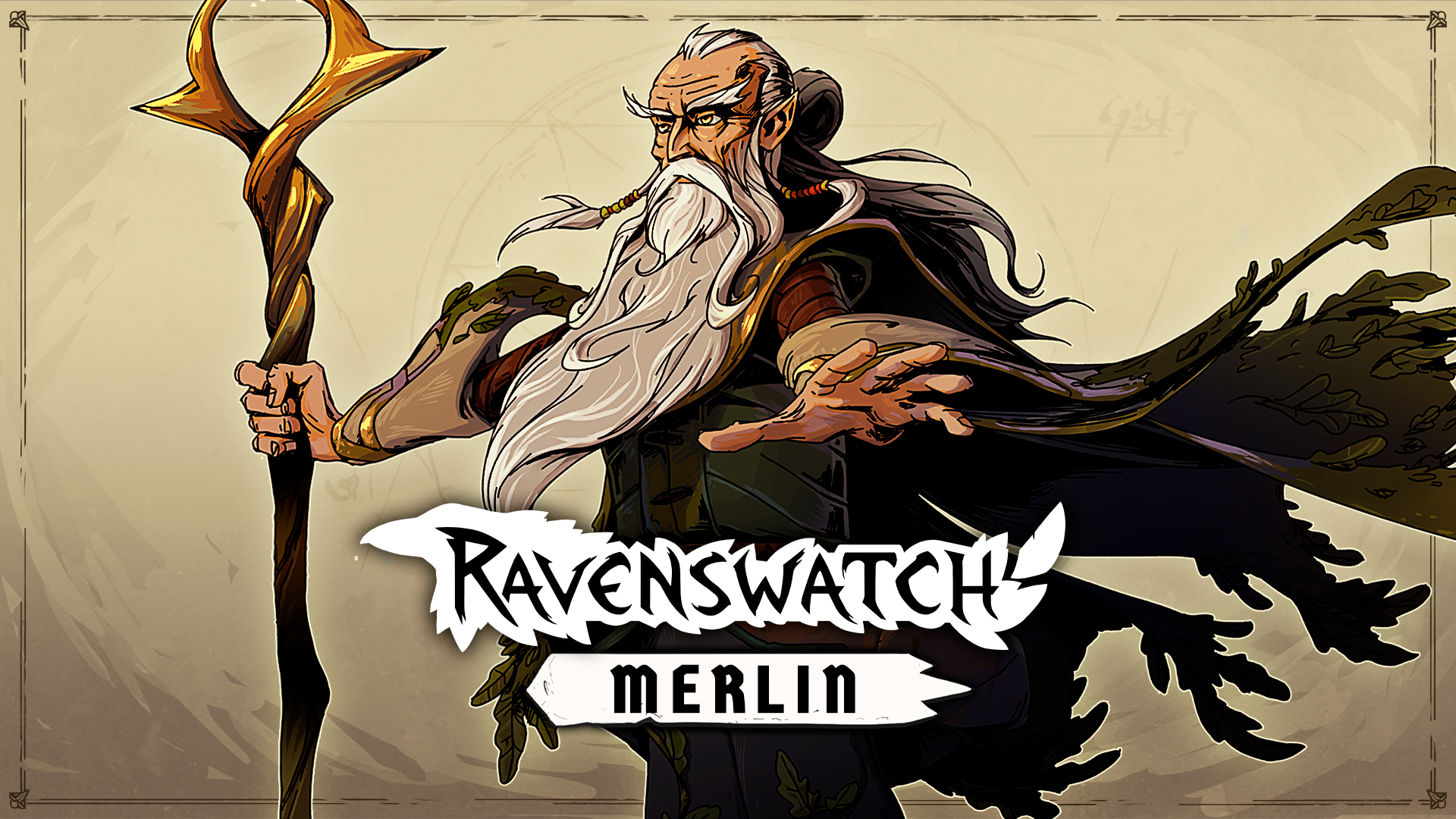
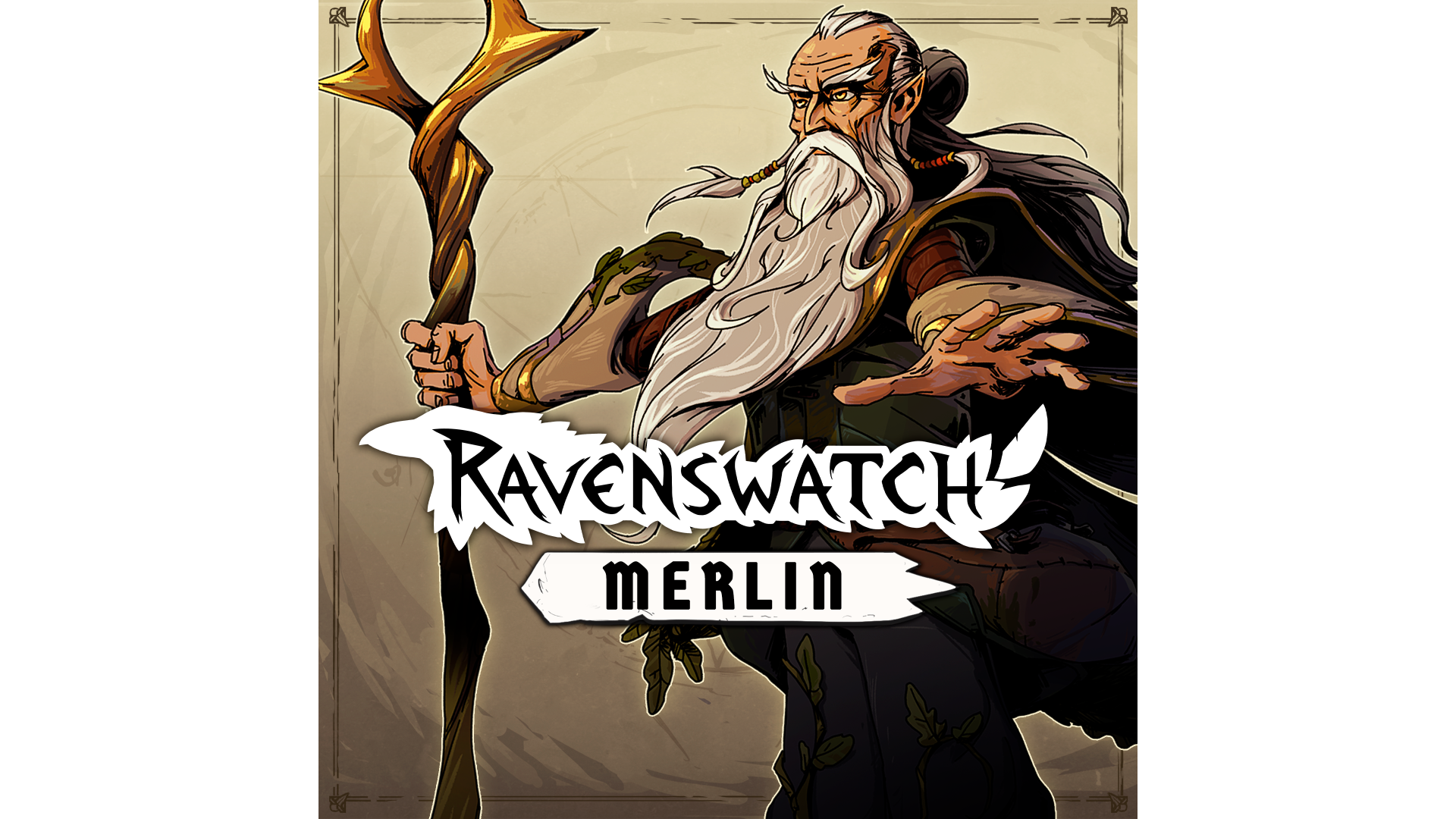
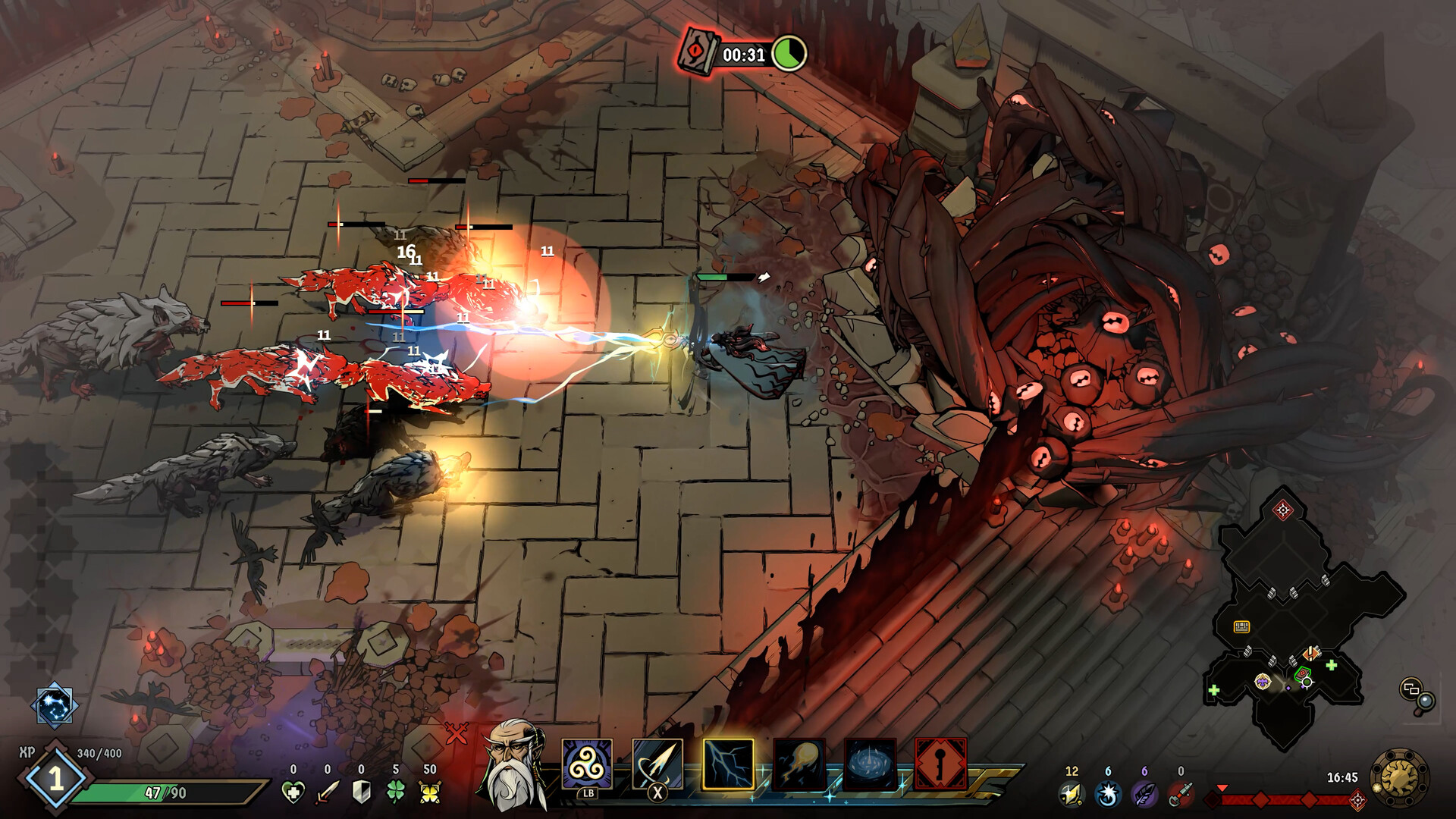
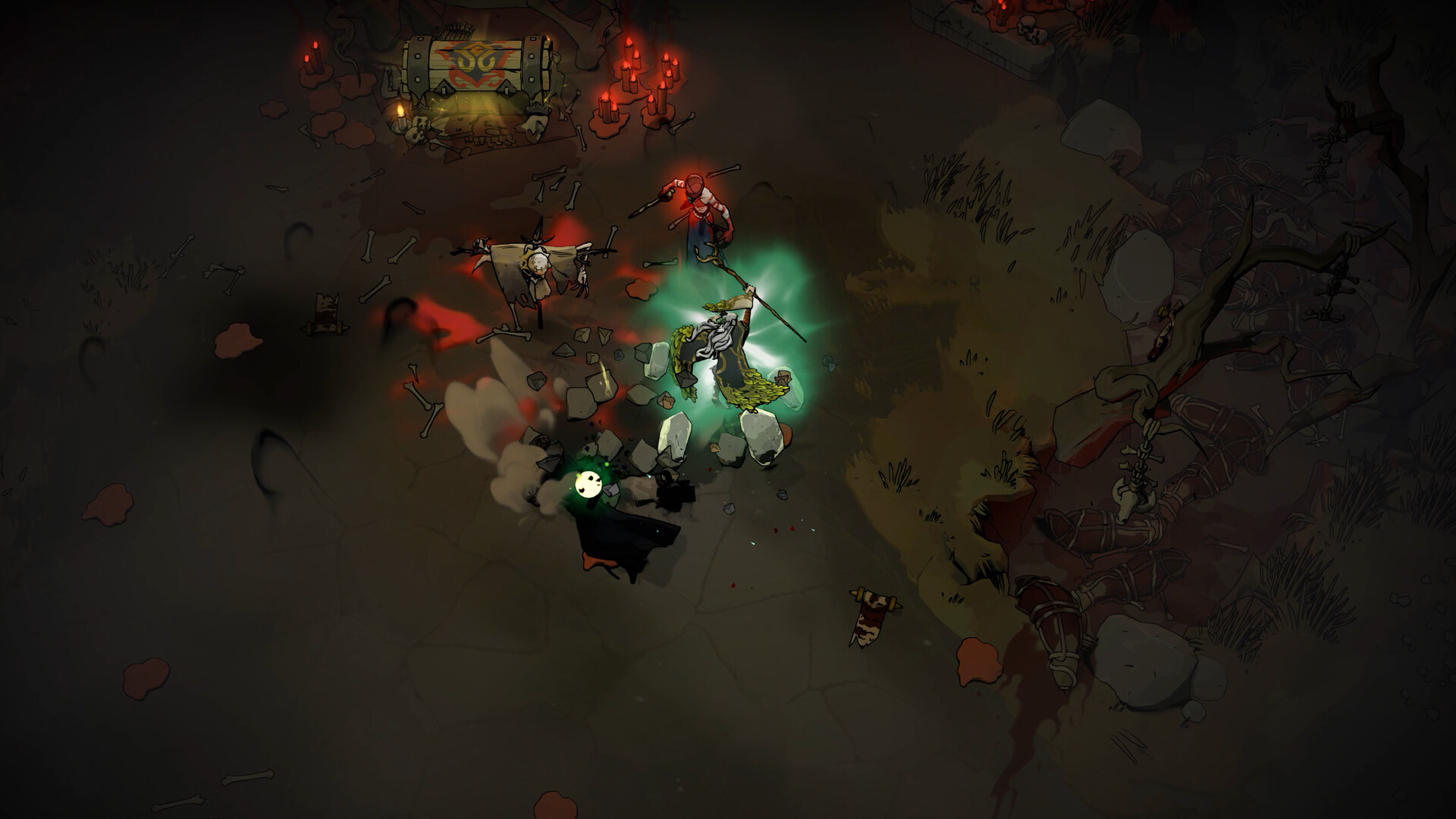
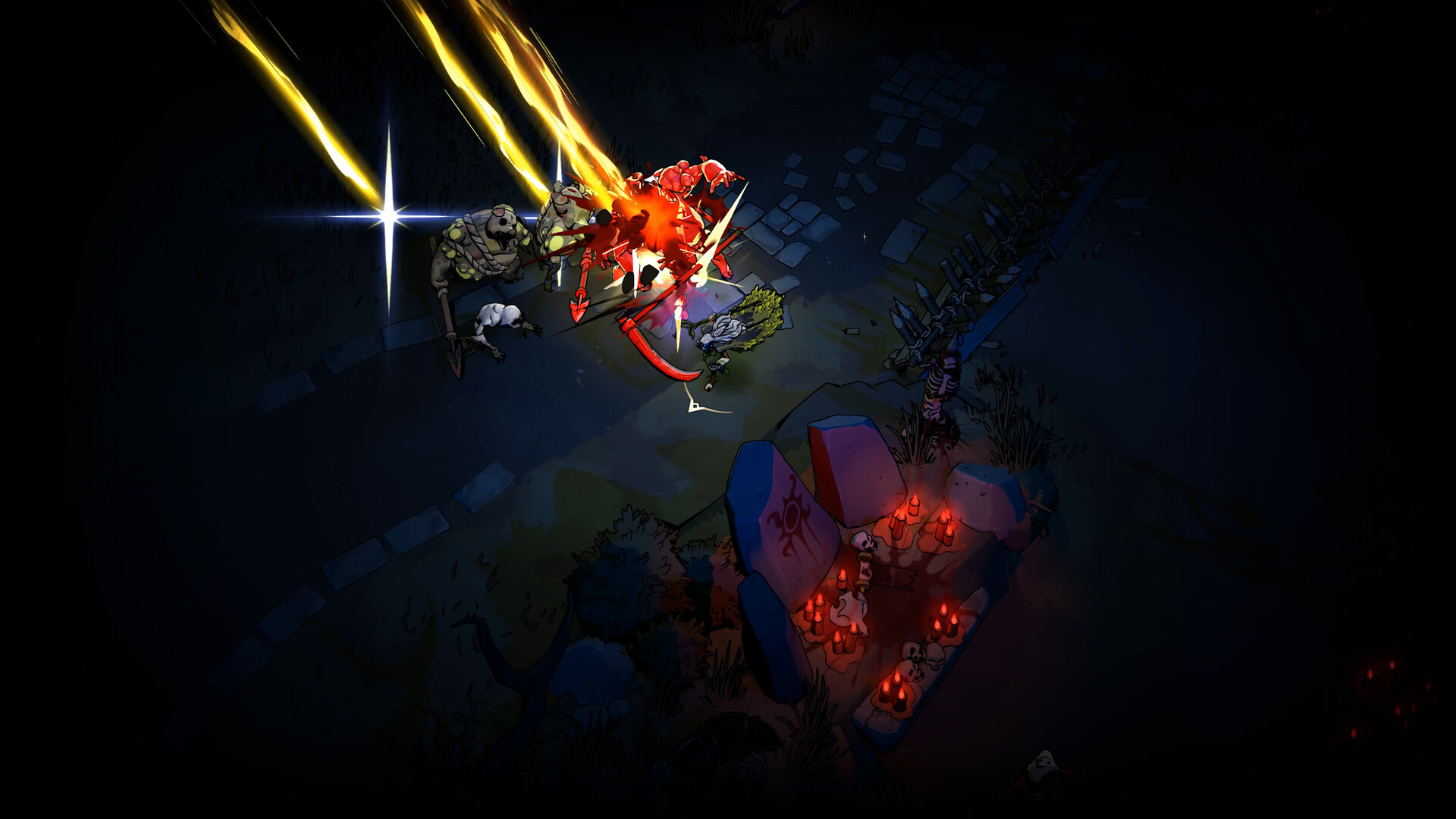
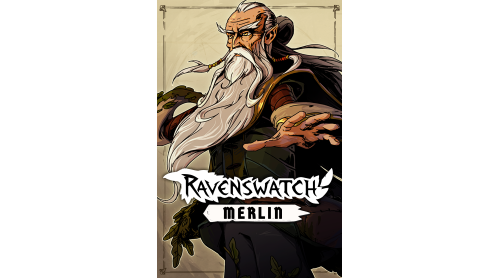
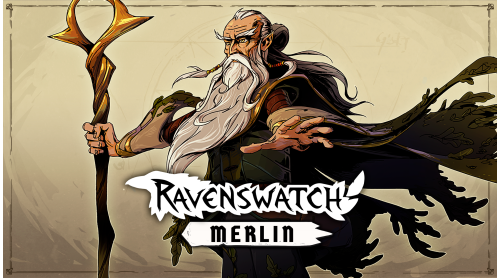
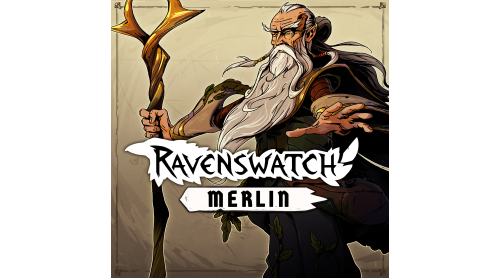
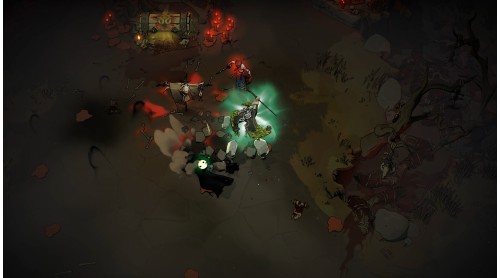
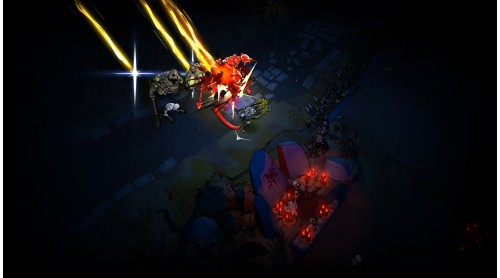
Merlin, the famous wizard from Arthurian legend, joins the ranks of Ravenswatch. Trapped for centuries in a prison of slumber woven by the Lady of the Lake, his former love, the sorcerer finally awakens, stripped of his gift of clairvoyance, but not of his power. Lost and haunted by his past, Merlin joins forces with heroes of Ravenswatch to uncover the truth… and destroy the Nightmare.
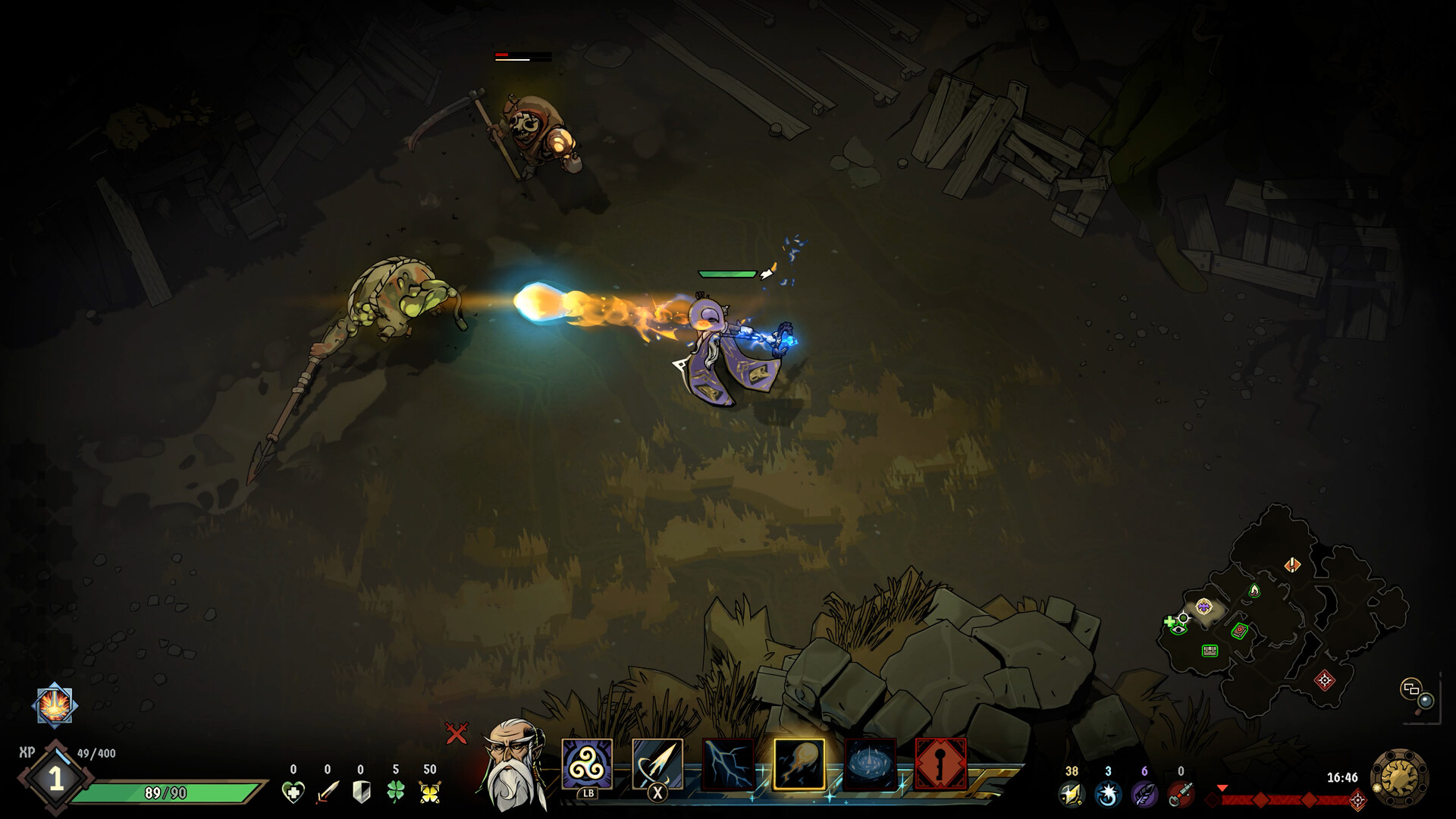
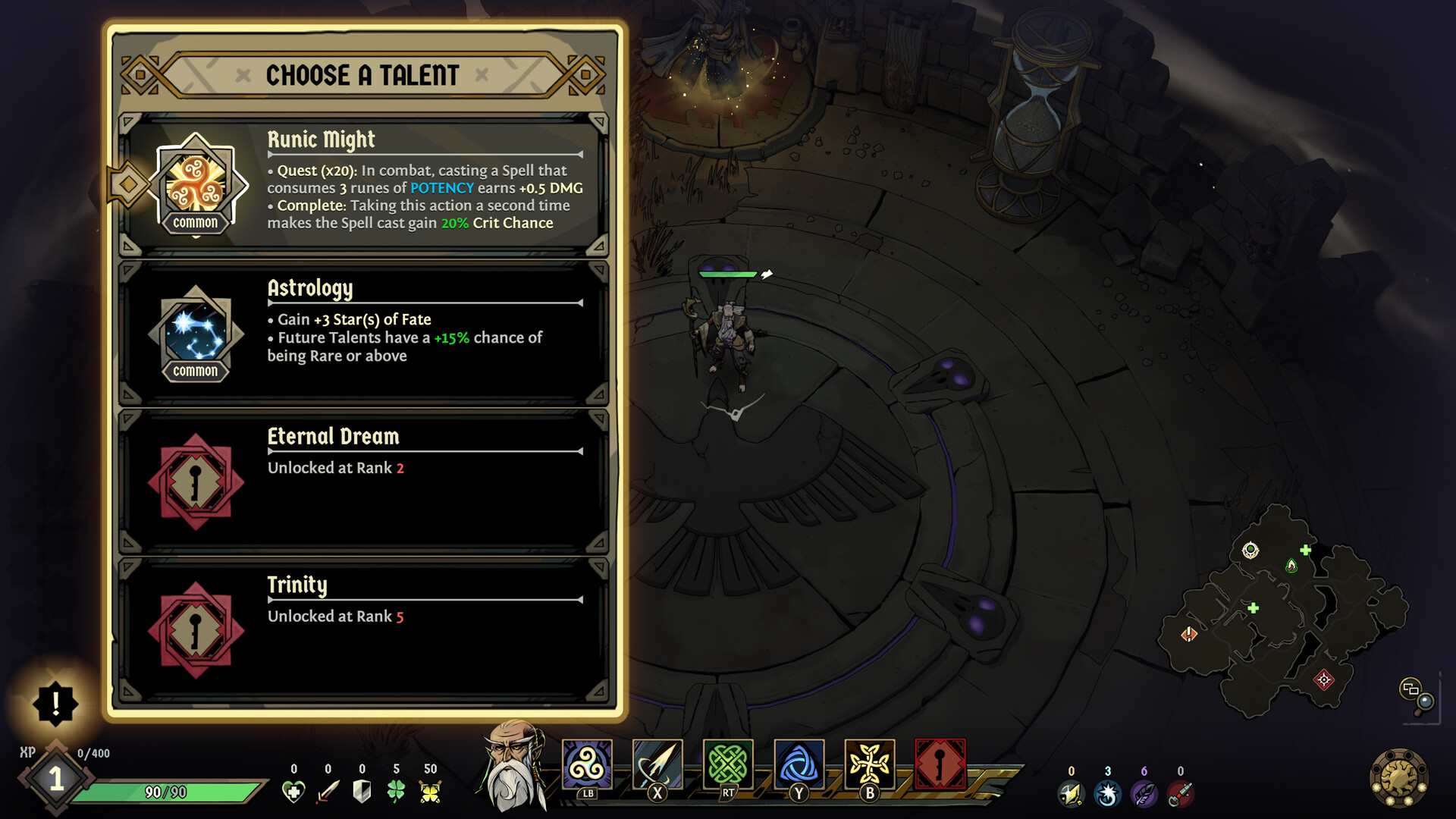
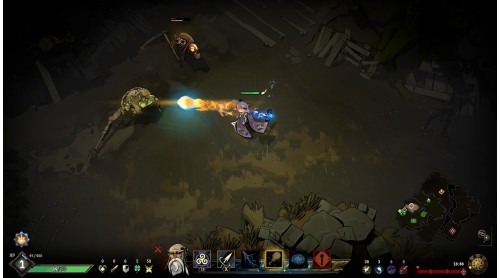
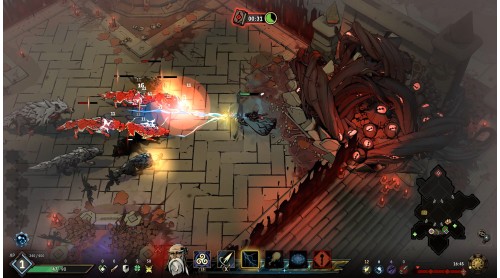
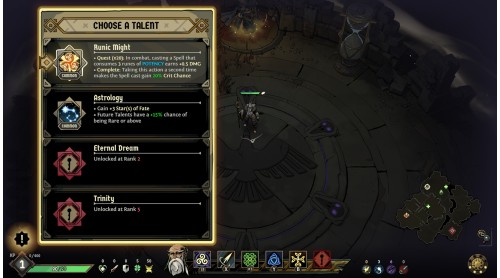
This new playable hero is distinguished by his exceptional mastery of magic. Merlin is not limited to just three skills: he can choose from nine spells, divided into three categories that reflect the full extent of his abilities.
As he fights, Merlin generates Power Runes, a unique resource that amplifies his spells and enables him to create devastating combinations. Due to his variety of spells, his four ultimate abilities and his numerous talents, the gameplay has unprecedented depth.
The DLC also includes four skins which can be unlocked in-game, as well as three exclusive premium skins: a Ravenswatch outfit, a Nightmare outfit and a Royal Counselor outfit.
Ravenswatch ©2023 Published by Nacon and developed by Passtech Games. All rights reserved.
©2021, Curse of the Dead Gods, a game developped by Passtech Games, published by Focus Home Interactive.


How to activate your Steam key?
1. Open your Steam client. (If you don't have a Steam Client, you can install from here https://store.steampowered.com/about/)
2. Sign in to your Steam account. (If you don't have a Steam Account, you can create from here https://store.steampowered.com/join/)
3. Click “ADD A GAME” button which is at the bottom of the Steam Client.
4. Now select "Activate a product on Steam..."
5. Write or copy-paste your Steam key which you purchased from Gamesforpc.
6. Now your game is in your library.
7. Find your game in your library, select and click install to start your download.