 Steam
Steam  Windows
 49.99€
Added to Cart
49.99€
Added to Wishlist
49.99€
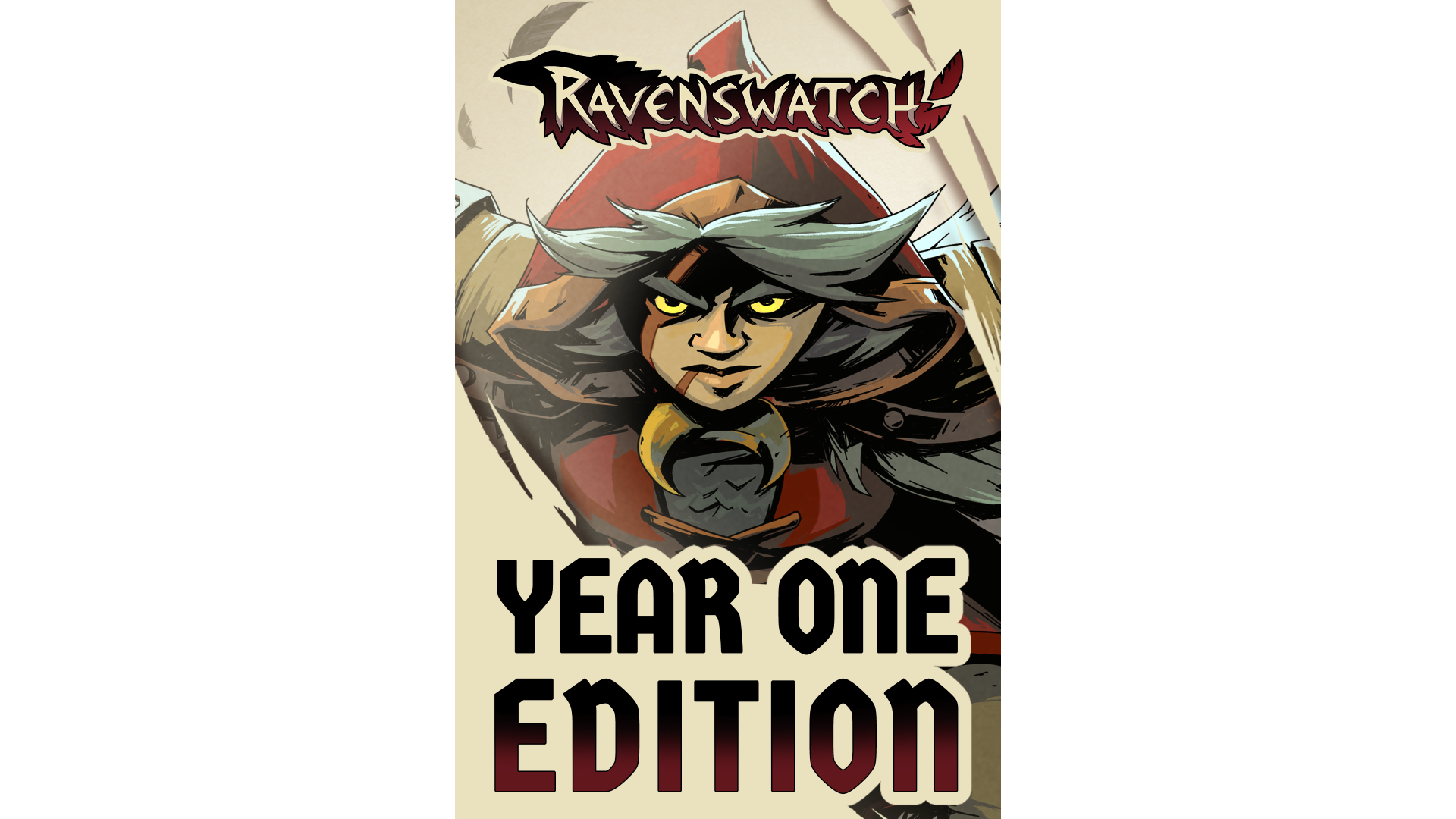
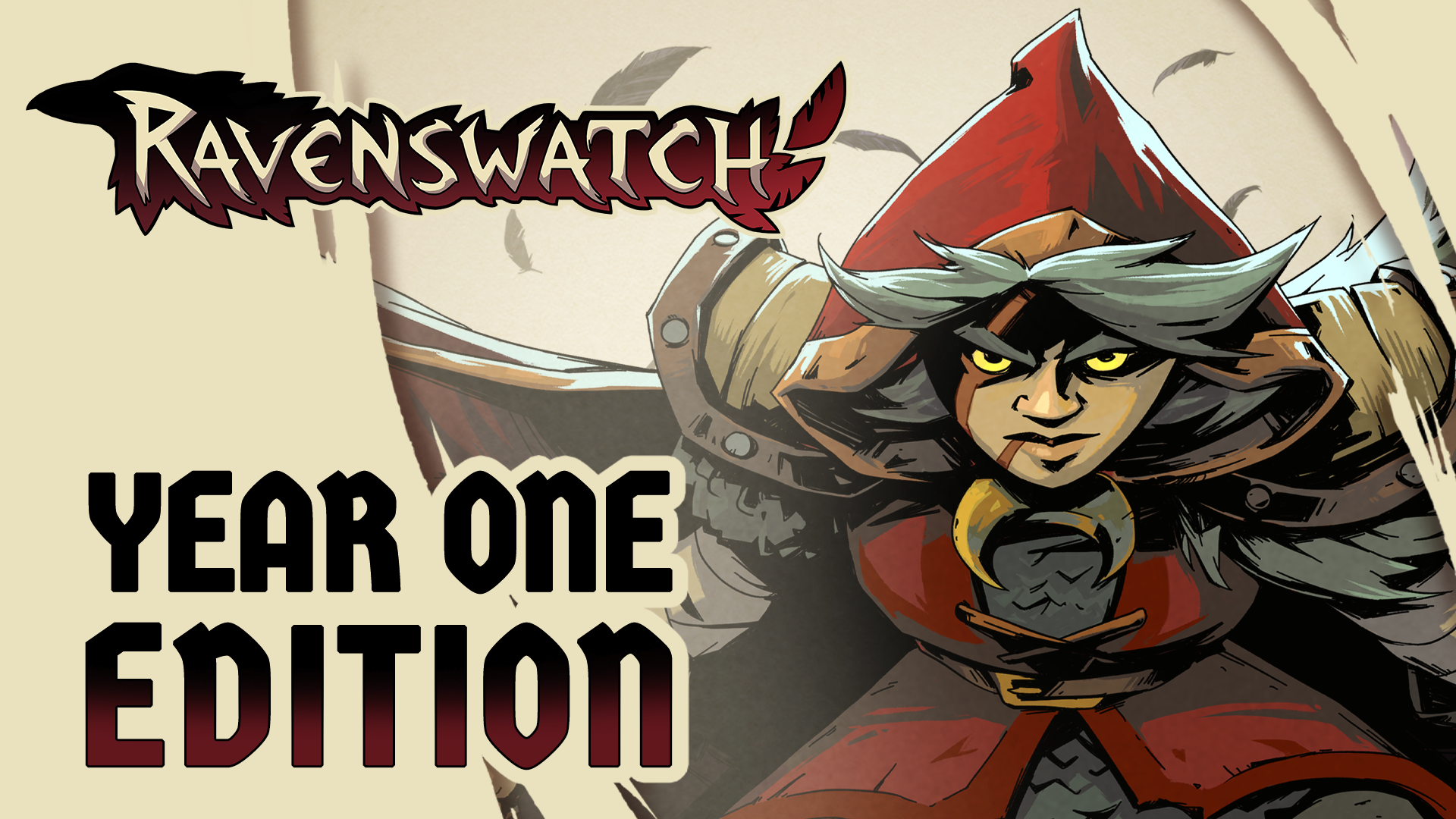
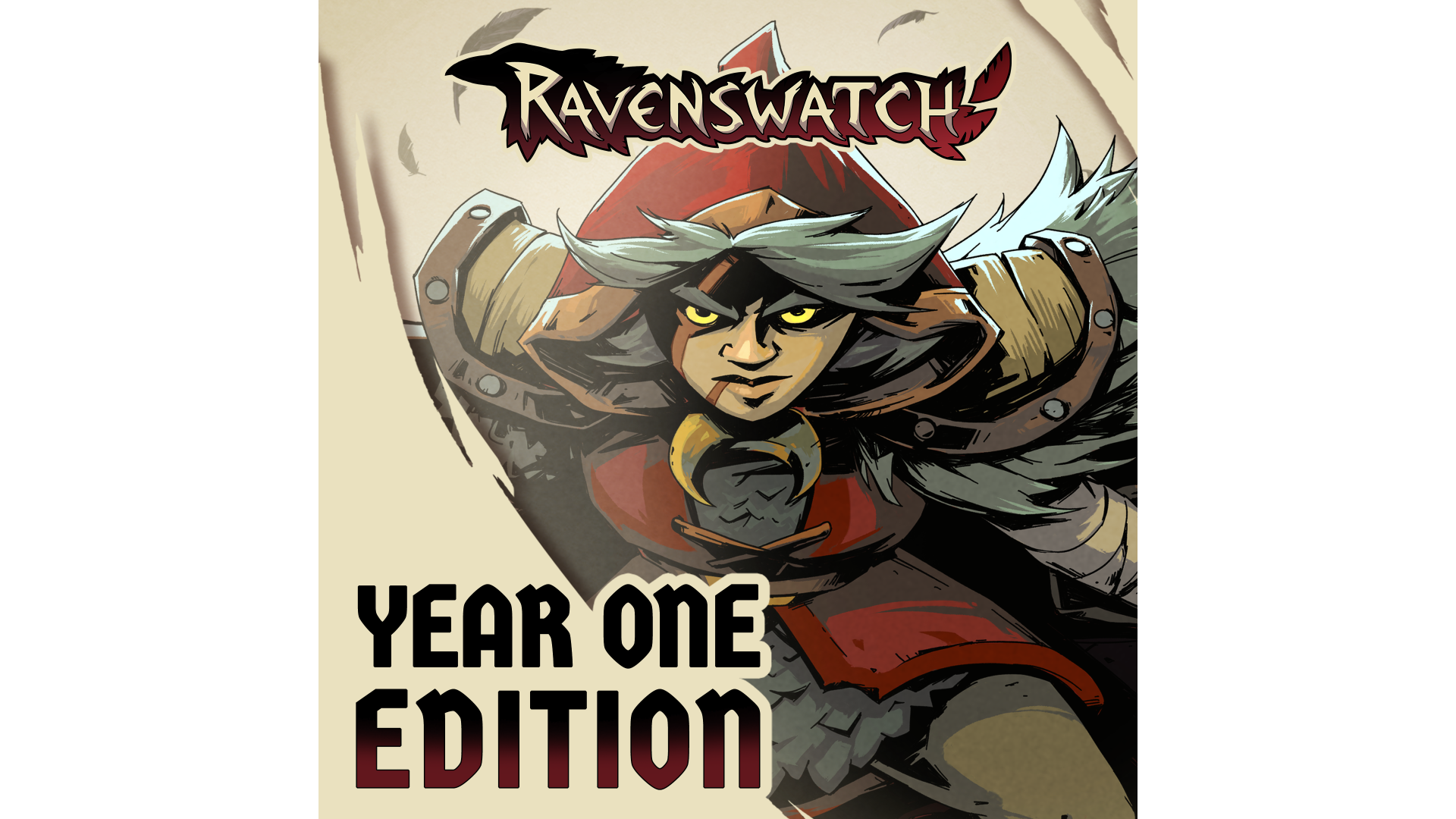
Discover Ravenswatch in its most complete version yet, bringing together the base title and all the content published during the first year.
Battle the Nightmare with 3 new playable heroes — Merlin, Romeo and Juliet — customize your runs with 6 skin packs, and dive behind the scenes, with the digital artbook and official soundtrack.
Edition contents:
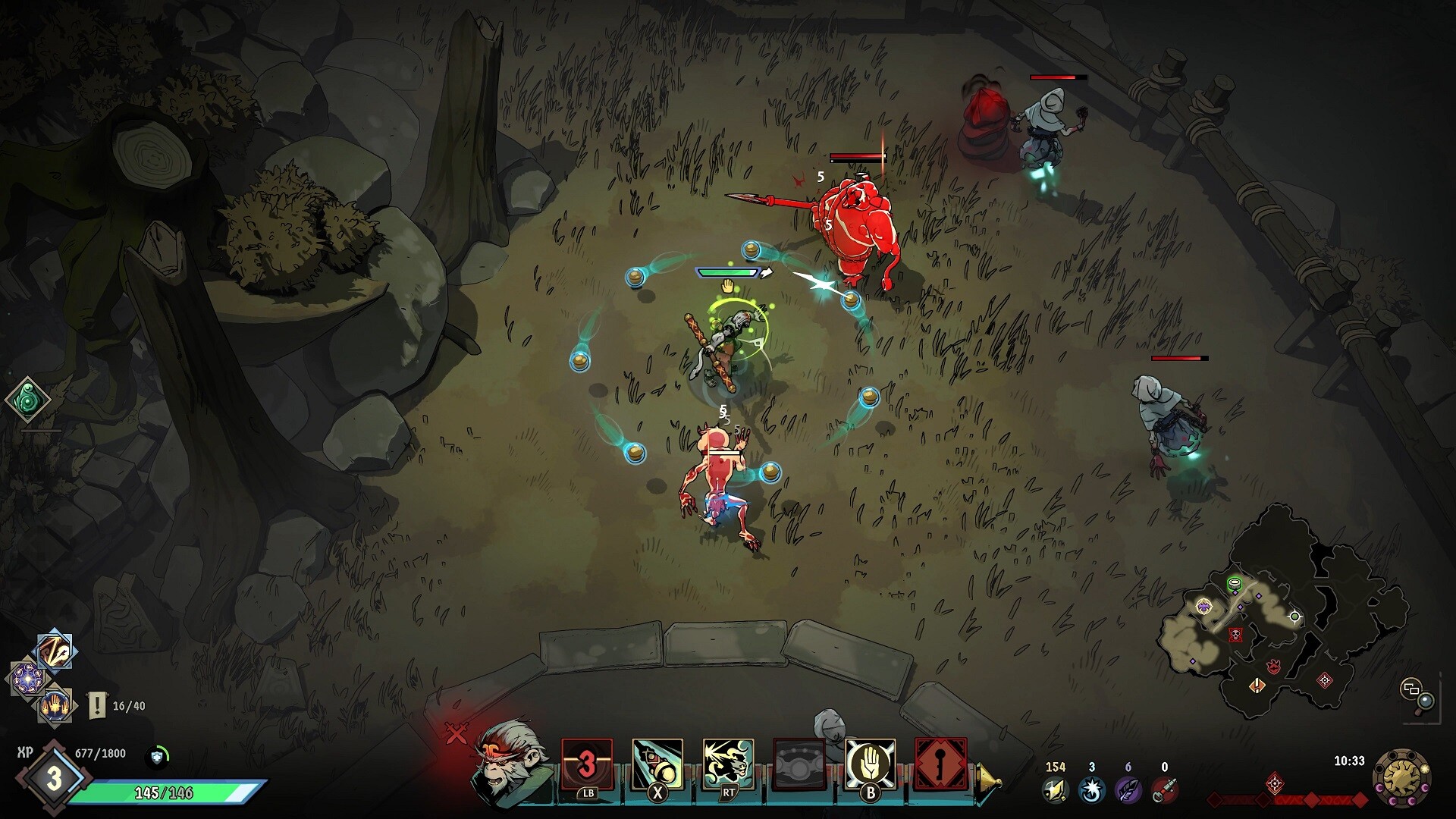
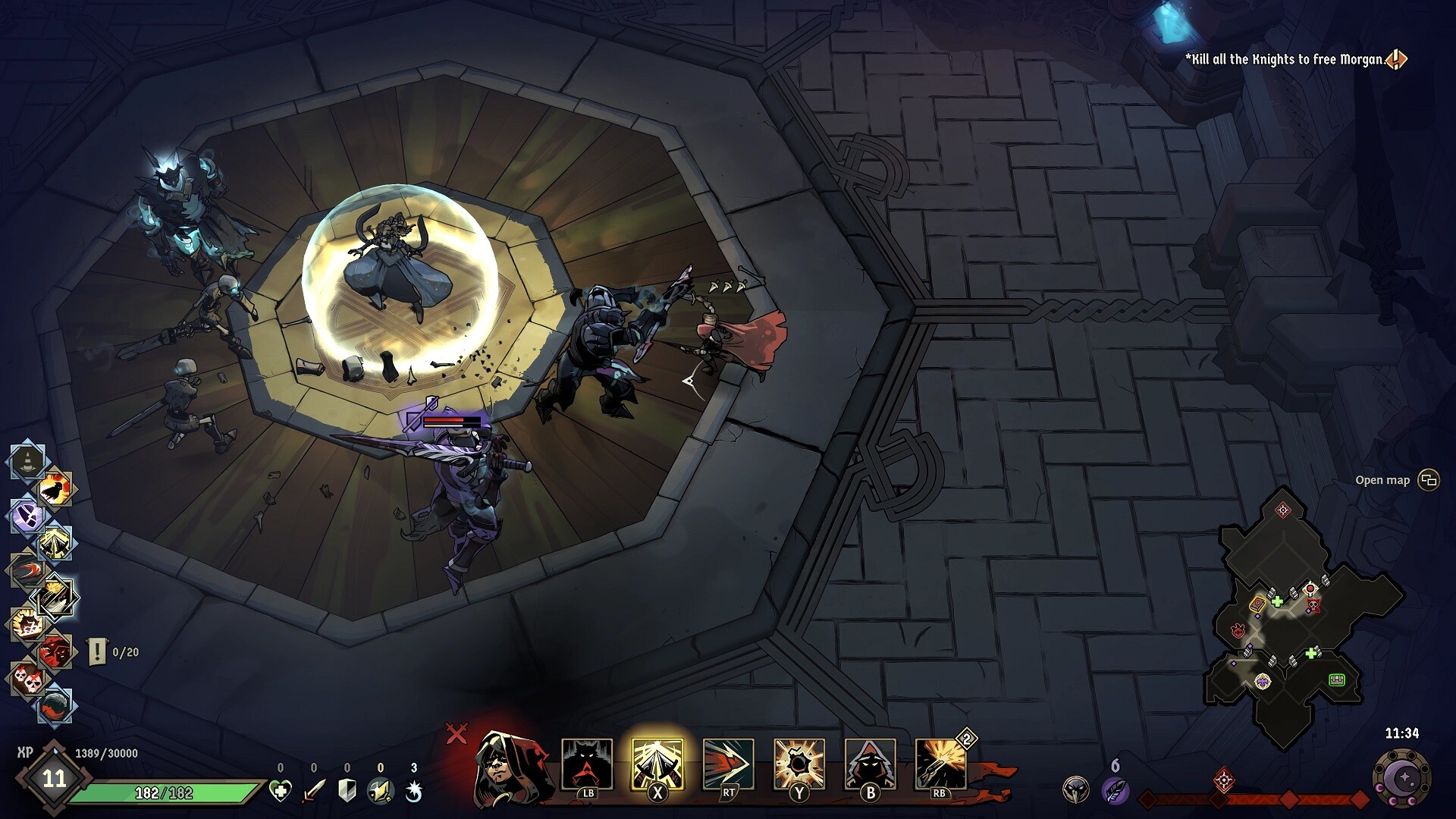
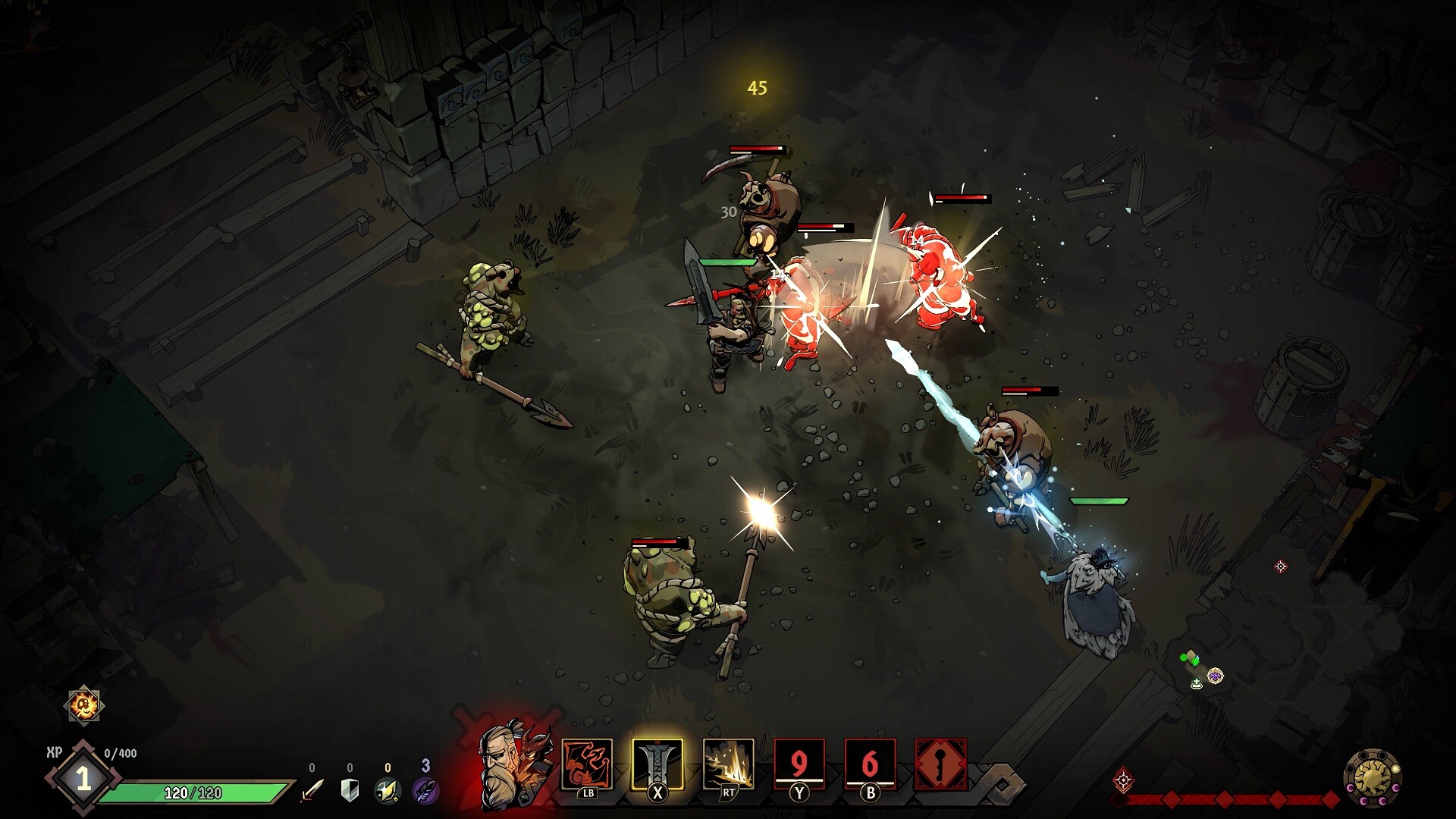
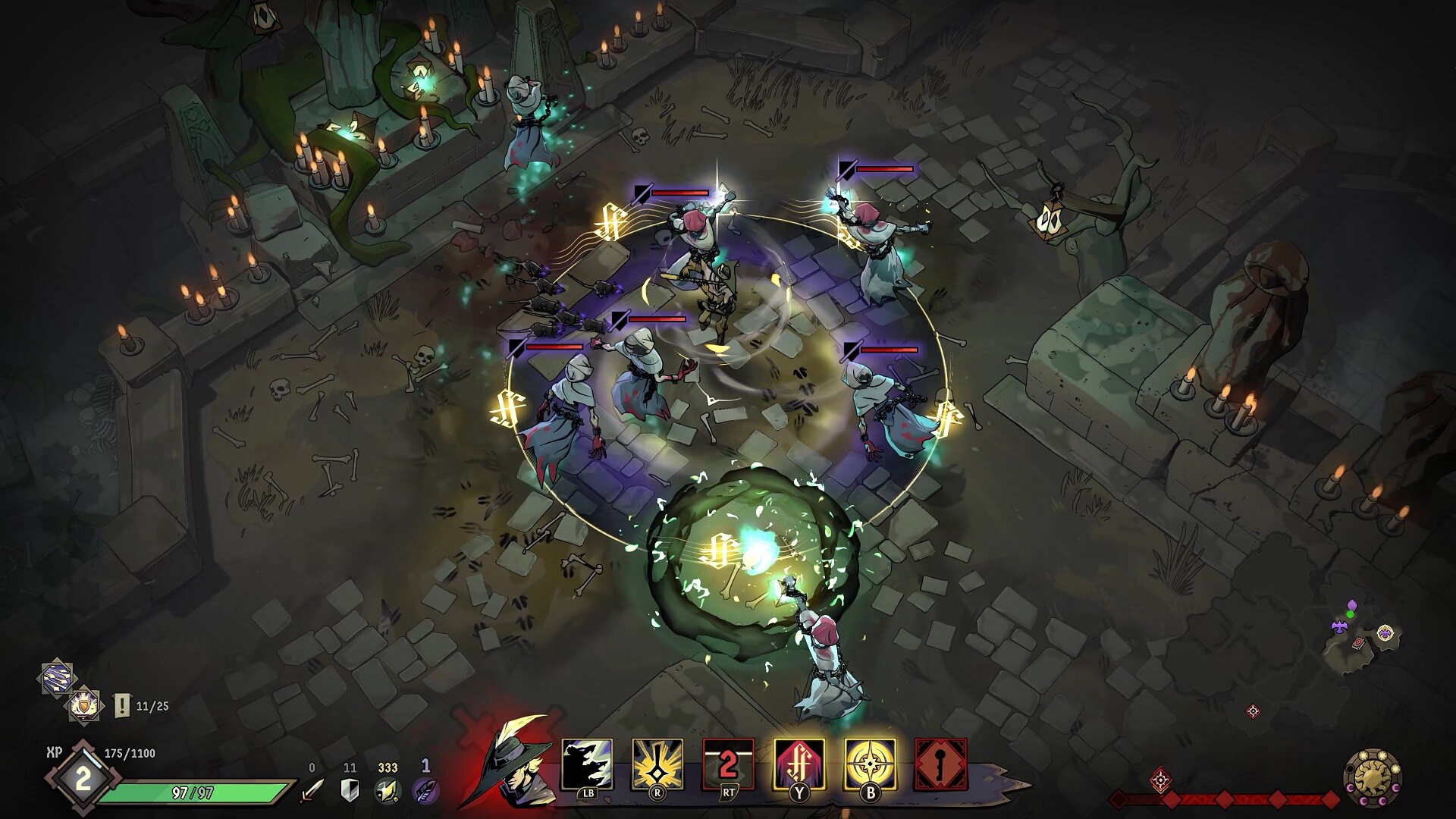
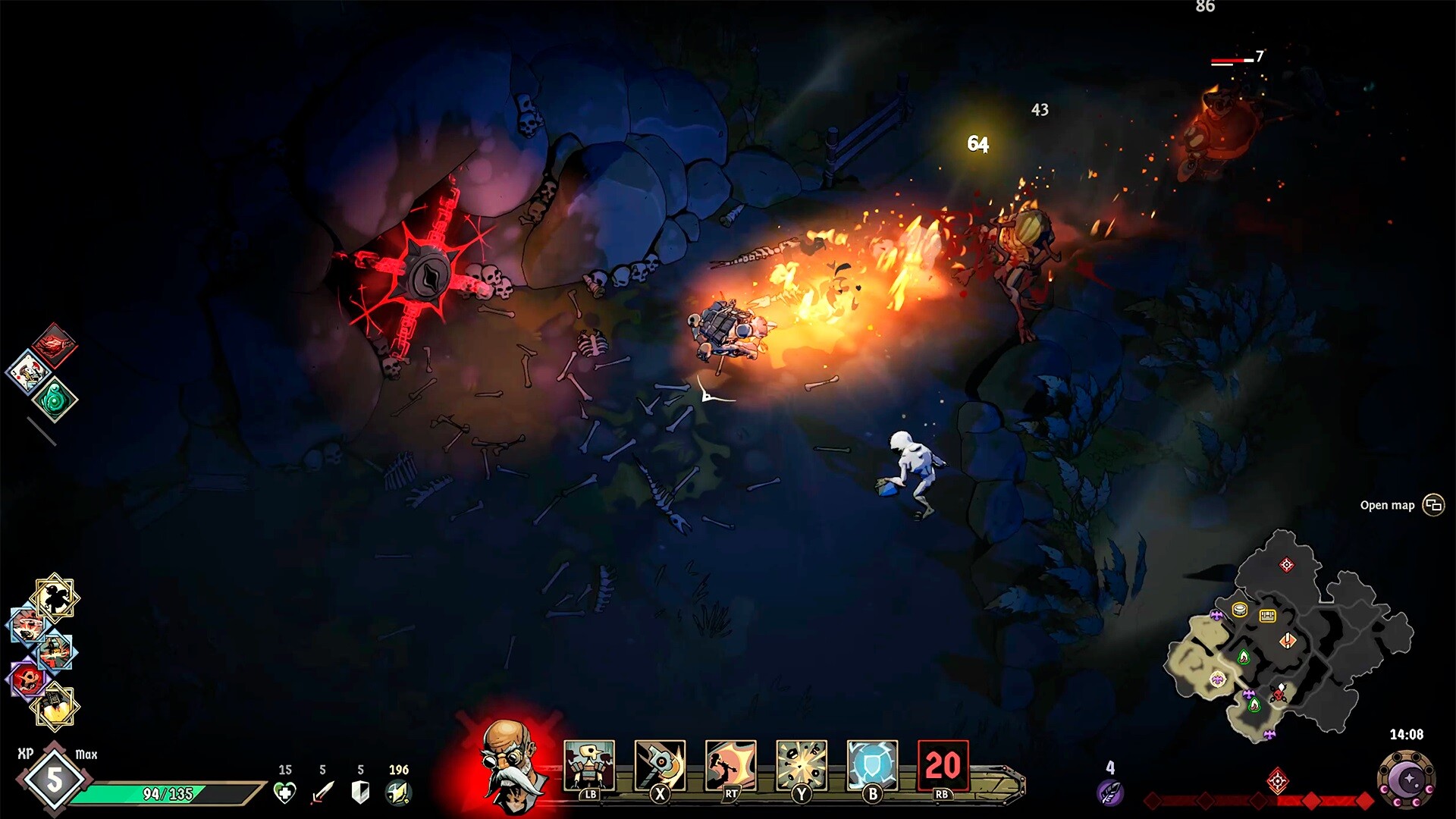
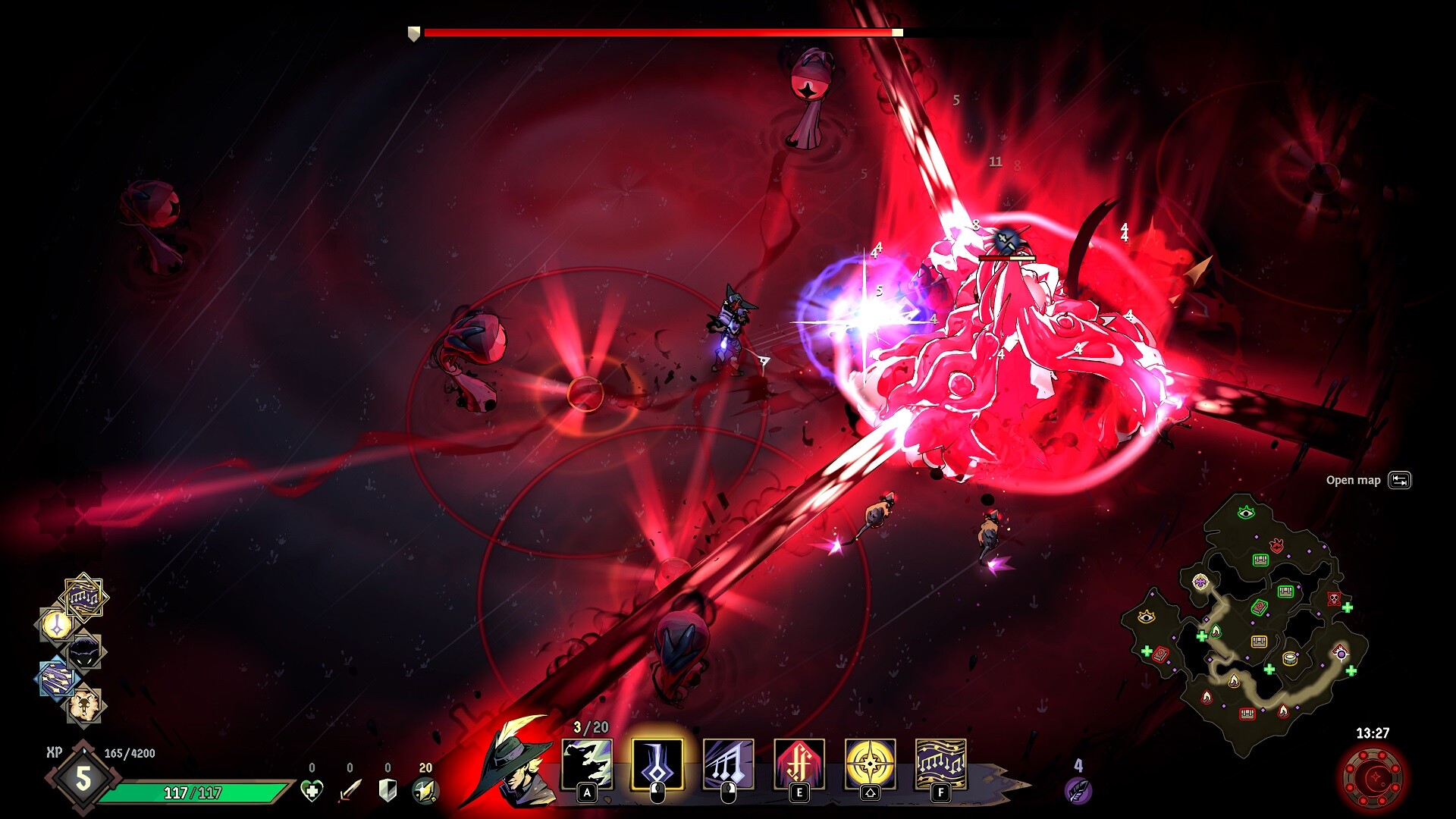
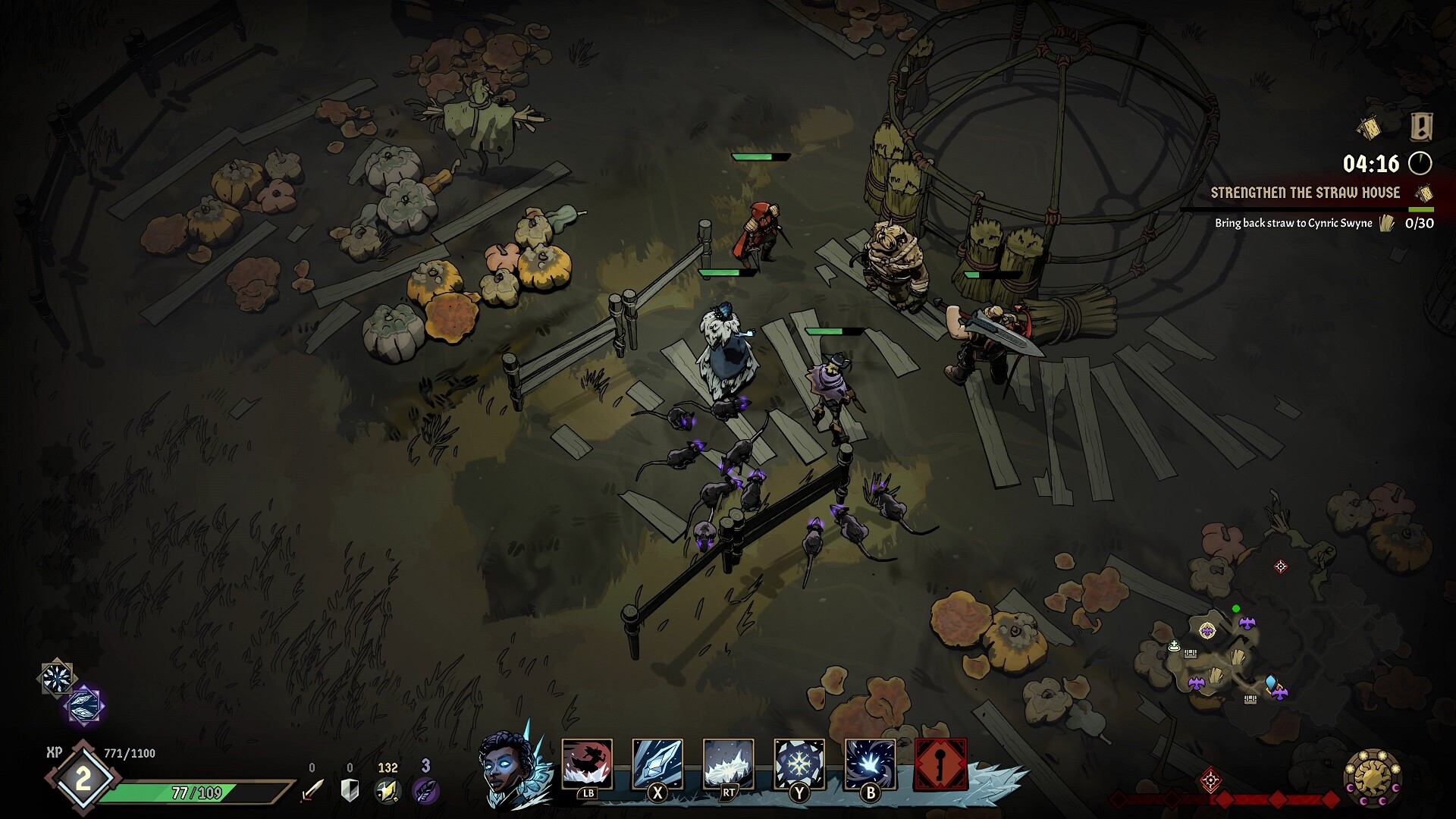
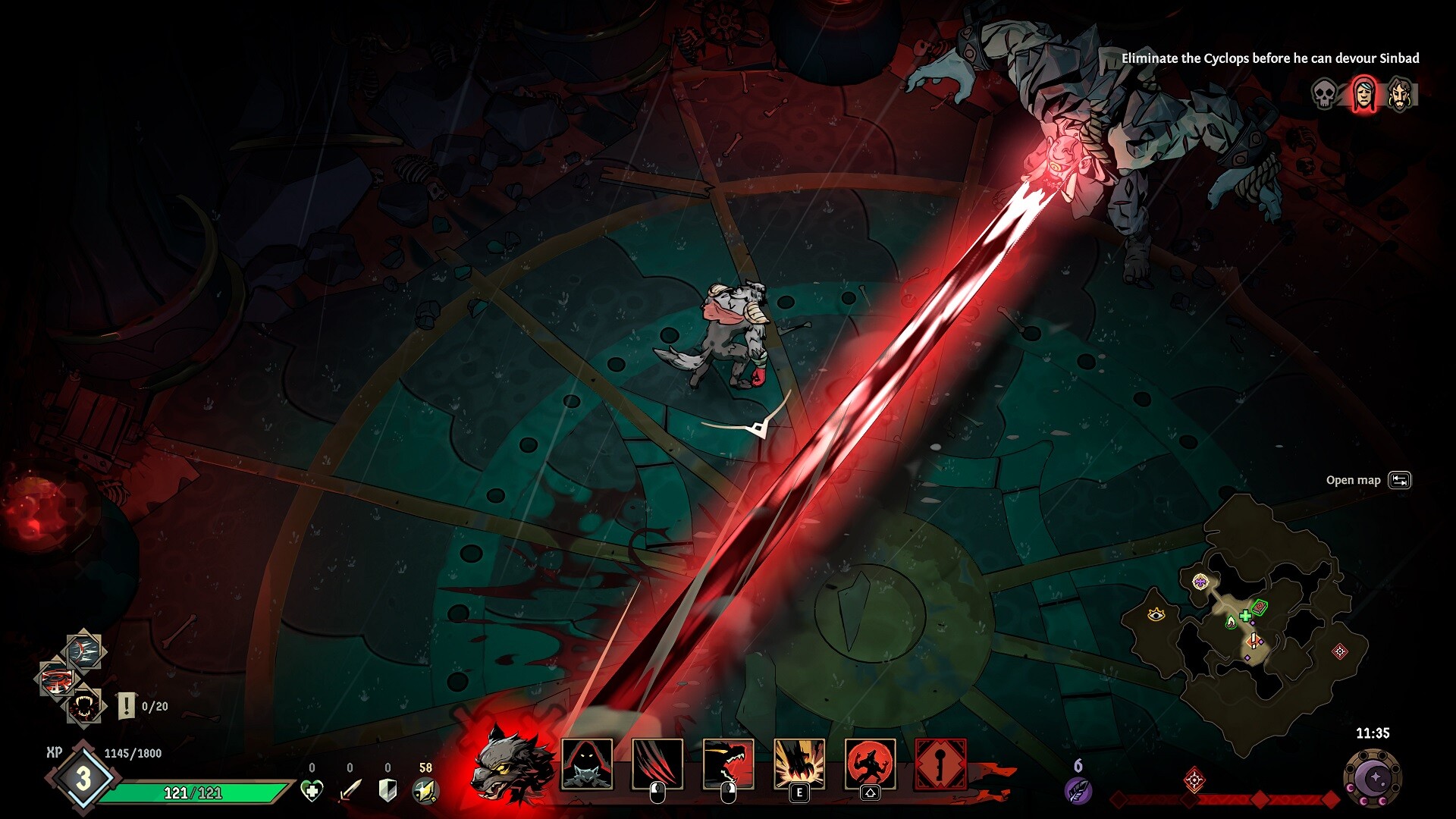
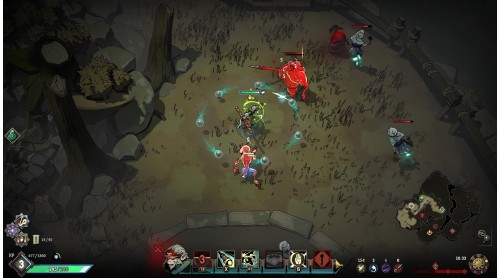
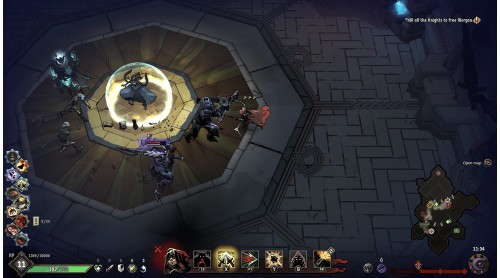
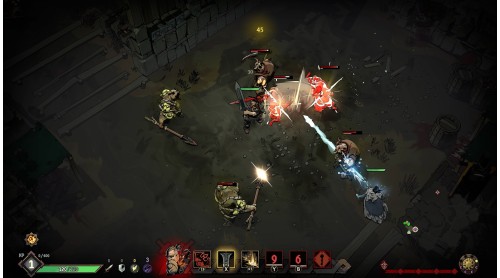
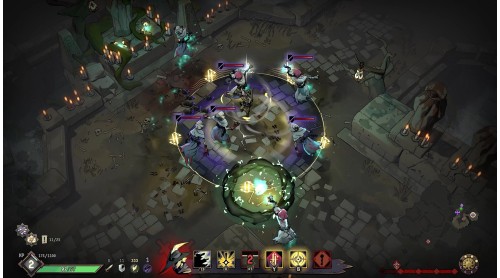
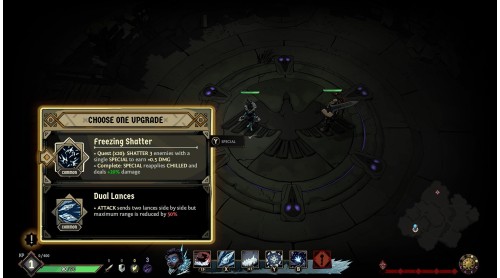
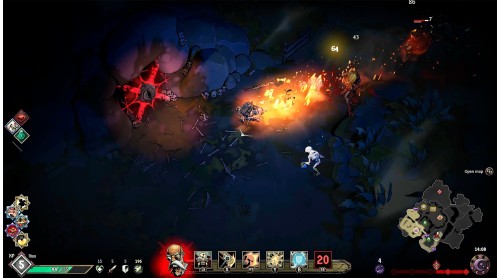
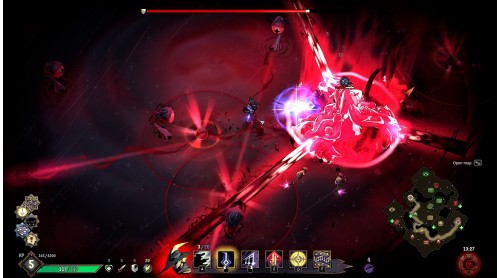
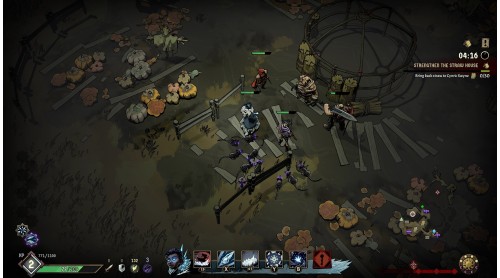
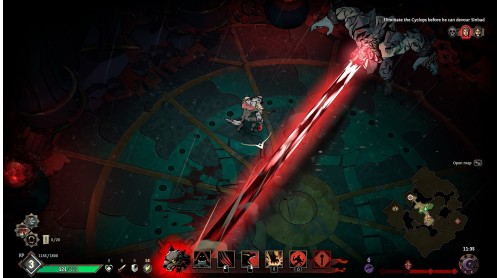
Ravenswatch is a top-down roguelike action game in which you play as heroes of tales and legends that must slay hordes of nightmarish creatures in nerve-racking fights. After the success of Curse of the Dead Gods©, Passtech Games returns with an improved formula and an addictive game experience with endless replay value. It can be played solo or with up to four players in co-op.
Play as 9 heroes, each with a unique twist and individual gameplay, including Little Red Riding Hood, who suffers from lycanthropy; Sun Wukong, the fallen monkey king; the Snow Queen with her evil powers; and many other familiar characters who have a darker side and are more violent than you might remember.
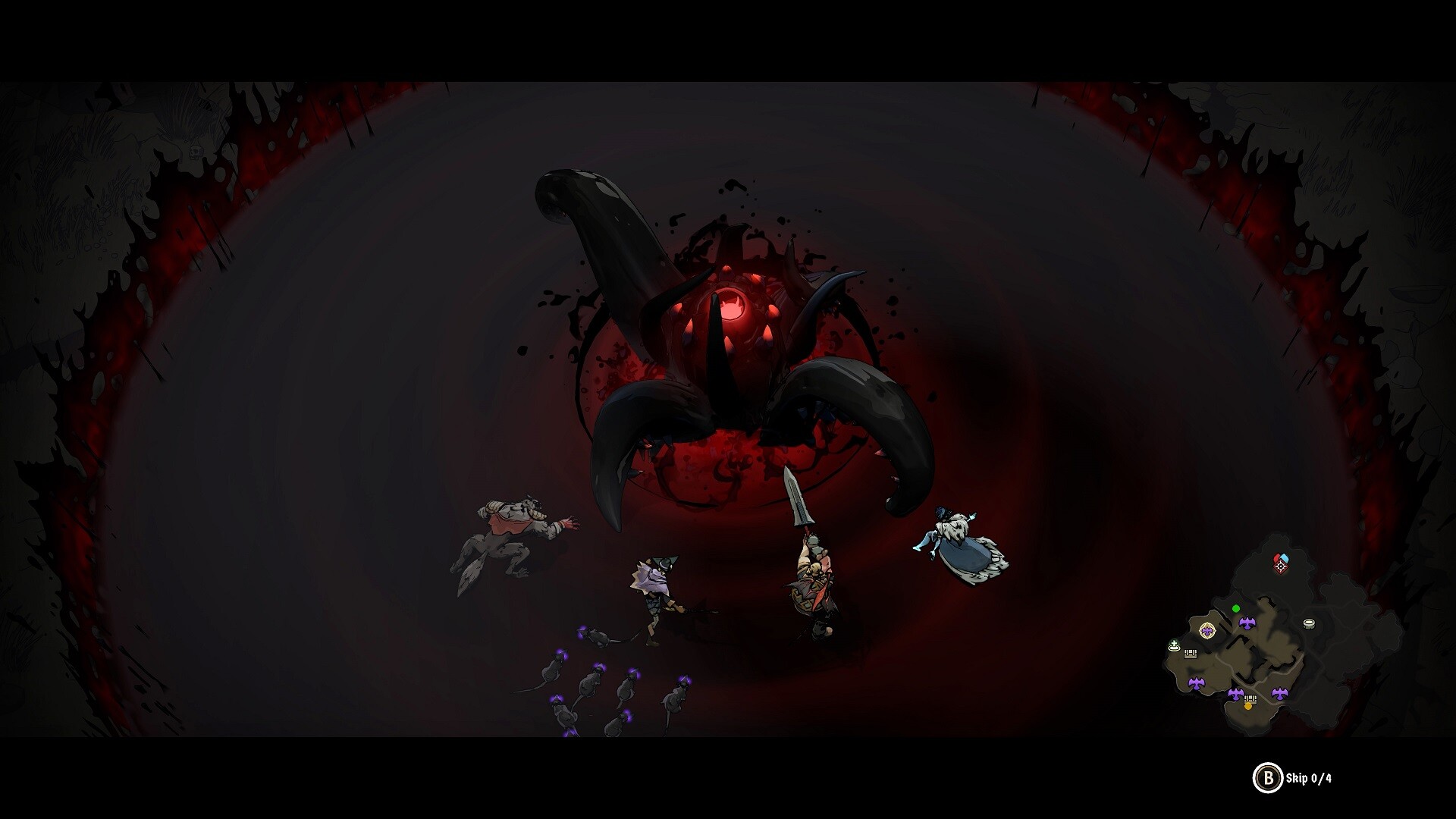
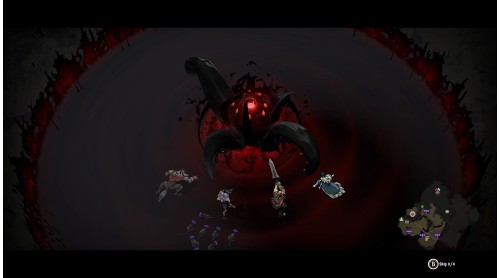
The Nightmare has invaded the world of dreams and is corrupting everything in its wake. Faced with this evil, the Ravenswatch is gathering heroes from tales and legends from all over the world to lead a crucial battle and restore the fragile balance. But the heroes themselves have been corrupted. How deep do the roots of this evil go?
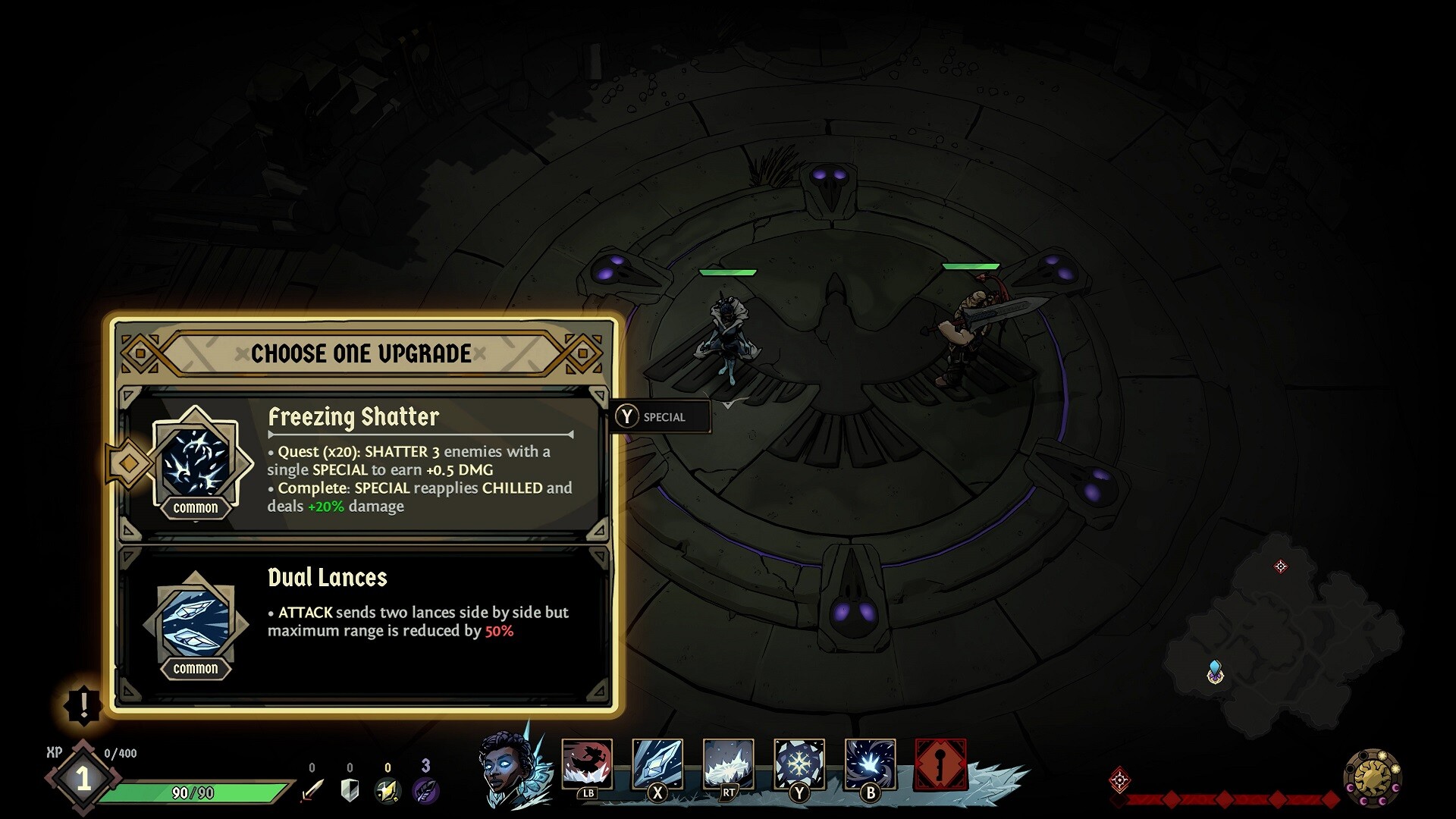
To defeat the Nightmare and reach the final chapter, you will need a strong build, focus and/or excellent teamwork. You have 3 days and 3 nights to increase your power. Face the chapter boss when you feel ready… or when you no longer have a choice.
During your game, optimize your time and make the best use of the upgrades you earn. With each new run, explore a new map filled with activities and enemies. Unlock new heroes and new content from one run to the next.
Ravenswatch ©2023 Published by Nacon and developed by Passtech Games. All rights reserved.
©2021, Curse of the Dead Gods, a game developped by Passtech Games, published by Focus Home Interactive.


How to activate your Steam key?
1. Open your Steam client. (If you don't have a Steam Client, you can install from here https://store.steampowered.com/about/)
2. Sign in to your Steam account. (If you don't have a Steam Account, you can create from here https://store.steampowered.com/join/)
3. Click “ADD A GAME” button which is at the bottom of the Steam Client.
4. Now select "Activate a product on Steam..."
5. Write or copy-paste your Steam key which you purchased from Gamesforpc.
6. Now your game is in your library.
7. Find your game in your library, select and click install to start your download.