 Steam
Steam  Windows
 49.76€
Added to Cart
49.76€
Added to Wishlist
49.76€
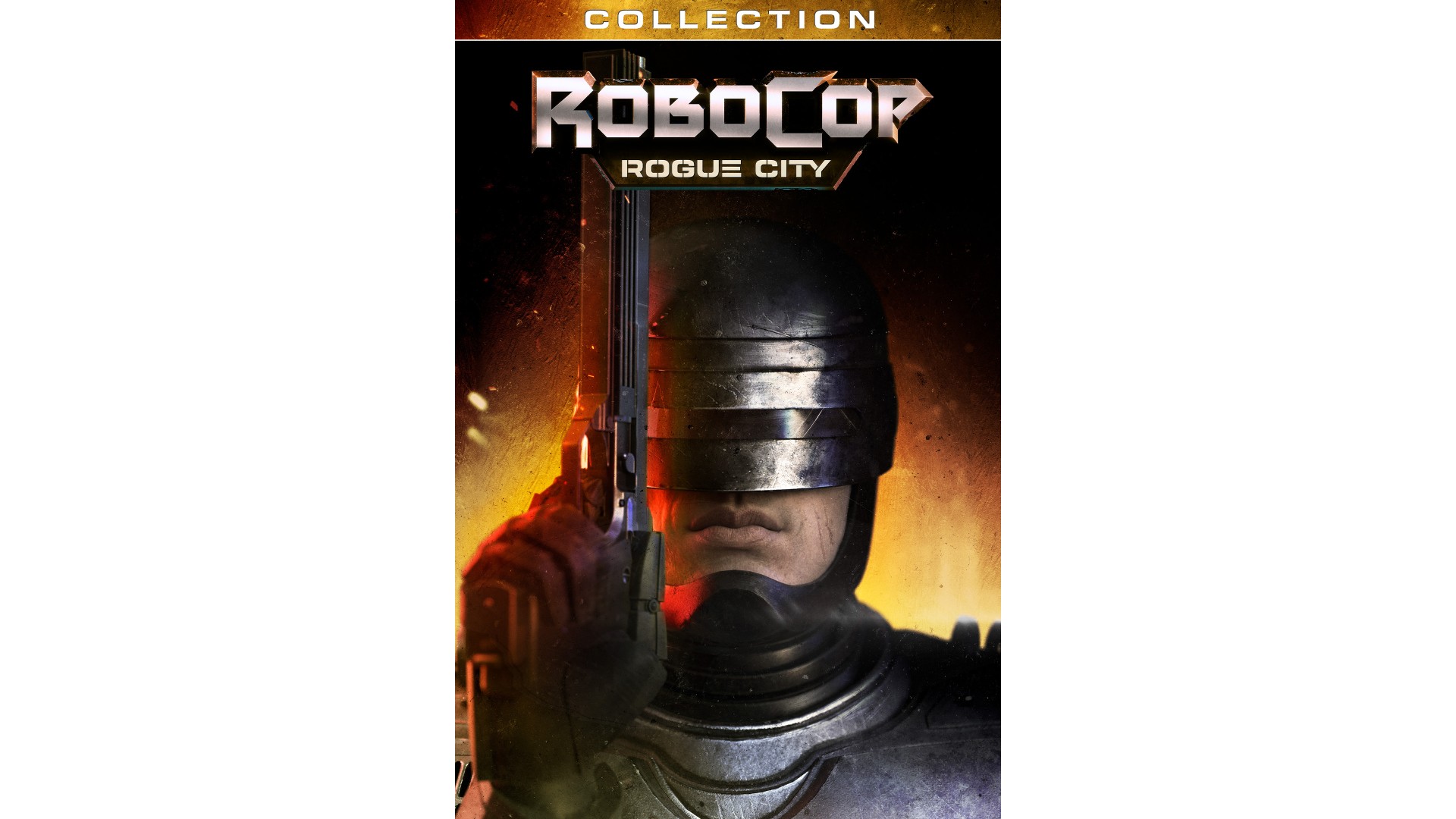
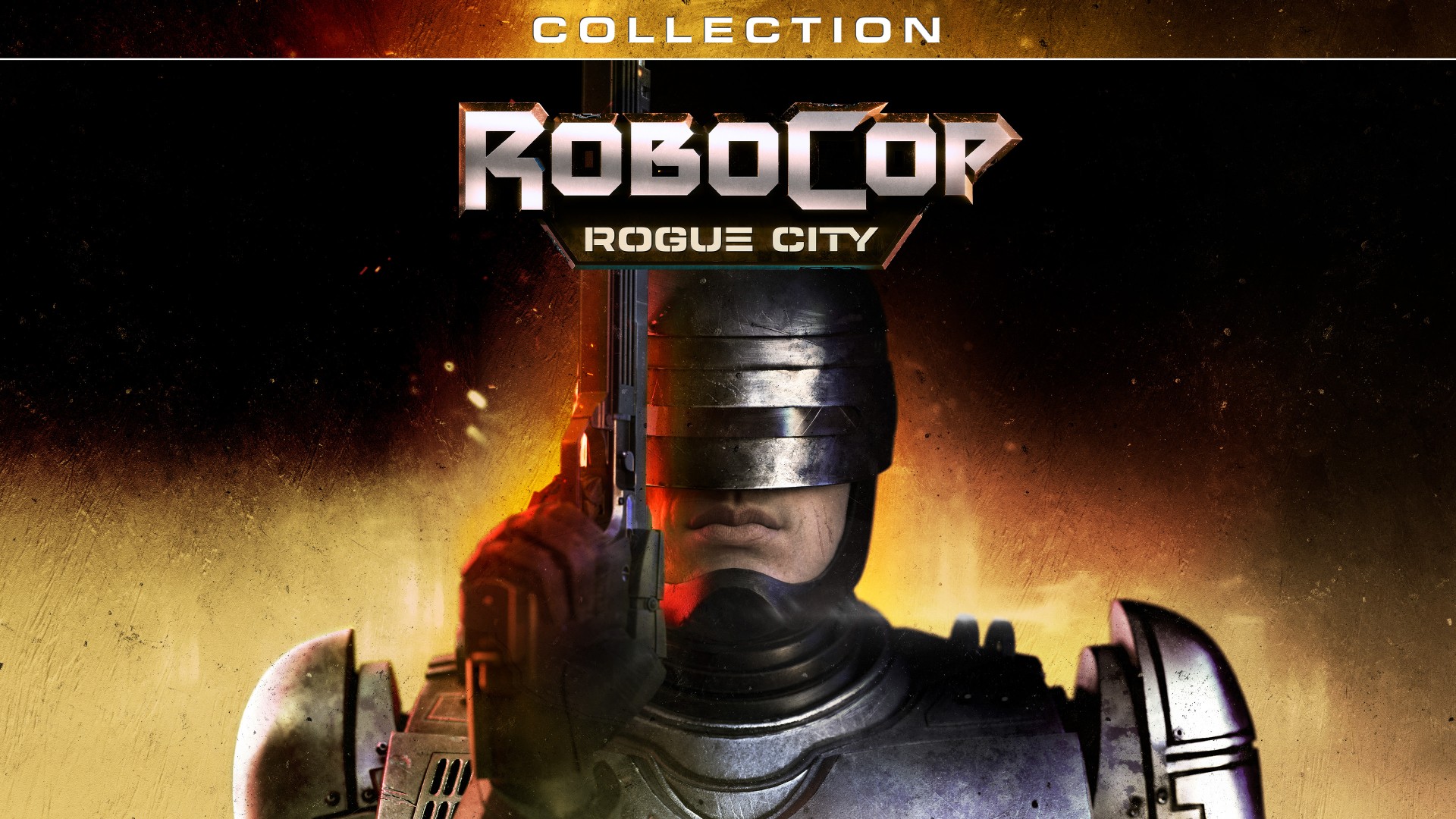
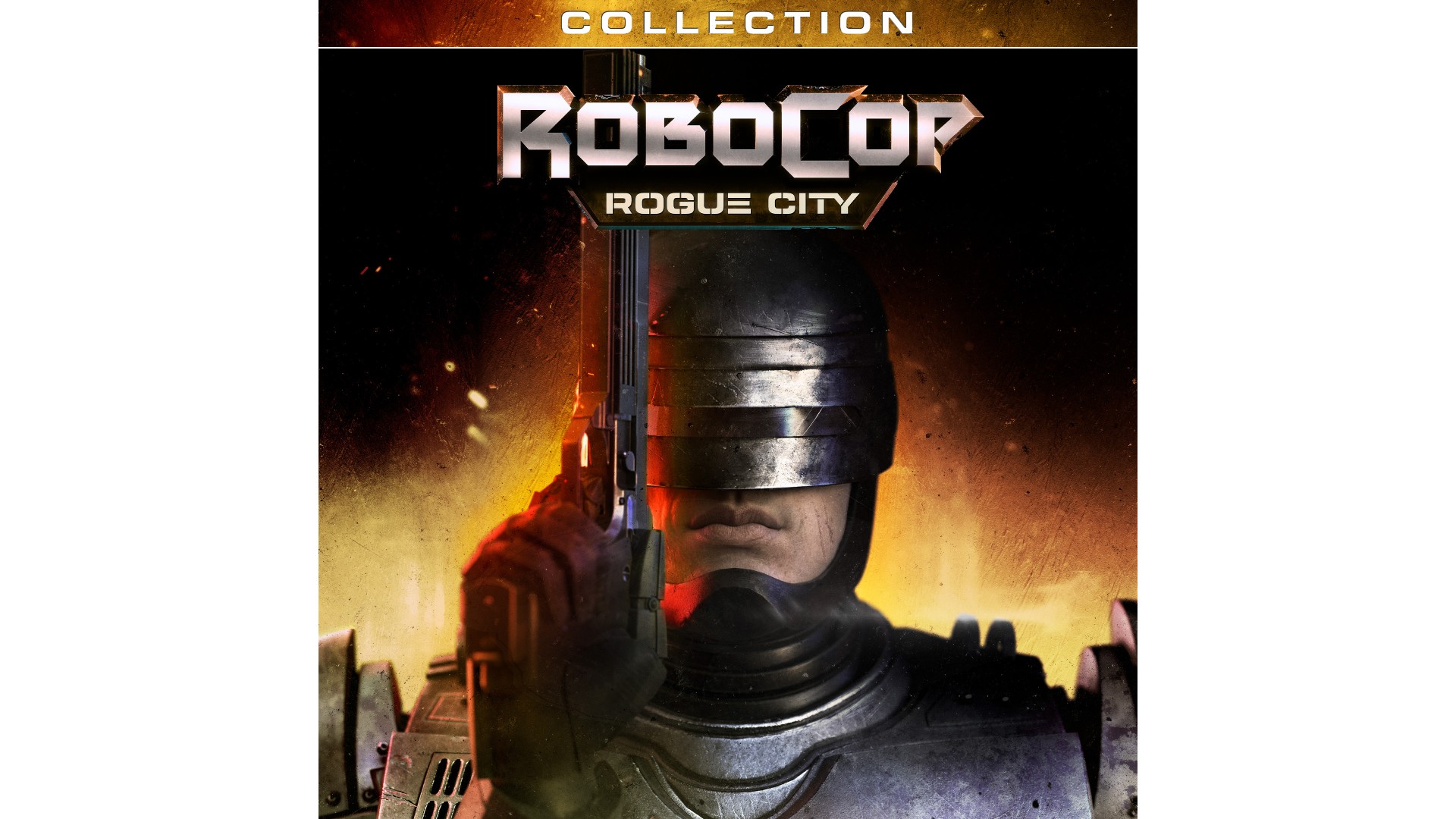
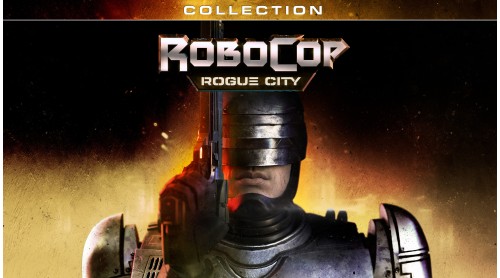
The Rogue City Collection brings together RoboCop: Rogue City and Unfinished Business, with all the bonus content from both titles.
Play as the legendary hero - part man, part machine, all cop - and bring justice to the the streets of Old Detroit in RoboCop: Rogue City.
Extend the experience with Unfinished Business. The OmniTower is their fortress, violence is their language. Battle elite mercenaries to reach the top of the tower and bring law and order to the chaos!
Get exclusive bonus content from both titles:
Robocop: Rogue City
Robocop: Rogue City - Unfinished Business
ROBOCOP – ROBOCOP 3 © 1987-1992 Orion Pictures Corporation. ROBOCOP: ROGUE CITY © 2023 Metro-Goldwyn-Mayer Studios Inc. ROBOCOP & ROBOCOP: ROGUE CITY are trademarks of Orion Pictures Corporation. All Rights Reserved.
ROBOCOP: ROGUE CITY published by Nacon and developed by Teyon. © 2023 Nacon. All Rights Reserved.


How to activate your Steam key?
1. Open your Steam client. (If you don't have a Steam Client, you can install from here https://store.steampowered.com/about/)
2. Sign in to your Steam account. (If you don't have a Steam Account, you can create from here https://store.steampowered.com/join/)
3. Click “ADD A GAME” button which is at the bottom of the Steam Client.
4. Now select "Activate a product on Steam..."
5. Write or copy-paste your Steam key which you purchased from Gamesforpc.
6. Now your game is in your library.
7. Find your game in your library, select and click install to start your download.