Description
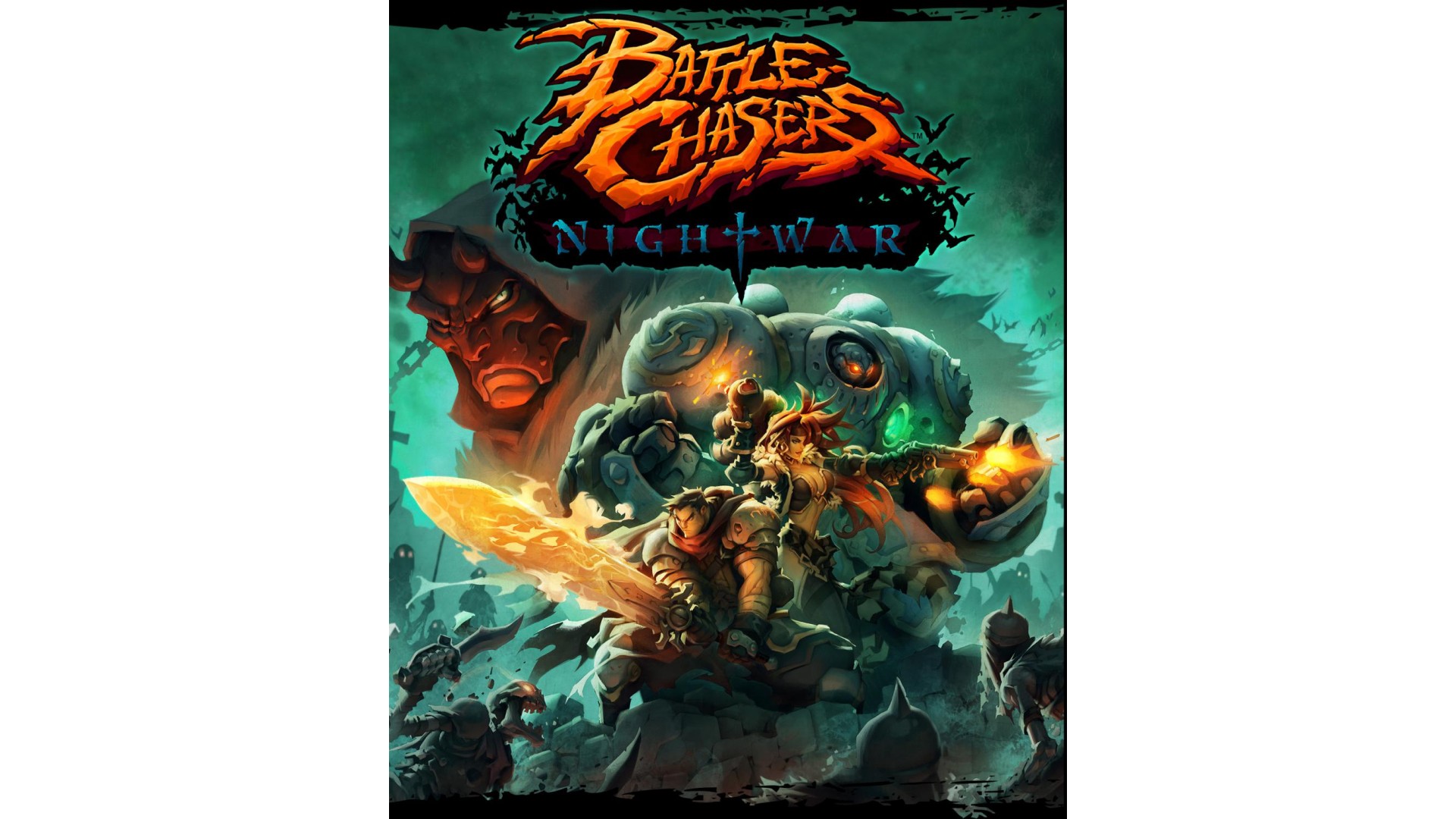
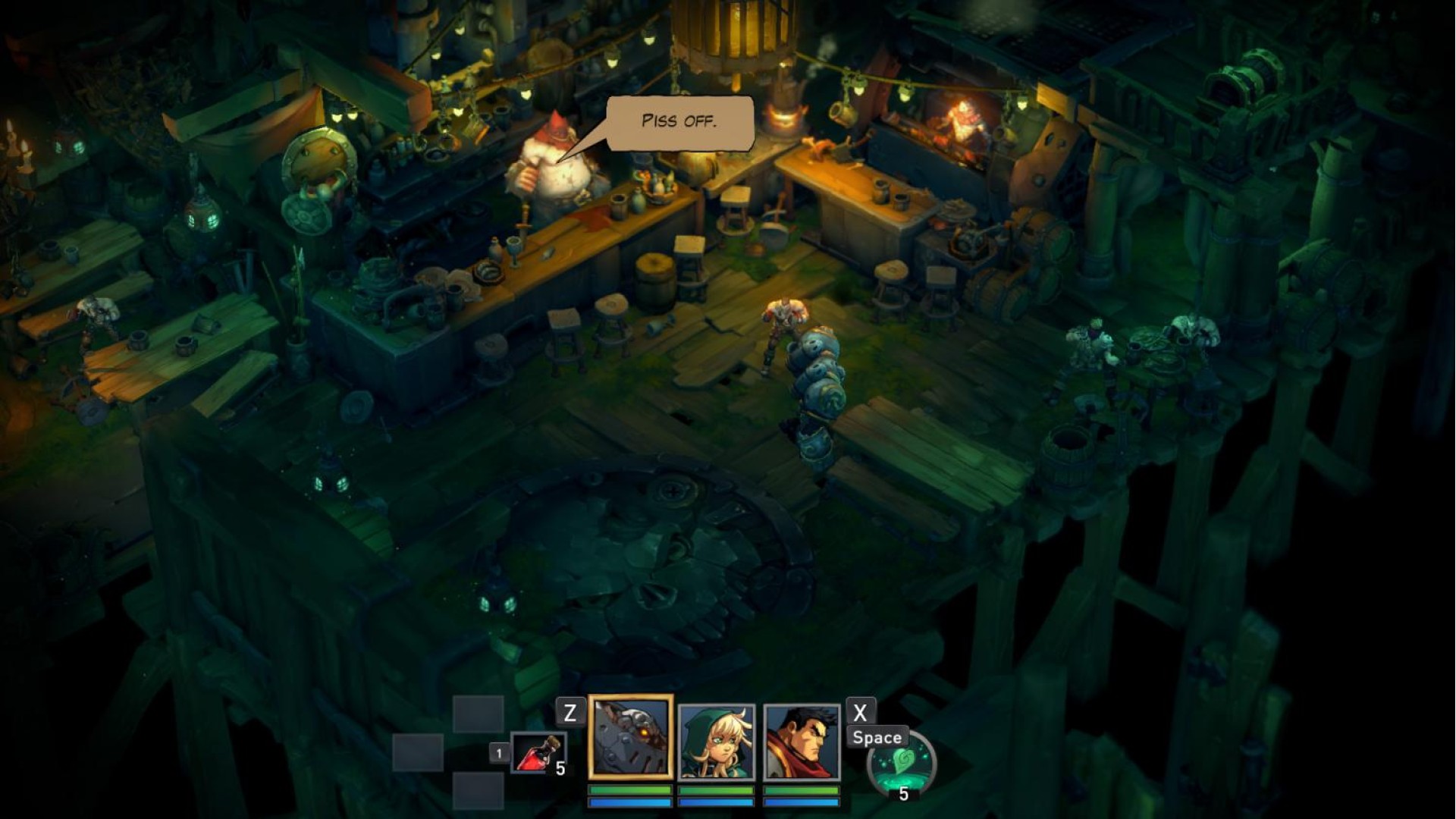
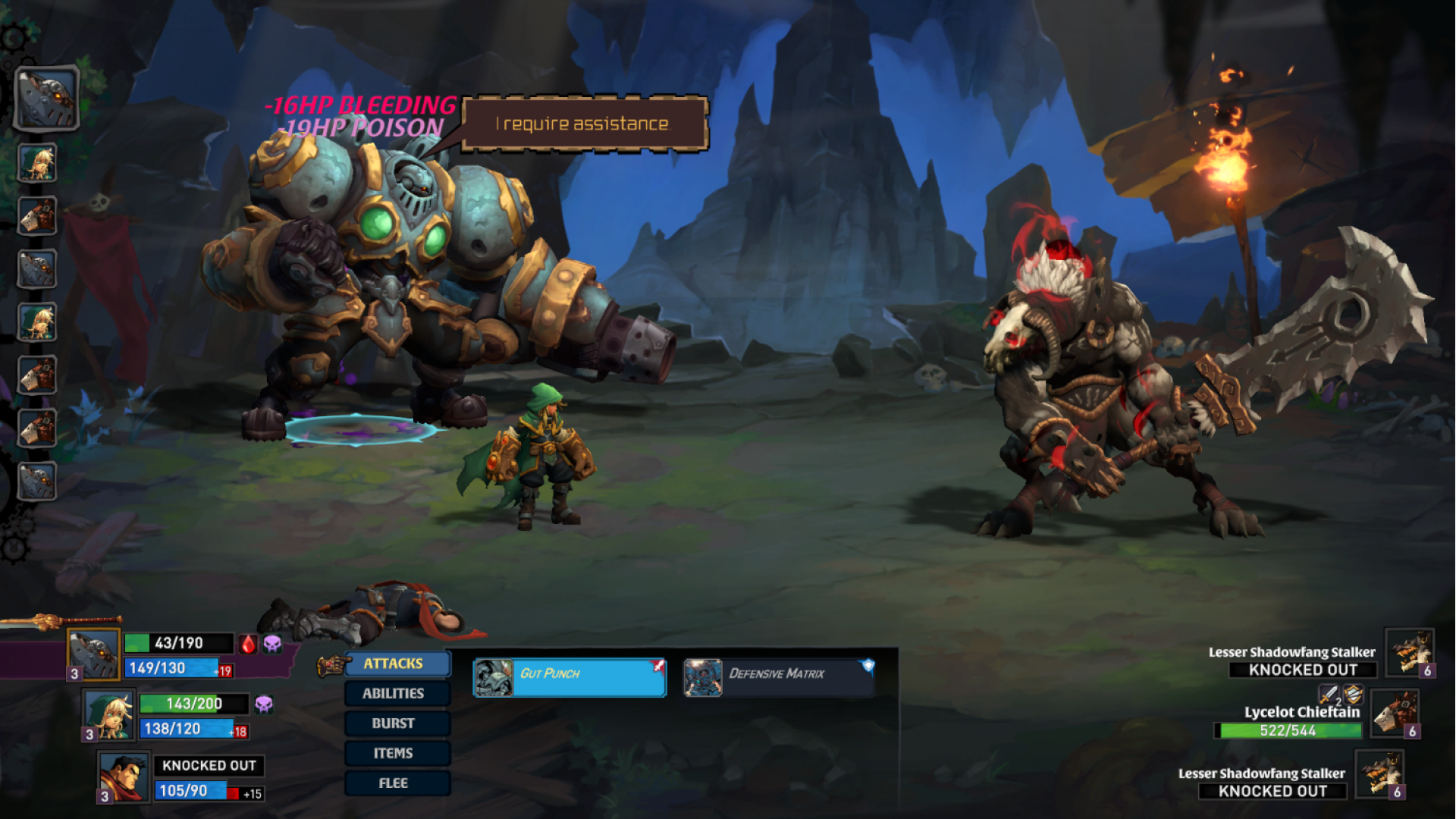
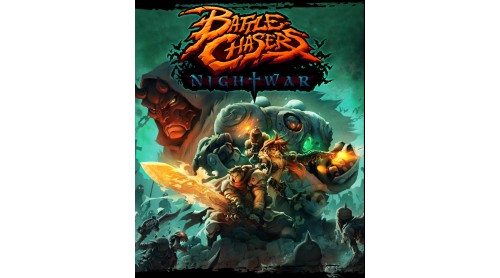
Battle Chasers: Nightwar is an RPG inspired by the classic console greats, featuring deep dungeon diving, turn-based combat presented in a classic JRPG format, and a rich story driven by exploration of the world.
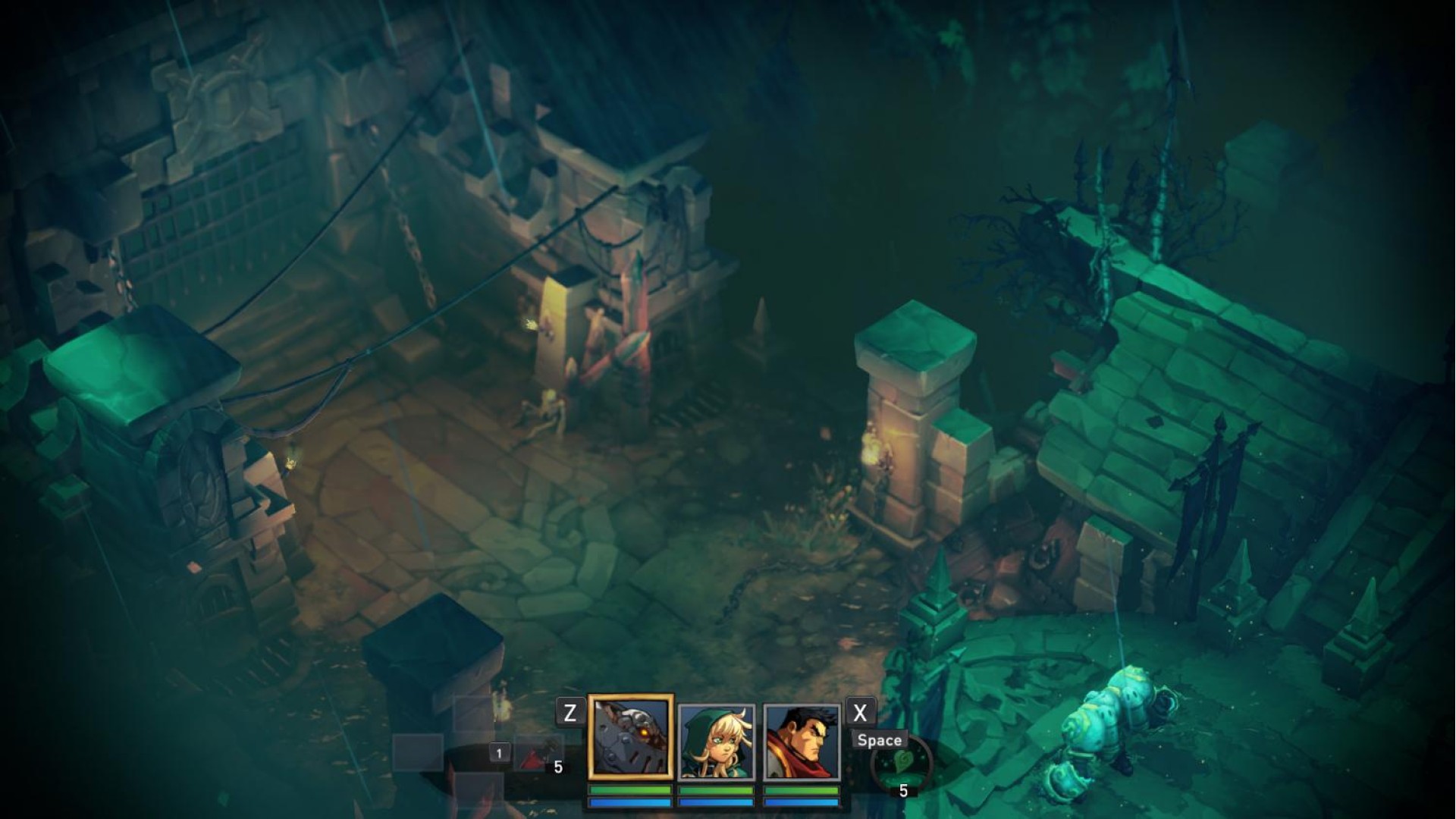
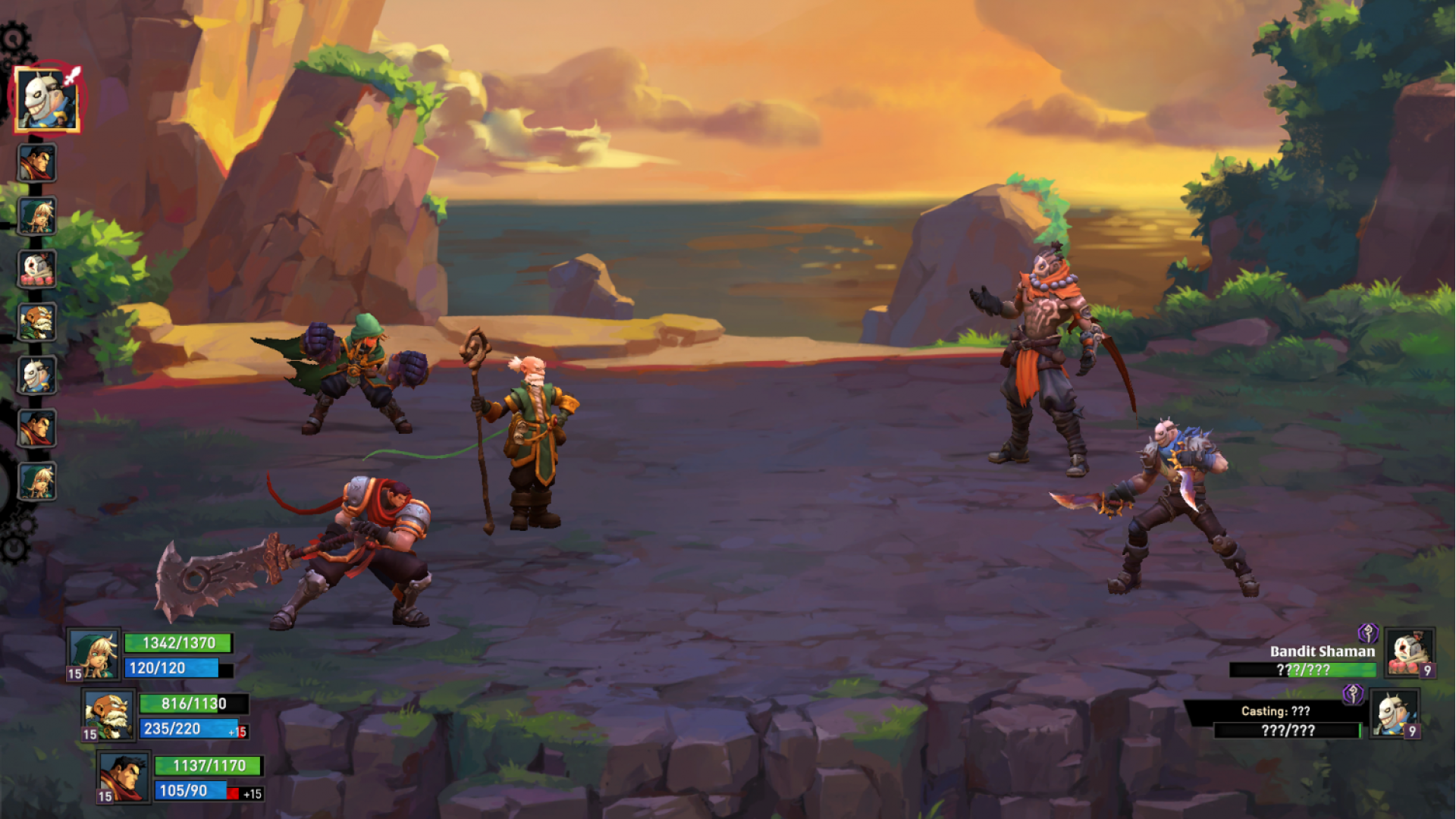
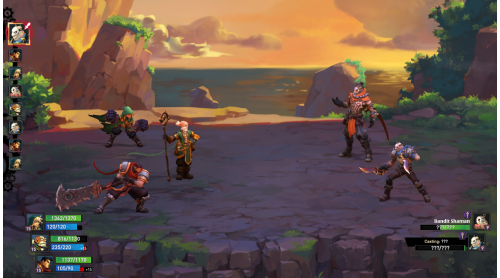
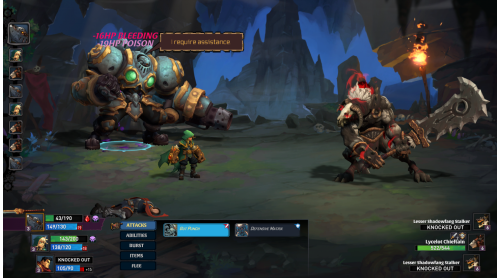
- Classic turn-based combat inspired by the console RPG greats, with a unique overcharge mana system and incredible Battle Bursts.
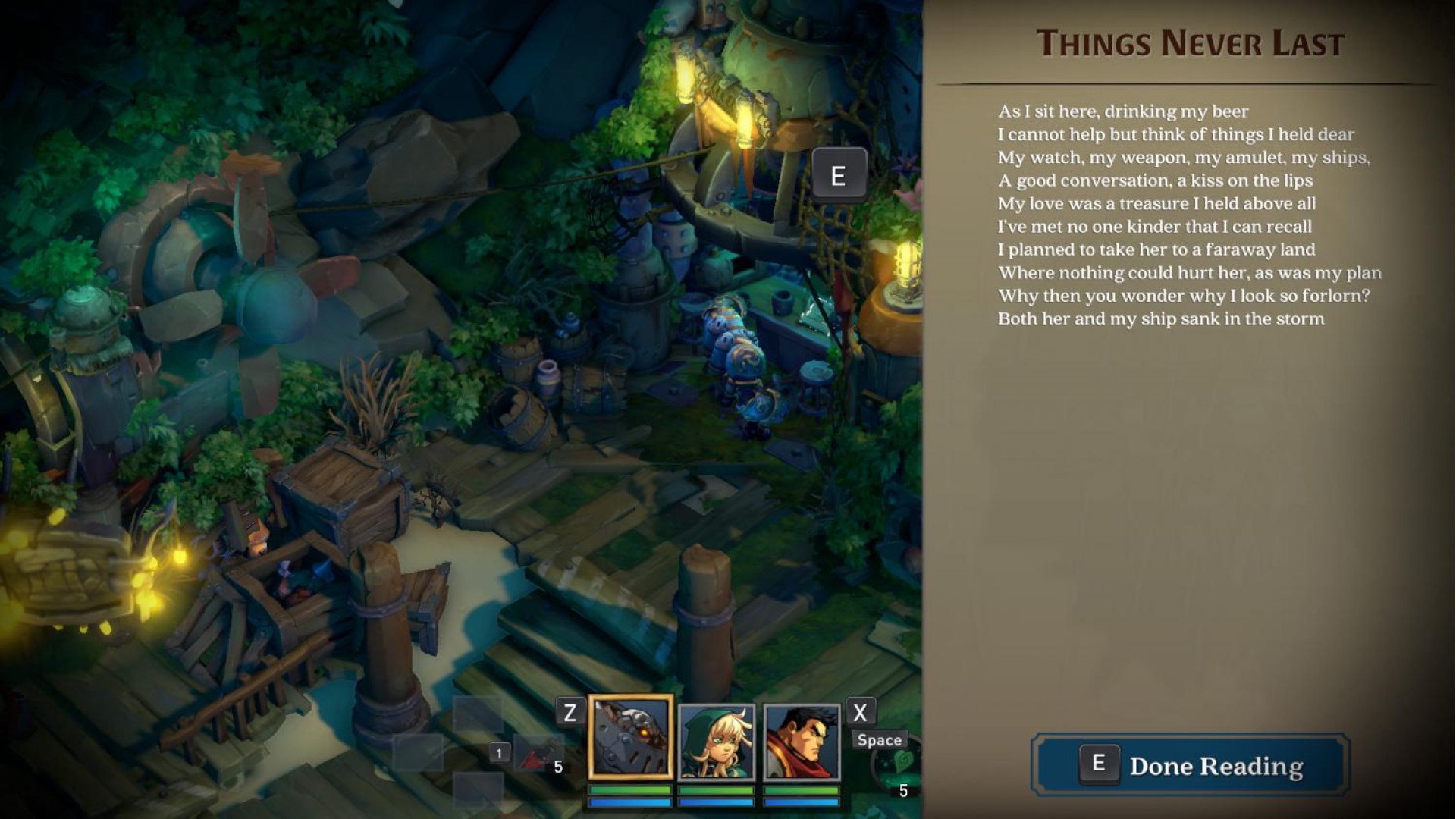
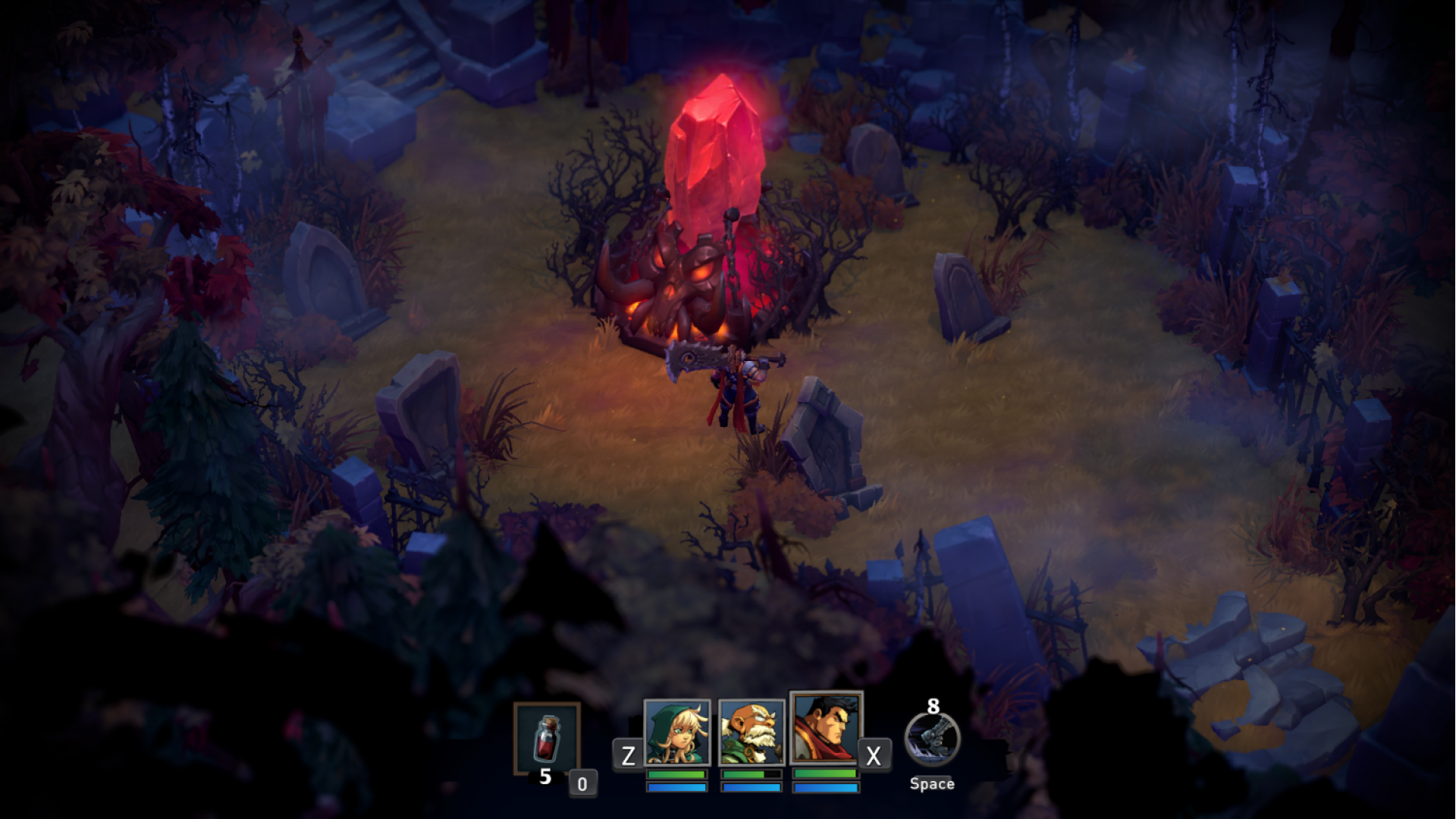
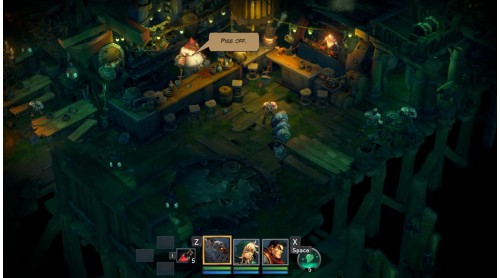
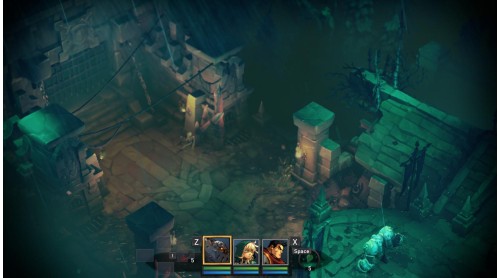
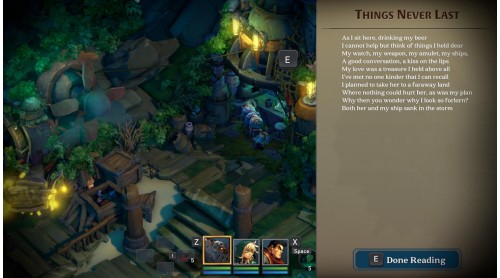
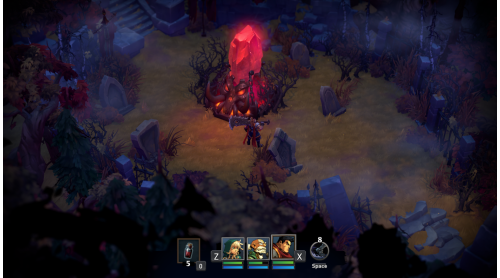
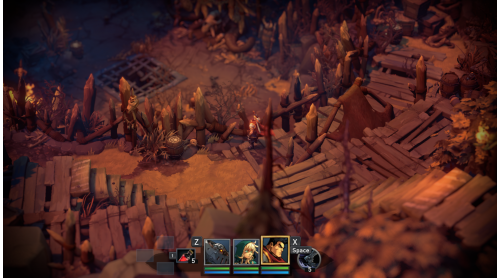
- Beautiful, randomly-generated dungeons loaded with traps, puzzles, secrets and loot.
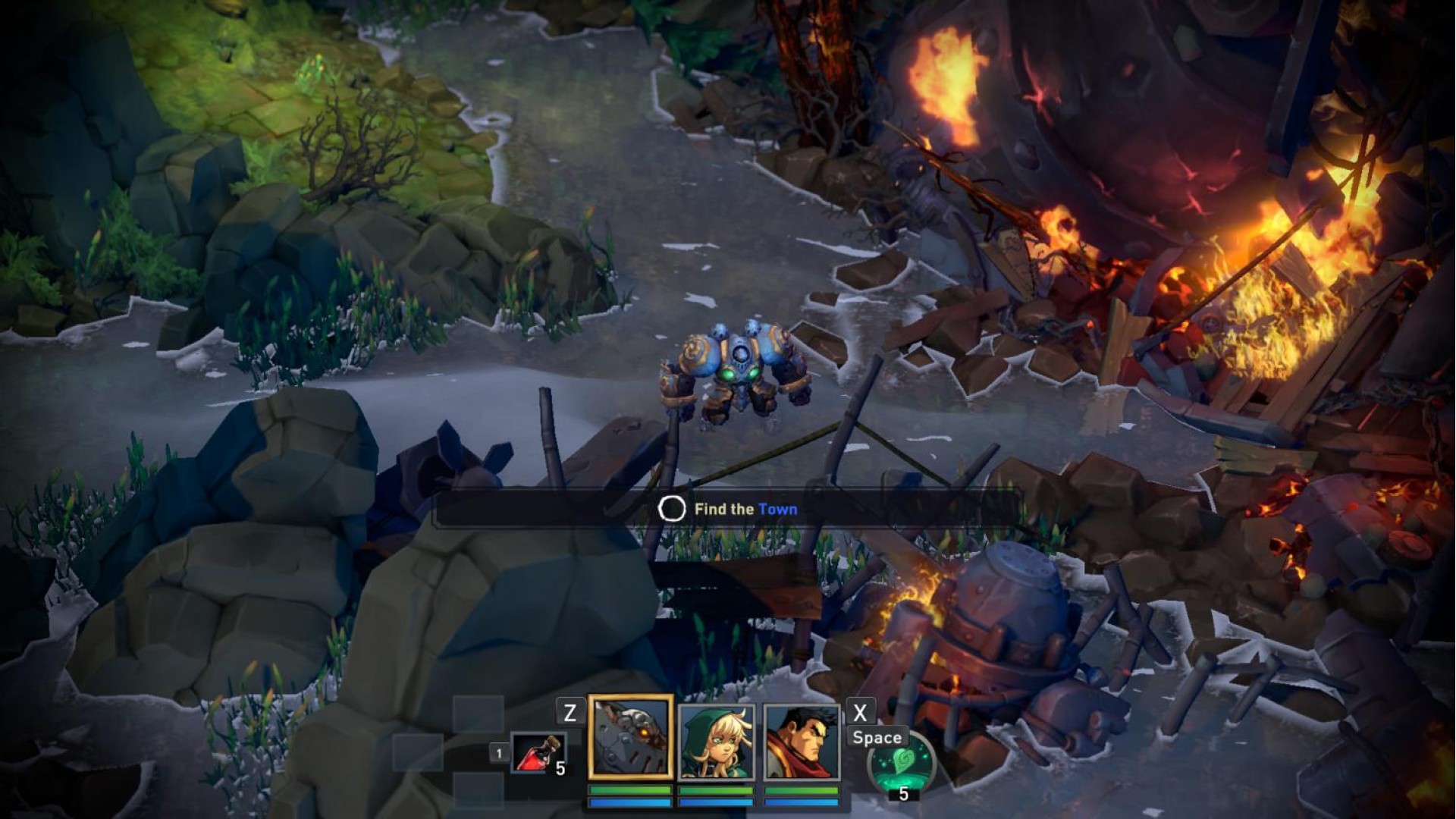
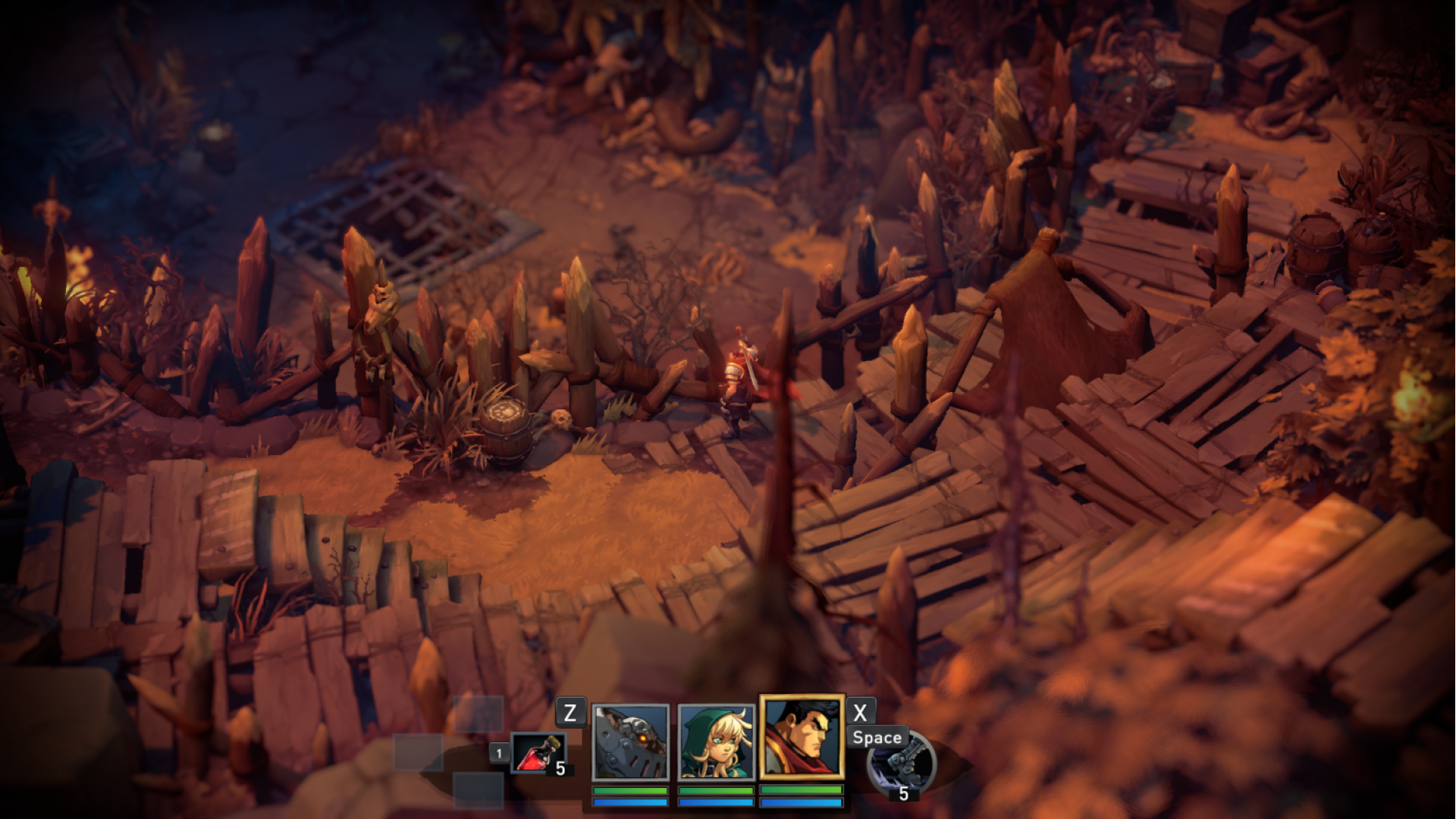
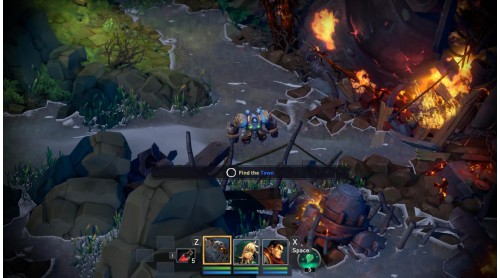
- Explore an overworld peppered with hidden dungeons, rare bosses and randomly appearing friends and foes.
- Action oriented, randomly-generated dungeons loaded with traps, puzzles and secrets. Use each hero's unique dungeon skills to survive
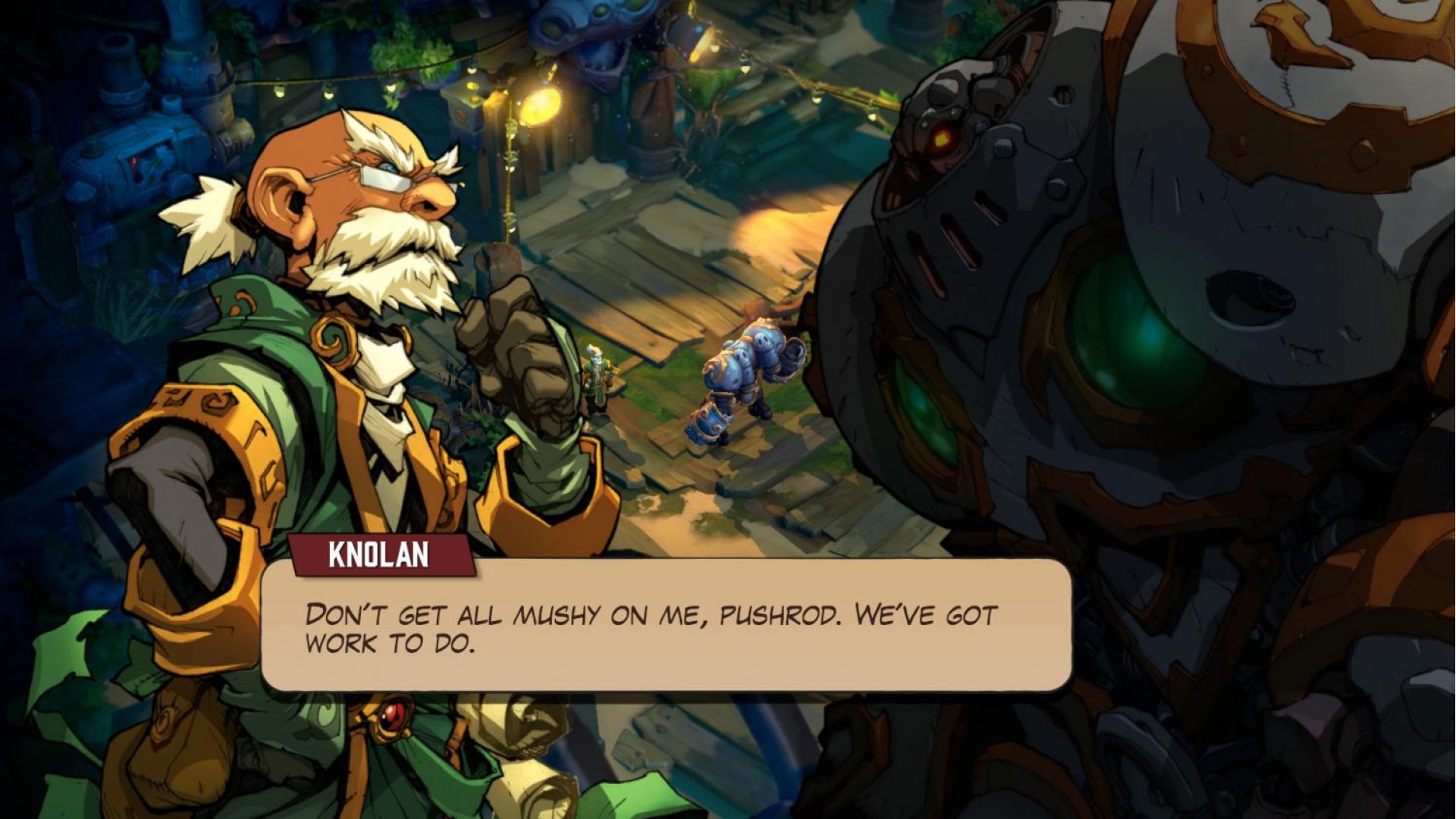
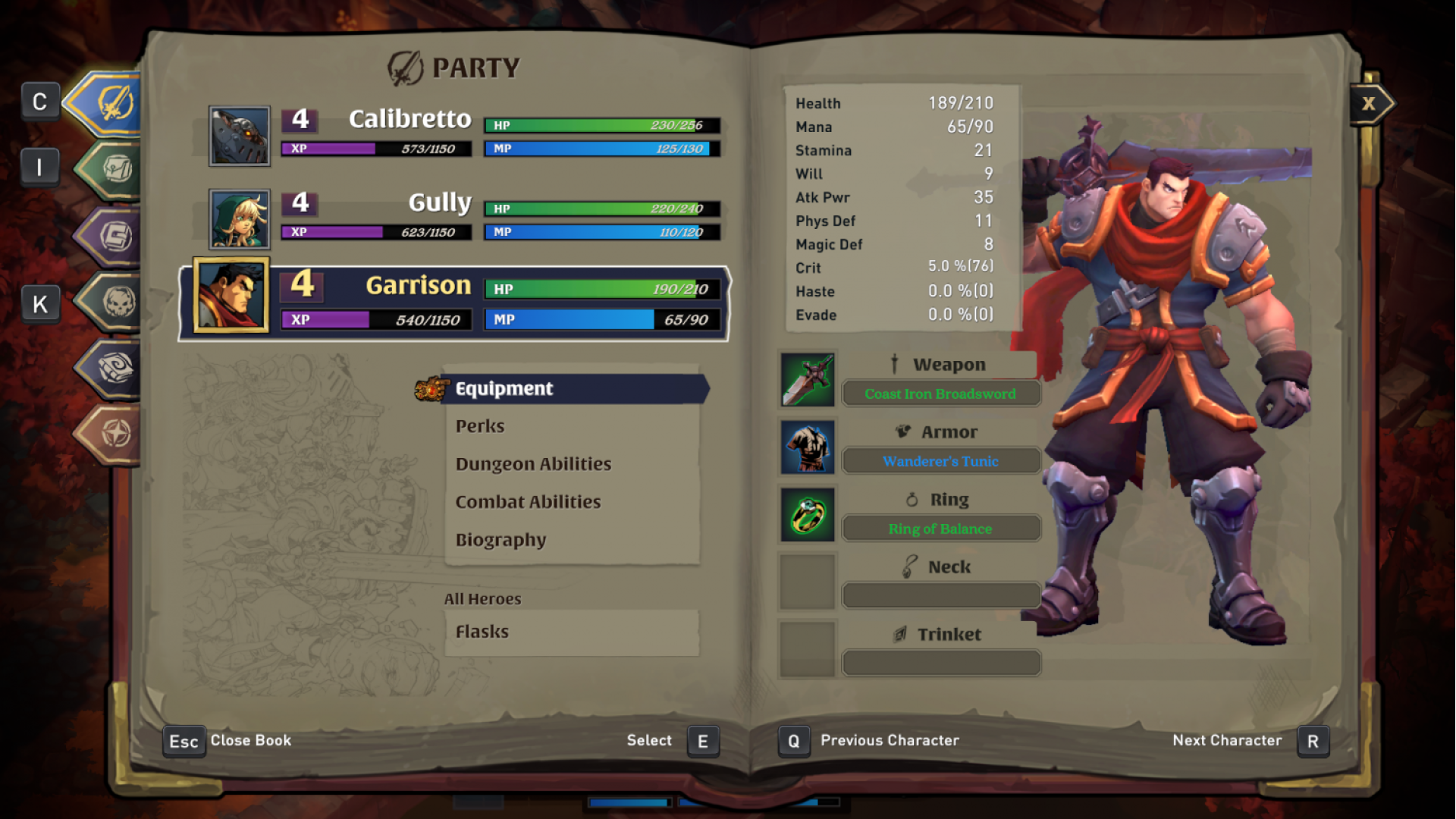
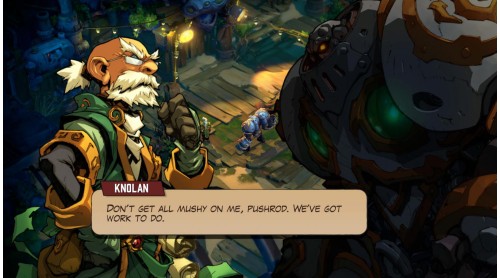
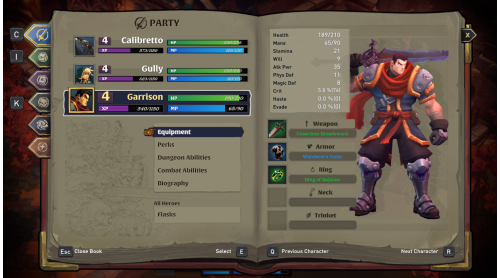
- Build your adventuring party by choosing three of six available heroes from the classic Battle Chasers comic series, each with unique abilities, perks, items and dungeon skills
- Dive into the deep crafting system, using the unique ingredient-overloading system to create epic items!
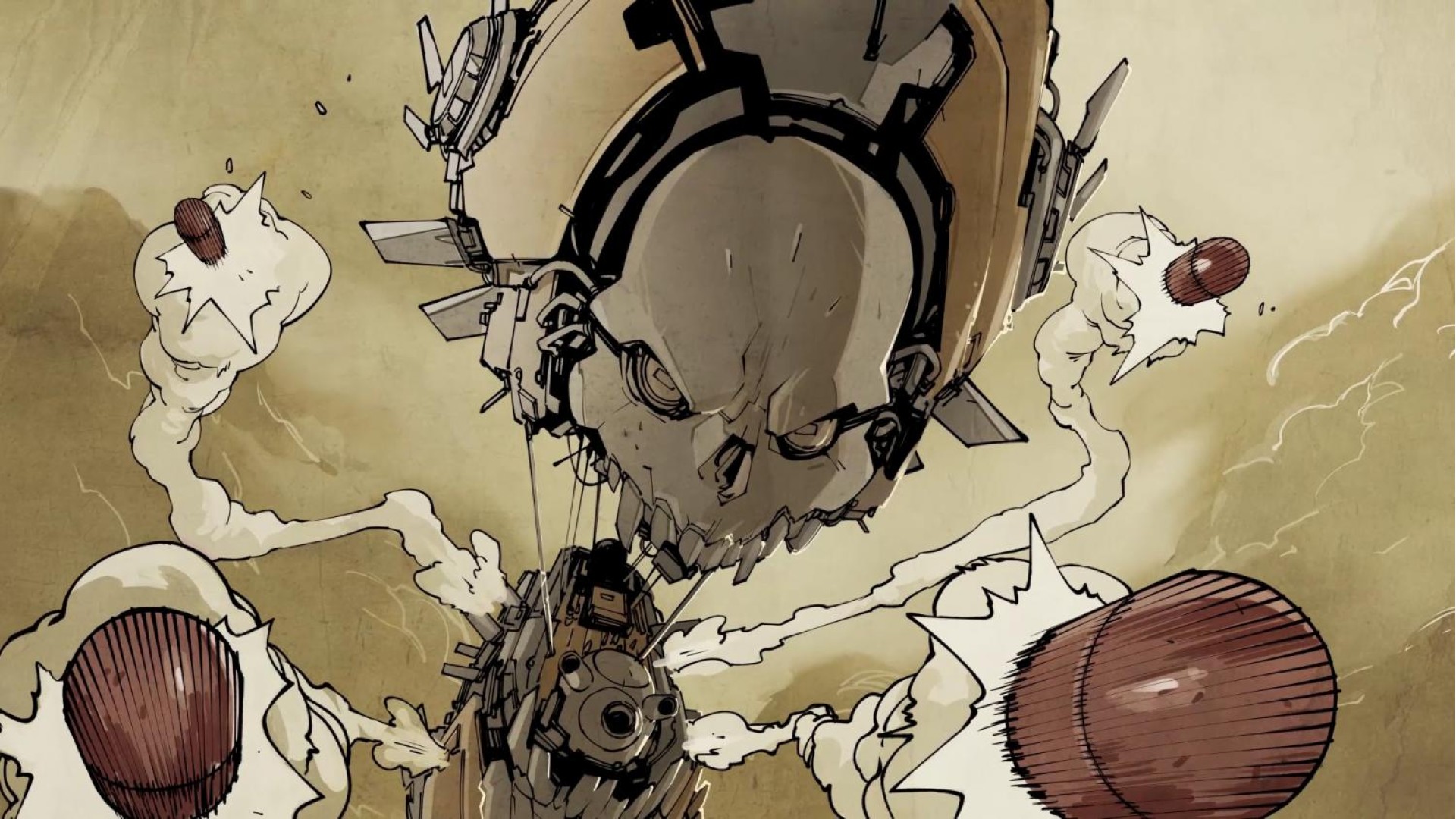
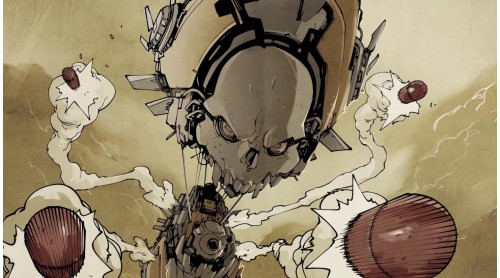
The best-selling comic book Battle Chasers was first released in the late 90s and quickly generated a passionate cult following.
© 2017 Airship Syndicate Inc. Published & Distributed by THQ Nordic GmbH, Austria. Airship Syndicate, Battle Chasers and their respective logos are trademarks and/or registered trademarks of Airship Syndicate Inc. All rights reserved. All other brands, product names and logos are trademarks or registered trademarks of their respective owners. All rights reserved.
 Steam
Steam  Windows
  Mac
Mac 

How to activate your Steam key?
1. Open your Steam client. (If you don't have a Steam Client, you can install from here https://store.steampowered.com/about/)
2. Sign in to your Steam account. (If you don't have a Steam Account, you can create from here https://store.steampowered.com/join/)
3. Click “ADD A GAME” button which is at the bottom of the Steam Client.
4. Now select "Activate a product on Steam..."
5. Write or copy-paste your Steam key which you purchased from Gamesforpc.
6. Now your game is in your library.
7. Find your game in your library, select and click install to start your download.