 Steam
Steam  Windows
 | Release Date | 25.02.2019 | |
| Publisher | THQ Nordic GmbH | |
| PEGI Rating | + 16 | |
| Operating Systems | Windows | |
| Genres | Action, Adventure, rpg |
6.99€
Added to Cart
6.99€
Added to Wishlist
6.99€
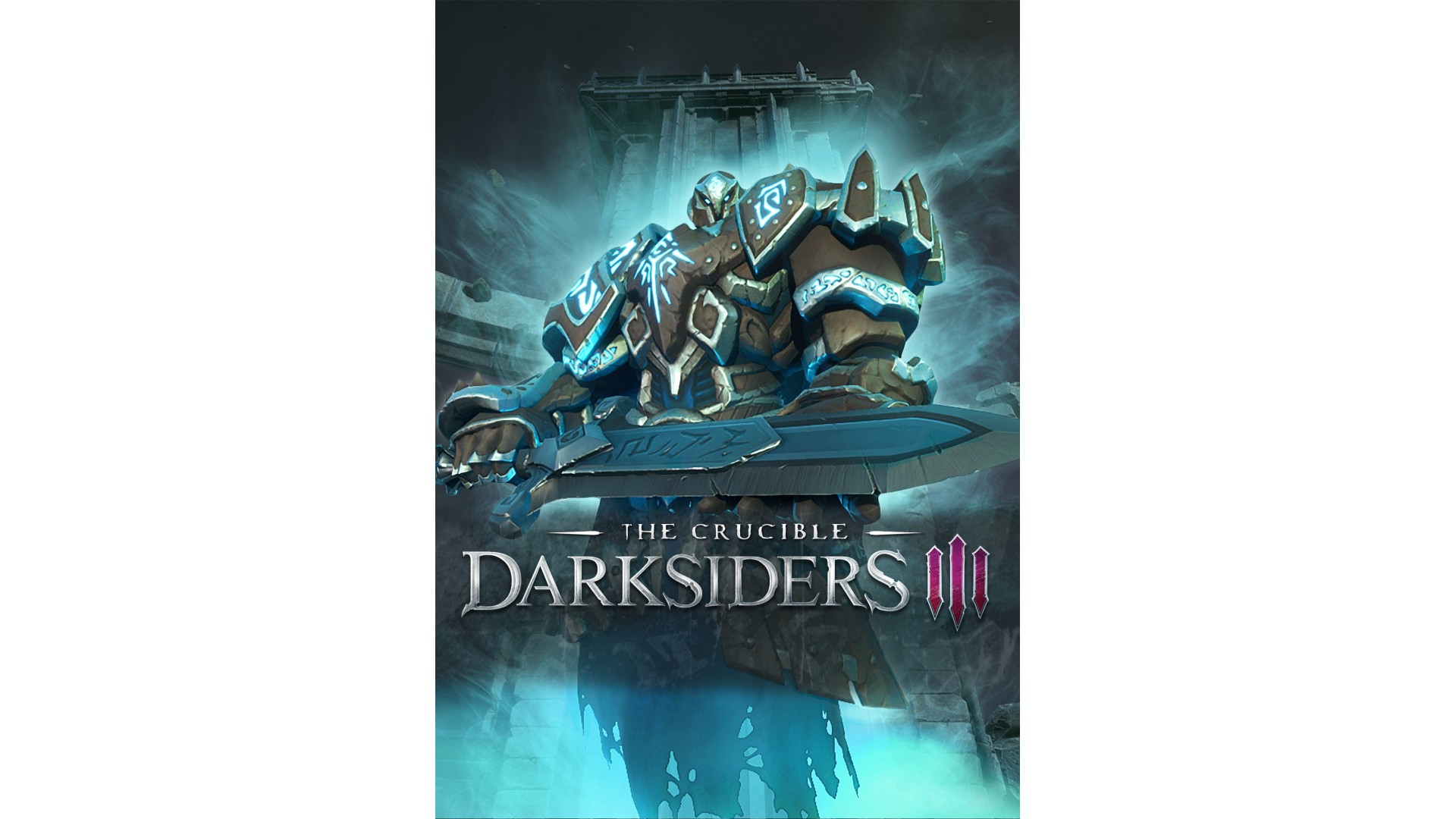
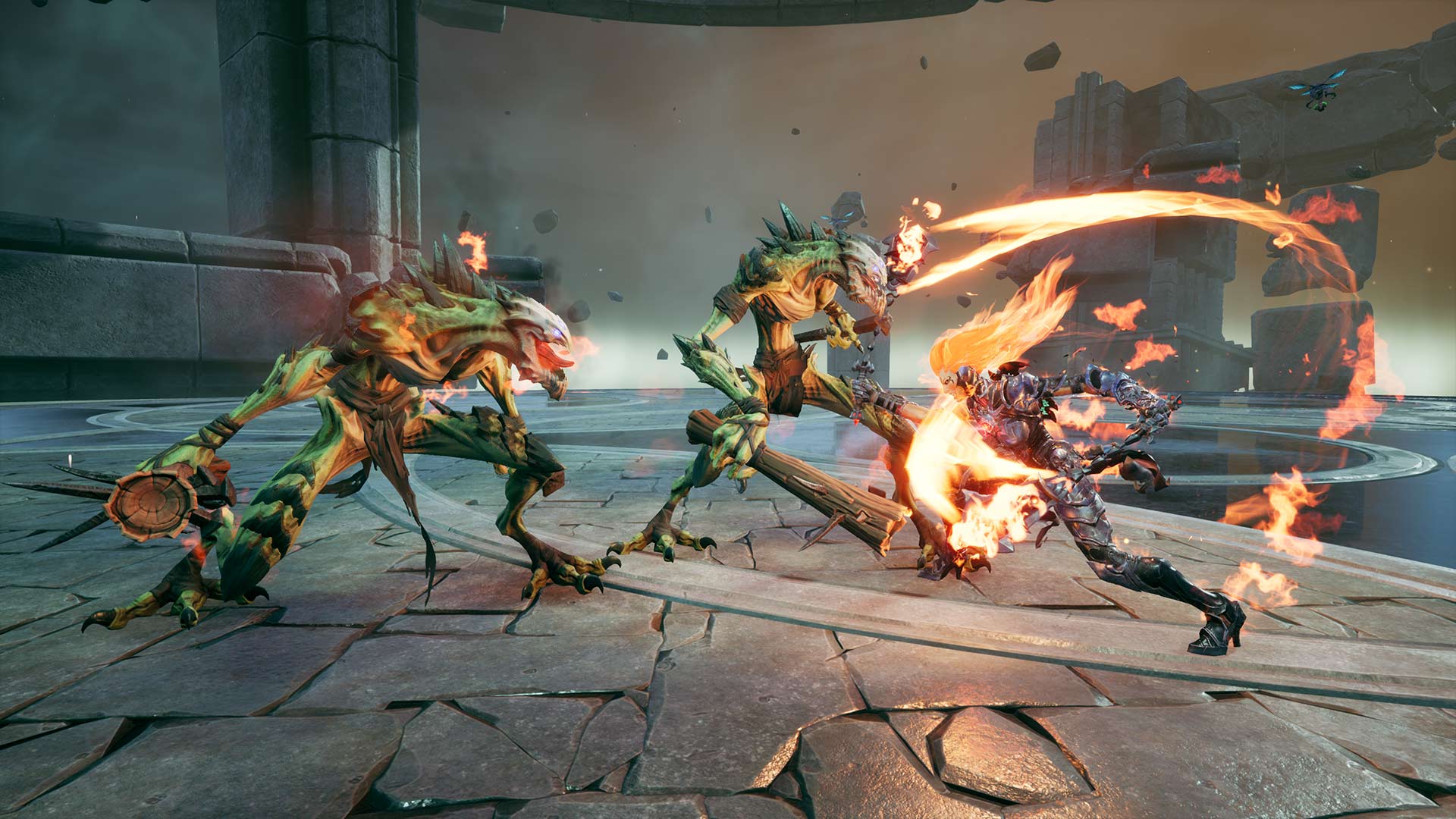
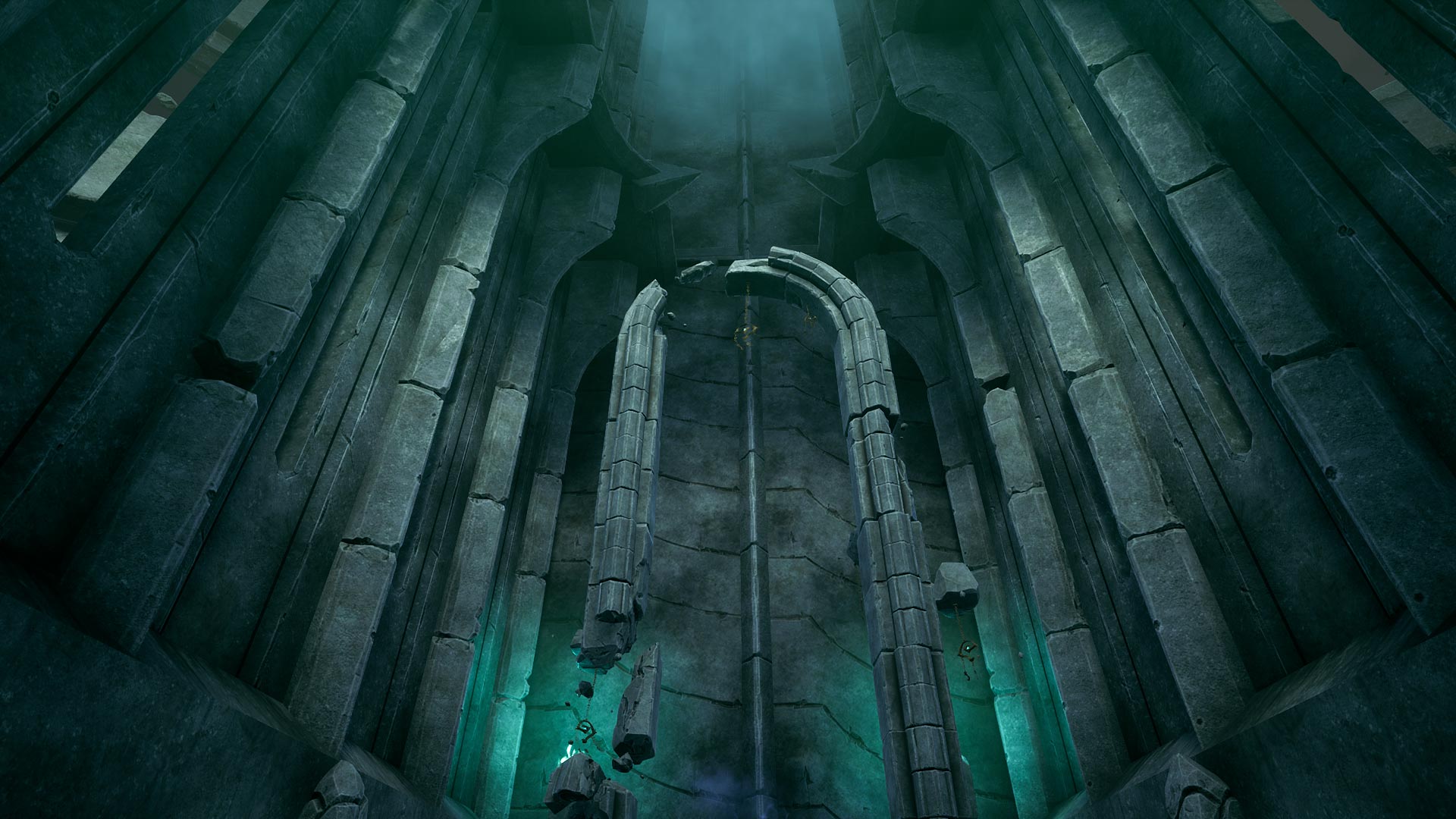
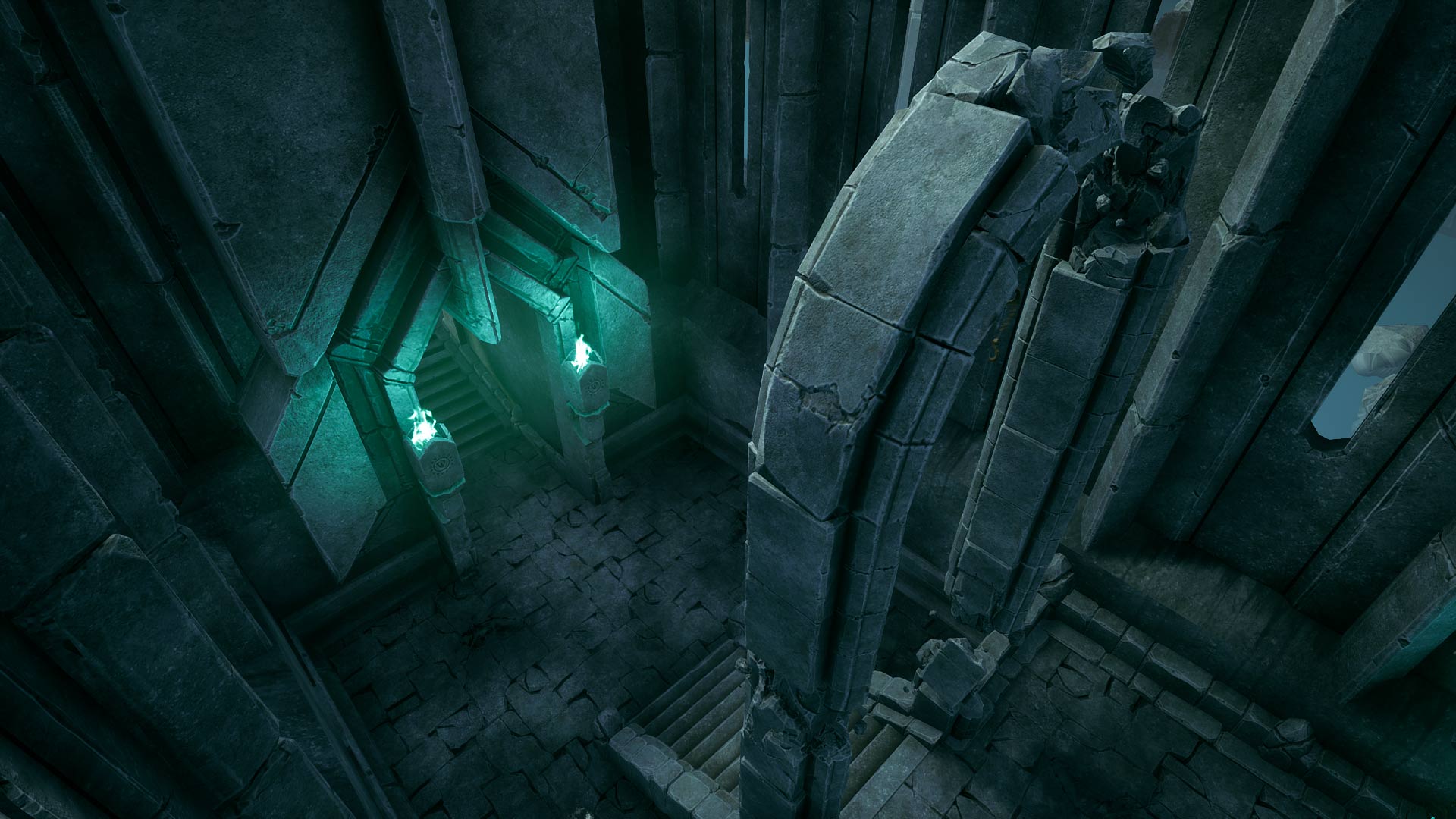
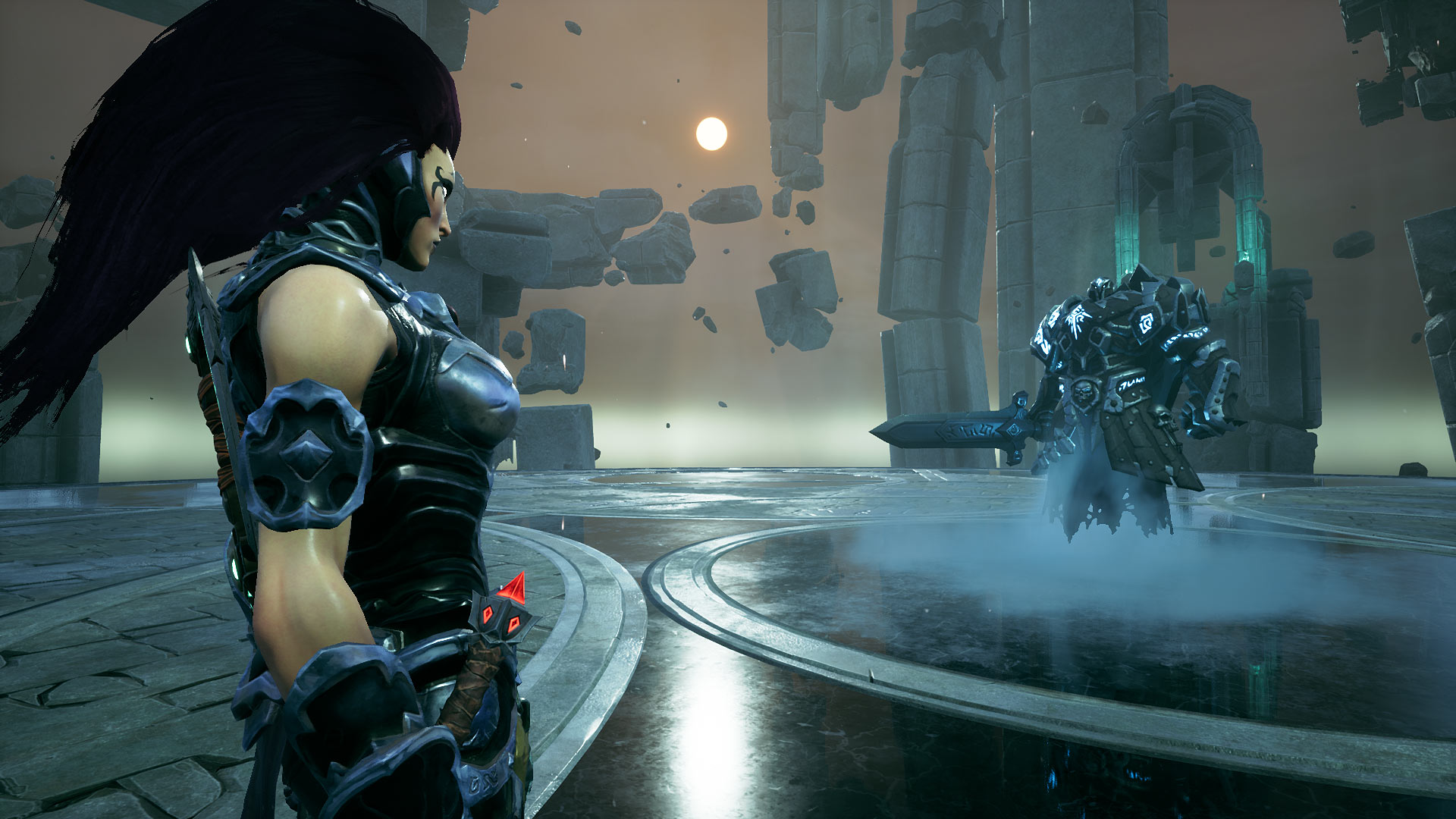
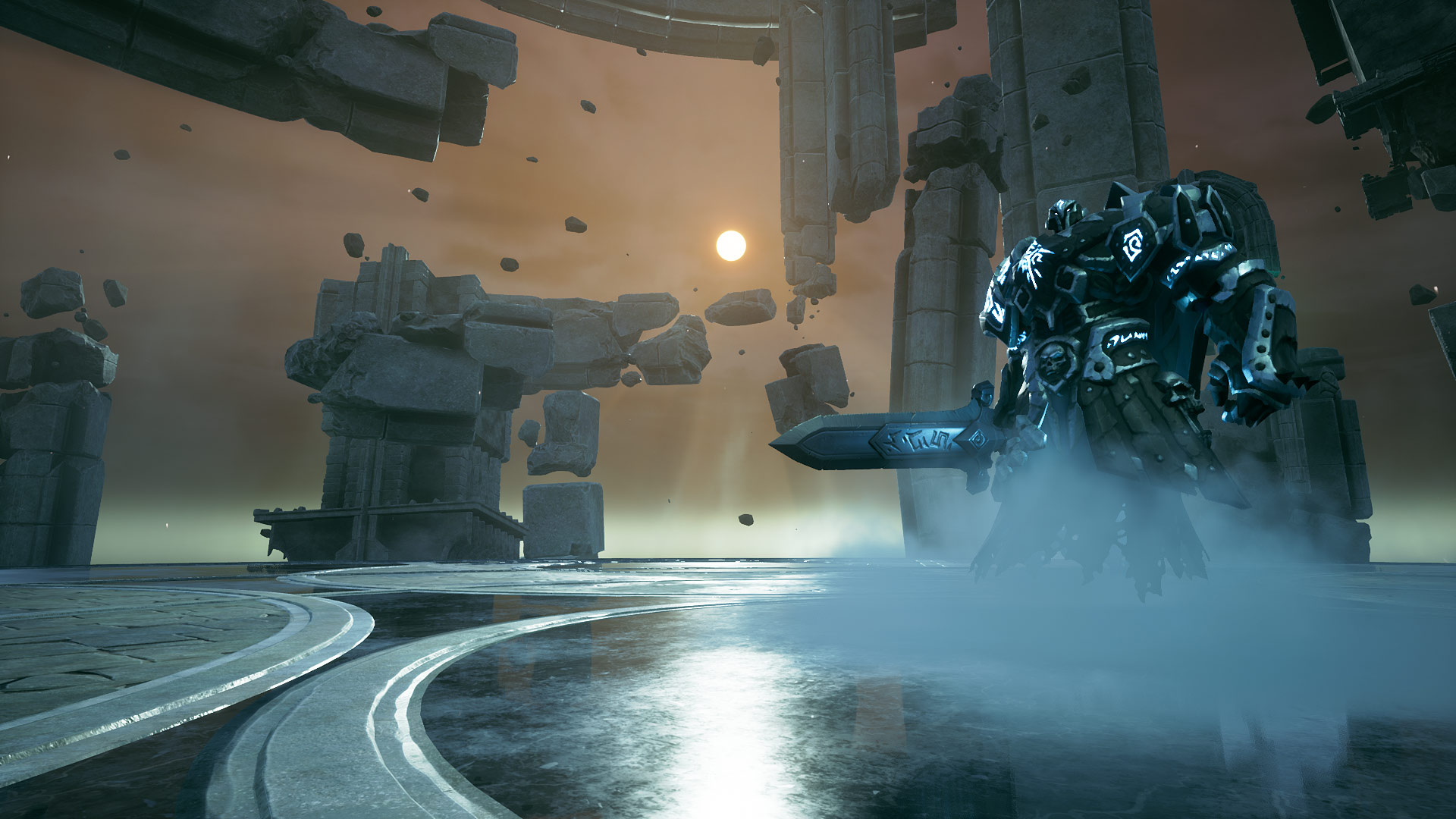
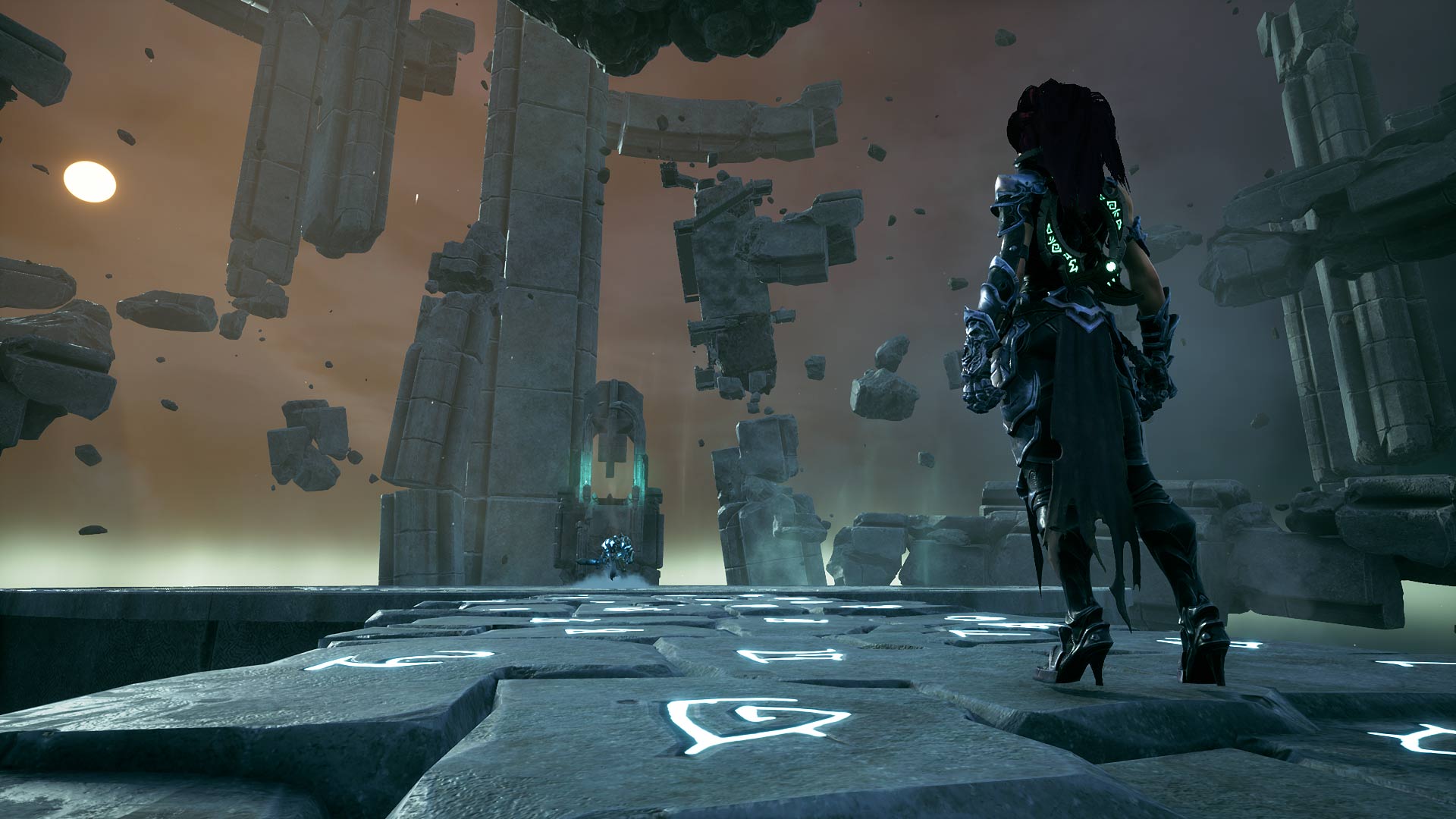
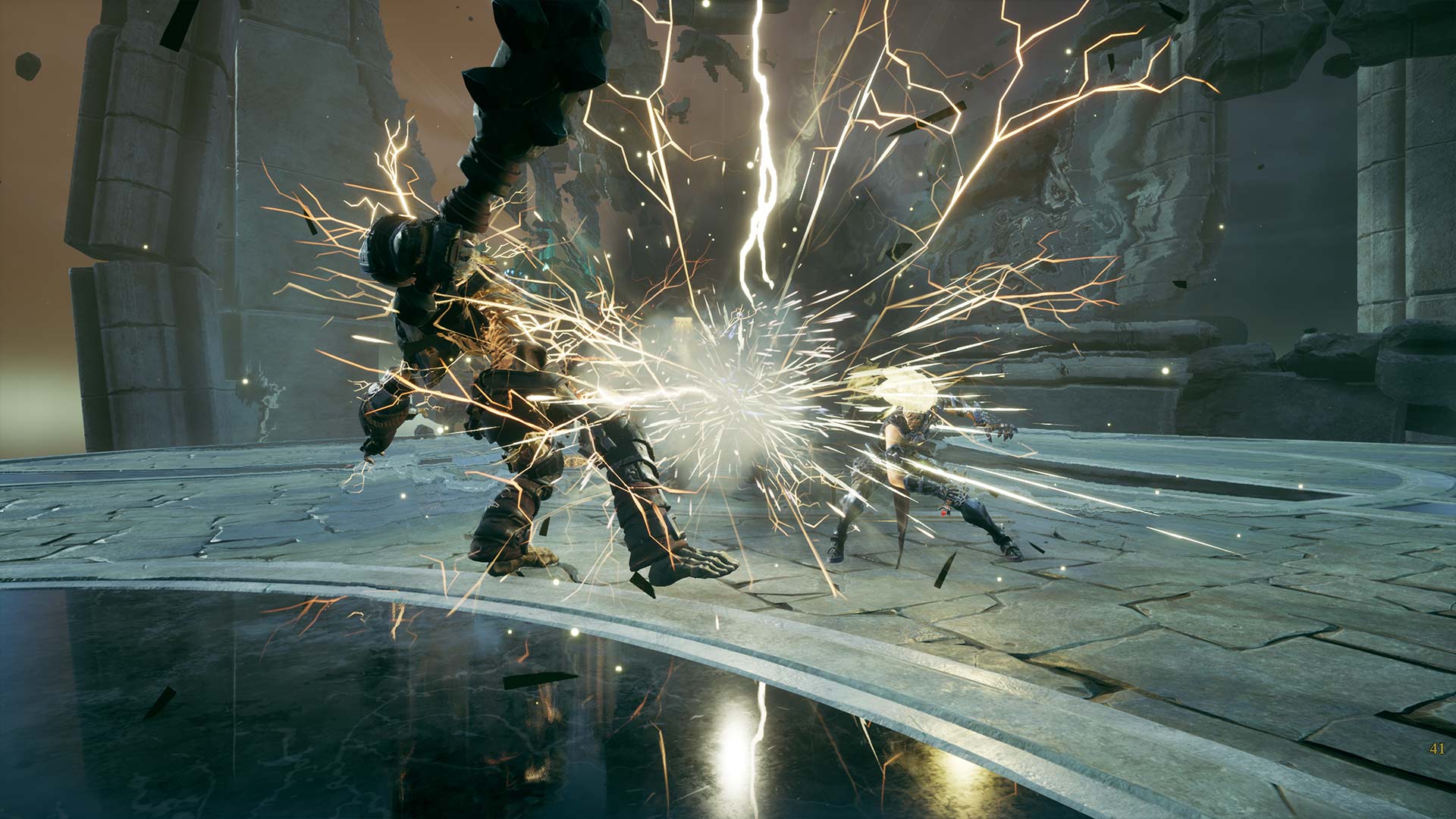
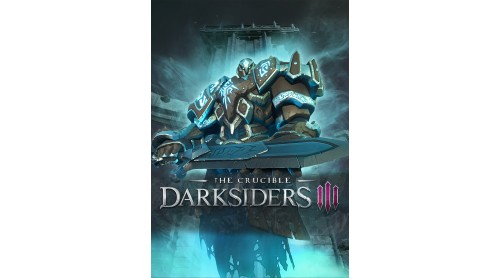
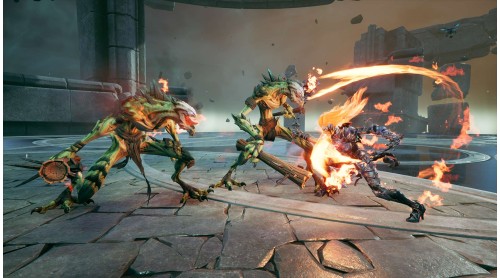
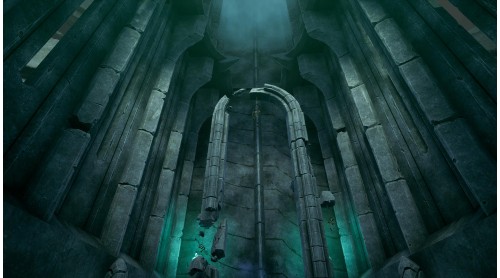
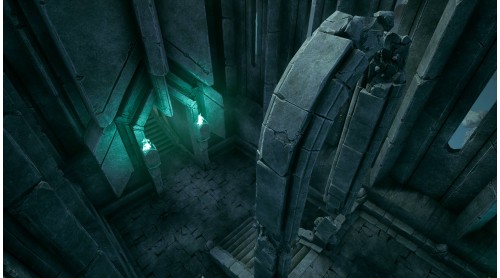
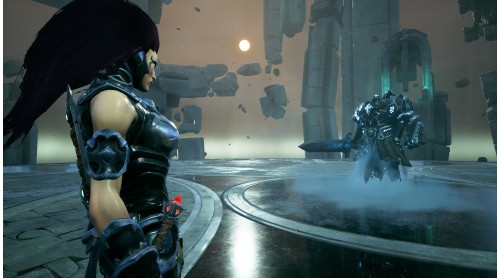
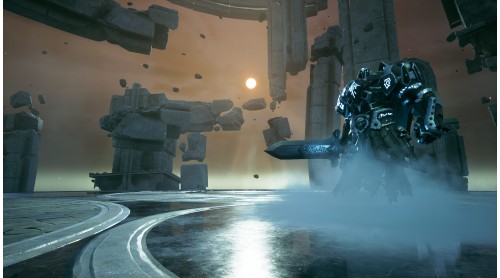
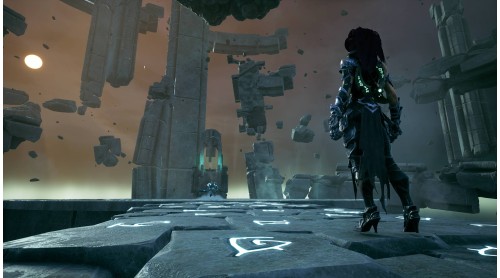
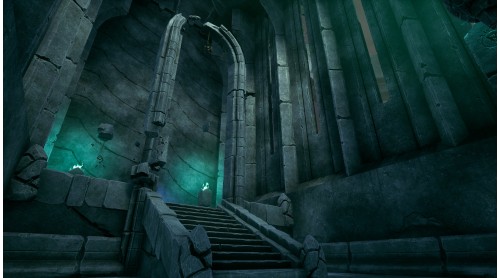
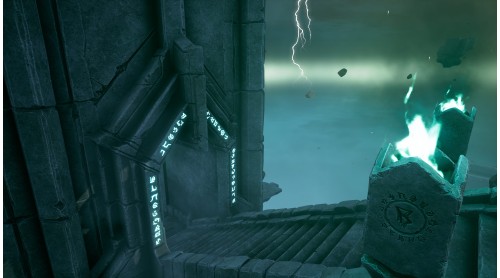
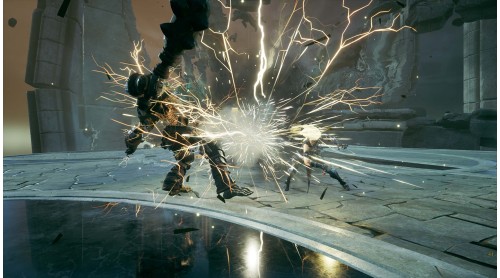
In this mighty morsel of digital wonderment, competitors can expect to receive a truly earth-shattering experience: The Crucible!
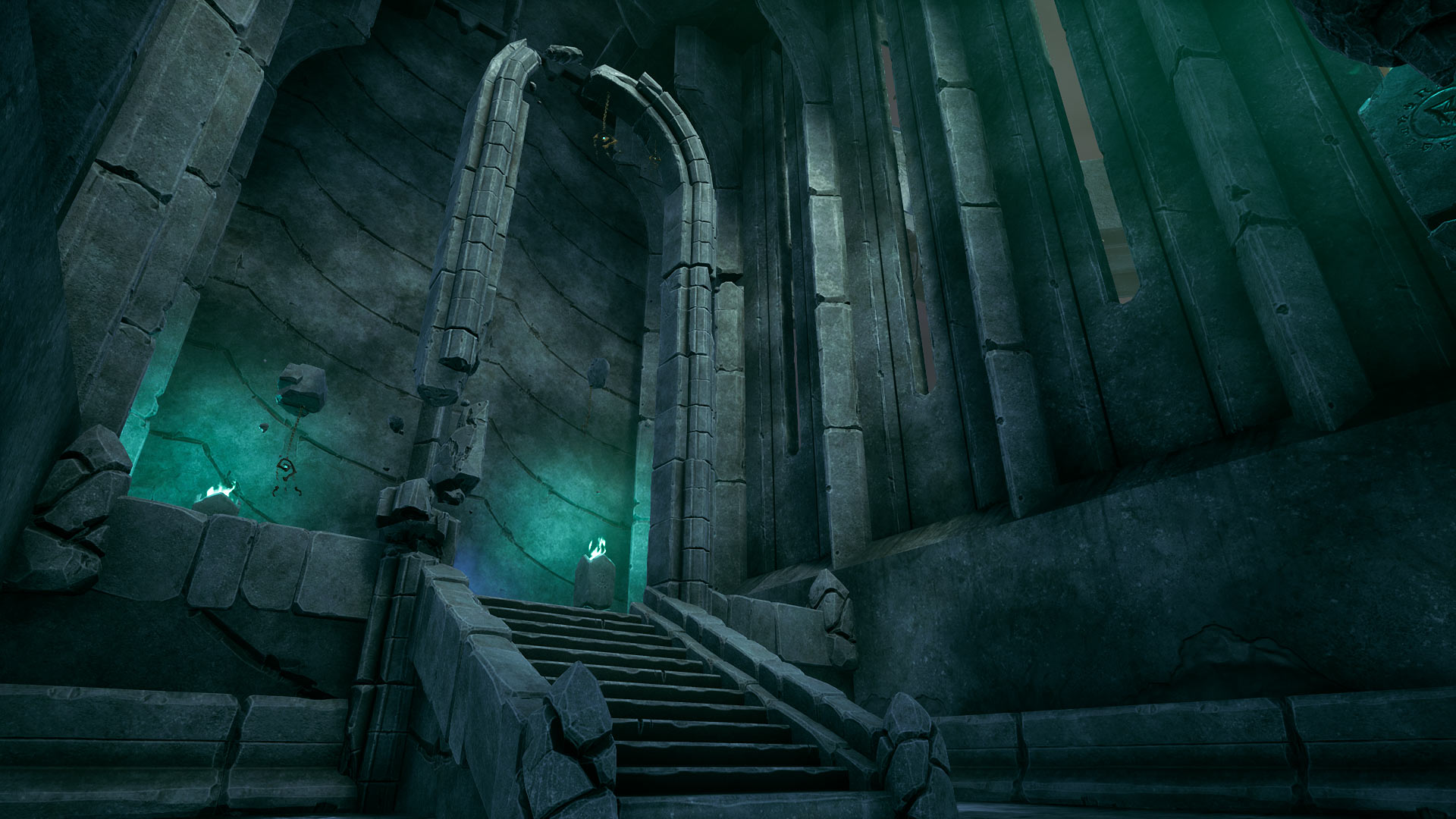
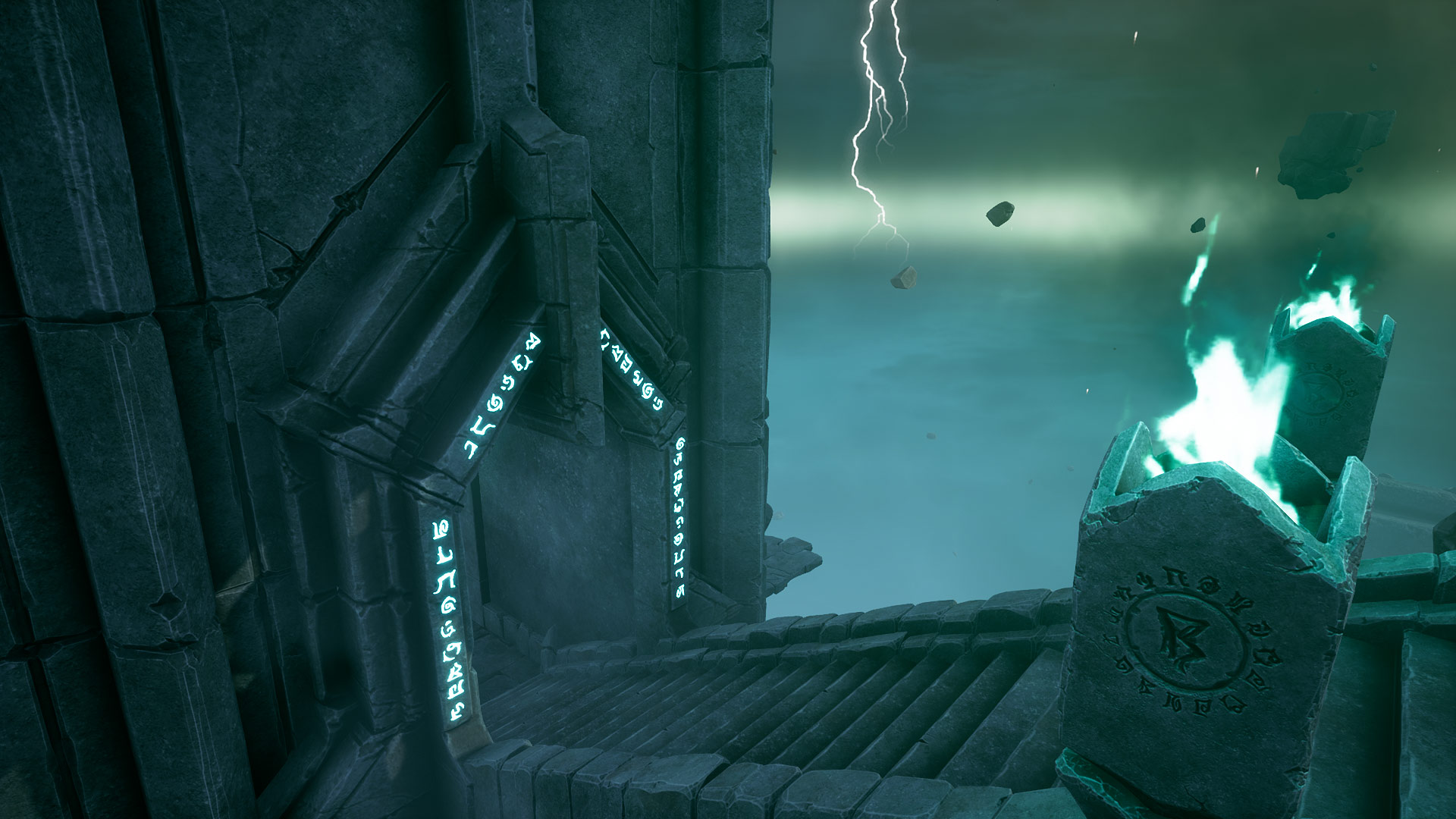
A legendary challenge whispered with reverence across the universe. Not even the Creator could have envisioned such glorious spectacle as that which is found in this fabled arena.
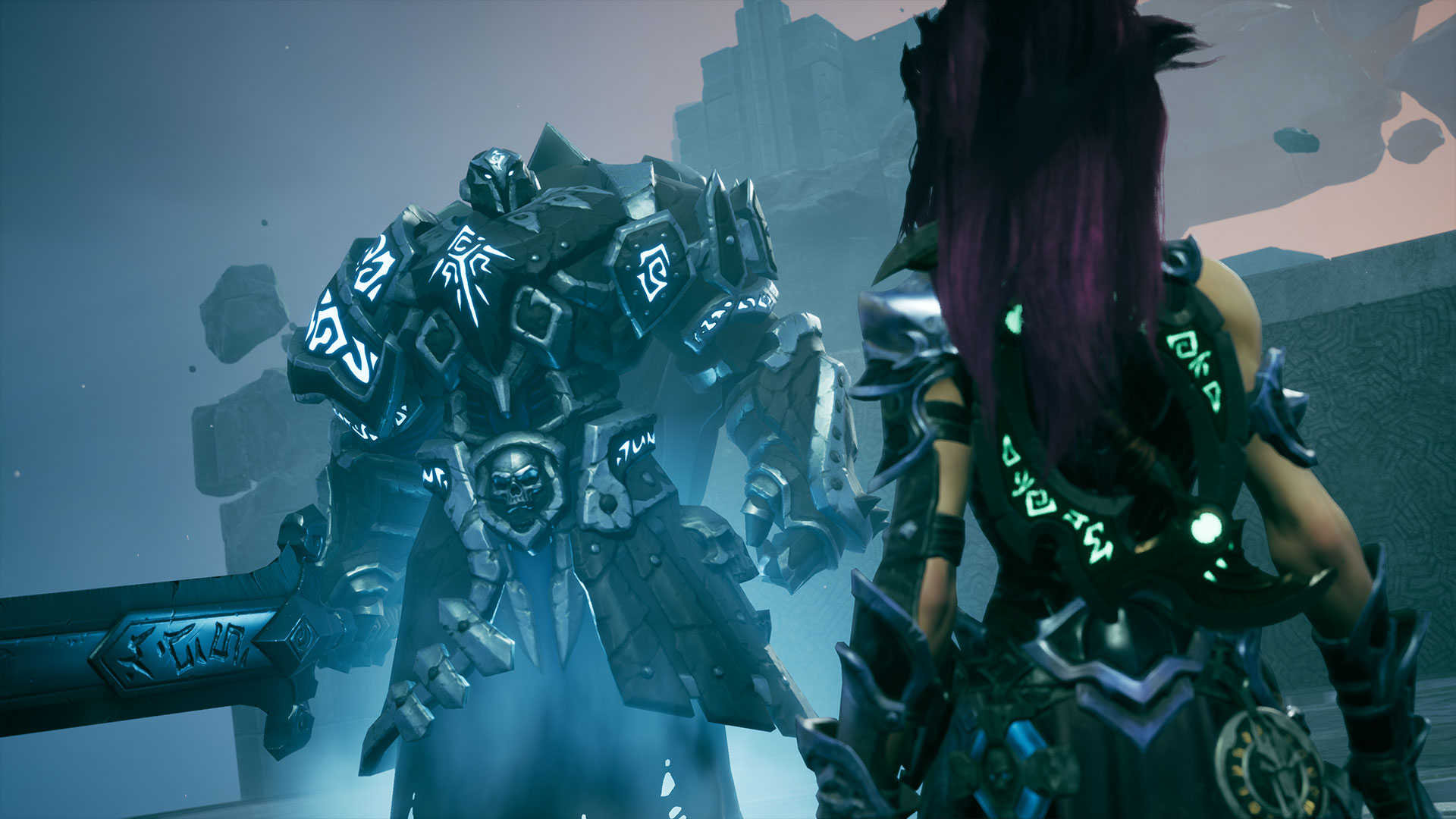
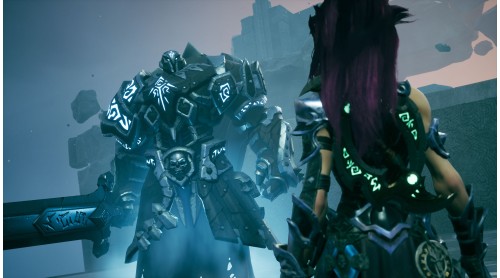
All provided by the generous, steady hand of the Crucible’s Overseer. That’s right, it is I! Targon! Founder of this stupendous arena, and the only one ever to conquer it. So what say you, challenger? Do you have what it takes to surpass me?
© 2019 THQ Nordic AB, Sweden. Developed by Gunfire Games. Darksiders, THQ and their respective logos are trademarks and/or registered trademarks of THQ Nordic AB. All rights reserved. All other trademarks, logos and copyrights are property of their respective owners.


How to activate your Steam key?
1. Open your Steam client. (If you don't have a Steam Client, you can install from here https://store.steampowered.com/about/)
2. Sign in to your Steam account. (If you don't have a Steam Account, you can create from here https://store.steampowered.com/join/)
3. Click “ADD A GAME” button which is at the bottom of the Steam Client.
4. Now select "Activate a product on Steam..."
5. Write or copy-paste your Steam key which you purchased from Gamesforpc.
6. Now your game is in your library.
7. Find your game in your library, select and click install to start your download.