




























 Steam
Steam  Windows
 | Release Date | 17.10.2017 | |
| Publisher | THQ Nordic GmbH | |
| PEGI Rating | + 16 | |
| Operating Systems | Windows | |
| Genres | Action, Adventure, rpg |
29.99€
Added to Cart
29.99€
Added to Wishlist
29.99€
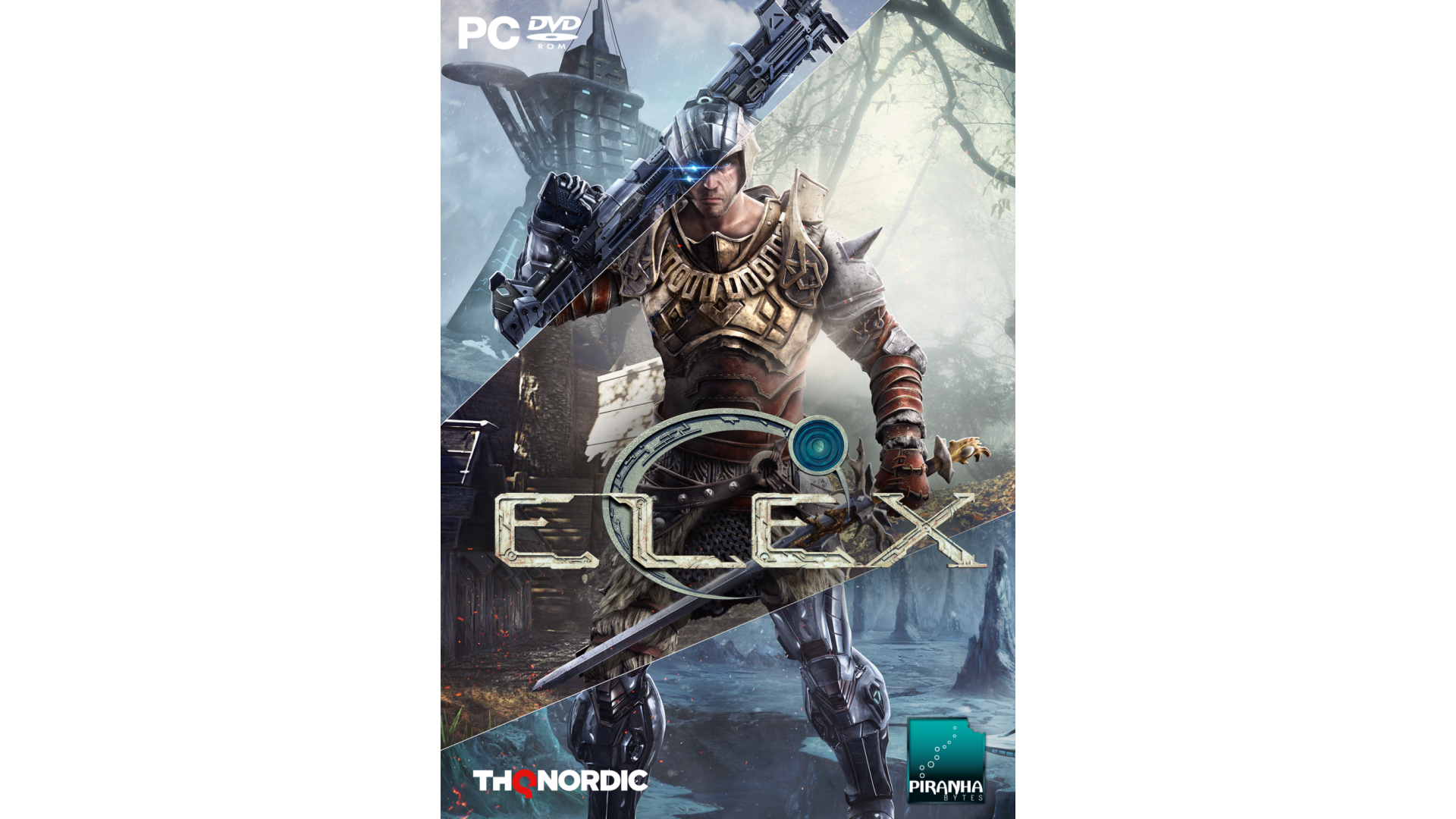
ELEX is a handcrafted action role-playing experience from the award-winning creators of the Gothic series, set in a brand new post-apocalyptic Science Fantasy universe that puts players into a huge seamless game world full of original characters, mutated creatures, deep moral choices and powerful action.
In ELEX, you join the war over a powerful resource that gives people great magic-like powers, but turns them into indifferent cold creatures. You decide if emotions and humaneness or cold synthetic logic will rule the world of Magalan.
Game Features:


How to activate your Steam key?
1. Open your Steam client. (If you don't have a Steam Client, you can install from here https://store.steampowered.com/about/)
2. Sign in to your Steam account. (If you don't have a Steam Account, you can create from here https://store.steampowered.com/join/)
3. Click “ADD A GAME” button which is at the bottom of the Steam Client.
4. Now select "Activate a product on Steam..."
5. Write or copy-paste your Steam key which you purchased from Gamesforpc.
6. Now your game is in your library.
7. Find your game in your library, select and click install to start your download.