

 Steam
Steam  Windows
 | Release Date | 11.11.2025 | |
| Publisher | THQ Nordic | |
| PEGI Rating | + 16 | |
| Operating Systems | Windows | |
| Genres | Action, Adventure, rpg |
19.99€
Added to Cart
19.99€
Added to Wishlist
19.99€
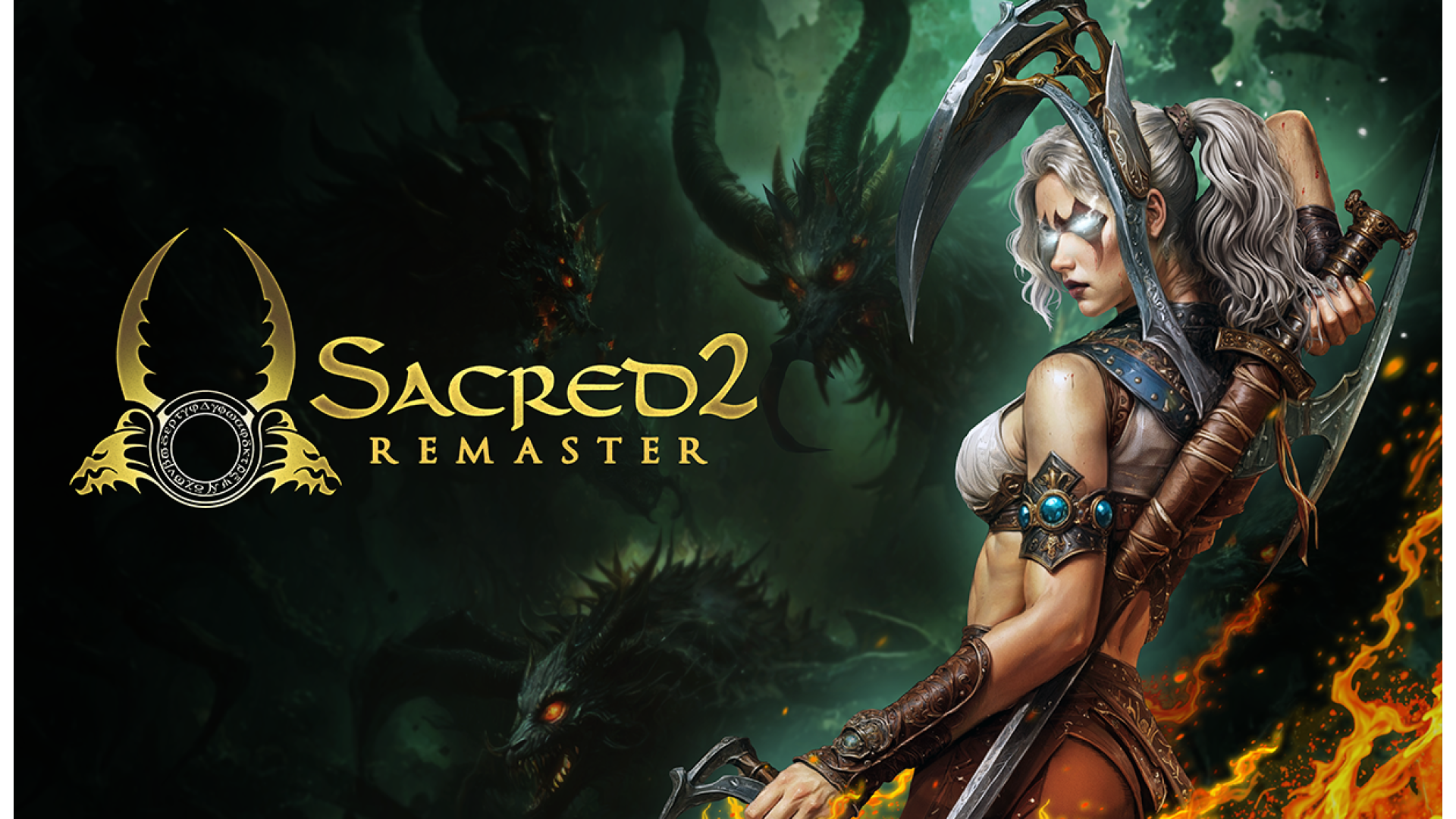
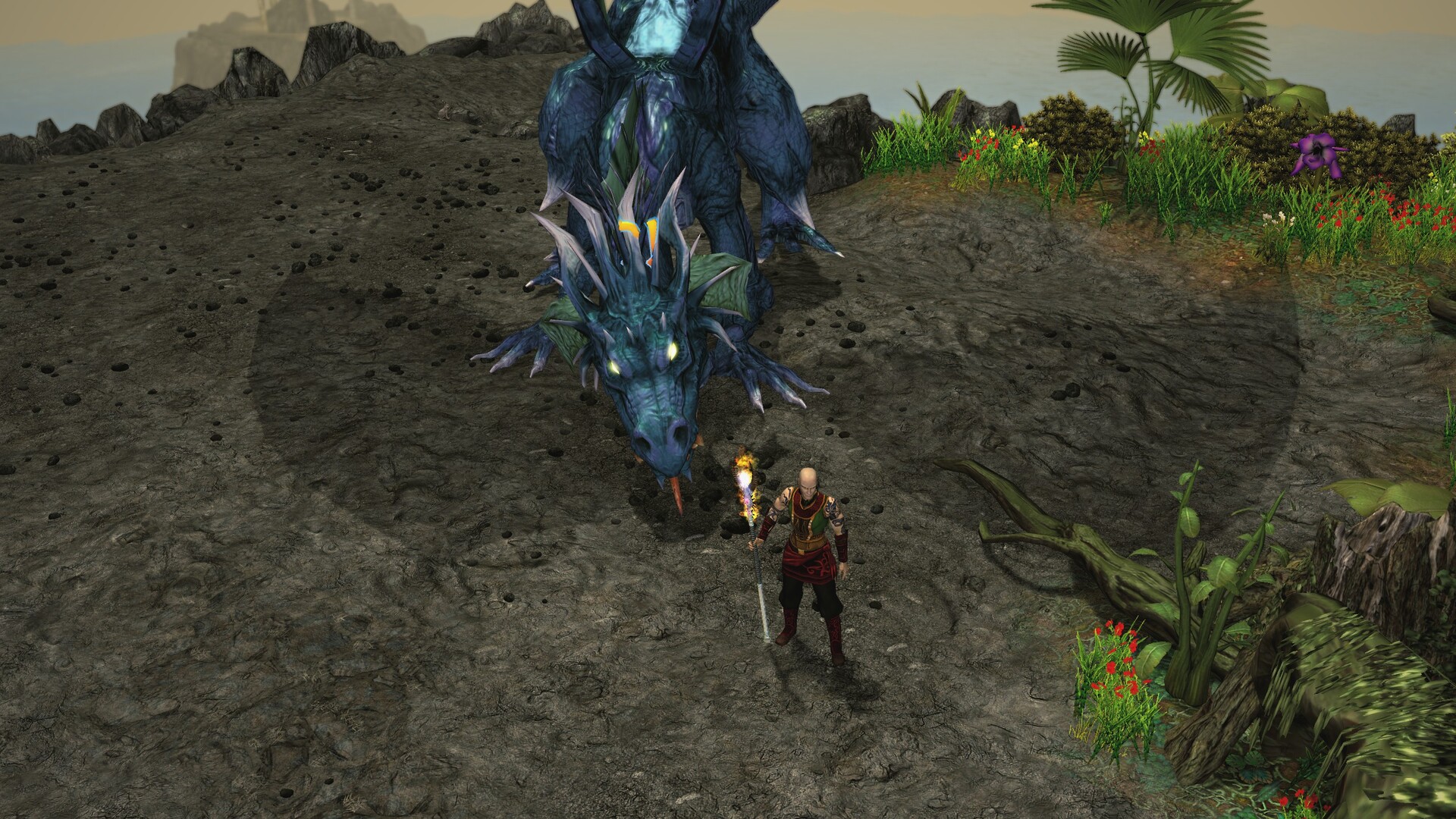
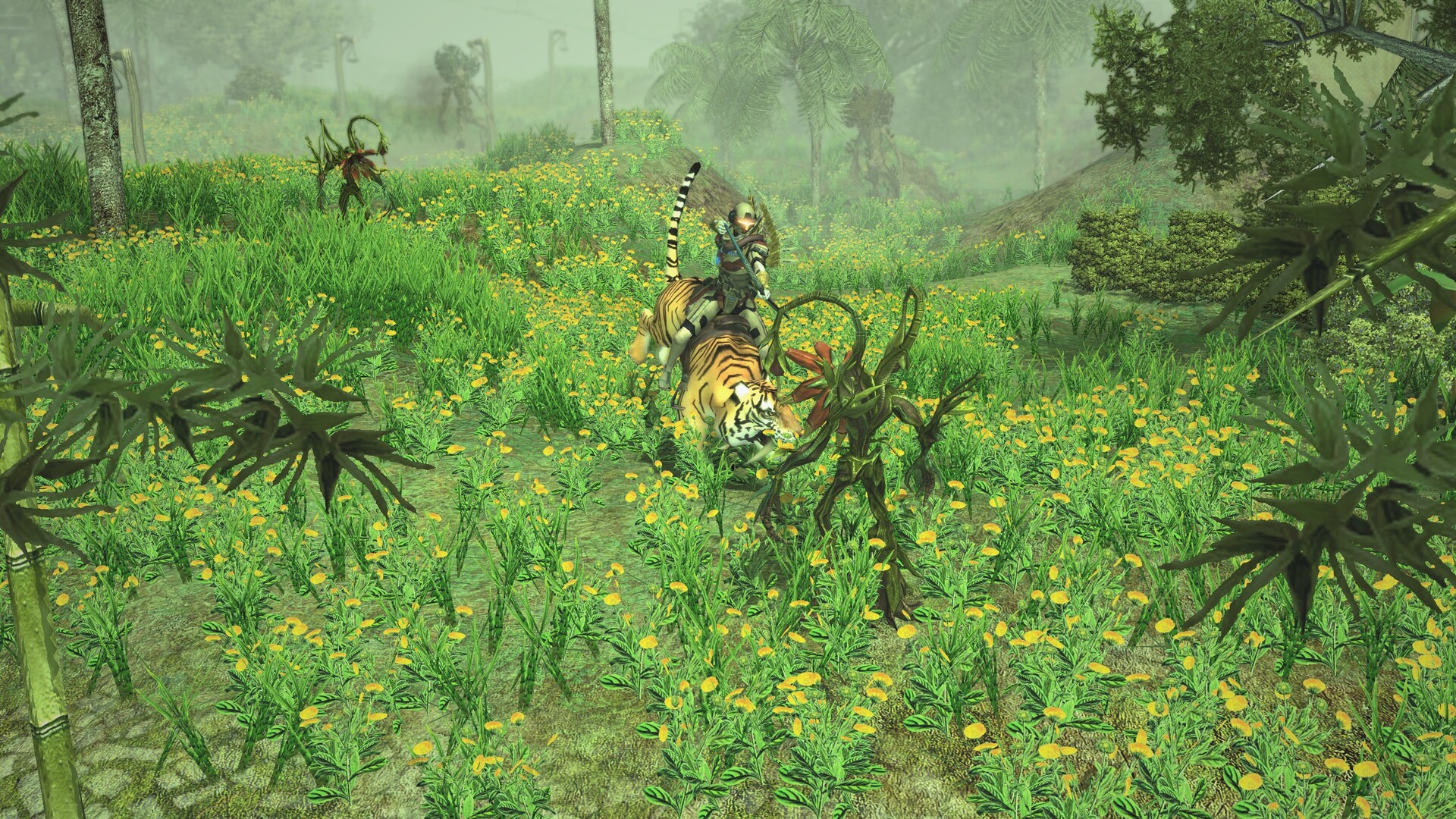
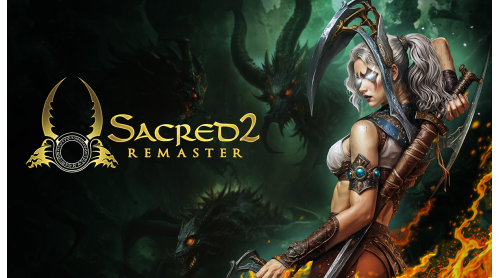
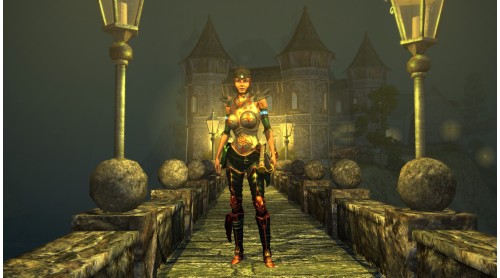
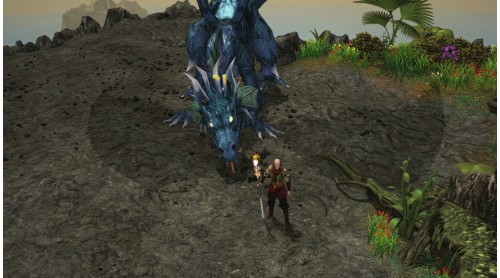
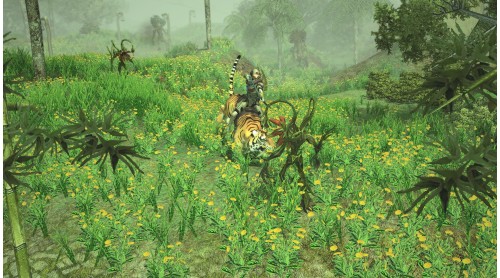
Ancaria stands on the brink. T-Energy, the mysterious power source that once brought prosperity, now fuels corruption, conflict, and chaos. In the midst of war and betrayal, seven heroes rise — each with their own fate, abilities, and path through a living, breathing open world.
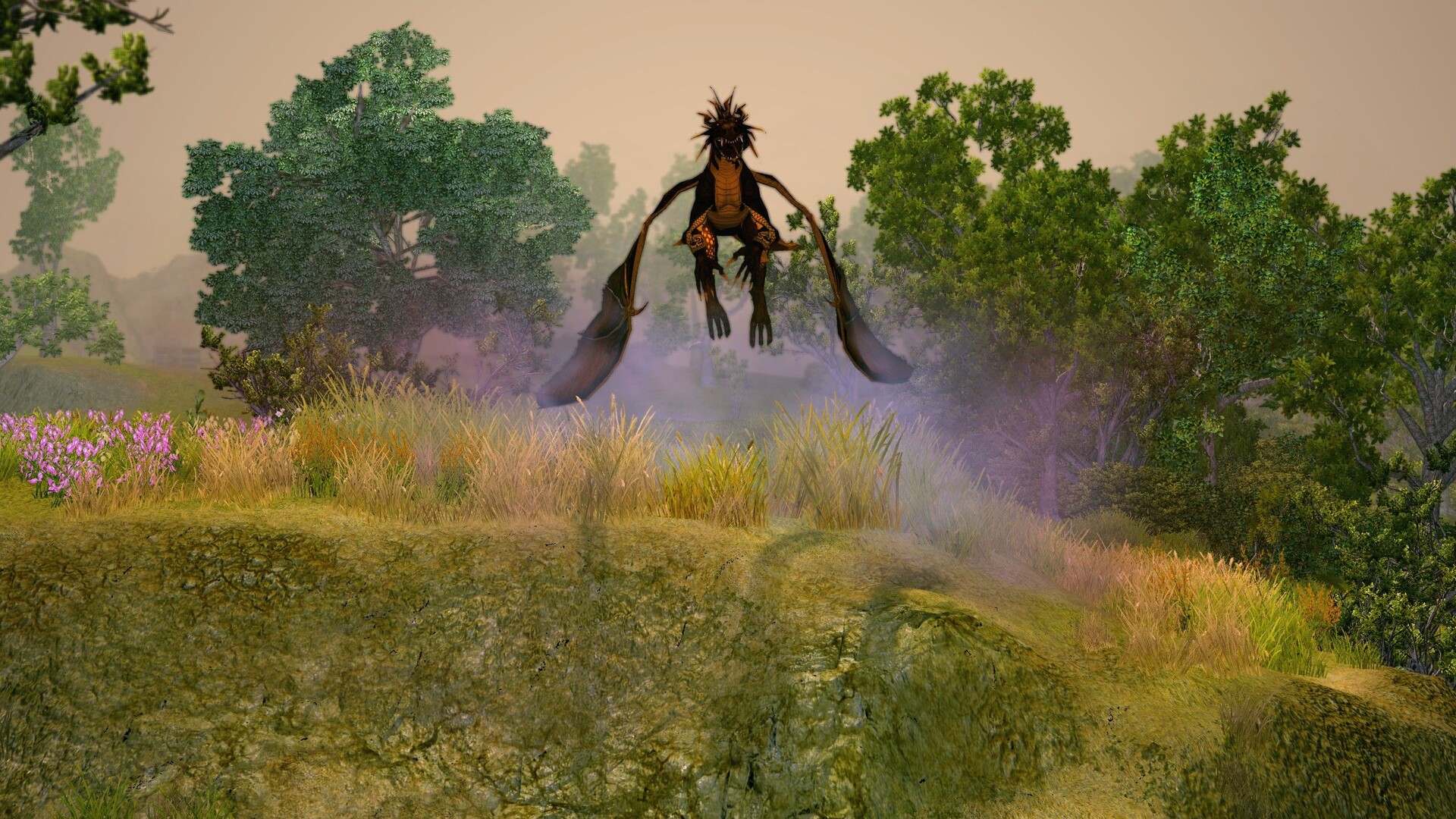
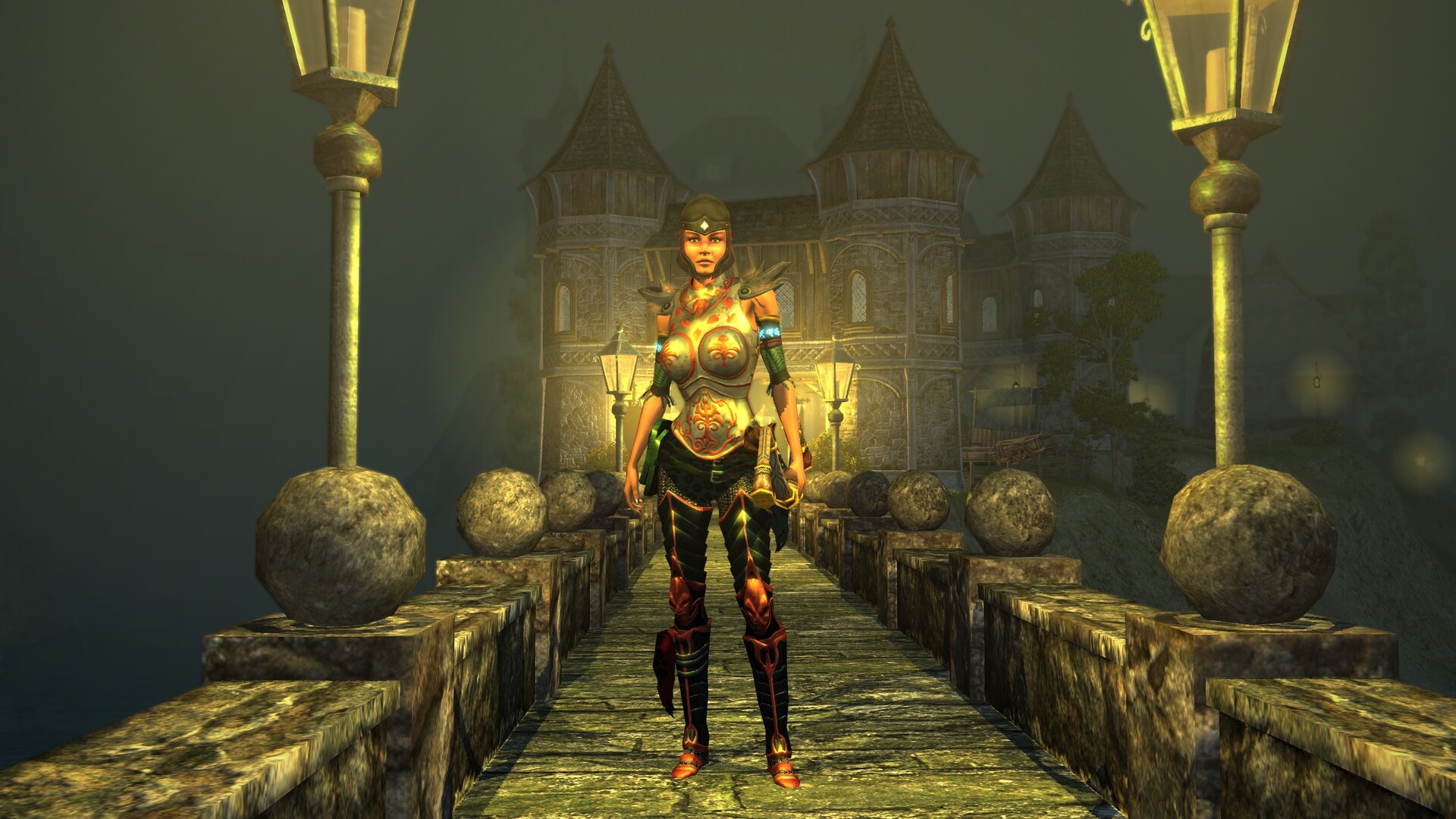
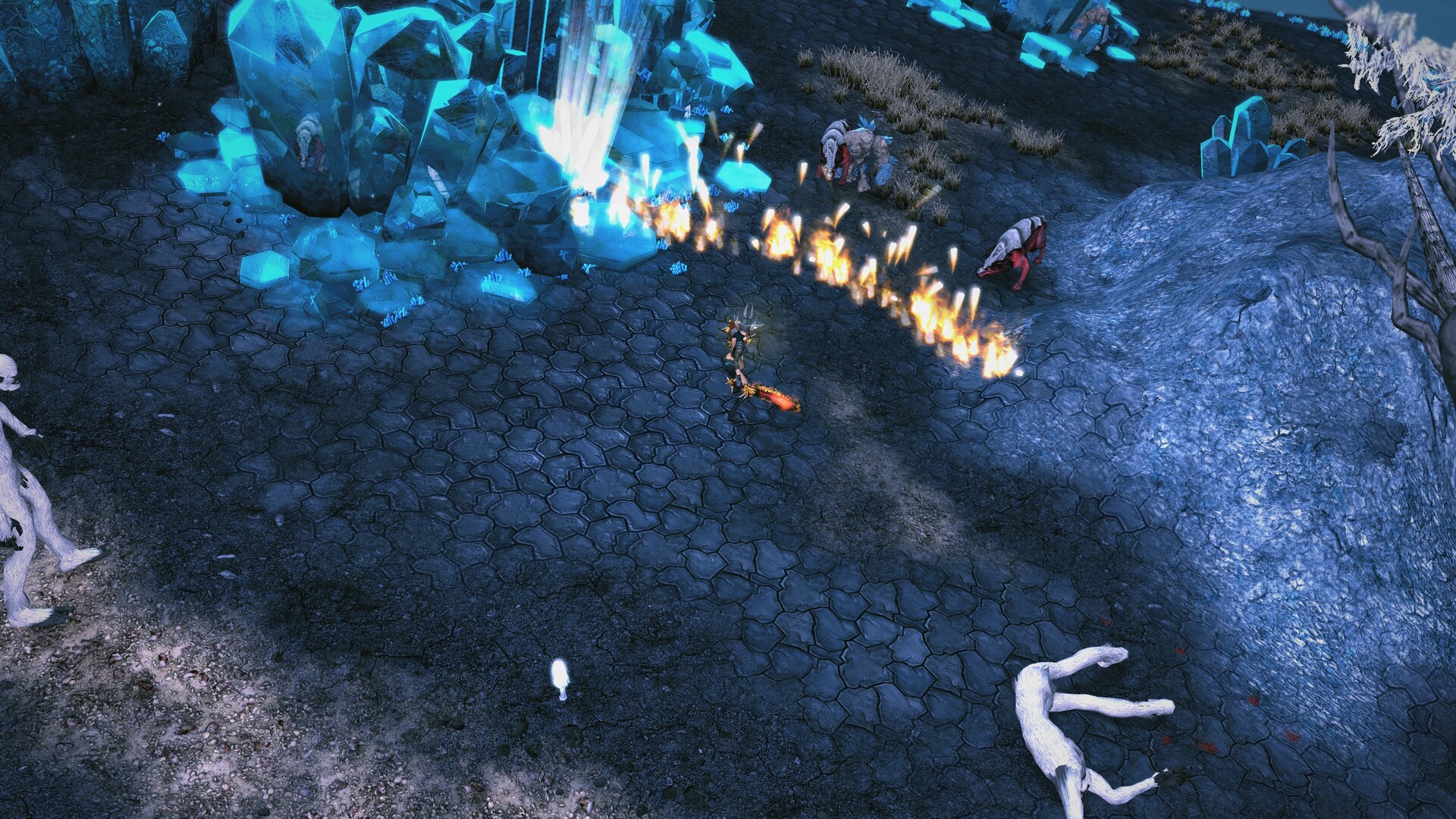
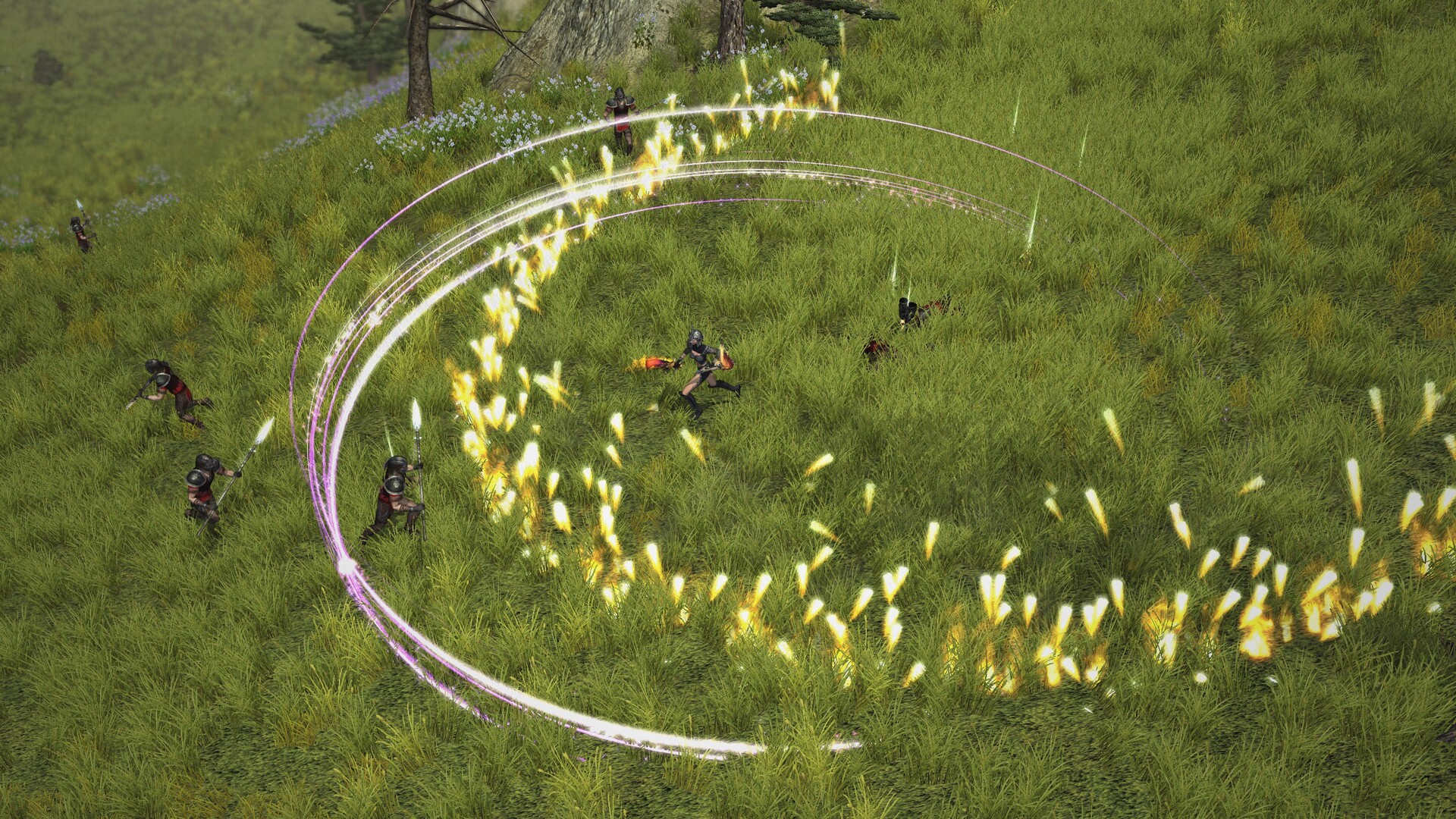
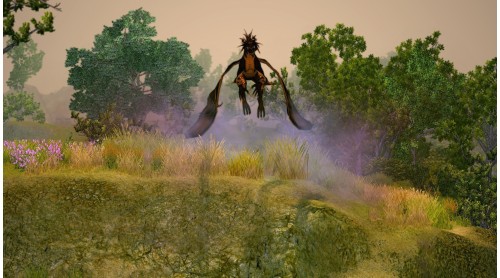
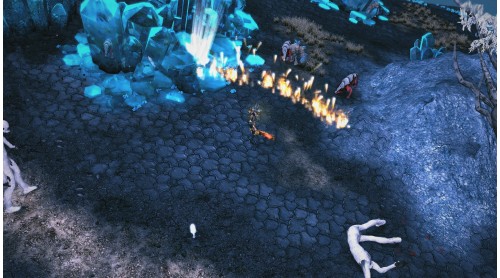
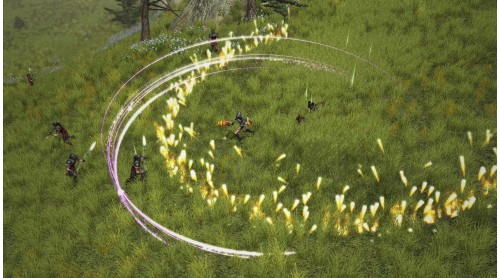
In this remaster of the beloved action RPG Sacred 2: Fallen Angel, players return to a massive fantasy realm filled with hundreds of quests, dangerous dungeons, and unique combat arts to master. Battle monstrous creatures, uncover ancient secrets, and shape your character through loot, leveling, and deep customization.
With refined combat mechanics, a modern UI, full controller support, and all expansions included, the remaster brings new life to a fan-favorite — whether you’re revisiting Ancaria or setting foot in it for the first time.
As a special bonus, every purchase also includes the original Sacred 2 Gold — the complete classic edition for those who want to experience the game as it was first released.
Includes all expansions and updates in one definitive edition
Smoother, more responsive combat
Modern UI and full controller support
Enhanced textures, lighting effects, and view distance
Community-driven fixes and improved stability
©2025 THQ NORDIC AB. Sacred 2 Remaster is developed by Jumpgate AB and SparklingBit, and published by THQ Nordic™ GmbH. Sacred™, THQ™ and THQ Nordic™ are trademarks of THQ Nordic™ AB, Sweden. All related other marks, trademarks, logos, and copyrights are the exclusive property of their respective owners. All rights reserved.


How to activate your Steam key?
1. Open your Steam client. (If you don't have a Steam Client, you can install from here https://store.steampowered.com/about/)
2. Sign in to your Steam account. (If you don't have a Steam Account, you can create from here https://store.steampowered.com/join/)
3. Click “ADD A GAME” button which is at the bottom of the Steam Client.
4. Now select "Activate a product on Steam..."
5. Write or copy-paste your Steam key which you purchased from Gamesforpc.
6. Now your game is in your library.
7. Find your game in your library, select and click install to start your download.