
 Steam
Steam  Windows
  Mac
Mac  Linux
Linux | Release Date | 01.12.2016 | |
| Operating Systems | Linux | |
| Operating Systems | Mac OS | |
| Publisher | THQ Nordic GmbH | |
| PEGI Rating | + 18 | |
| Operating Systems | Windows | |
| Genres | rpg |
49.99€
Added to Cart
49.99€
Added to Wishlist
49.99€
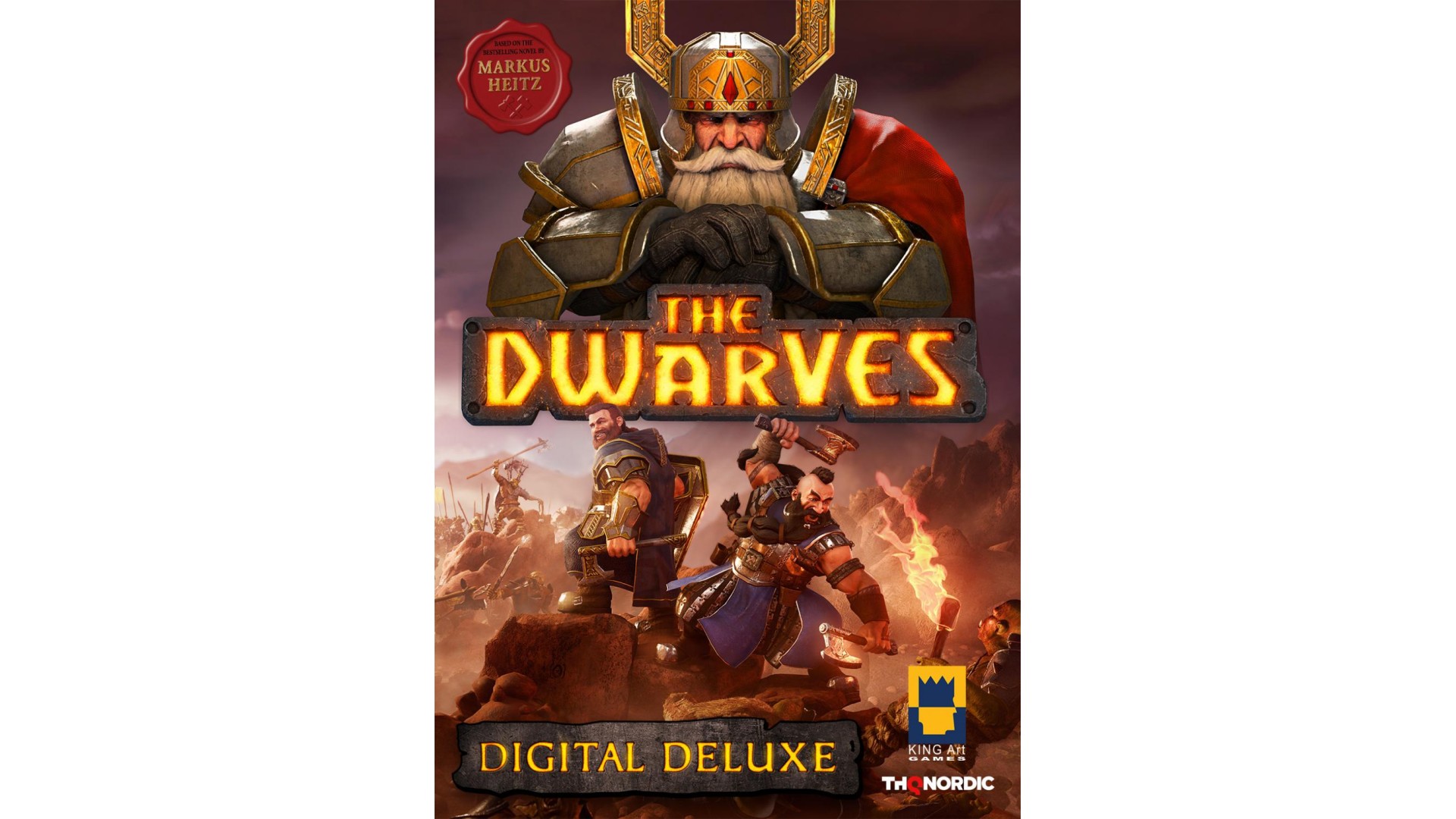
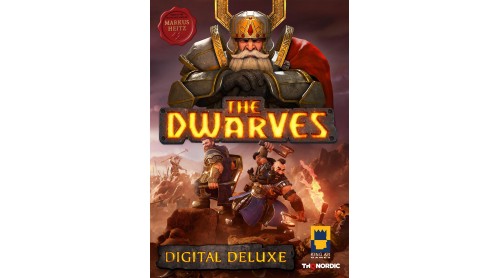
The Dwarves Digital Deluxe Edition includes:
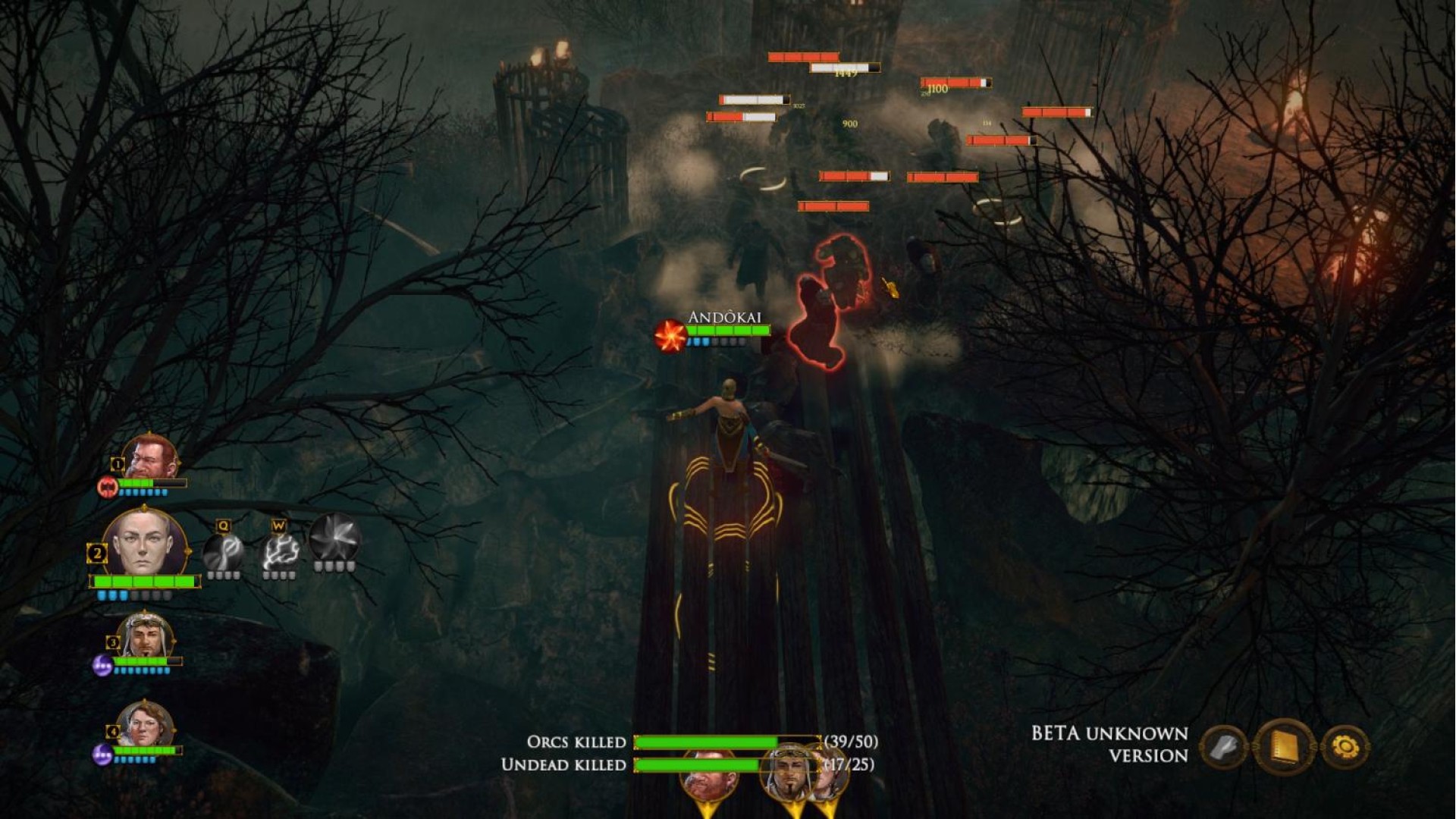
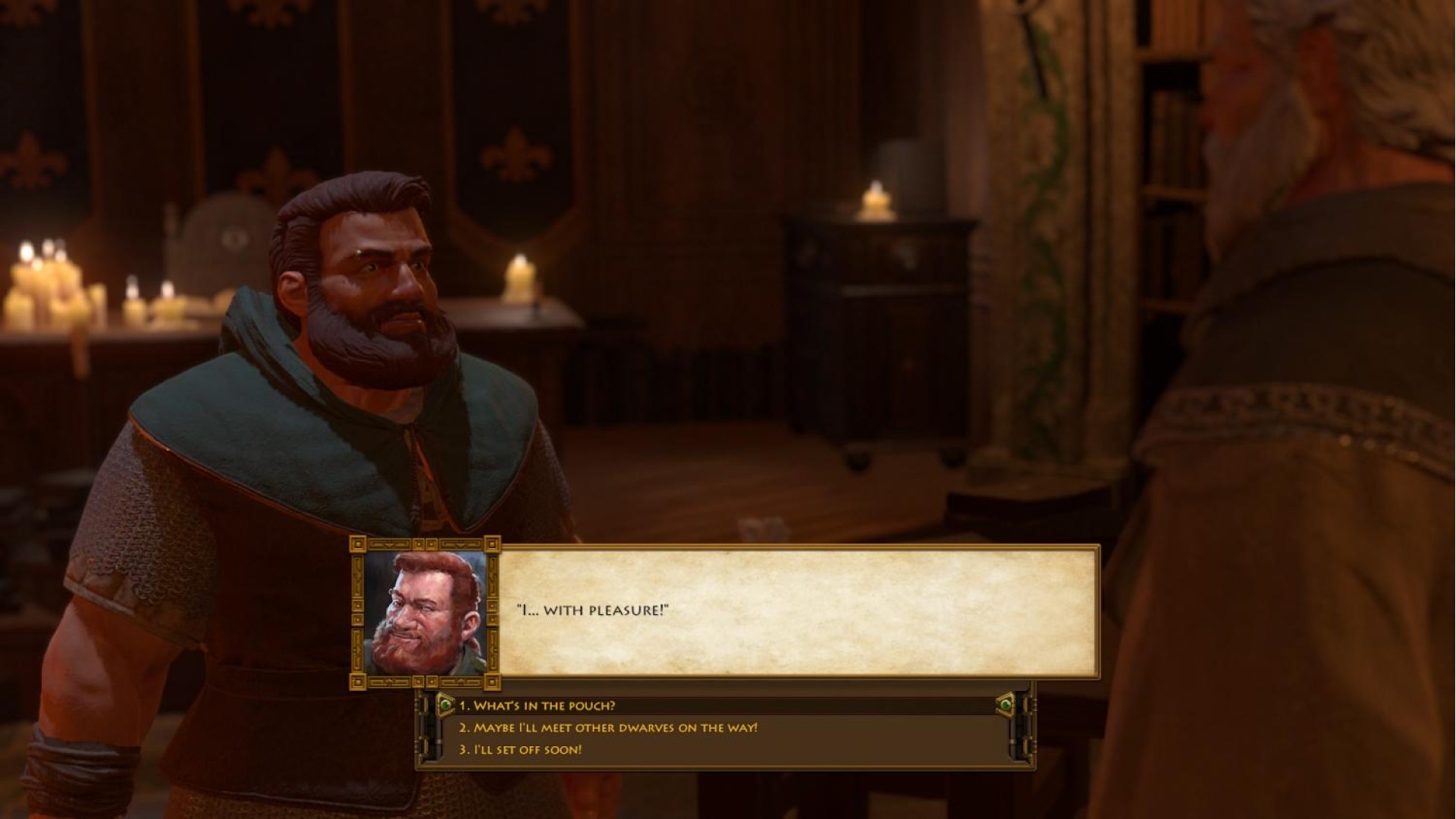
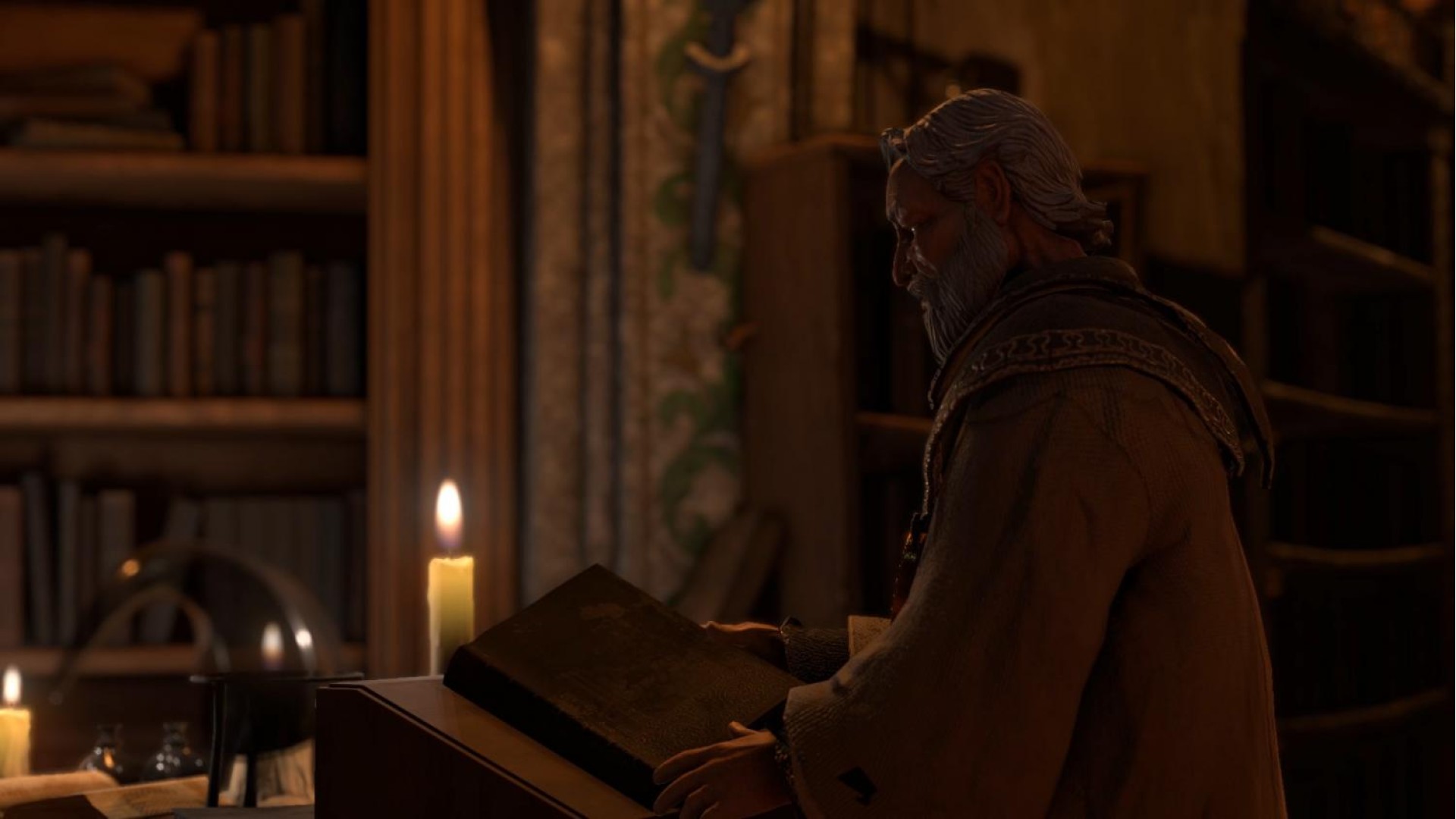
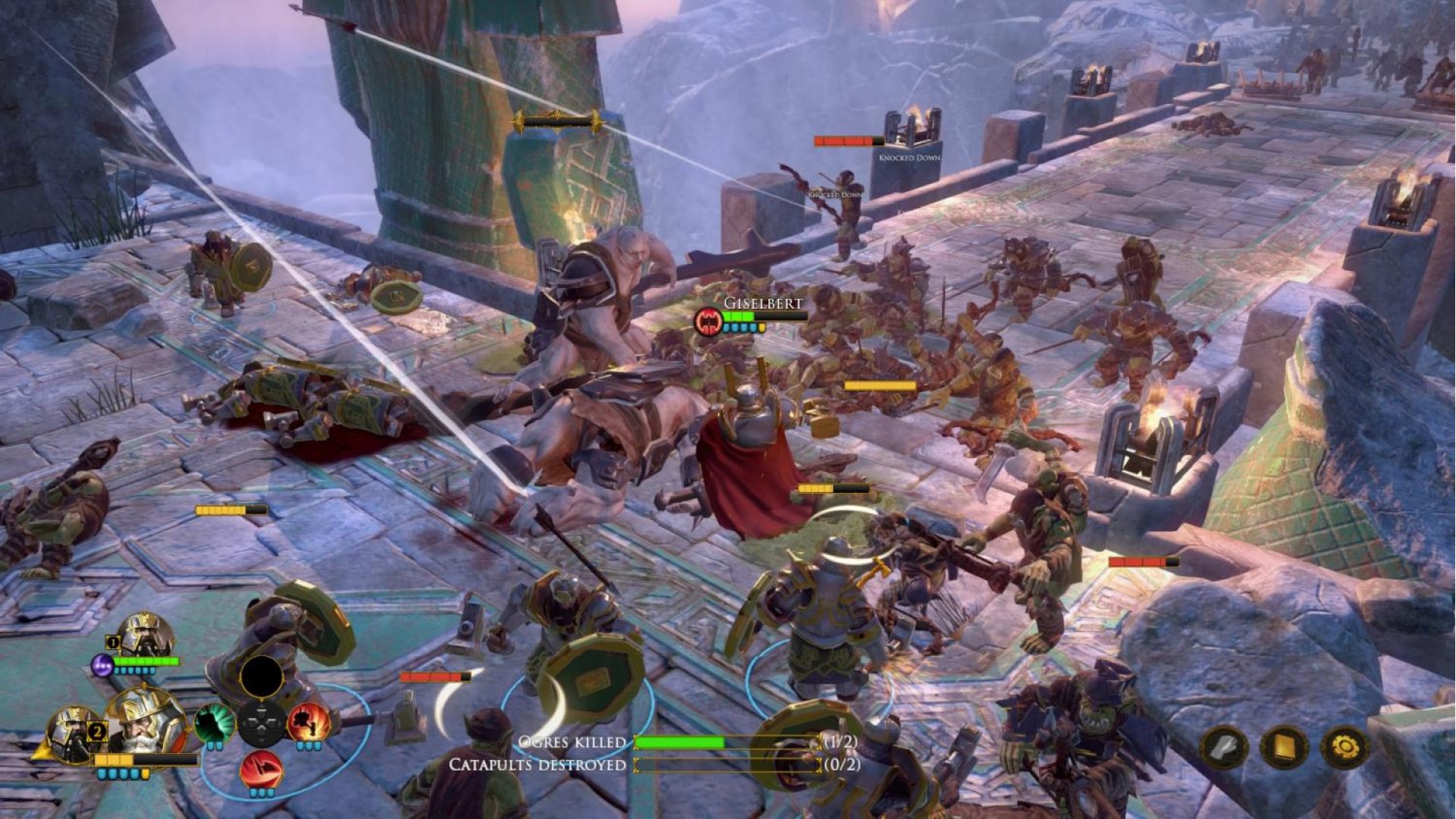
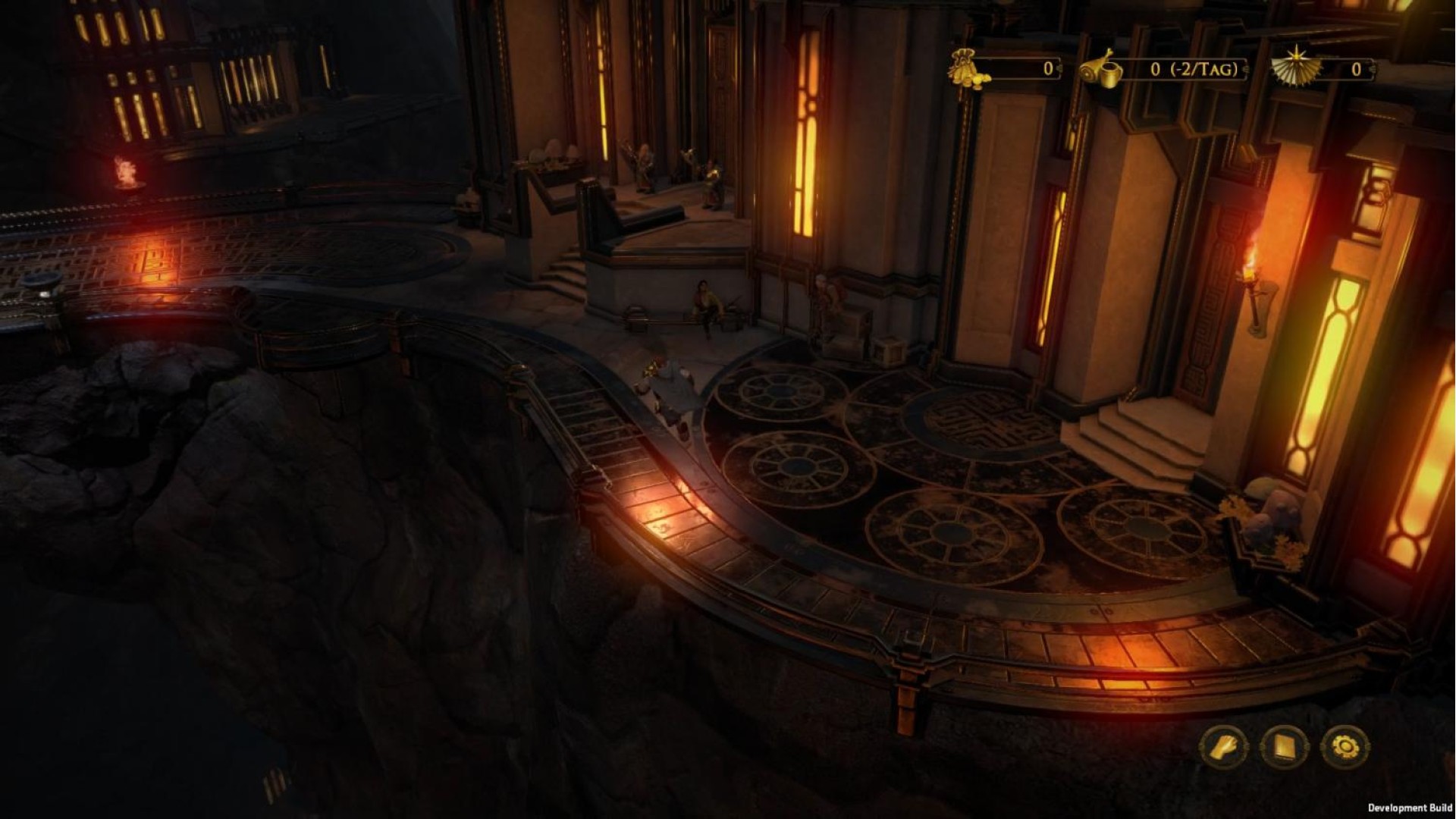
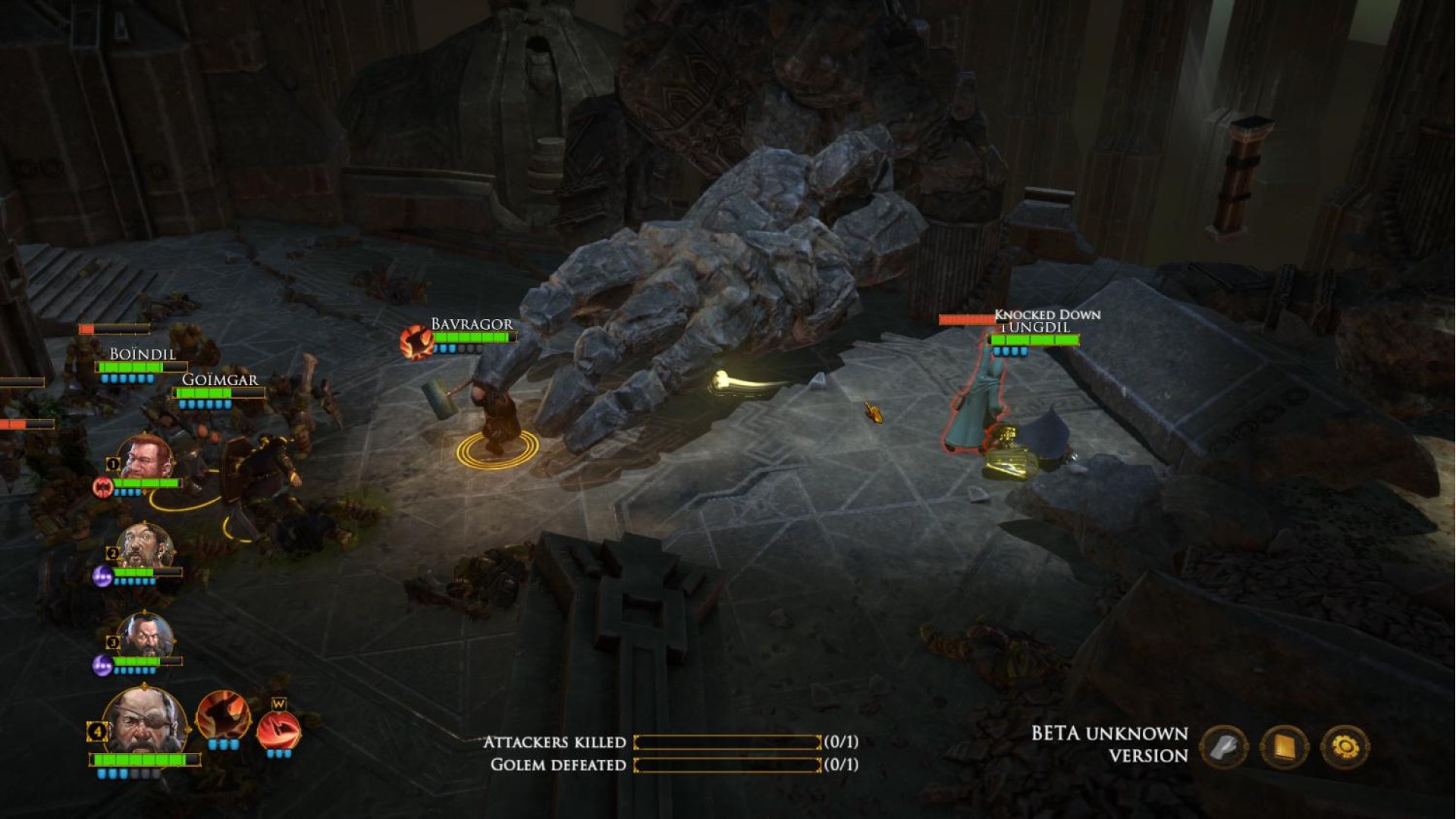
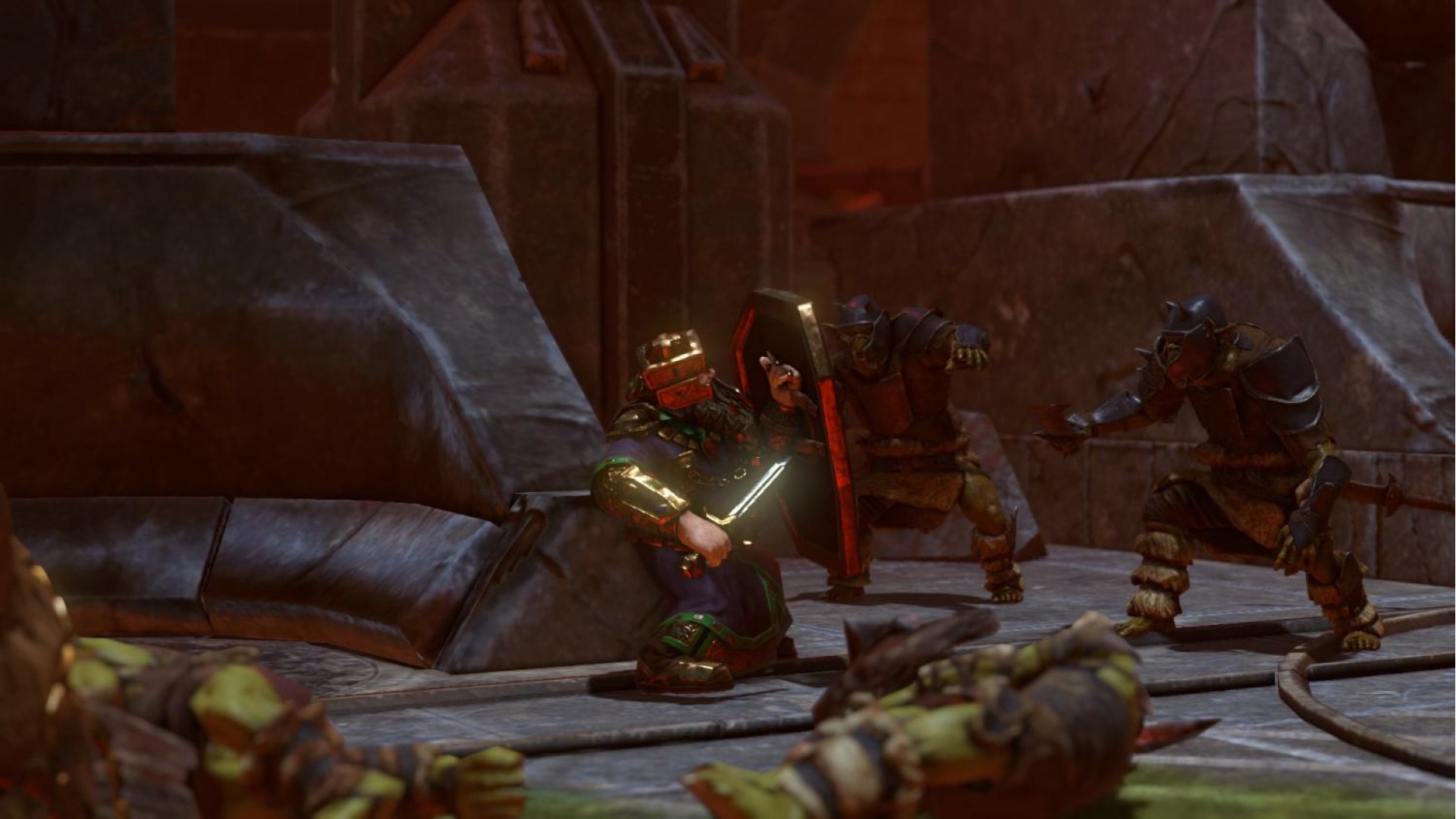
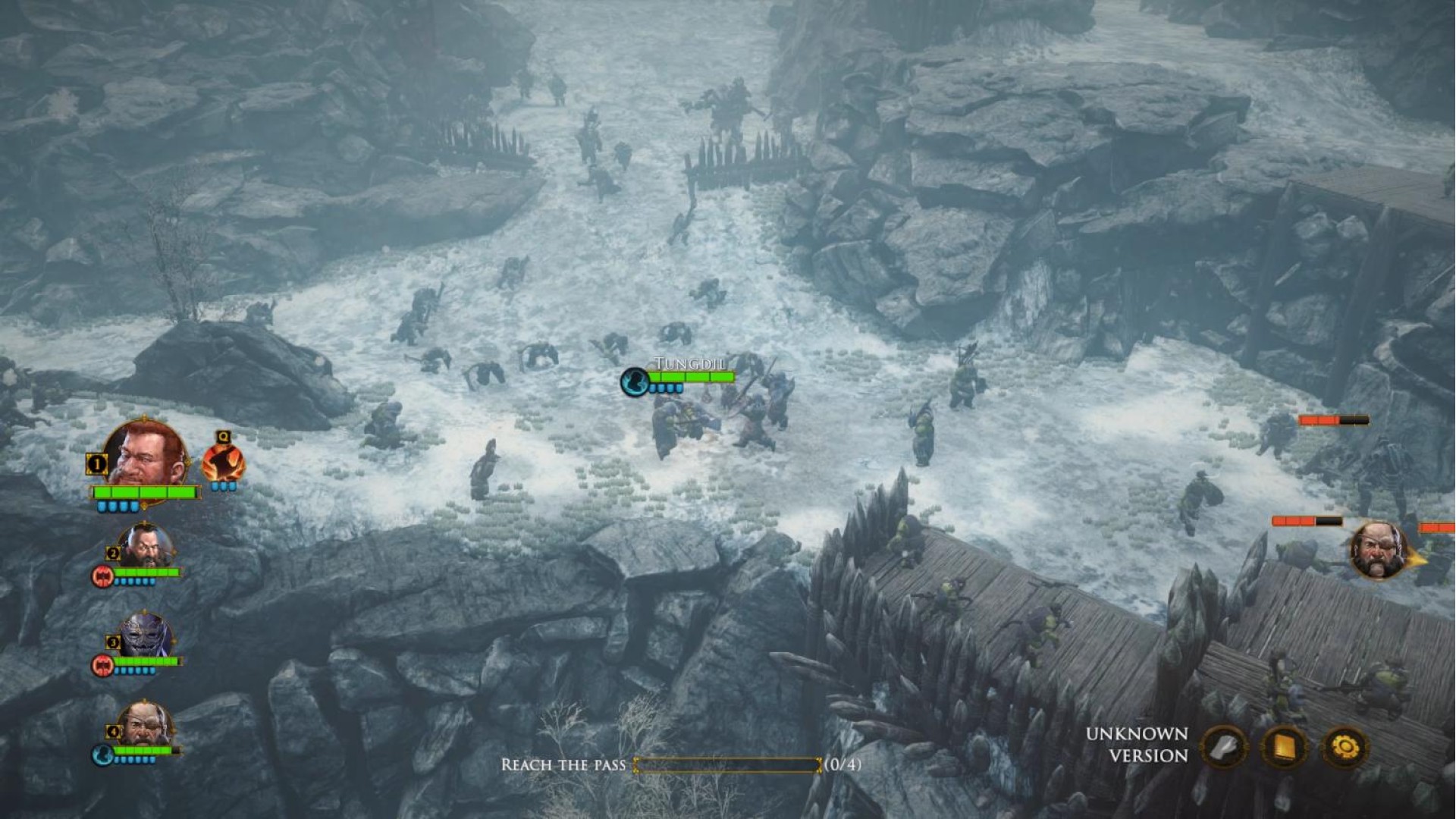
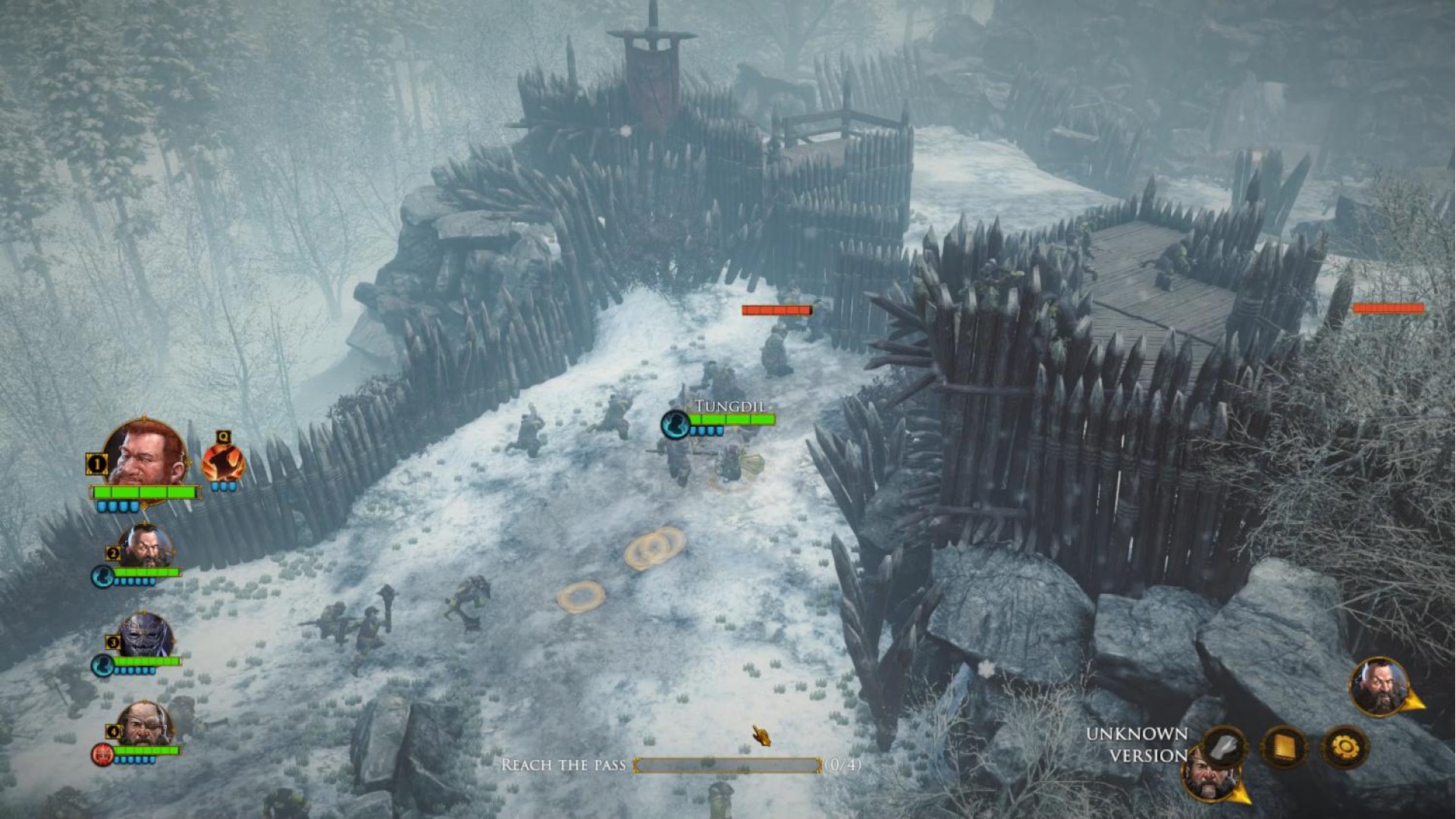
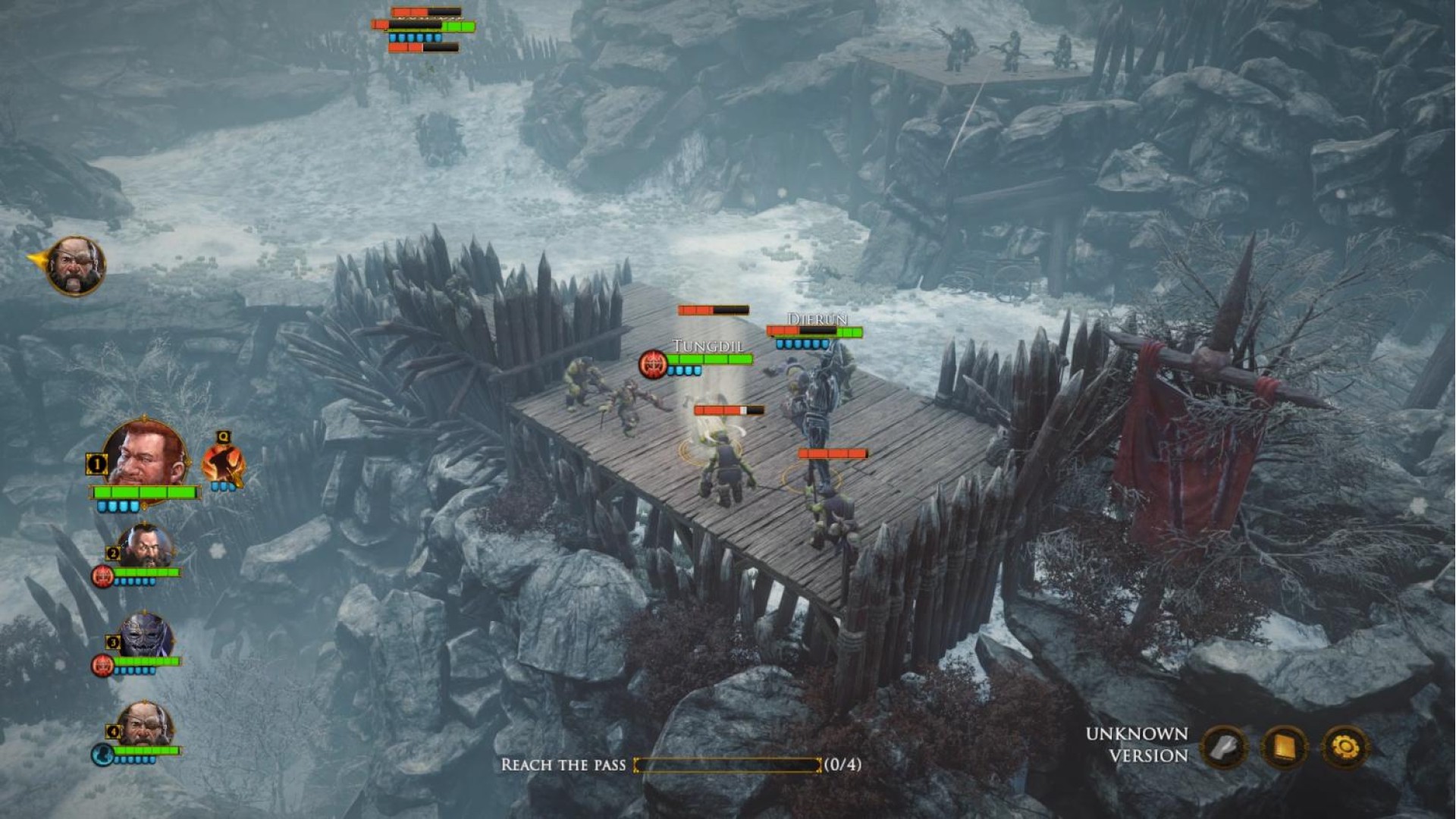
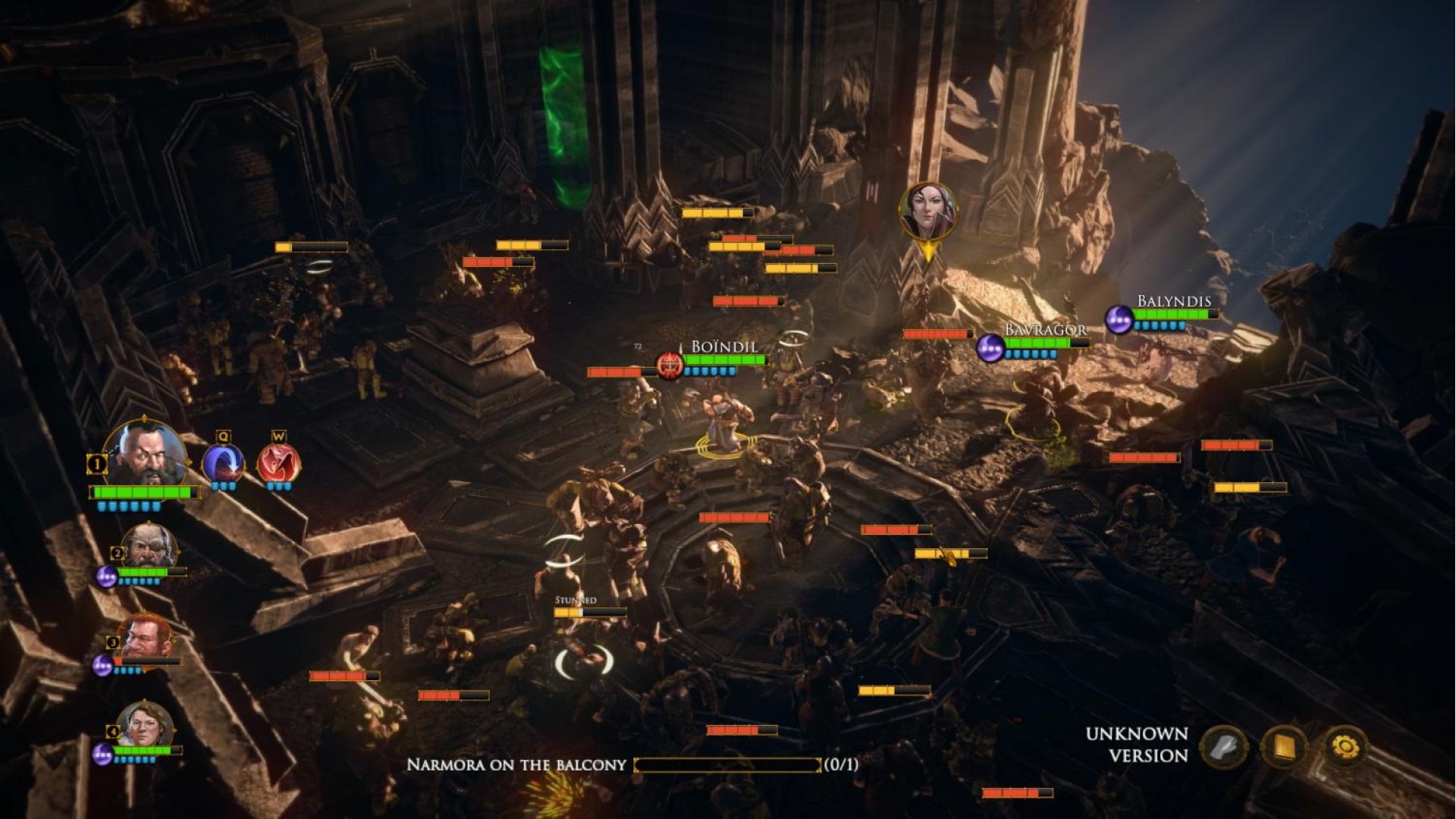
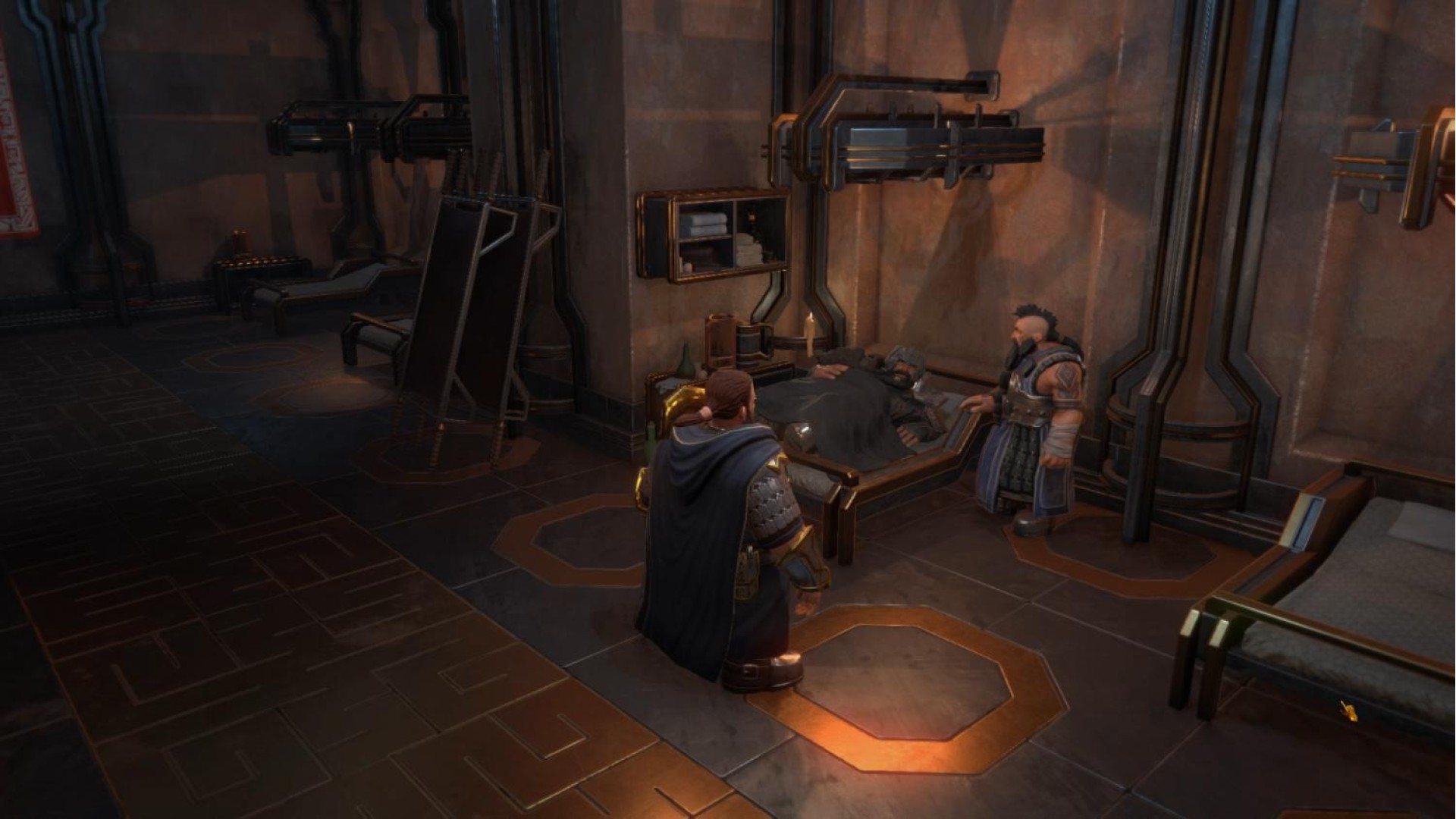
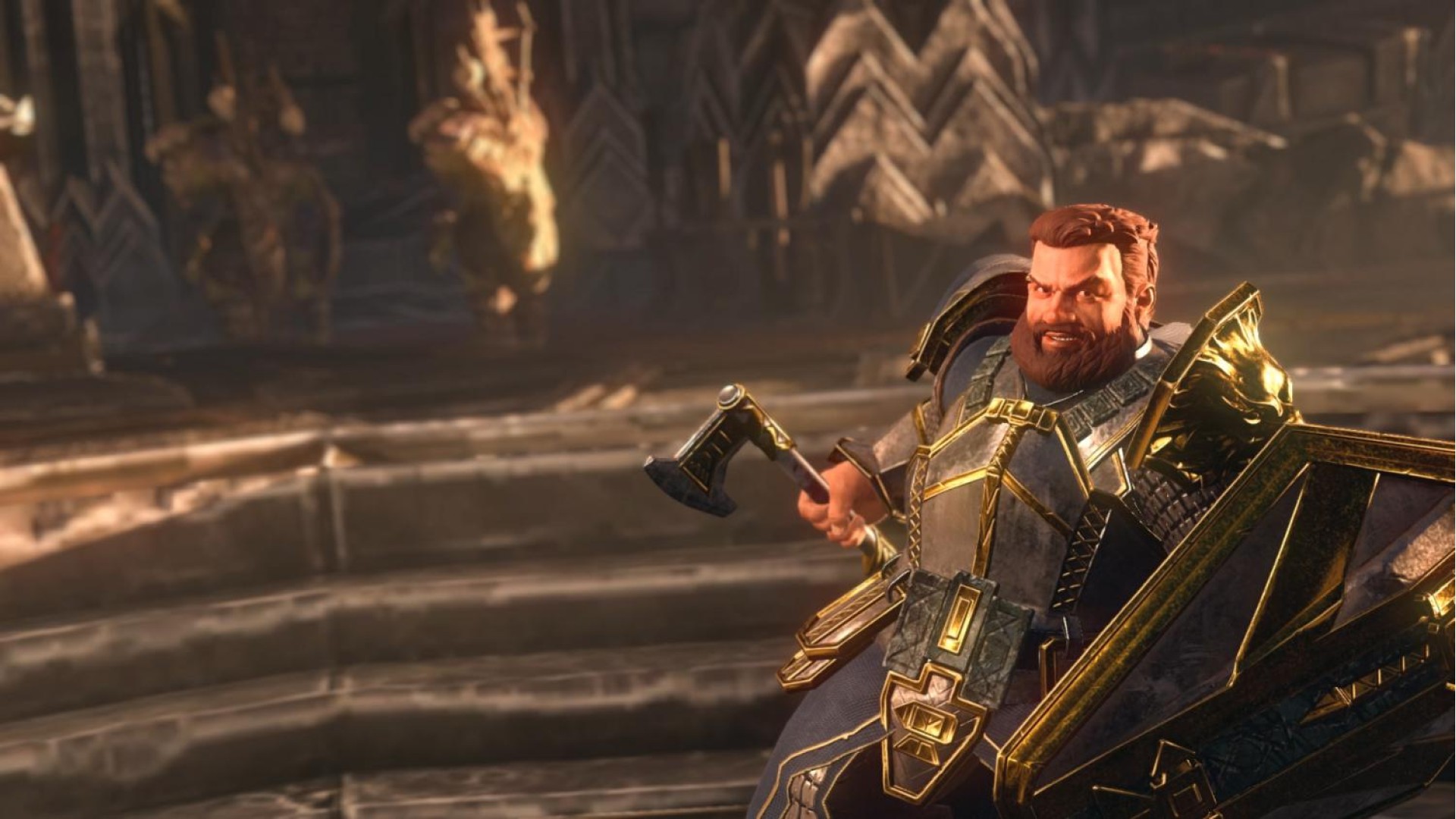
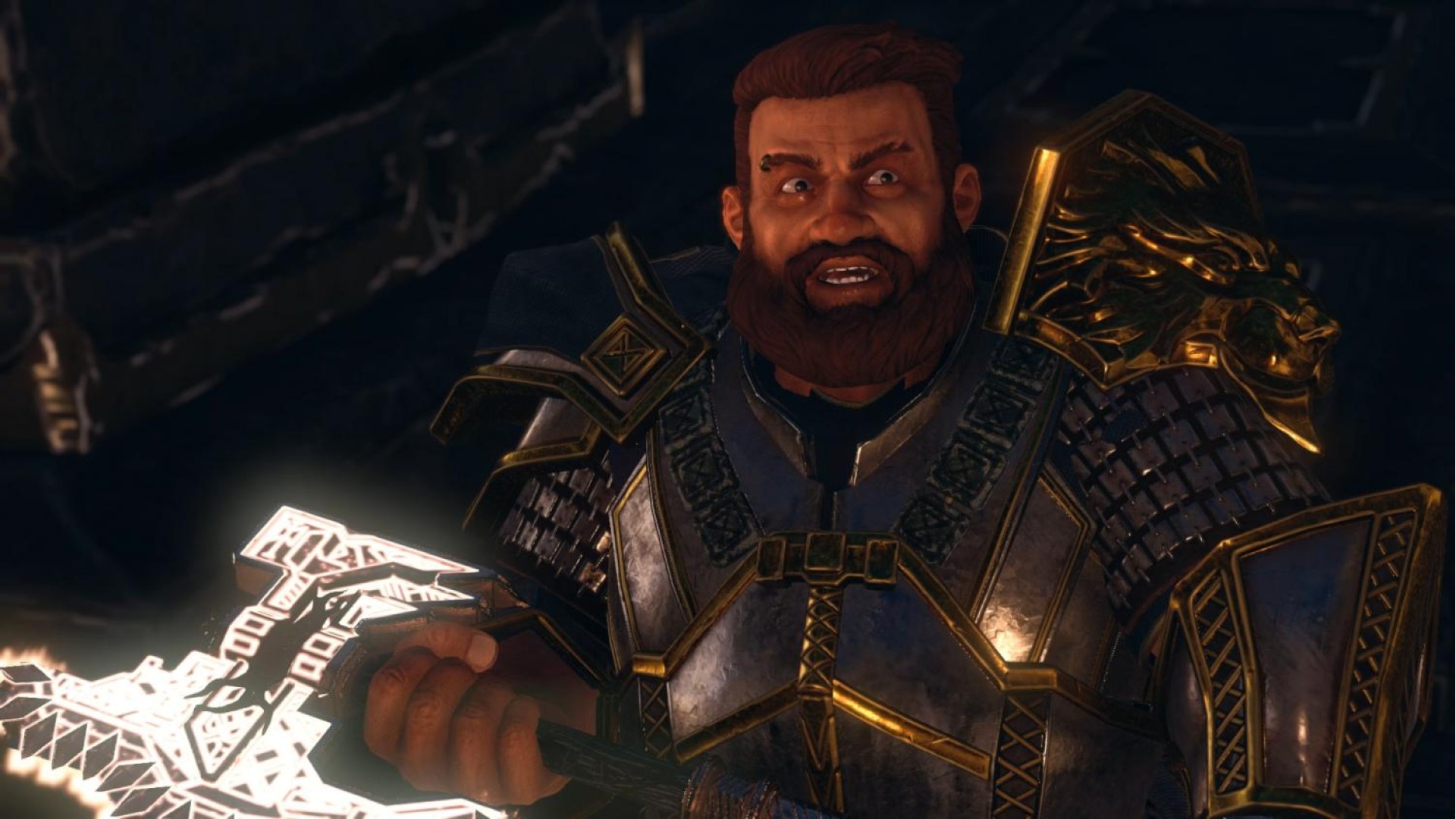
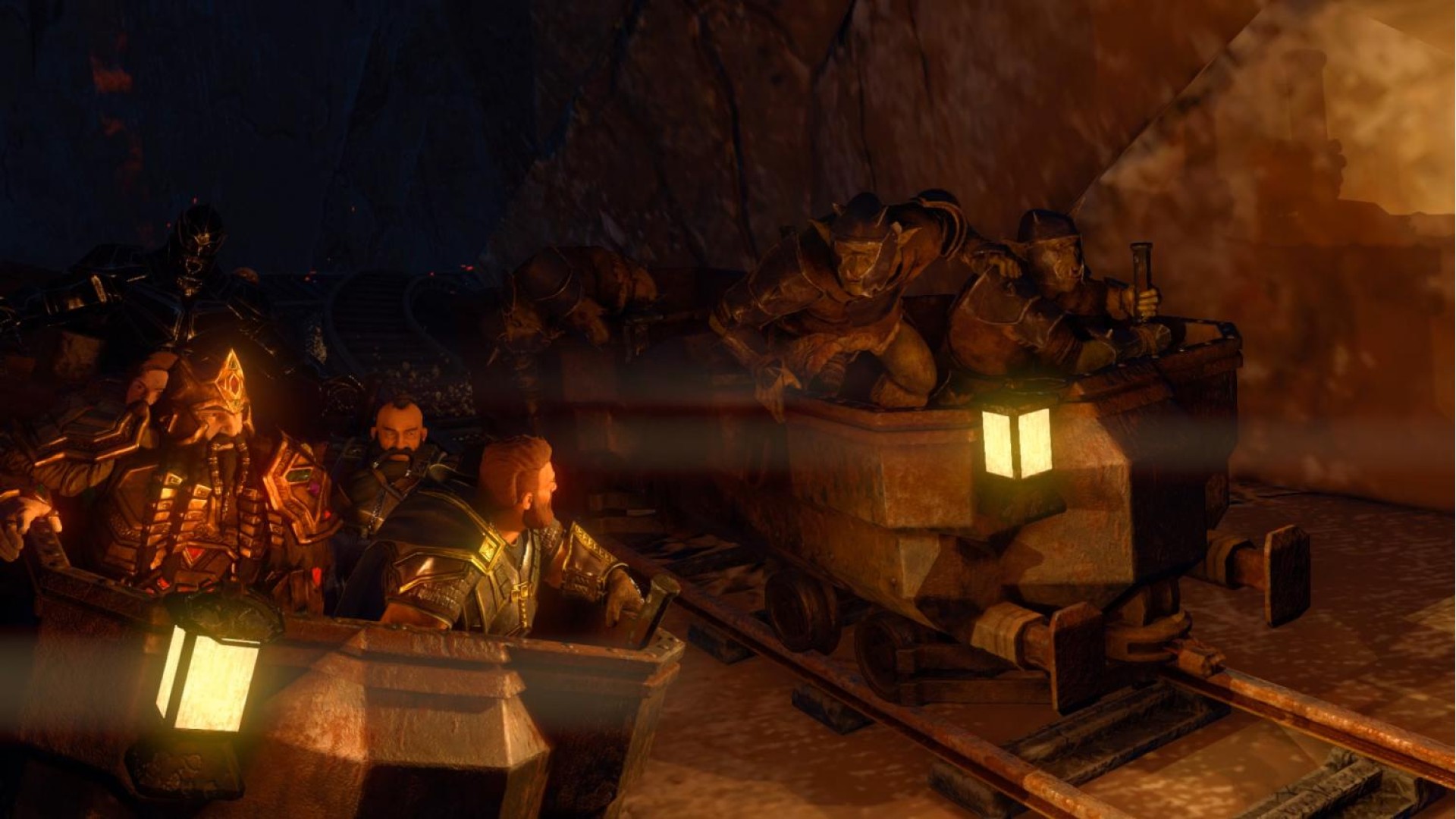
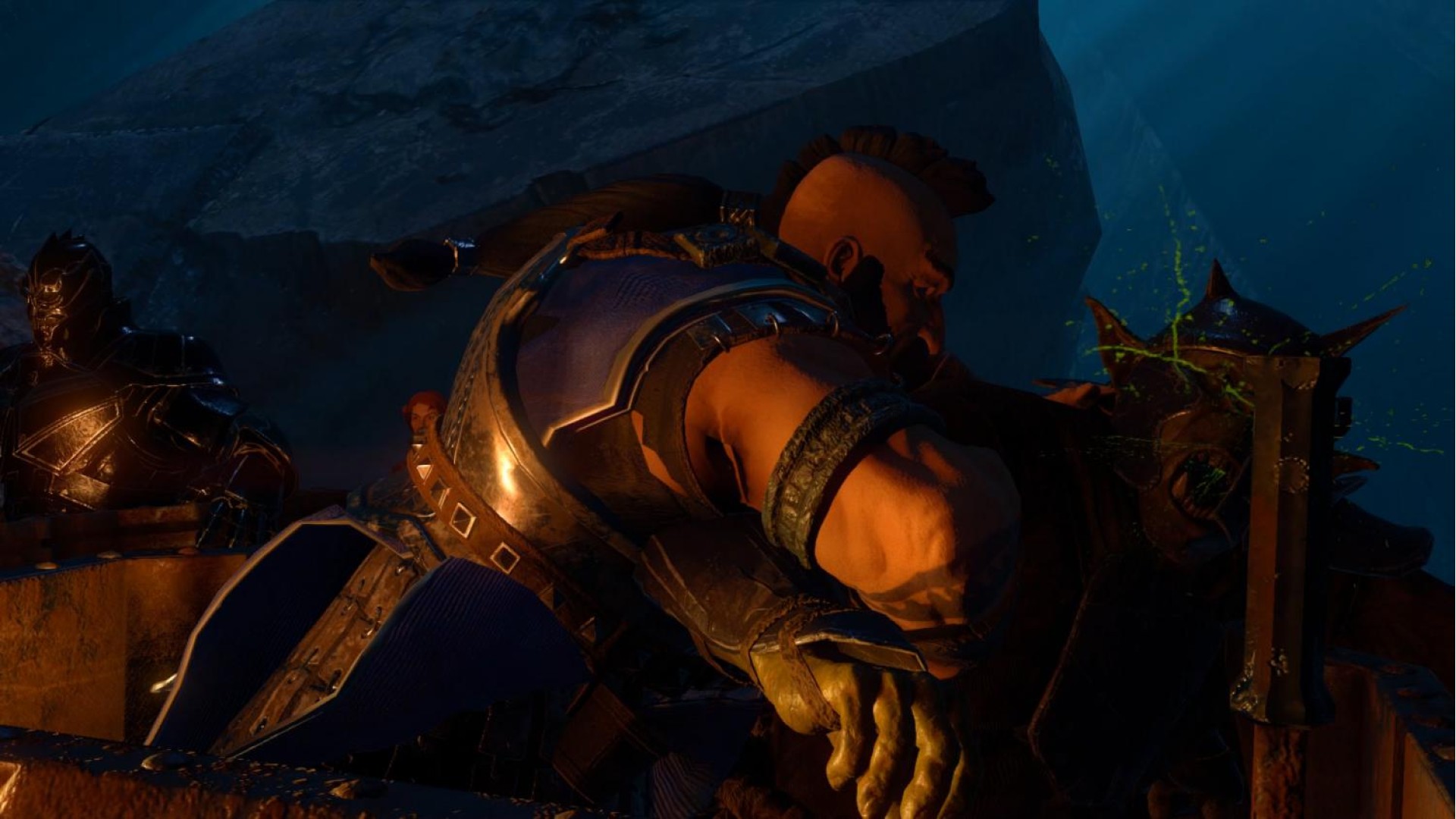
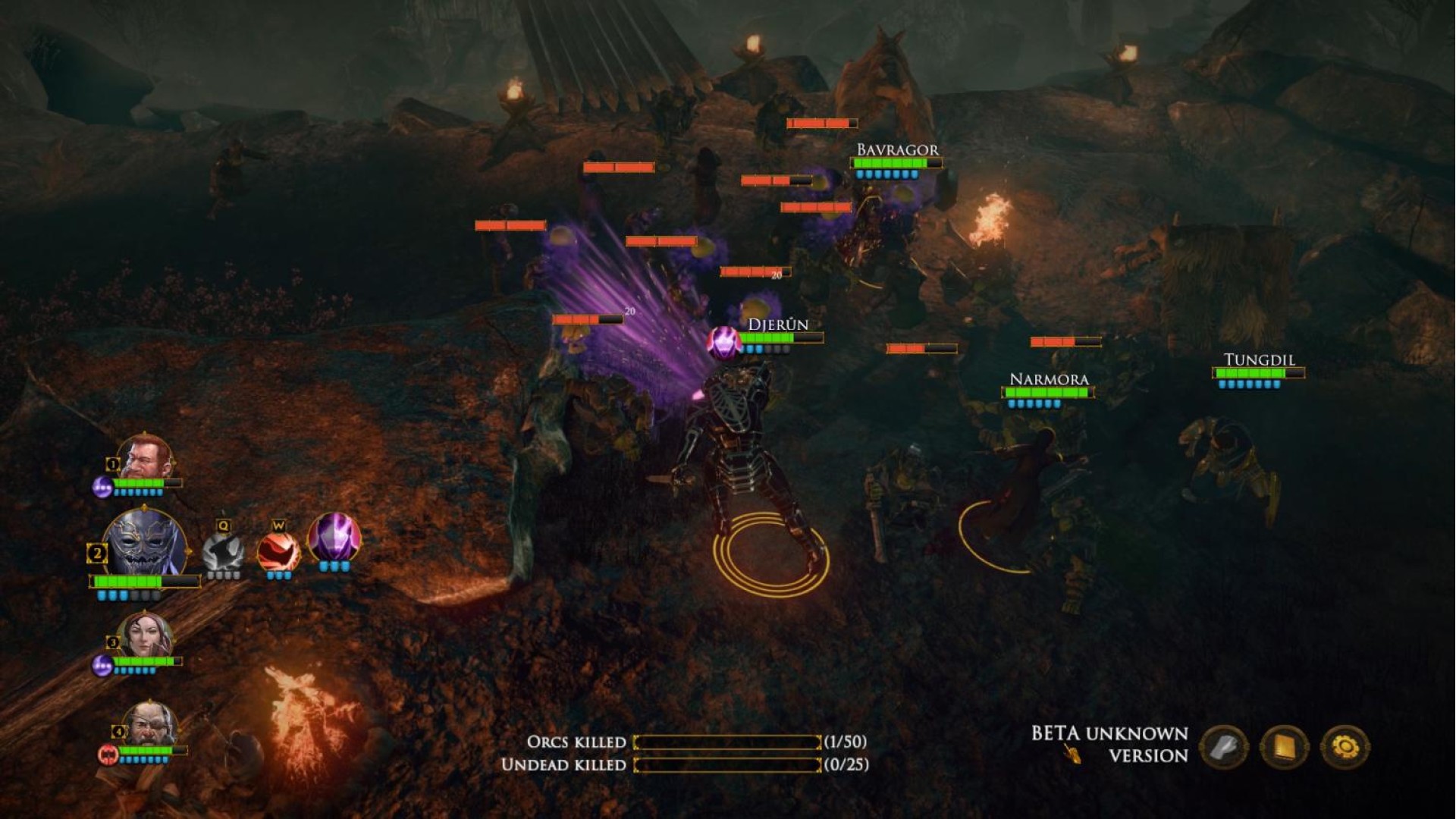
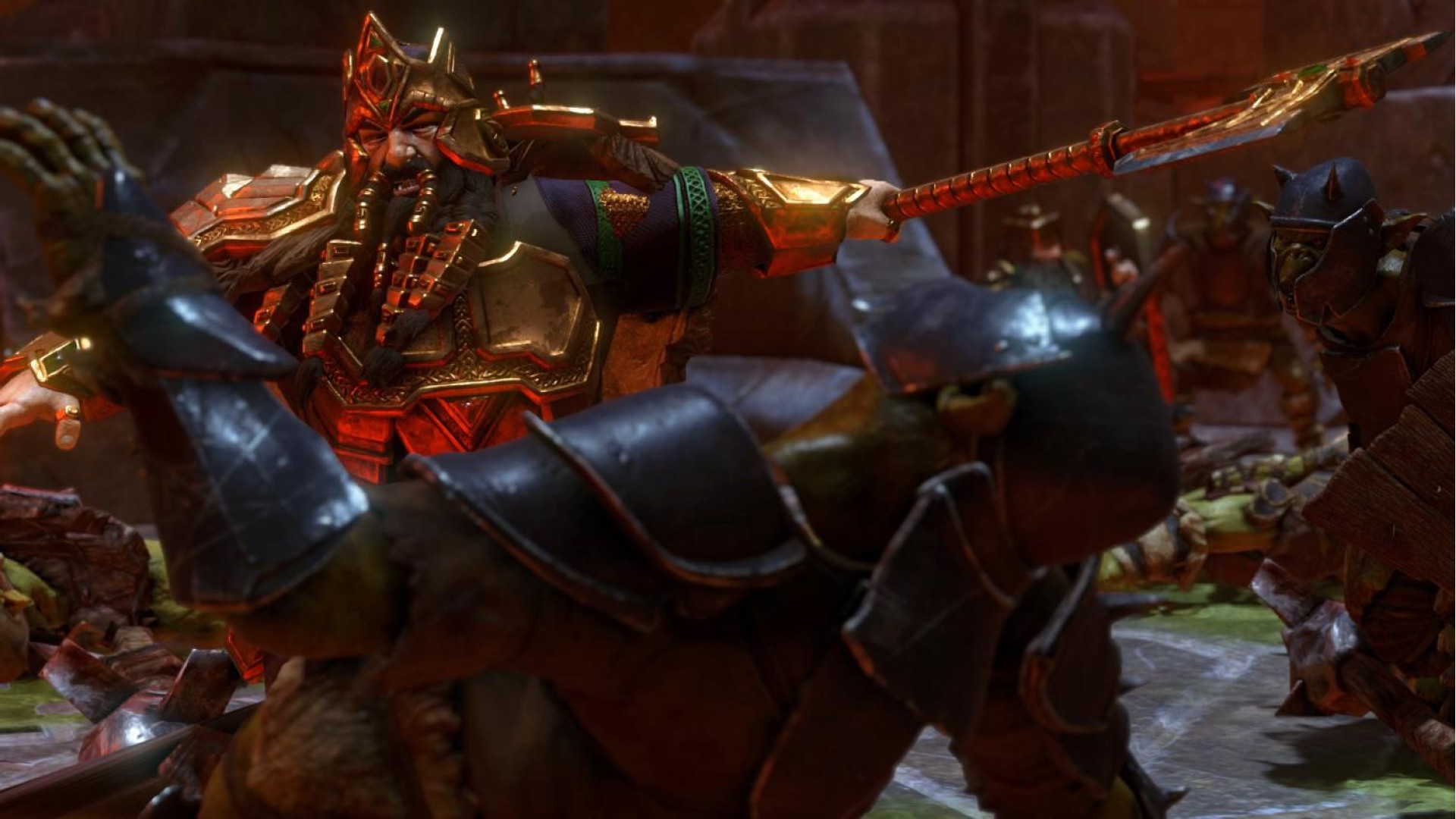
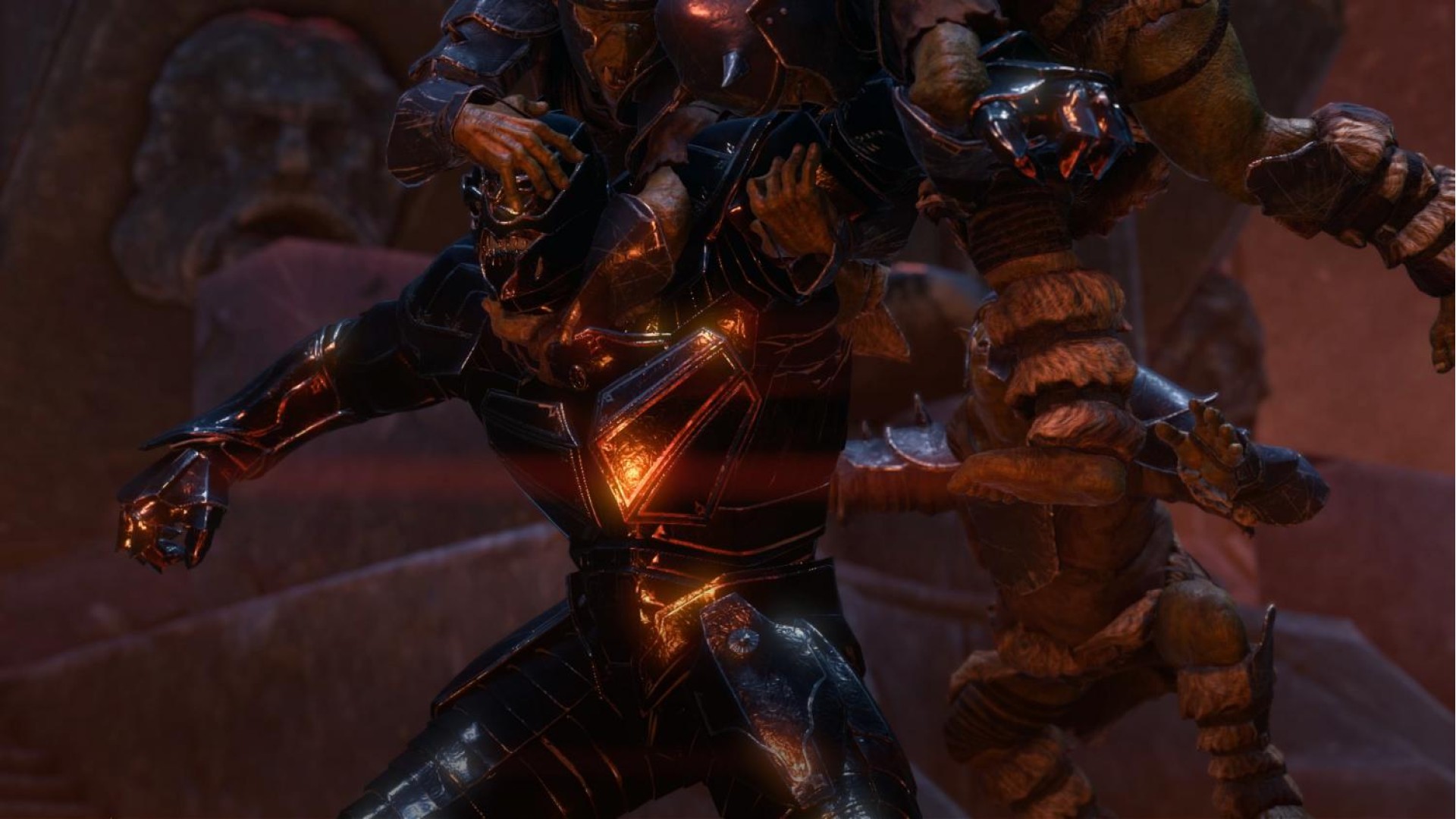
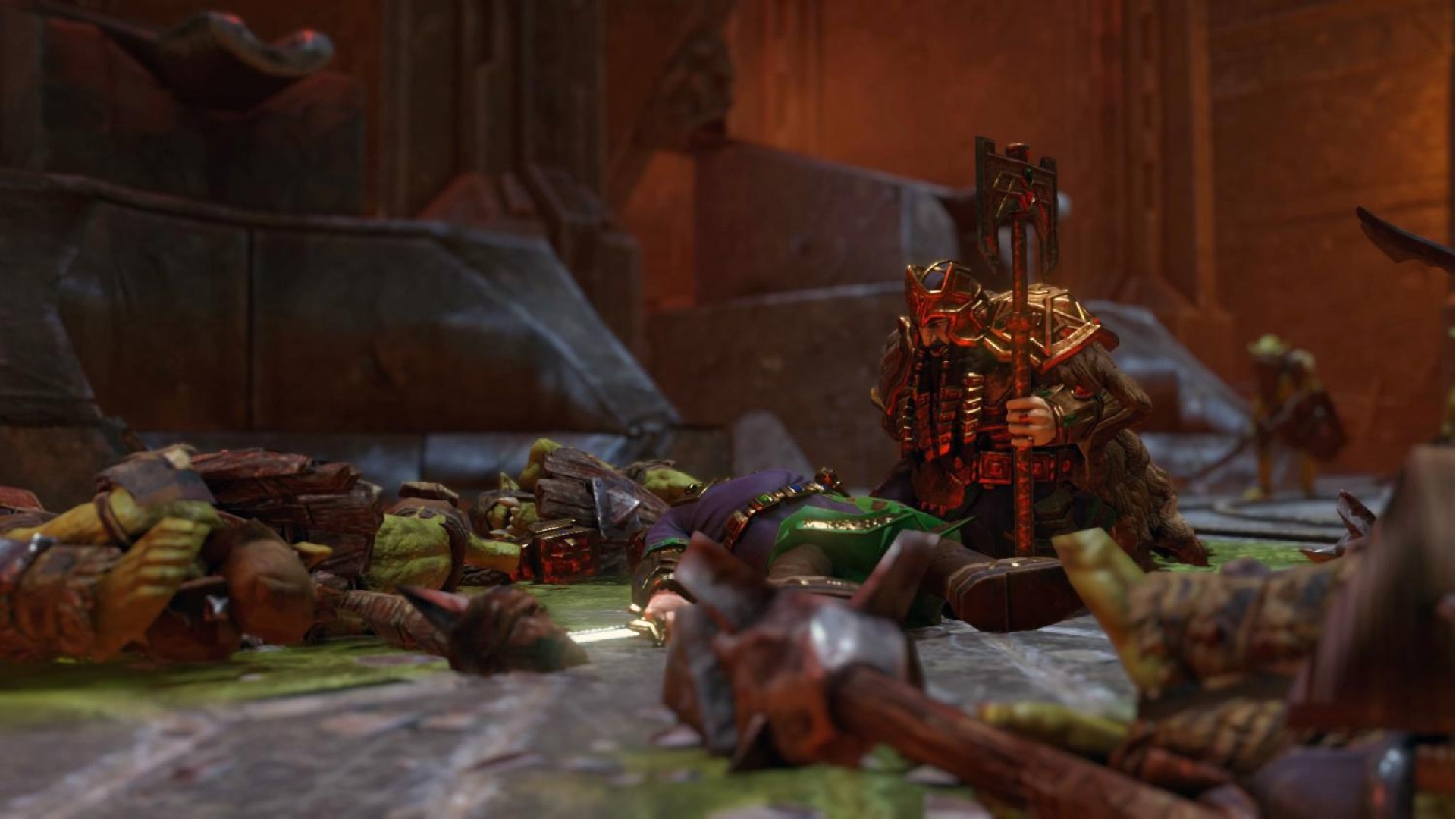
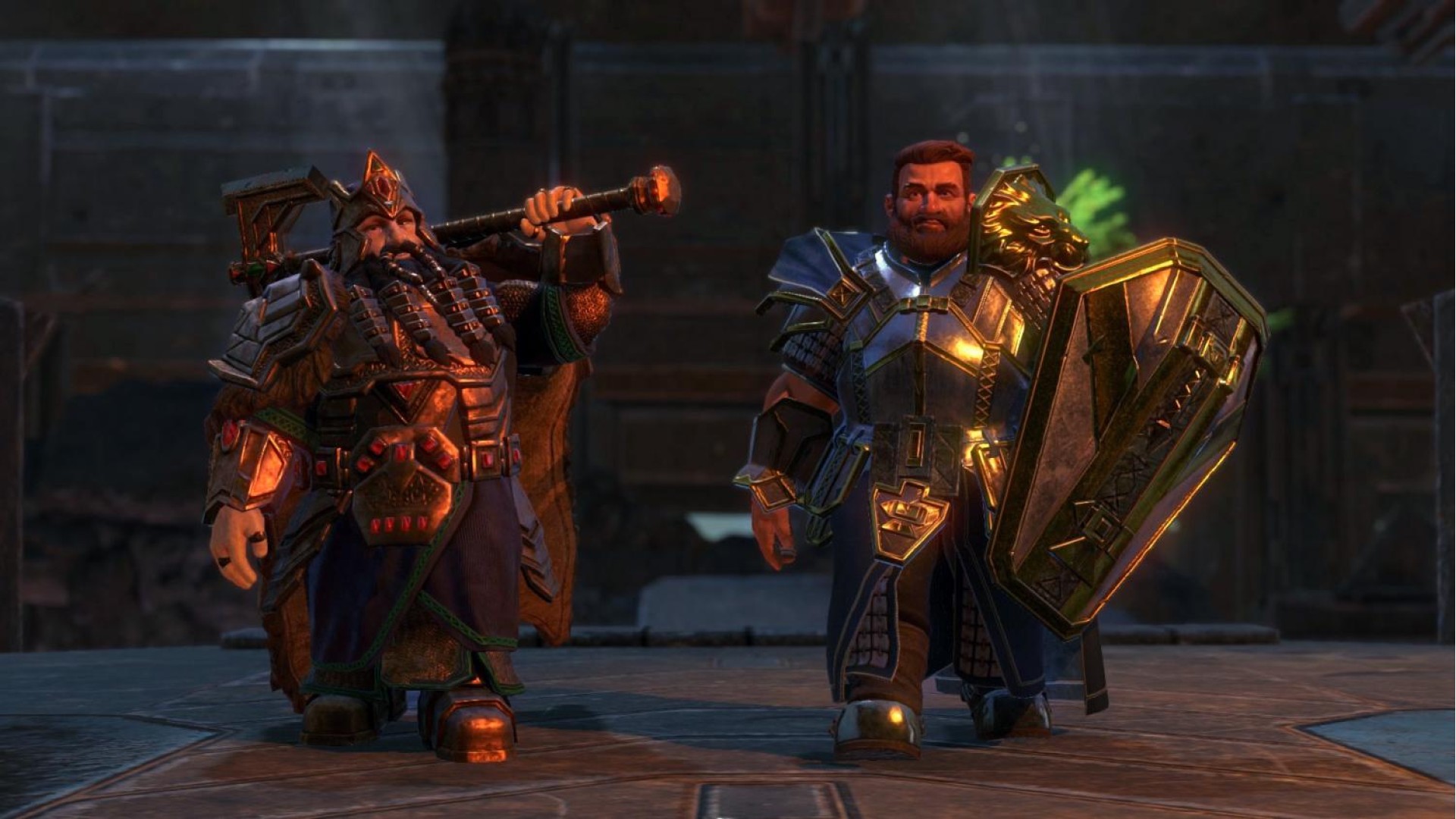
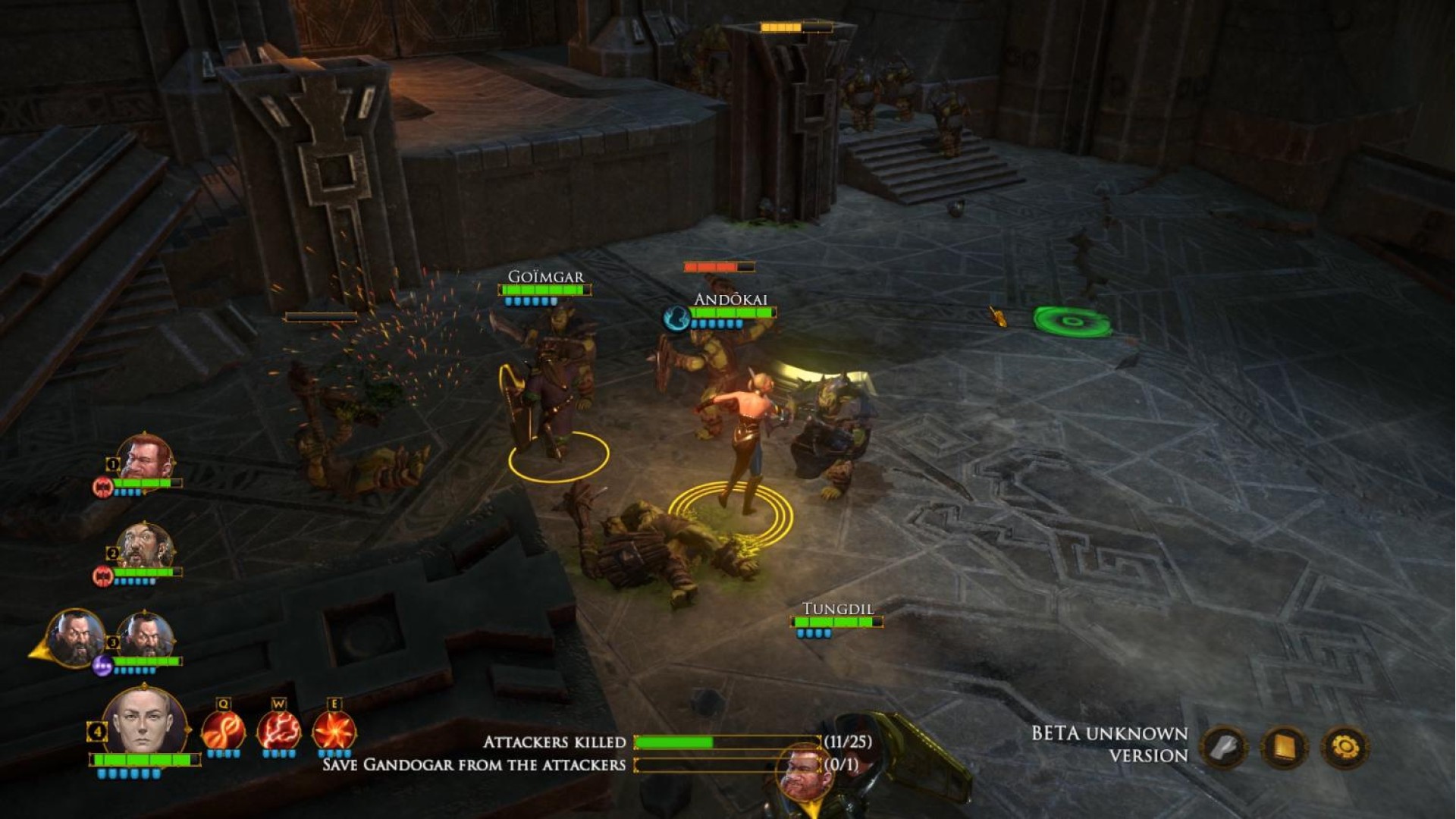
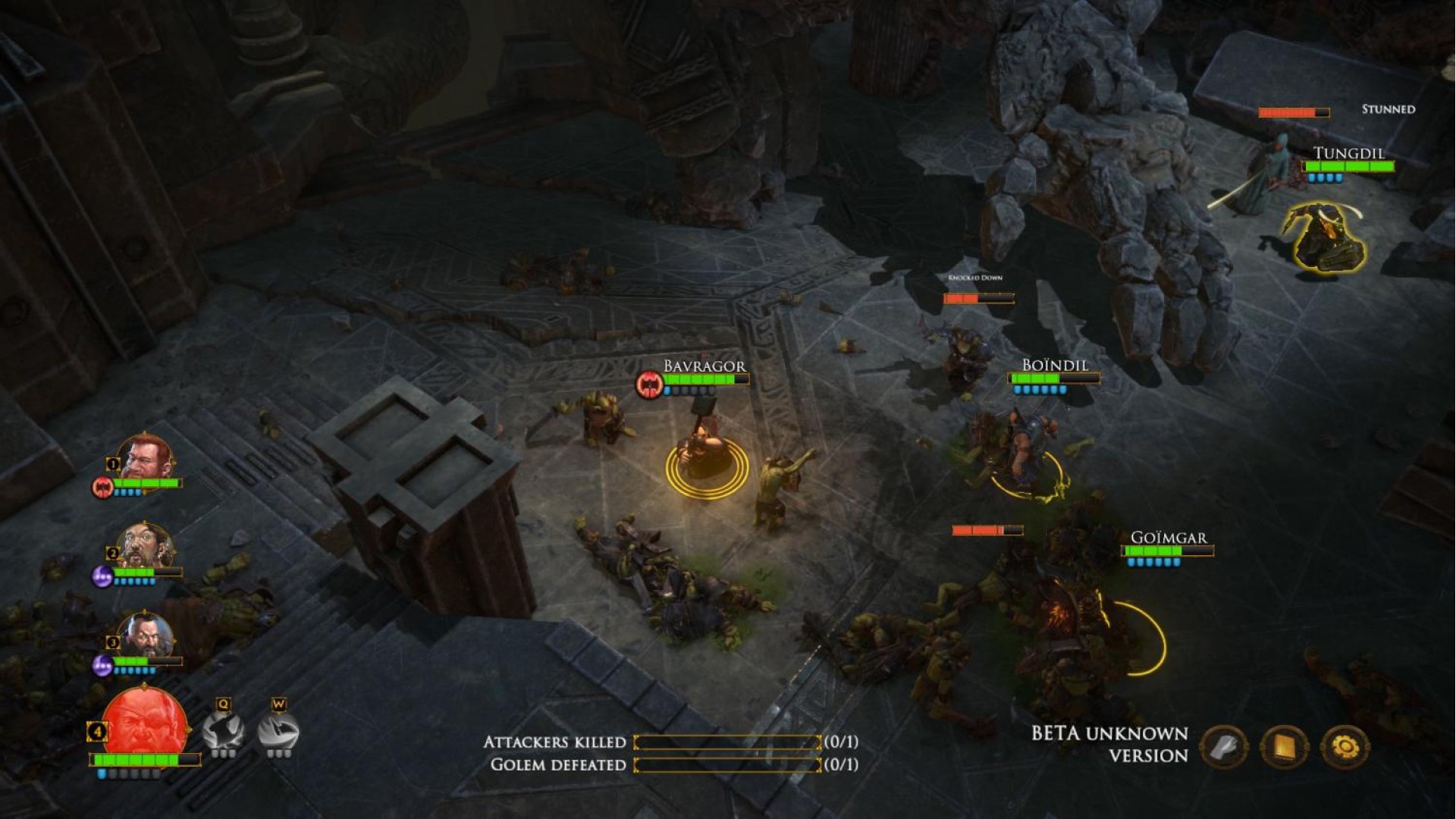
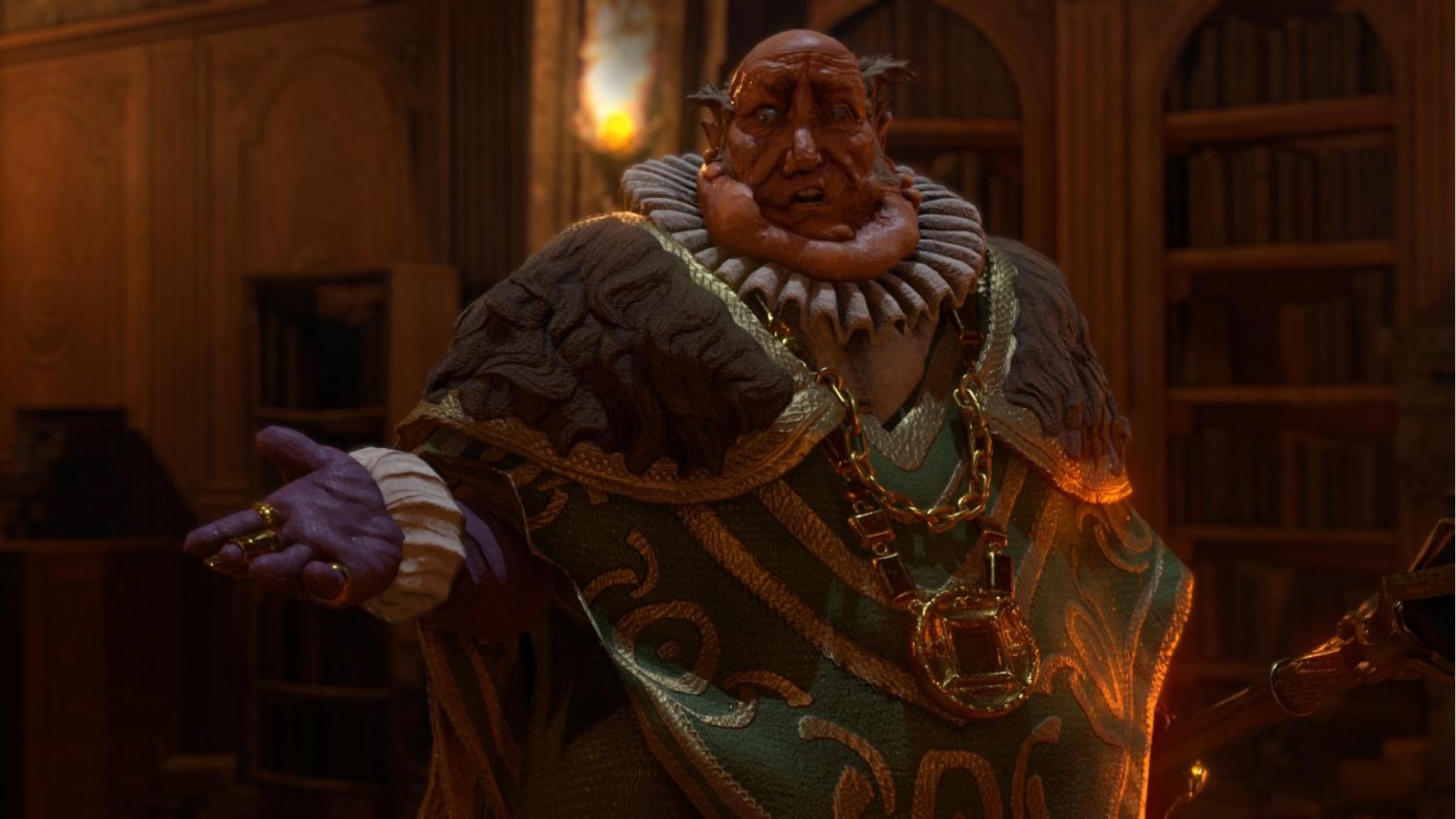
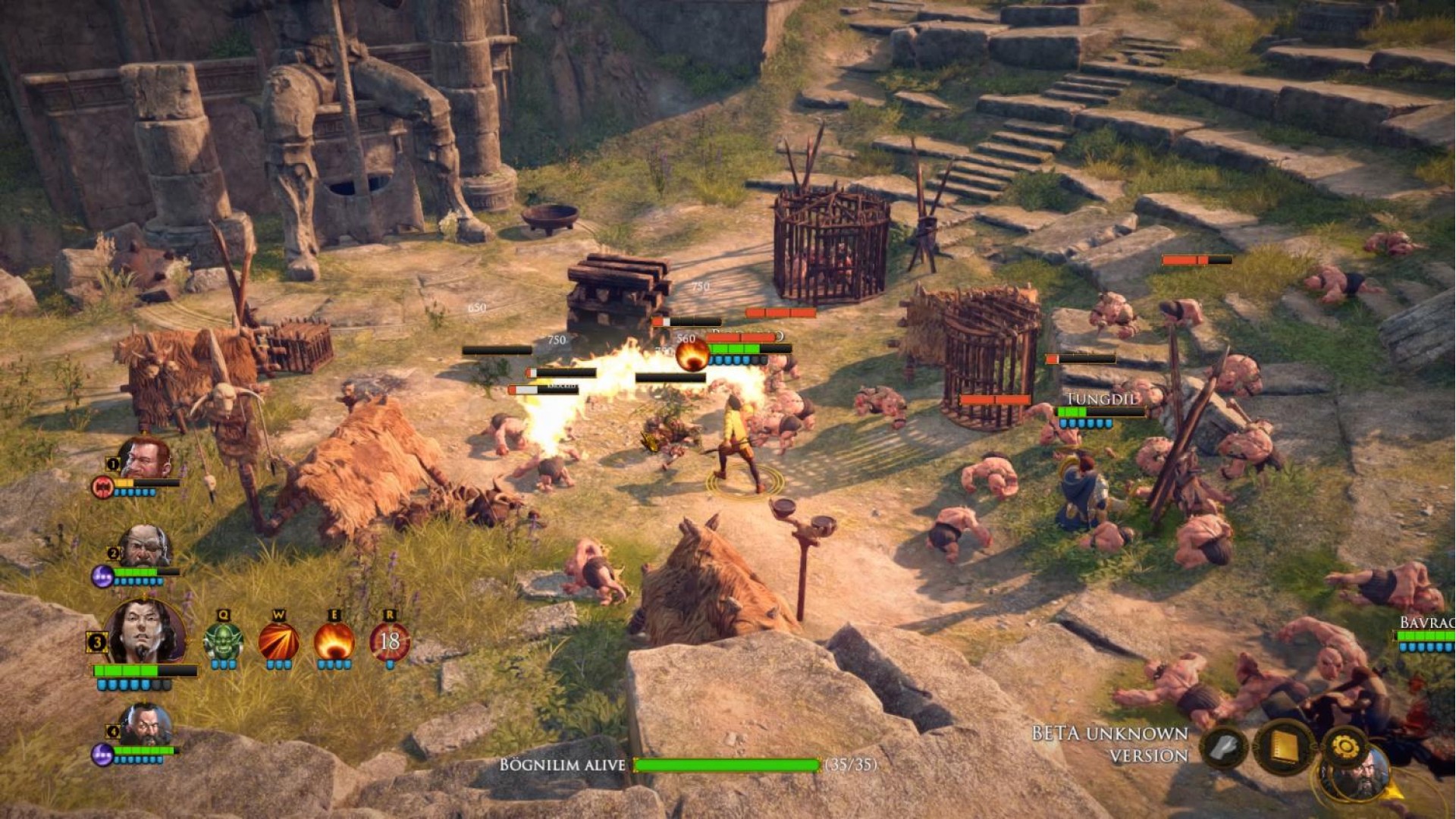
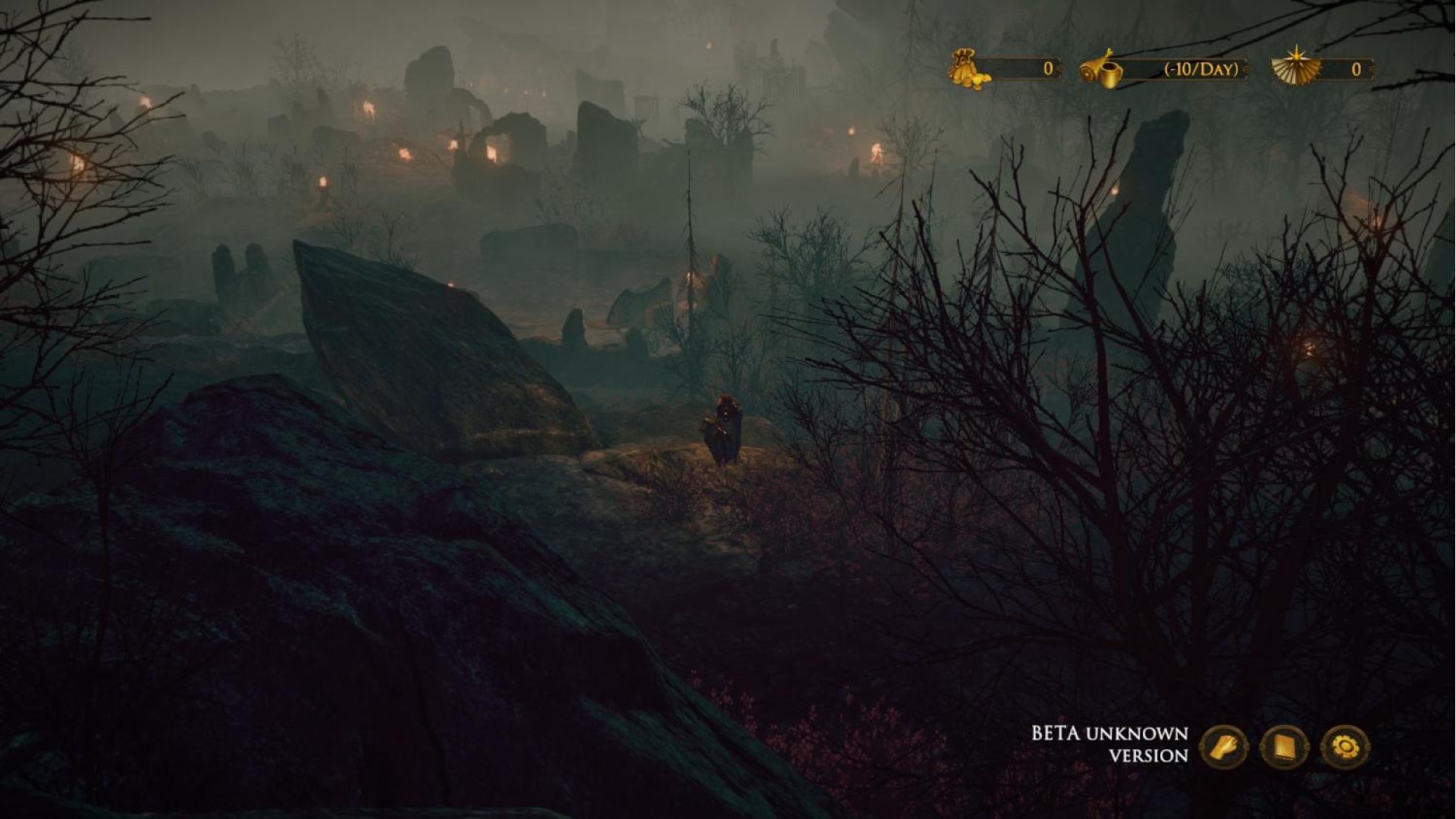
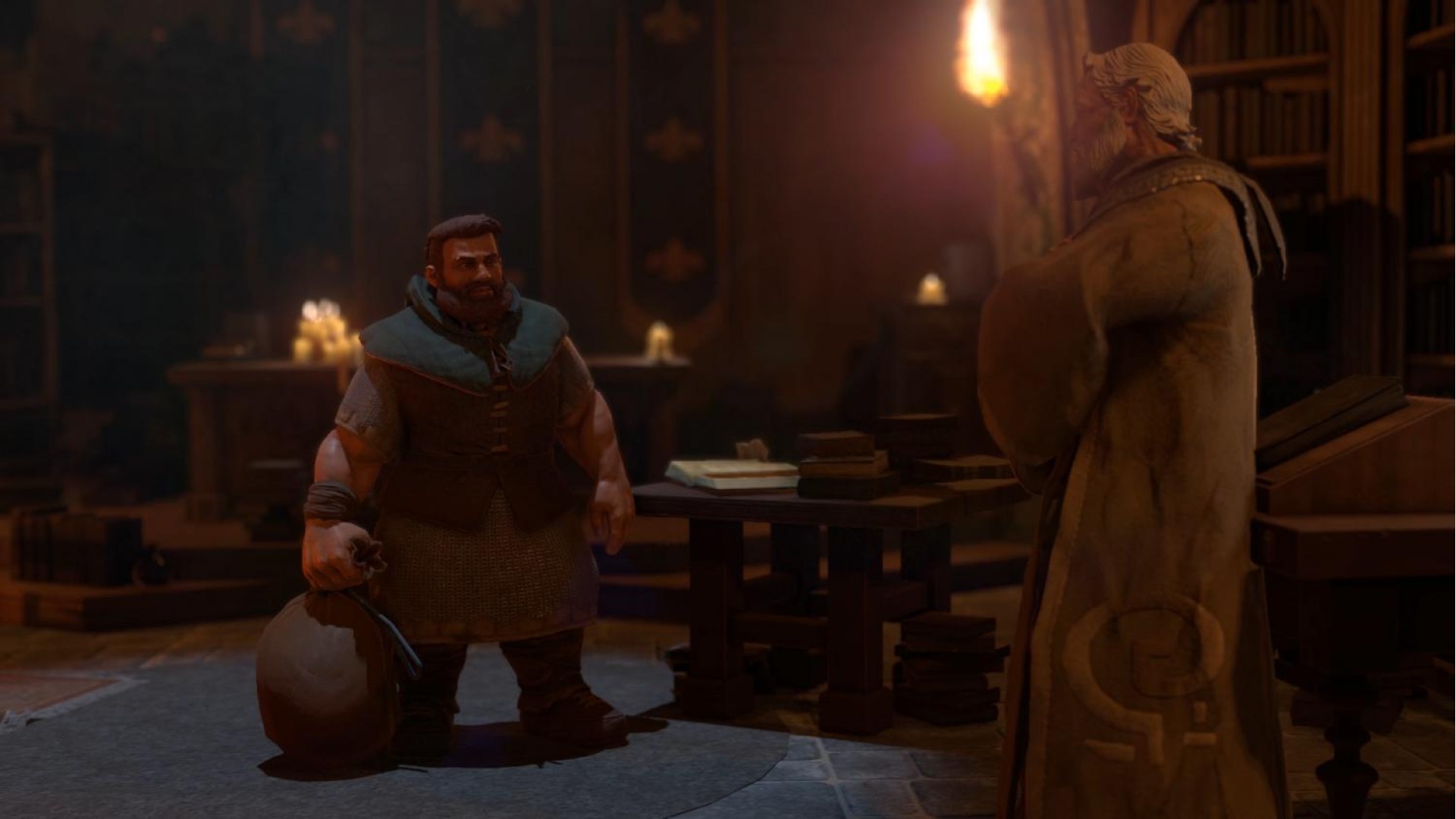
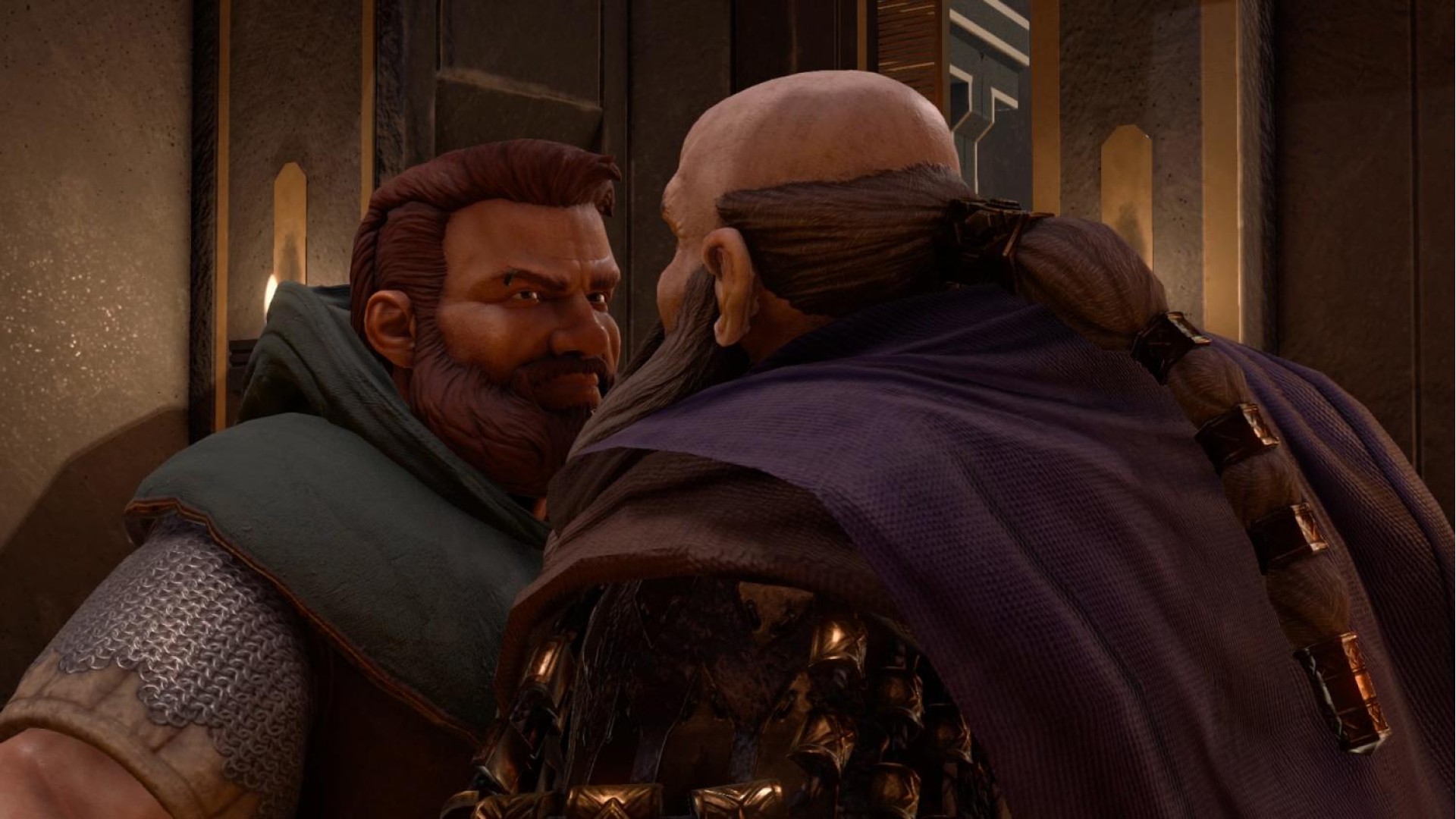
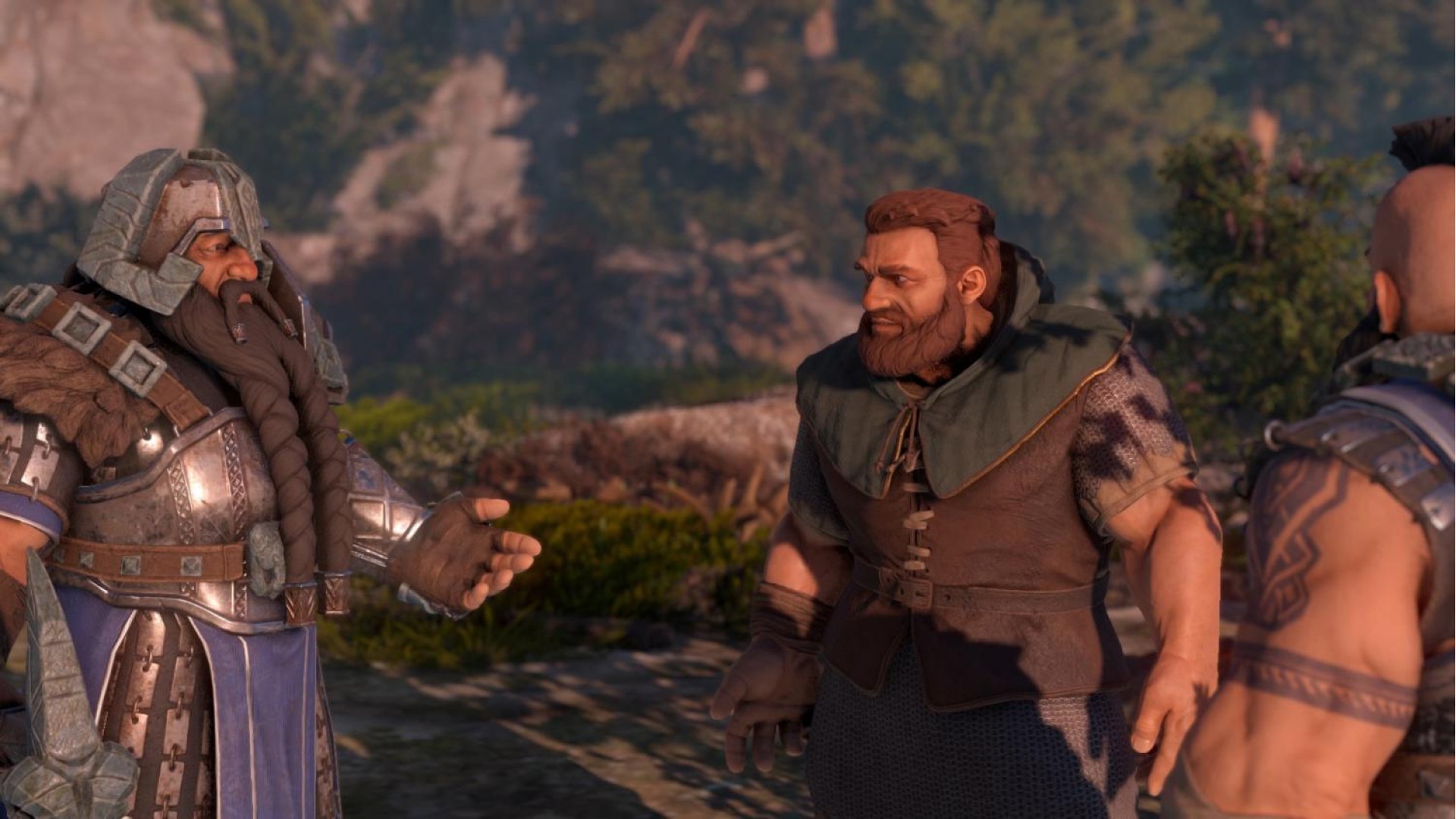
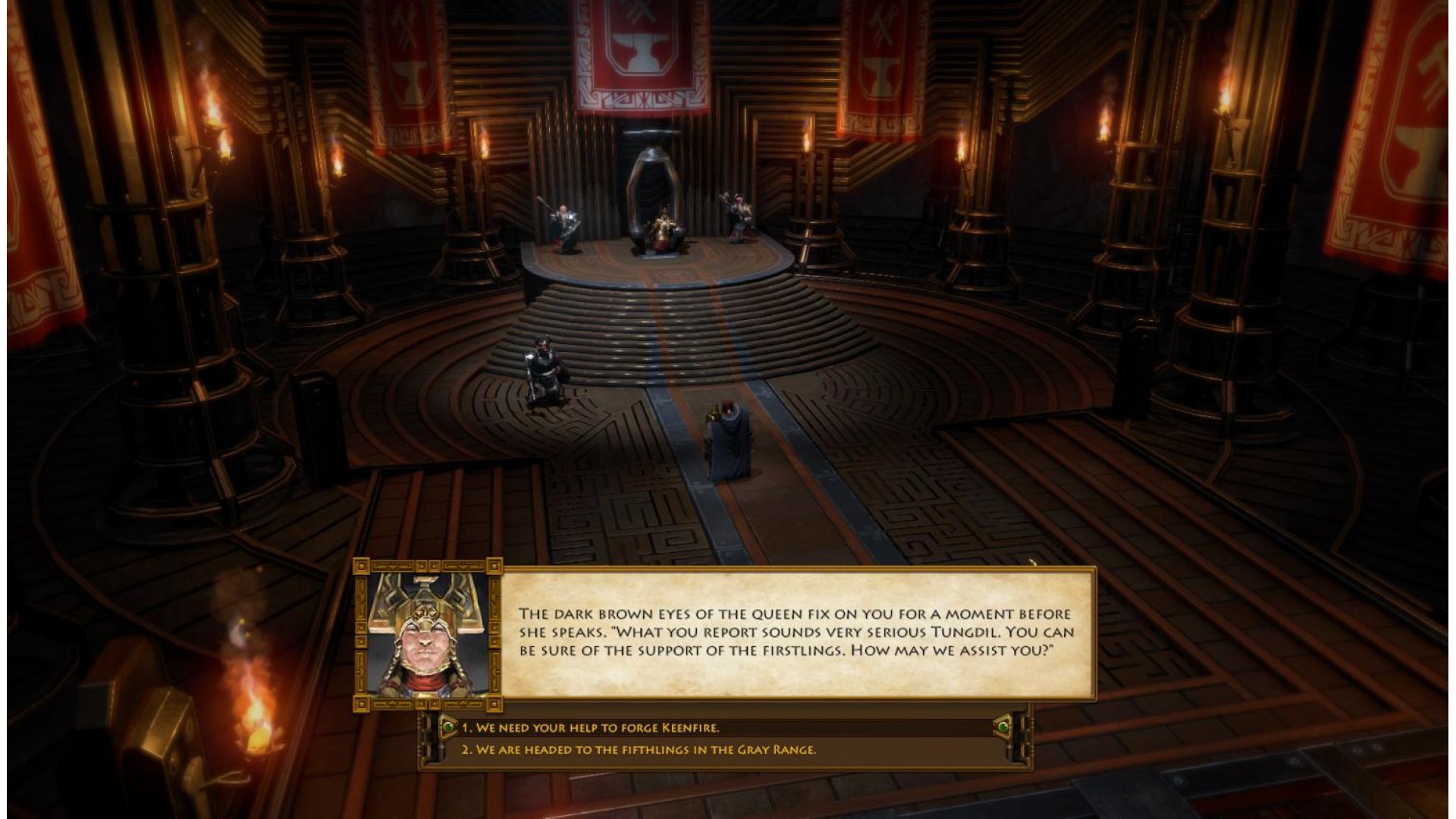
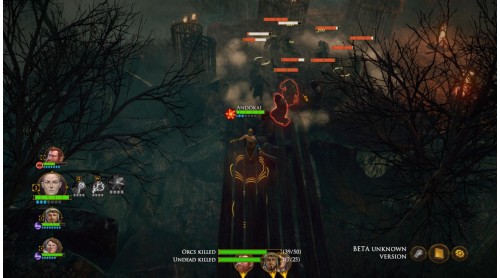
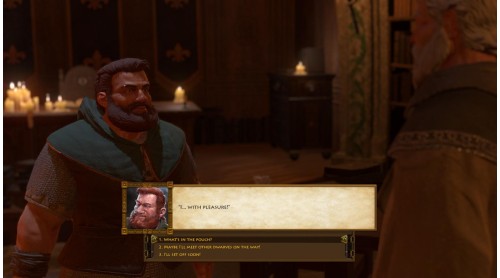
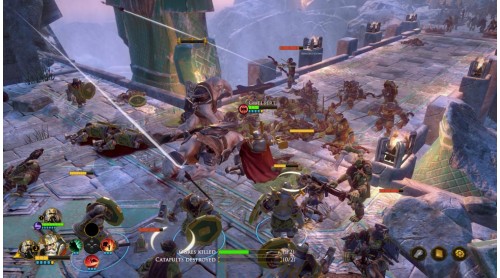
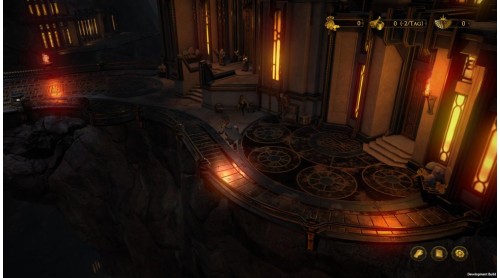
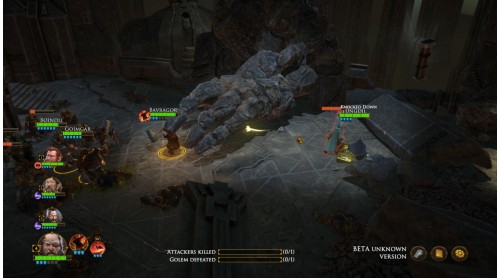
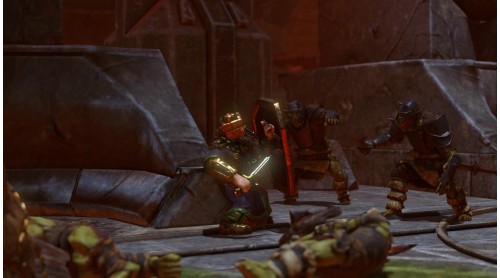
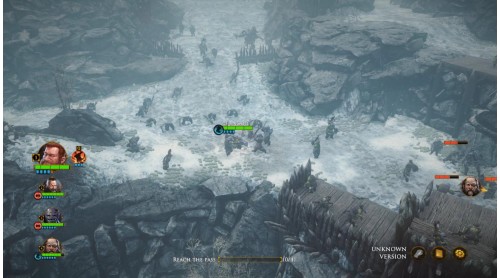
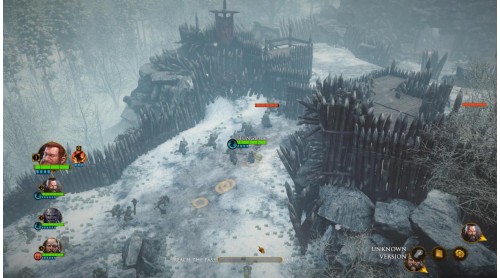
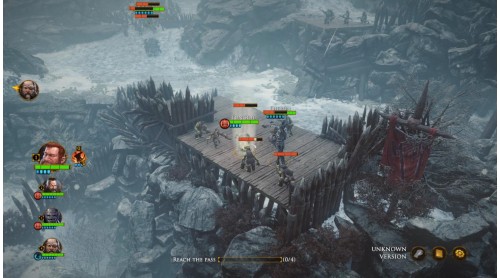
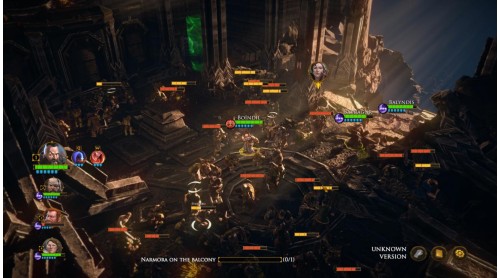
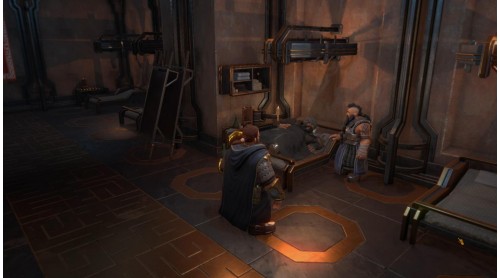
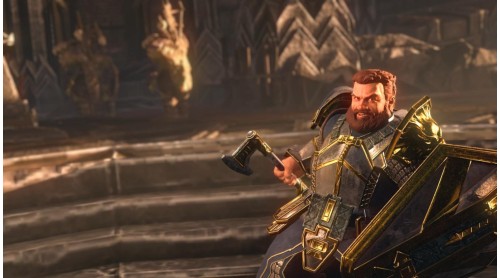
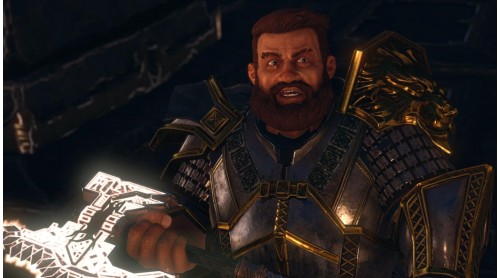
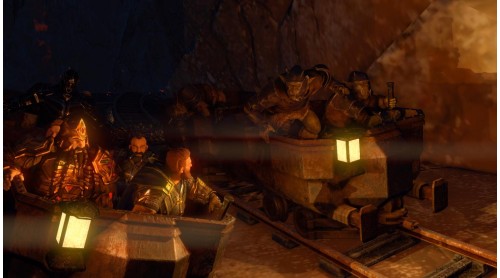
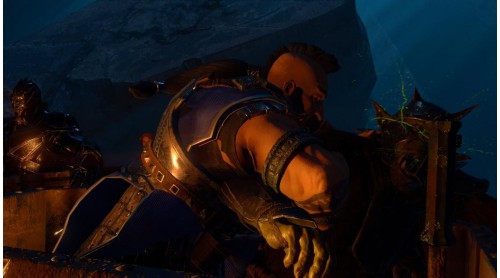
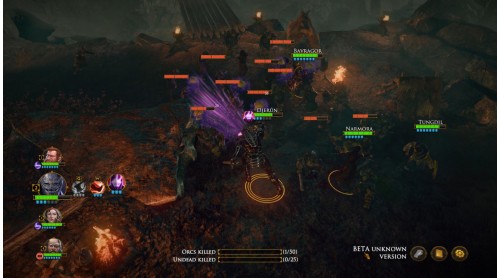
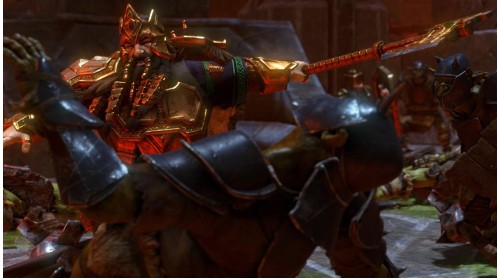
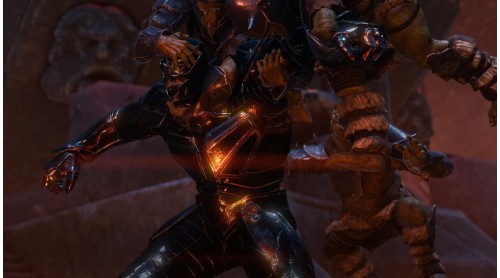
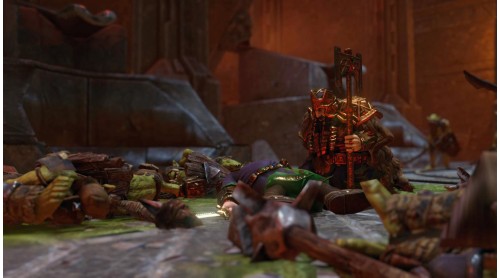
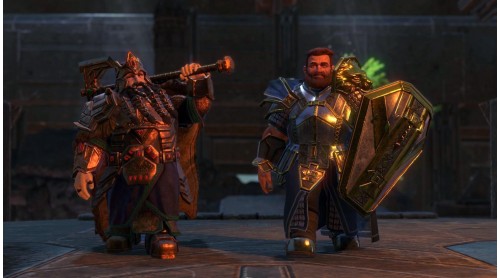
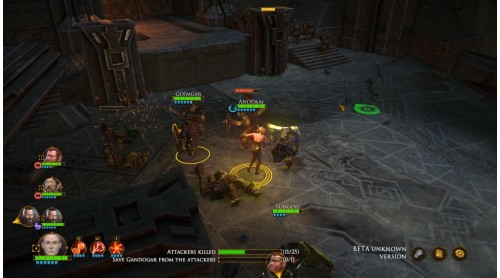
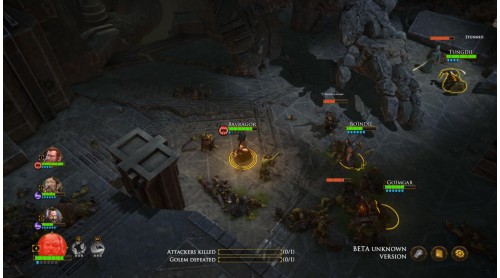
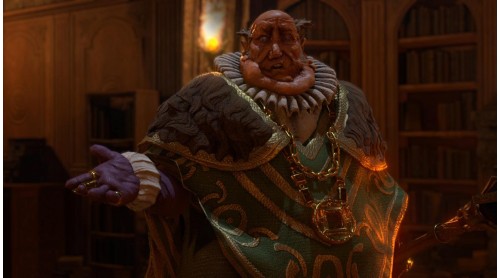
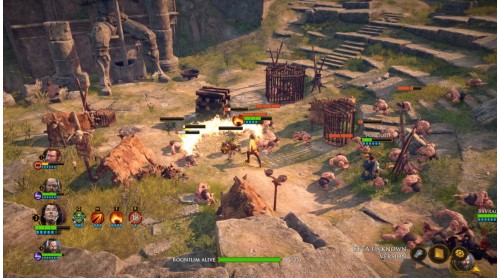
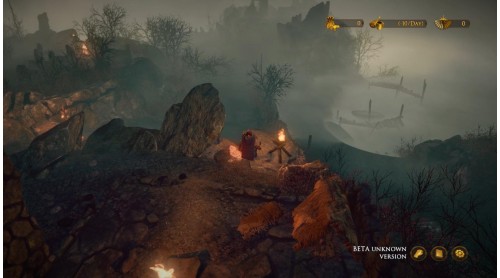
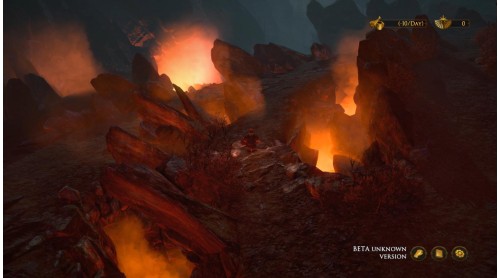
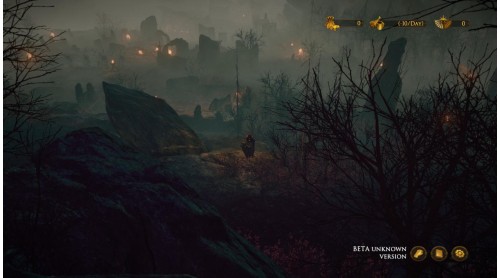
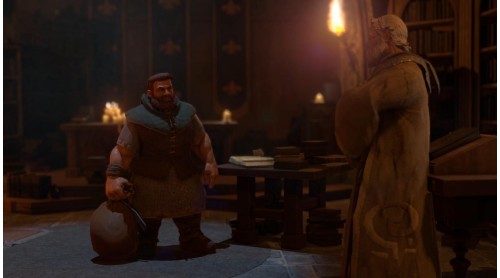
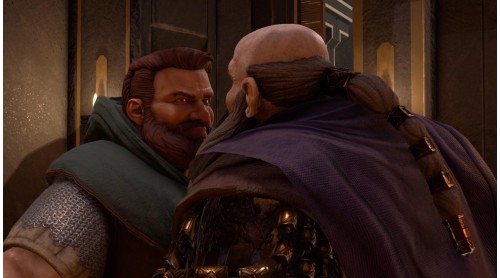
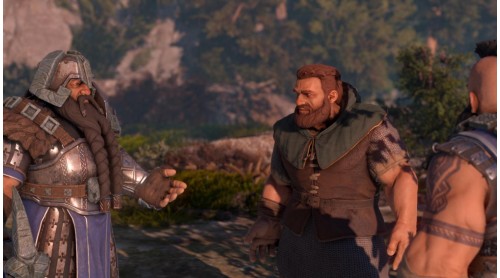
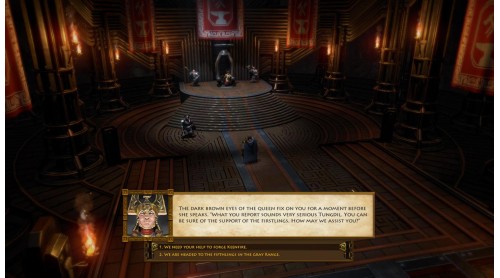
The Dwarves is a fantasy role-playing game with a strong story and tactically challenging real-time battles. 15 playable heroes, each with individual skills, are to be deployed cleverly. Take on superior numbers of orcs, ogres, älfs, bögnilim, zombies, dark mages and many more foes, to give them the low-down.
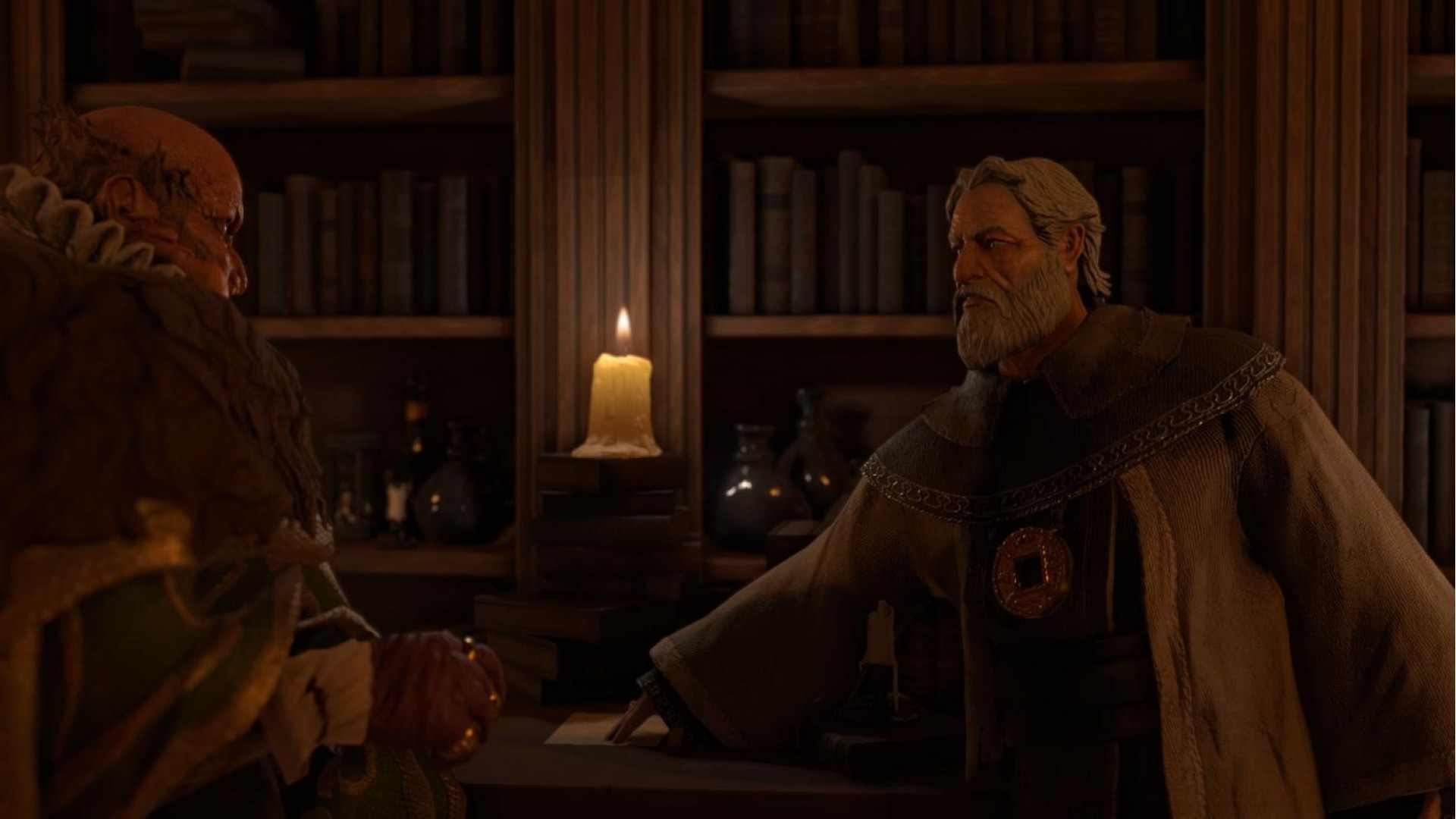
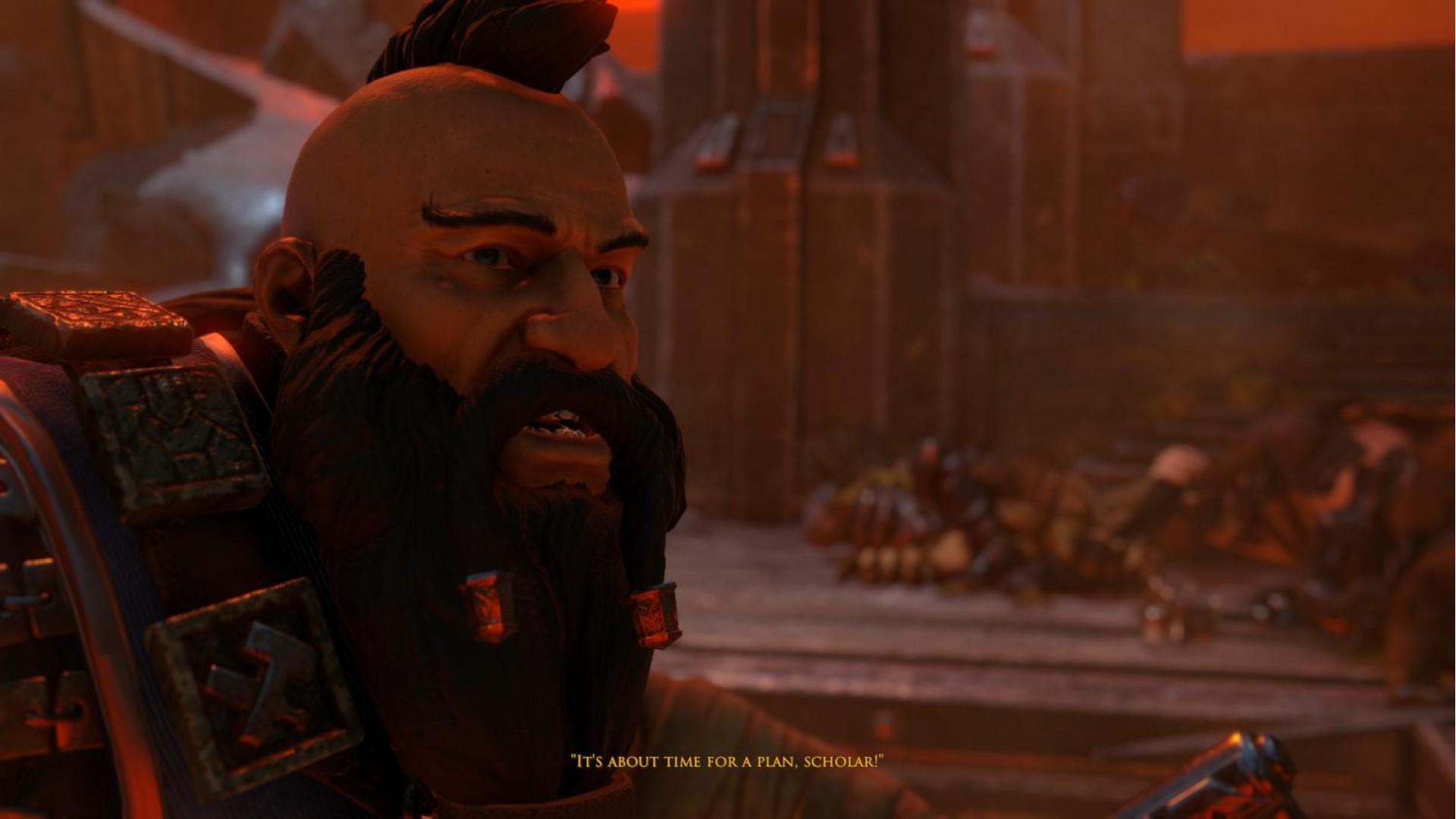
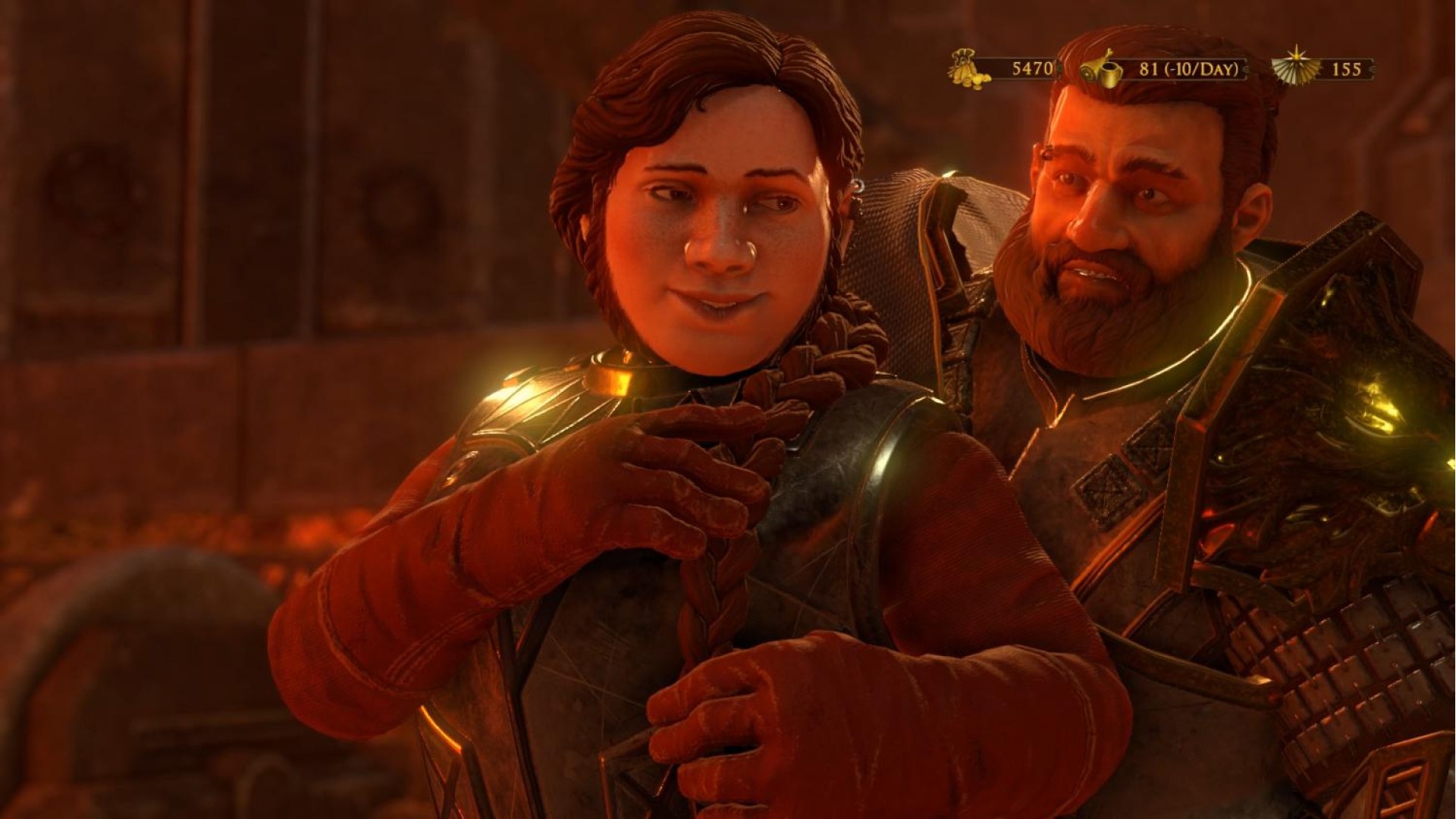
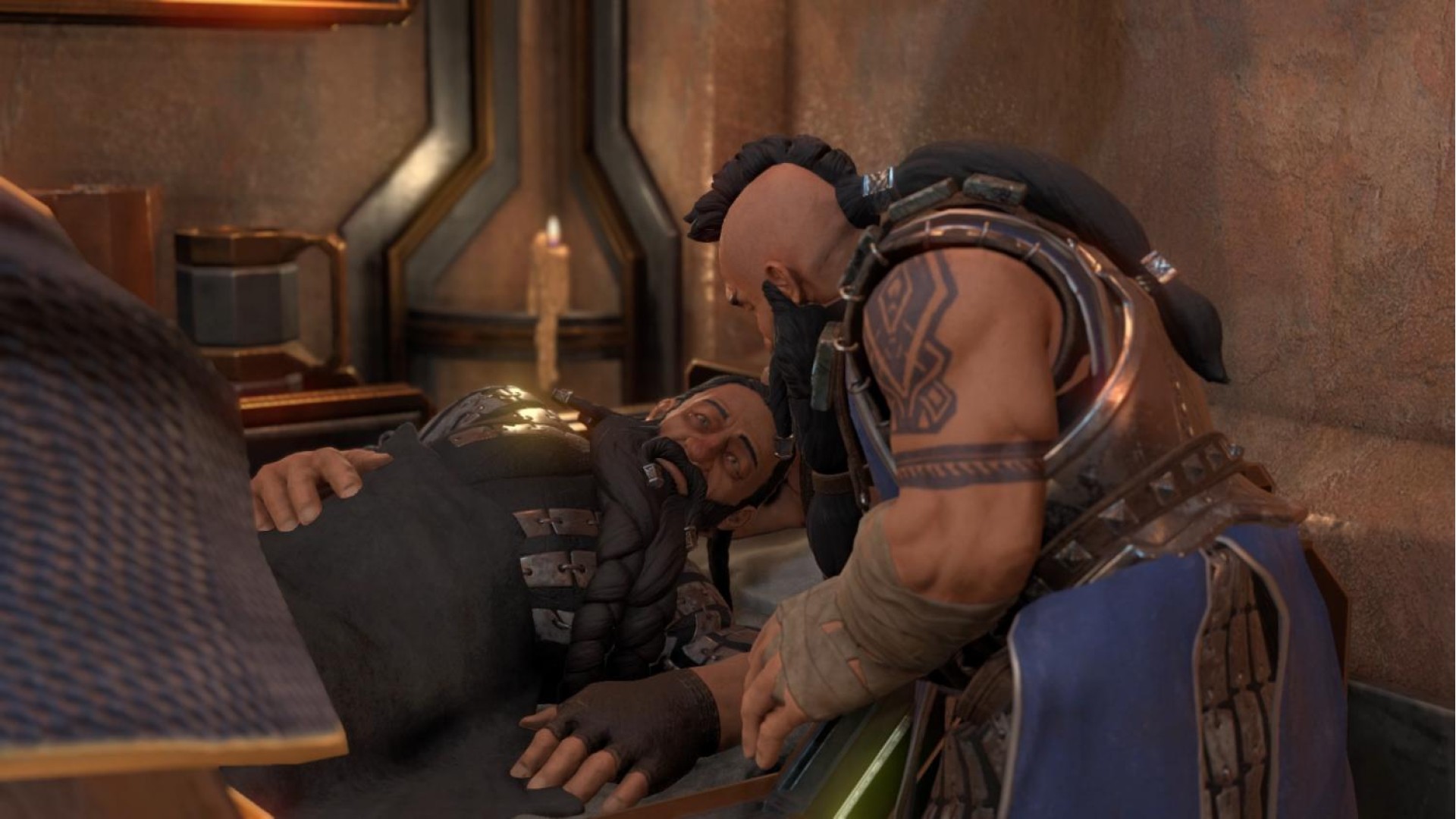
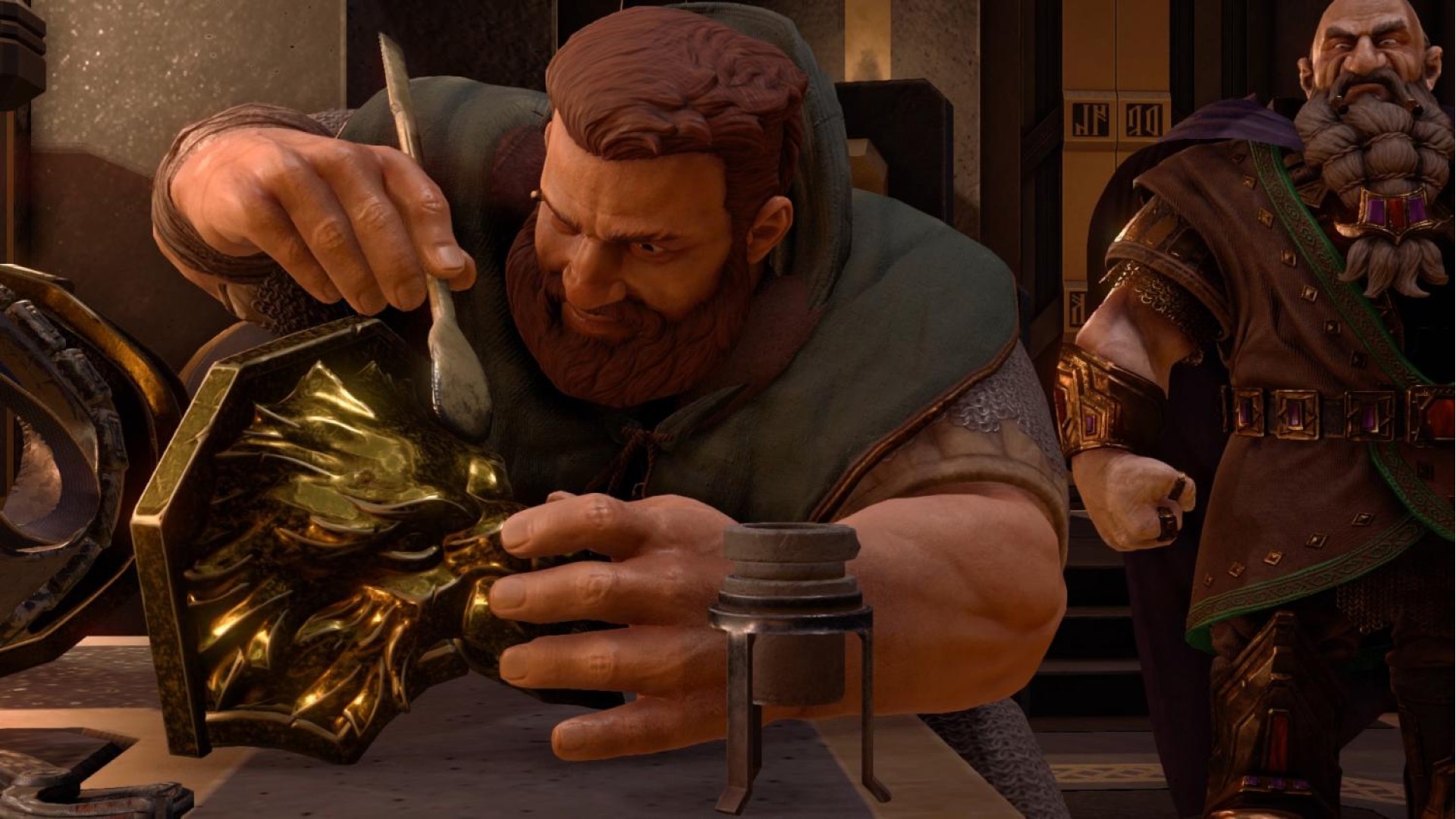
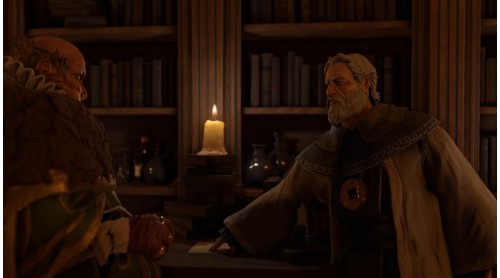
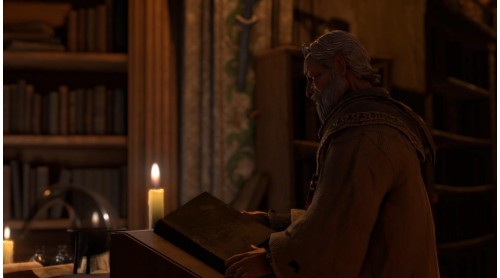
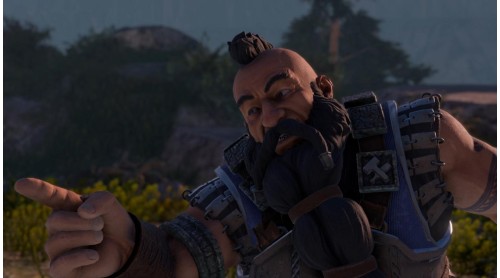
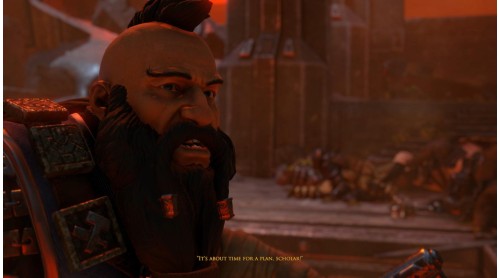
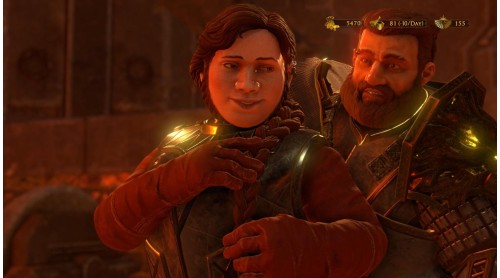
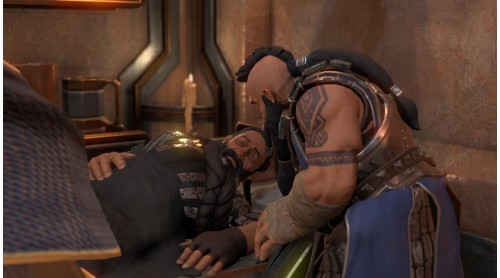
Based on the bestselling novel “The Dwarves” by Markus Heitz you’ll experience a fascinating tale revolving around the coolest fantasy race ever: The Dwarves!
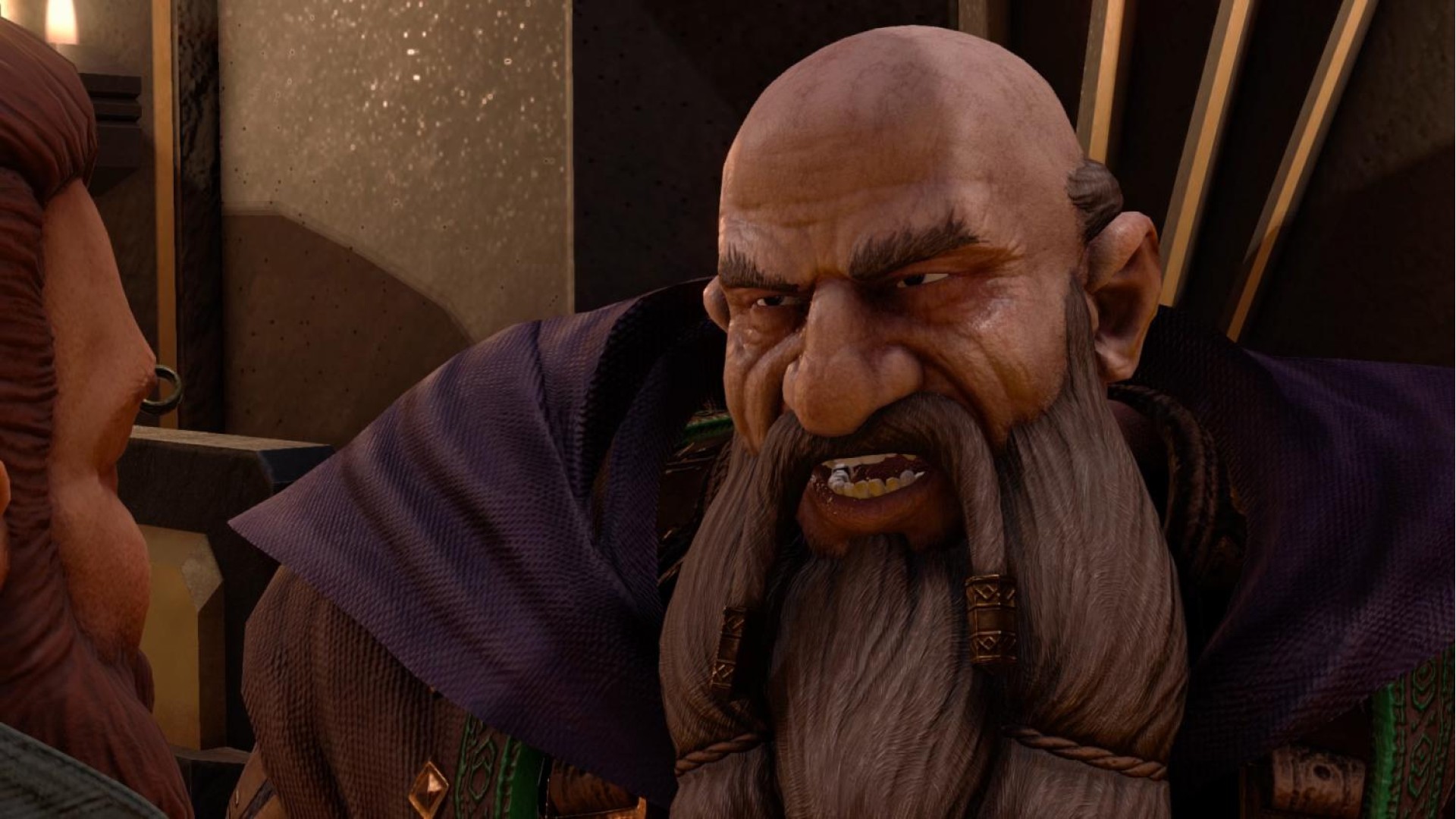
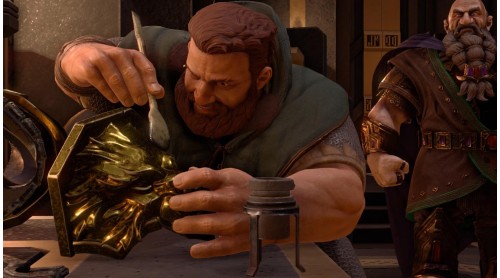
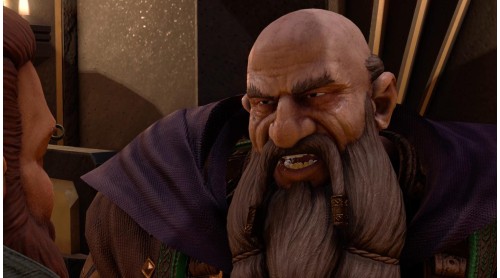
Dwarves! Finally the coolest fantasy people are in the spotlight. The NPC days of the bearded axe-wielders are over – the age of the dwarves has come!
© 2016 KING Art Games
The Dwarves (Game), the The Dwarves logo and the KING Art Games are trademarks of KING Art Games. The Dwarves is a Trademark of Markus Heitz. Published & Distributed by THQ Nordic GmbH, Austria. All other brands, product names and logos are trademarks or registered trademarks of their respective owners. All rights reserved.


How to activate your Steam key?
1. Open your Steam client. (If you don't have a Steam Client, you can install from here https://store.steampowered.com/about/)
2. Sign in to your Steam account. (If you don't have a Steam Account, you can create from here https://store.steampowered.com/join/)
3. Click “ADD A GAME” button which is at the bottom of the Steam Client.
4. Now select "Activate a product on Steam..."
5. Write or copy-paste your Steam key which you purchased from Gamesforpc.
6. Now your game is in your library.
7. Find your game in your library, select and click install to start your download.