


 Steam
Steam  Windows
 | Release Date | 01.02.2026 |
| Publisher | KMBOX |
| Operating Systems | Windows |
| Genres | Action |
9.75€
Added to Cart
9.75€
Added to Wishlist
9.75€
Fire the Cannon Shot!
It's the evolution of eccentric Japanese-style shooter!
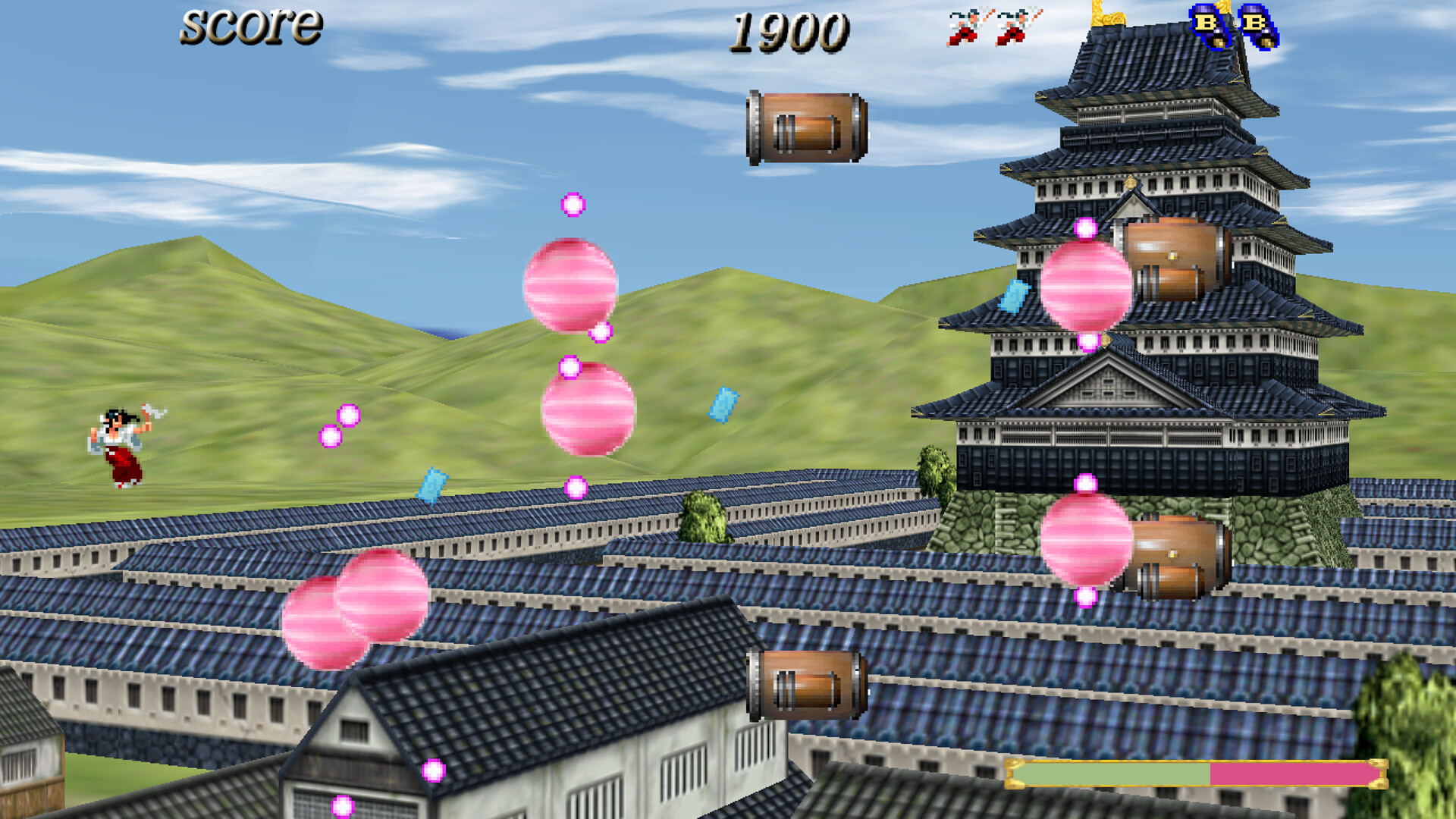
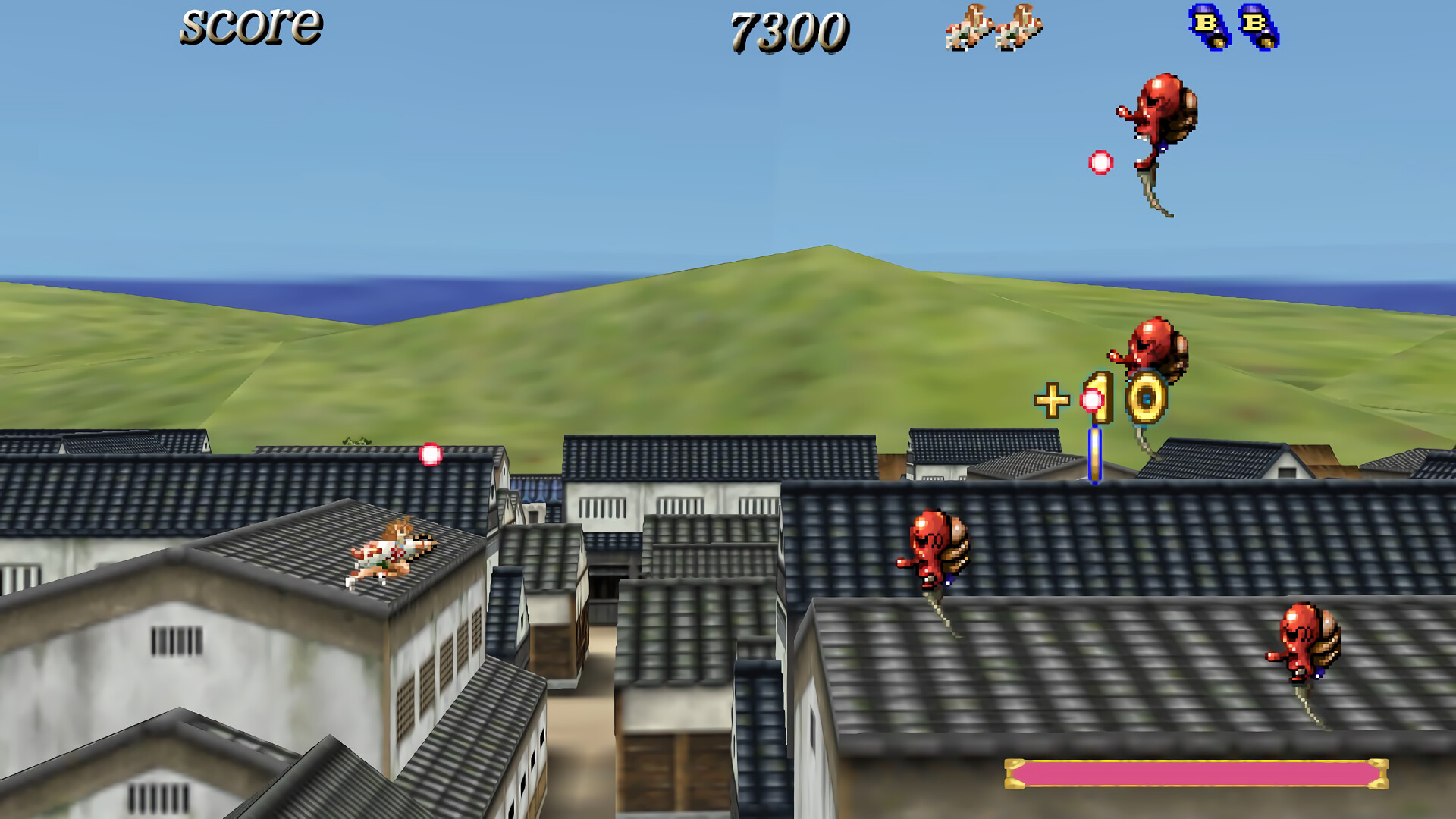
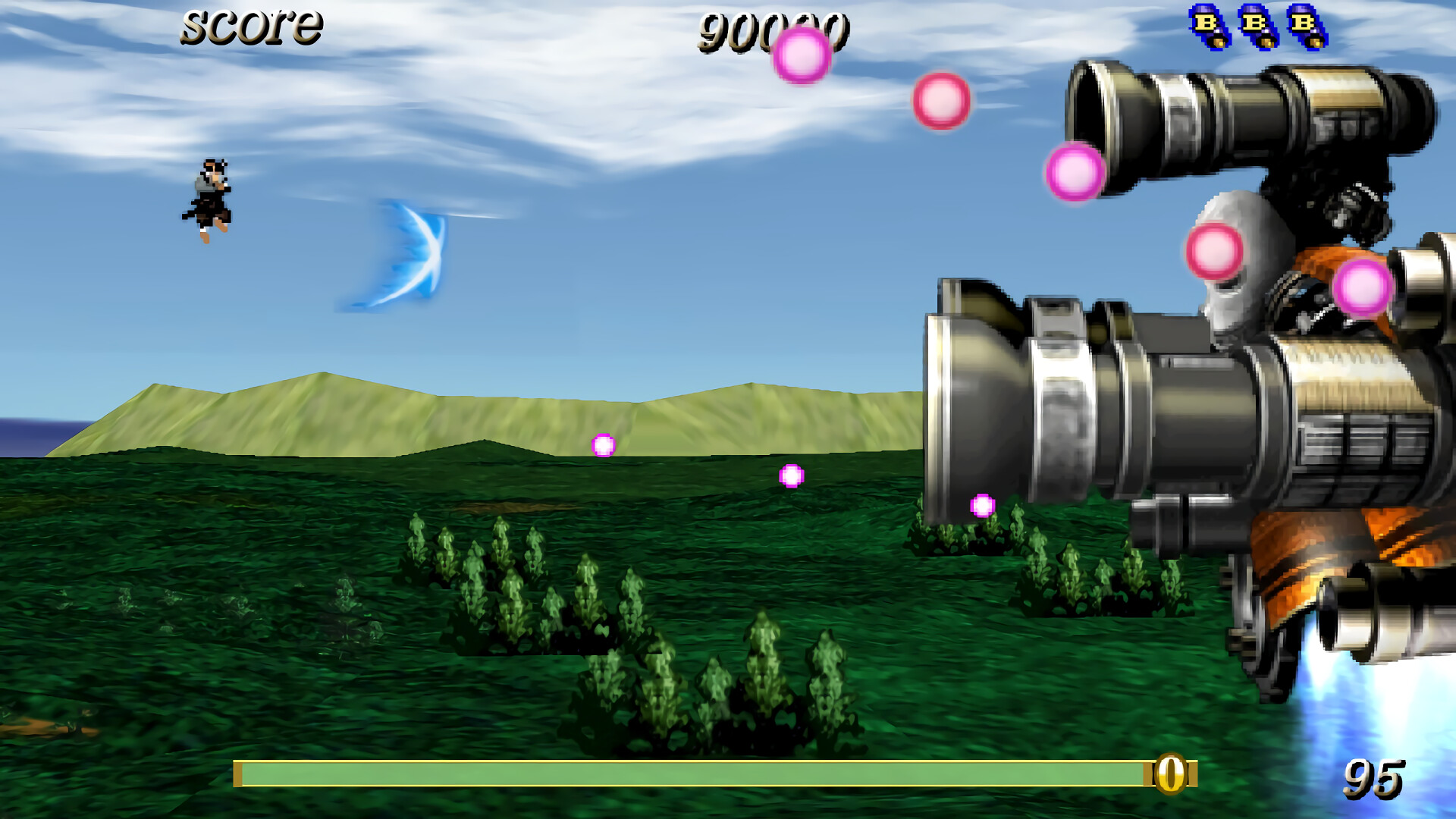
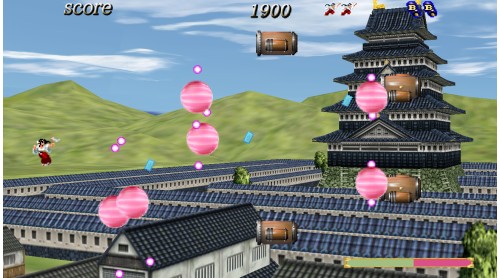
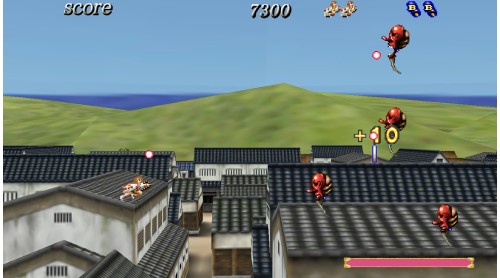
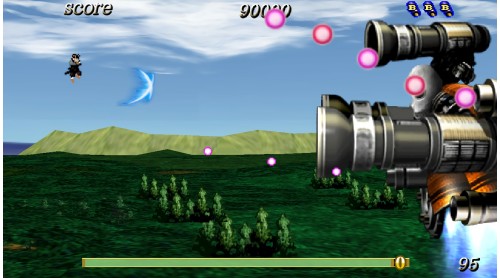
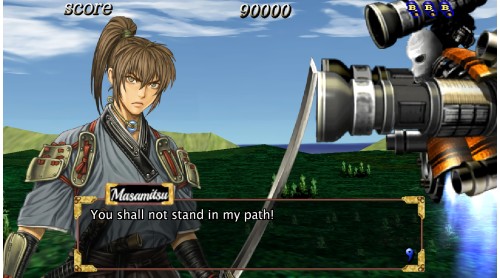
Sengoku Cannon is a horizontal-scrolling shooter game that first appeared in 2005.
The most unique feature is
that the score multiplier jumps
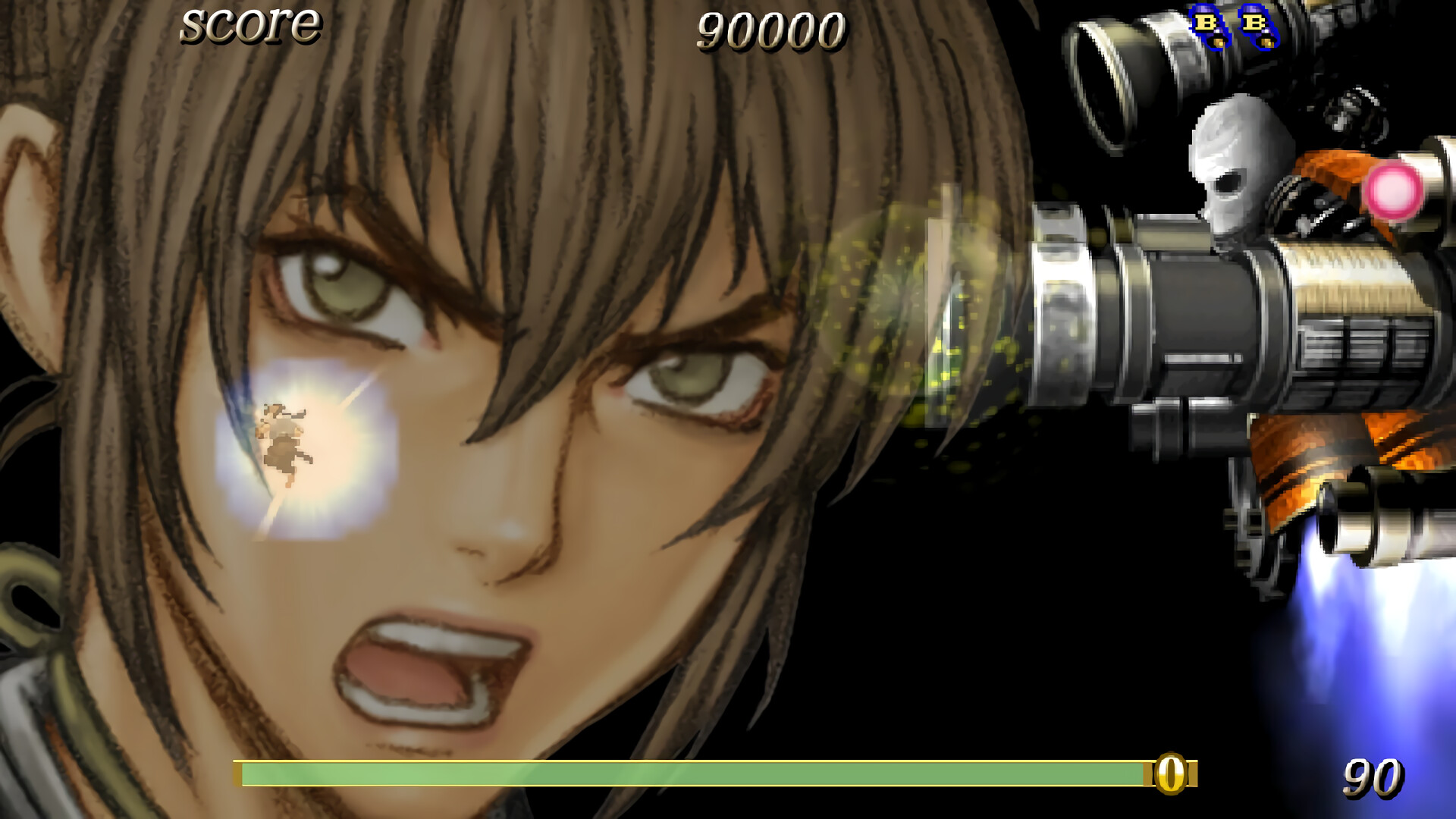
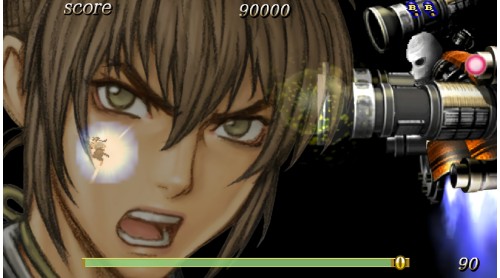
when you take down an enemy with the Cannon Shot.
Try an exciting score attack!
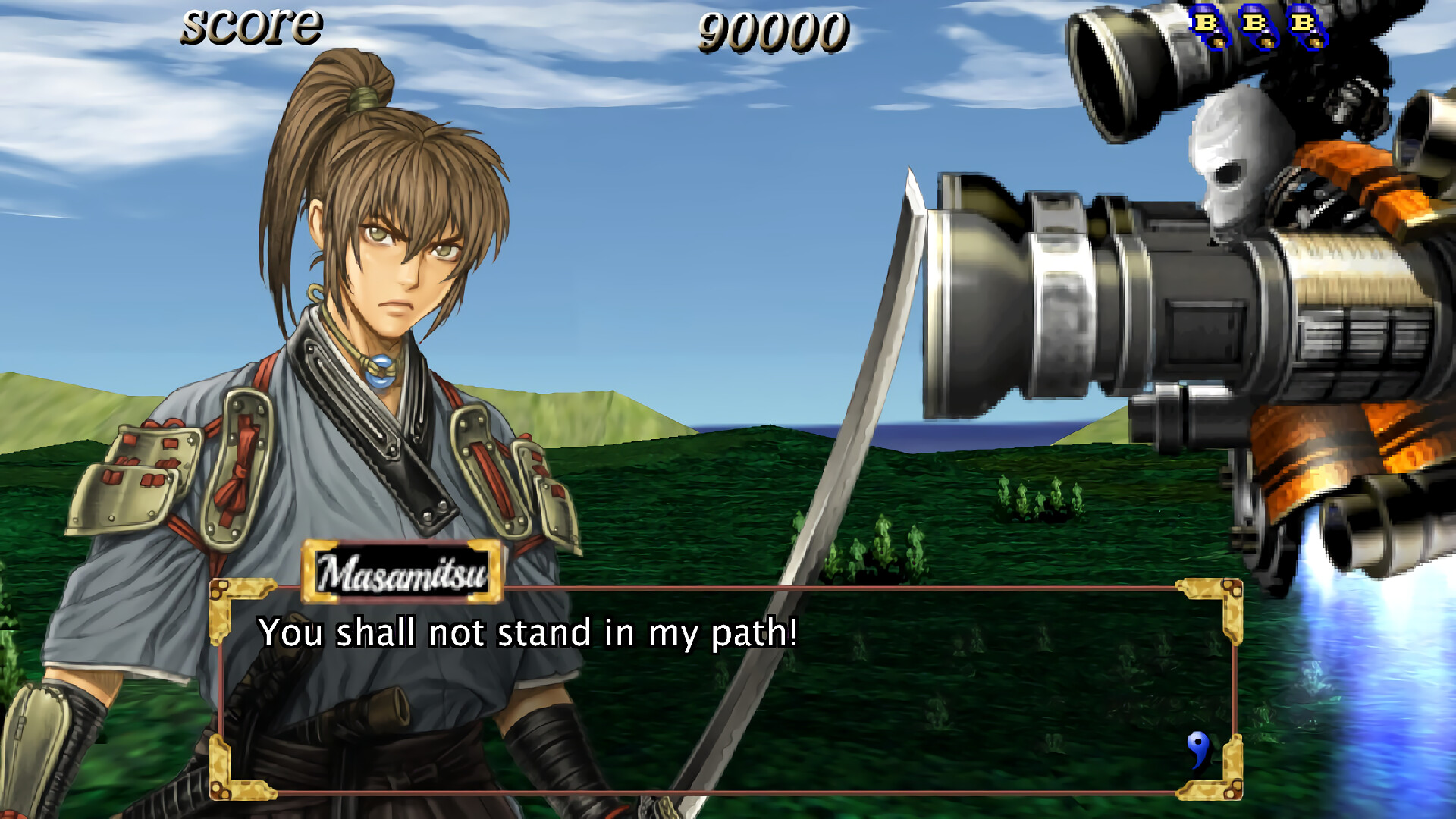
Also, the storyline is dramatic for each character.
You can set the difficulty level, life, number of continues, controls, and more.
In PRACTICE mode, you can choose the difficulty and stage.
It supports both beginners and experts.
In addition, now we have online rankings!
Be the world's best Samurai Ace!
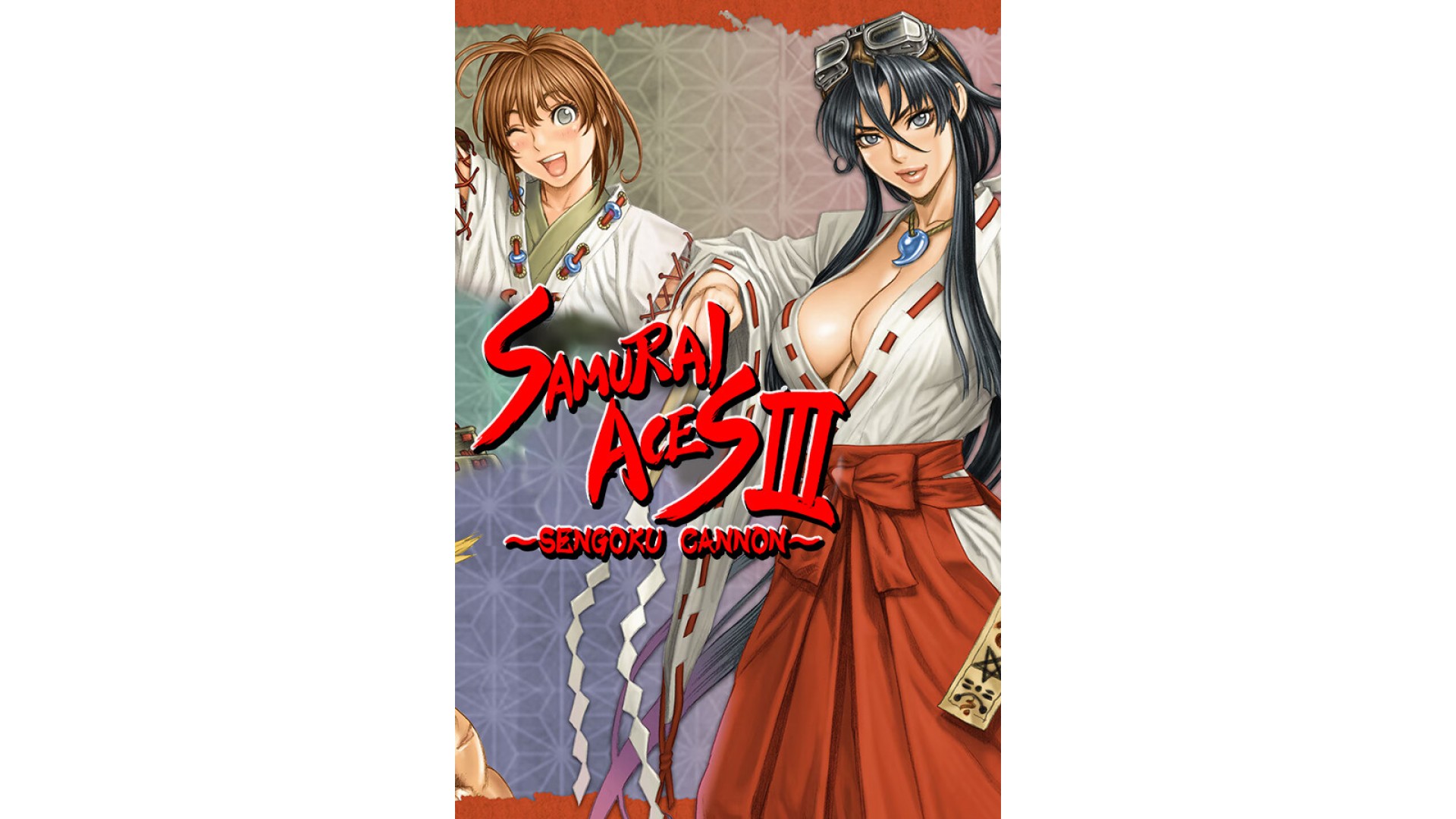
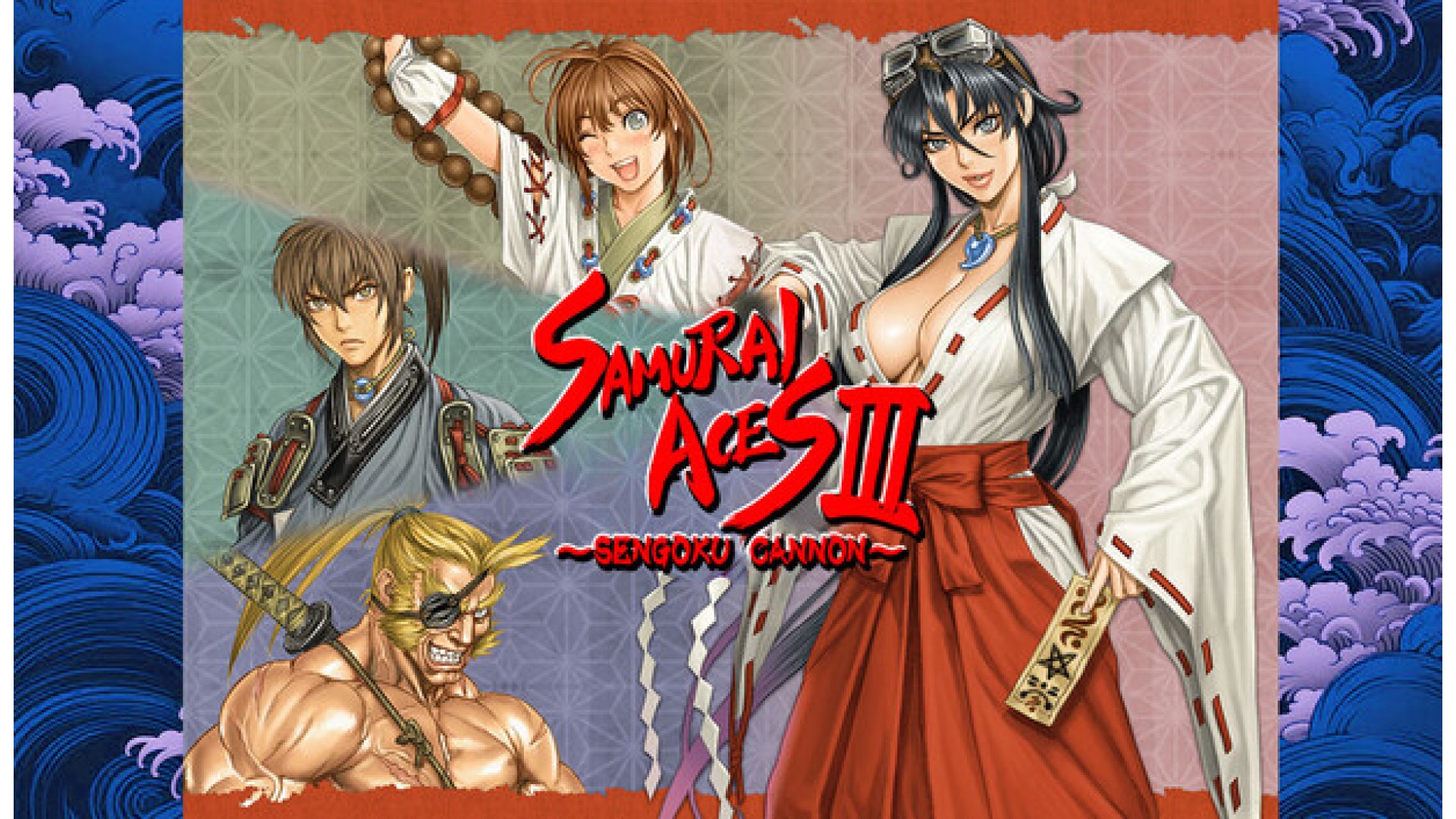
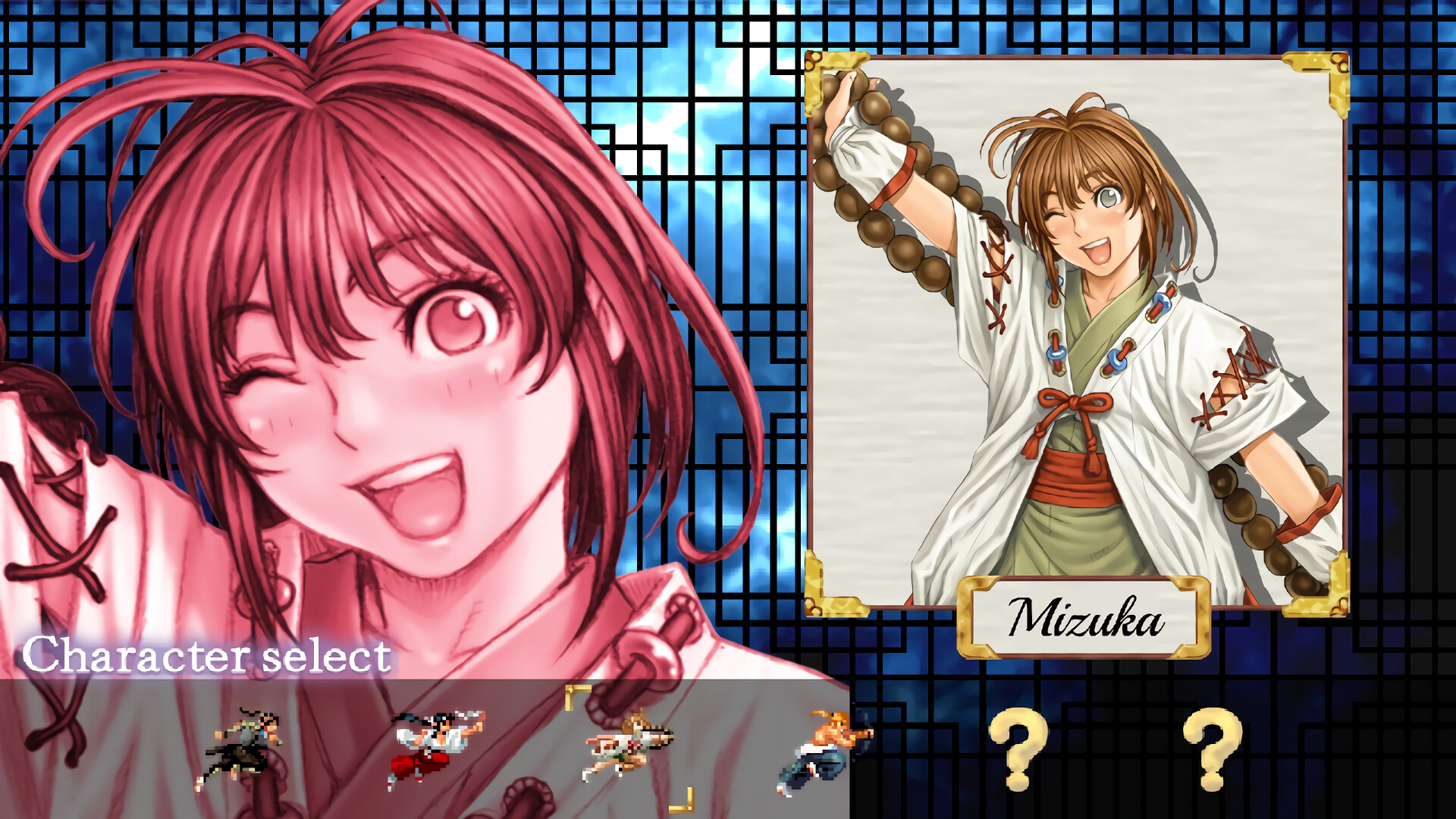
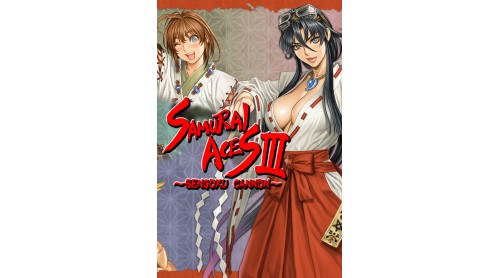
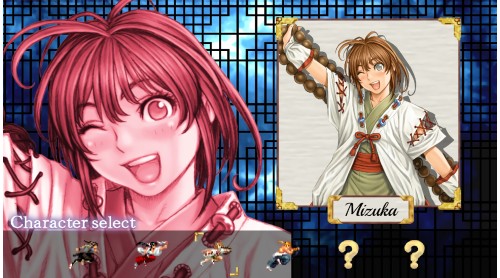
Save the princess "Masamitsu"
Rampaging maiden "Koyori"
One-eyed samurai "Ayin"
Wandering girl "Mizuka"
Turbo monk "Tengai"
Blonde ninja girl "Junis"
Power up with "P" items.
Get bombs with the "B" item to wipe out enemy bullets and evade your foes!
Master the "Charge Shot" and the "Cannon Shot"!
Select the screen filter from the normal +2 version.
You can set the number of lives from 1 to 9 and the number of continues from 0 to unlimited.
Assign "Shot", "Auto Shot" and "Bomb" in the key configuration.
This is a new feature that has a very severe mode with a fixed difficulty level and number of lives.
Compete in high scores and score attacks against players from all over the world!
Online rankings can be viewed from the options menu.


How to activate your Steam key?
1. Open your Steam client. (If you don't have a Steam Client, you can install from here https://store.steampowered.com/about/)
2. Sign in to your Steam account. (If you don't have a Steam Account, you can create from here https://store.steampowered.com/join/)
3. Click “ADD A GAME” button which is at the bottom of the Steam Client.
4. Now select "Activate a product on Steam..."
5. Write or copy-paste your Steam key which you purchased from Gamesforpc.
6. Now your game is in your library.
7. Find your game in your library, select and click install to start your download.