 Steam
Steam  Windows
 | Release Date | 19.02.2026 |
| Publisher | Gamepires |
| Operating Systems | Windows |
| Genres | Action, Adventure, indie, massively multiplayer |
9.99€
7.99€
Added to Cart
9.99€
7.99€
Added to Wishlist
9.99€
7.99€
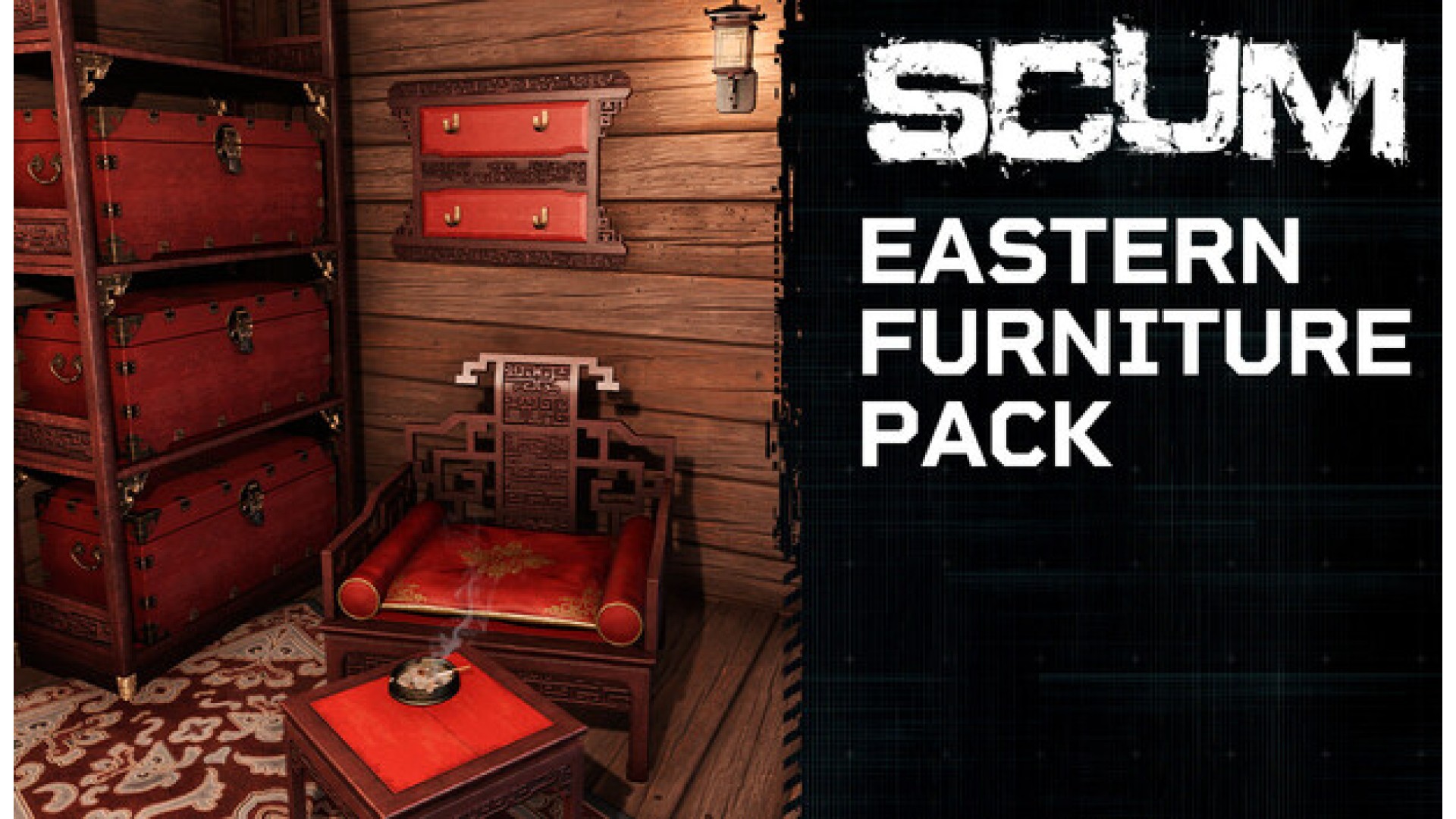
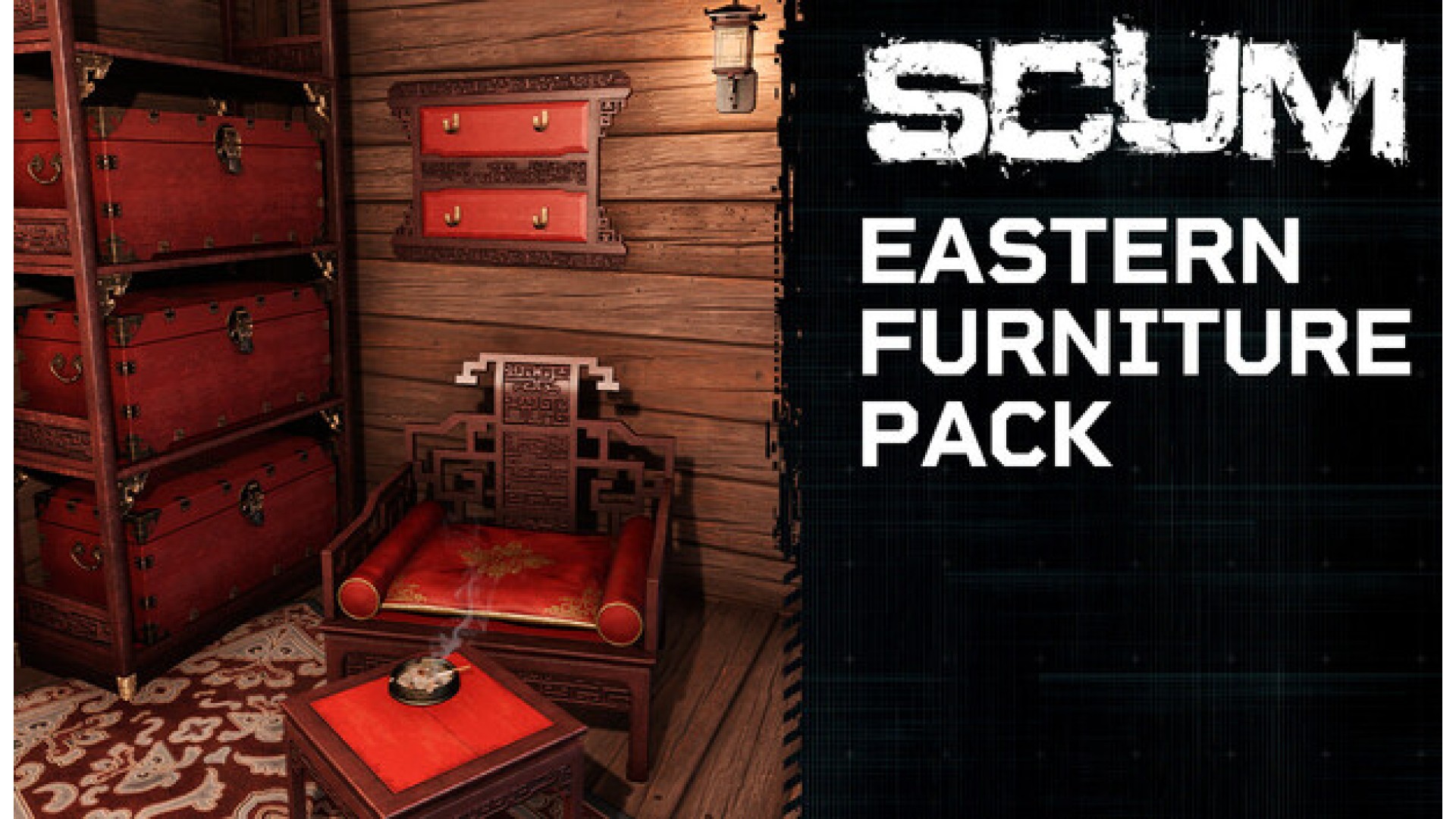
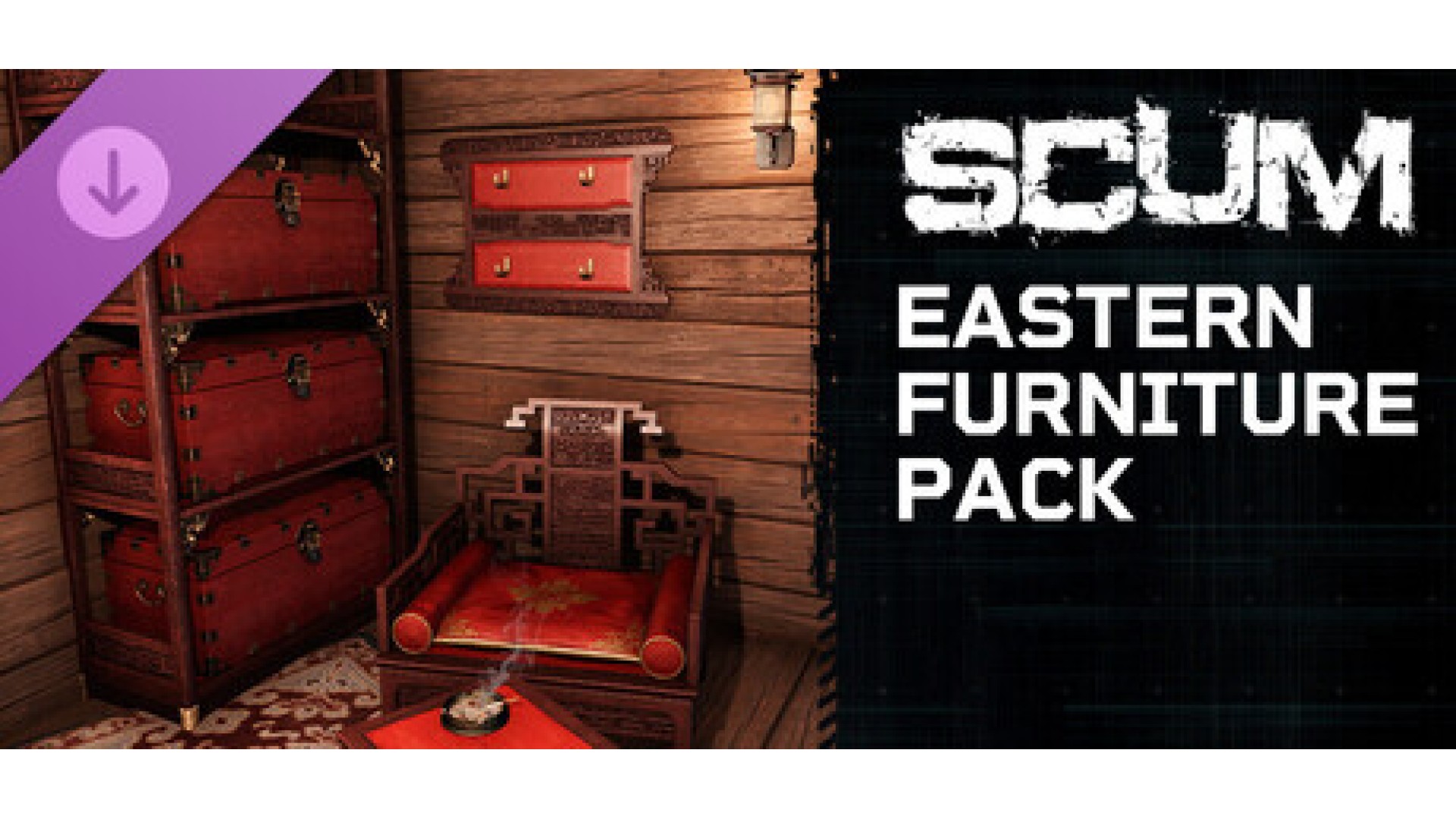
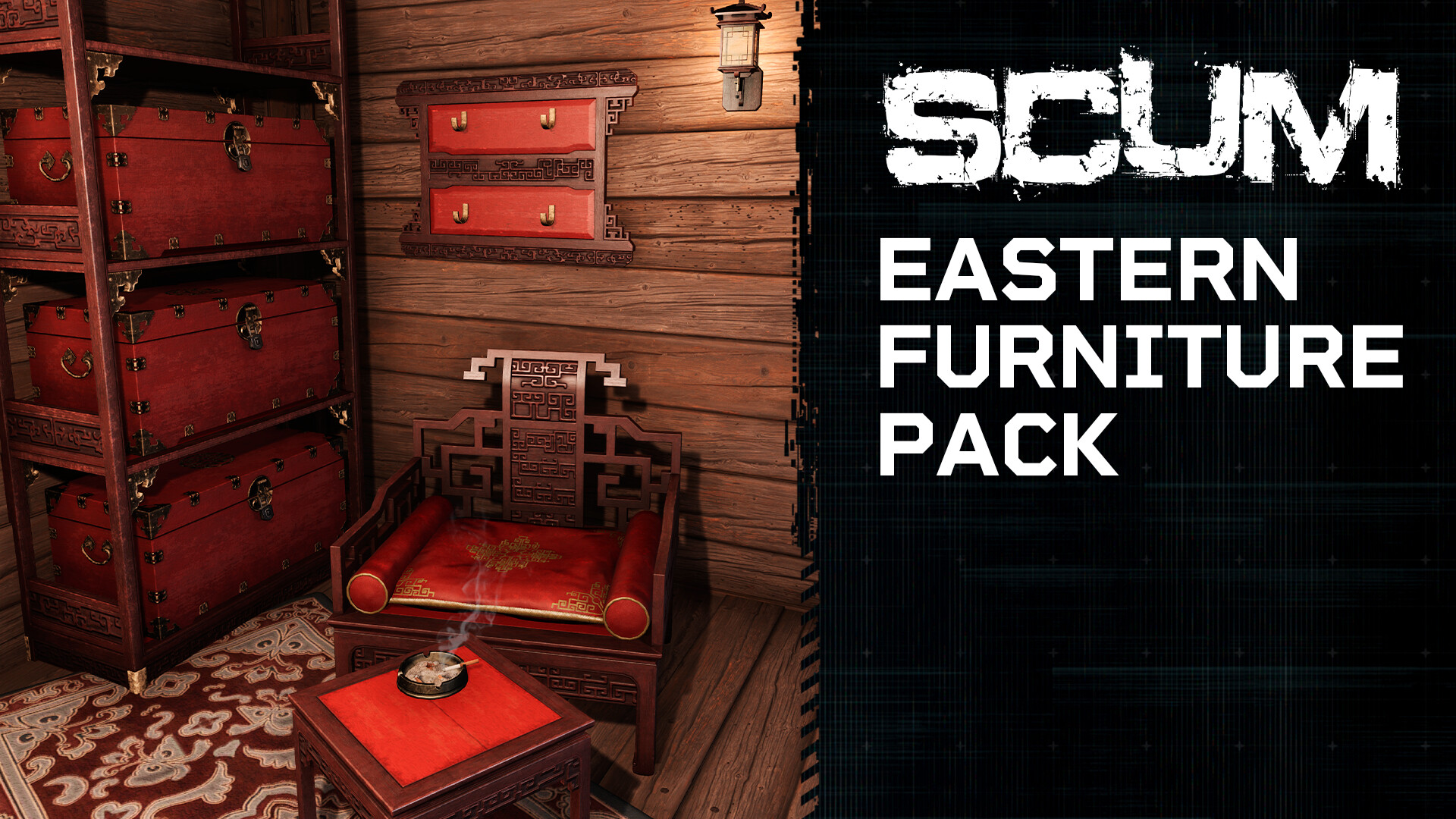
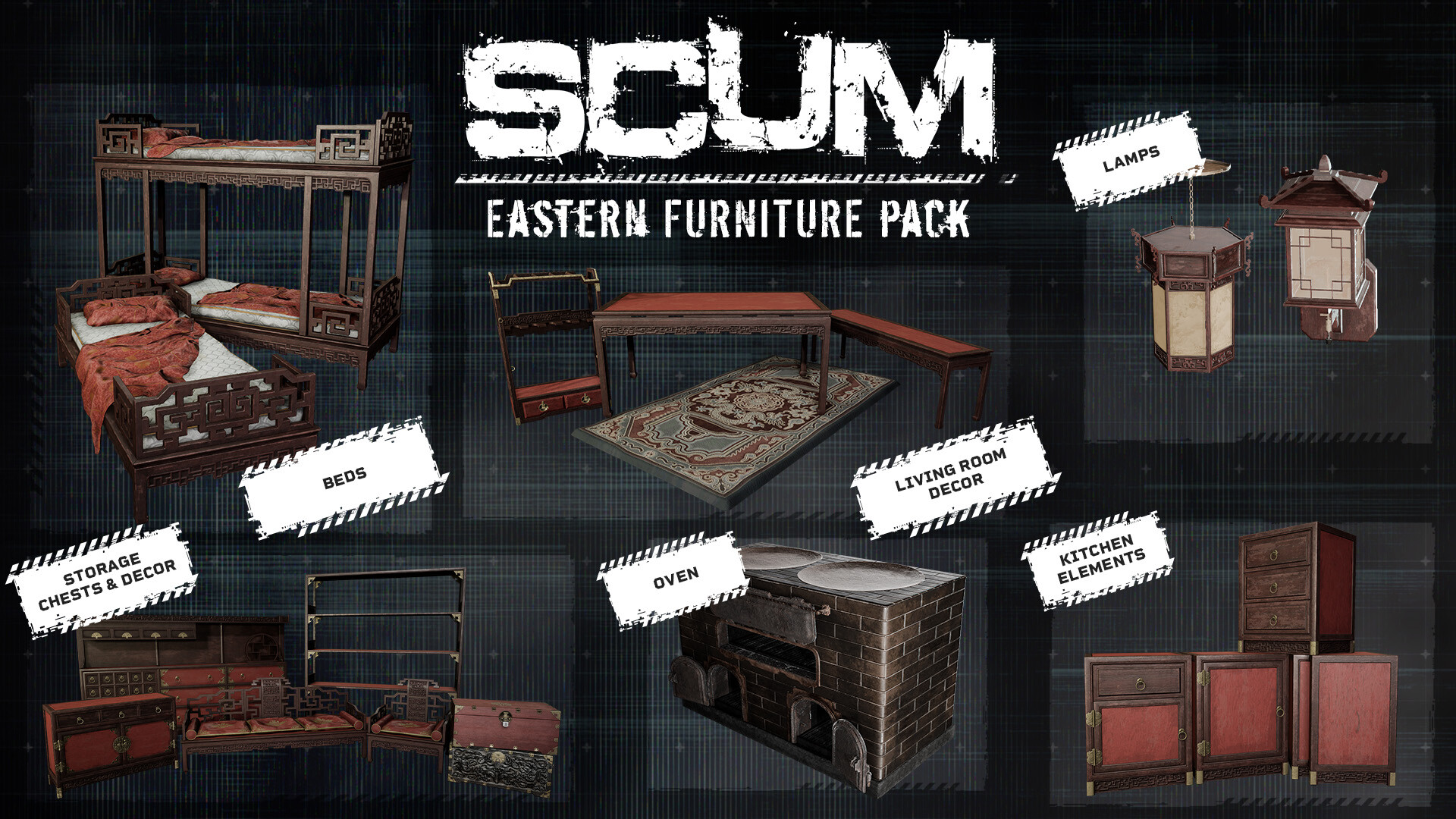
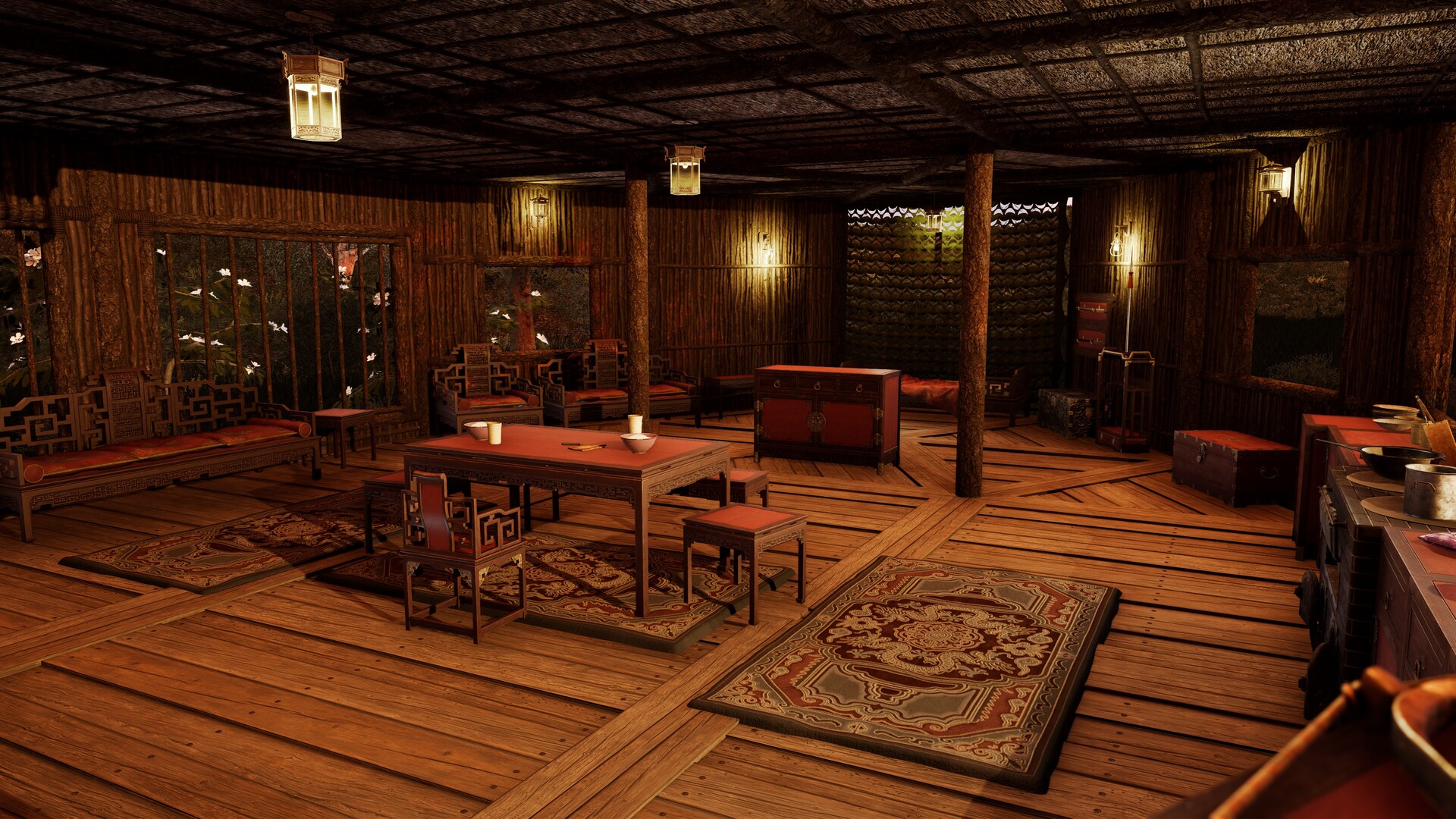
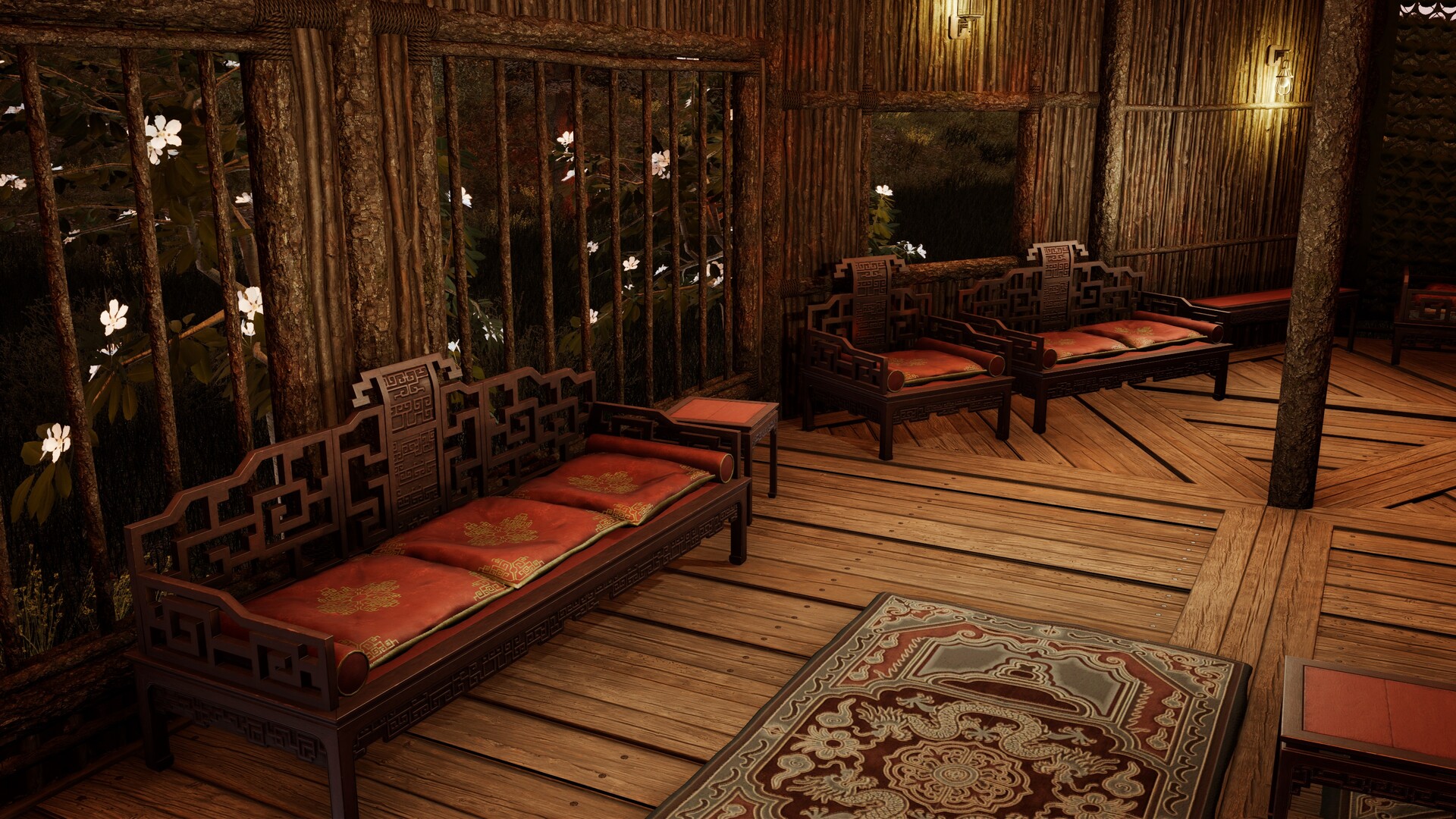
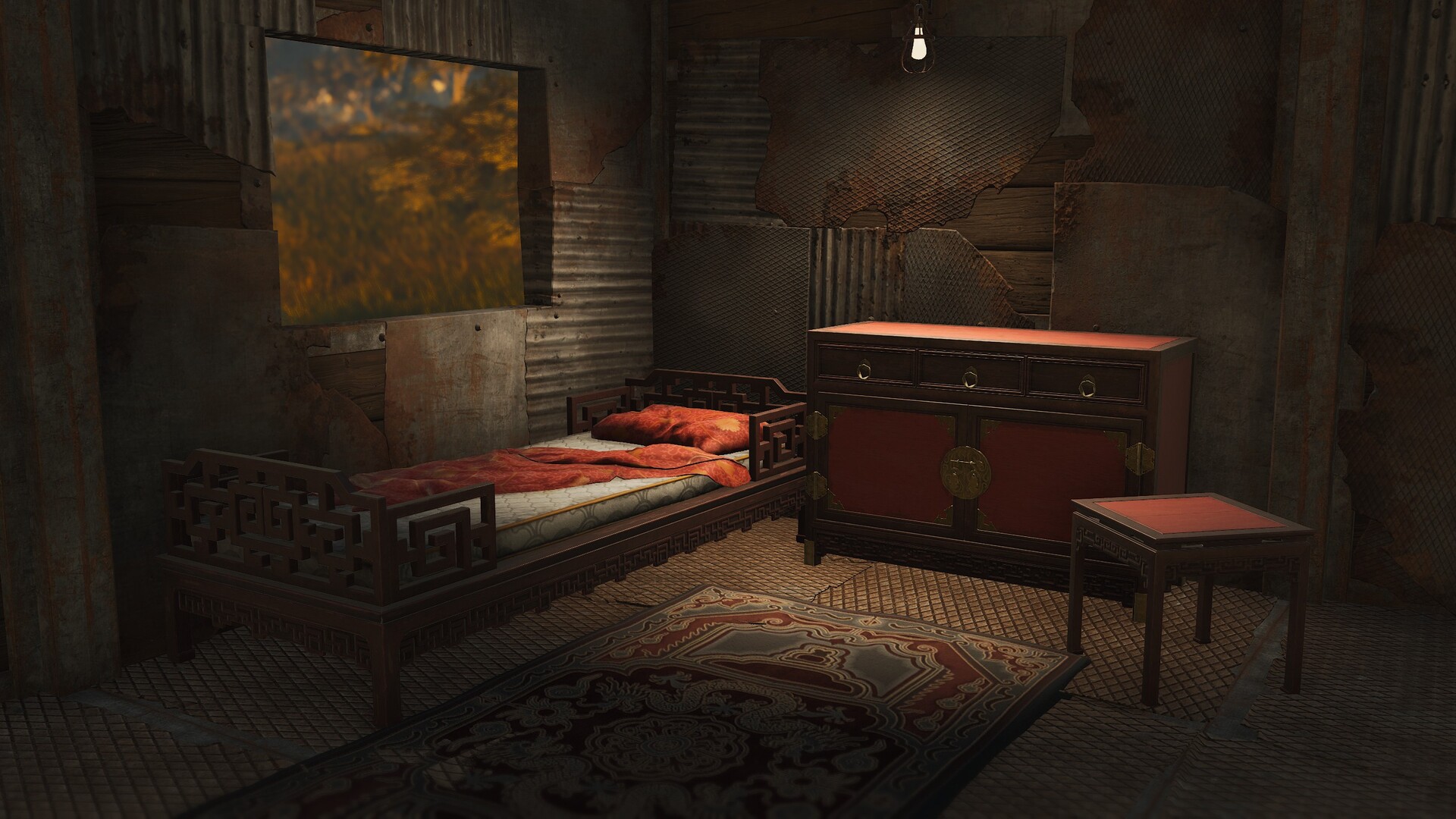
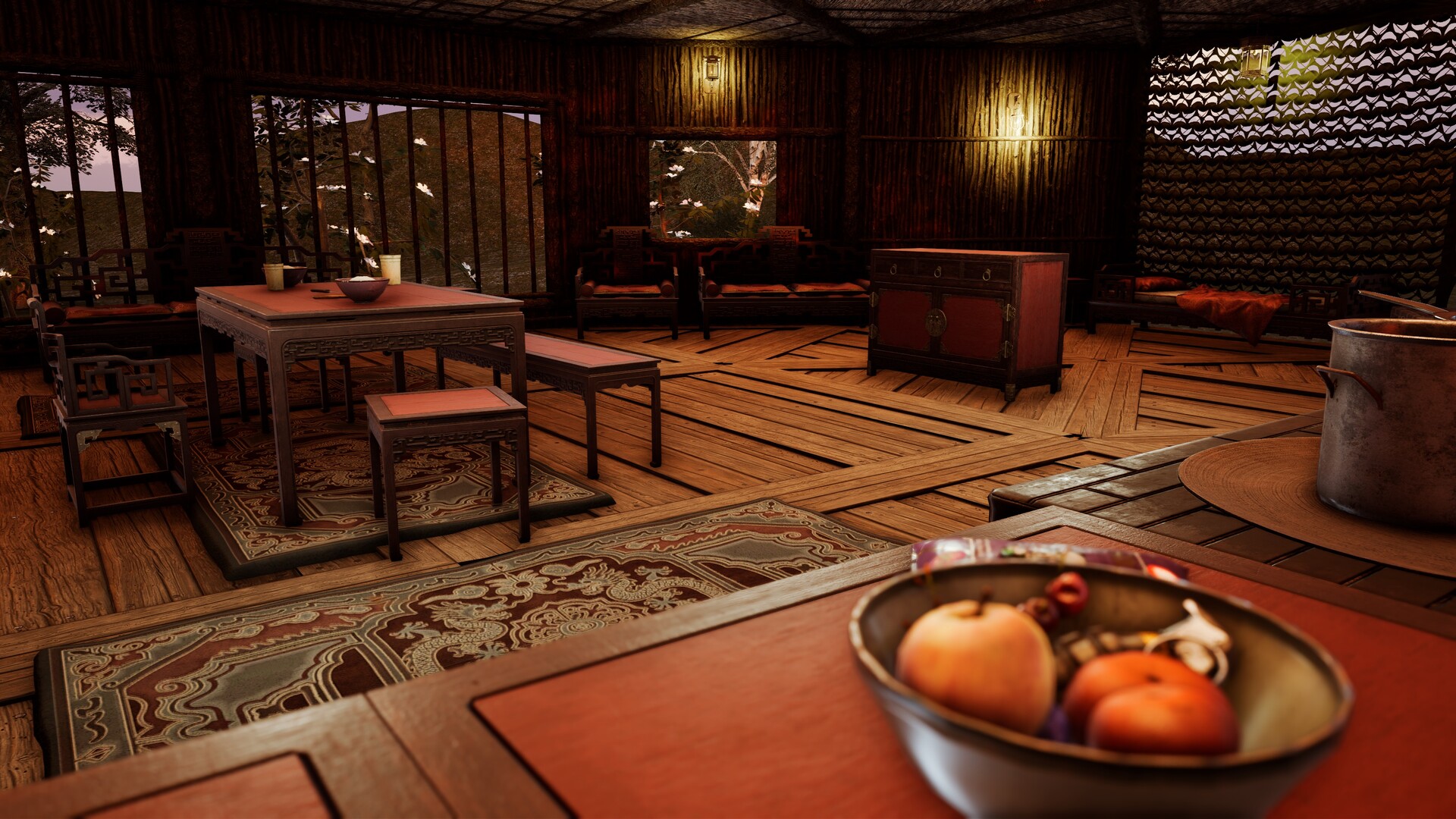
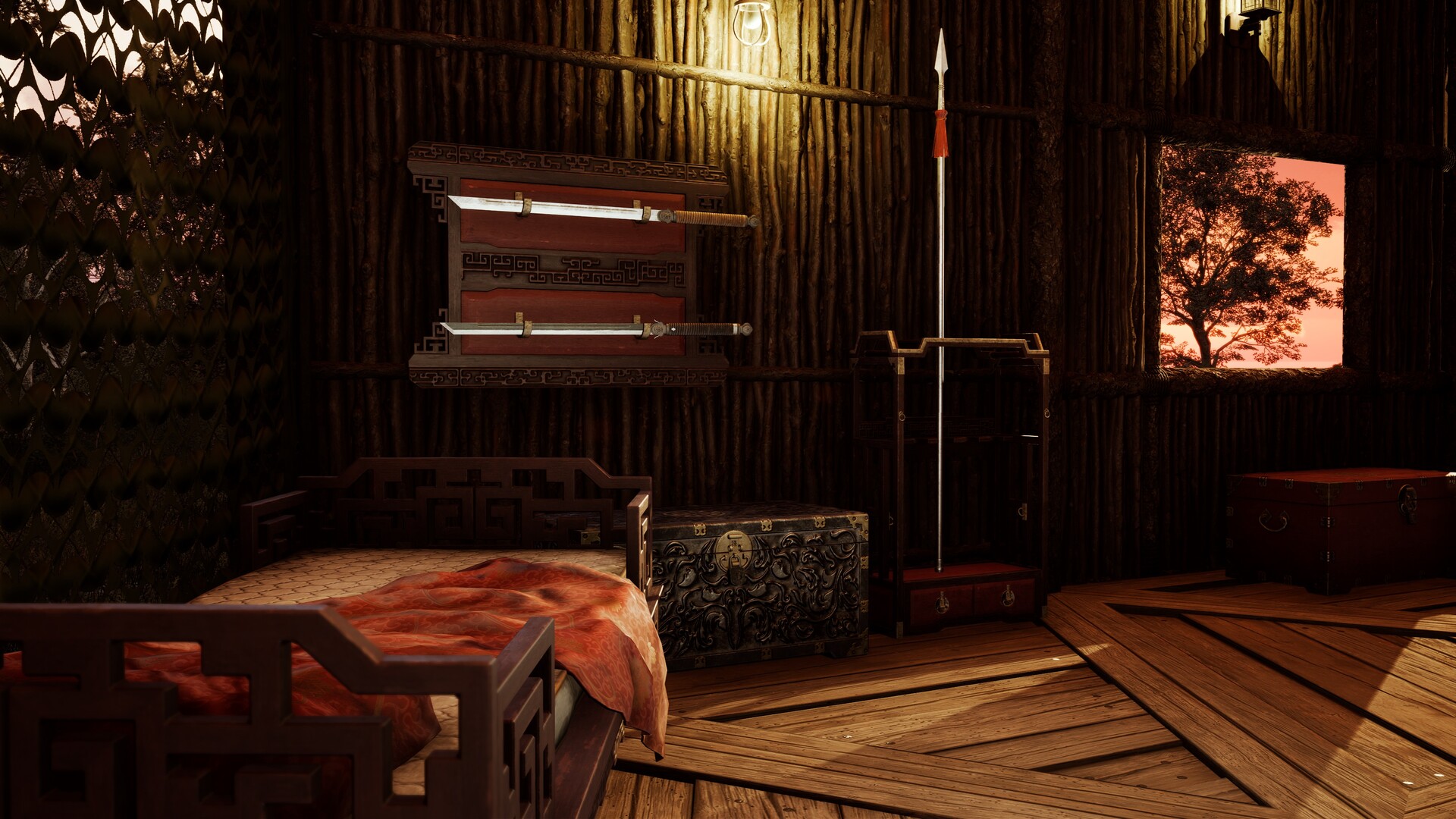
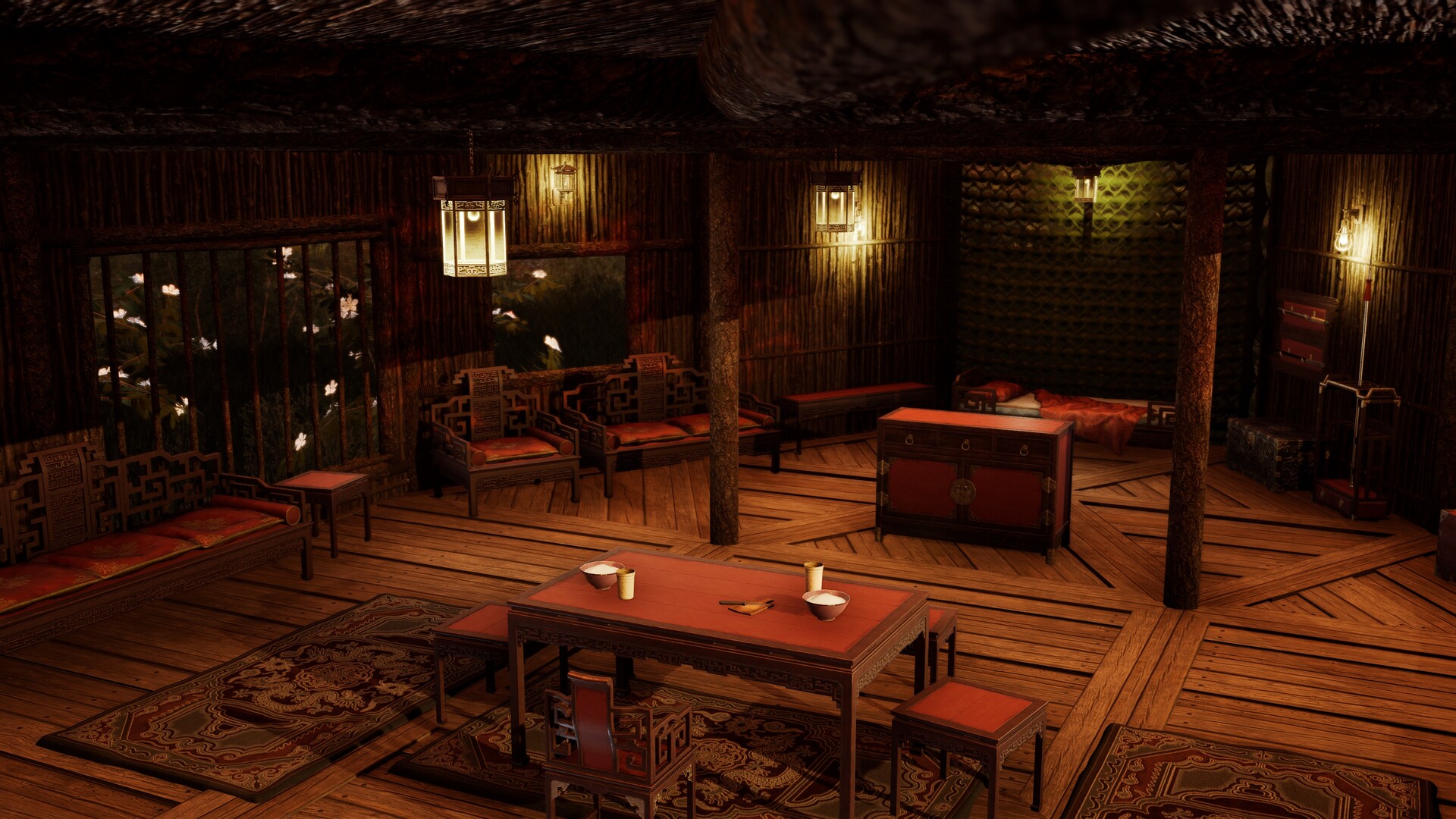
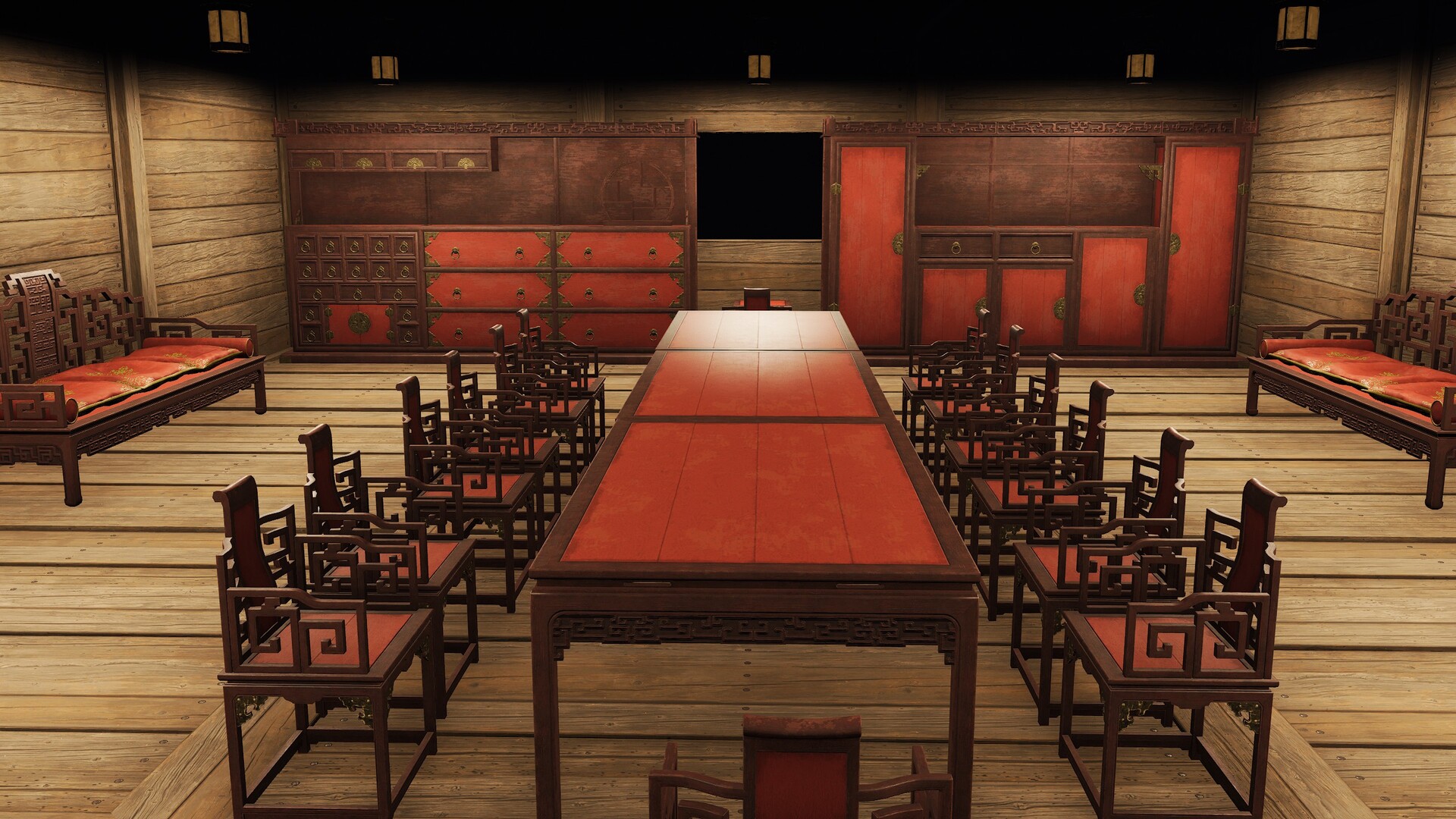
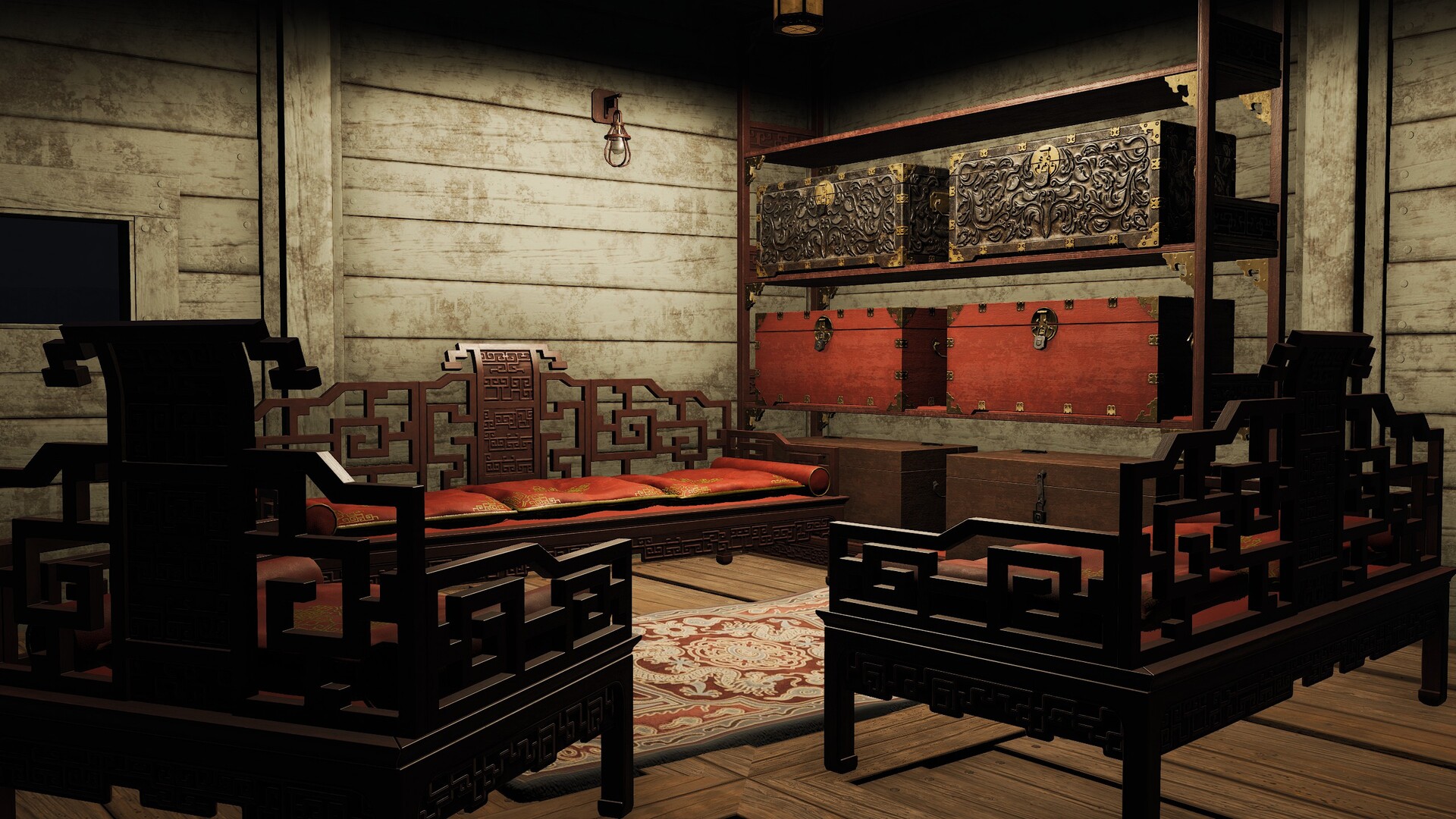
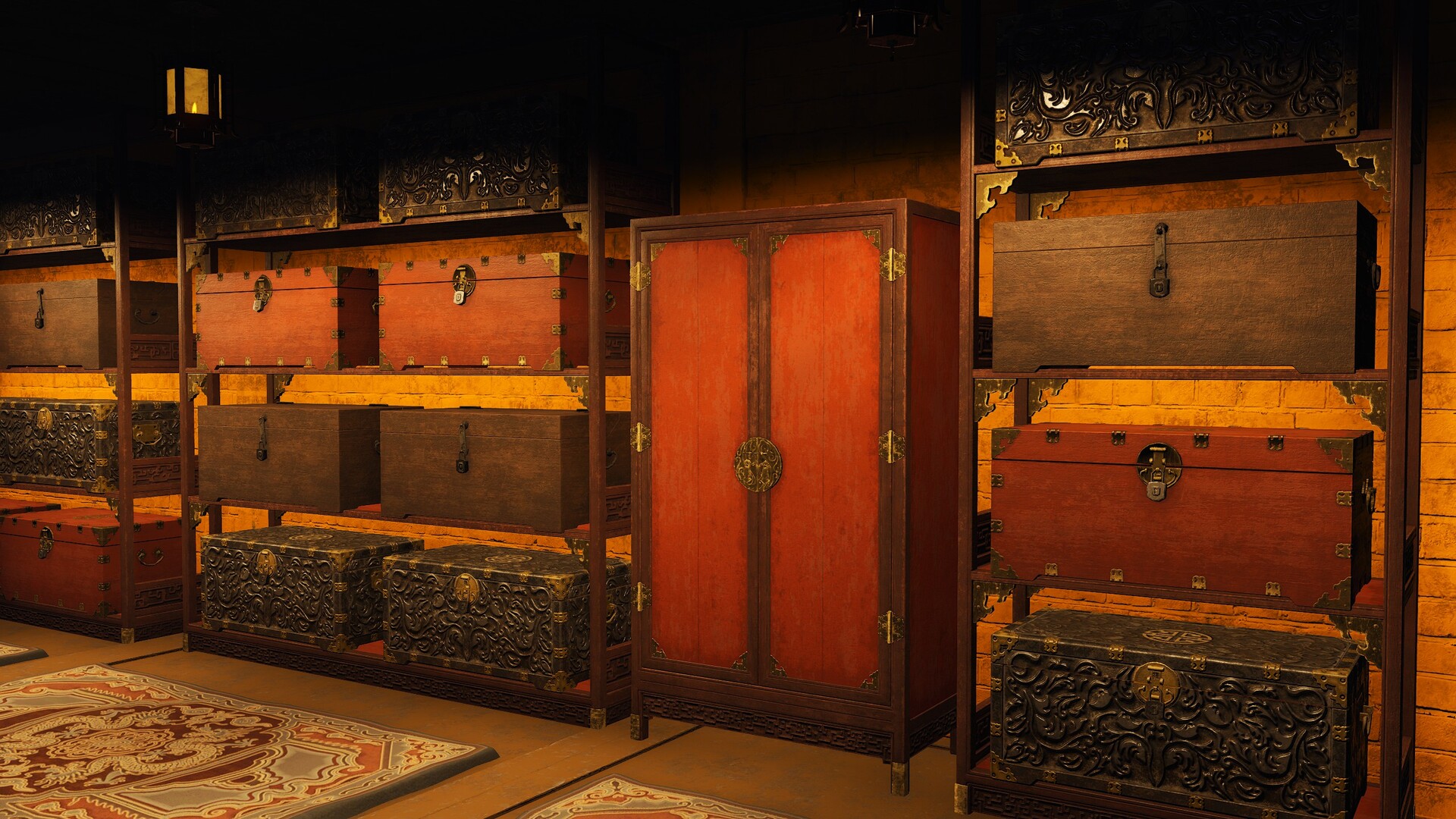
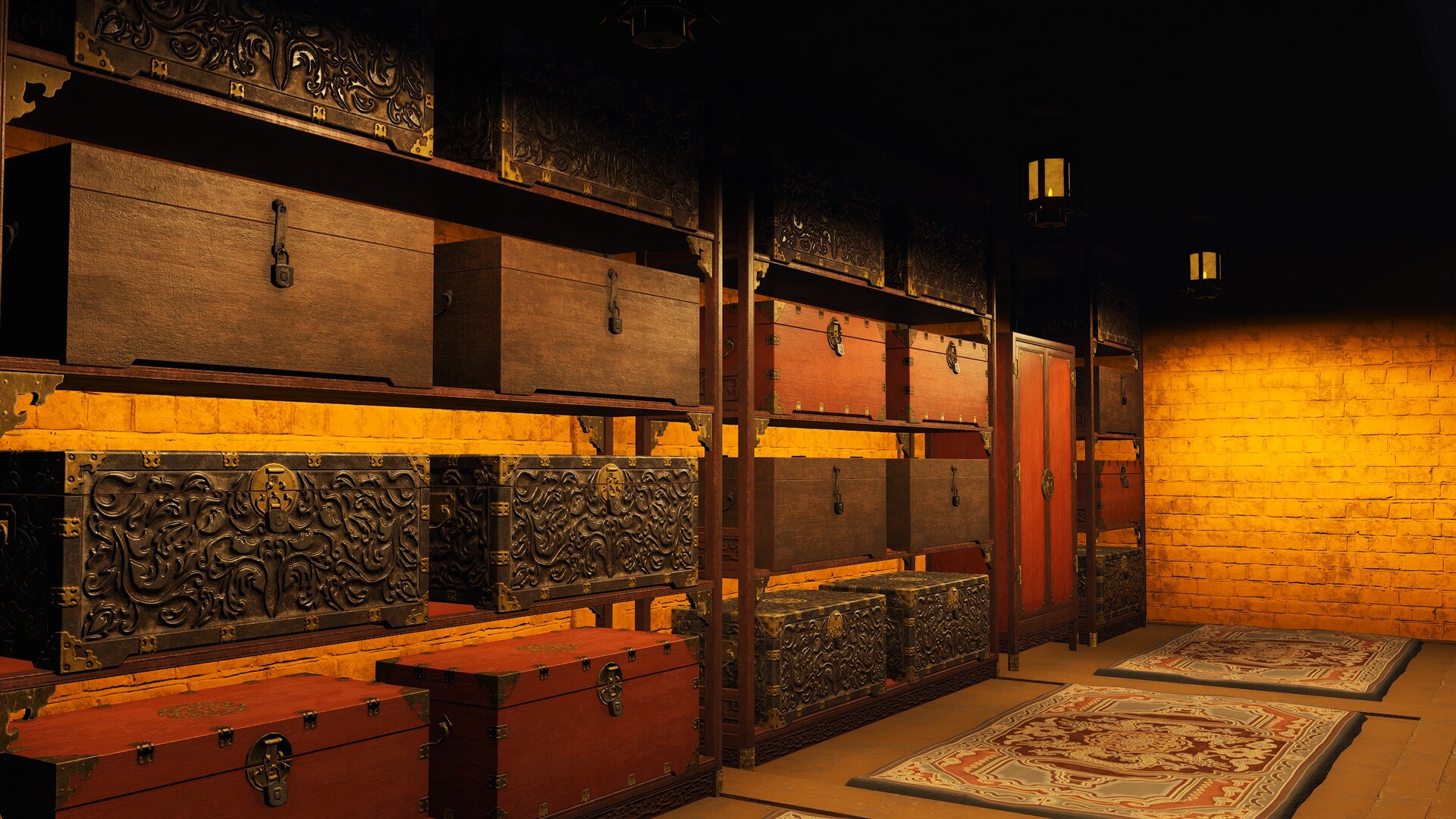
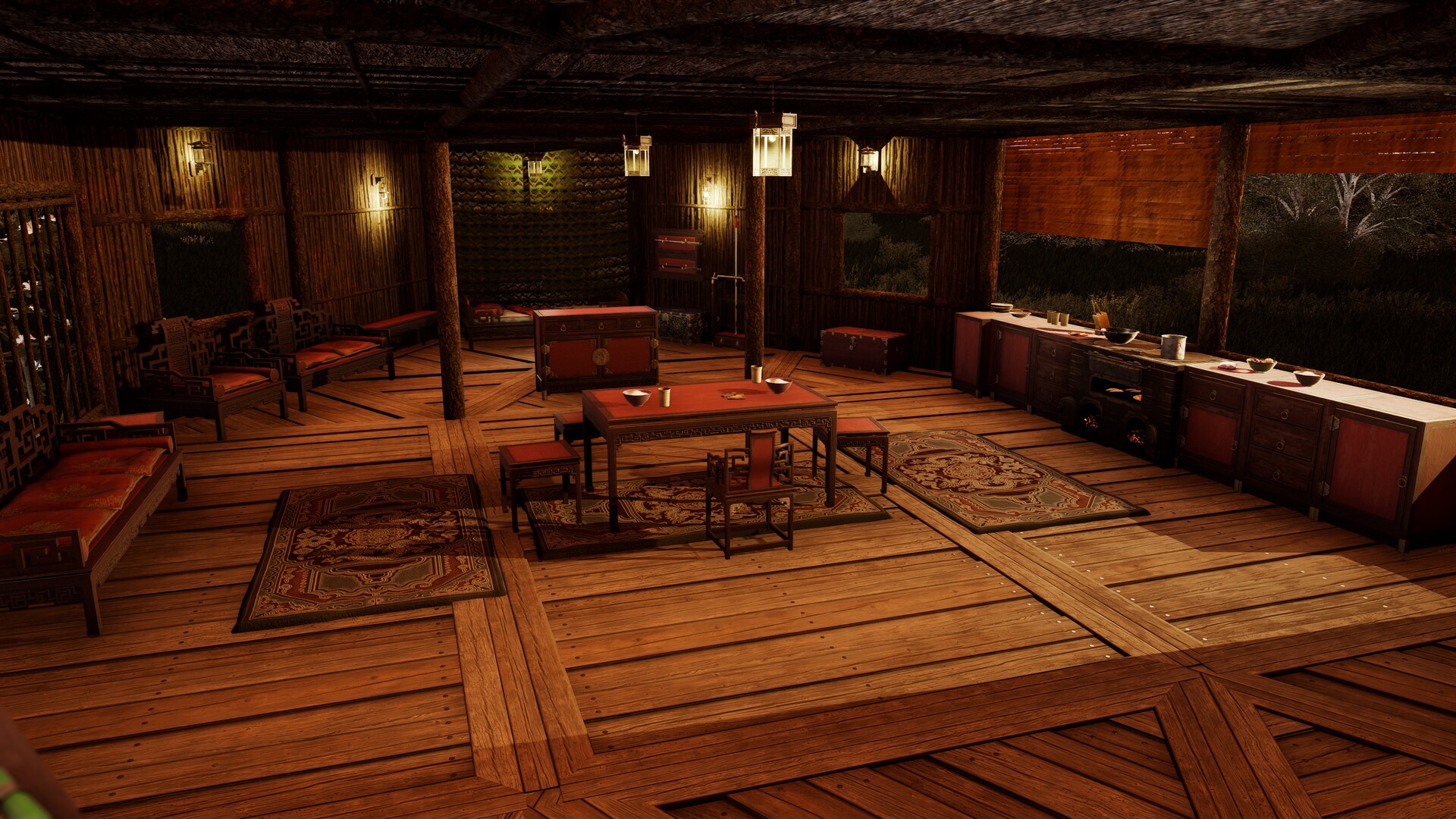
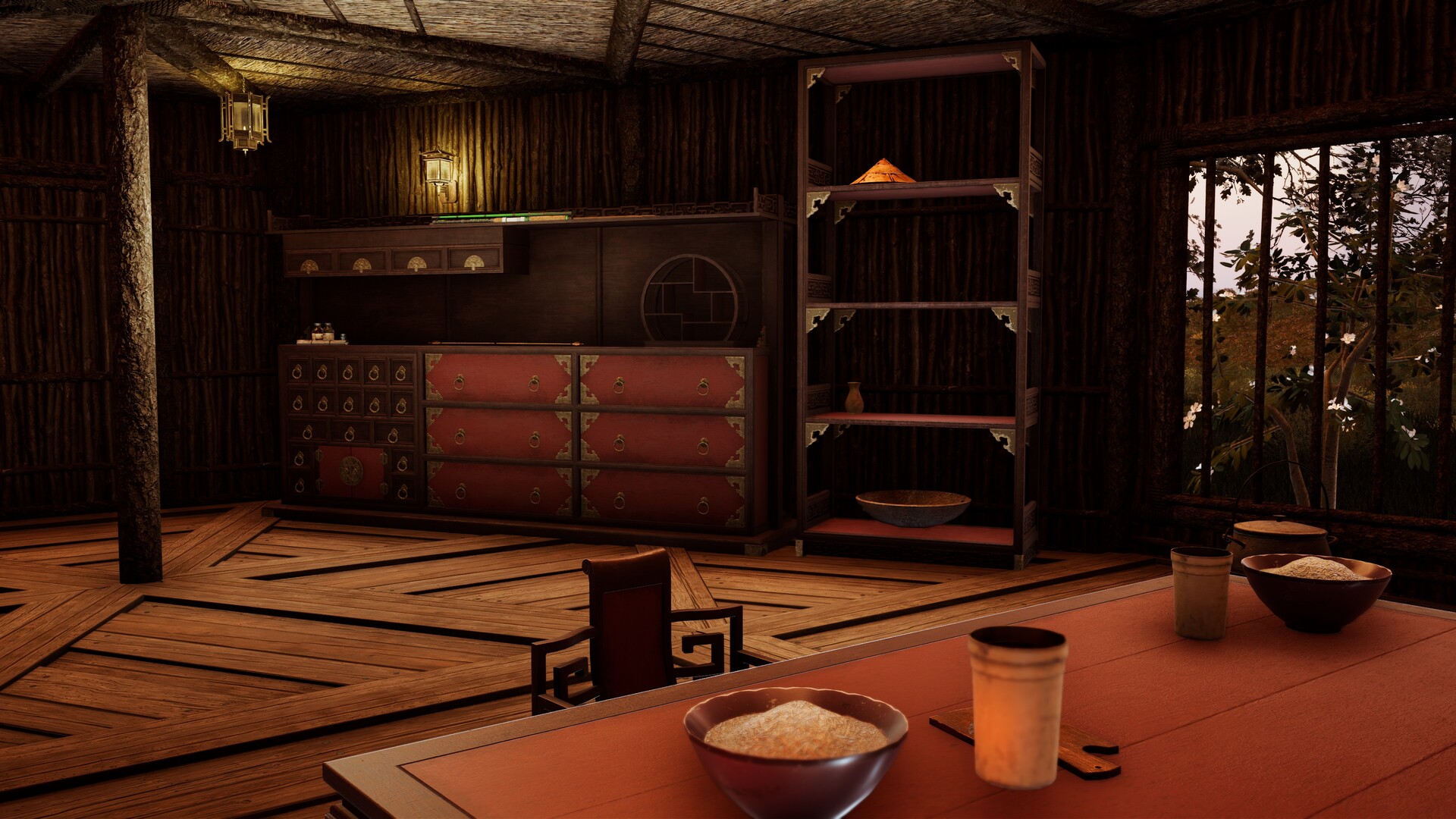
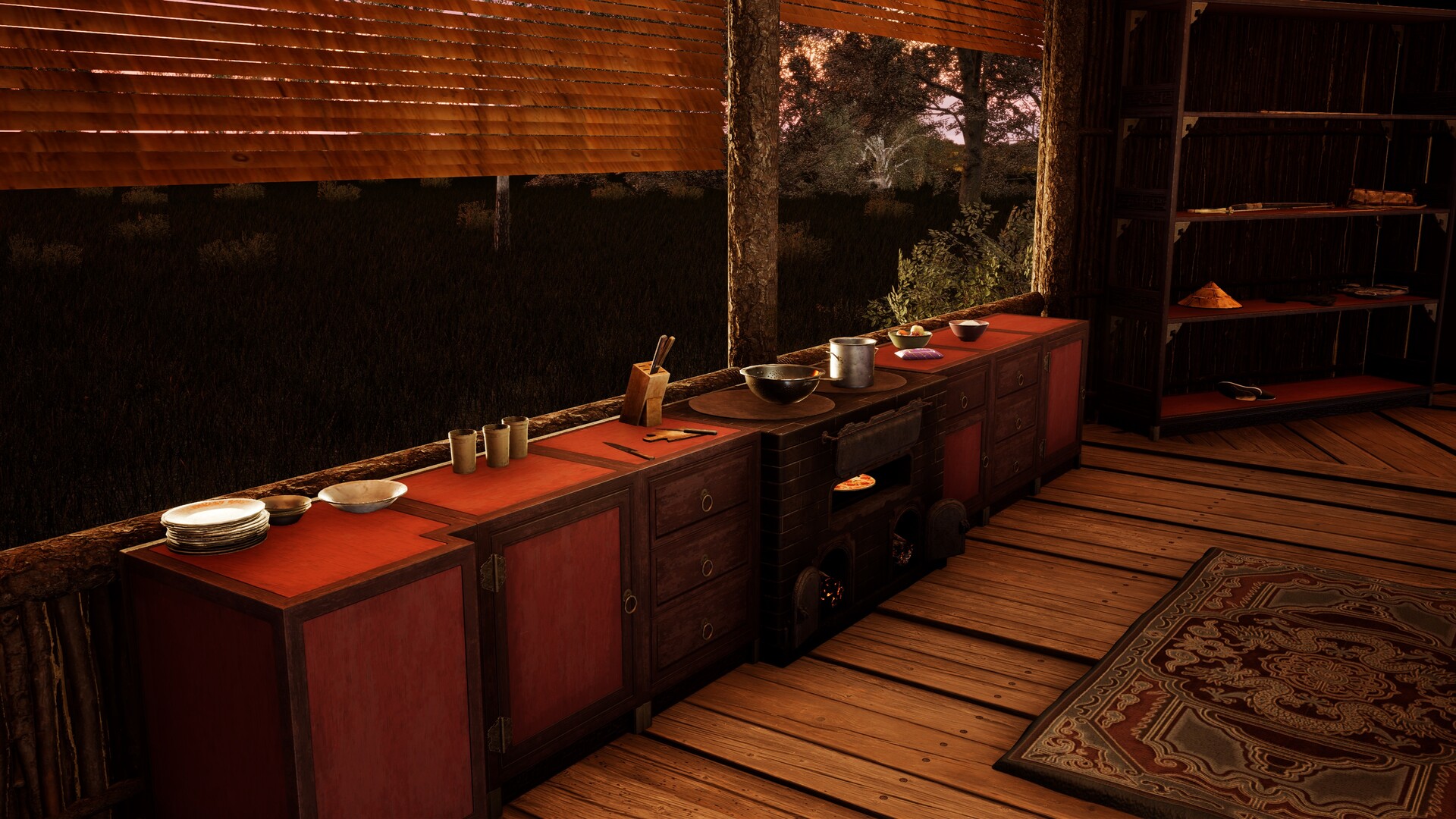
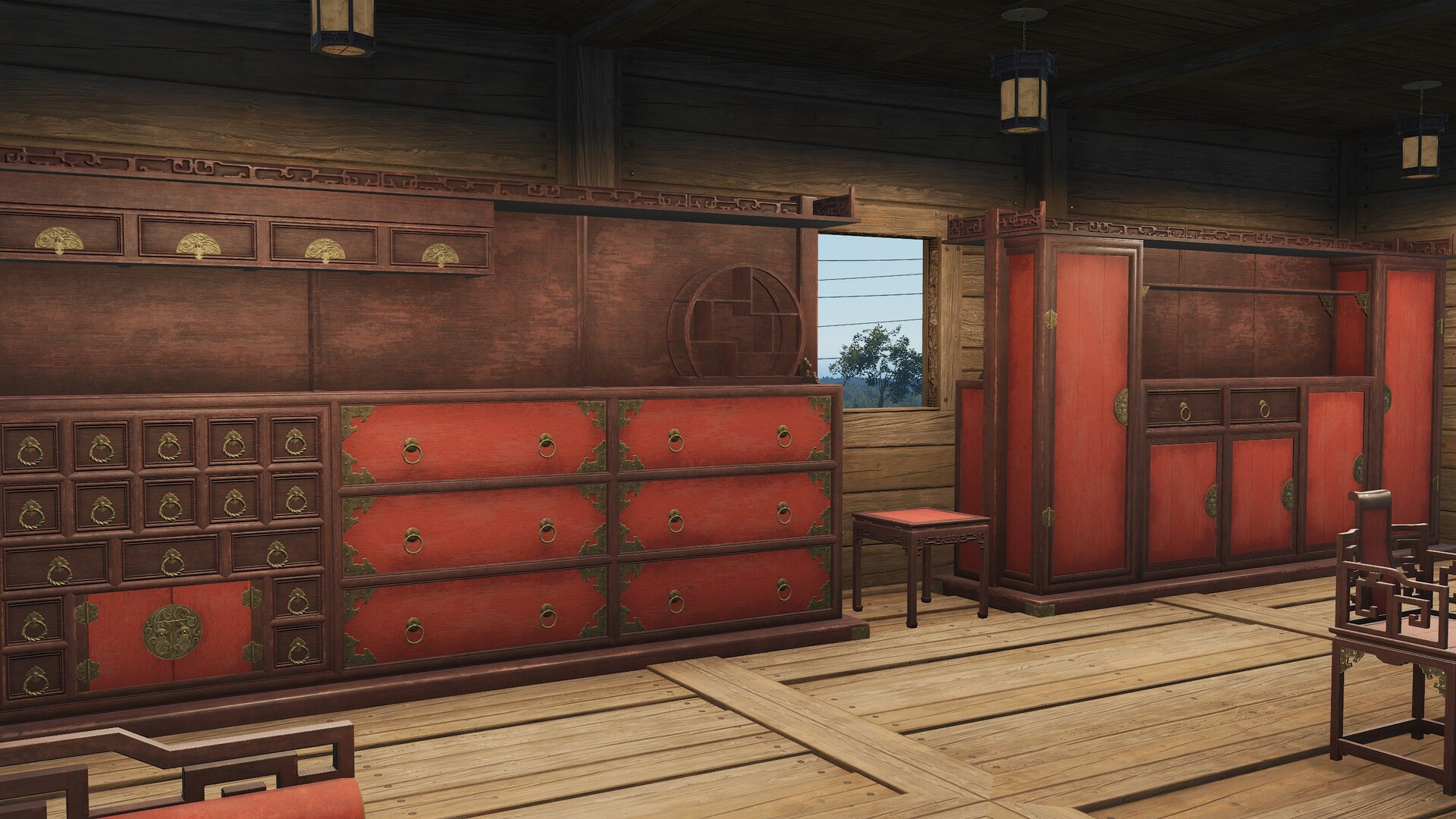
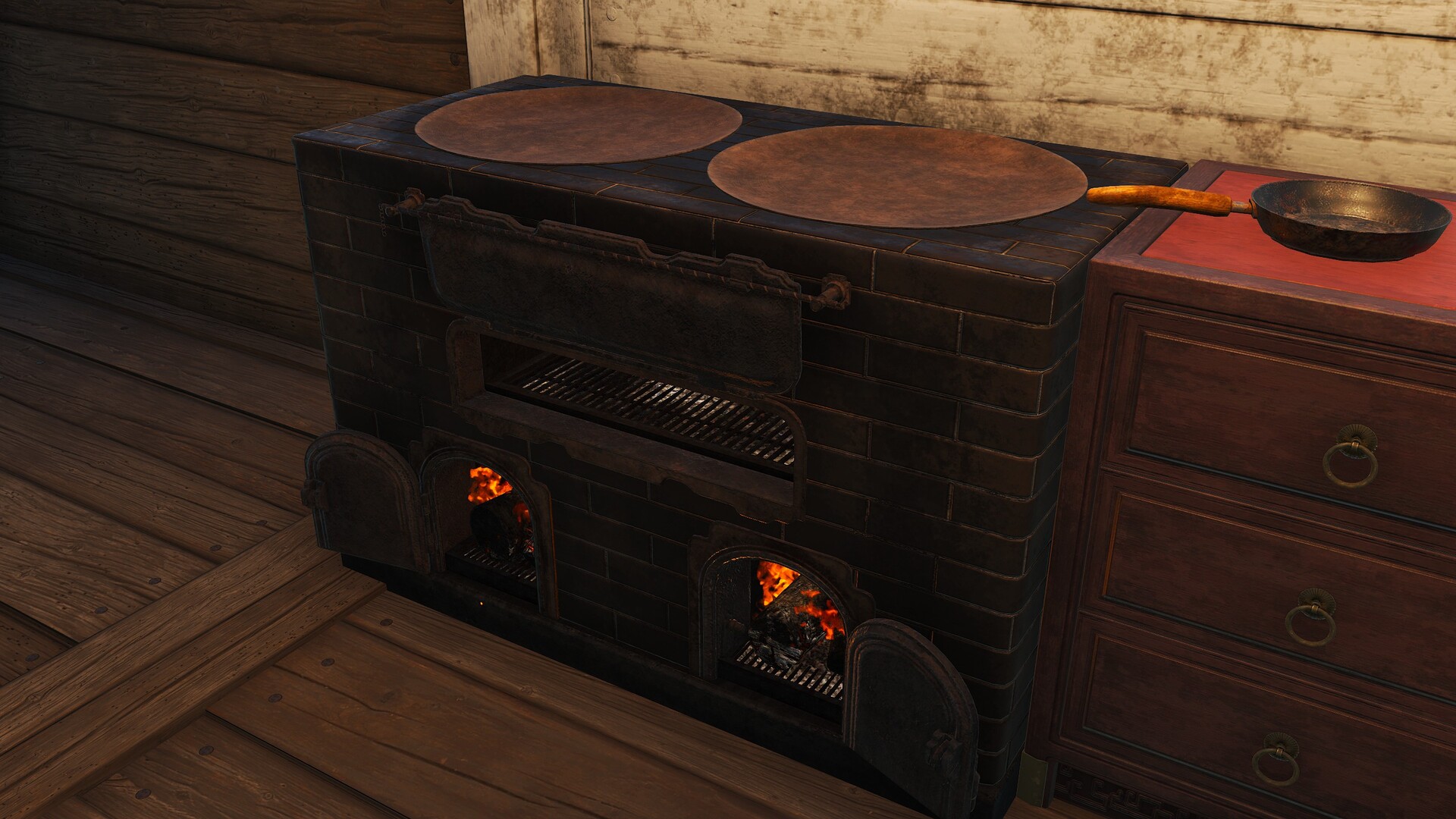
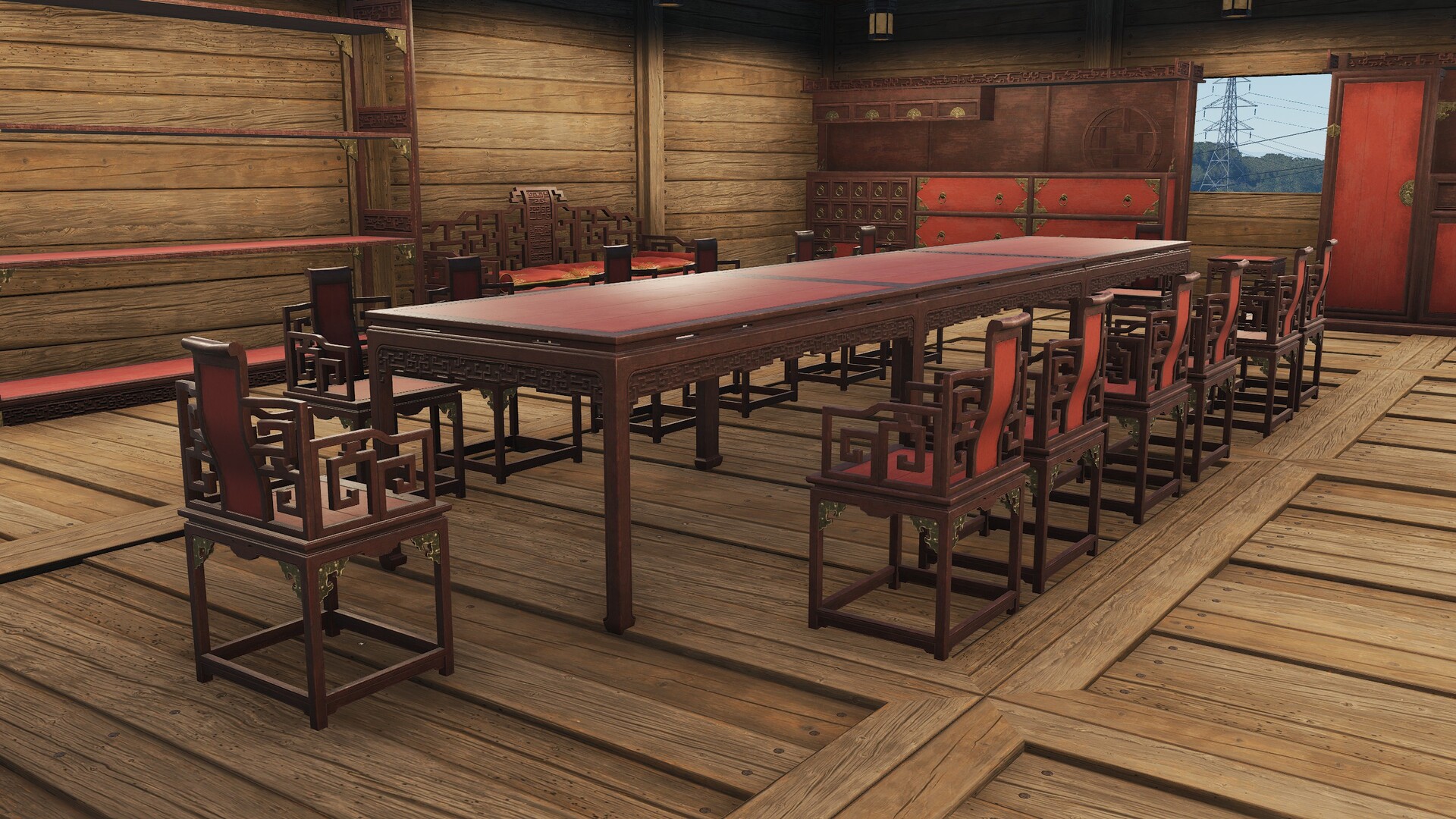
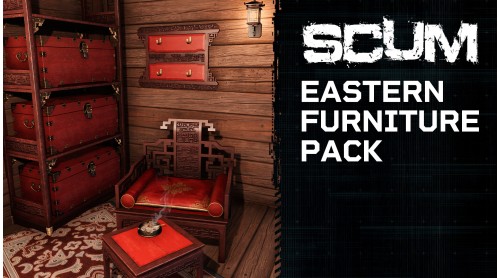
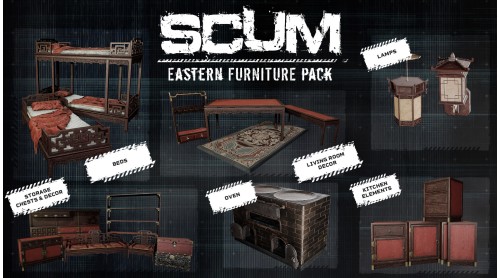
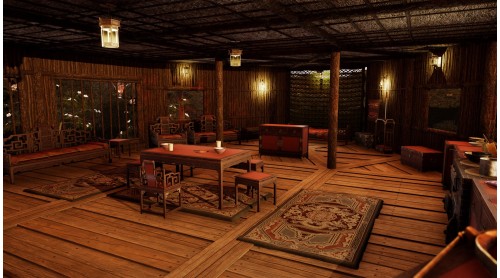
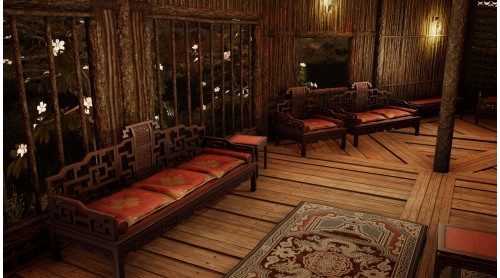
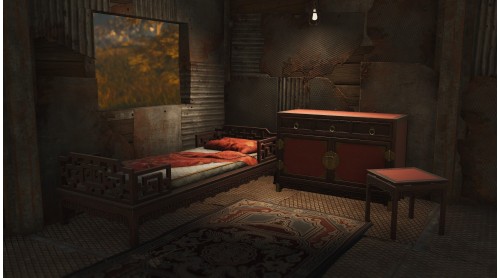
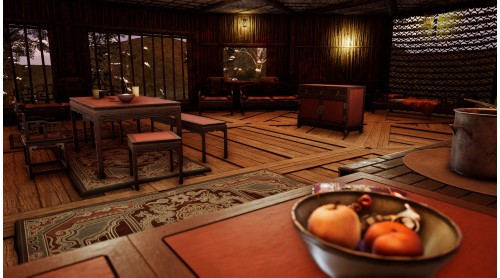
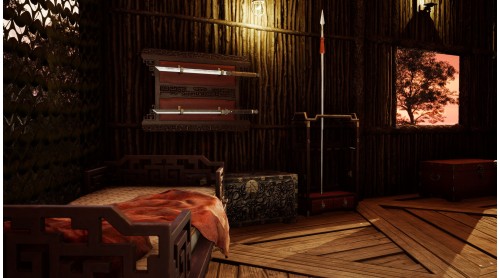
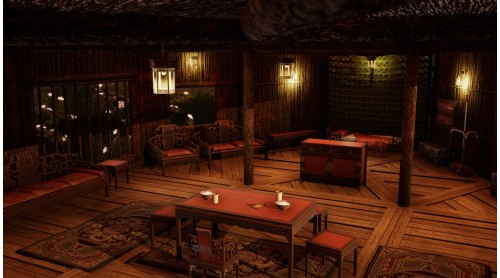
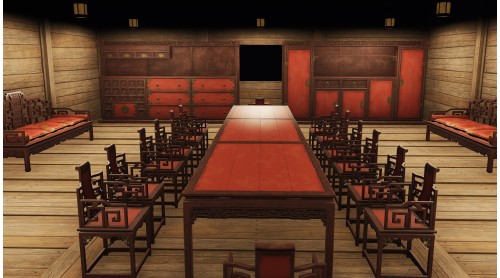
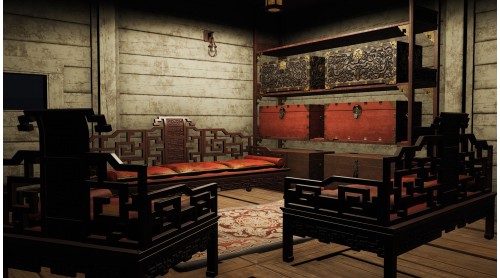
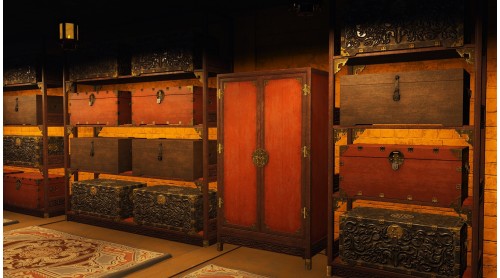
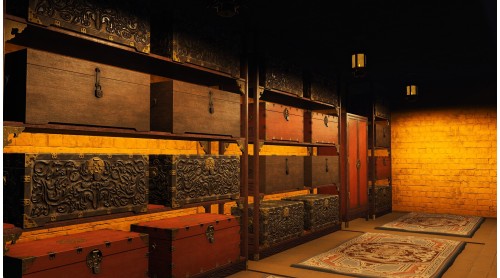
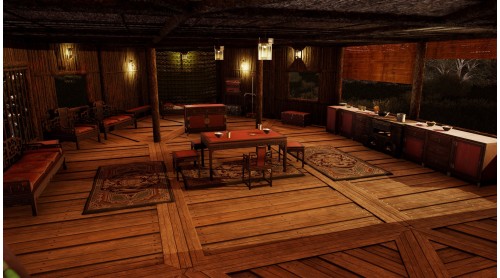
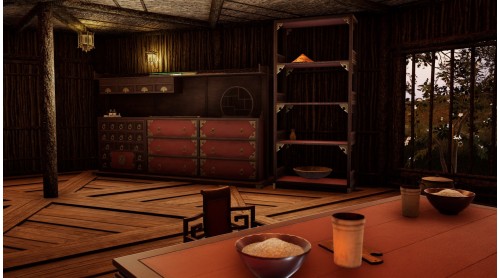
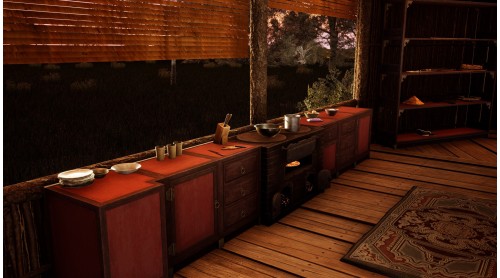
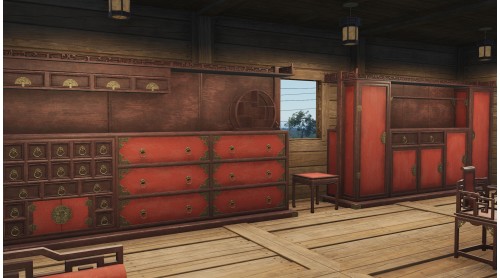
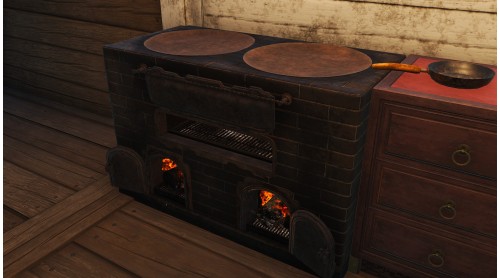
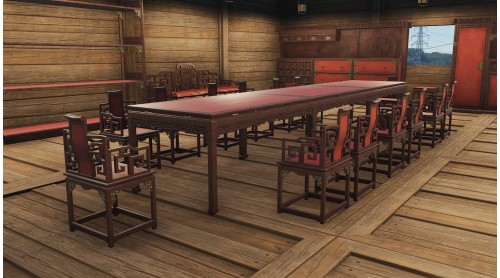
Introducing the SCUM Eastern Furniture Pack! Inspired by the style of the Far East, these new furniture skins provide an iconic look to your base interior. Sofas, shelves, lights, and so much more:
Included are 29 new skins for base-building elements:
© 2025 GAMEPIRES D.O.O.
SCUM and the Gamepires logo are registered and/or unregistered trademarks of GAMEPIRES D.O.O. in the European Union, United States, United Kingdom and other territories. All rights reserved.


How to activate your Steam key?
1. Open your Steam client. (If you don't have a Steam Client, you can install from here https://store.steampowered.com/about/)
2. Sign in to your Steam account. (If you don't have a Steam Account, you can create from here https://store.steampowered.com/join/)
3. Click “ADD A GAME” button which is at the bottom of the Steam Client.
4. Now select "Activate a product on Steam..."
5. Write or copy-paste your Steam key which you purchased from Gamesforpc.
6. Now your game is in your library.
7. Find your game in your library, select and click install to start your download.