





 Steam
Steam  Windows
 | Release Date | 30.06.2026 |
| Publisher | Gamepires |
| Operating Systems | Windows |
| Genres | Action, Adventure, indie, massively multiplayer |
5.99€
Added to Cart
5.99€
Added to Wishlist
5.99€
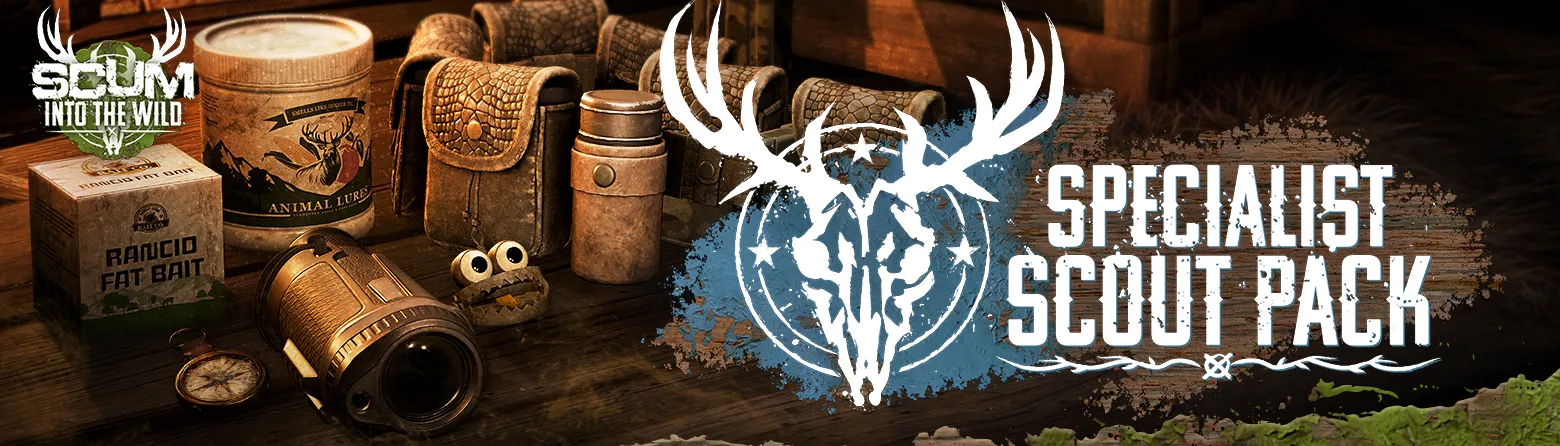
Join SCUM for INTO THE WILD, a season focused on hunting, wilderness, and survival.
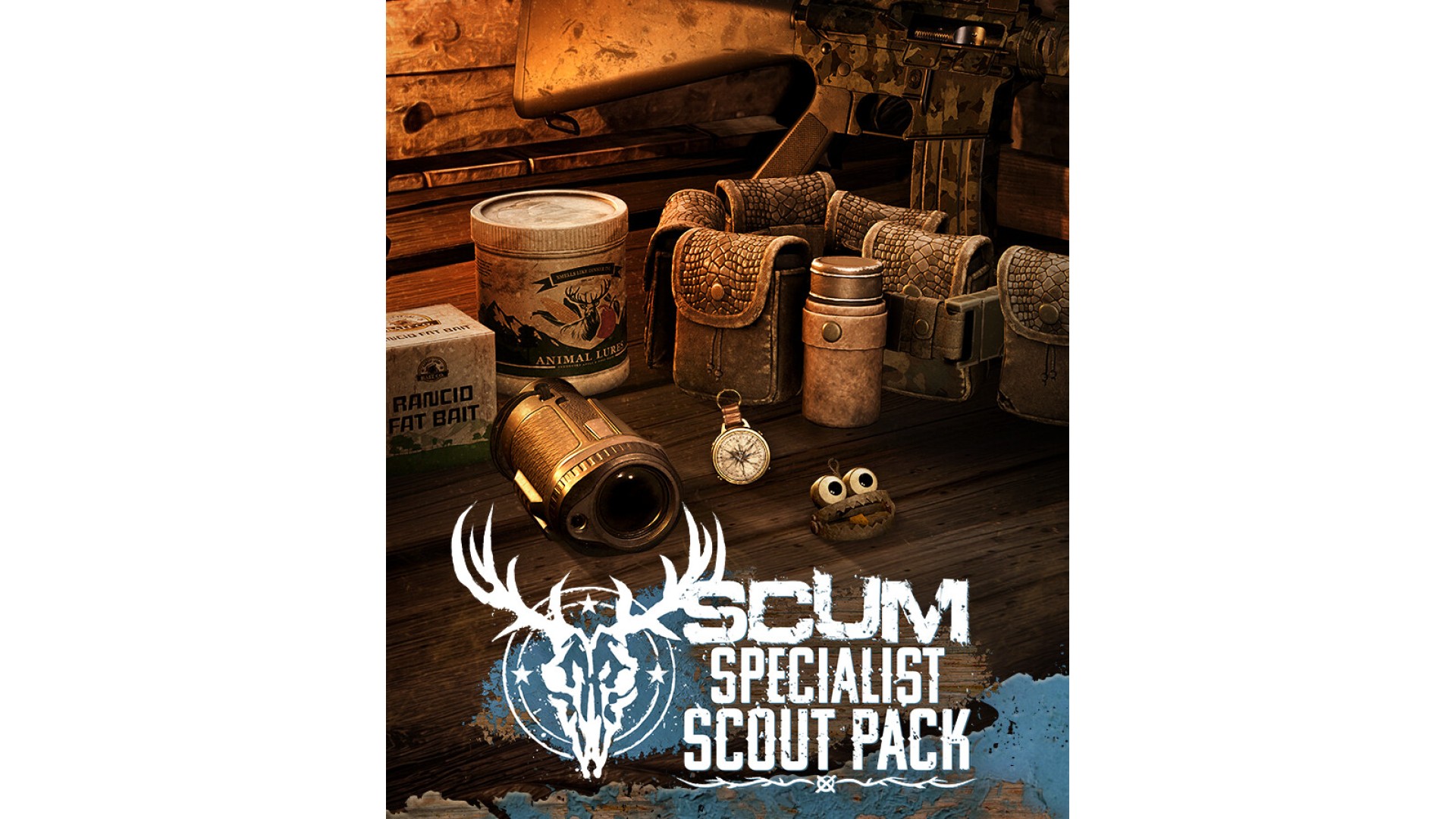
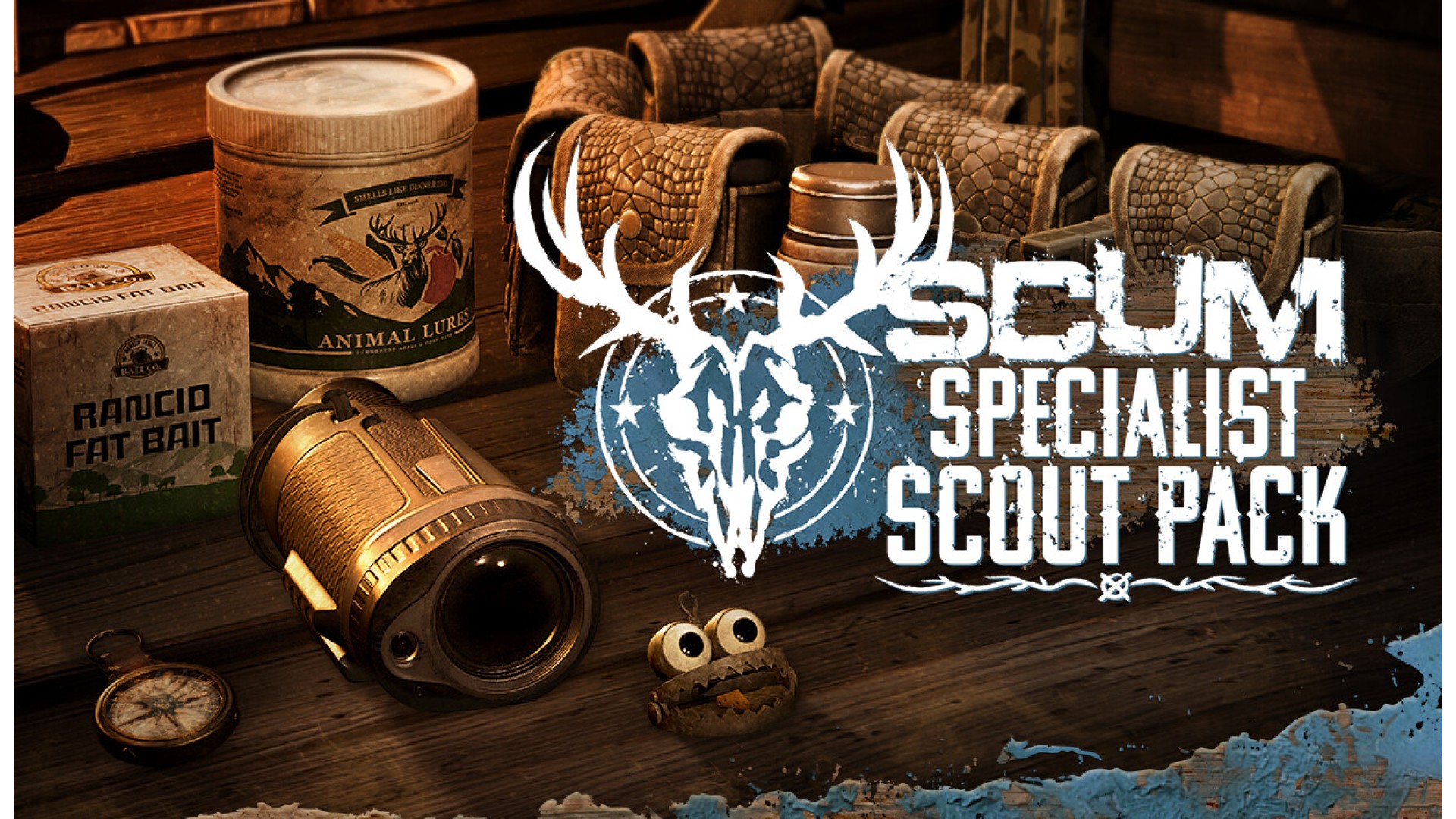
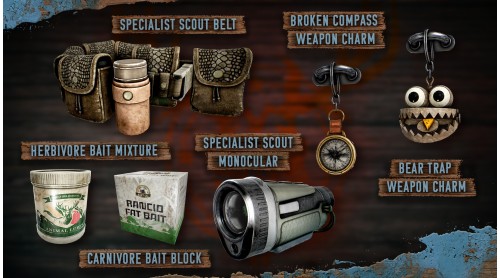
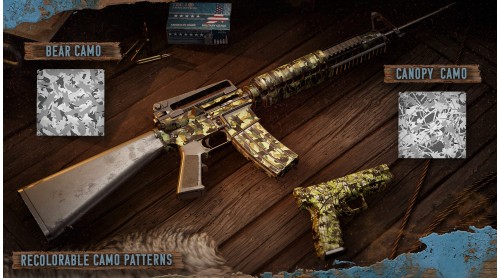
Built for prisoners who read the land and stay one step ahead, the Specialist Scout Pack unlocks specialist gear, charms, emotes, camouflage patterns and more.
Once the pack has been purchased, unlocked content can be obtained in-game in different ways, depending on the item.
Some items can be crafted using in-game materials, while others can be bought with in-game currency from the trader in the Hunter’s Grotto.
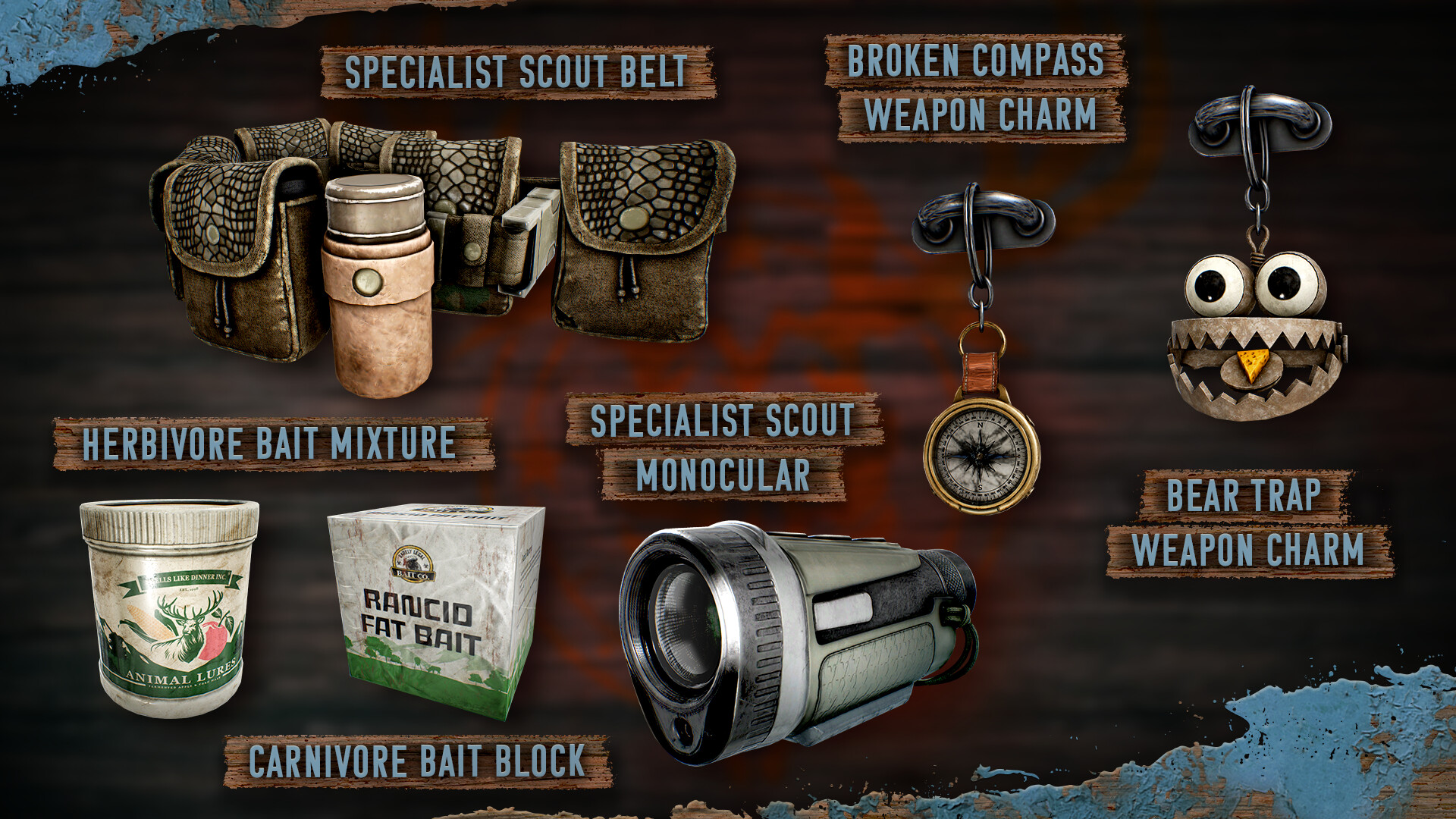
This pack unlocks:
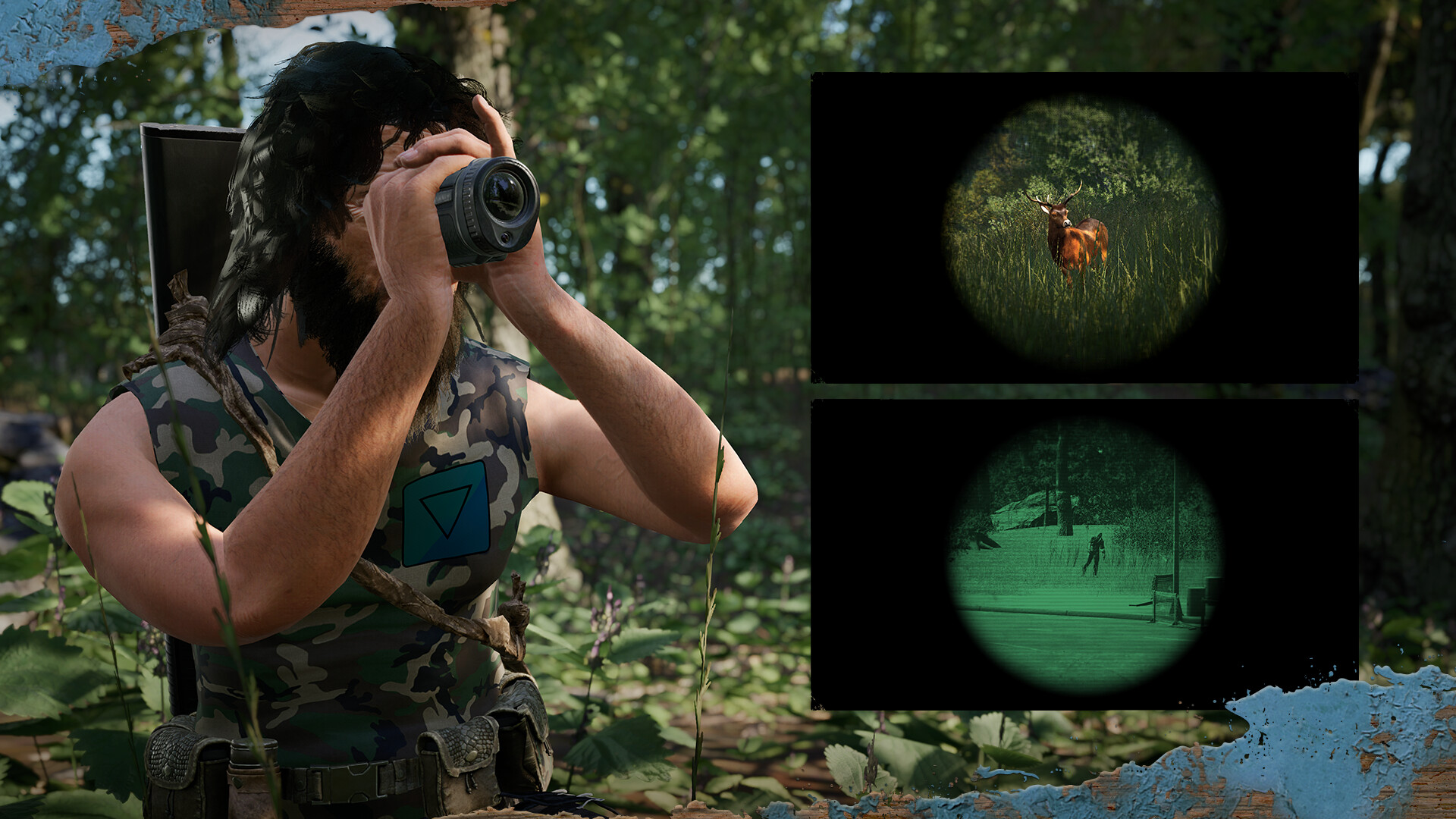
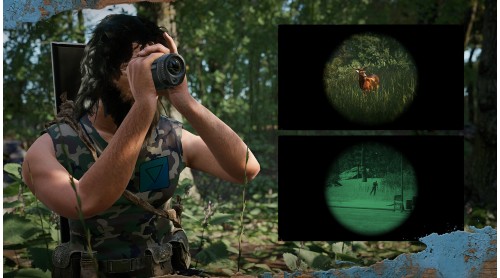
Specialist Scout Monocular: craftable or available from the trader
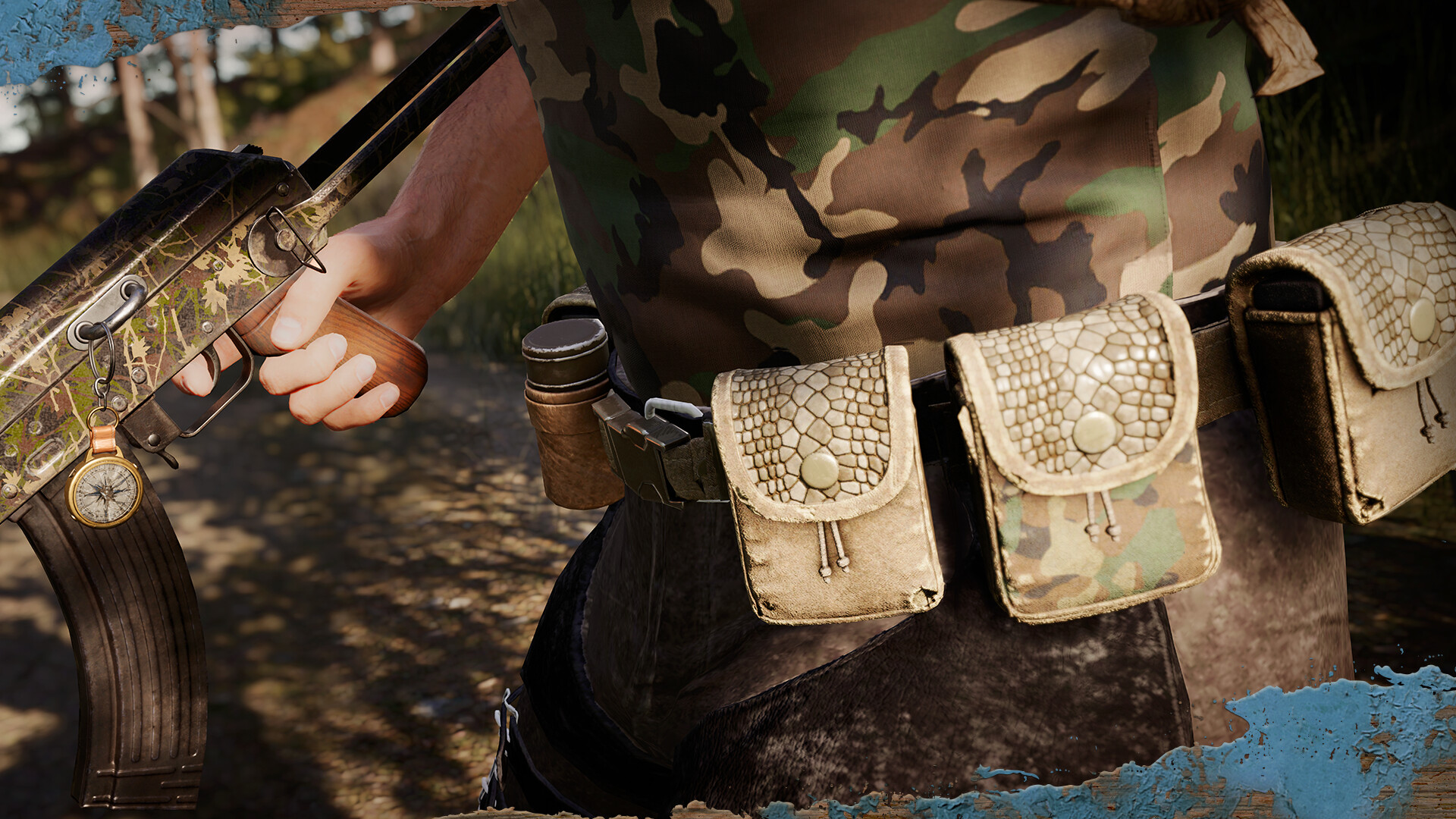
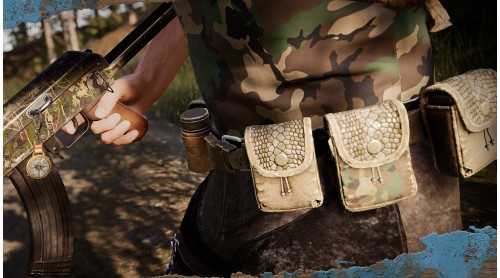
Specialist Scout Belt: craftable or available from the trader
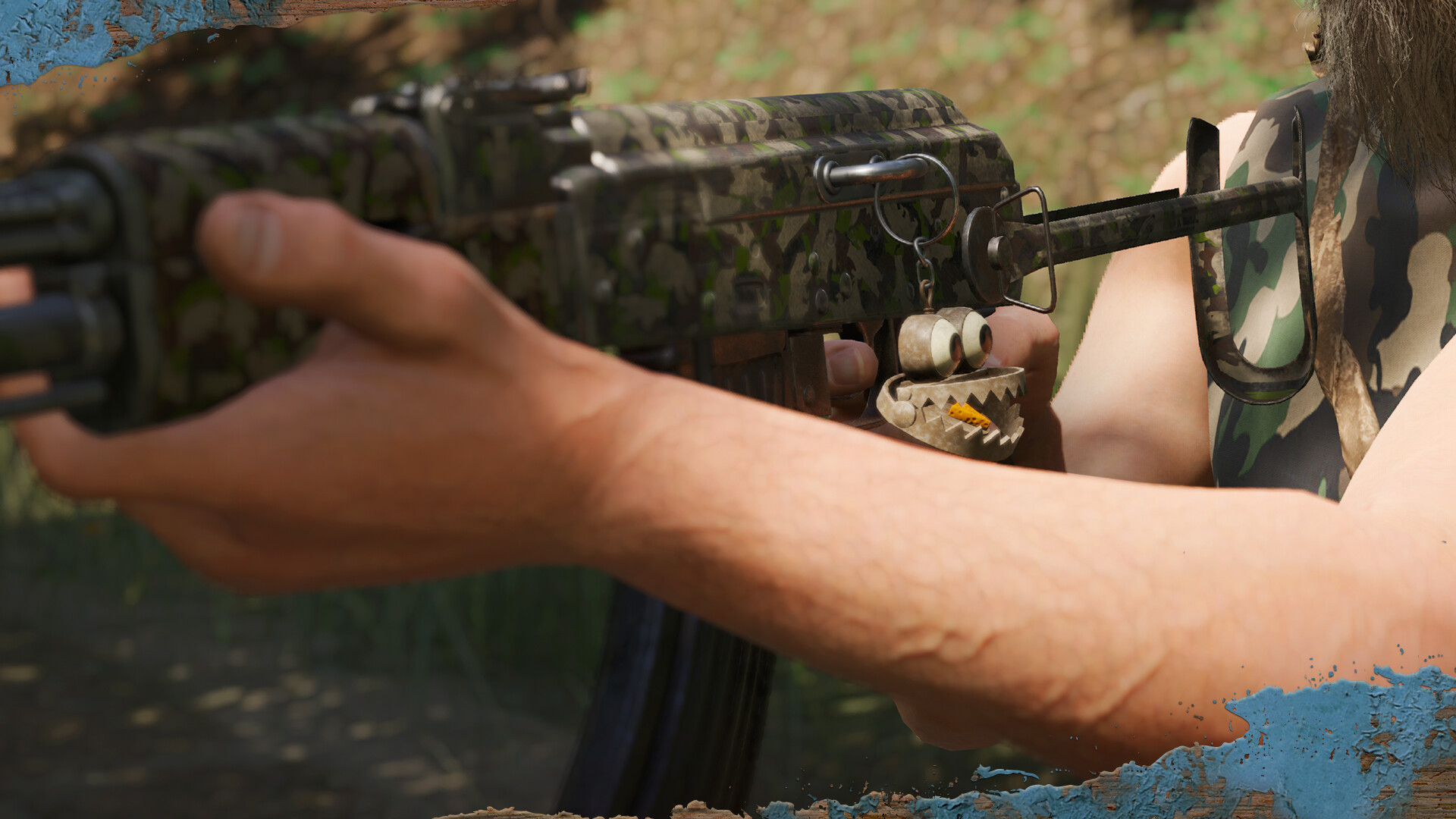
Broken Compass Charm: available from the trader
Bear Trap Charm: available from the trader
Herbivore Bait Mixture: available from the trader
Carnivore Bait Block: available from the trader
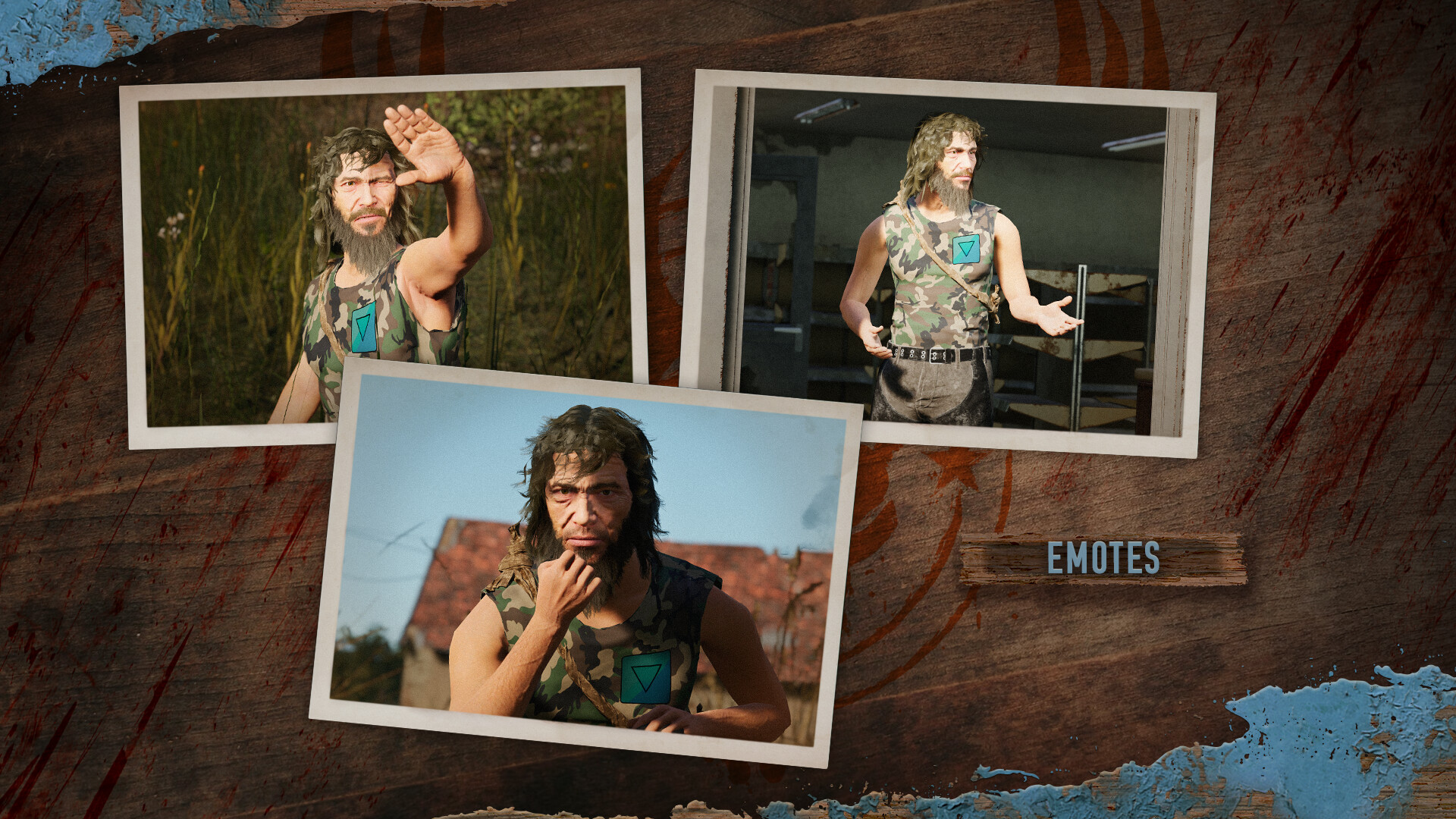
x3 Emotes: found in radial menu
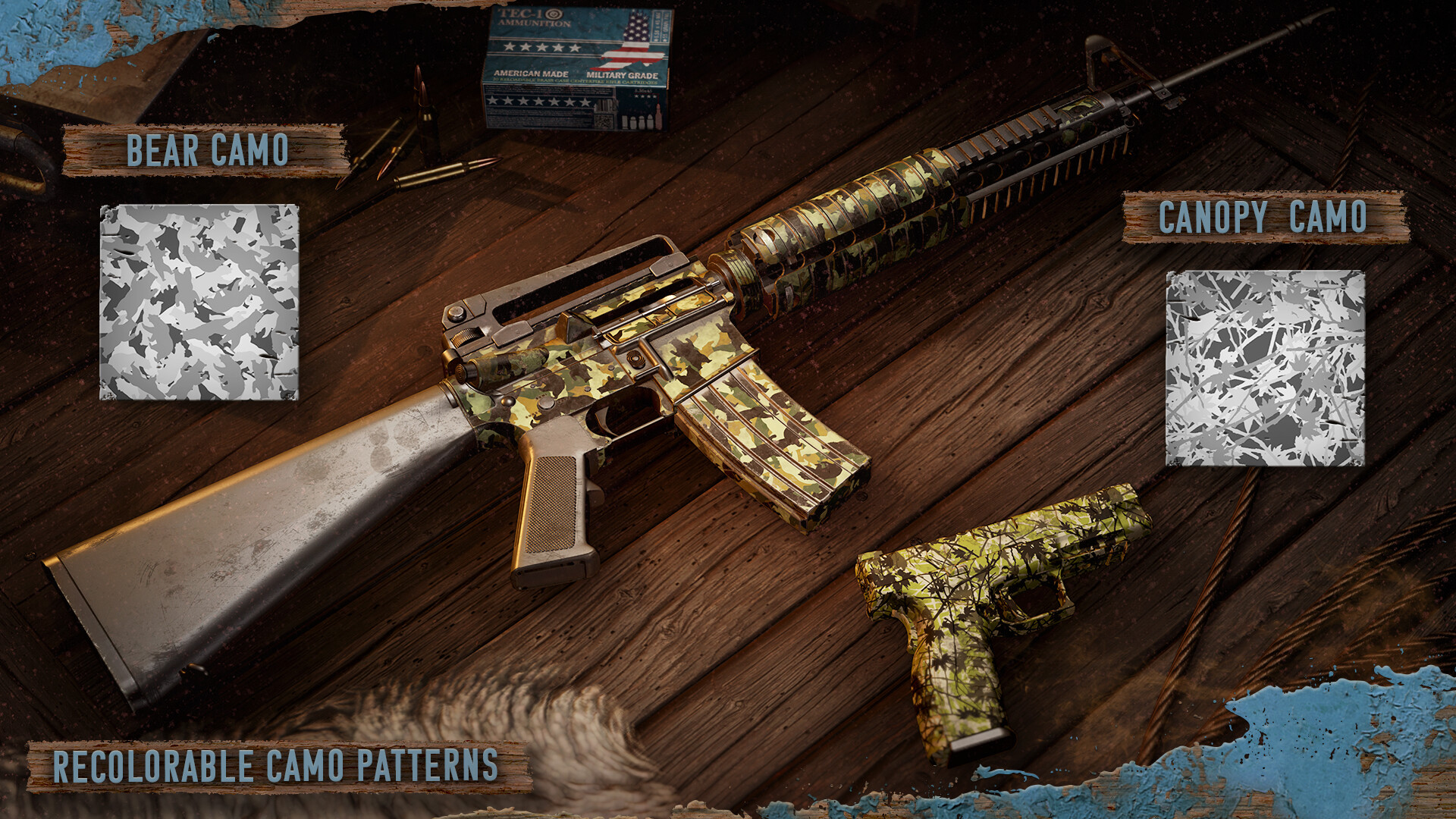
x2 Themed Camouflage Patterns: apply to weapons, vehicles, and base-building elements. Patterns can be customised with up to four colours using paint cans found in the world
© 2025 GAMEPIRES D.O.O.
SCUM and the Gamepires logo are registered and/or unregistered trademarks of GAMEPIRES D.O.O. in the European Union, United States, United Kingdom and other territories. All rights reserved.


How to activate your Steam key?
1. Open your Steam client. (If you don't have a Steam Client, you can install from here https://store.steampowered.com/about/)
2. Sign in to your Steam account. (If you don't have a Steam Account, you can create from here https://store.steampowered.com/join/)
3. Click “ADD A GAME” button which is at the bottom of the Steam Client.
4. Now select "Activate a product on Steam..."
5. Write or copy-paste your Steam key which you purchased from Gamesforpc.
6. Now your game is in your library.
7. Find your game in your library, select and click install to start your download.