 Steam
Steam  Windows
 | Release Date | 29.08.2018 |
| Publisher | Gamepires |
| Operating Systems | Windows |
| Genres | Action, Adventure, indie, massively multiplayer |
9.75€
6.53€
Added to Cart
9.75€
6.53€
Added to Wishlist
9.75€
6.53€
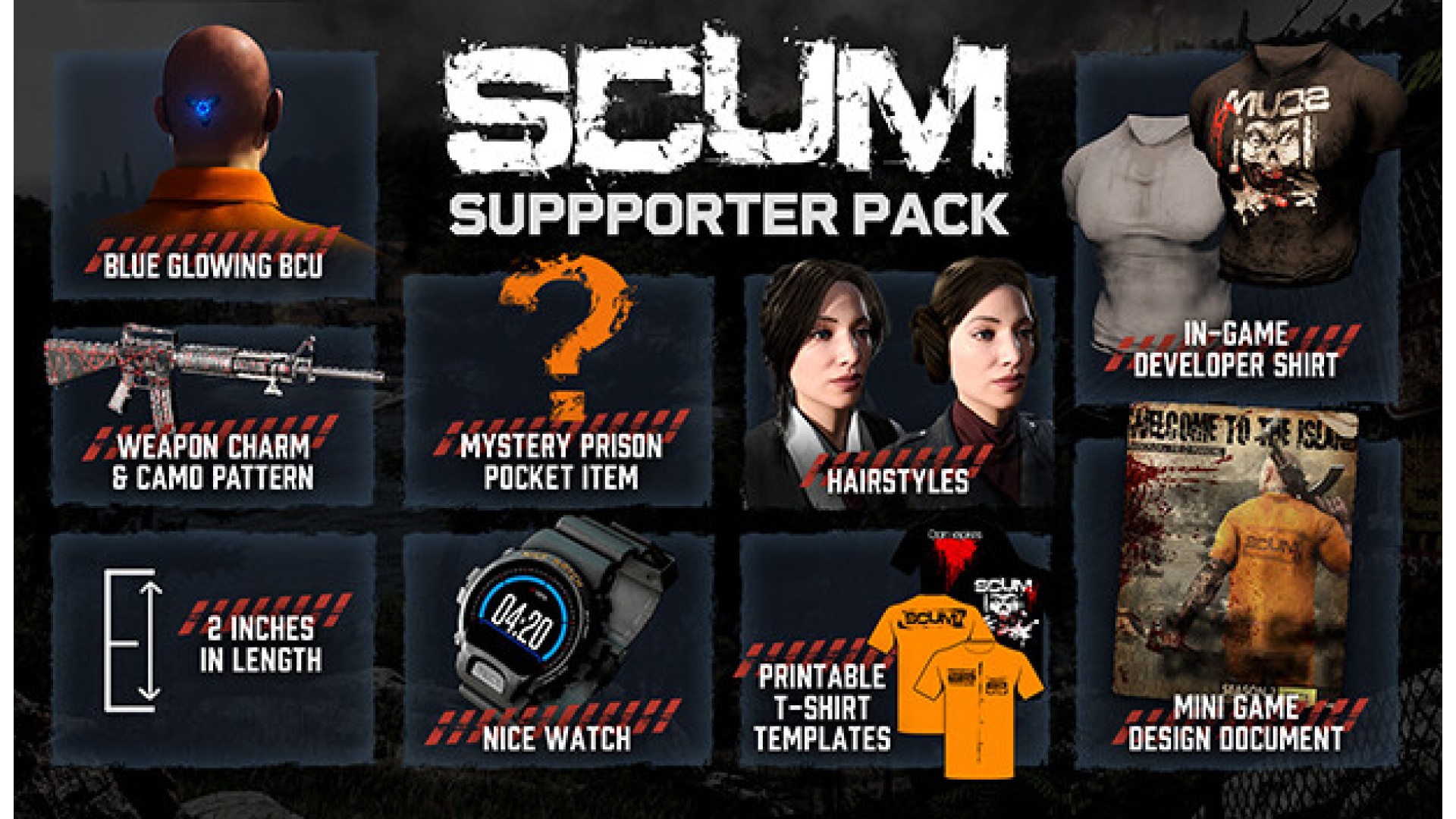
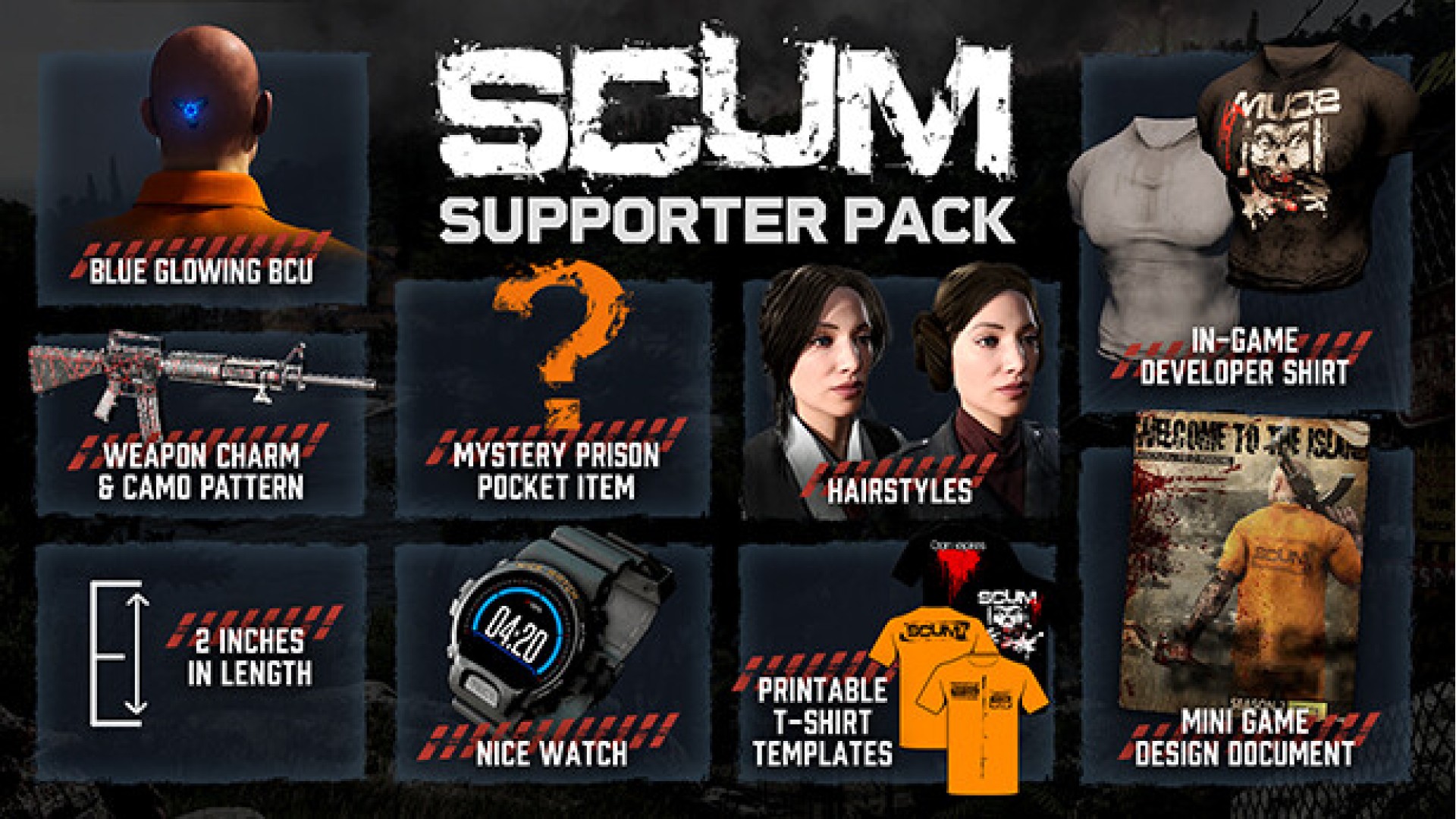
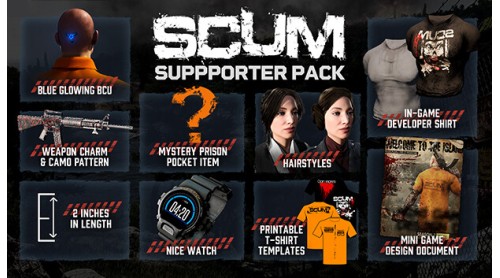
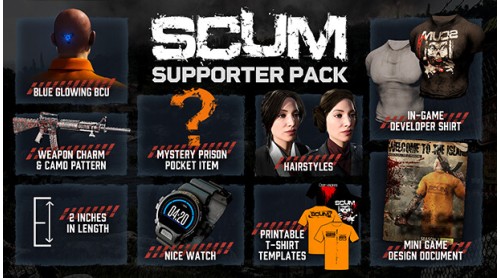
Hello everyone – we are thrilled to announce the SCUM Supporter Pack. This is a bundle of extra goodies for players who want to go another extra mile to support our SCUM developers.
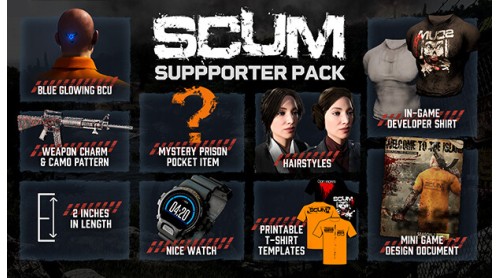
All items are purely for visual purpose and do not affect game play in any impactful way – but they do look really cool. The SCUM Supporter Pack includes the following digital items:
Thank you everybody, from the bottom of our hearts, for all your support.
- The Gamepires Team
© 2025 GAMEPIRES D.O.O.
SCUM and the Gamepires logo are registered and/or unregistered trademarks of GAMEPIRES D.O.O. in the European Union, United States, United Kingdom and other territories. All rights reserved.


How to activate your Steam key?
1. Open your Steam client. (If you don't have a Steam Client, you can install from here https://store.steampowered.com/about/)
2. Sign in to your Steam account. (If you don't have a Steam Account, you can create from here https://store.steampowered.com/join/)
3. Click “ADD A GAME” button which is at the bottom of the Steam Client.
4. Now select "Activate a product on Steam..."
5. Write or copy-paste your Steam key which you purchased from Gamesforpc.
6. Now your game is in your library.
7. Find your game in your library, select and click install to start your download.