



 Steam
Steam  Windows
 | Release Date | 25.05.2026 |
| Publisher | Gamepires |
| Operating Systems | Windows |
| Genres | Action, Adventure, indie, massively multiplayer |
9.99€
7.99€
Added to Cart
9.99€
7.99€
Added to Wishlist
9.99€
7.99€

Join SCUM for INTO THE WILD, a season focused on hunting, wilderness, and survival.
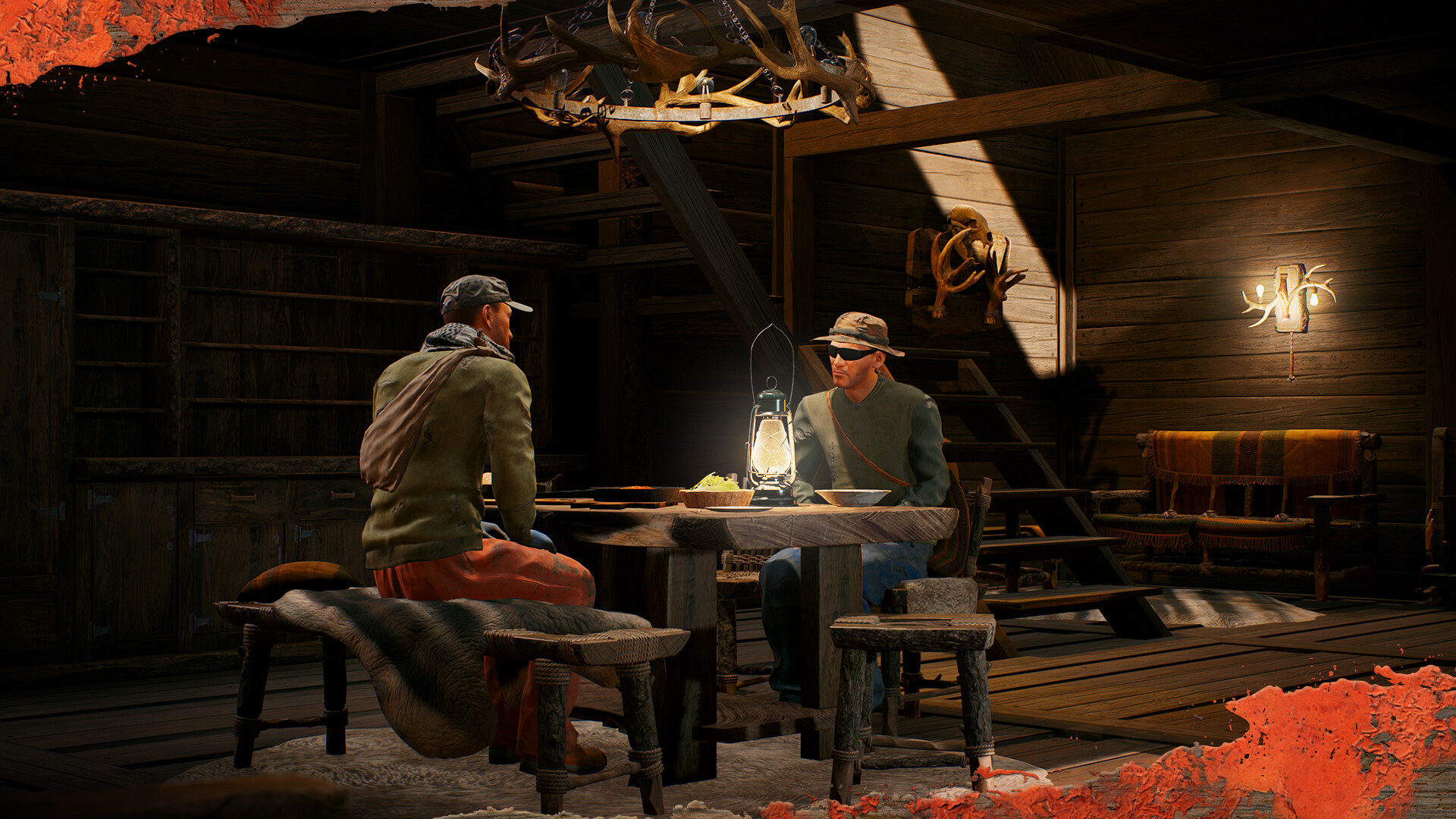
We’d advise against getting too comfortable on SCUM island, but at least with this pack you can try and make your base a little more homely...
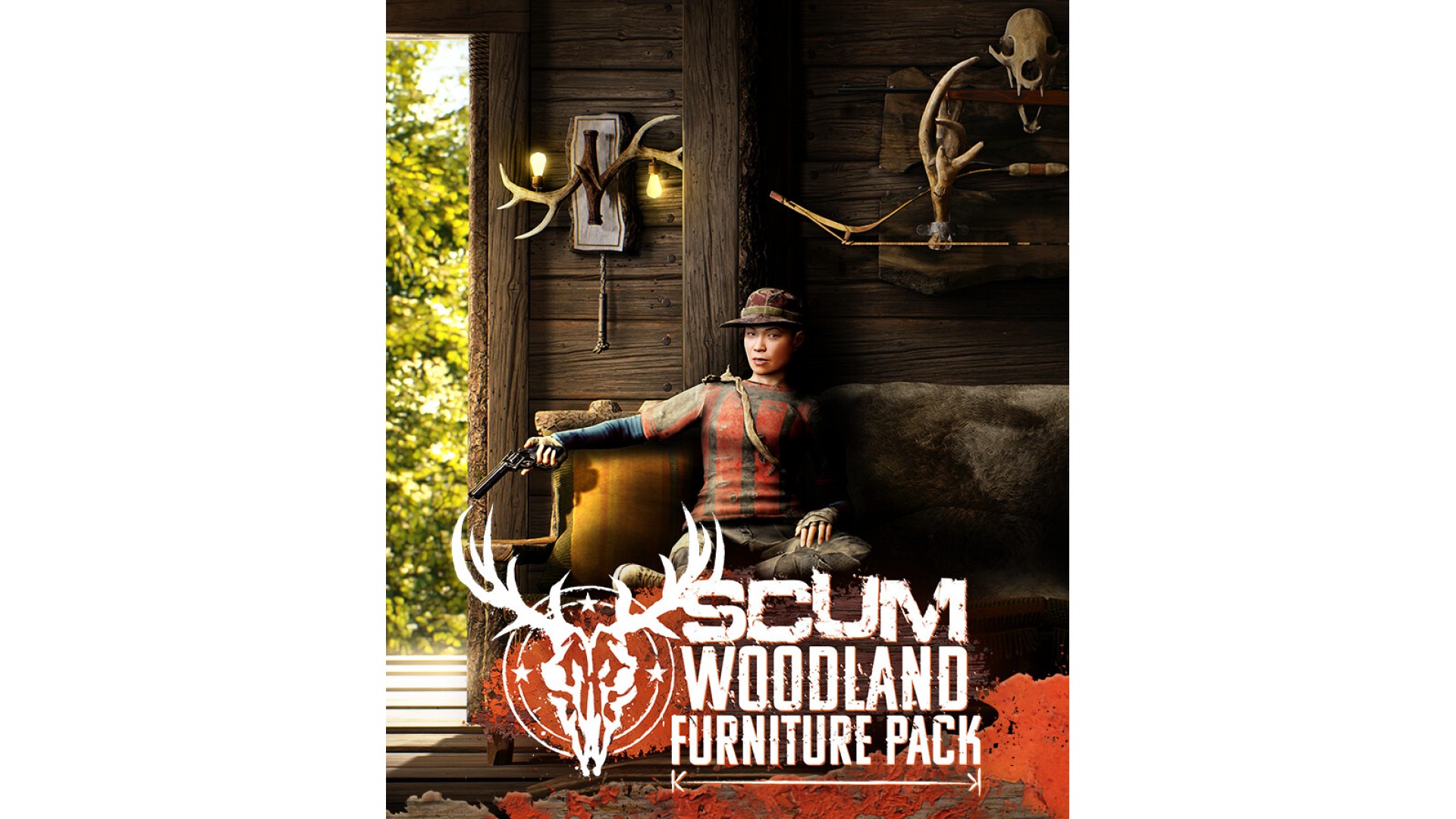
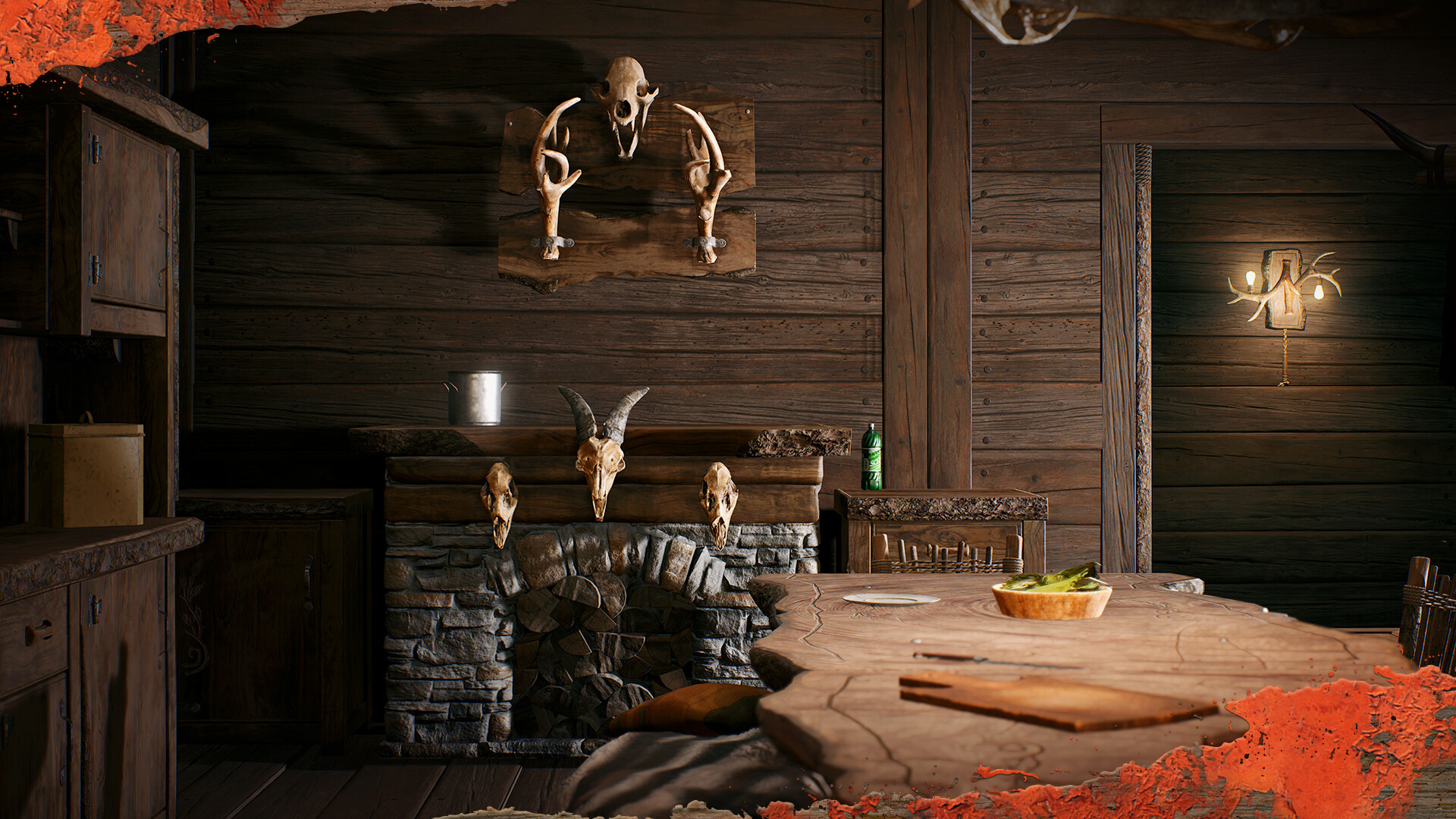
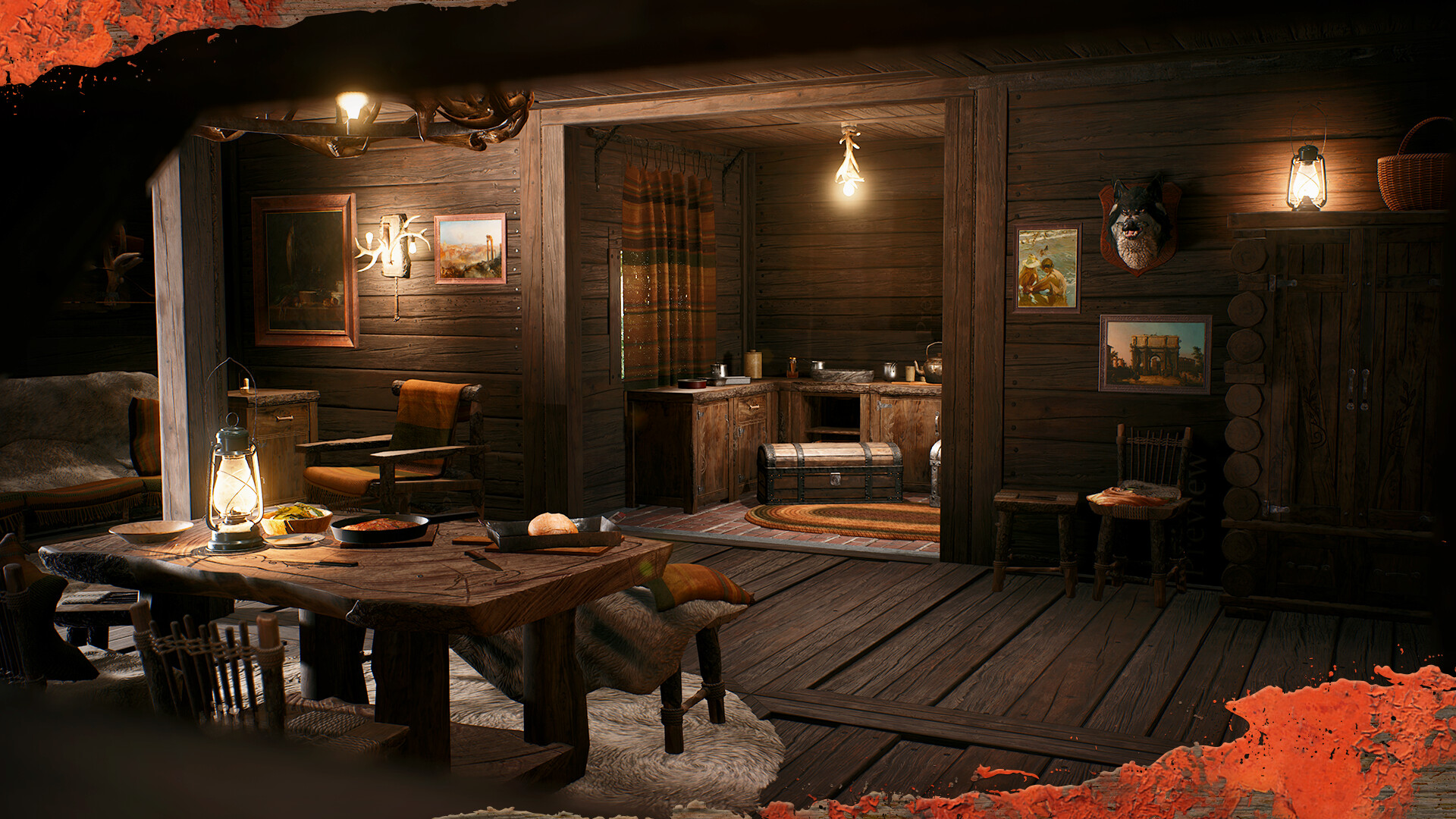
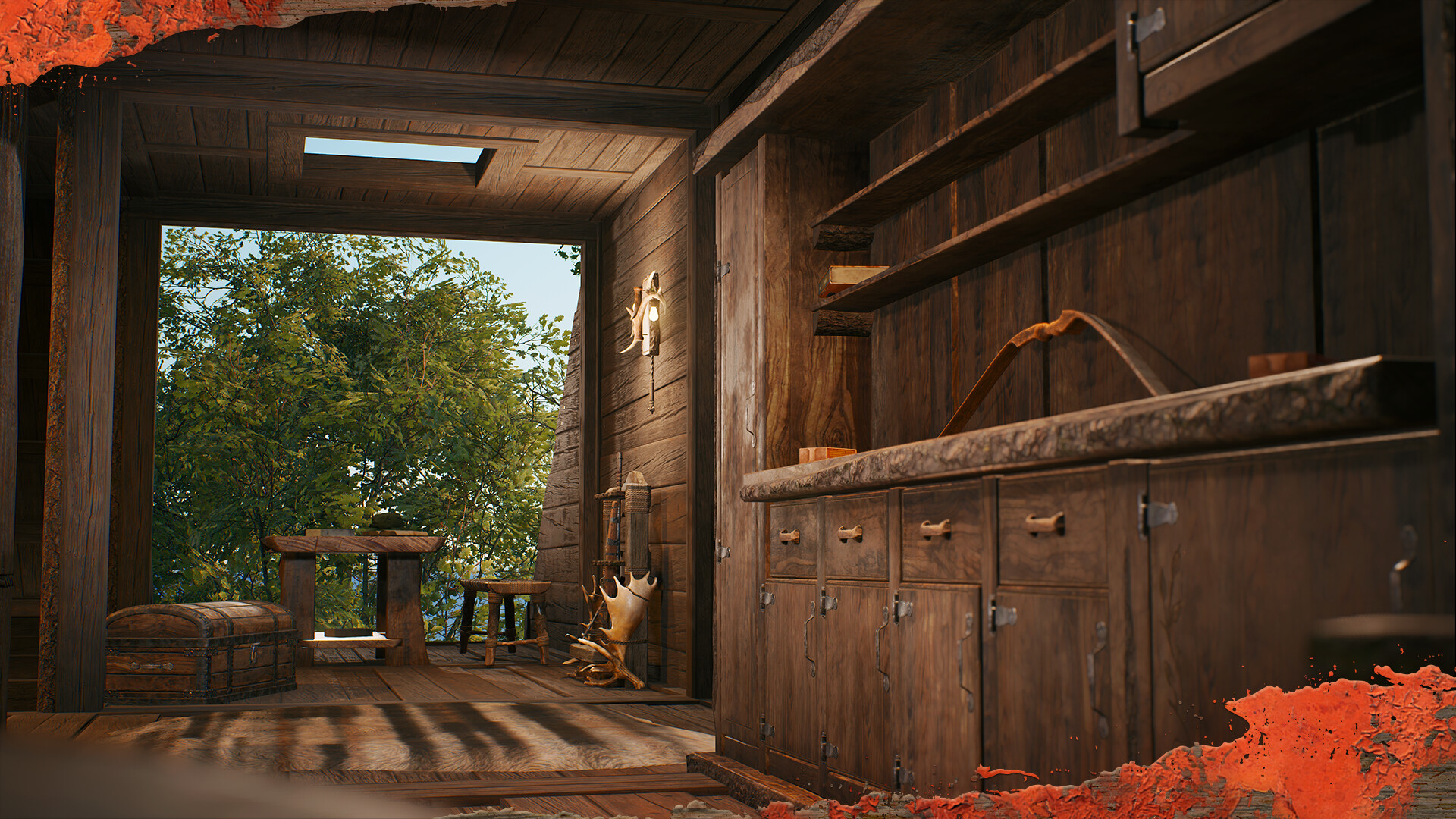
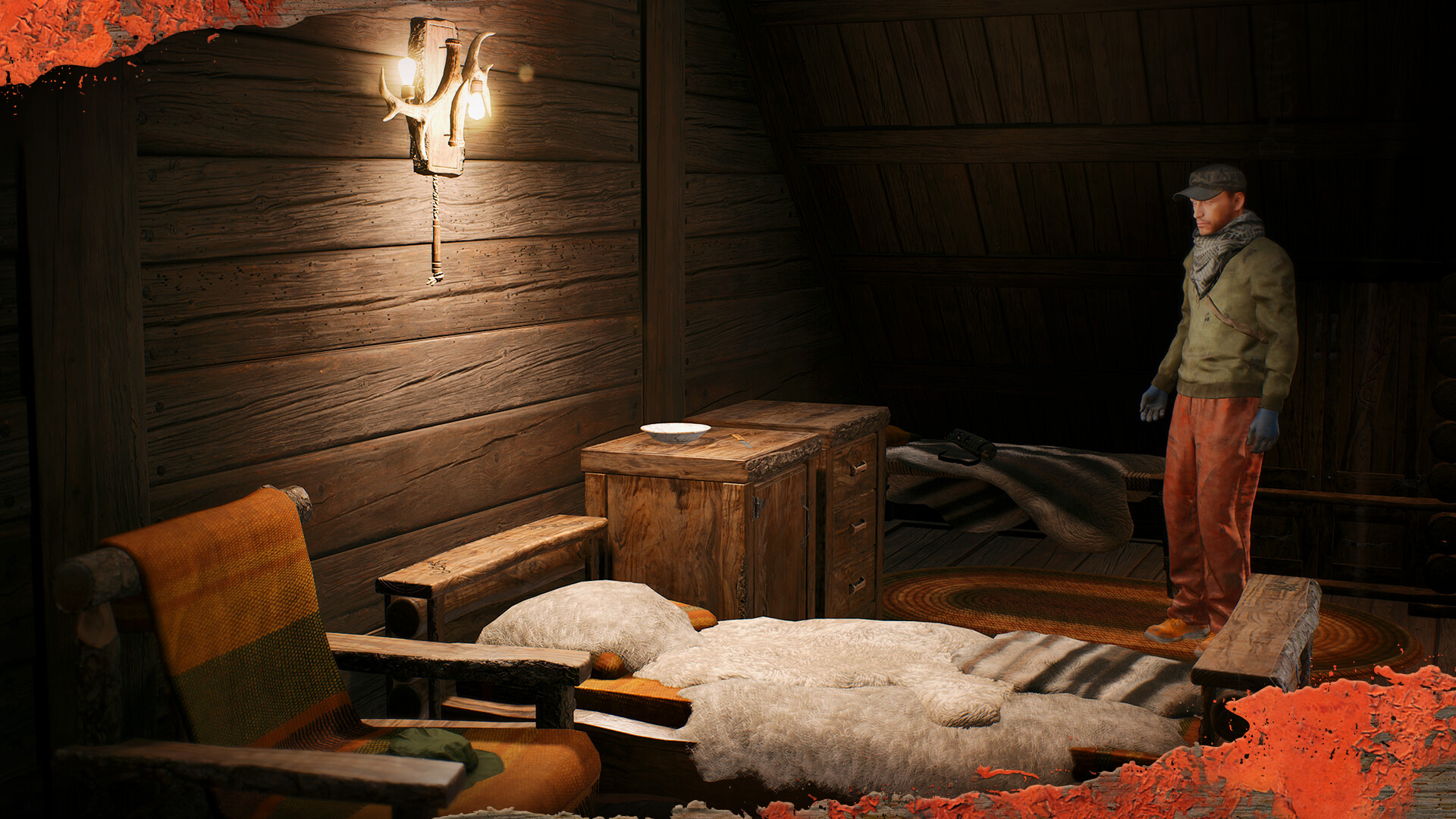
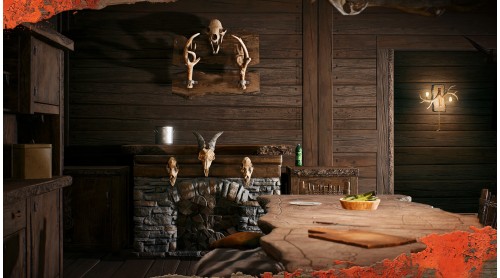
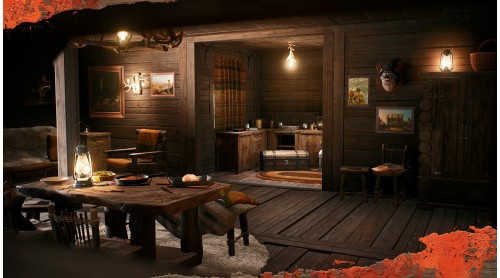
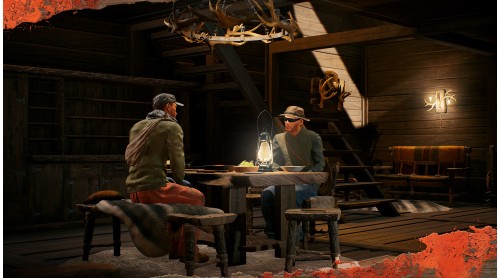
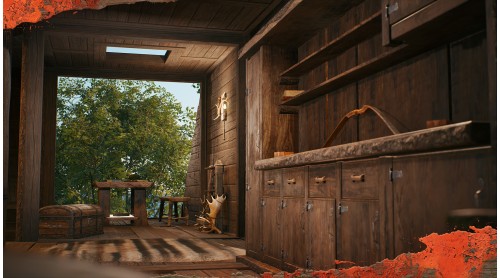
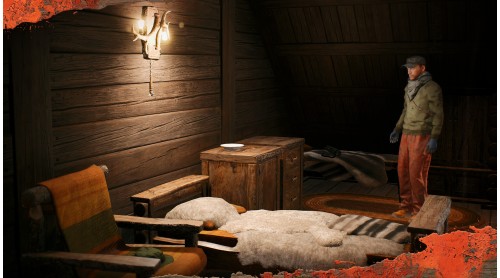
Crafted for those who prefer the rustic aesthetic, the Woodland Furniture Pack includes a range of furniture items to elevate your base from hovel to lodge!
Once the pack has been purchased, these items are automatically unlocked in the base building menu.
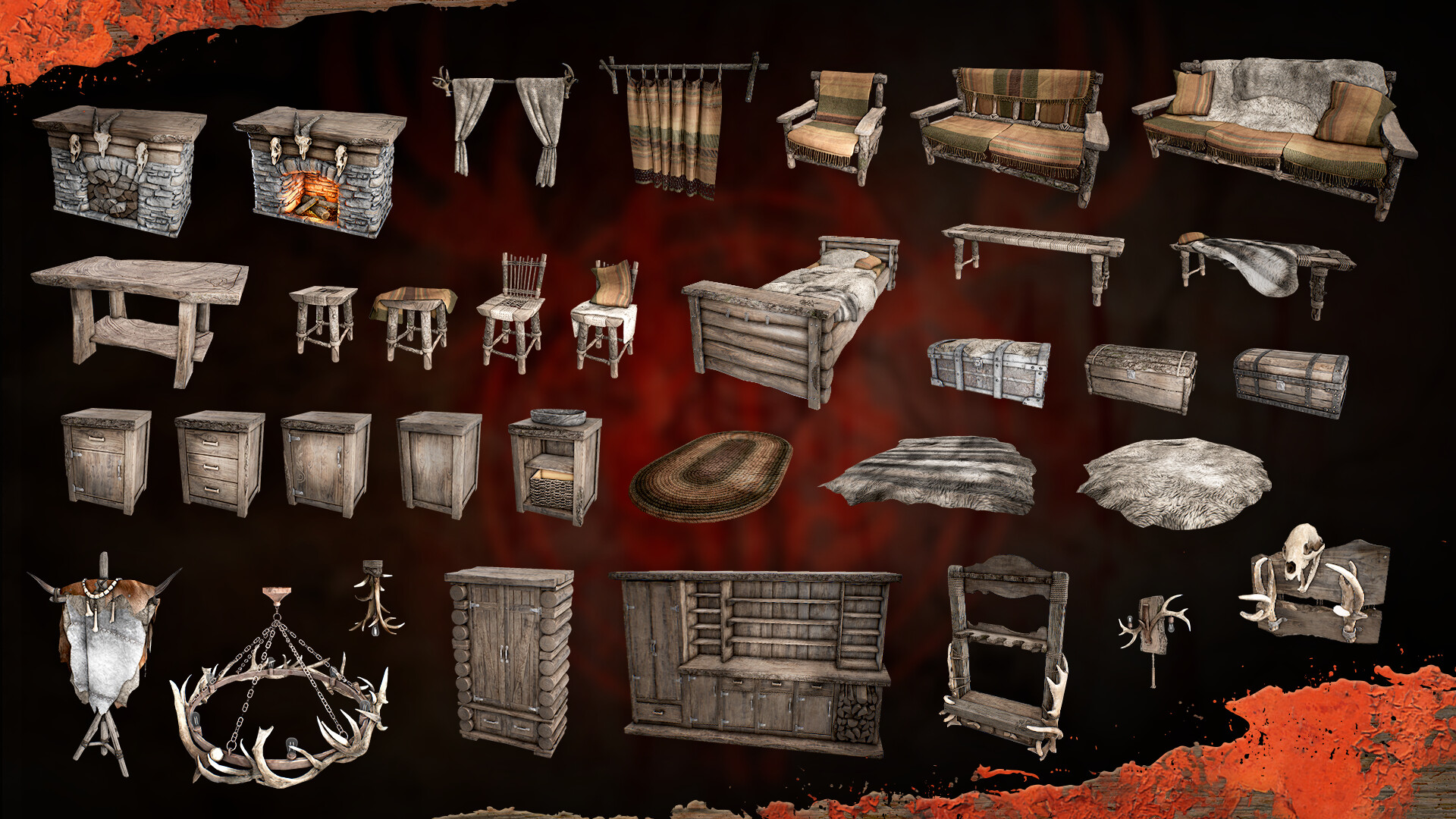
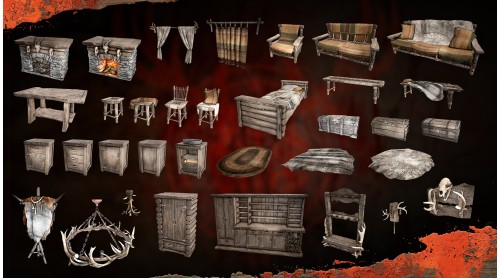
This pack unlocks:
Woodland Table: decorative surface for placed items
Woodland Chair x2: seating
Woodland Stool x2: seating
Woodland Bench x2: seating
Woodland Weapon Rack x2: weapon display
Woodland Kitchen Basin: storage
Woodland Kitchen Drawers & Cupboards x4: storage
Woodland Armchair: seating
Woodland Sofas x2: seating
Woodland Rugs x3: decorative
Woodland Hearth: decorative, can be lit
Woodland Bed: can be used to lie down
Woodland Wardrobe: storage
Woodland Chandelier: light source when powered
Large Woodland Cabinet: storage
Woodland Chests x3: storage
Woodland Wall Lamp: light source when powered
Woodland Ceiling Lamp: light source when powered
Woodland Banner: customizable display, including squad emblems
Woodland Curtains x2 [Open and Closed]: decorative privacy option
© 2025 GAMEPIRES D.O.O.
SCUM and the Gamepires logo are registered and/or unregistered trademarks of GAMEPIRES D.O.O. in the European Union, United States, United Kingdom and other territories. All rights reserved.


How to activate your Steam key?
1. Open your Steam client. (If you don't have a Steam Client, you can install from here https://store.steampowered.com/about/)
2. Sign in to your Steam account. (If you don't have a Steam Account, you can create from here https://store.steampowered.com/join/)
3. Click “ADD A GAME” button which is at the bottom of the Steam Client.
4. Now select "Activate a product on Steam..."
5. Write or copy-paste your Steam key which you purchased from Gamesforpc.
6. Now your game is in your library.
7. Find your game in your library, select and click install to start your download.