





 Steam
Steam  Windows
 | Release Date | 25.05.2026 |
| Publisher | Gamepires |
| Operating Systems | Windows |
| Genres | Action, Adventure, indie, massively multiplayer |
11.99€
Added to Cart
11.99€
Added to Wishlist
11.99€

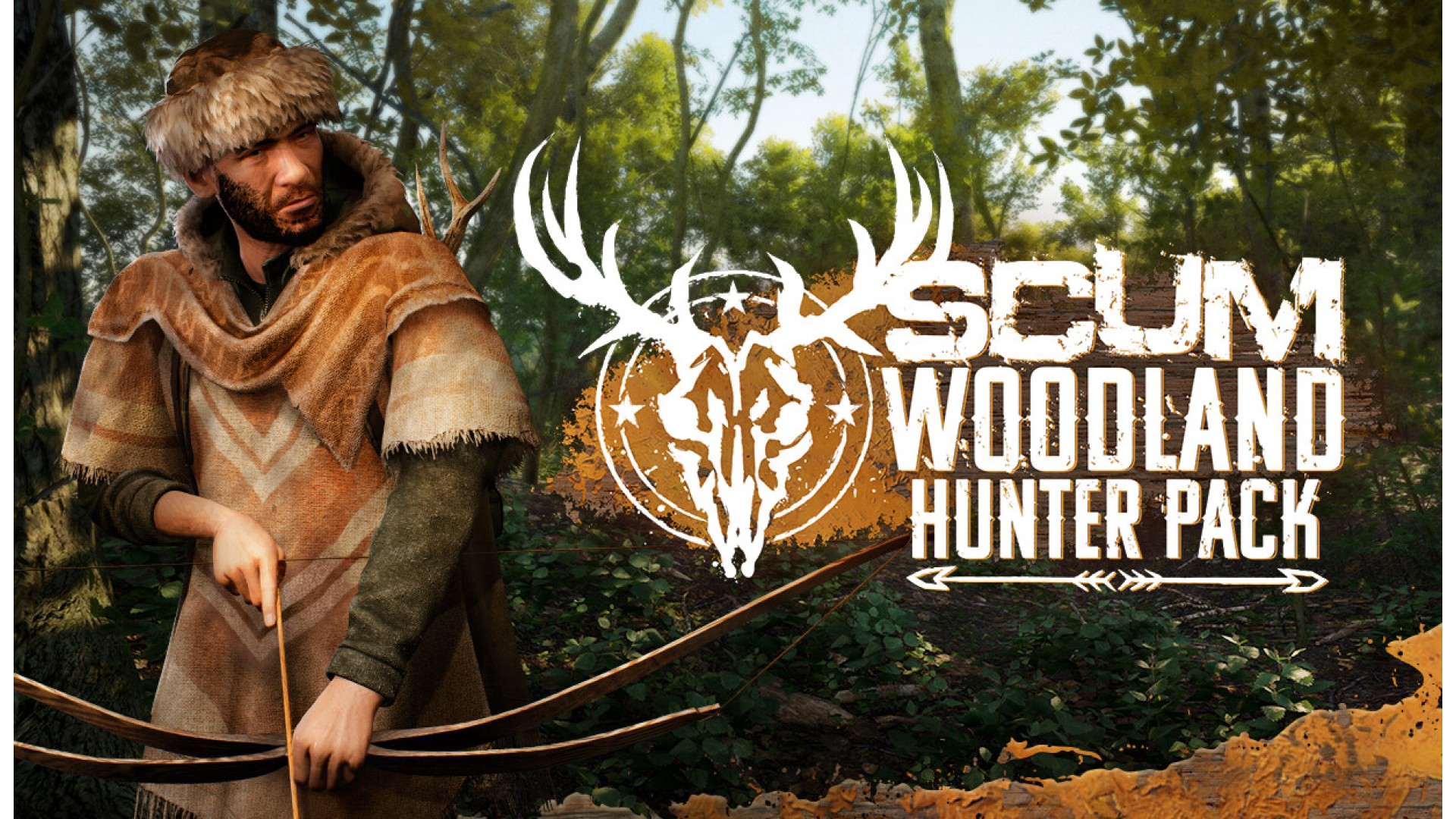
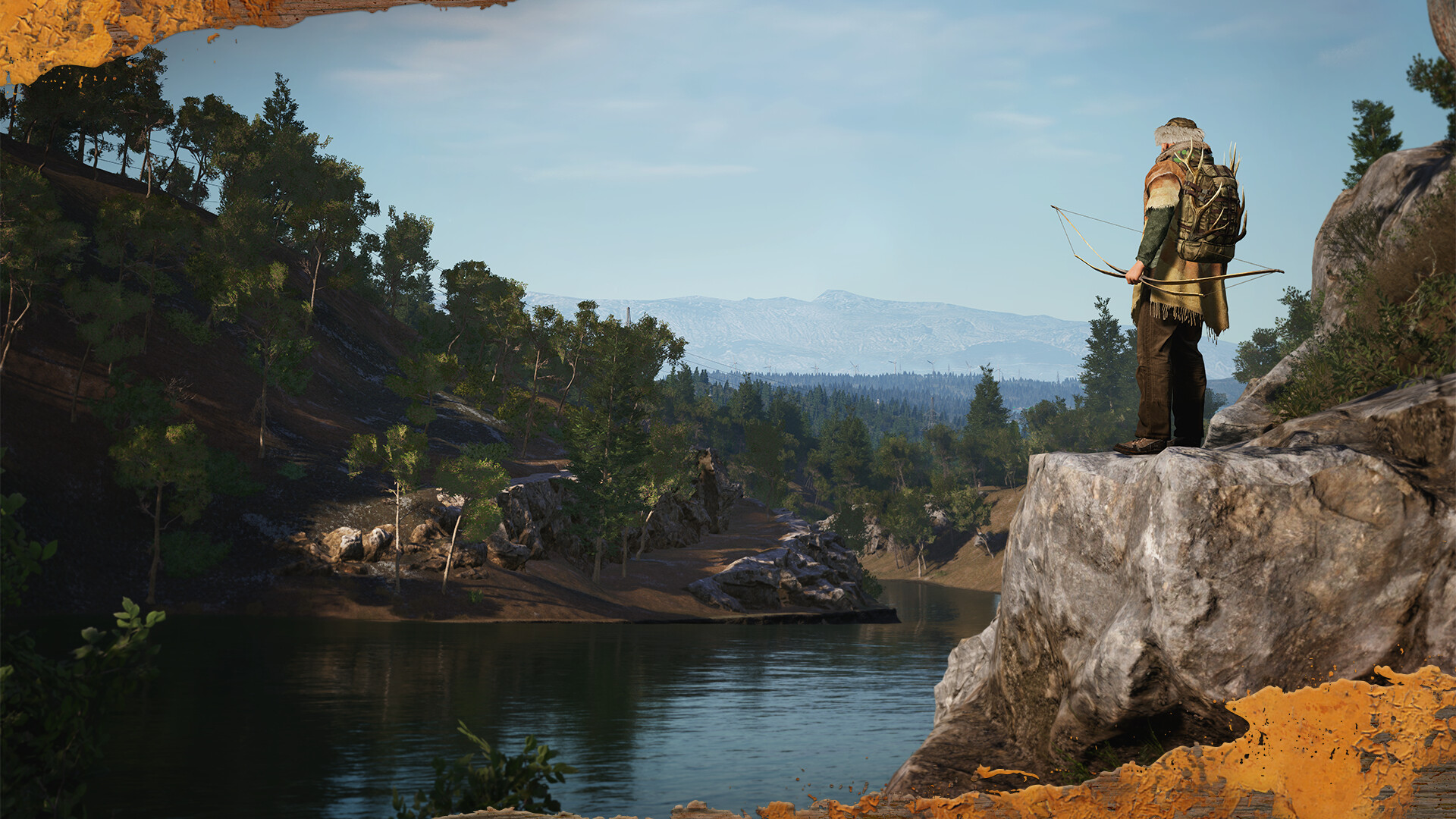
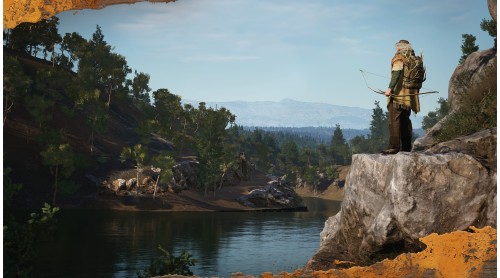
Join SCUM for INTO THE WILD, a season focused on hunting, wilderness, and survival.
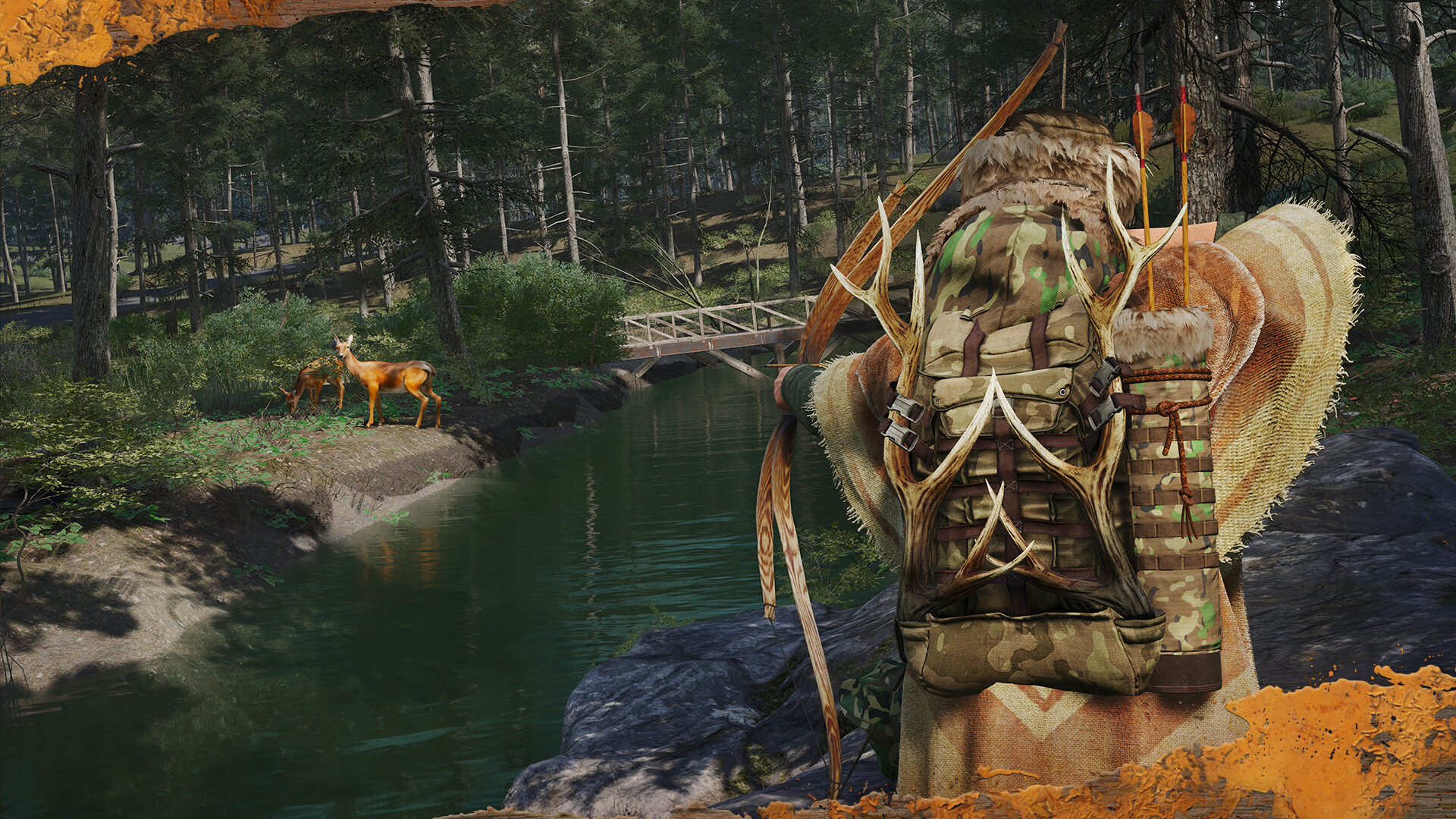
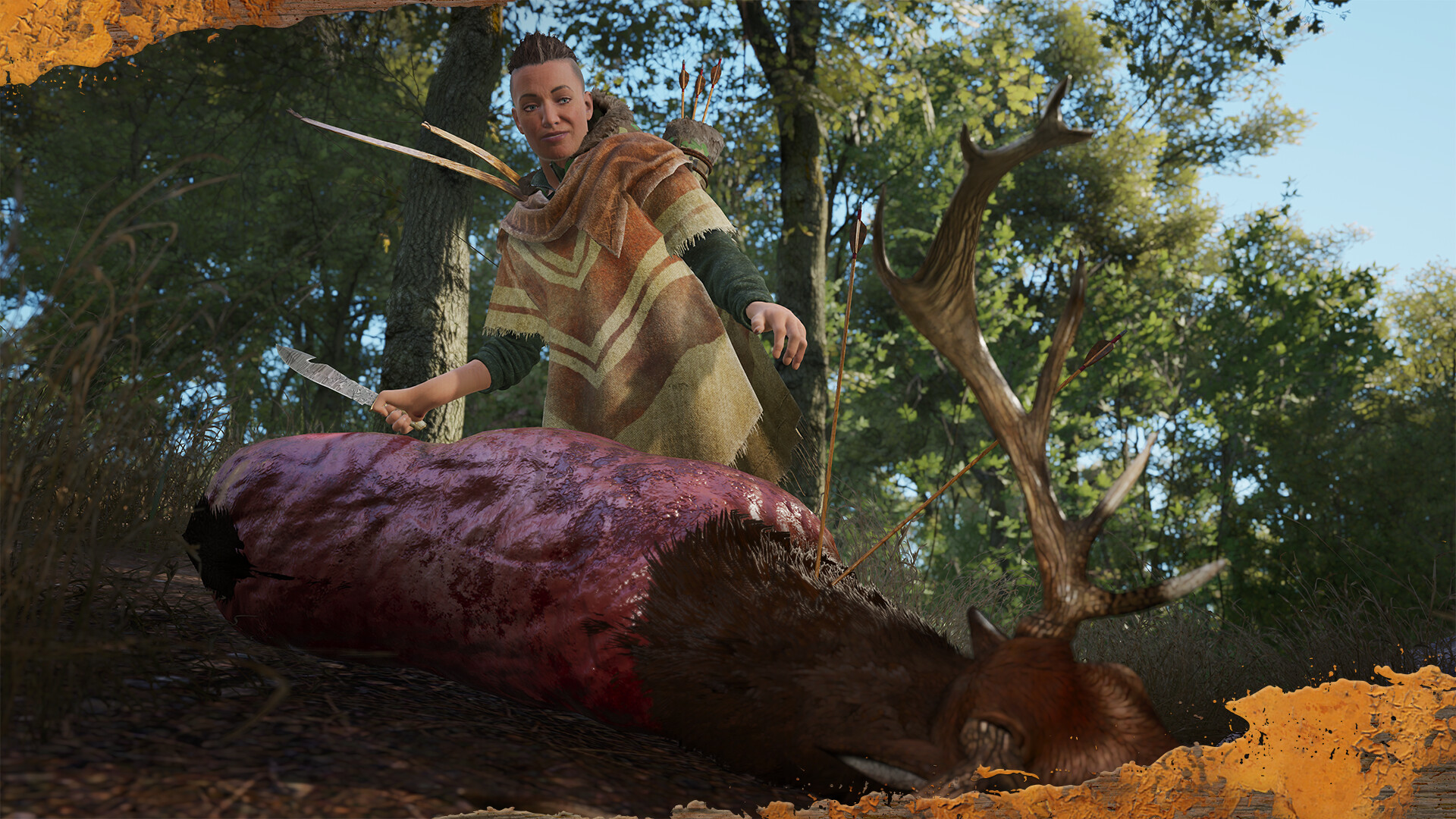
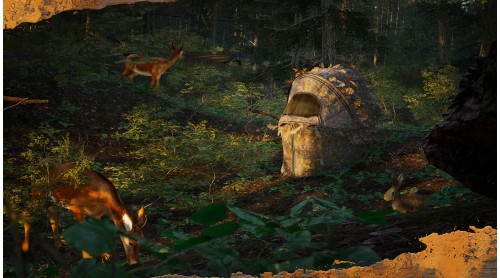
Outfit yourself for the hunt and step into the wild. Crafted for prisoners who want to blend into the woods as they decimate the island’s local wildlife. The Woodland Hunter Pack includes a variety of hunting-themed items including cosmetic accessories, in-game items, emotes, and more!
Once the pack has been purchased, unlocked content can be obtained in-game in different ways, depending on the item.
Some items can be crafted using in-game materials, while others can be bought with in-game currency from the trader in the Hunter’s Grotto.
This pack unlocks:
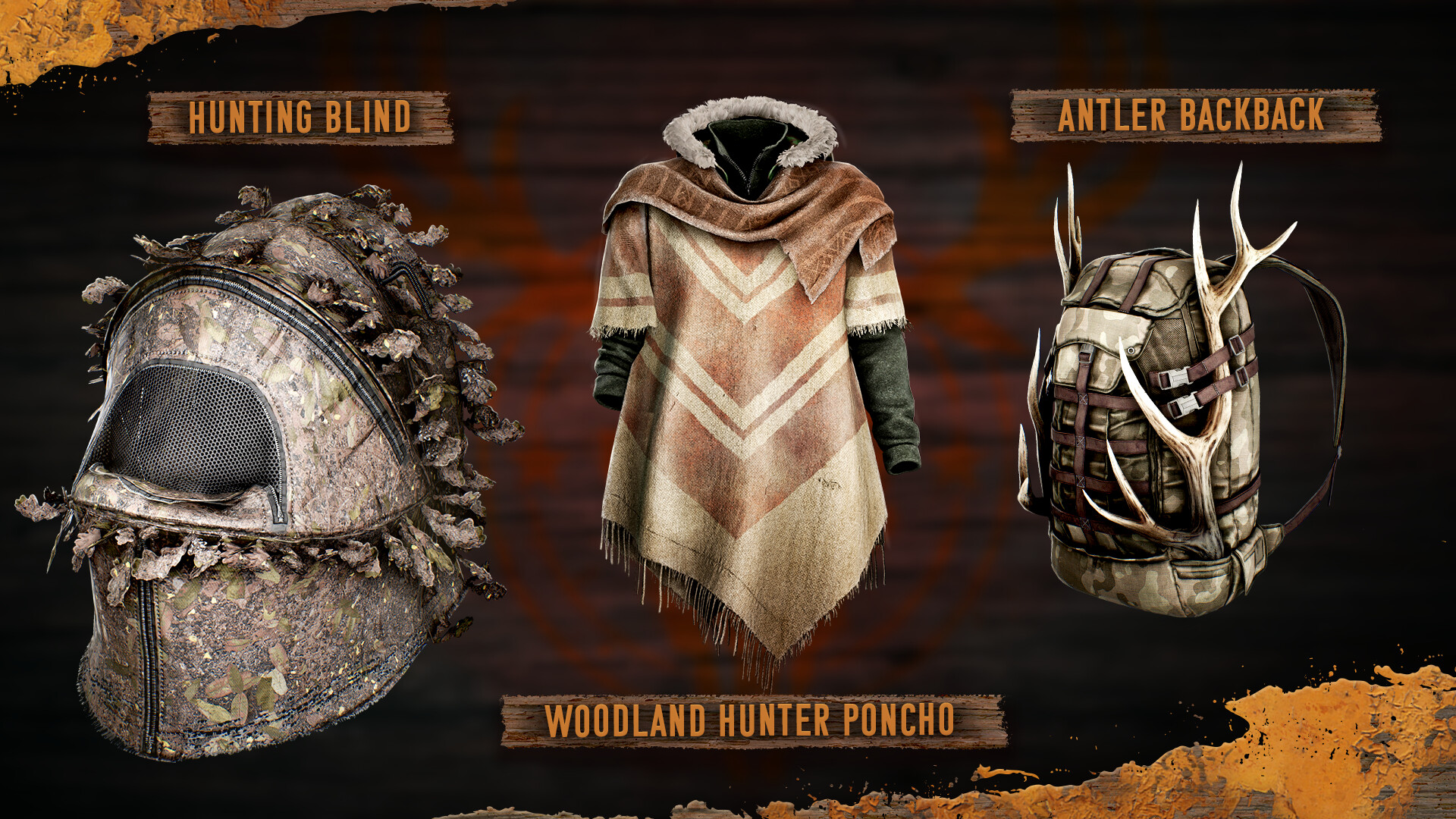
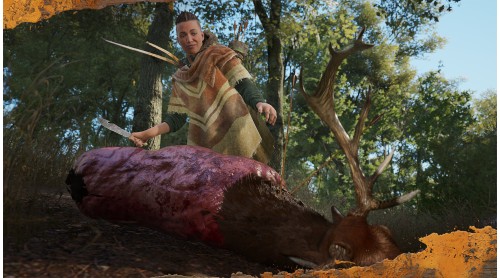
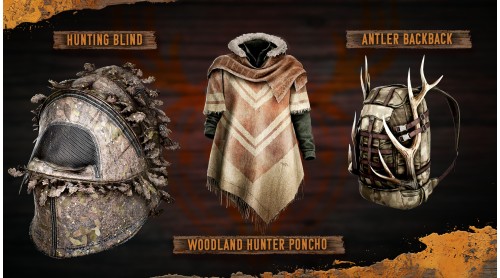
Woodland Hunter Poncho: craftable or available from the trader
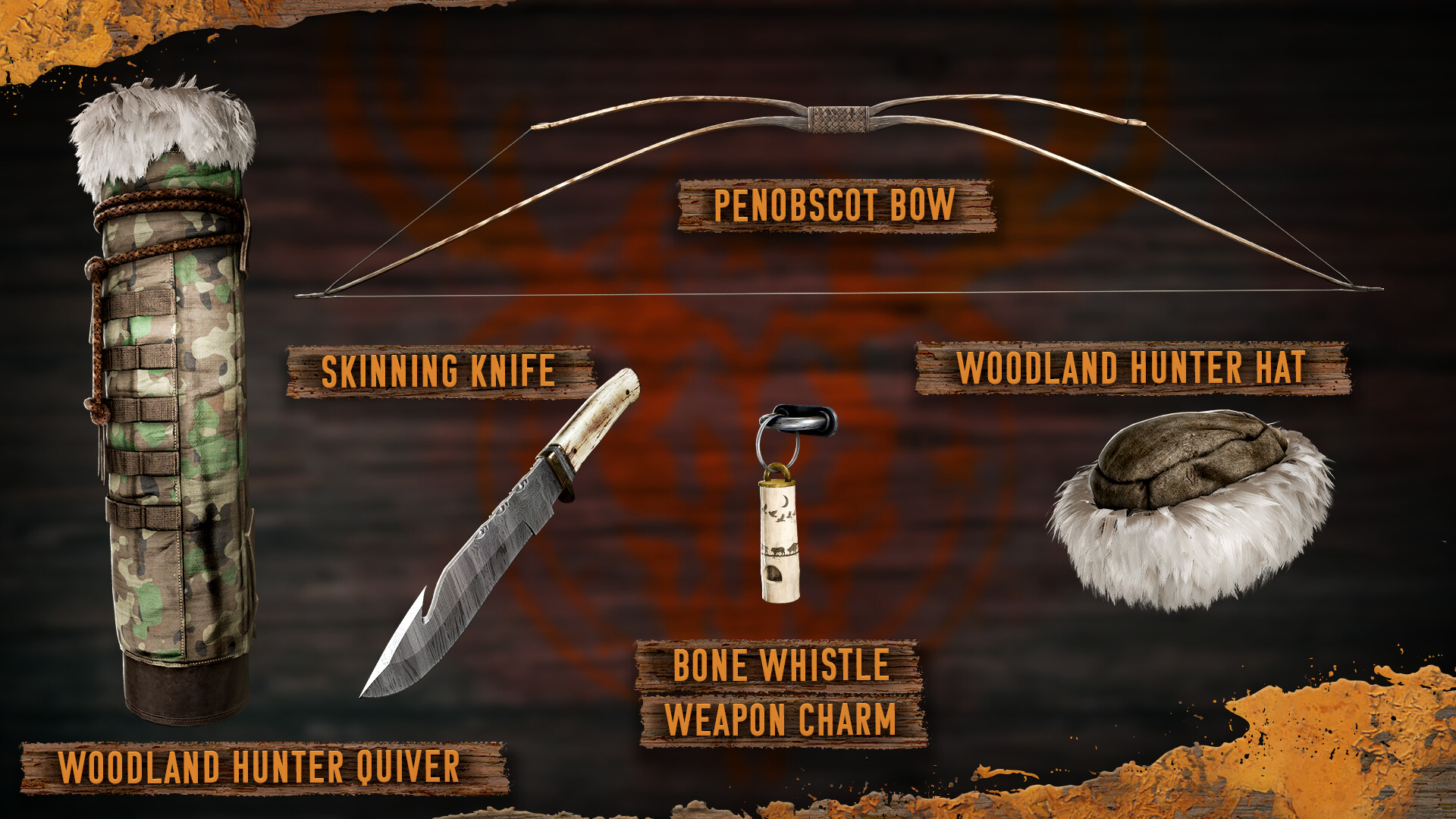
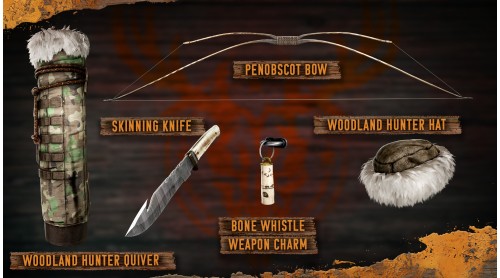
Woodland Hunter Hat: craftable or available from the trader
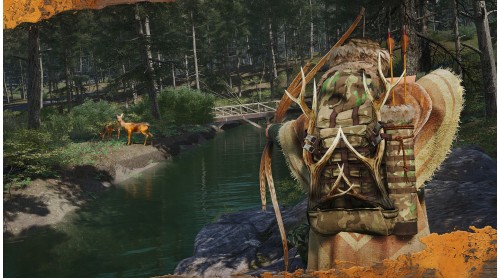
Woodland Hunter Quiver: craftable or available from the trader
Antler Backpack: craftable or available from the trader
Penobscot Bow: craftable or available from the trader
Skinning Knife: craftable or available from the trader
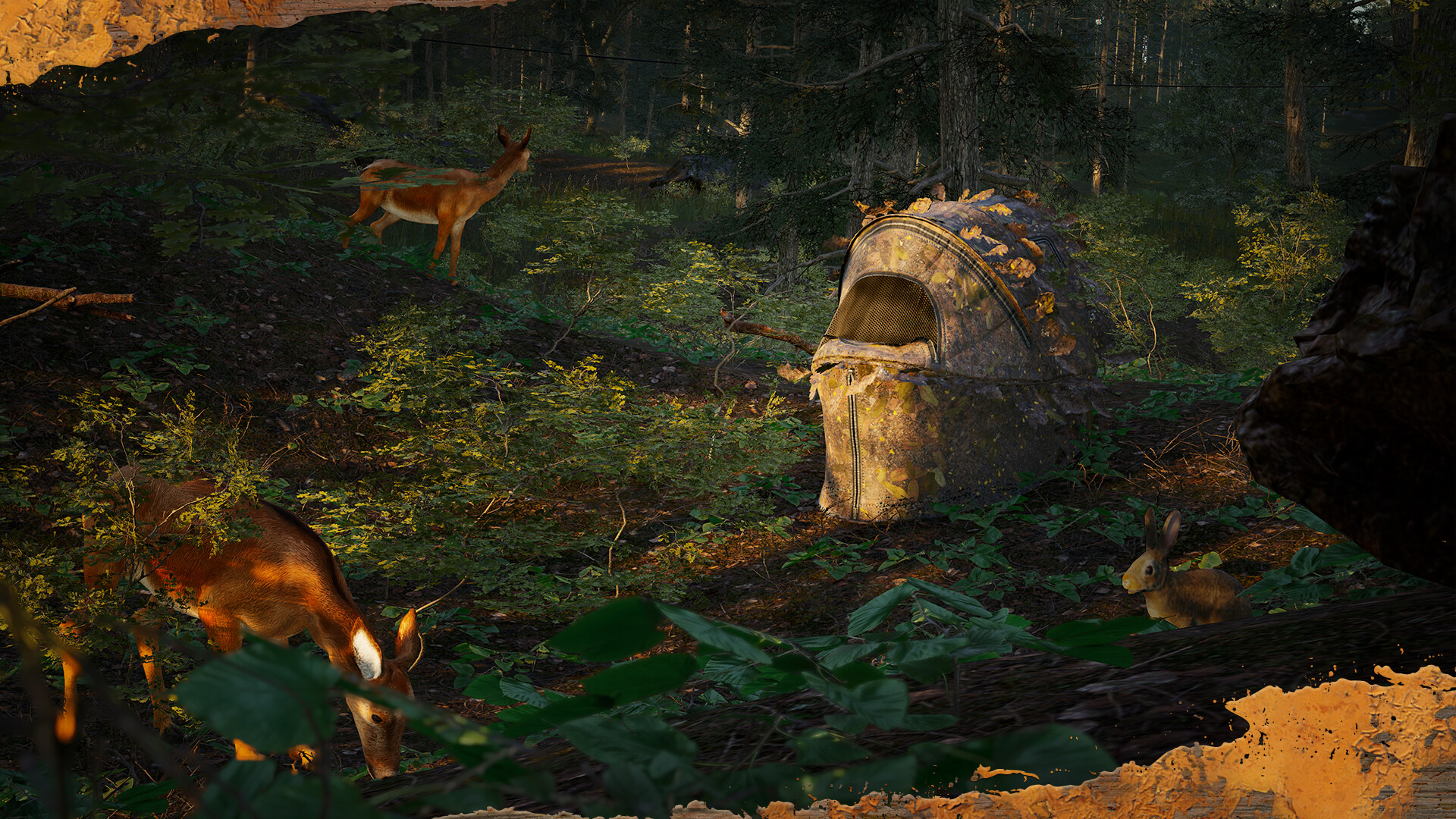
Hunting Blind: decorative, found in base building menu
Bone Whistle Weapon Charm: available from the trader
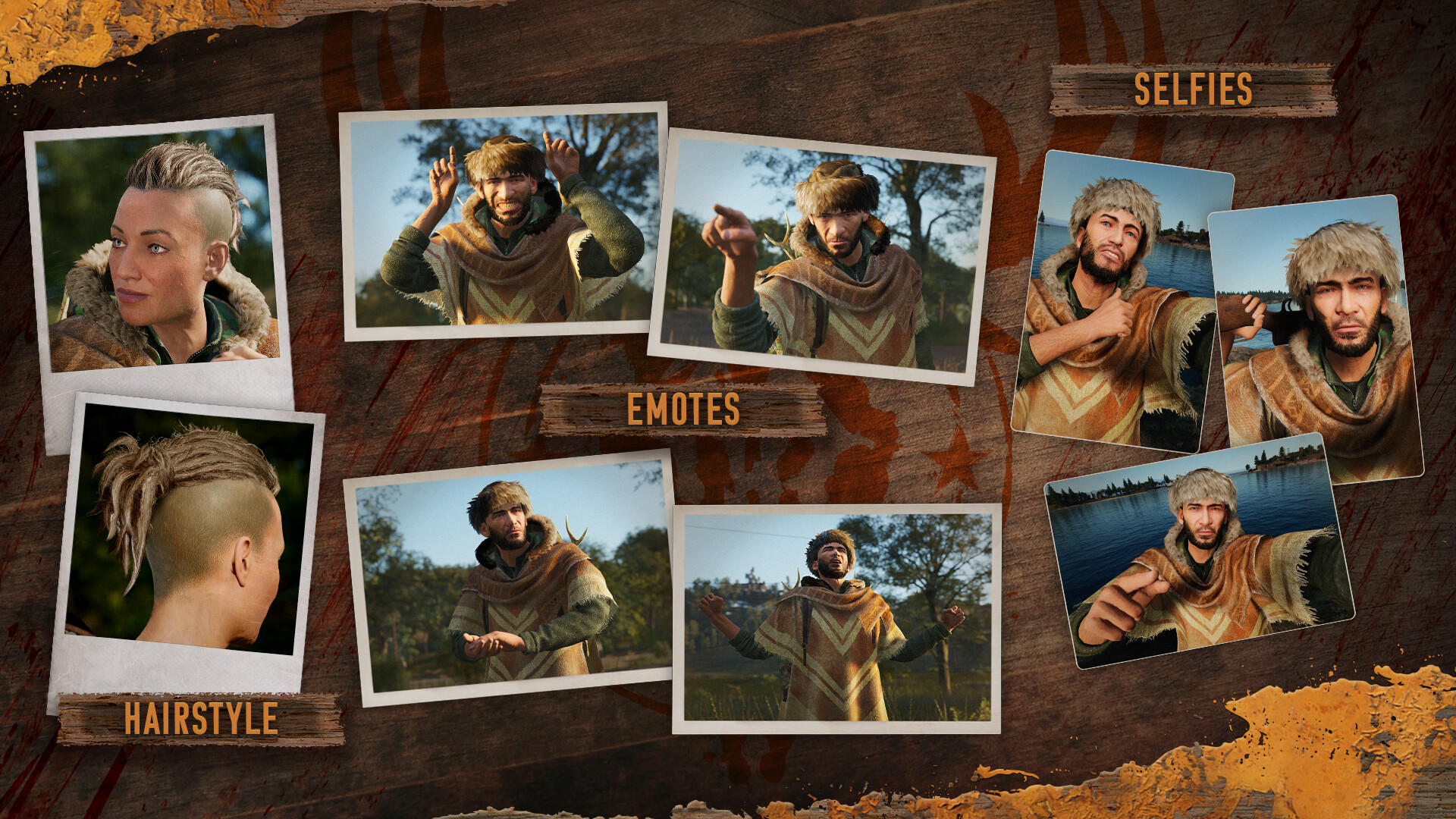
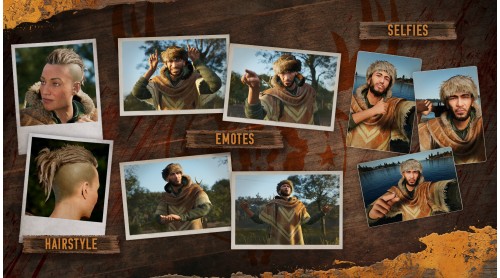
Woodland Hunter Female Hairstyle: found in character creation
Woodland Hunter Male Hairstyle: found in character creation
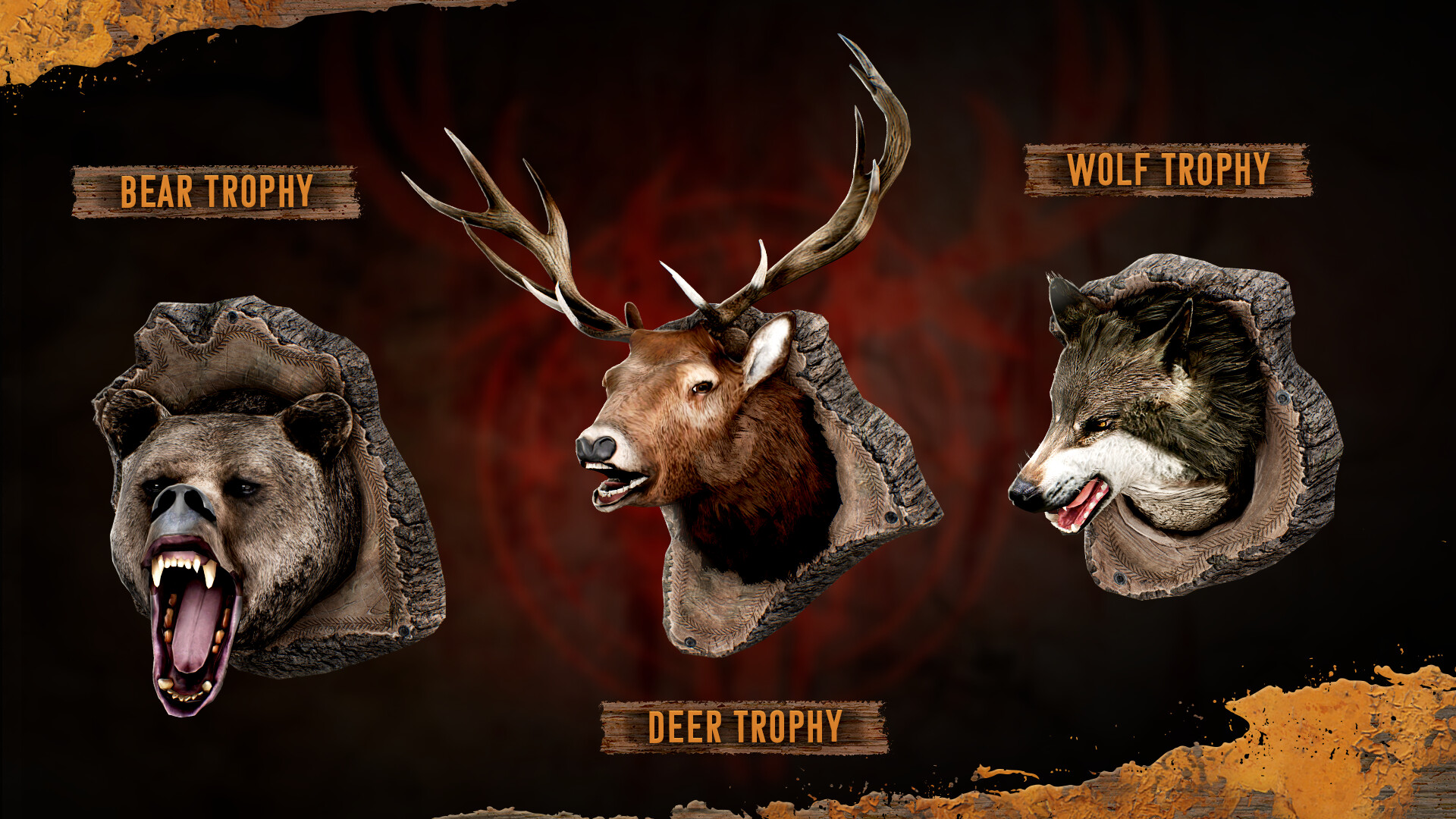
Woodland Hunter Trophies x3 (Wolf, Bear, Deer): decorative, found in base building menu
Selfie Poses x3: photo mode
Woodland Hunter Emotes x4: found in radial menu
© 2025 GAMEPIRES D.O.O.
SCUM and the Gamepires logo are registered and/or unregistered trademarks of GAMEPIRES D.O.O. in the European Union, United States, United Kingdom and other territories. All rights reserved.


How to activate your Steam key?
1. Open your Steam client. (If you don't have a Steam Client, you can install from here https://store.steampowered.com/about/)
2. Sign in to your Steam account. (If you don't have a Steam Account, you can create from here https://store.steampowered.com/join/)
3. Click “ADD A GAME” button which is at the bottom of the Steam Client.
4. Now select "Activate a product on Steam..."
5. Write or copy-paste your Steam key which you purchased from Gamesforpc.
6. Now your game is in your library.
7. Find your game in your library, select and click install to start your download.