 Steam
Steam 19.99€
Added to Cart
19.99€
Added to Wishlist
19.99€
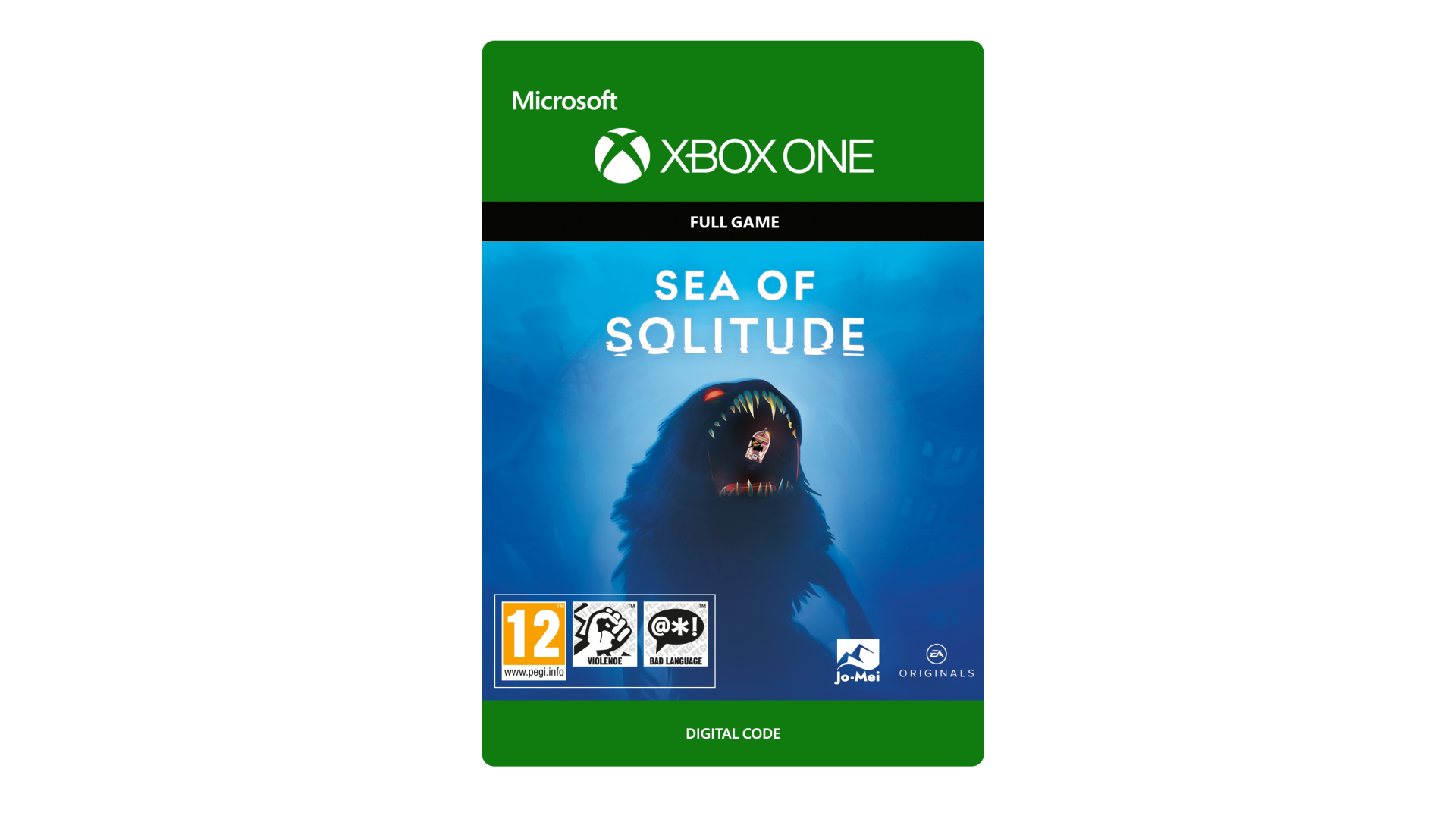
SEA OF SOLITUDE
When humans get too lonely, they turn into monsters… Set sail on a personal journey of a young woman’s loneliness. Meet fantastical creatures and monsters, learn their stories, and solve challenges. Explore a flooded city, either by boat, on foot, or by swimming through the water itself. Dare to look what lies beneath the surface, in a haunting struggle of darkness and light, and discover what it truly means to be human.
ACCEPTANCE OF EA USER AGREEMENT (terms.ea.com) AND ACKNOWLEDGEMENT OF EA’S PRIVACY AND COOKIE POLICY (privacy.ea.com) REQUIRED TO PLAY. EA MAY PROVIDE CERTAIN FREE INCREMENTAL CONTENT AND/OR UPDATES.
© 2019 Jo-Mei GmbH. EA and the EA logo are trademarks of Electronic Arts Inc.


How to activate your Steam key?
1. Open your Steam client. (If you don't have a Steam Client, you can install from here https://store.steampowered.com/about/)
2. Sign in to your Steam account. (If you don't have a Steam Account, you can create from here https://store.steampowered.com/join/)
3. Click “ADD A GAME” button which is at the bottom of the Steam Client.
4. Now select "Activate a product on Steam..."
5. Write or copy-paste your Steam key which you purchased from Gamesforpc.
6. Now your game is in your library.
7. Find your game in your library, select and click install to start your download.