 Steam
Steam  Windows
 | Release Date | 14.03.2026 |
| Publisher | Daedalic Entertainment |
| Operating Systems | Windows |
| Genres | Action, Simulation, Strategy, indie |
24.99€
Added to Cart
24.99€
Added to Wishlist
24.99€
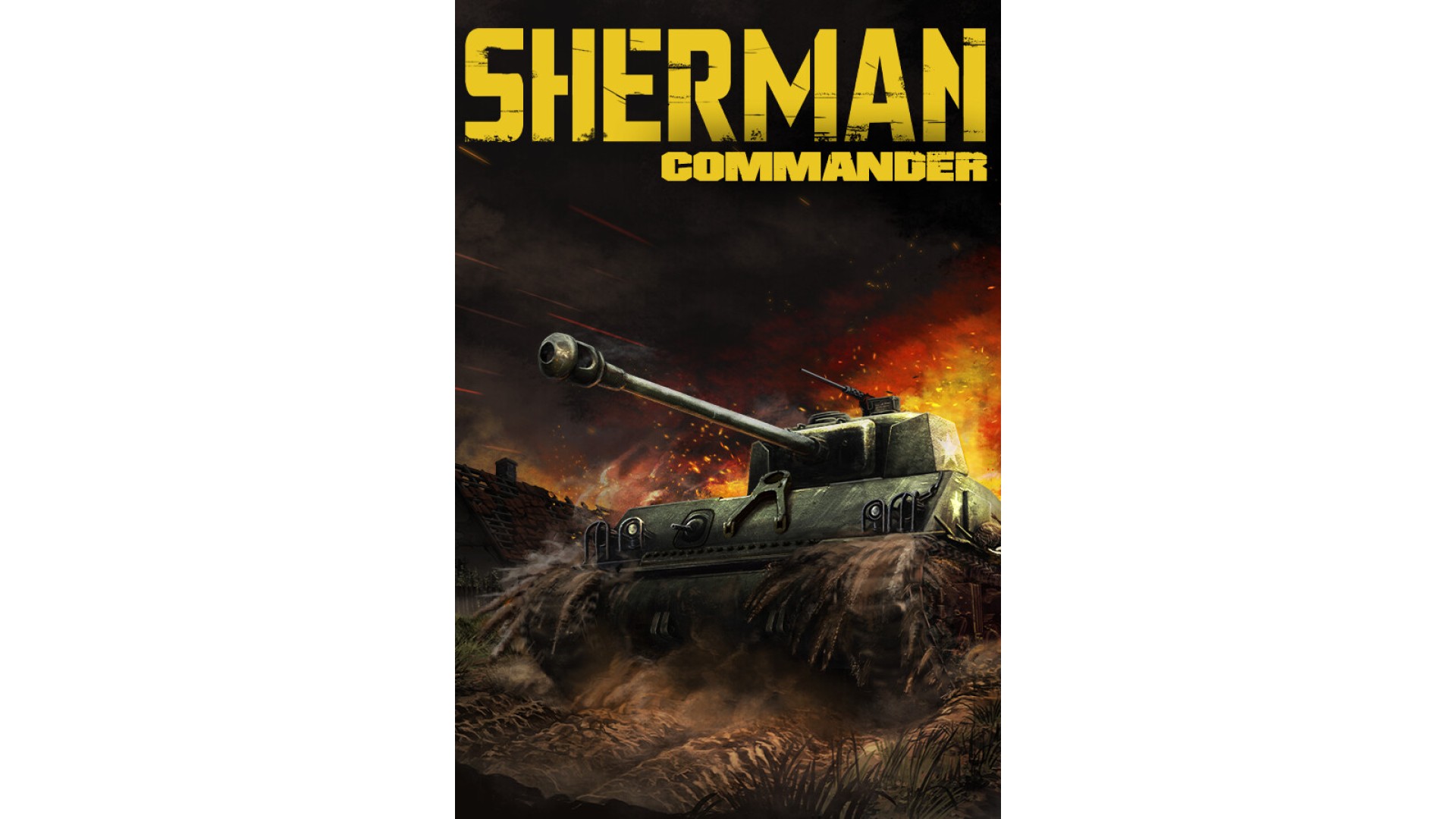
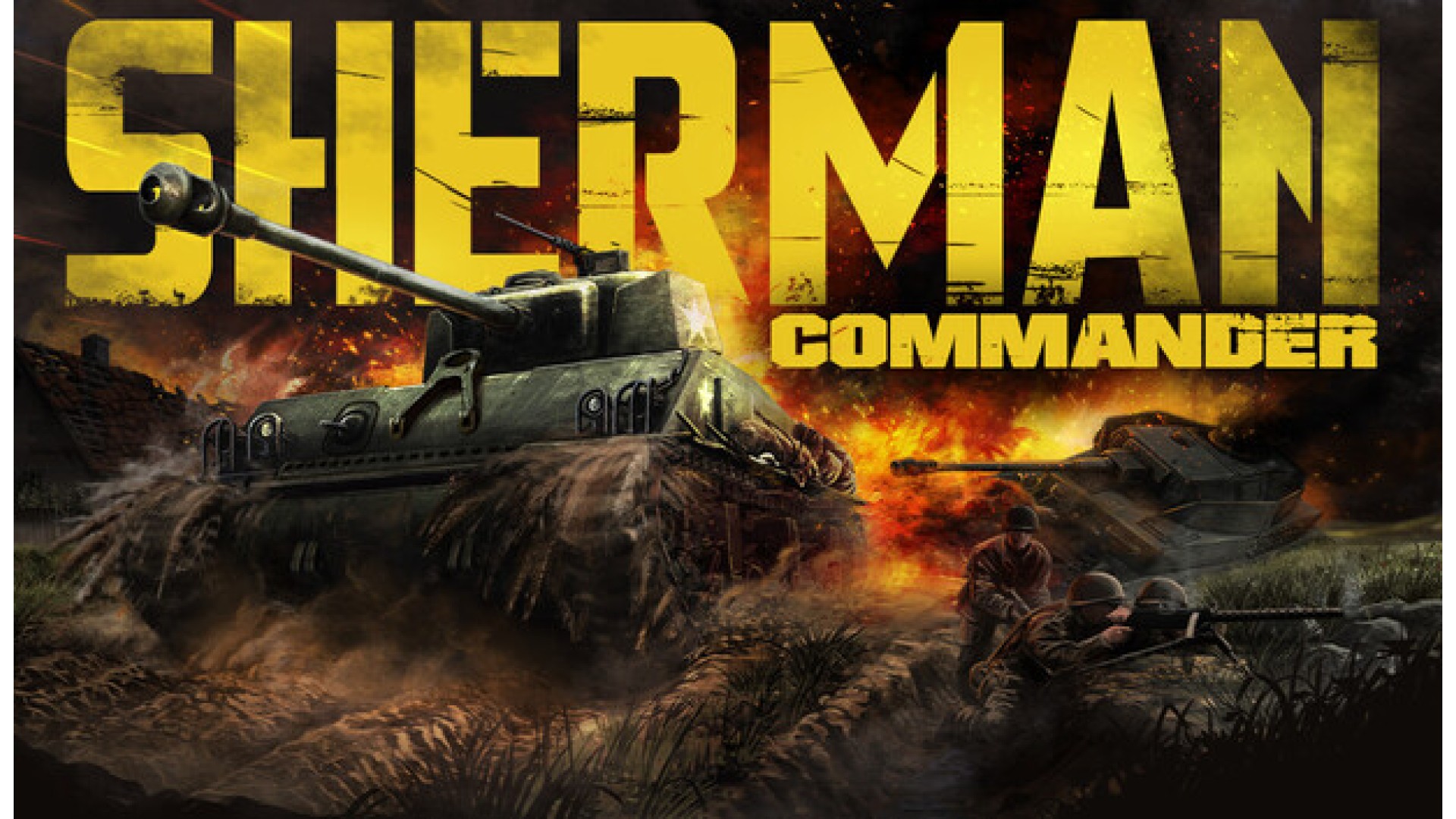
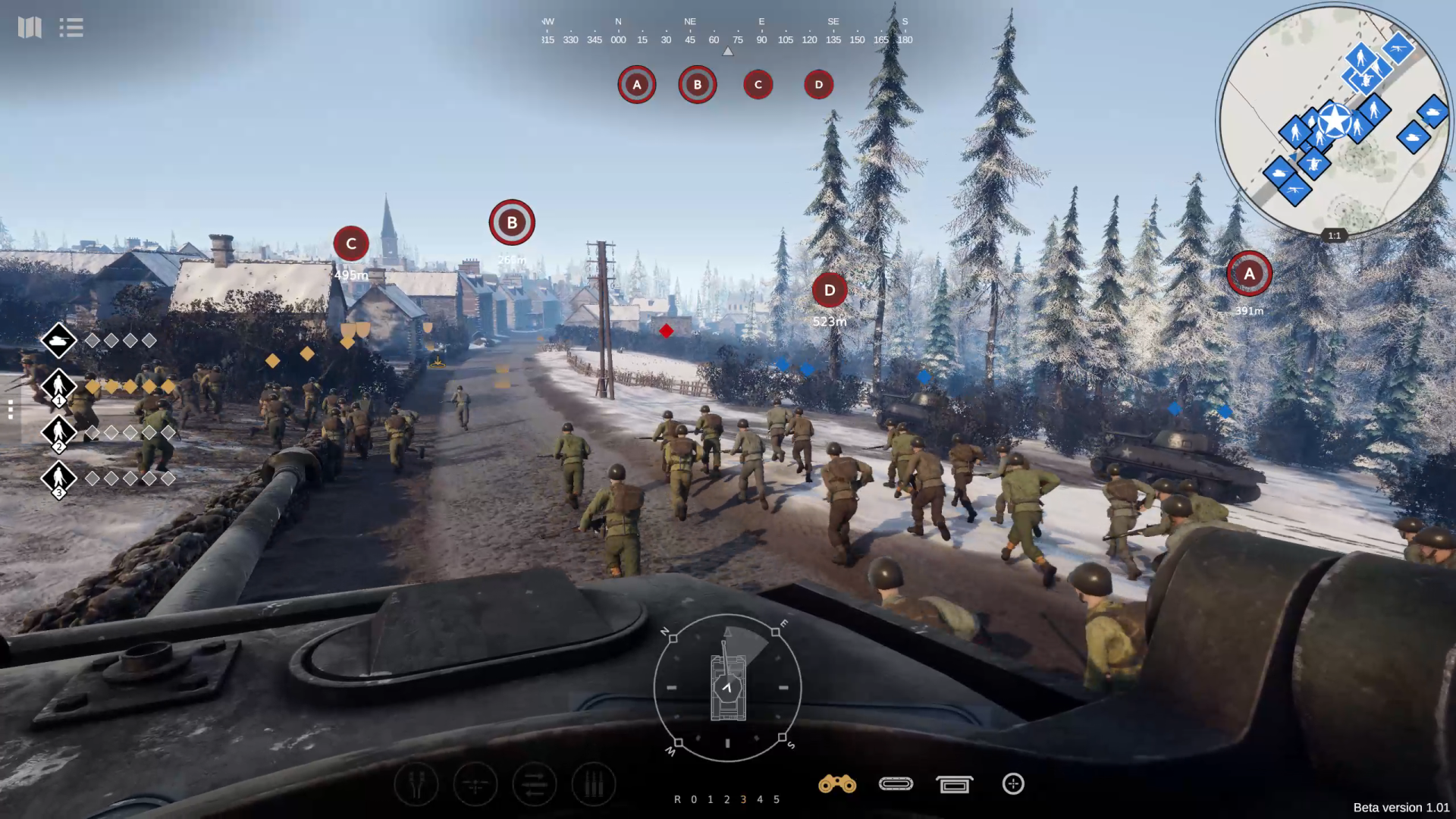
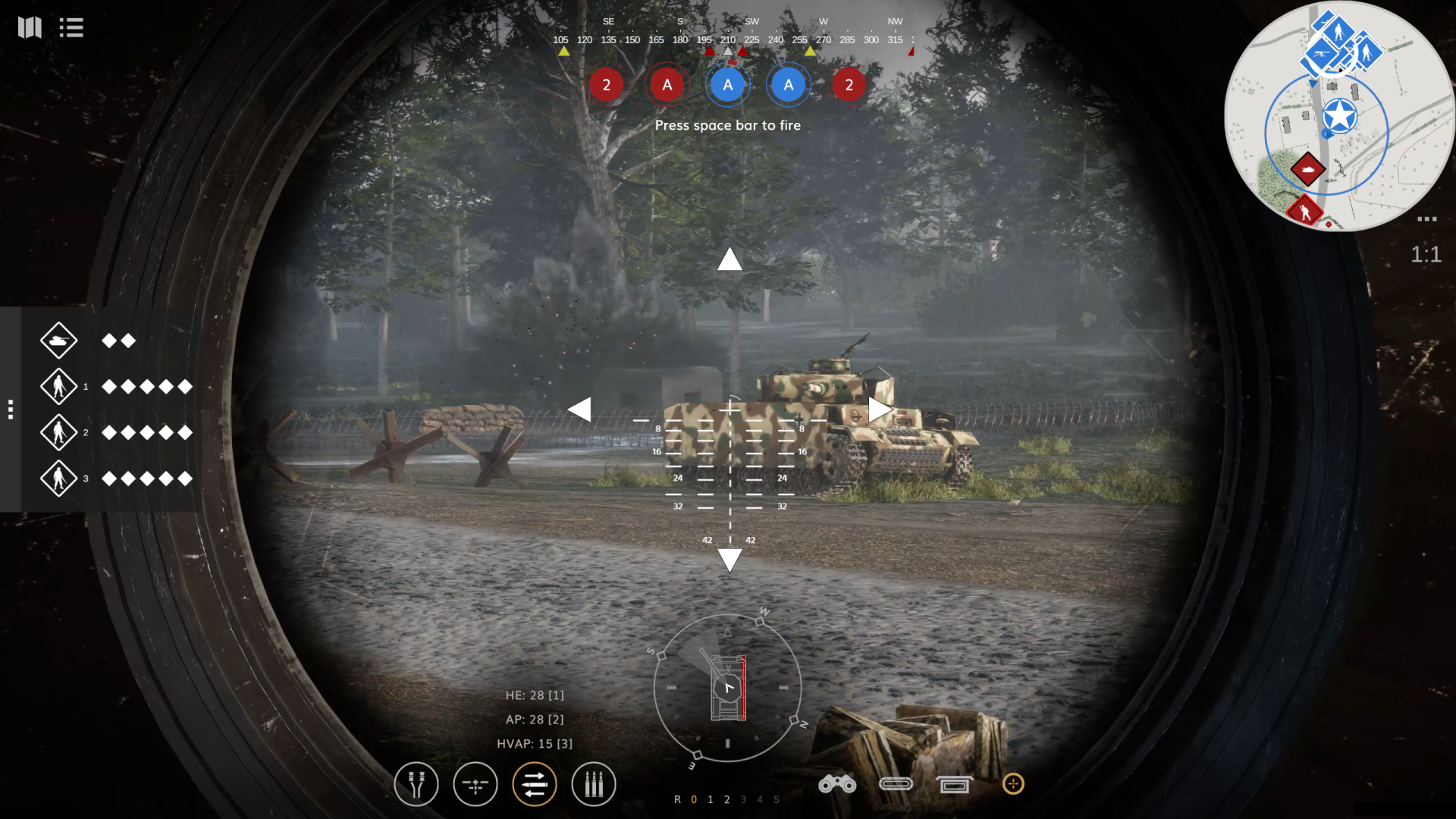
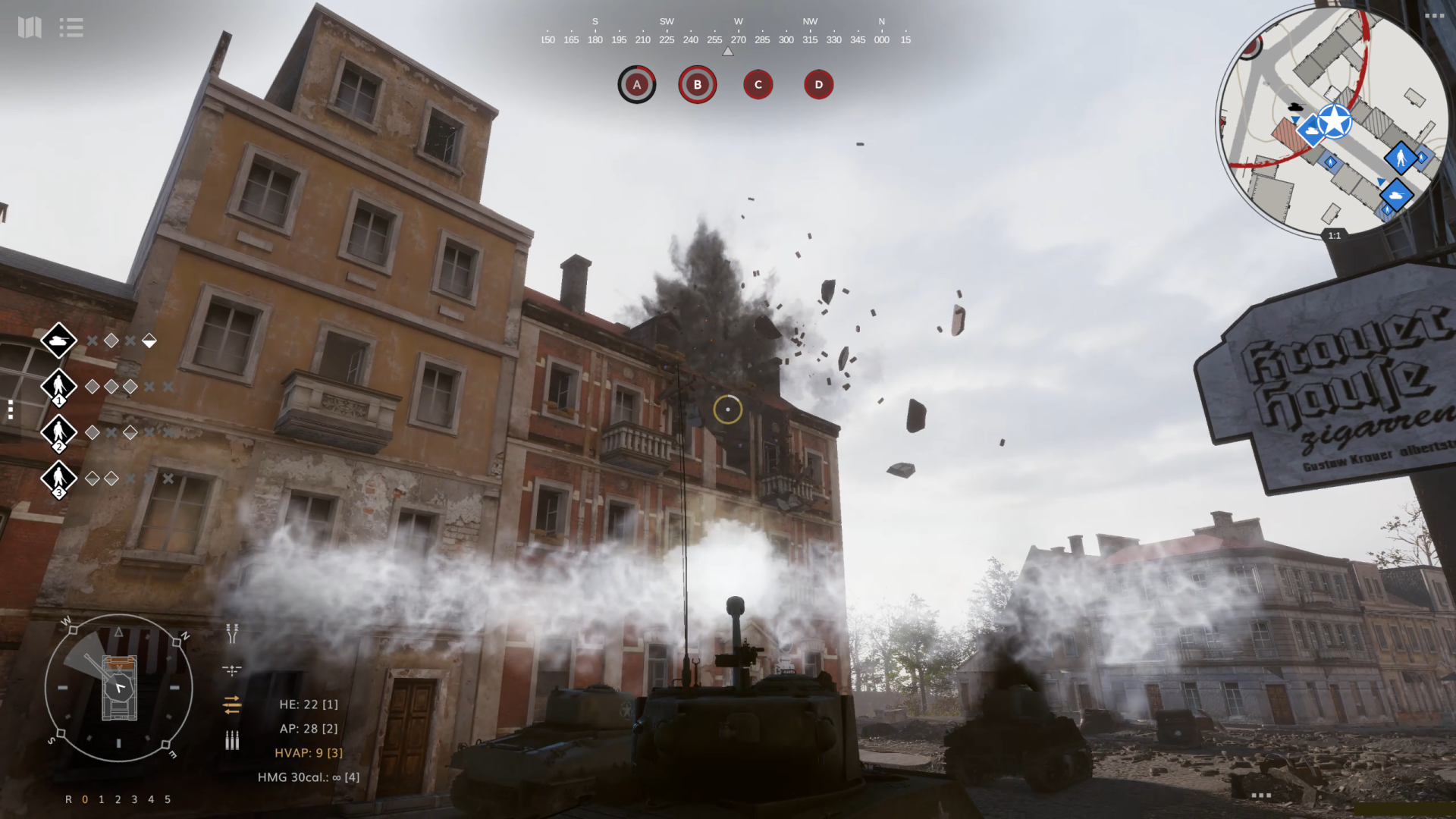
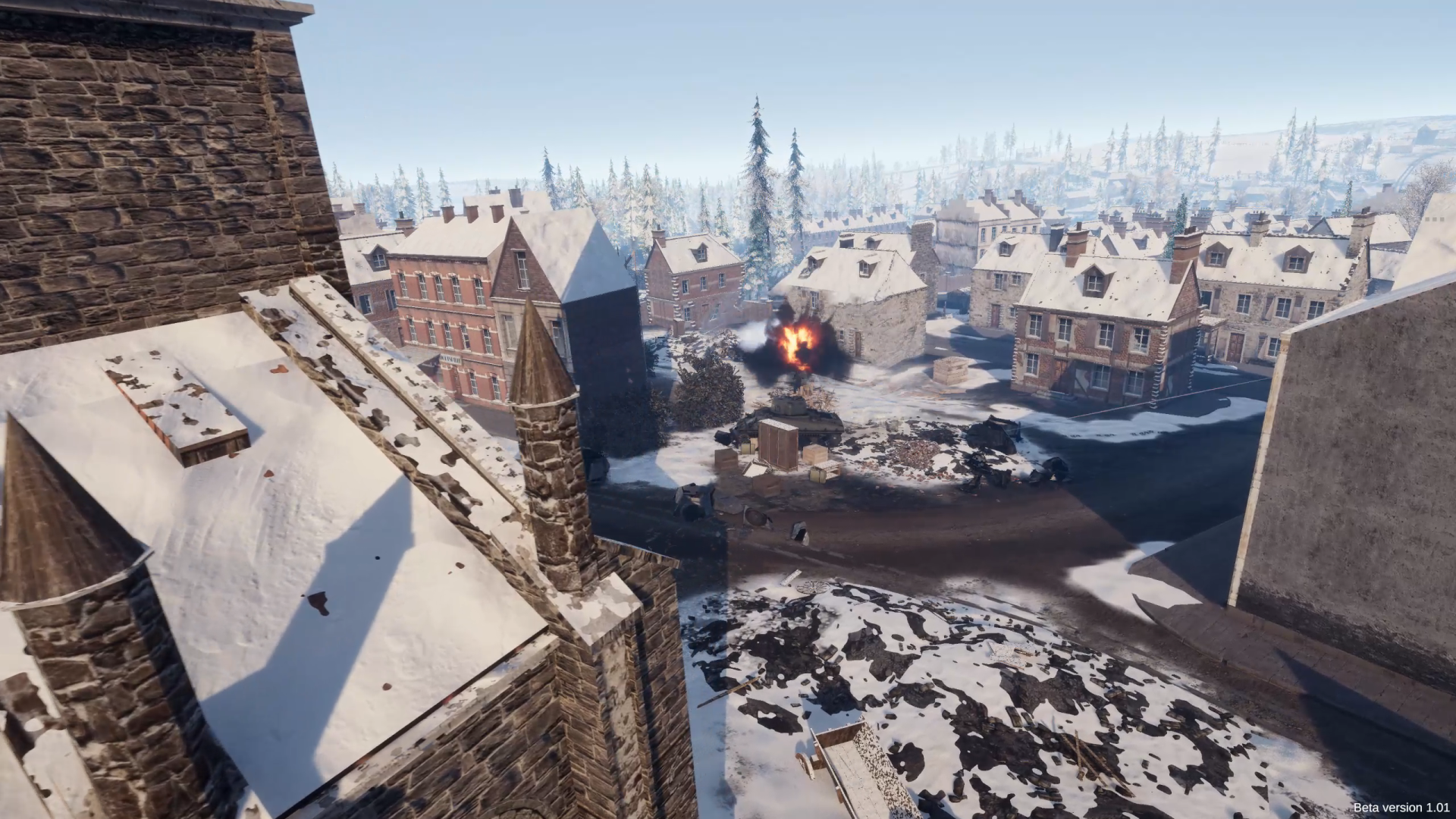
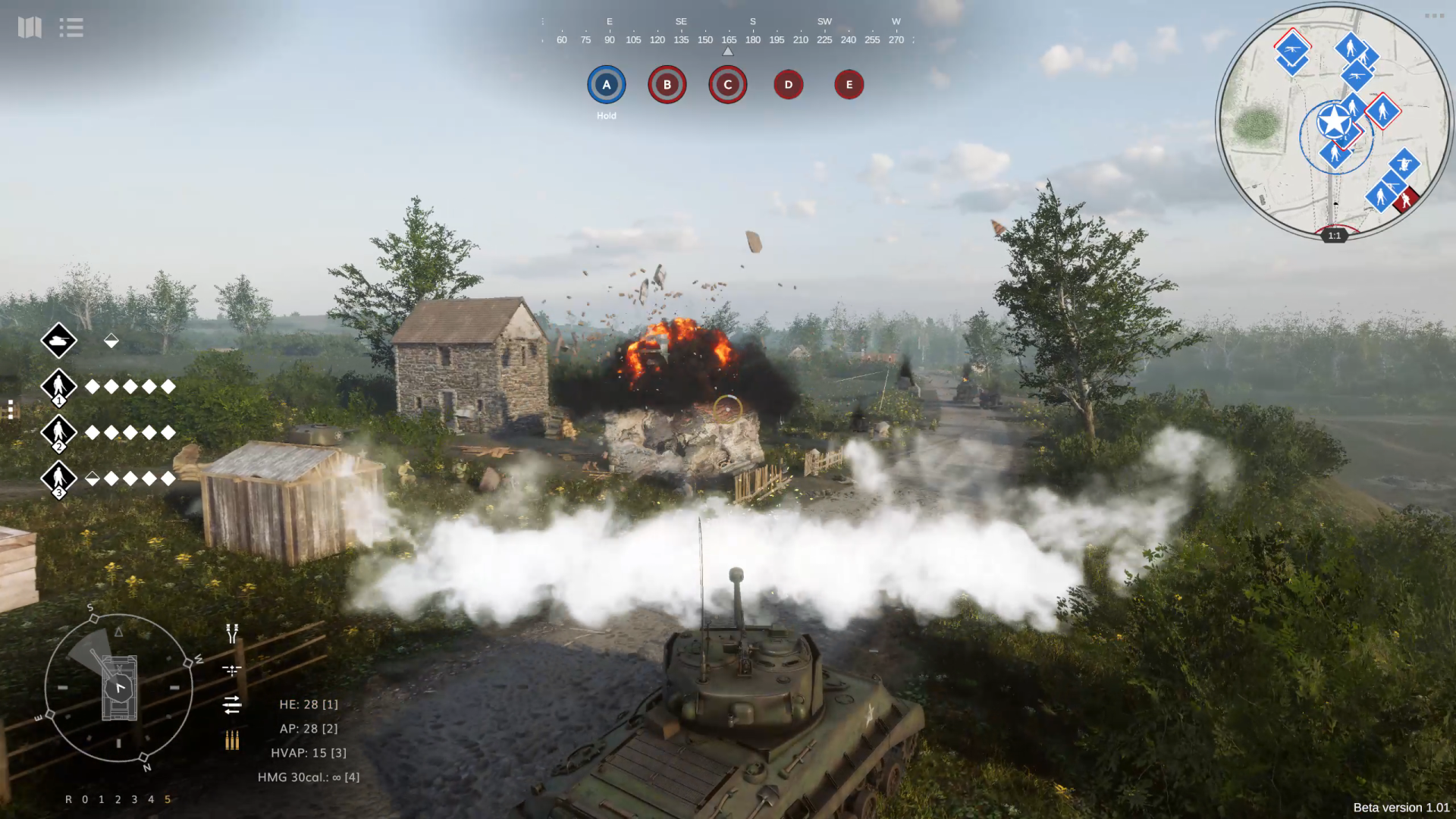
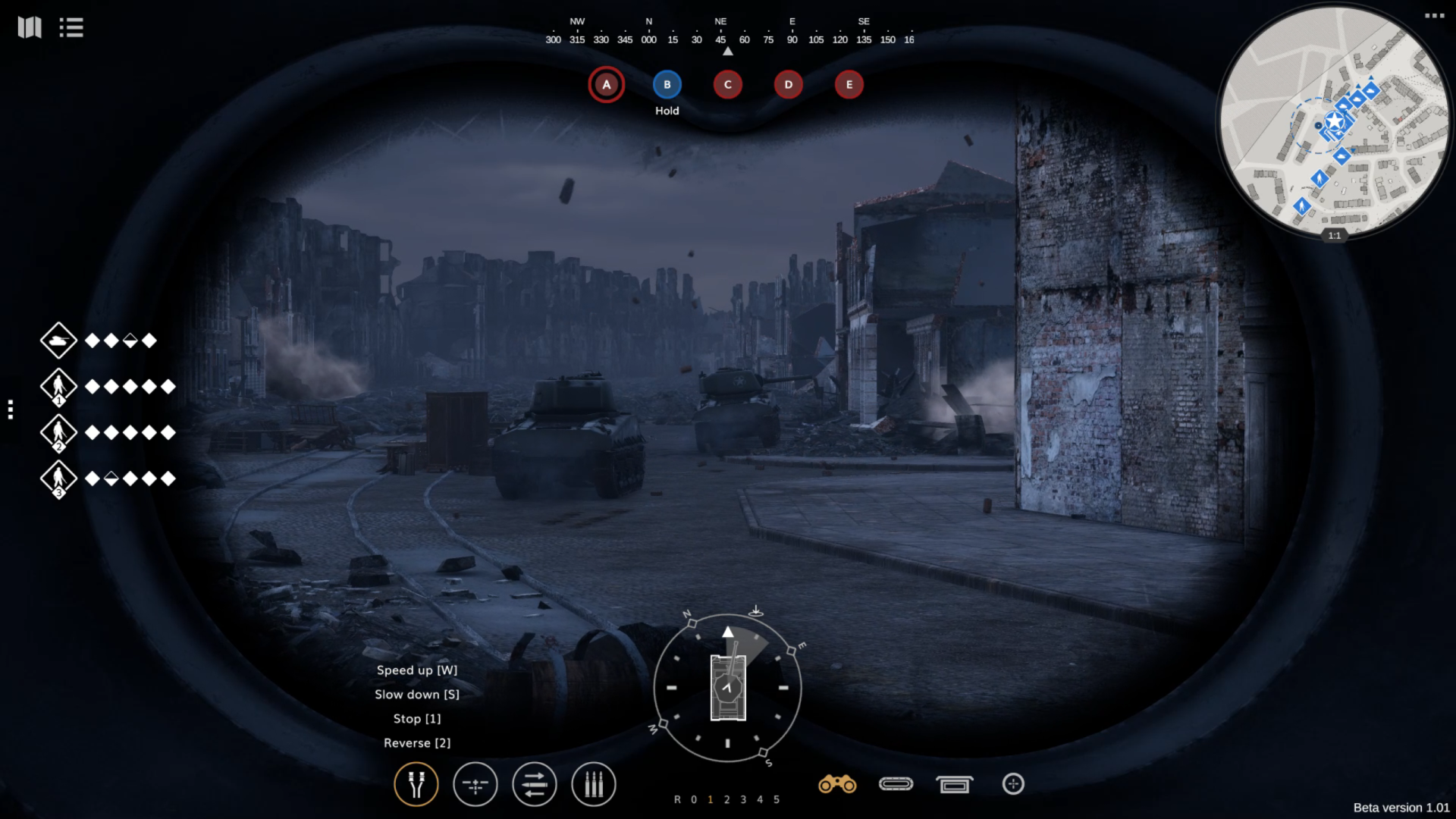
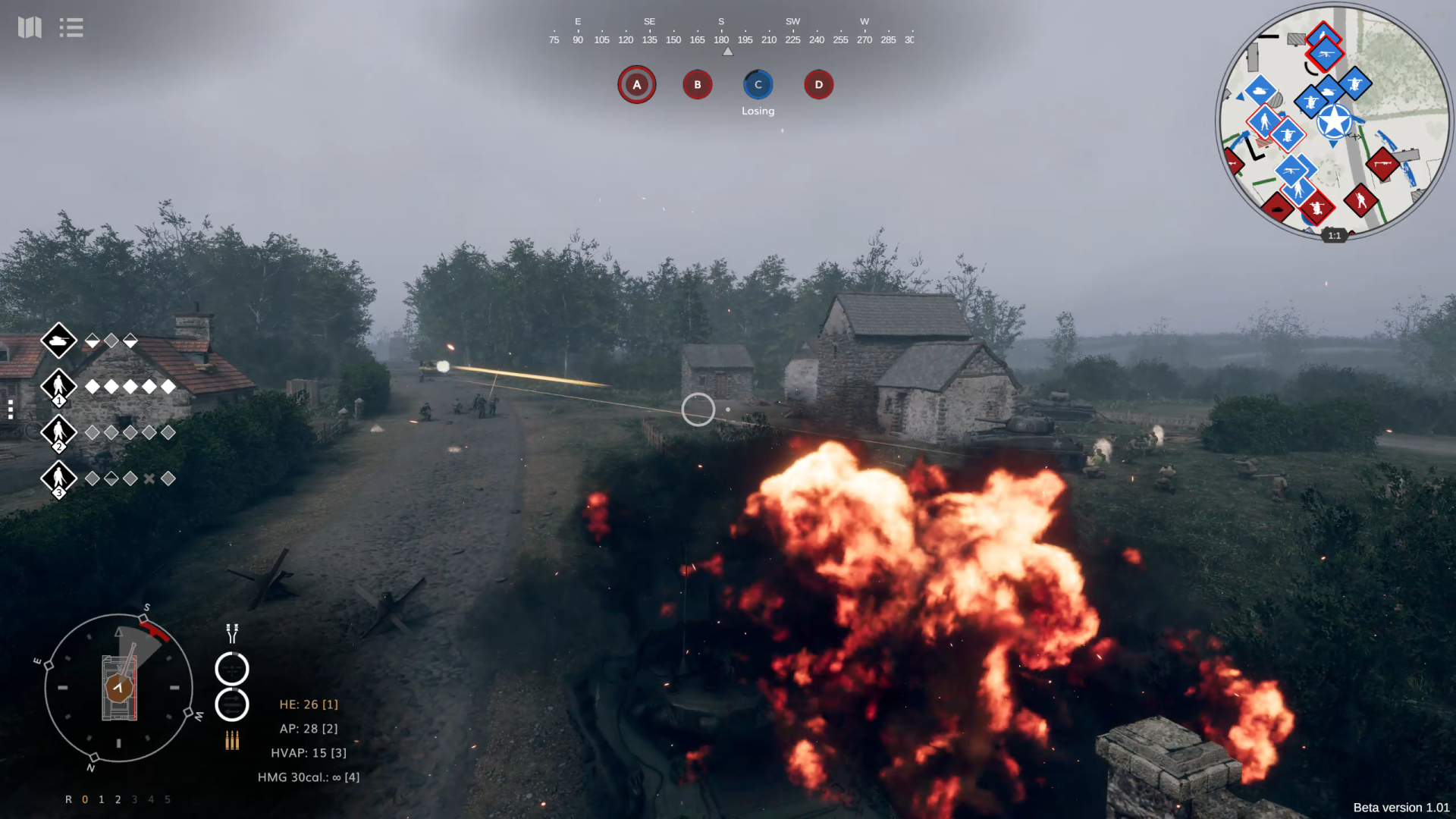
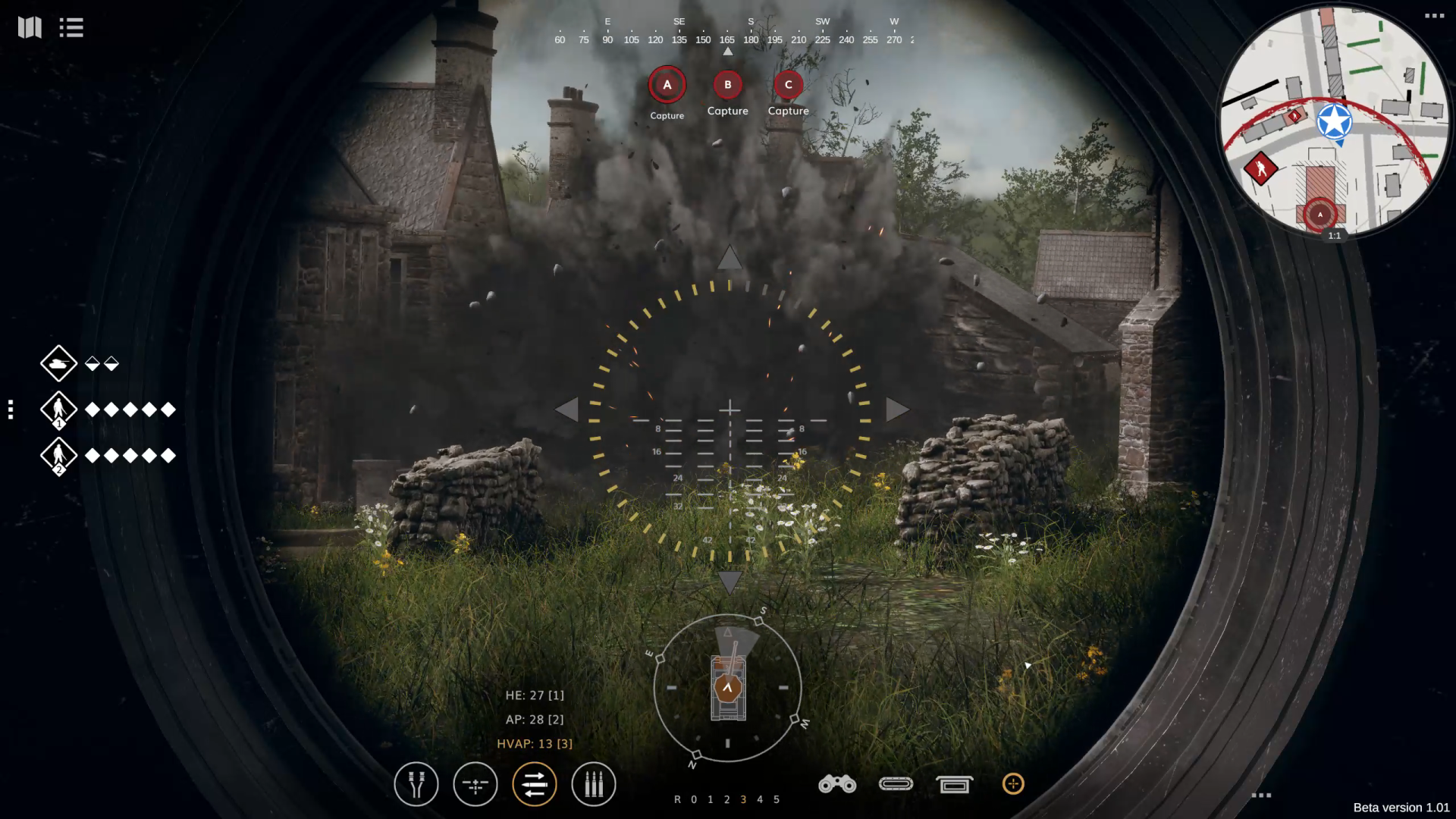
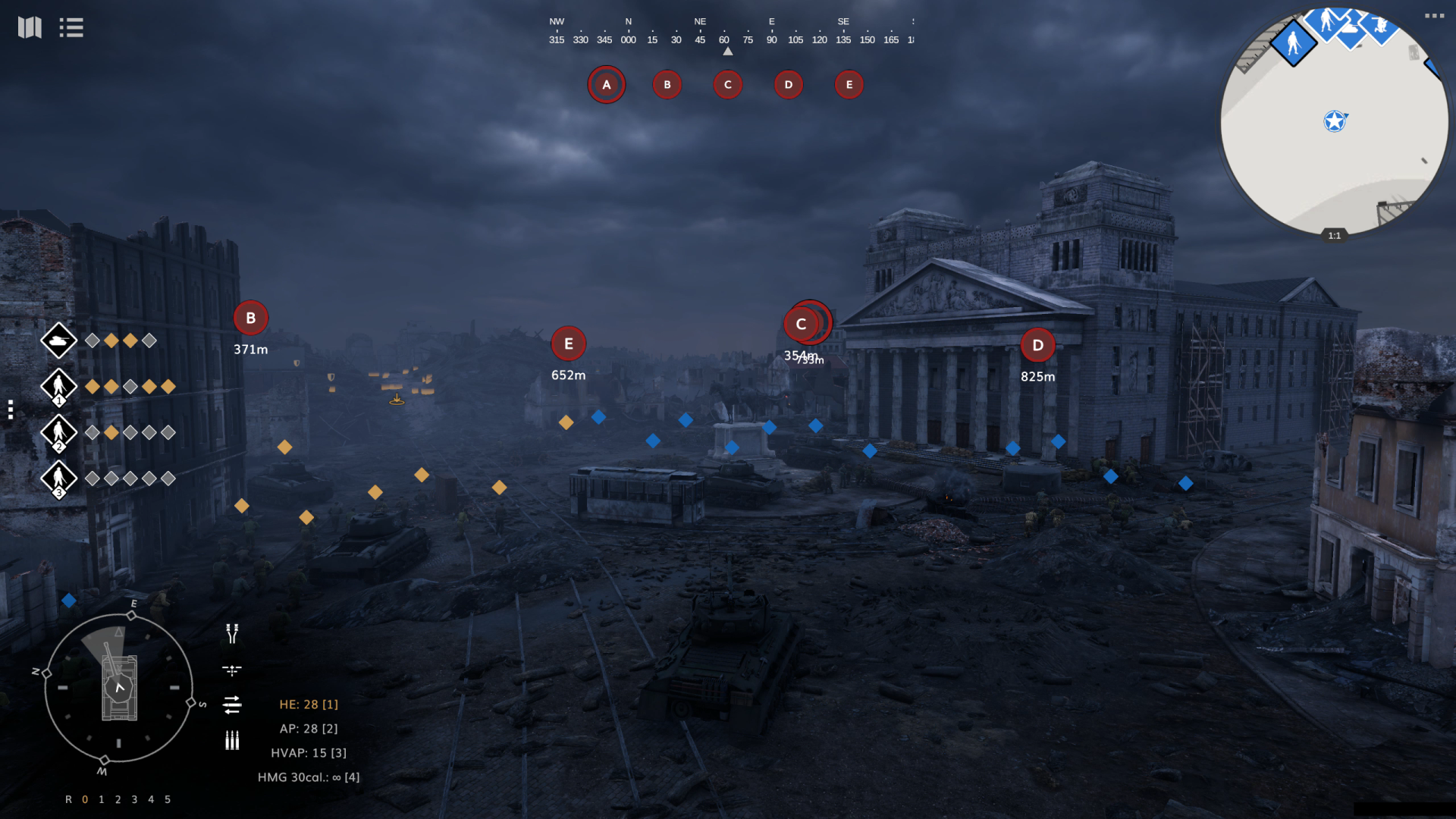
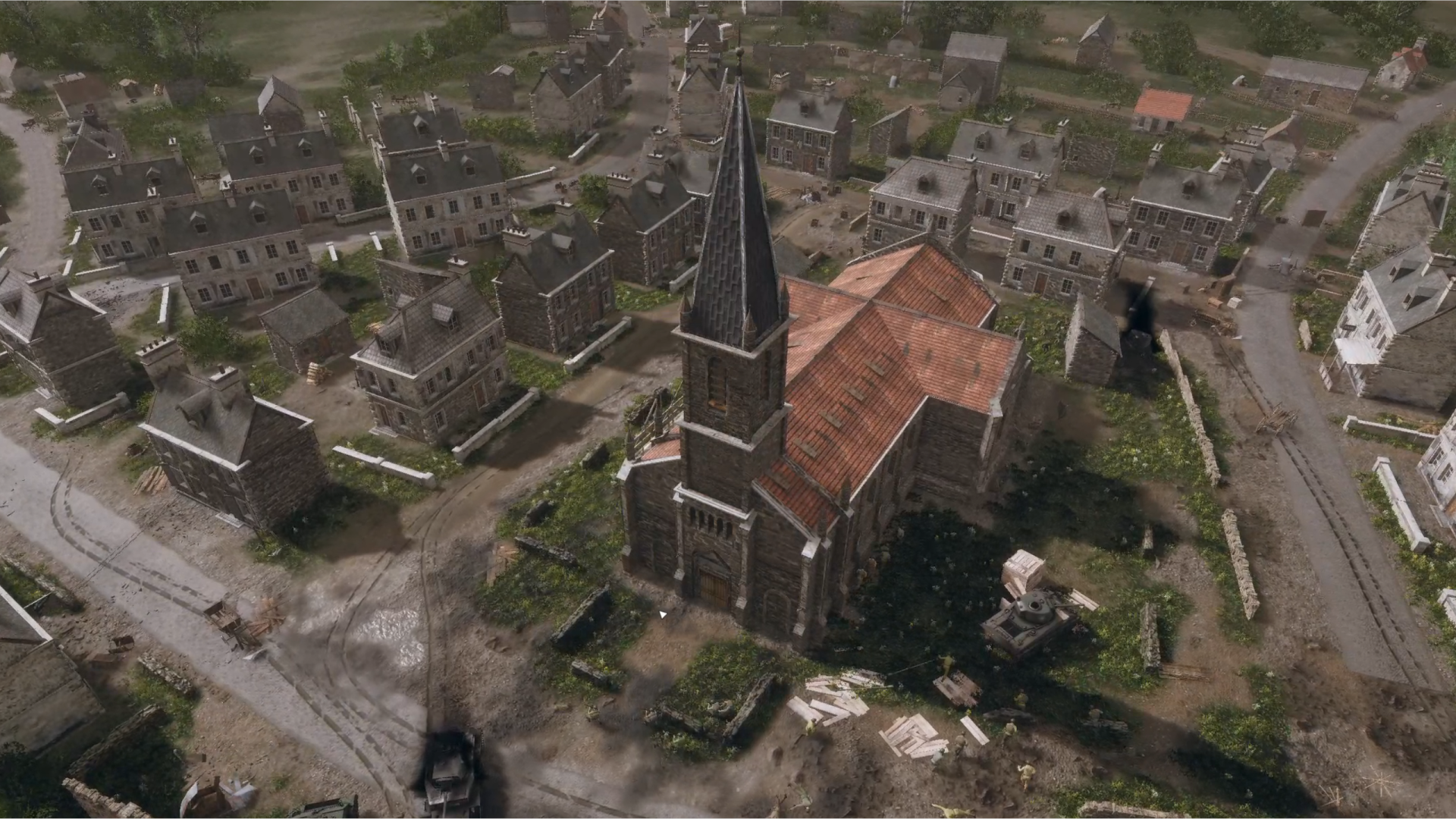
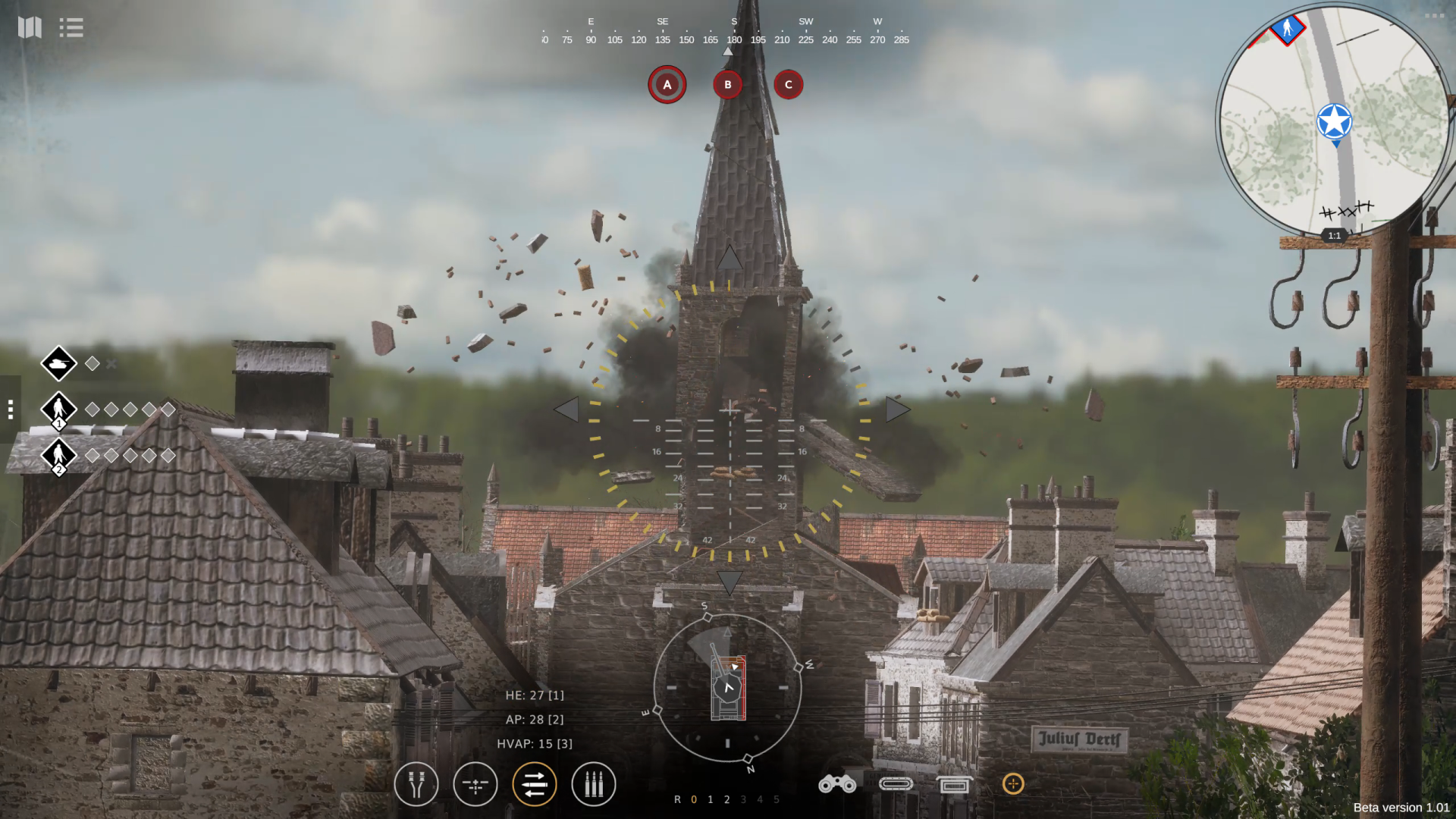
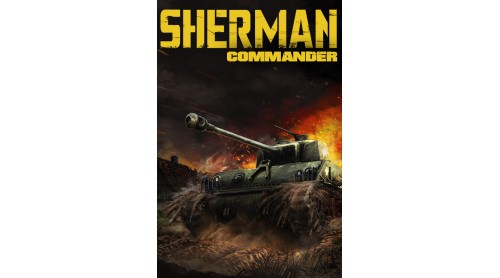
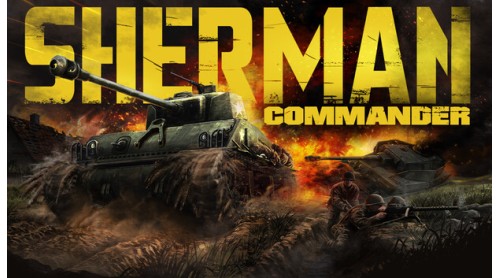
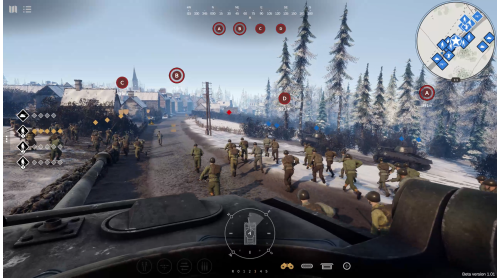
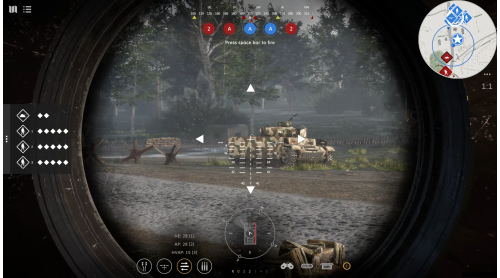
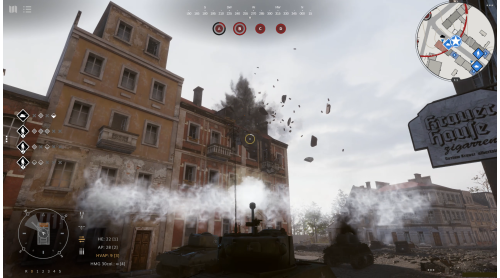
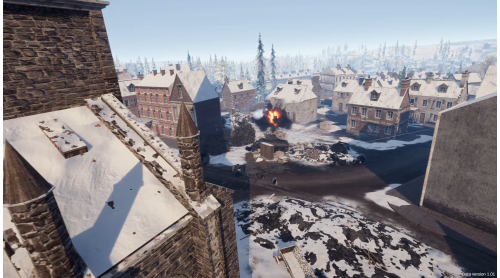
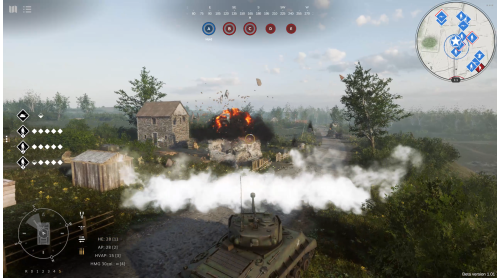
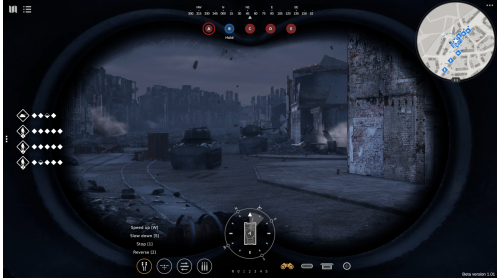
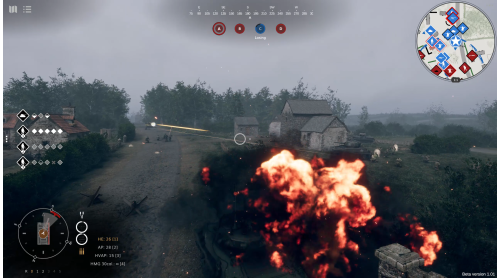
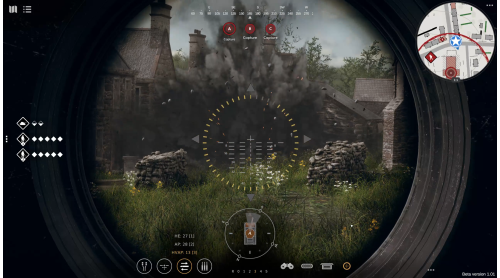
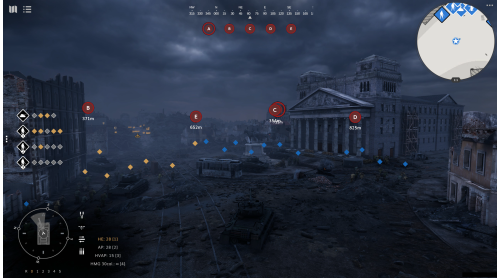
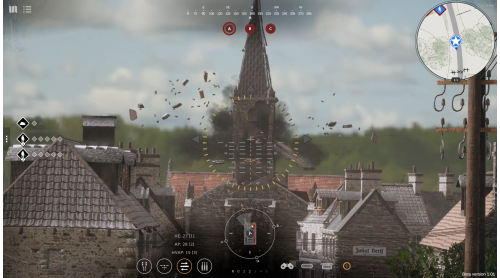
Sherman Commander seamlessly blends a fresh take on tank simulation with tactical RTS to deliver a unique mechanized warfare experience unlike any other game before.
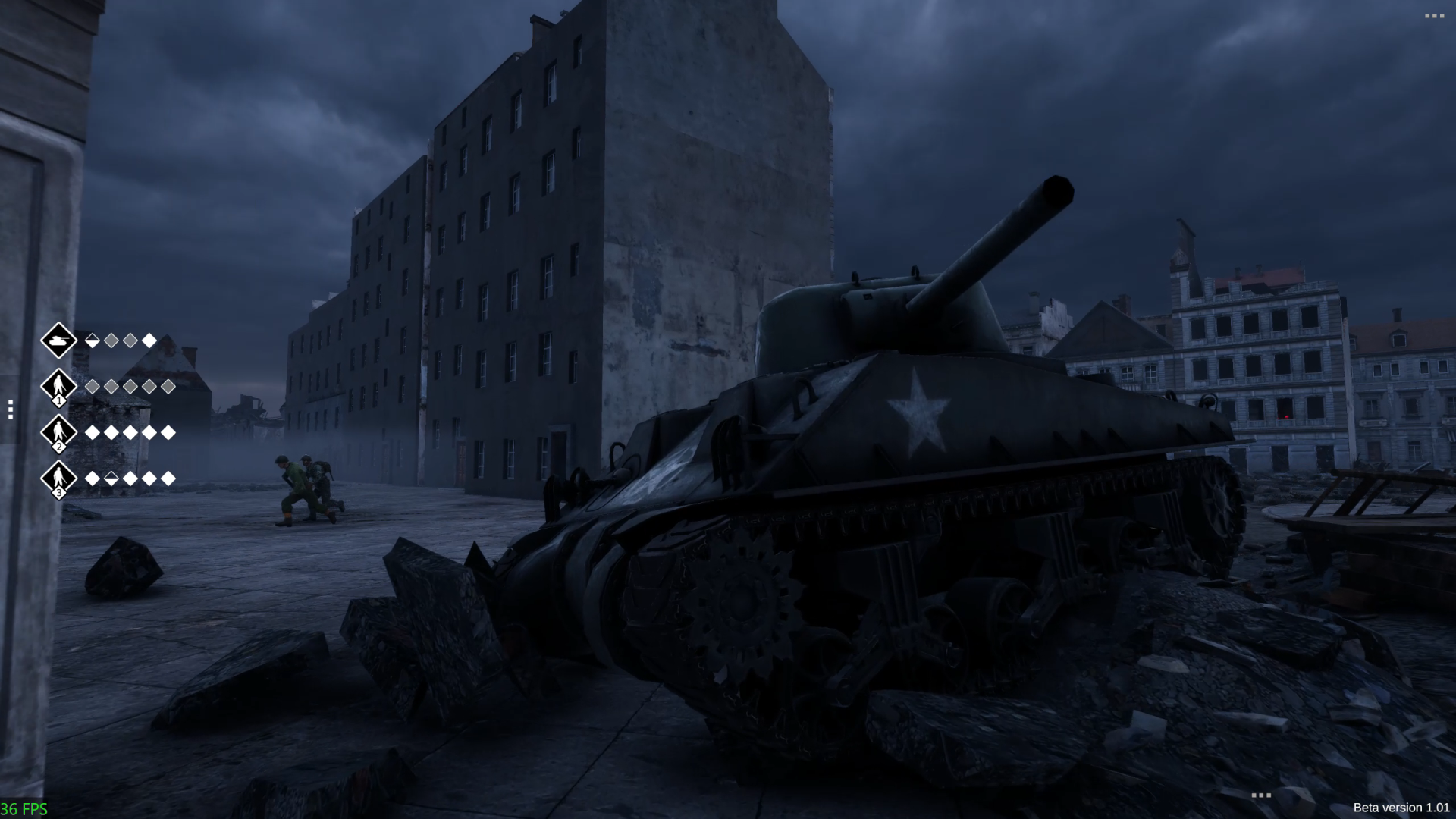
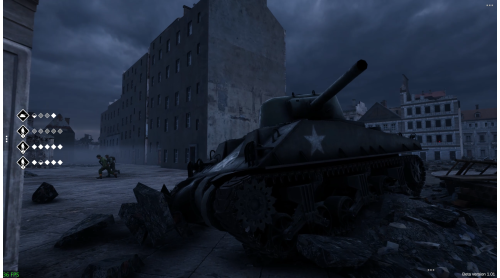
Take command of the iconic American M4 Sherman tank and embark on an epic war adventure following Allied landings in Europe.
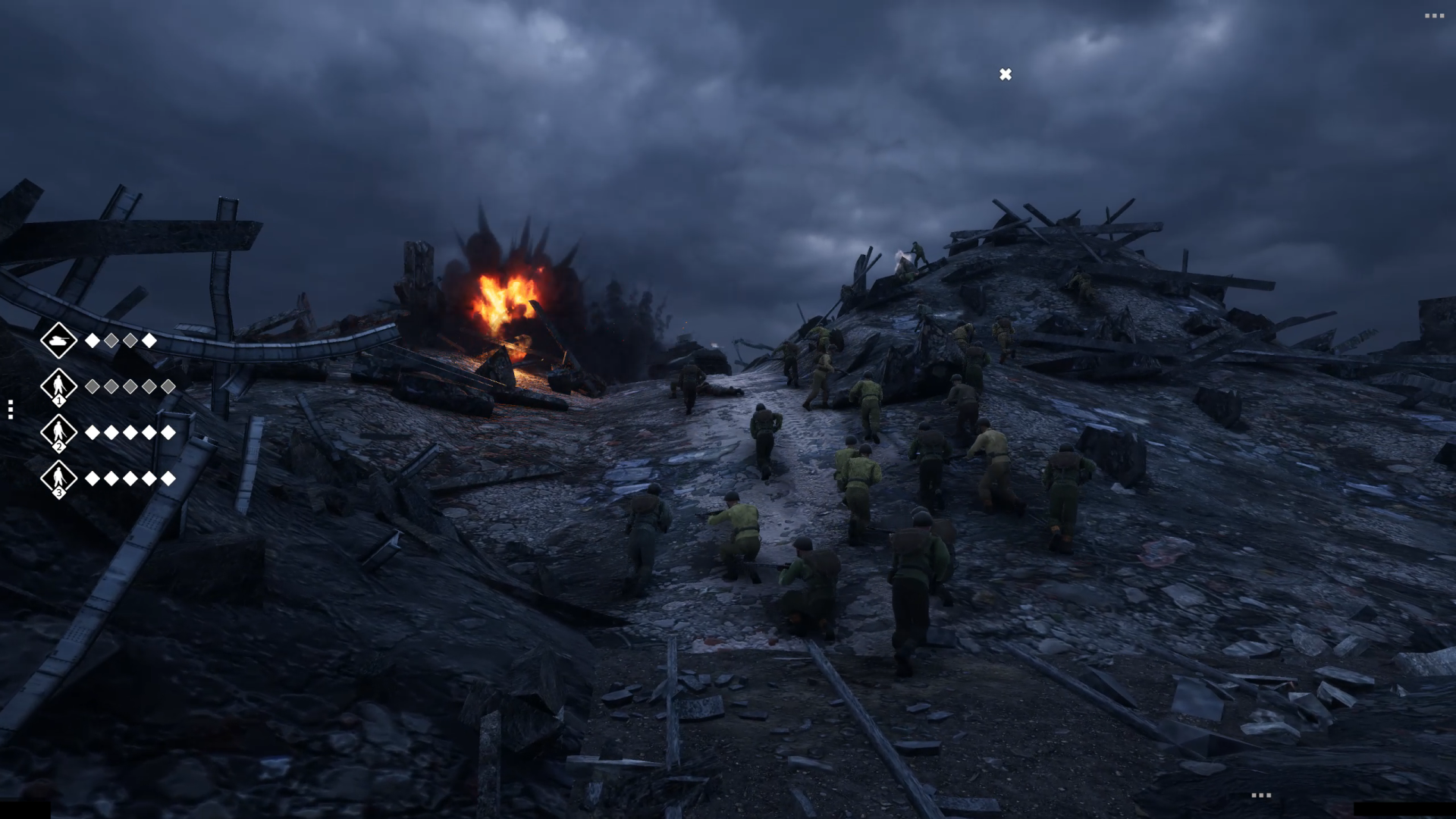
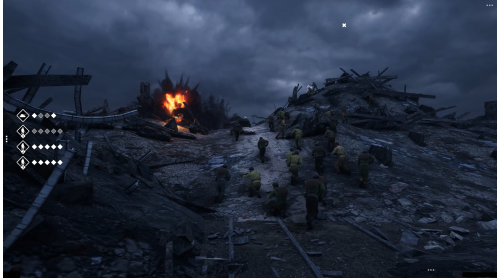
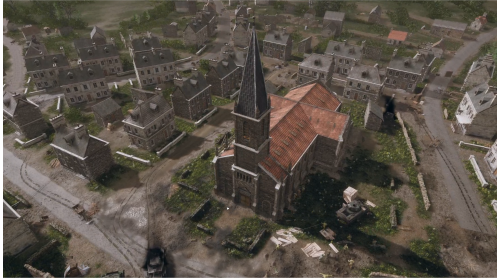
Work closely with your tank crew, as well as other armored and infantry units, to fight through some of the most intense battles of the European theater.
© 2025 Daedalic Entertainment GmbH and Iron Wolf Studio S.A. All rights reserved.
Daedalic and the Daedalic logo are trademarks of Daedalic Entertainment GmbH, Germany.


How to activate your Steam key?
1. Open your Steam client. (If you don't have a Steam Client, you can install from here https://store.steampowered.com/about/)
2. Sign in to your Steam account. (If you don't have a Steam Account, you can create from here https://store.steampowered.com/join/)
3. Click “ADD A GAME” button which is at the bottom of the Steam Client.
4. Now select "Activate a product on Steam..."
5. Write or copy-paste your Steam key which you purchased from Gamesforpc.
6. Now your game is in your library.
7. Find your game in your library, select and click install to start your download.