 Steam
24.99€
Added to Cart
24.99€
Added to Wishlist
24.99€
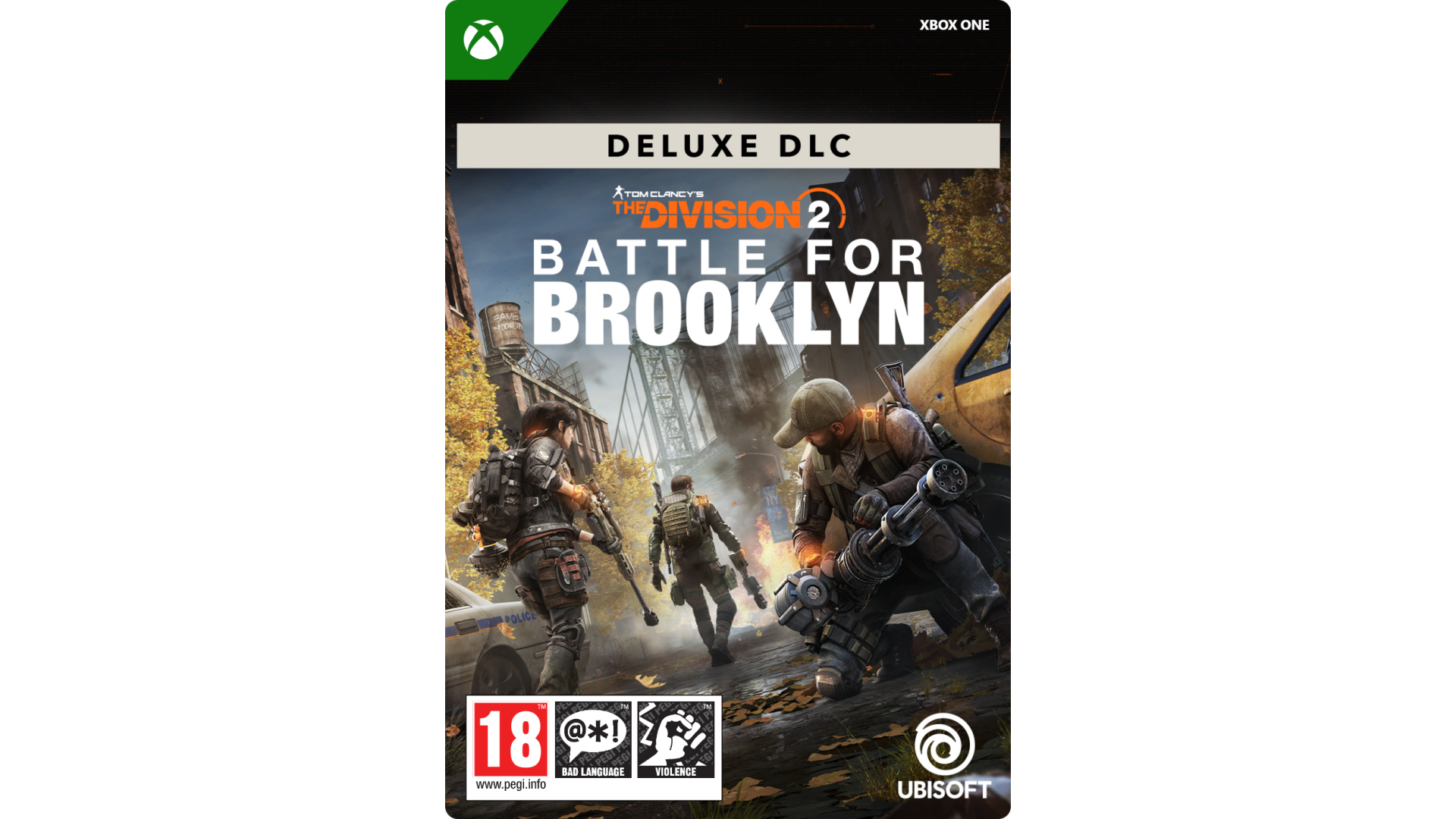
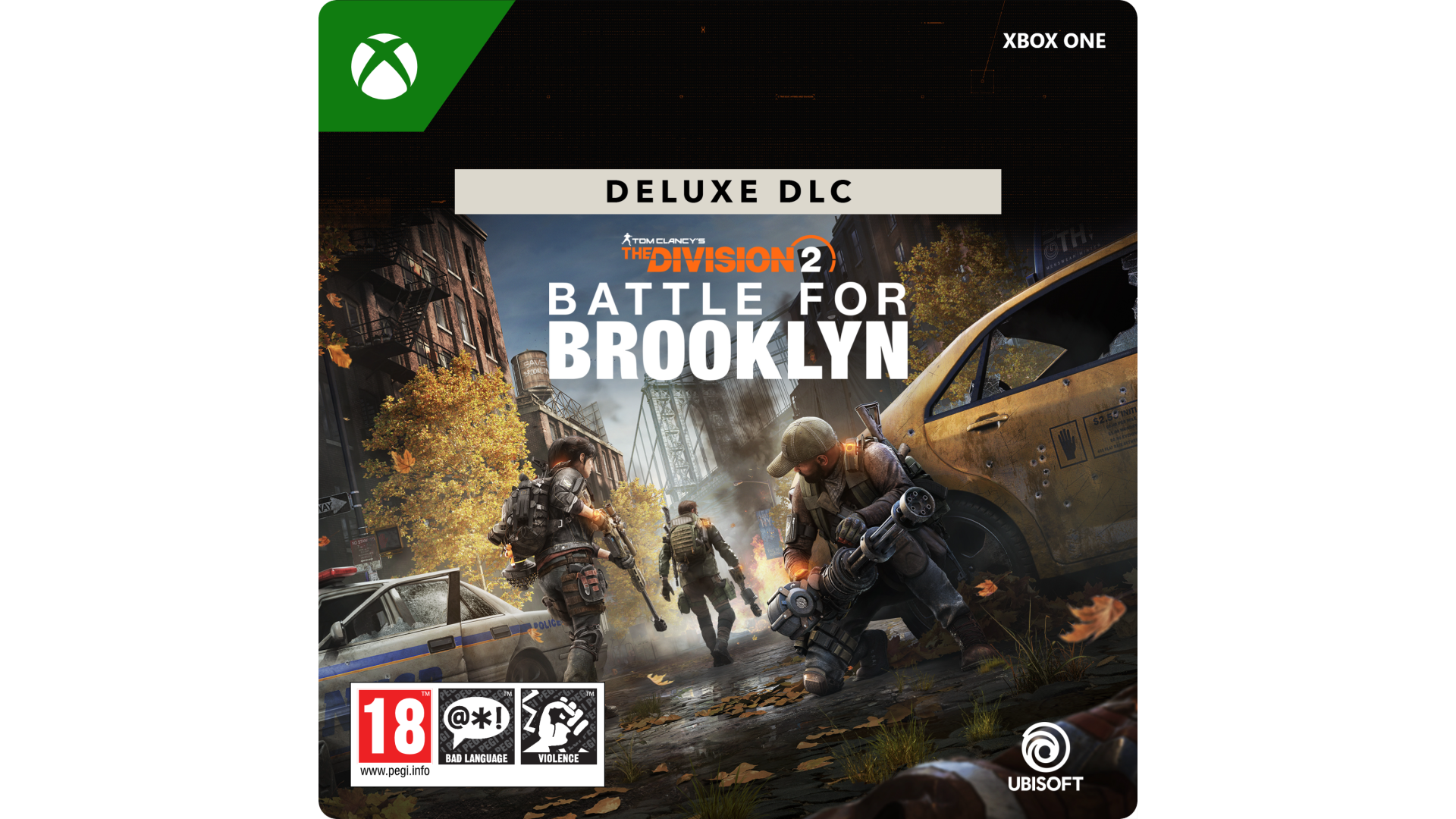
Experience a story-driven adventure in iconic Brooklyn.
With the Deluxe DLC Edition, get access to the Battle for Brooklyn DLC, Canvas Outfit, and Canvas Weapon Skin.
Brooklyn has been relatively peaceful as civilians were able to work together and thrive, while the Dark Zone and hostile factions ravaged Manhattan. However, the fate of Brooklyn is now at risk as the Cleaners have moved across the river.
Play single-player or in online co-op:
Tom Clancy’s The Division 2 Battle for Brooklyn is a DLC for Tom Clancy’s The Division 2 and requires the base game to play.
© 2019–2020 Ubisoft Entertainment. All Rights Reserved. Tom Clancy’s, The Division logo, the Soldier Icon, Ubisoft, and the Ubisoft logo are registered or unregistered trademarks of Ubisoft Entertainment in the US and/or other countries.


How to activate your Steam key?
1. Open your Steam client. (If you don't have a Steam Client, you can install from here https://store.steampowered.com/about/)
2. Sign in to your Steam account. (If you don't have a Steam Account, you can create from here https://store.steampowered.com/join/)
3. Click “ADD A GAME” button which is at the bottom of the Steam Client.
4. Now select "Activate a product on Steam..."
5. Write or copy-paste your Steam key which you purchased from Gamesforpc.
6. Now your game is in your library.
7. Find your game in your library, select and click install to start your download.