 Steam
| Release Date | 19.12.2016 | |
| Publisher | Microsoft | |
| PEGI Rating | + 18 | |
| Genres | shooter |
14.99€
Added to Cart
14.99€
Added to Wishlist
14.99€
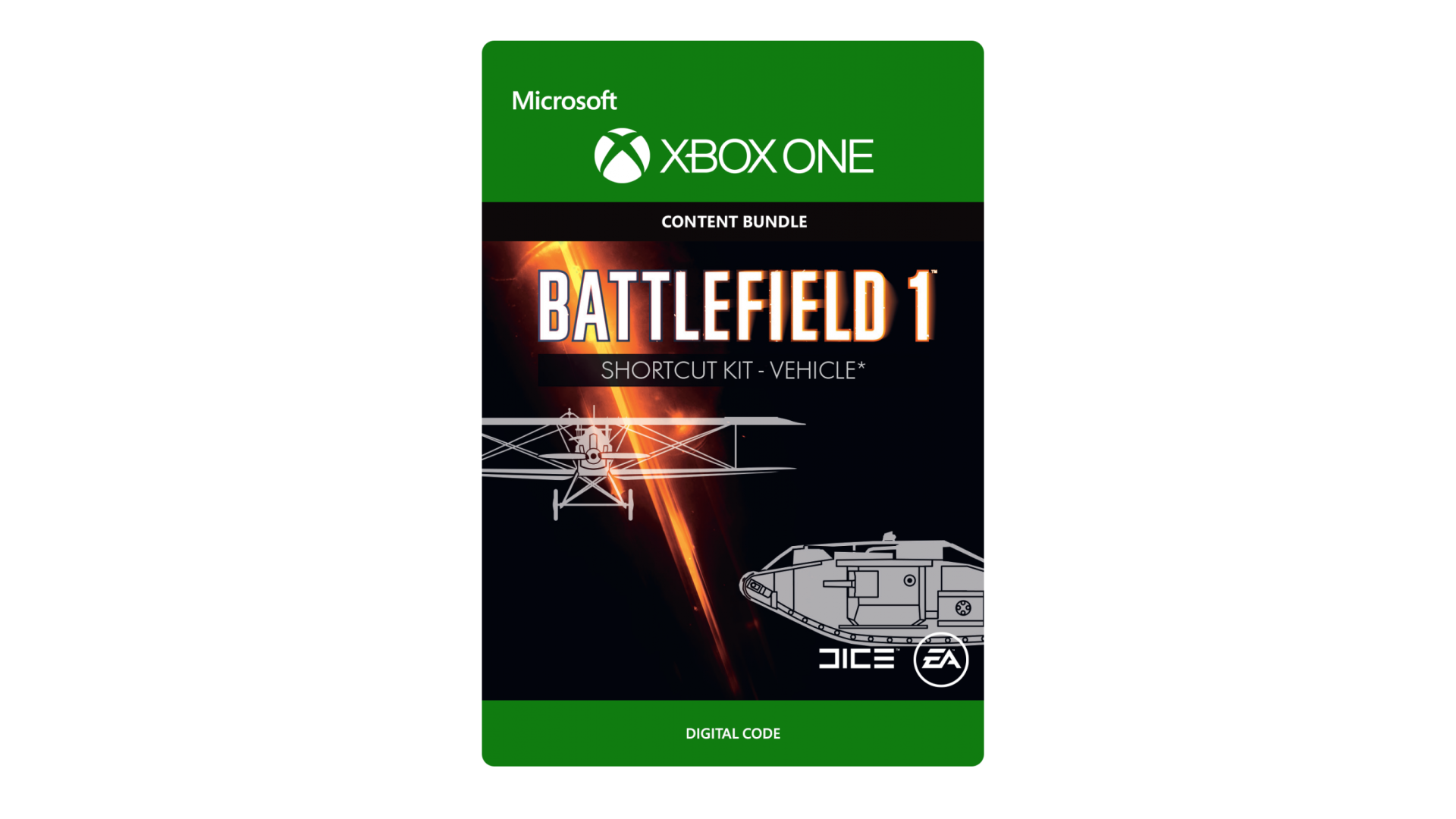
BATTLEFIELD™ 1 SHORTCUT KIT: VEHICLE BUNDLE*
Gives immediate access to all vehicle packages earned through gameplay progression for the following classes:
Landship, Heavy Tank, Light Tank, Artillery Truck, Fighter Plane, Attack Plane, and Bomber Plane. It also includes primary
weapon unlocks for the Tanker and Pilot class. Only base game progression items included.
*BATTLEFIELD 1 FOR XBOX ONE (SOLD SEPARATELY) AND ALL GAME UPDATES, INTERNET CONNECTION AND EA ACCOUNT
REQUIRED. ITEMS CAN ONLY BE UNLOCKED ONCE. ITEMS ALREADY UNLOCKED VIA ACHIEVED GAMEPLAY PROGRESSION
IN THE GAME WILL NOT BE ENTITLED AGAIN. SHORTCUT KIT DOES NOT
INCLUDE ITEMS INCLUDED IN FUTURE DOWNLOADABLE CONTENT, ITEMS
ADDED BY EXPANSION PACKS, CONTENT THAT MUST BE UNLOCKED
THROUGH BATTLEPACKS, OR PROMOTIONAL OFFER ITEMS.
EA Swiss Sàrl, Place du Molard 8, 1204 Geneva, Switzerland.
© 2016 Electronic Arts Inc. EA, the EA logo, Battlefi eld, Battlefi eld 1, the
Battlefi eld 1 logo, and the DICE logo are trademarks of Electronic Arts Inc.


How to activate your Steam key?
1. Open your Steam client. (If you don't have a Steam Client, you can install from here https://store.steampowered.com/about/)
2. Sign in to your Steam account. (If you don't have a Steam Account, you can create from here https://store.steampowered.com/join/)
3. Click “ADD A GAME” button which is at the bottom of the Steam Client.
4. Now select "Activate a product on Steam..."
5. Write or copy-paste your Steam key which you purchased from Gamesforpc.
6. Now your game is in your library.
7. Find your game in your library, select and click install to start your download.