 Steam
109.99€
Added to Cart
109.99€
Added to Wishlist
109.99€
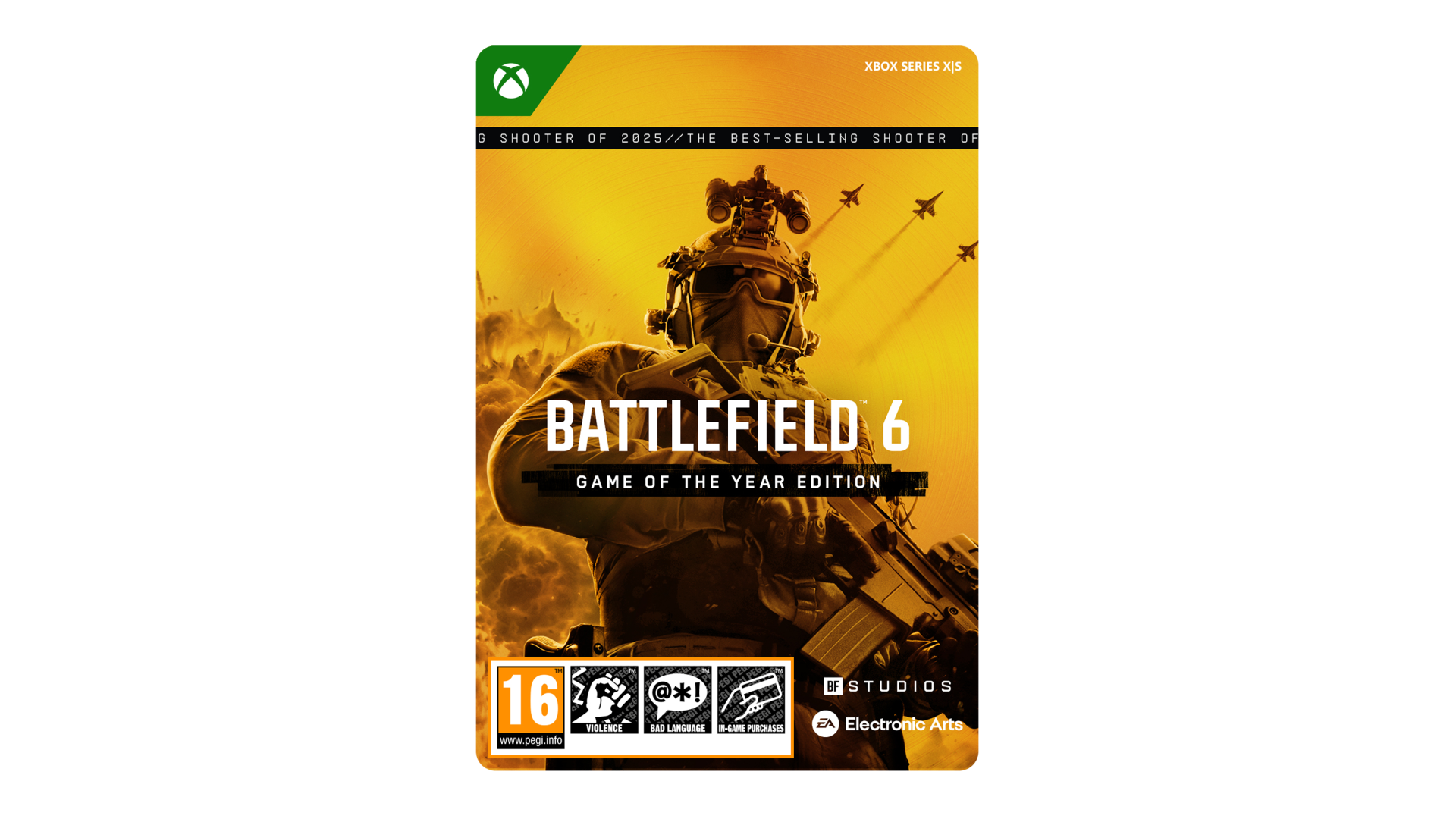
The Game of the Year Edition is the ultimate Battlefield experience. Dominate land, air, and sea on 20 maps, featuring massive battles and close quarters combat, 70+ weapons, 700k Portal experiences*, and an army of vehicles to wreak havoc across land, air, and sea. GOTY Edition unveils the all-new “Trusted Reserve” Pax Support Soldier Skin, plus the Phantom Pack, and two new ways to supercharge your progression, giving immediate access to fully progressed weapons and attachments with the all-new Ultimate Shortcut Kit and 1 season of Battlefield Pro.
Get the Game of the Year Edition and receive:
This game includes optional in-game purchases of virtual currency that can be used to acquire virtual in-game items.
*As of Oct 5, 2026. Exact number subject to change. Portal Experiences are user generated and can be added or deleted by user.
Conditions & restrictions apply. See ea.com/legal/legal-disclosures for details.
© 2026 Electronic Arts Inc. Electronic Arts and Battlefield are trademarks of Electronic Arts Inc.
No weapon, vehicle or gear manufacturer is affiliated with or has sponsored or endorsed this game.
Acceptance of EA User Agreement (terms.ea.com) & Privacy and Cookie Policy (privacy.ea.com) required to play. EA & applicable platform accounts may be required for online features & Game of the Year Edition content (internet required). Age restrictions apply, see o.ea.com/ea/child-access & applicable platform account for details. You must redeem a single-use code for Game of the Year Edition content. EA may provide certain free incremental content &/or updates. Mandatory updates will be downloaded automatically & may incur broadband fees or require additional storage or purchase to access. Product collects data for in-game advertising. EA may retire access to game after 30 days notice at ea.com/service-updates.


How to activate your Steam key?
1. Open your Steam client. (If you don't have a Steam Client, you can install from here https://store.steampowered.com/about/)
2. Sign in to your Steam account. (If you don't have a Steam Account, you can create from here https://store.steampowered.com/join/)
3. Click “ADD A GAME” button which is at the bottom of the Steam Client.
4. Now select "Activate a product on Steam..."
5. Write or copy-paste your Steam key which you purchased from Gamesforpc.
6. Now your game is in your library.
7. Find your game in your library, select and click install to start your download.