 Steam
| Release Date | 16.12.2020 | |
| Publisher | Activision Publishing Inc. | |
| PEGI Rating | + 18 | |
| Genres | shooter |
74.99€
Added to Cart
74.99€
Added to Wishlist
74.99€
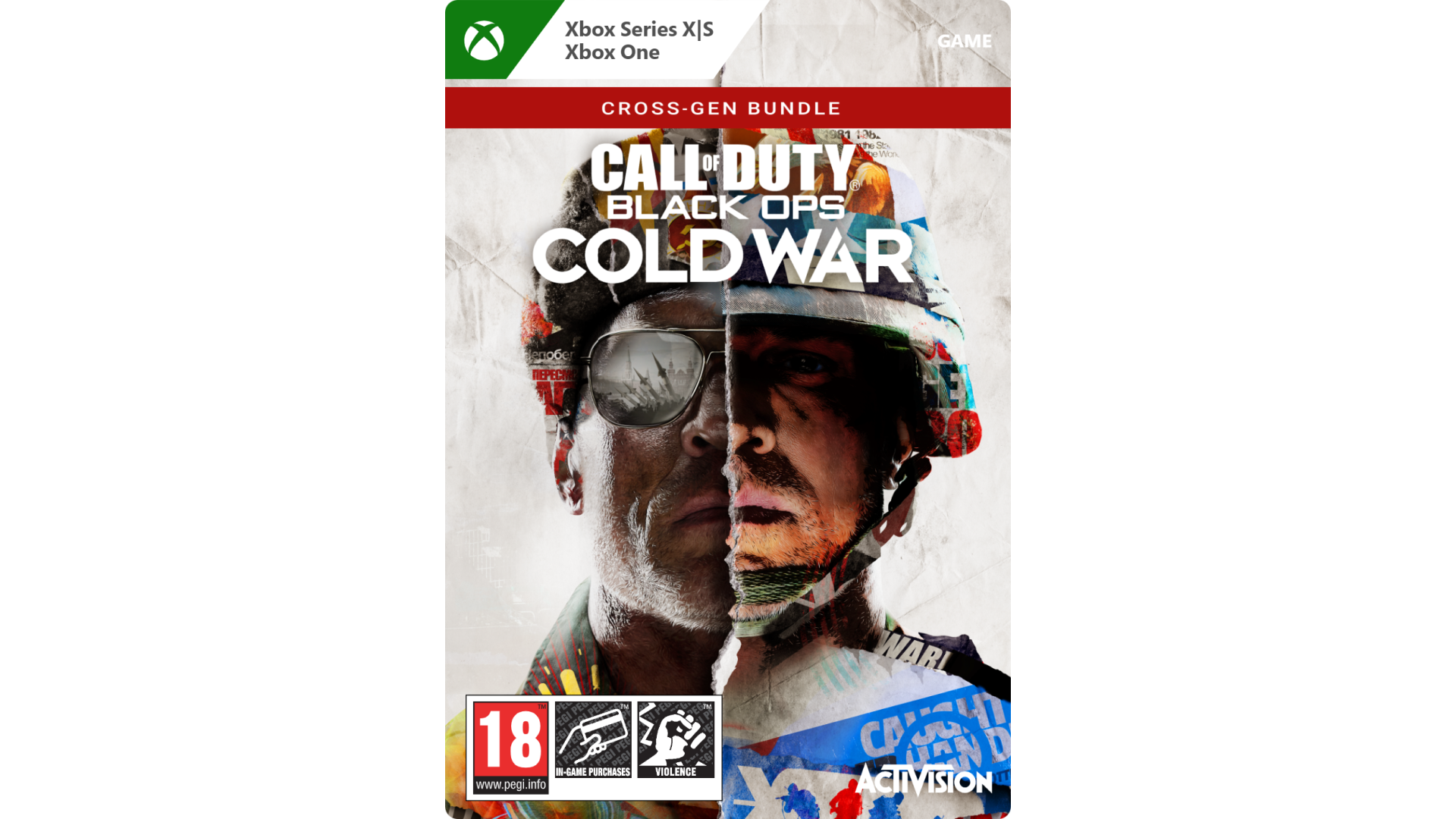
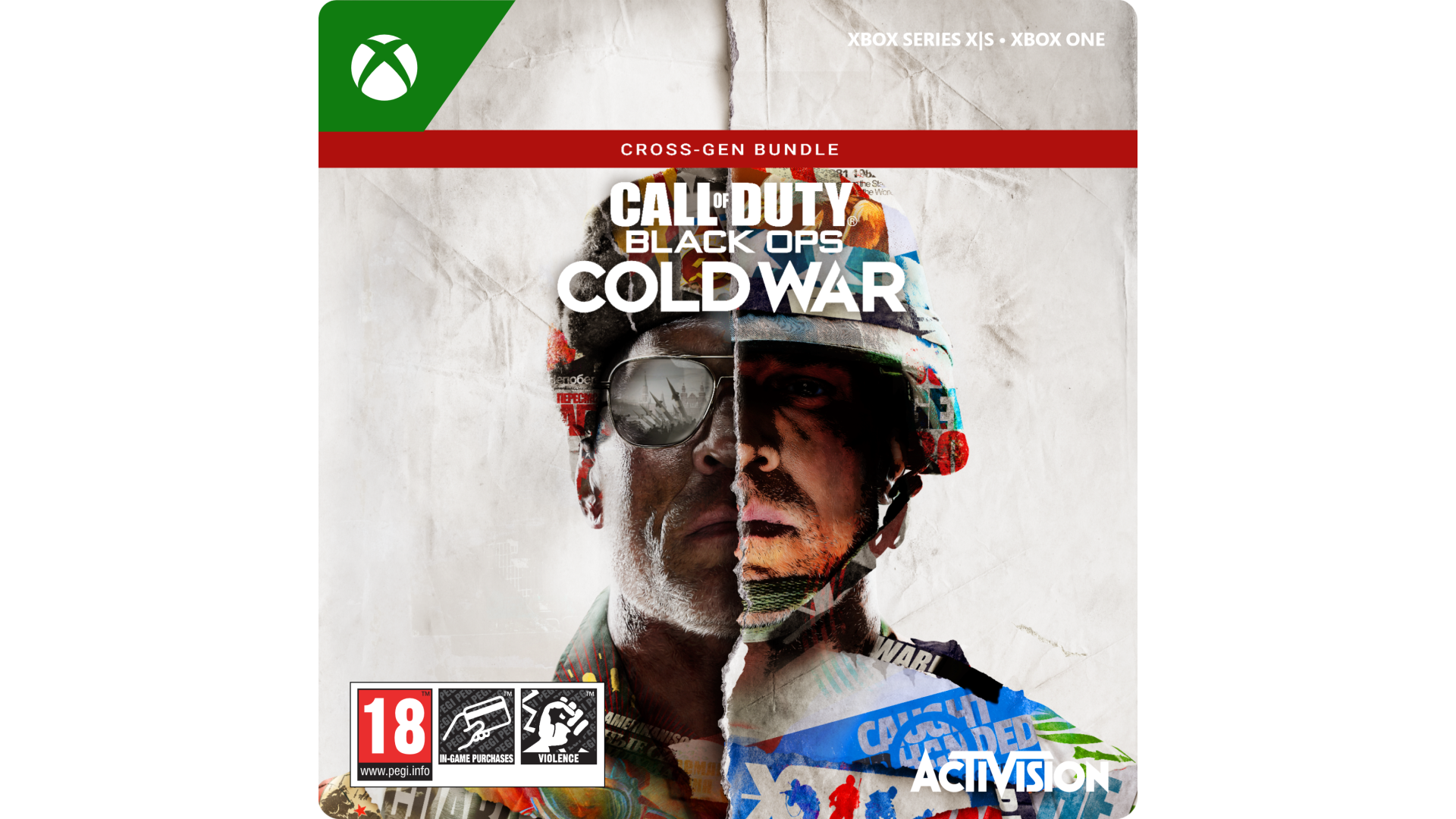
Buy this digital Xbox One version of Call of Duty®: Black Ops Cold War and download the Xbox Series X version at no extra cost when it launches.
The Cross-Gen Bundle includes:
The iconic Black Ops series is back with Call of Duty®: Black Ops Cold War - the direct sequel to the original and fan-favorite Call of Duty®: Black Ops.
Black Ops Cold War will drop fans into the depths of the Cold War’s volatile geopolitical battle of the early 1980s. Nothing is ever as it seems in a gripping single-player Campaign, where players will come face-to-face with historical figures and hard truths, as they battle around the globe through iconic locales like East Berlin, Vietnam, Turkey, Soviet KGB headquarters and more.
As elite operatives, you will follow the trail of a shadowy figure named Perseus who is on a mission to destabilize the global balance of power and change the course of history. Descend into the dark center of this global conspiracy alongside iconic characters Woods, Mason and Hudson and a new cast of Operatives attempting to stop a plot decades in the making.
Beyond the Campaign, players will bring a Cold War arsenal of weapons and equipment into the next generation of Multiplayer and Zombies experiences.
Welcome to the brink. Welcome to Call of Duty®: Black Ops Cold War.
© 2020-2021 Activision Publishing, Inc. ACTIVISION, CALL OF DUTY and CALL OF DUTY BLACK OPS are trademarks of Activision Publishing, Inc. All other trademarks and trade names are the property of their respective owners.


How to activate your Steam key?
1. Open your Steam client. (If you don't have a Steam Client, you can install from here https://store.steampowered.com/about/)
2. Sign in to your Steam account. (If you don't have a Steam Account, you can create from here https://store.steampowered.com/join/)
3. Click “ADD A GAME” button which is at the bottom of the Steam Client.
4. Now select "Activate a product on Steam..."
5. Write or copy-paste your Steam key which you purchased from Gamesforpc.
6. Now your game is in your library.
7. Find your game in your library, select and click install to start your download.