 Steam
| Release Date | 05.12.2016 | |
| Publisher | Microsoft | |
| PEGI Rating | + 16 | |
| Genres | shooter |
9.99€
Added to Cart
9.99€
Added to Wishlist
9.99€
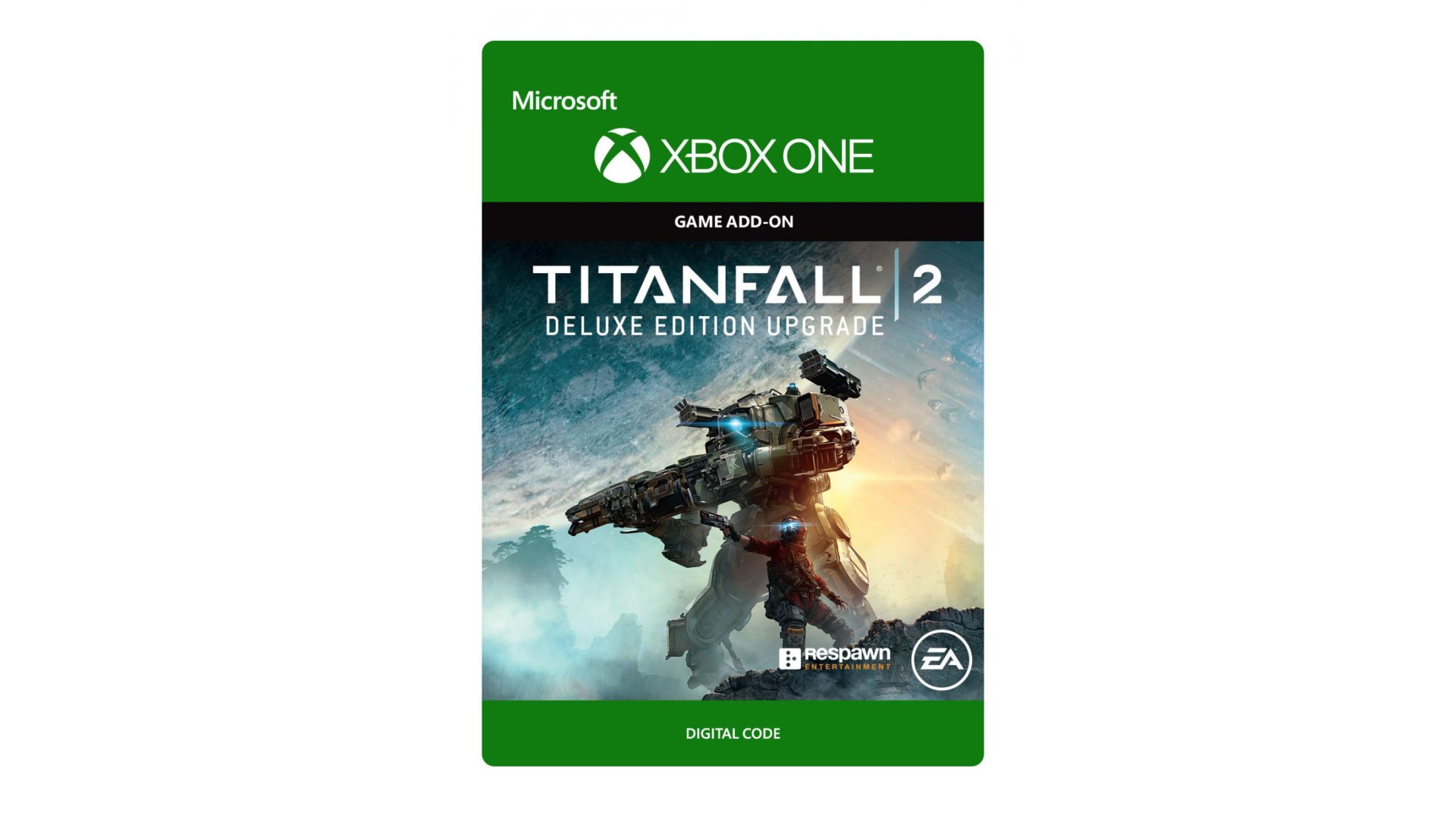
TITANFALL®2 DELUXE EDITION UPGRADE*
Upgrade to the Titanfall® 2 Deluxe Edition to stand out with Prime upgrades for Ion & Scorch, available this December. These upgrade the shape of your Titan, change the sound effects and unlock new executions.
On day one, you’ll be able to customize every Titan with instant access to Excalibur Chrome Warpaints and Thunderbird Nose Arts, as well as the Splinter Ocean and Quantum Ocean Camos for every Titan, Pilot, and Weapon in the game.
*REQUIRES TITANFALL 2 ON XBOX ONE (SOLD SEPARATELY) AND ALL GAME UPDATES.
Electronic Arts Inc. 209 Redwood Shores Parkway, Redwood City, CA 94065. ©2016 Respawn Entertainment, LLC. Respawn and Titanfall are trademarks of Respawn Entertainment, LLC. EA and the EA logo are trademarks of Electronic Arts Inc. or its subsidiaries.


How to activate your Steam key?
1. Open your Steam client. (If you don't have a Steam Client, you can install from here https://store.steampowered.com/about/)
2. Sign in to your Steam account. (If you don't have a Steam Account, you can create from here https://store.steampowered.com/join/)
3. Click “ADD A GAME” button which is at the bottom of the Steam Client.
4. Now select "Activate a product on Steam..."
5. Write or copy-paste your Steam key which you purchased from Gamesforpc.
6. Now your game is in your library.
7. Find your game in your library, select and click install to start your download.