 Steam
 Windows
| Release Date | 31.03.2017 | |
| Publisher | Microsoft | |
| PEGI Rating | + 12 | |
| Operating Systems | Windows | |
| Genres | Adventure |
19.99€
Added to Cart
19.99€
Added to Wishlist
19.99€
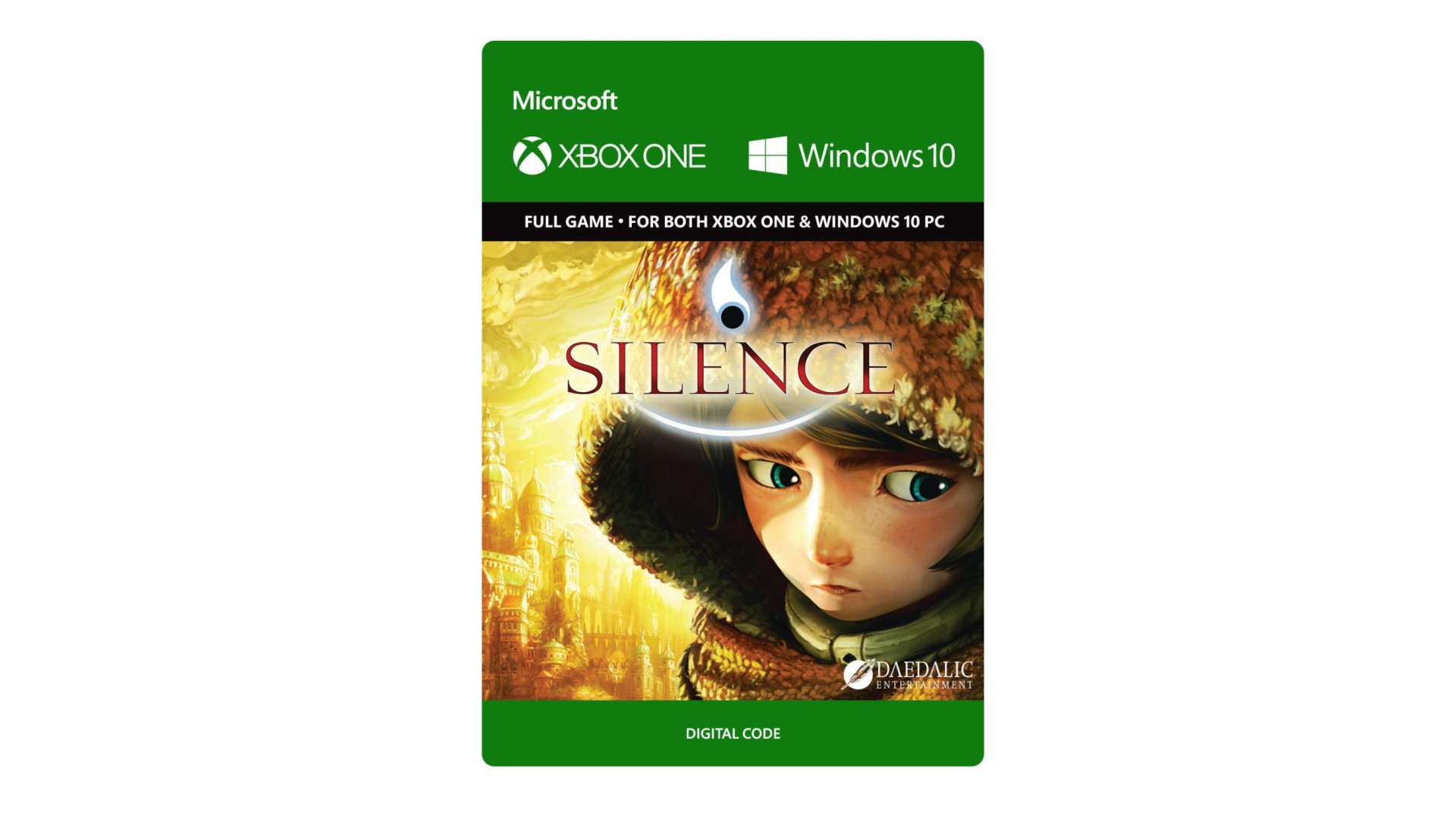
Can you save Silence, the grim, but also serene world between life and death? Can you help Noah find his little sister Renie in this suffering world? Can you bring her home? Explore Silence and join the siblings on their adventurous journey.
© Copyright 2017 Daedalic Entertainment GmbH. Silence and the Silence logo are trademarks of Daedalic Entertainment GmbH. Daedalic and the Daedalic logo are trademarks of Daedalic Entertainment GmbH.


How to activate your Steam key?
1. Open your Steam client. (If you don't have a Steam Client, you can install from here https://store.steampowered.com/about/)
2. Sign in to your Steam account. (If you don't have a Steam Account, you can create from here https://store.steampowered.com/join/)
3. Click “ADD A GAME” button which is at the bottom of the Steam Client.
4. Now select "Activate a product on Steam..."
5. Write or copy-paste your Steam key which you purchased from Gamesforpc.
6. Now your game is in your library.
7. Find your game in your library, select and click install to start your download.