

 Steam
Steam  Windows
 119.99€
Added to Cart
119.99€
Added to Wishlist
119.99€
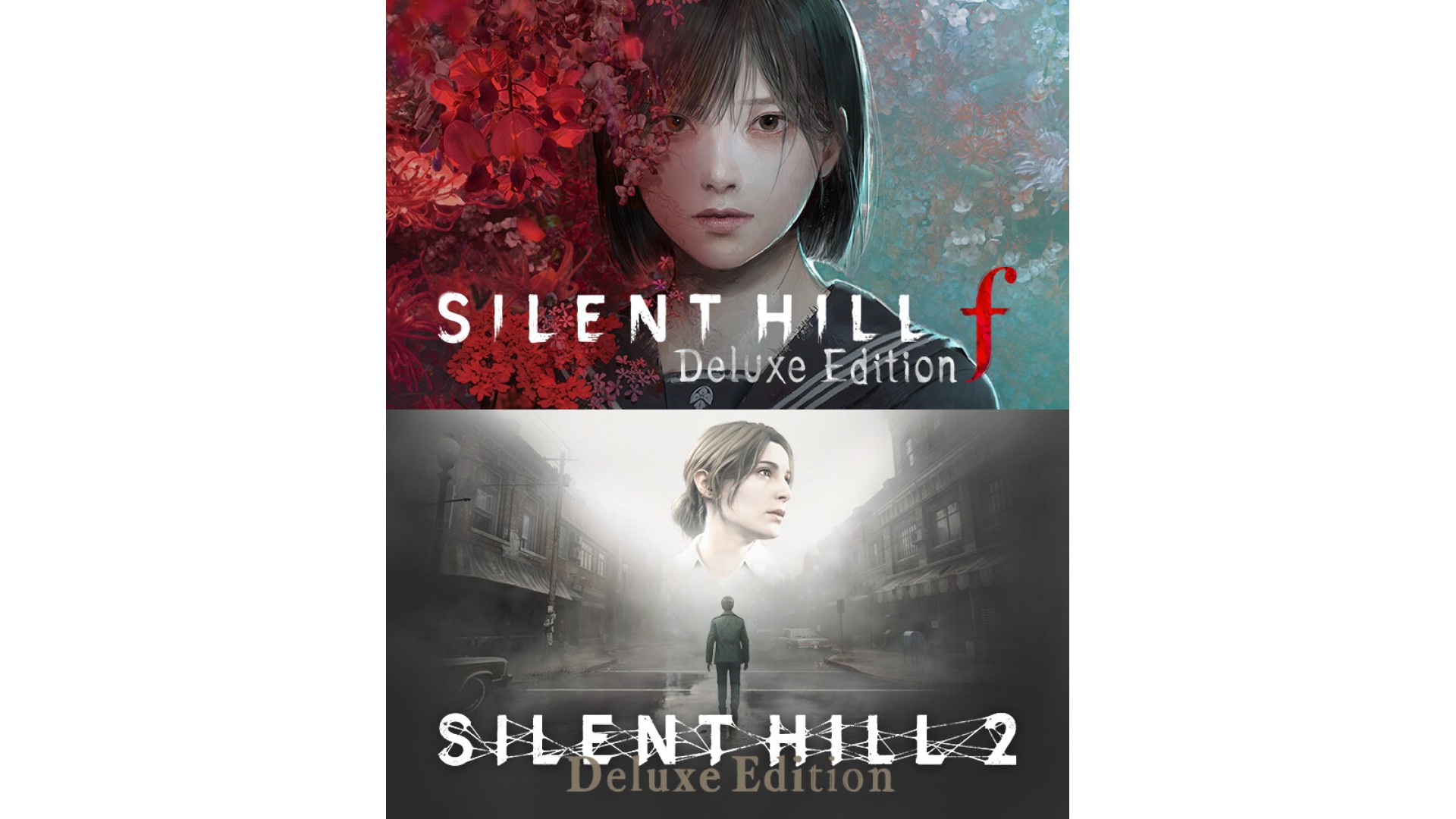
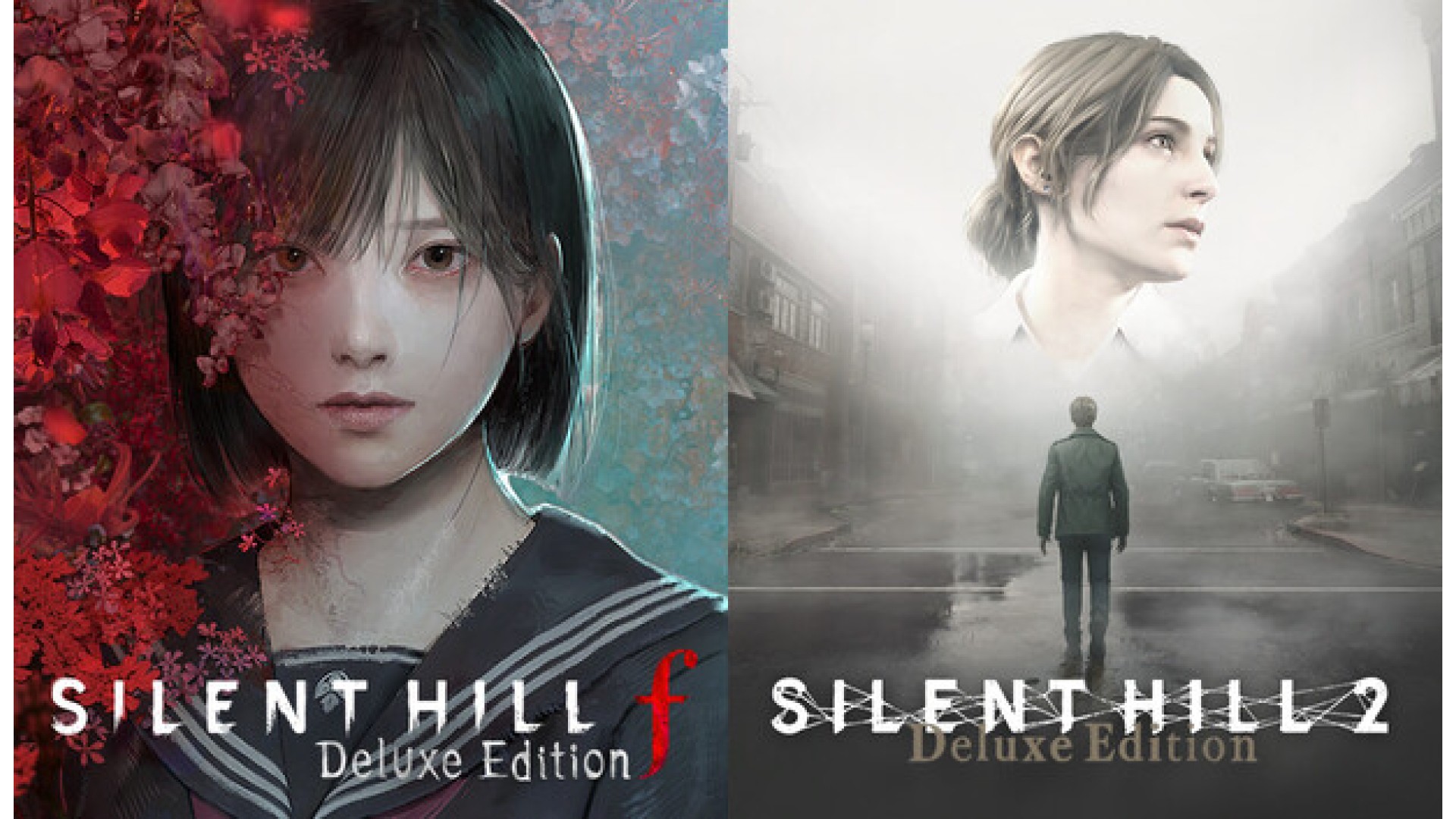
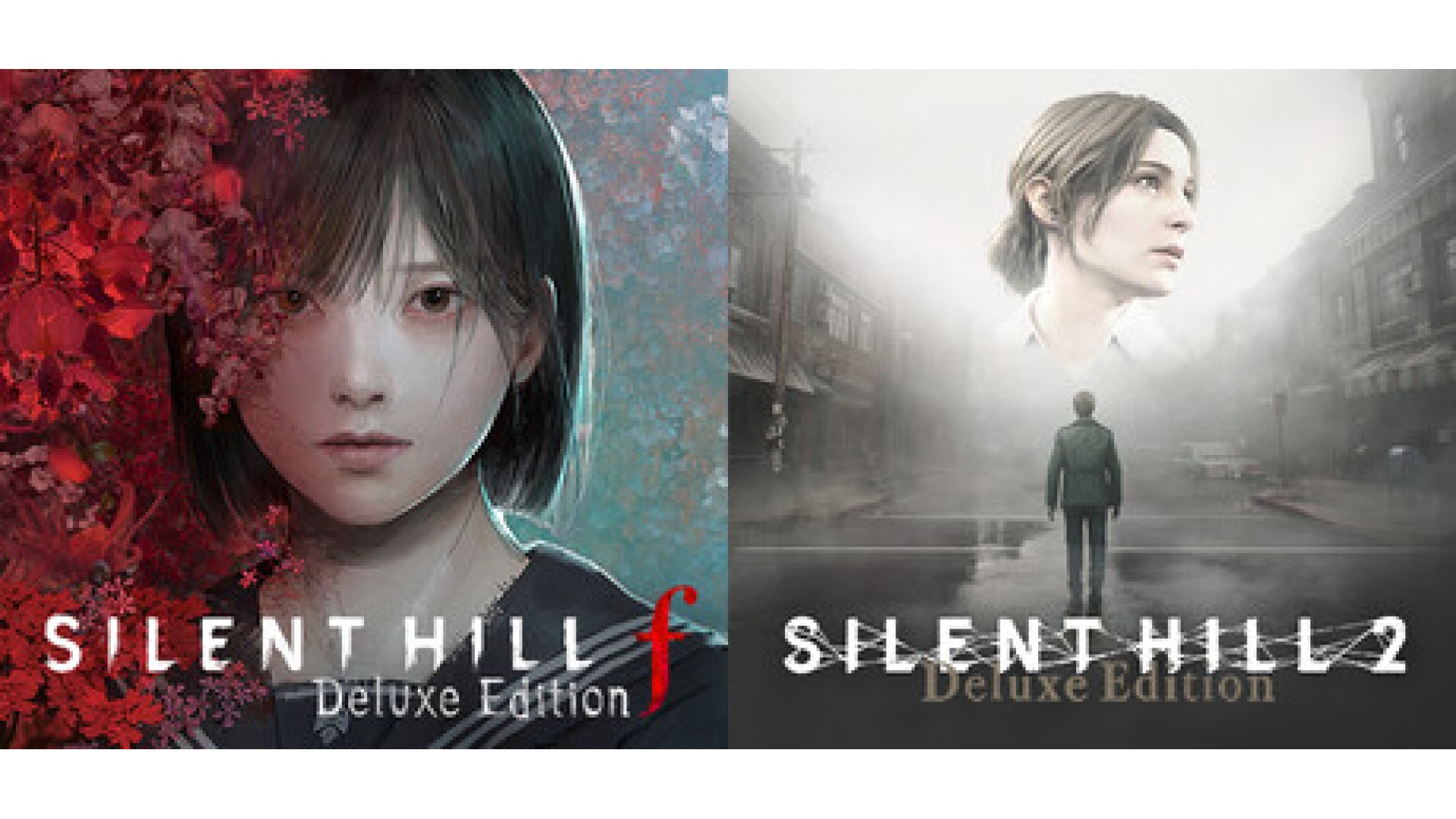
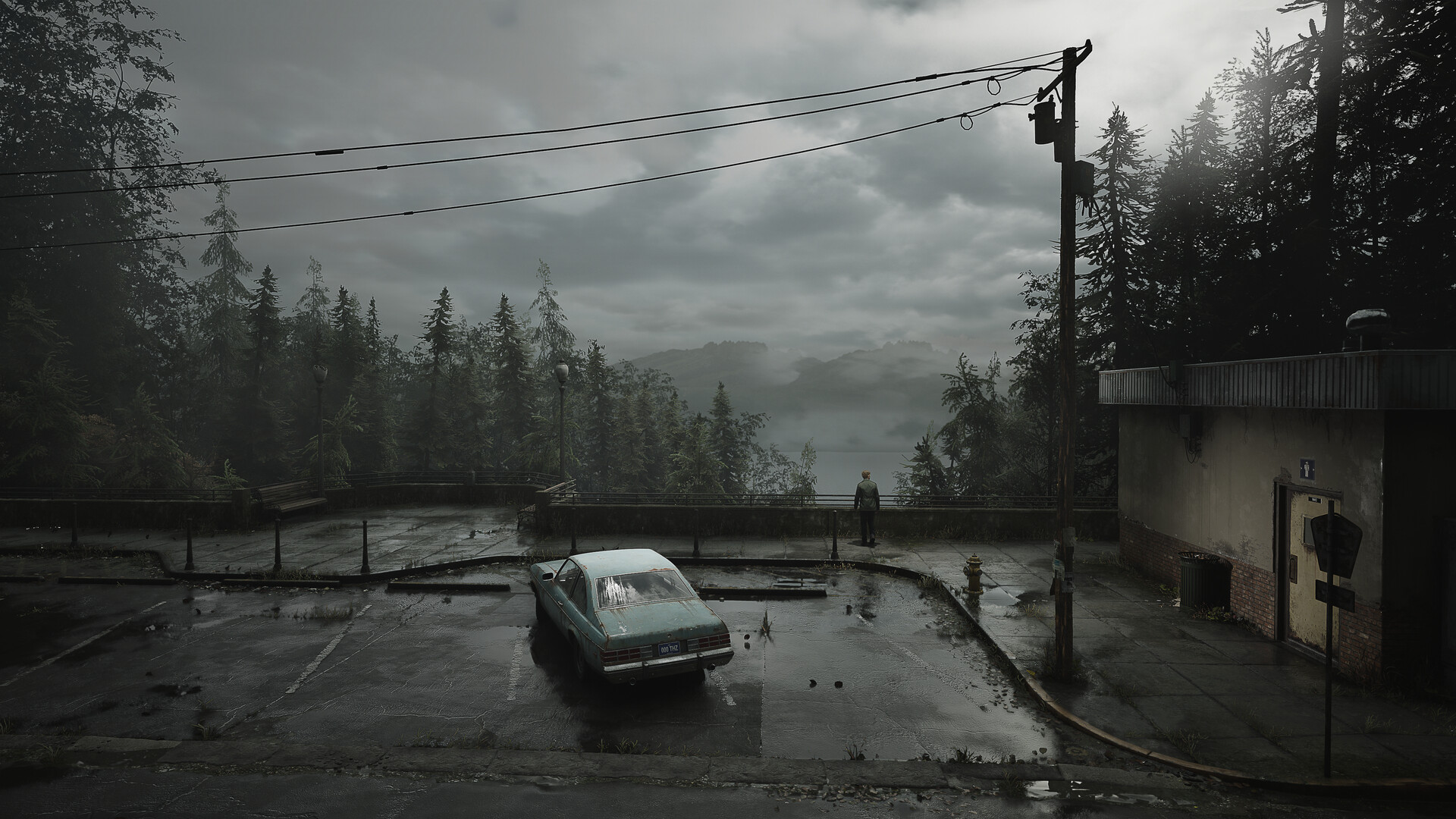
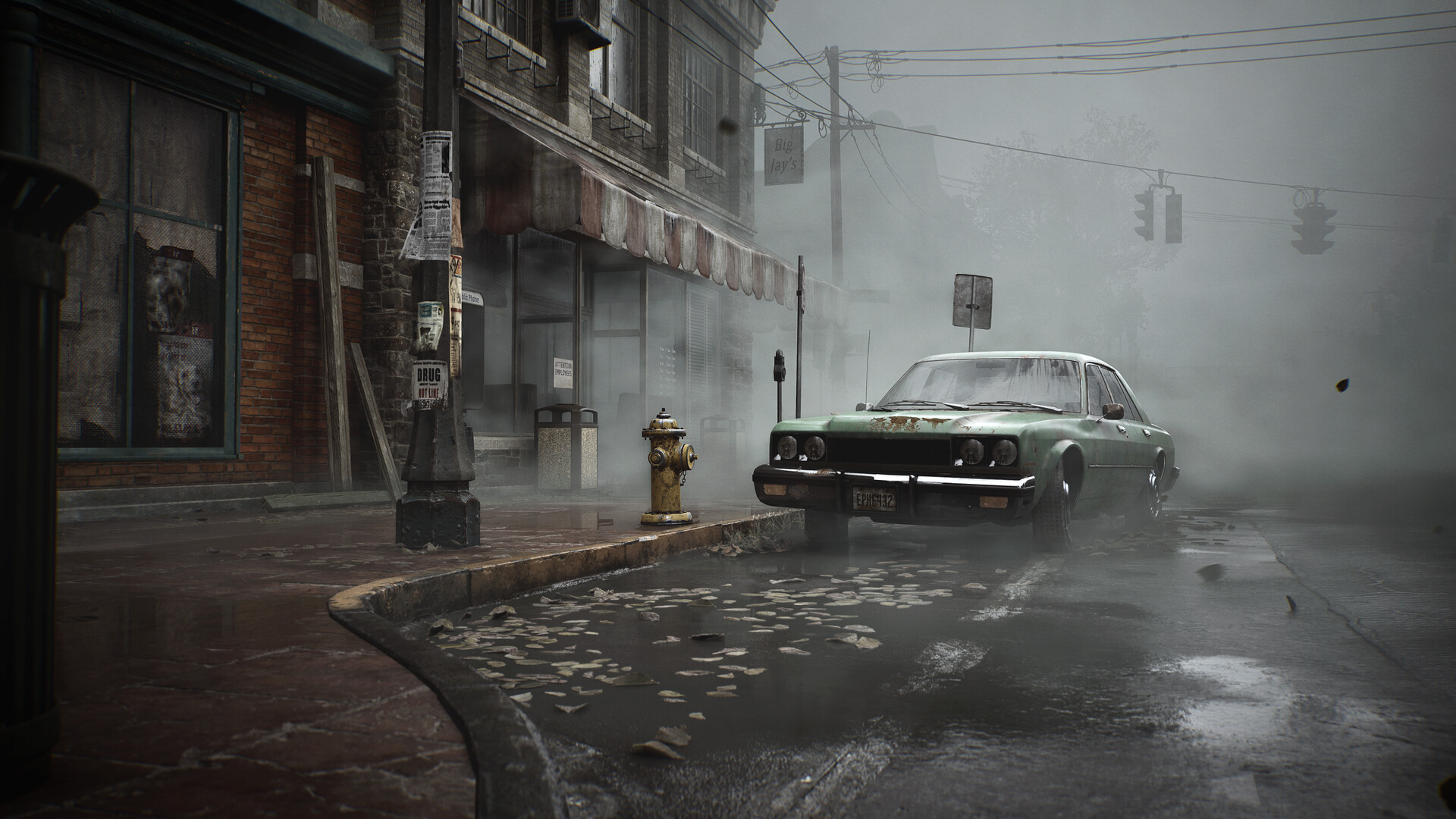
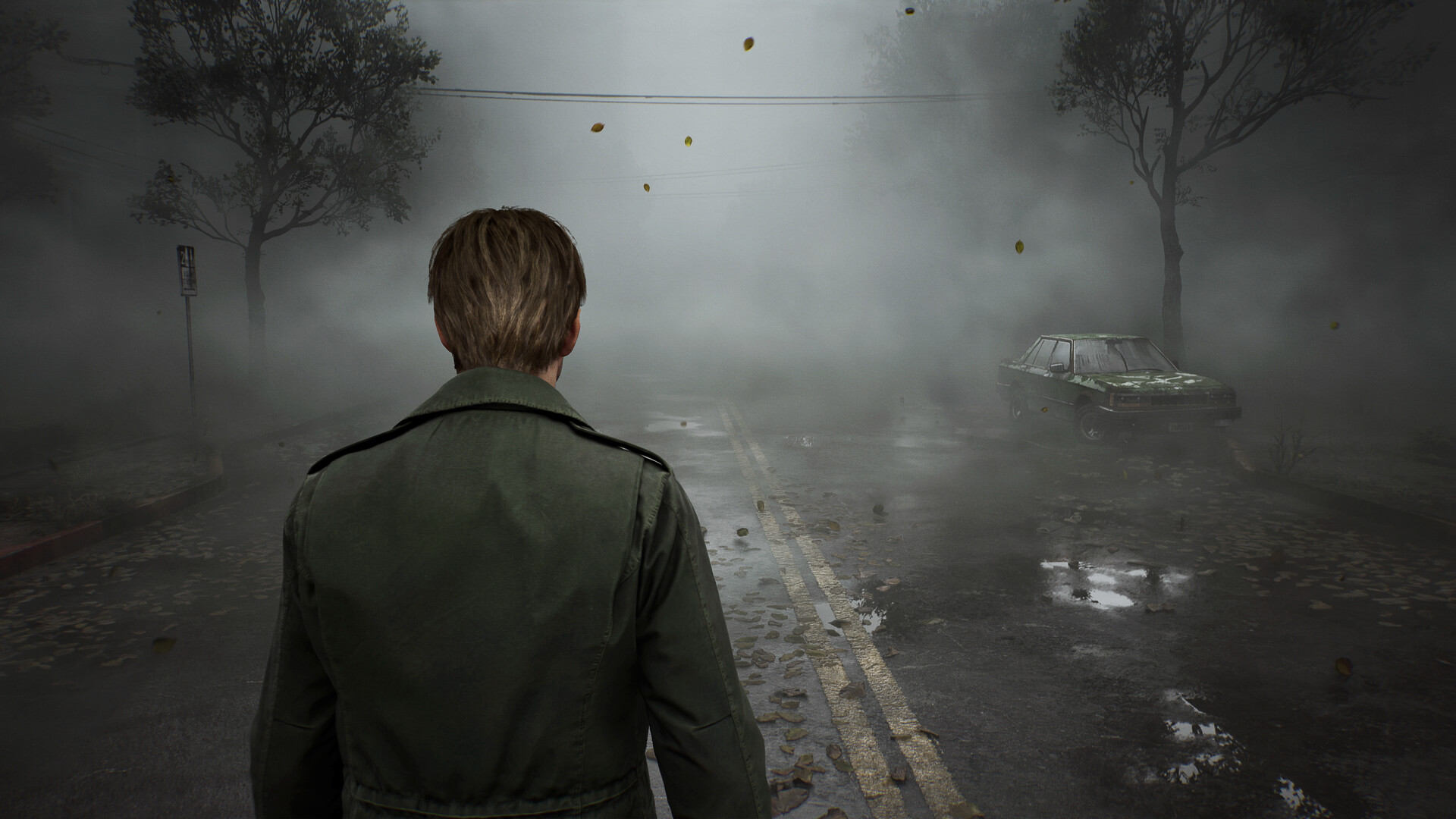
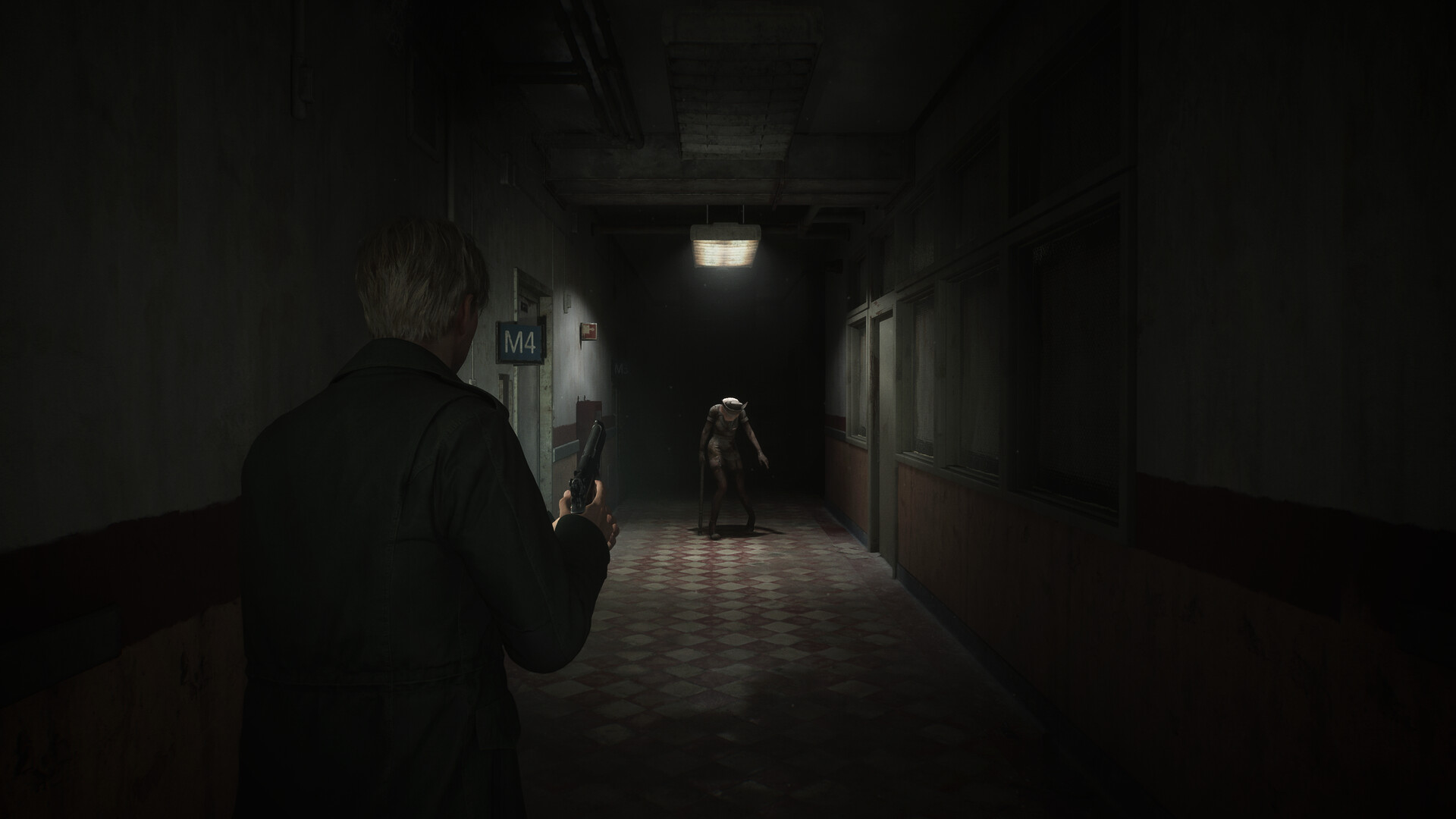
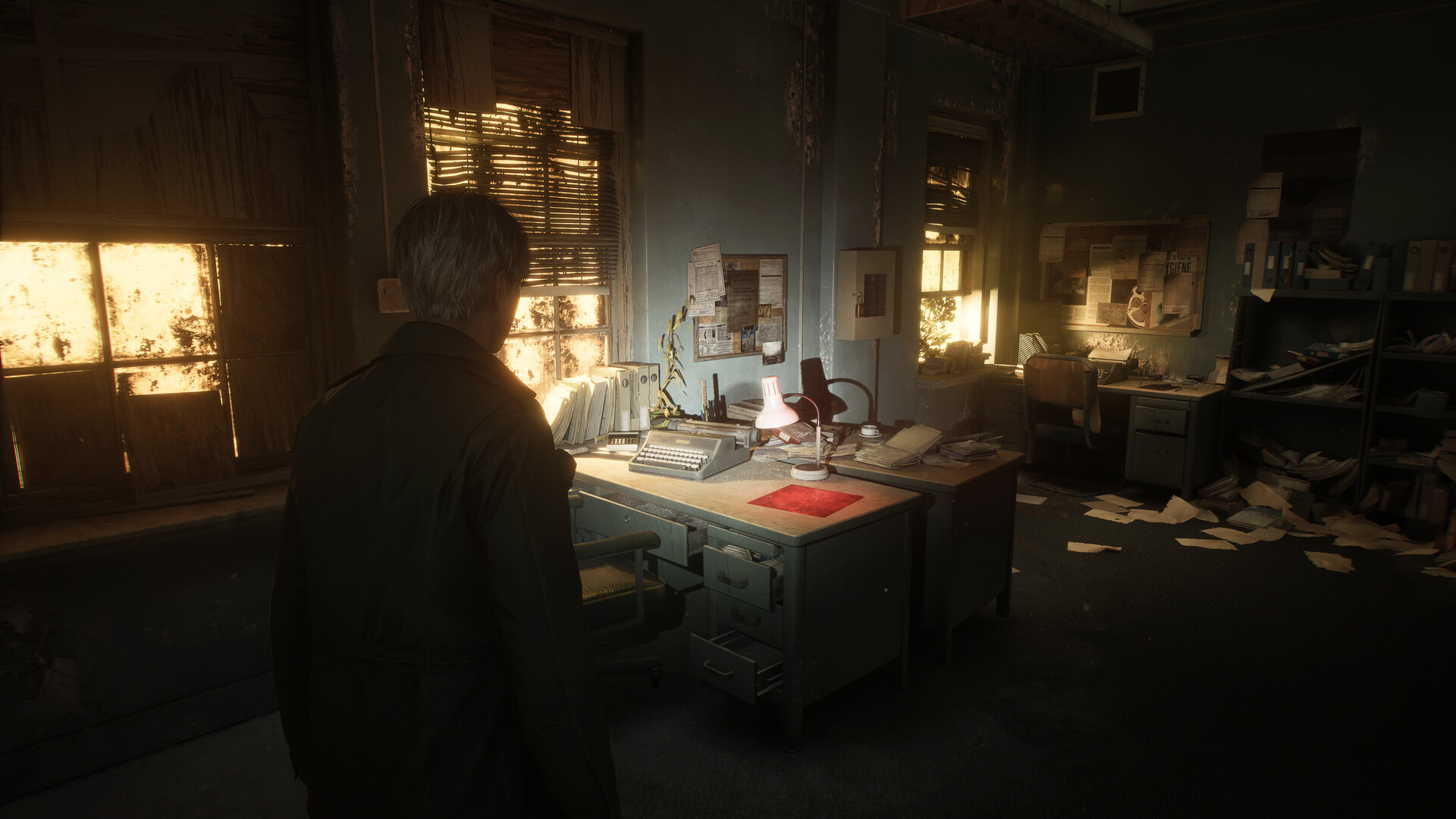
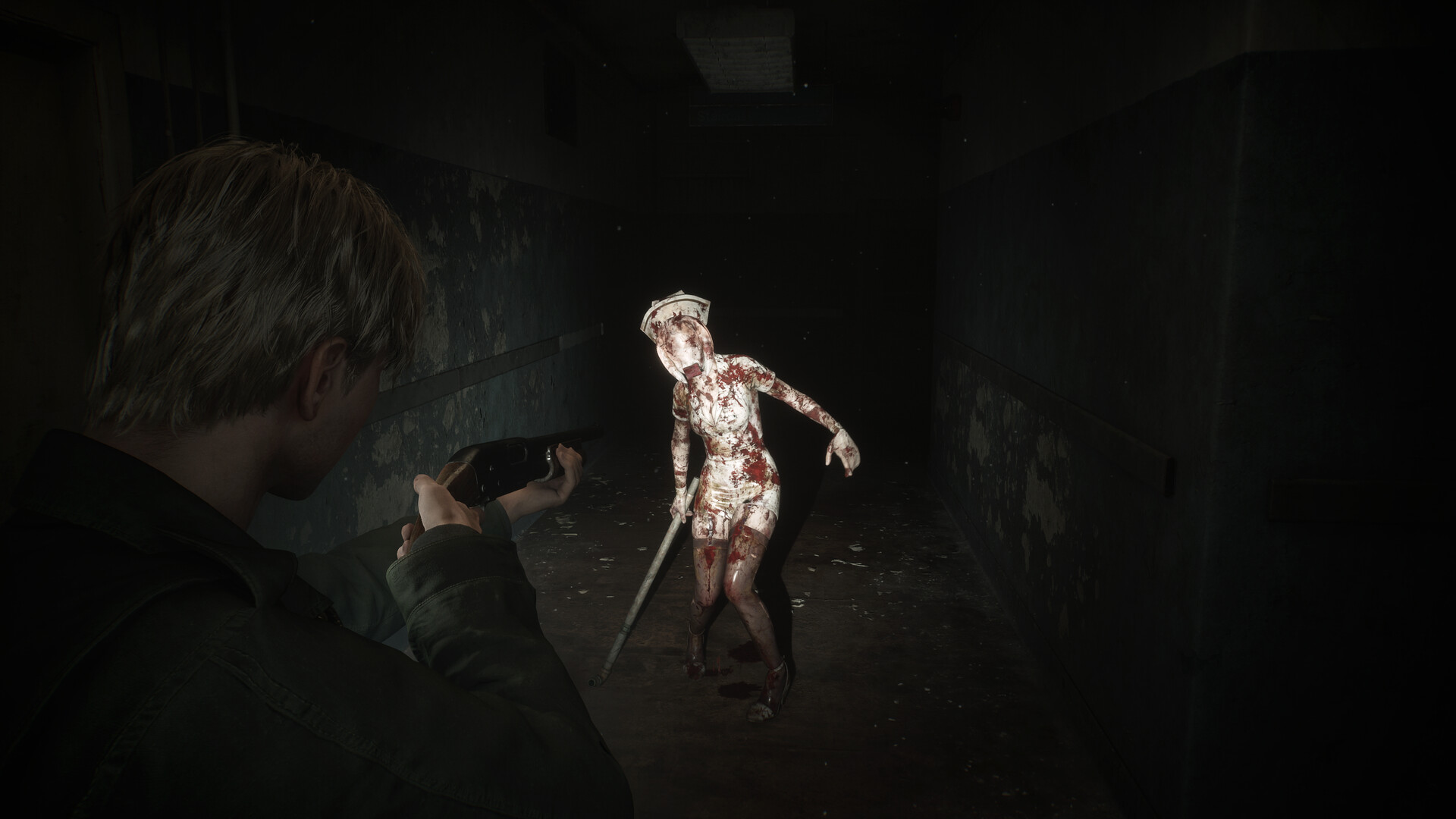
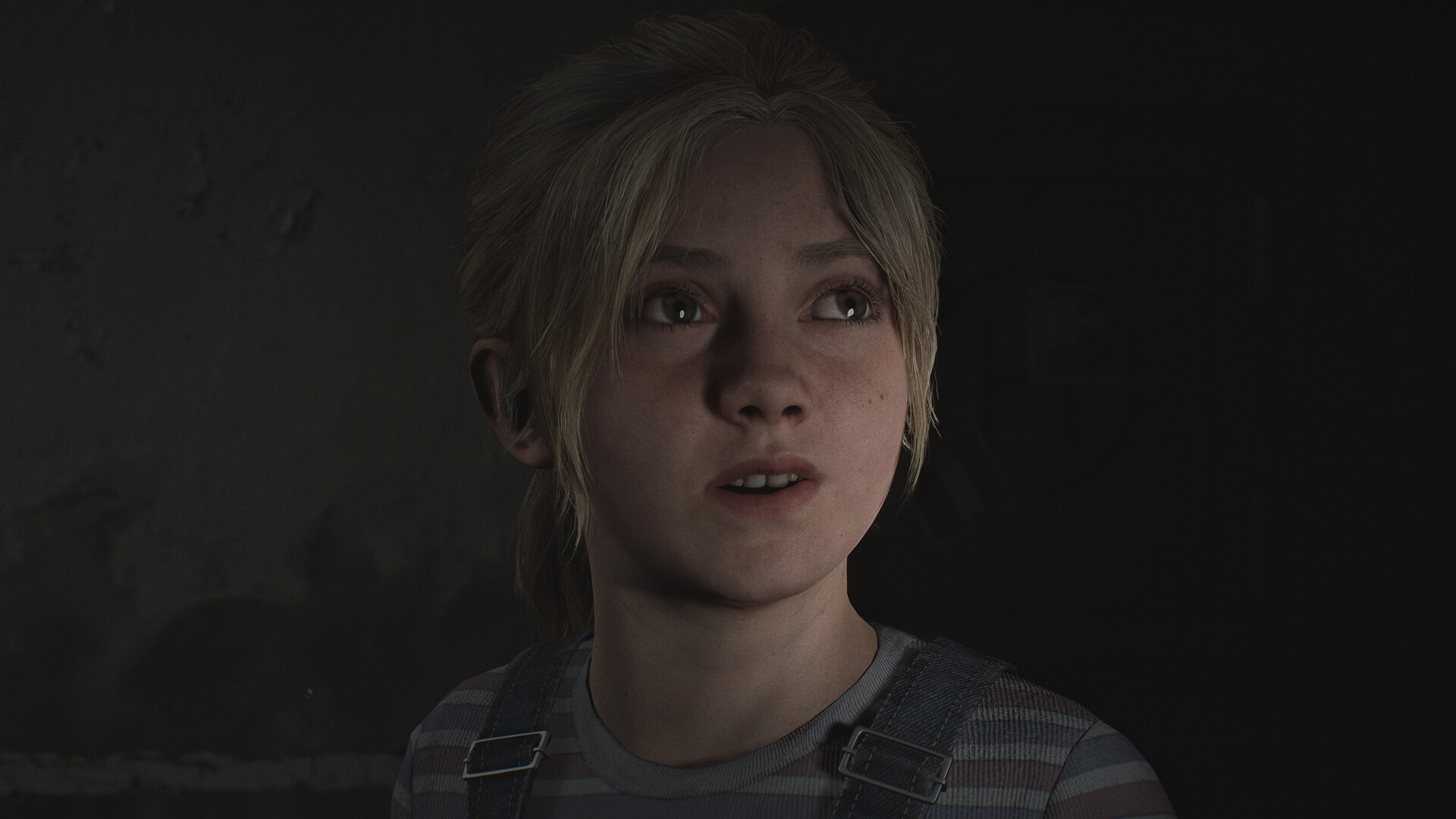
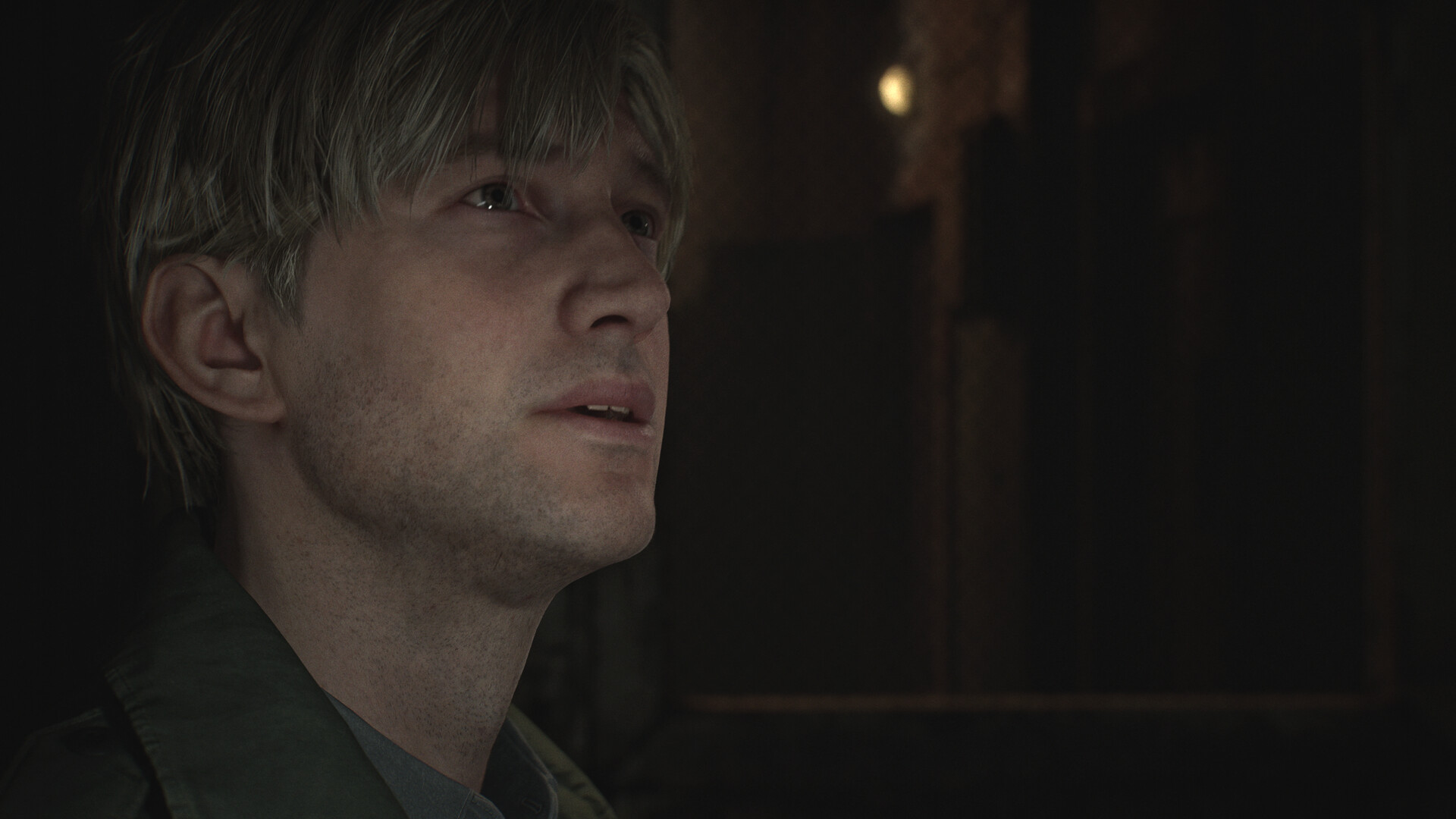
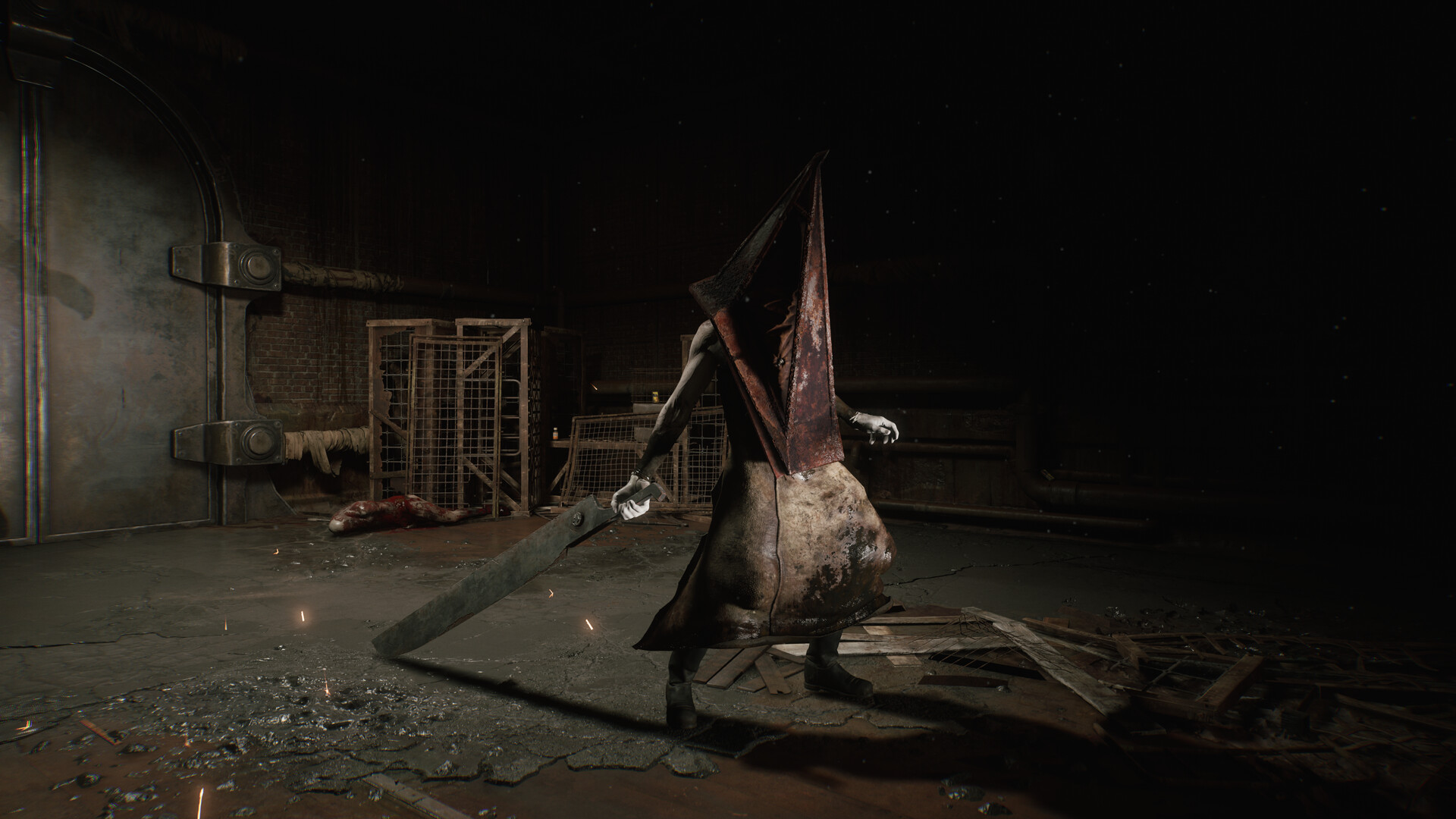
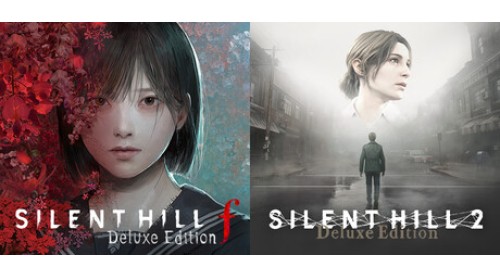
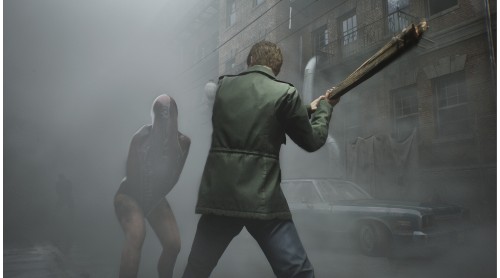
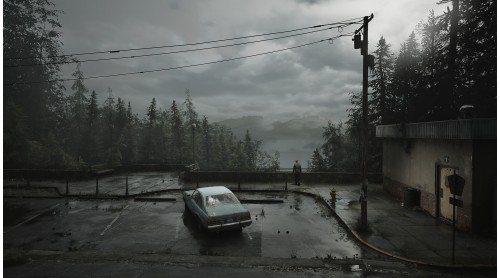
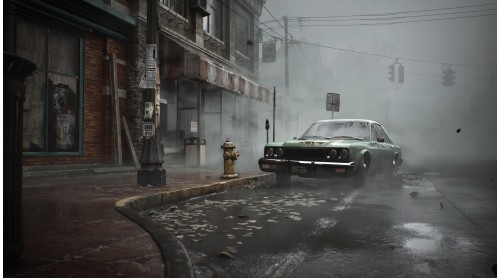
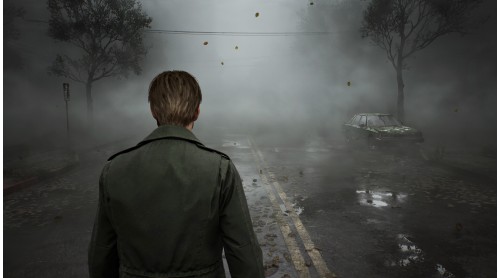
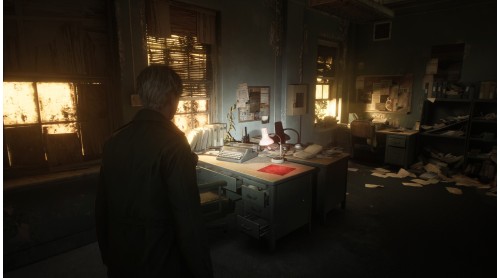
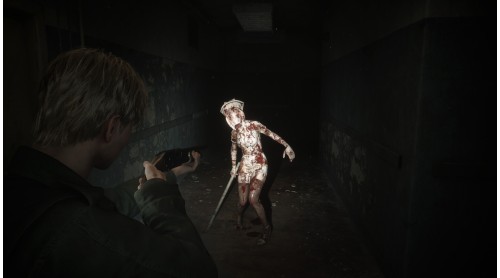
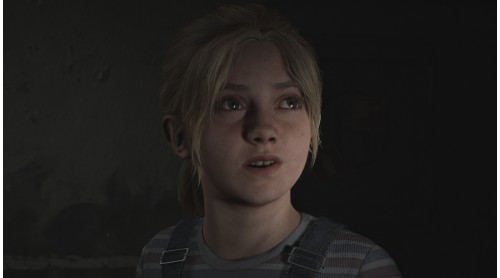
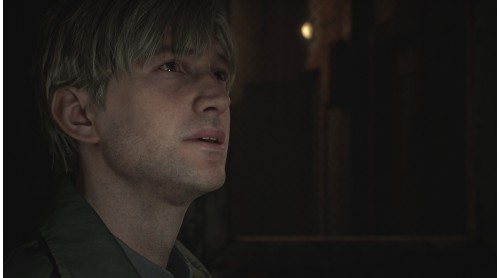
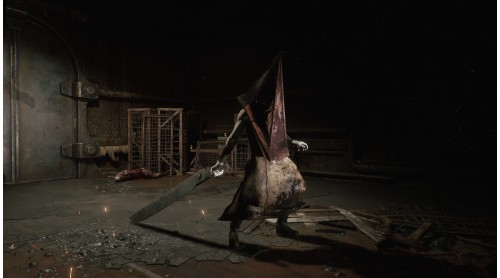
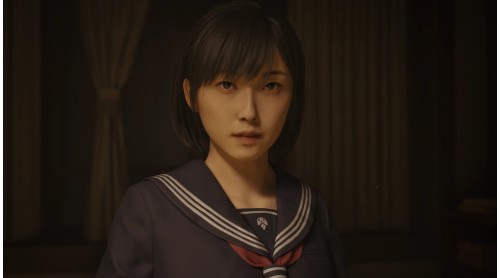
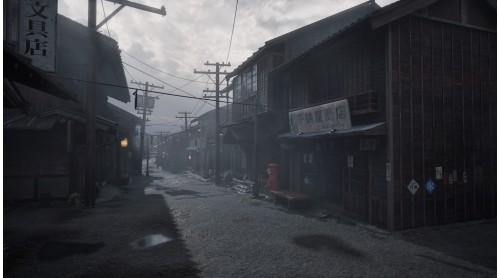
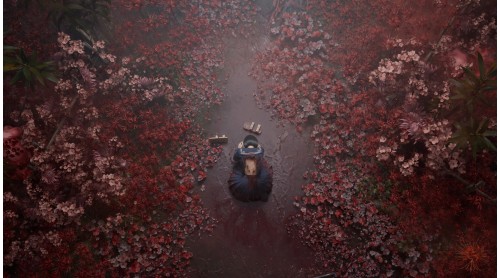
This package includes the Deluxe Editions for SILENT HILL 2 and SILENT HILL f.
Deluxe Dual Pack Contents:
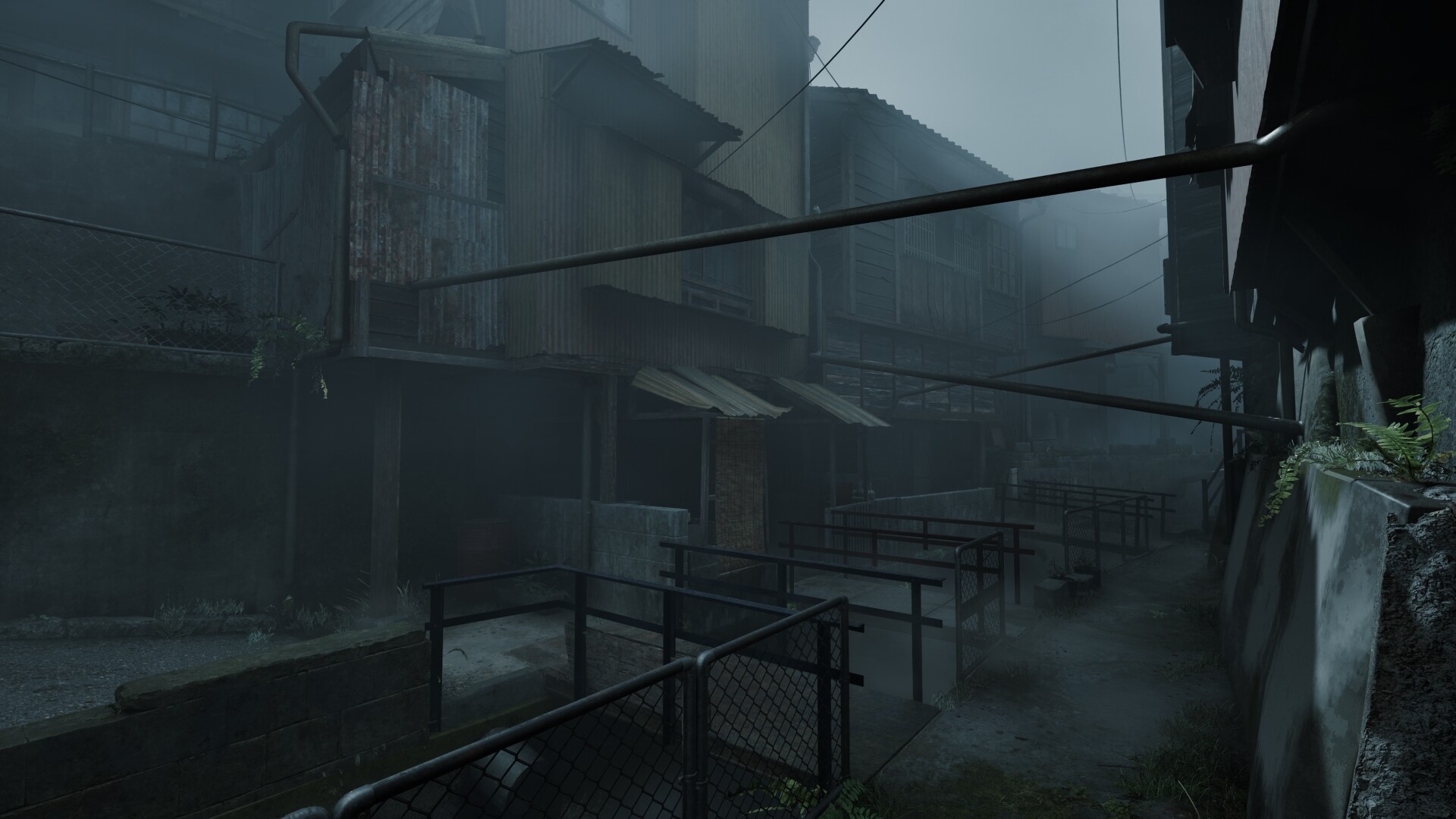
SILENT HILL 2 Deluxe Edition Contents:
*1
This mask is an in-game skin for James.
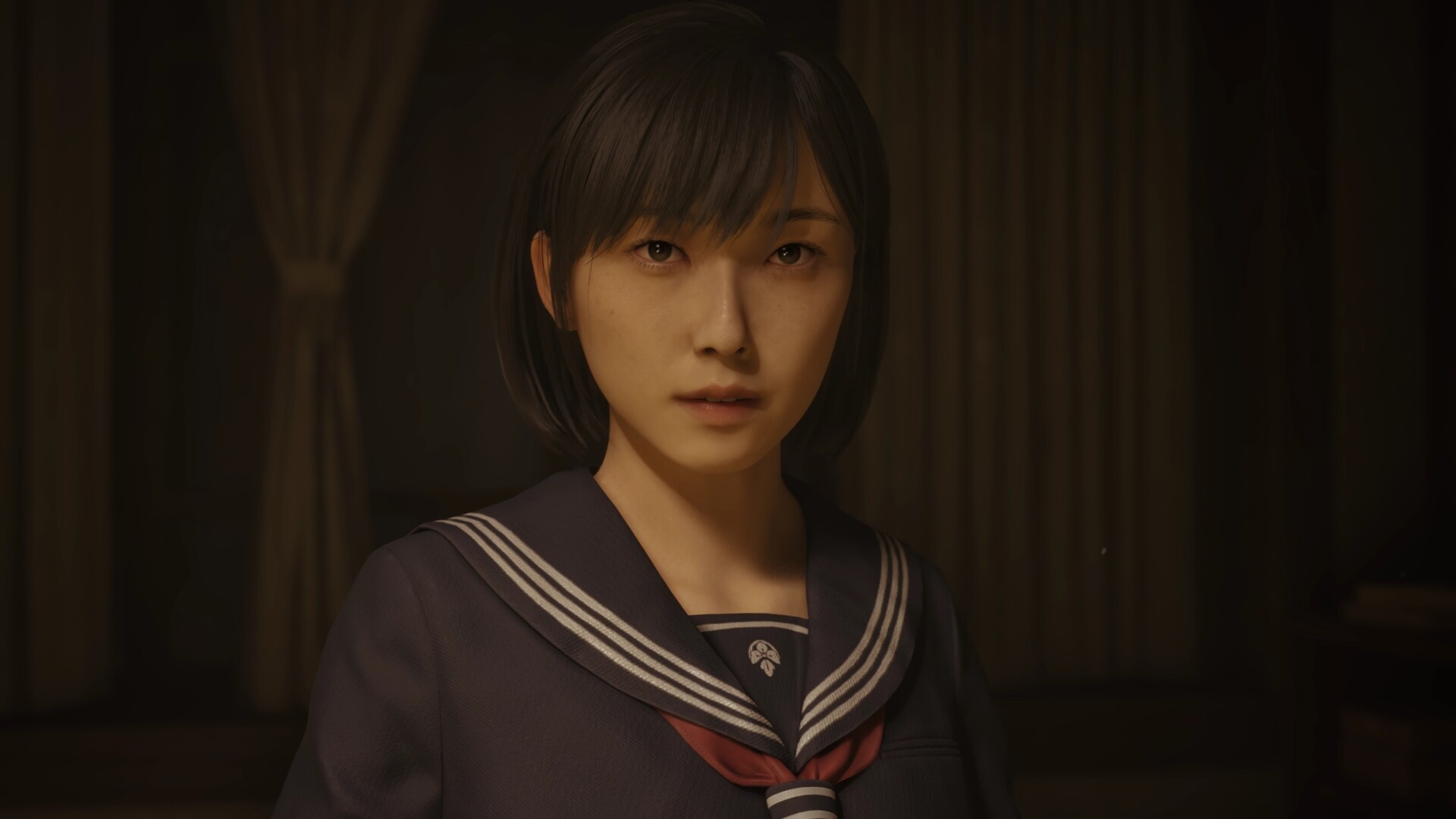
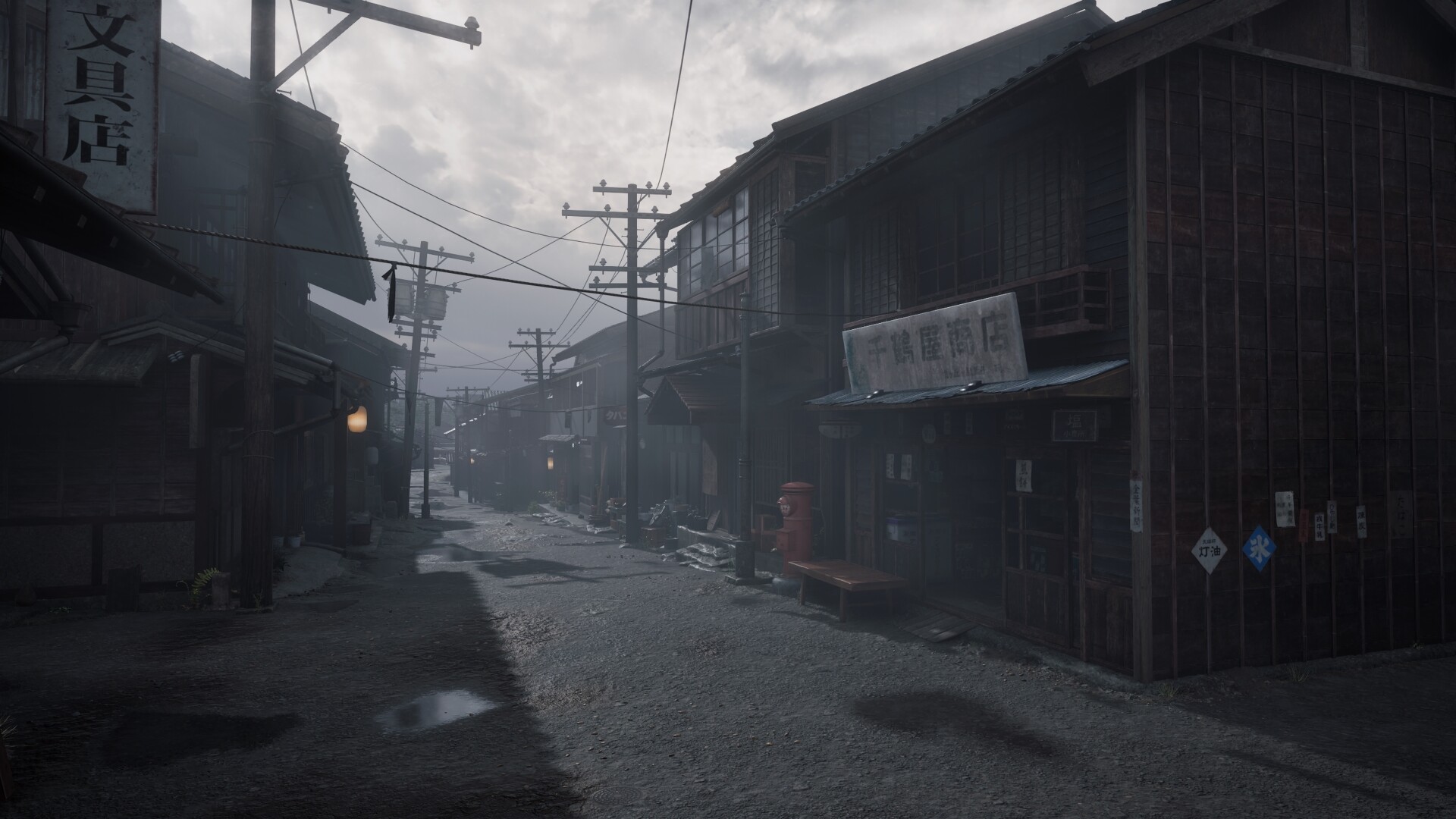
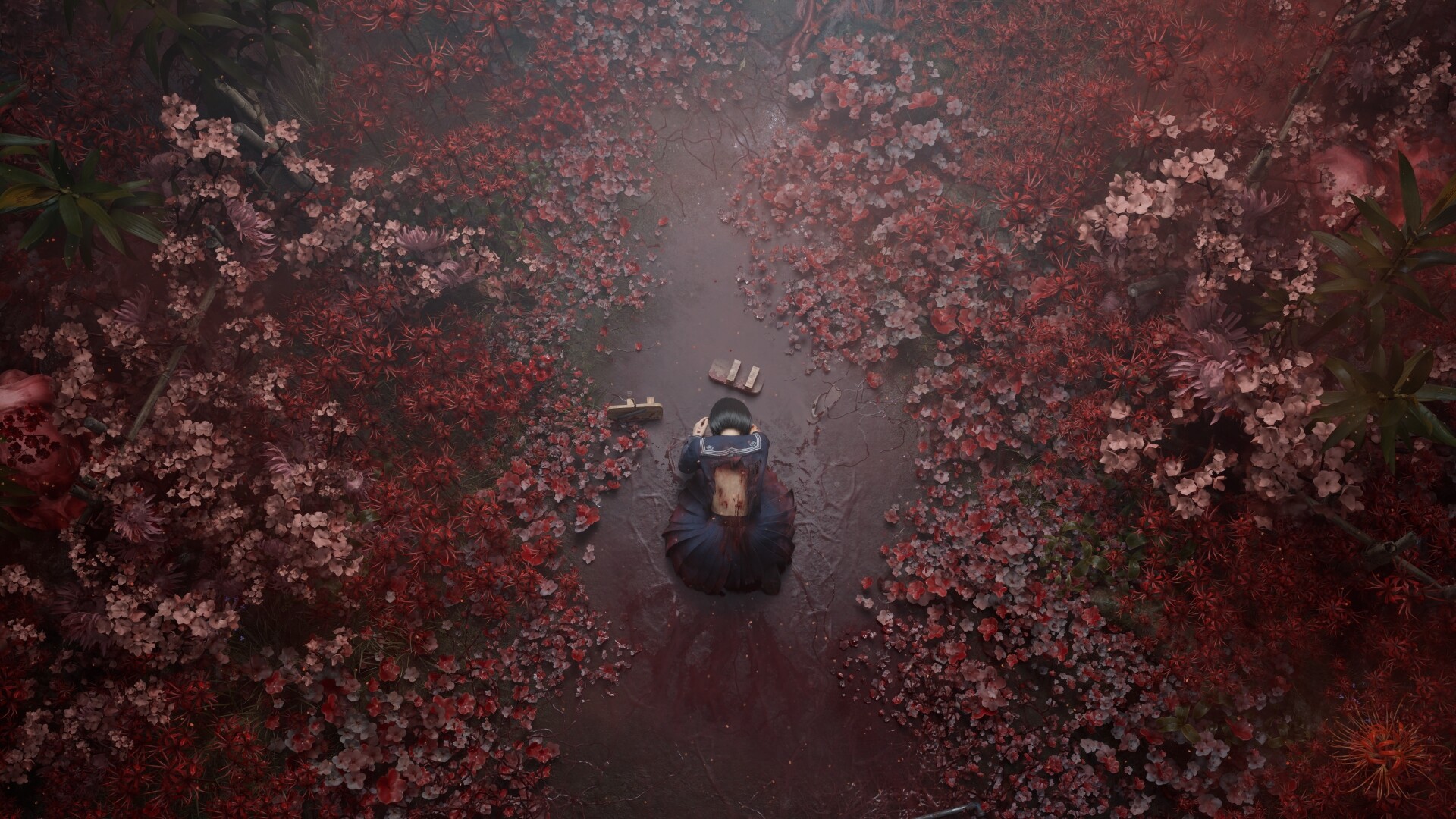
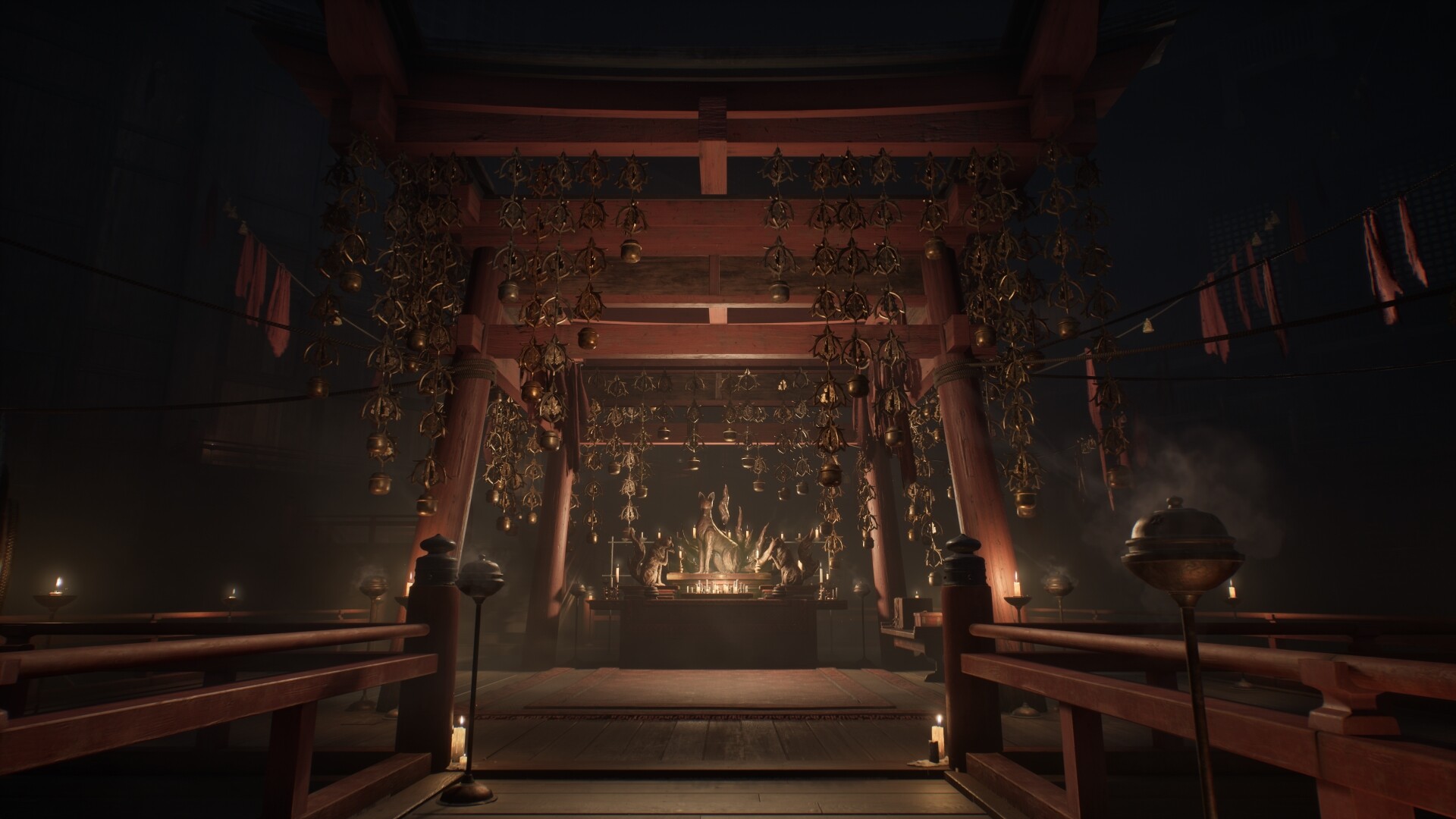
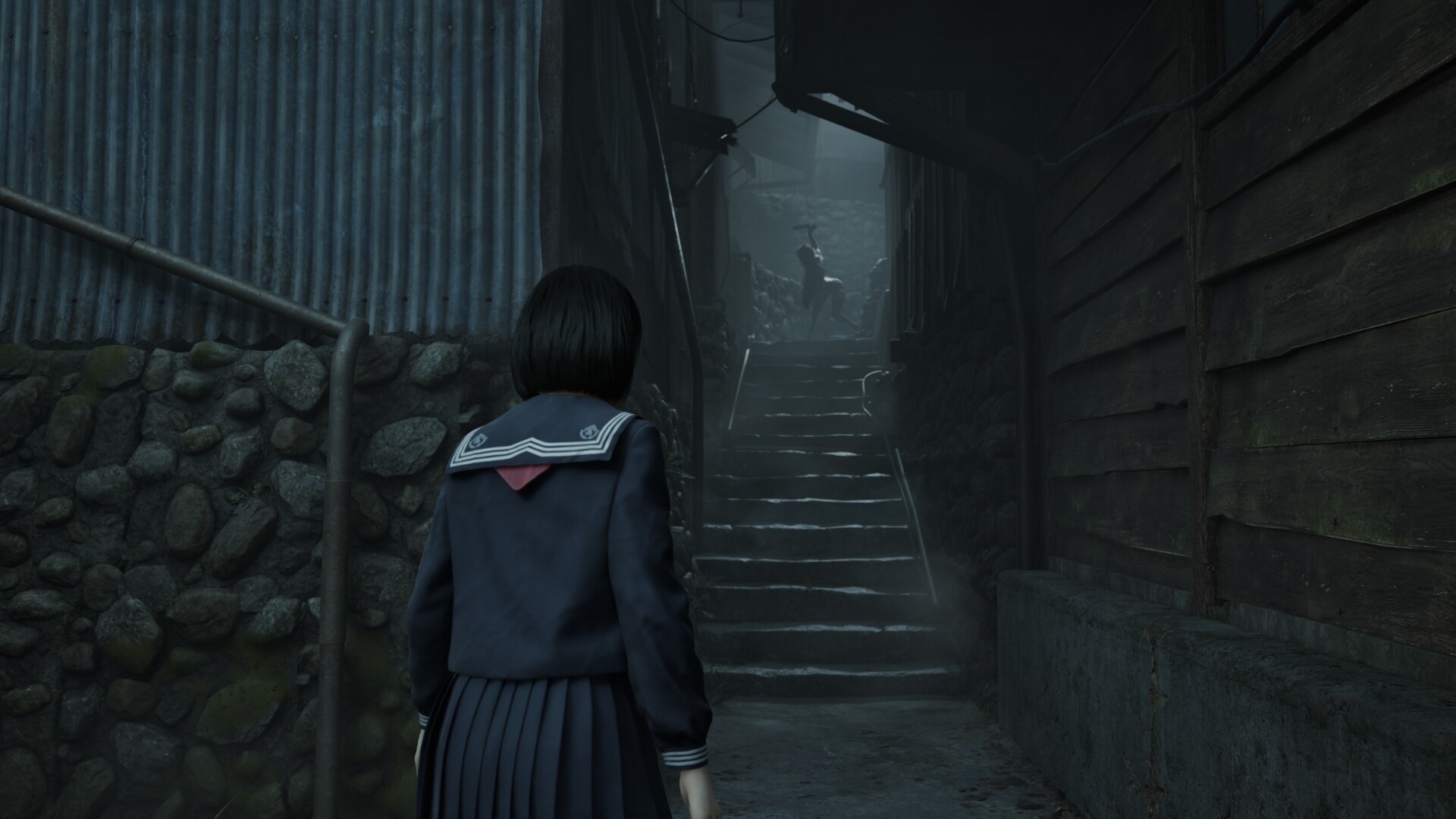
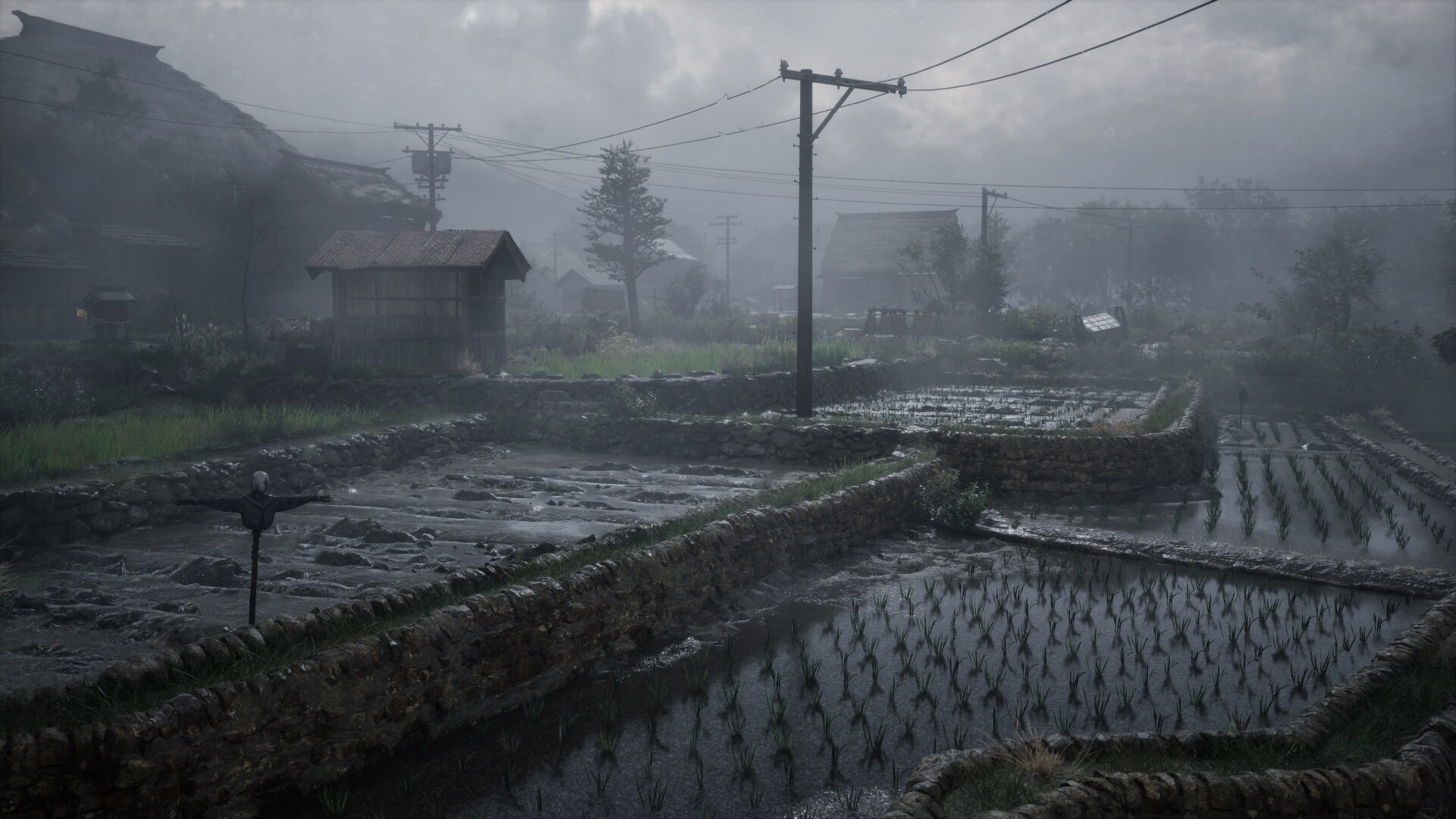
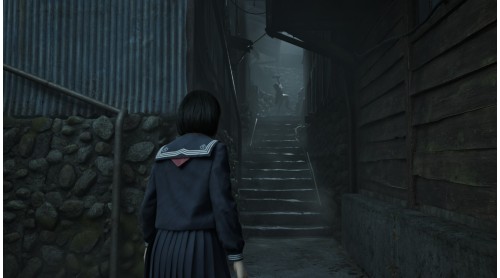
SILENT HILL f Deluxe Edition Contents:
*2
The Digital Artbook and Digital Soundtrack are included in a bonus application.
The Digital Soundtrack can be downloaded in MP3 or WAV format from the Steam launcher.
*3
This costume changes Hinako's appearance.
To apply this costume, access a Hokora in the game and select Change Costume from the menu.
Note: Users who own SILENT HILL 2, SILENT HILL 2 Deluxe Edition, SILENT HILL f, or SILENT HILL f Deluxe Edition may also purchase this package. The SILENT HILL 2 & SILENT HILL f Deluxe Dual Pack, a package including the Deluxe Editions, is also available. Please be careful to avoid redundant purchases.
© Konami Digital Entertainment


How to activate your Steam key?
1. Open your Steam client. (If you don't have a Steam Client, you can install from here https://store.steampowered.com/about/)
2. Sign in to your Steam account. (If you don't have a Steam Account, you can create from here https://store.steampowered.com/join/)
3. Click “ADD A GAME” button which is at the bottom of the Steam Client.
4. Now select "Activate a product on Steam..."
5. Write or copy-paste your Steam key which you purchased from Gamesforpc.
6. Now your game is in your library.
7. Find your game in your library, select and click install to start your download.