

















 Steam
Steam  Windows
 24.99€
Added to Cart
24.99€
Added to Wishlist
24.99€
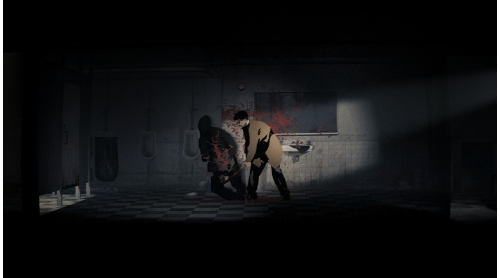
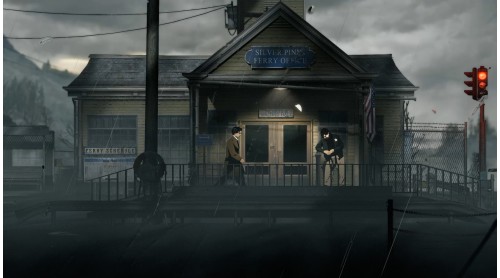
Private investigator Red Walker finds himself in Silver Pines, a place half-abandoned, half-forgotten, in the middle of nowhere on a job to track down Eddie Velvet. A musician who has vanished. As the case begins to reveal a dark past, Walker soon slips into a strange and nightmarish descent beyond his control.
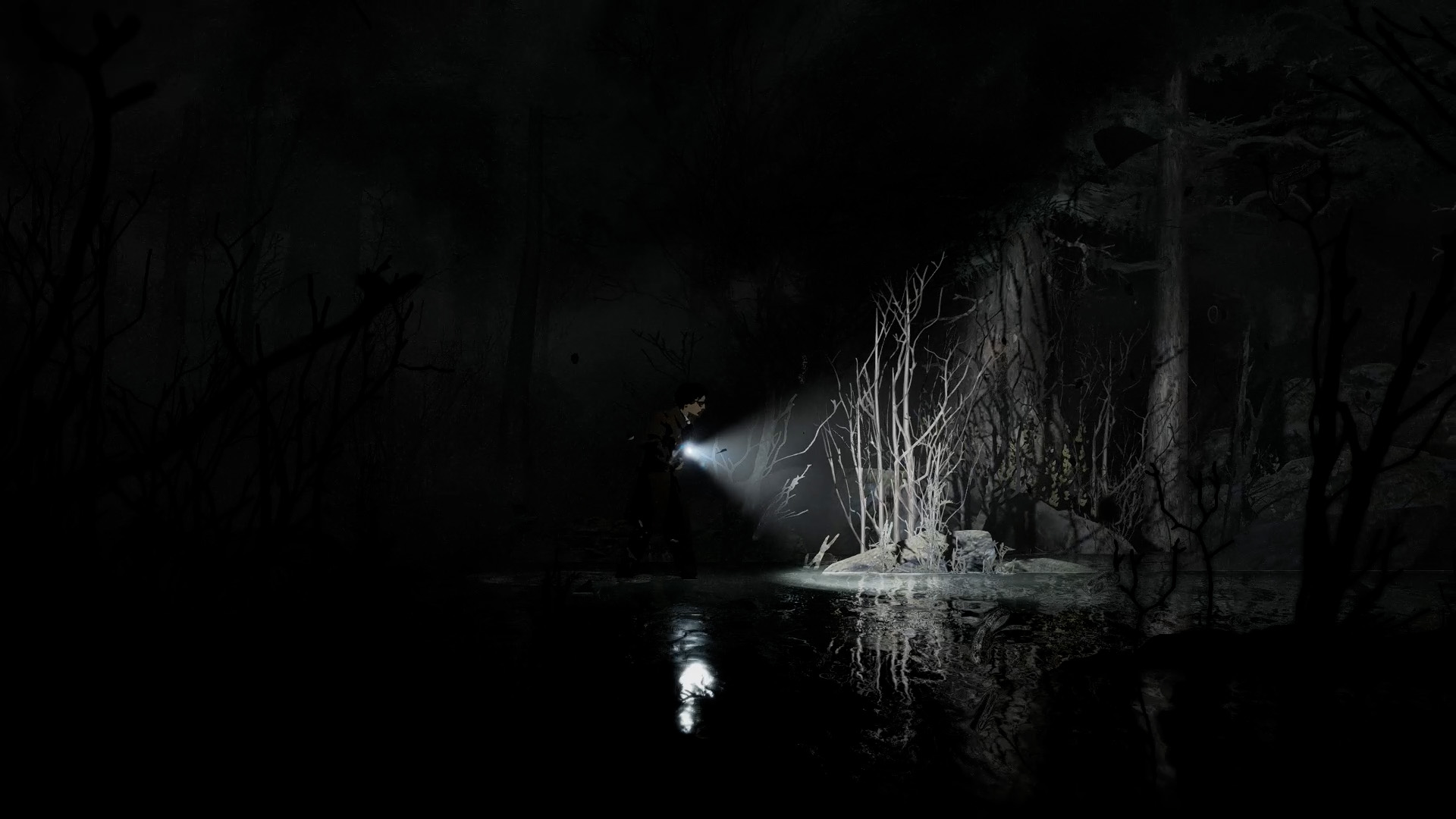
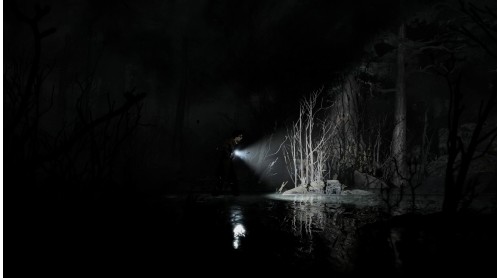
Embark on a journey filled with dread and atmosphere. Haunted by shadows of the past, Silver Pines is waiting to reveal its dark secrets.
***
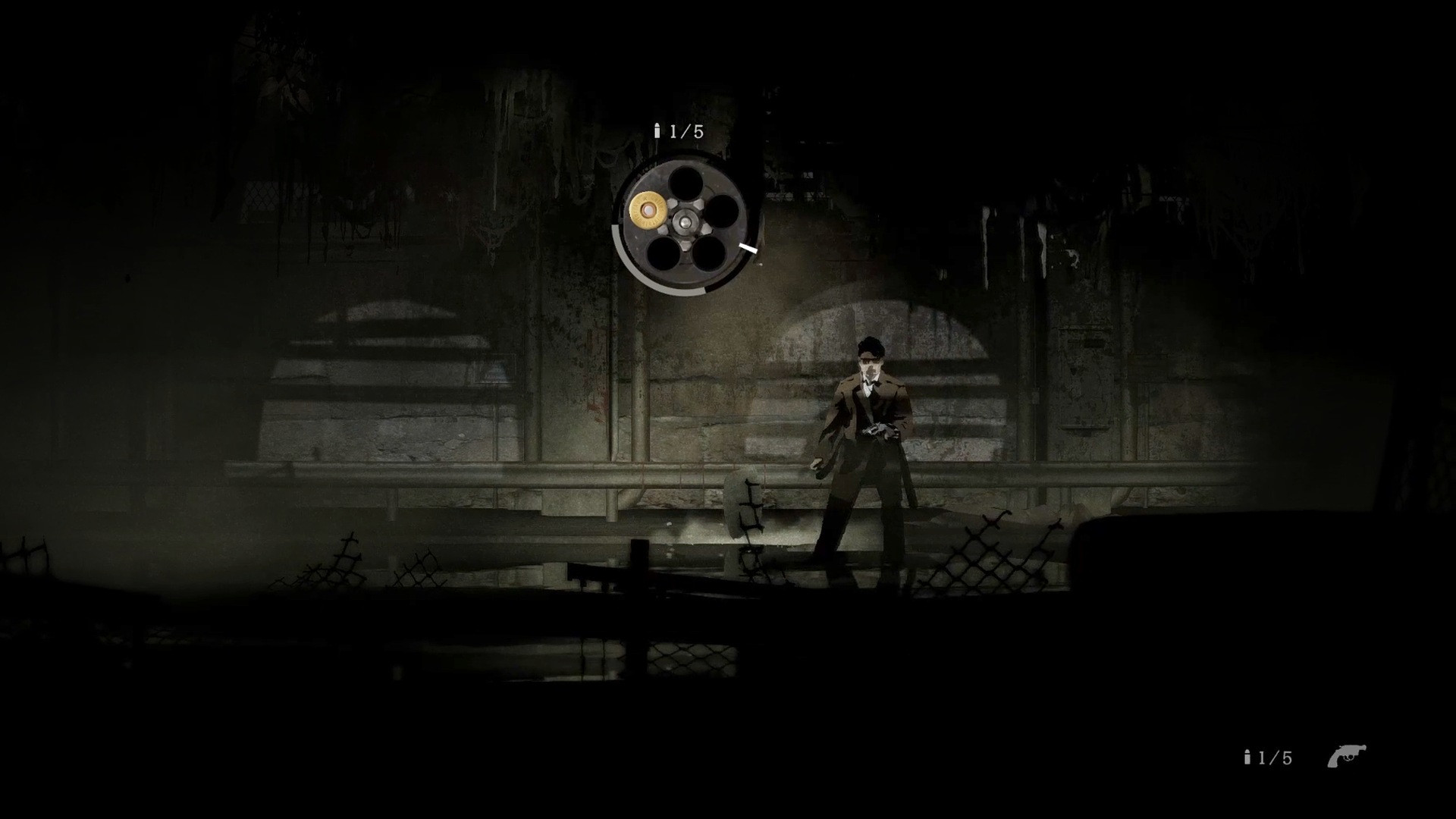
A love letter to classic survival horror. Fight or avoid the horrors of the town as you scavenge for resources and solutions to the puzzles blocking your way.
***
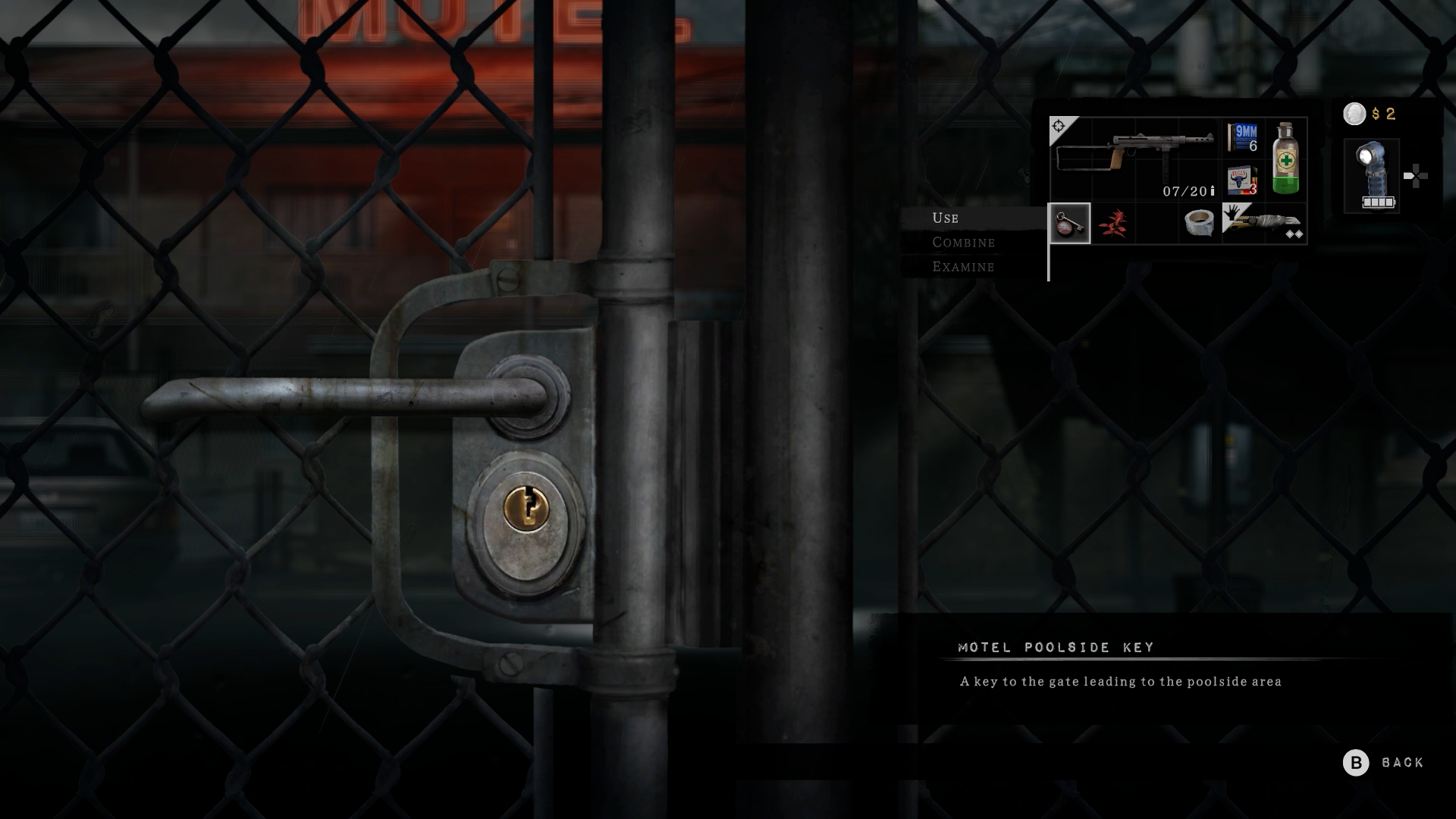
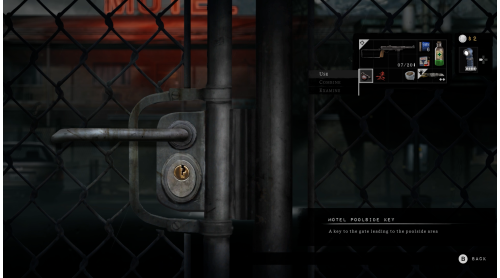
Filled with locked doors and hidden paths, every turn holds an uncovered clue, a resource, or something waiting in the dark. With better tools and weapons more and more of the town becomes accessible.
***
The horrors of the town include a large variety of challenging monsters and hulking bosses that keeps every encounter tense and dangerous.
***
Inventory space is limited. Search everywhere for items because every bullet, bottle of medicine and upgrade matters.
Silver Pines © 2024 Wych Elm AB, Silver Pines and related logos, characters, names, and distinctive likenesses thereof are trademarks or registered trademarks of Wych Elm AB. All rights reserved. Used with permission.


How to activate your Steam key?
1. Open your Steam client. (If you don't have a Steam Client, you can install from here https://store.steampowered.com/about/)
2. Sign in to your Steam account. (If you don't have a Steam Account, you can create from here https://store.steampowered.com/join/)
3. Click “ADD A GAME” button which is at the bottom of the Steam Client.
4. Now select "Activate a product on Steam..."
5. Write or copy-paste your Steam key which you purchased from Gamesforpc.
6. Now your game is in your library.
7. Find your game in your library, select and click install to start your download.