

 Steam
Steam  Windows
 2.99€
Added to Cart
2.99€
Added to Wishlist
2.99€
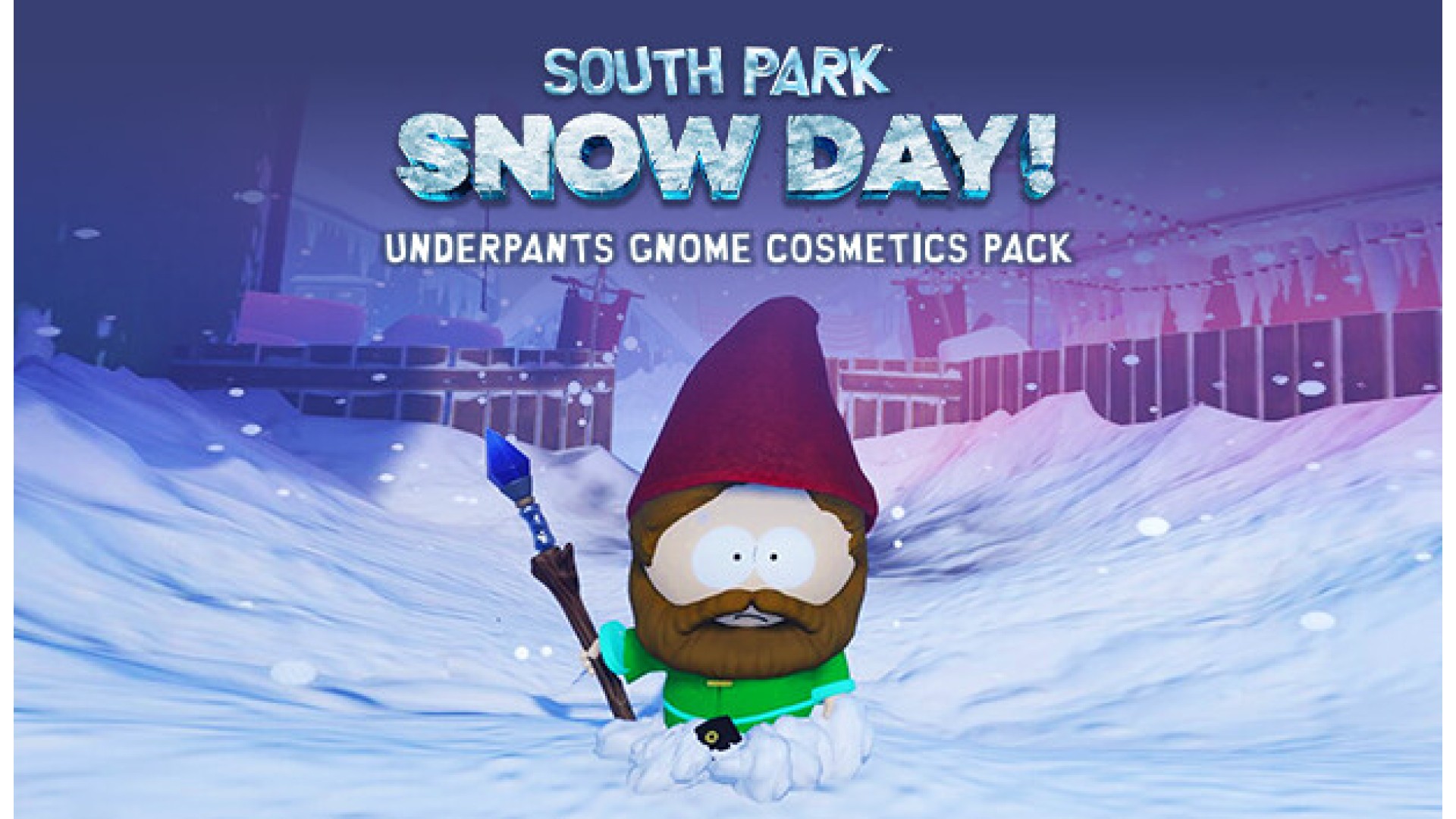
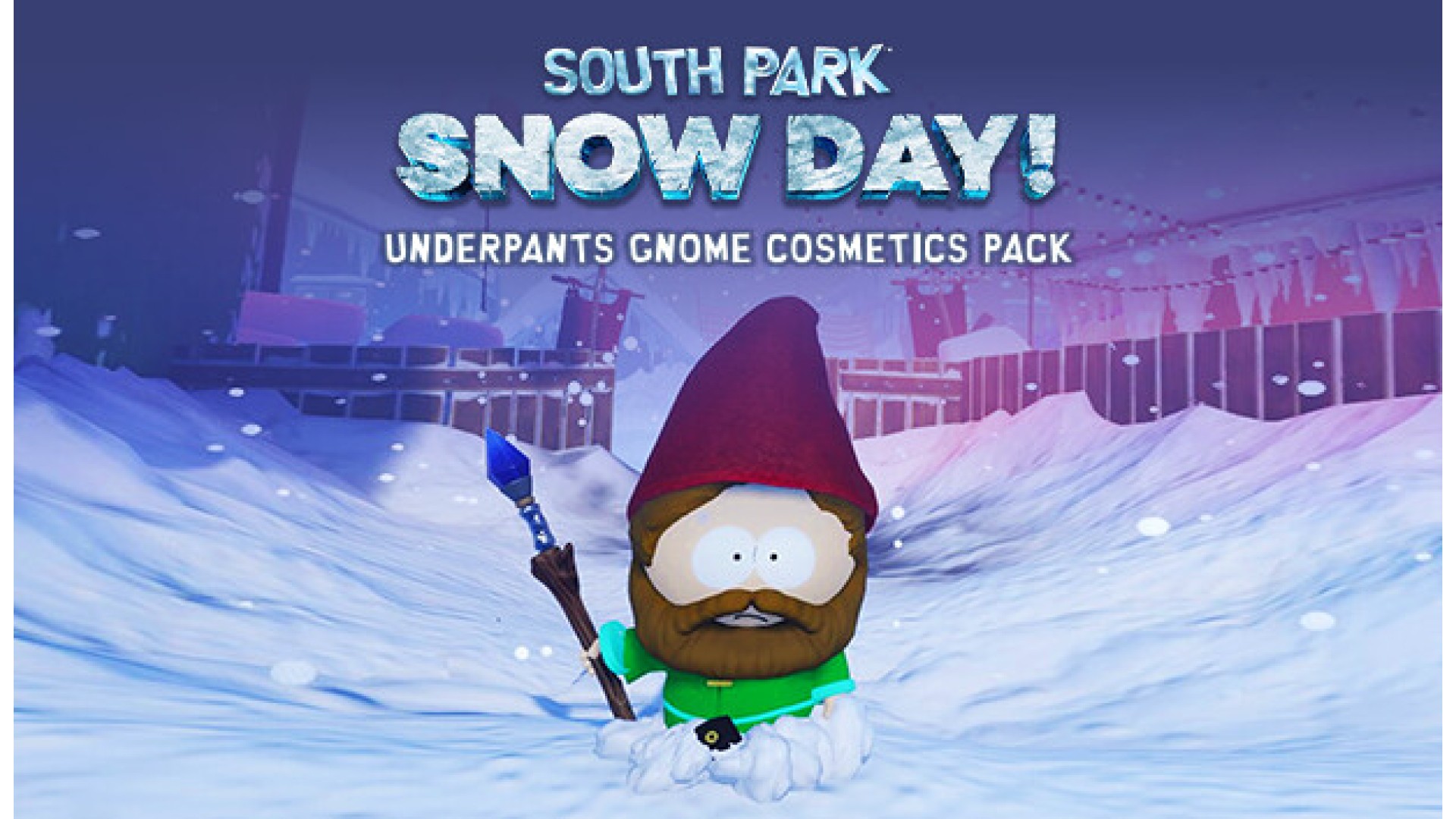
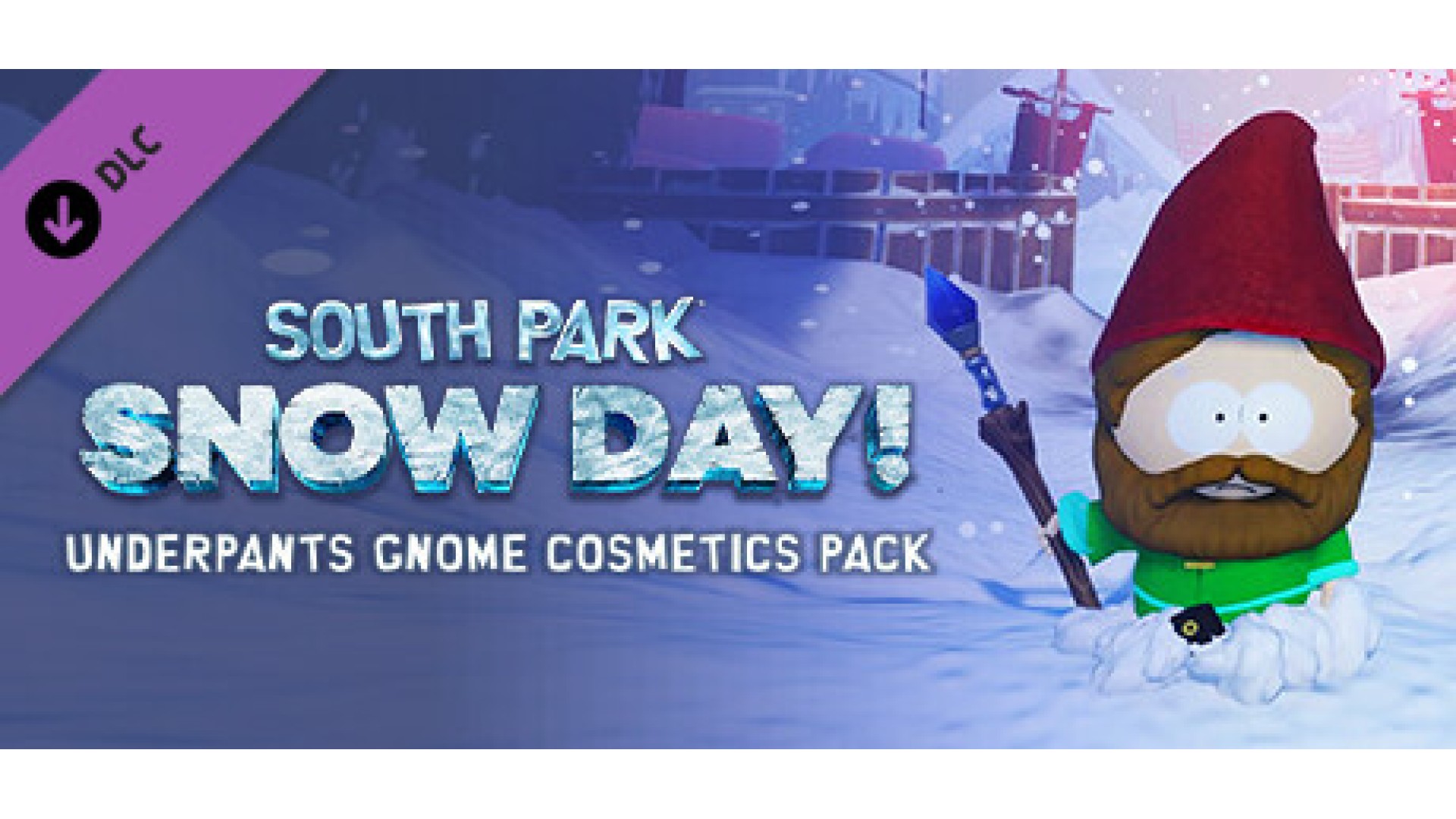
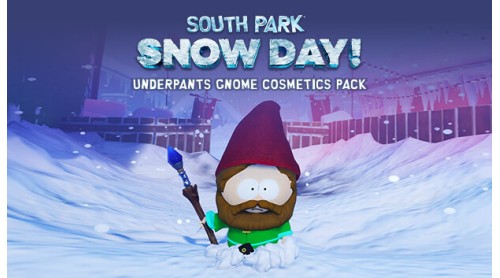
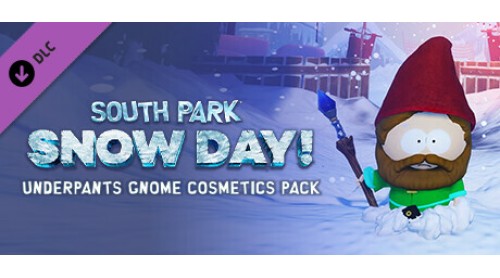
Elevate your style with The Underwear Gnome Cosmetics Pack! Unleash your fashion creativity with a trendy Underwear Gnome hat, a stylish beard, a vibrant and a green tunic.
© 2024 South Park Digital Studios LLC. All Rights Reserved. South Park and all elements thereof © 2024 Comedy Partners. All Rights Reserved. Comedy Central, South Park and all related titles, logos, and characters are trademarks of Comedy Partners. Published by THQ Nordic GmbH, Austria. Developed by Question LLC. THQ and THQ Nordic are trademarks of THQ Nordic AB, Sweden. All other trademarks, logos and copyrights are property of their respective owners.


How to activate your Steam key?
1. Open your Steam client. (If you don't have a Steam Client, you can install from here https://store.steampowered.com/about/)
2. Sign in to your Steam account. (If you don't have a Steam Account, you can create from here https://store.steampowered.com/join/)
3. Click “ADD A GAME” button which is at the bottom of the Steam Client.
4. Now select "Activate a product on Steam..."
5. Write or copy-paste your Steam key which you purchased from Gamesforpc.
6. Now your game is in your library.
7. Find your game in your library, select and click install to start your download.