







 Steam
Steam  Windows
 69.99€
Added to Cart
69.99€
Added to Wishlist
69.99€

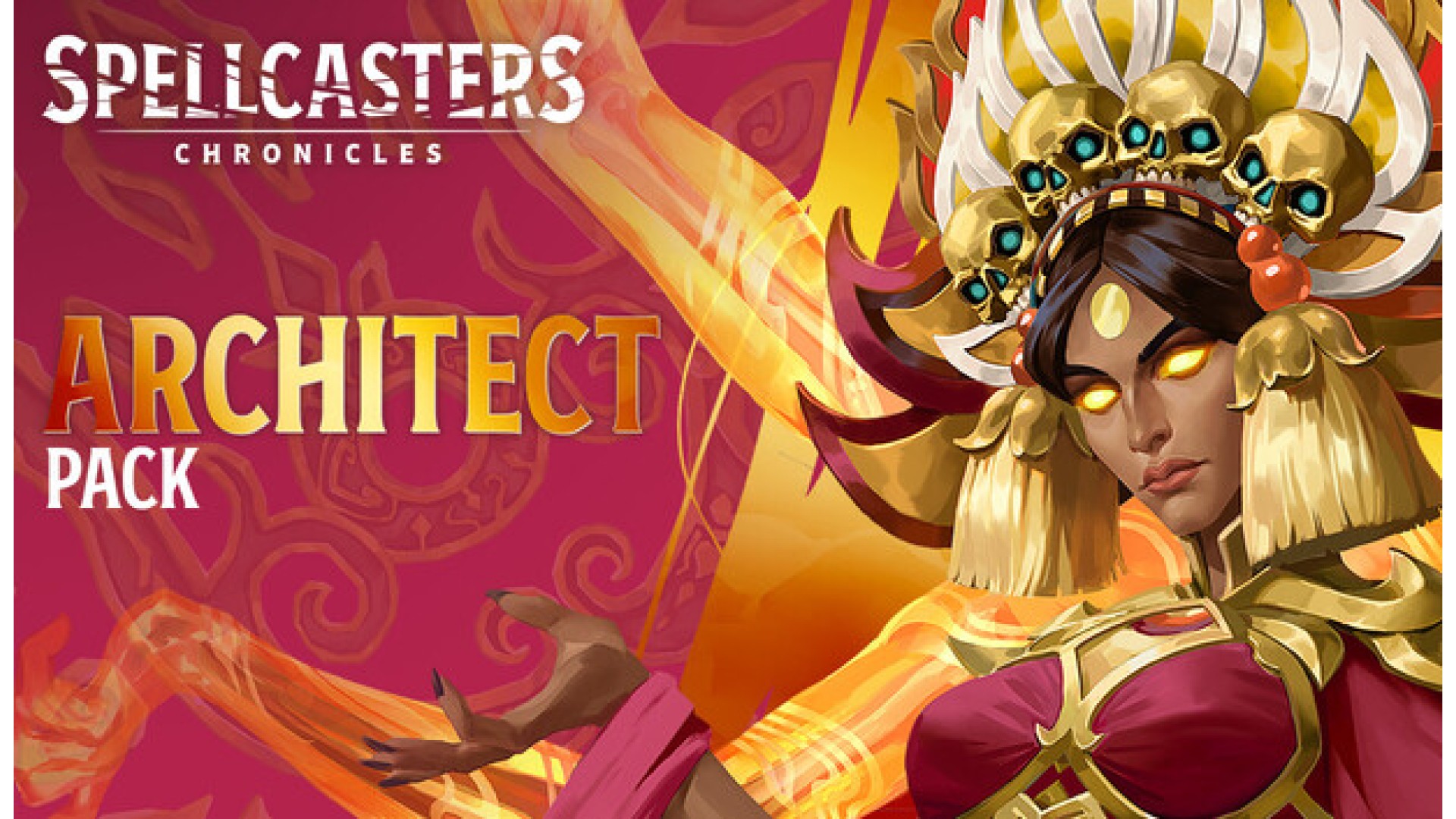
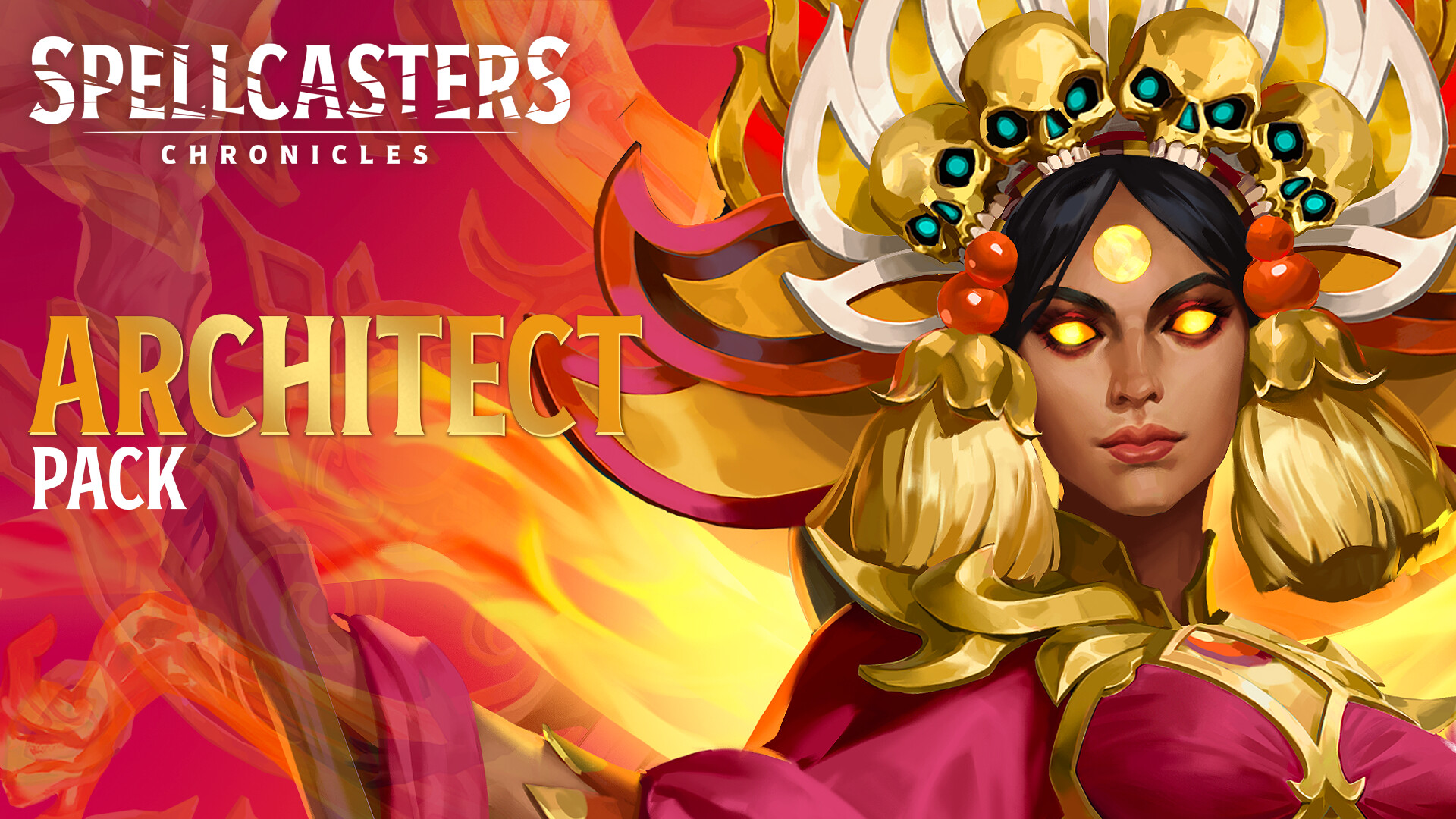
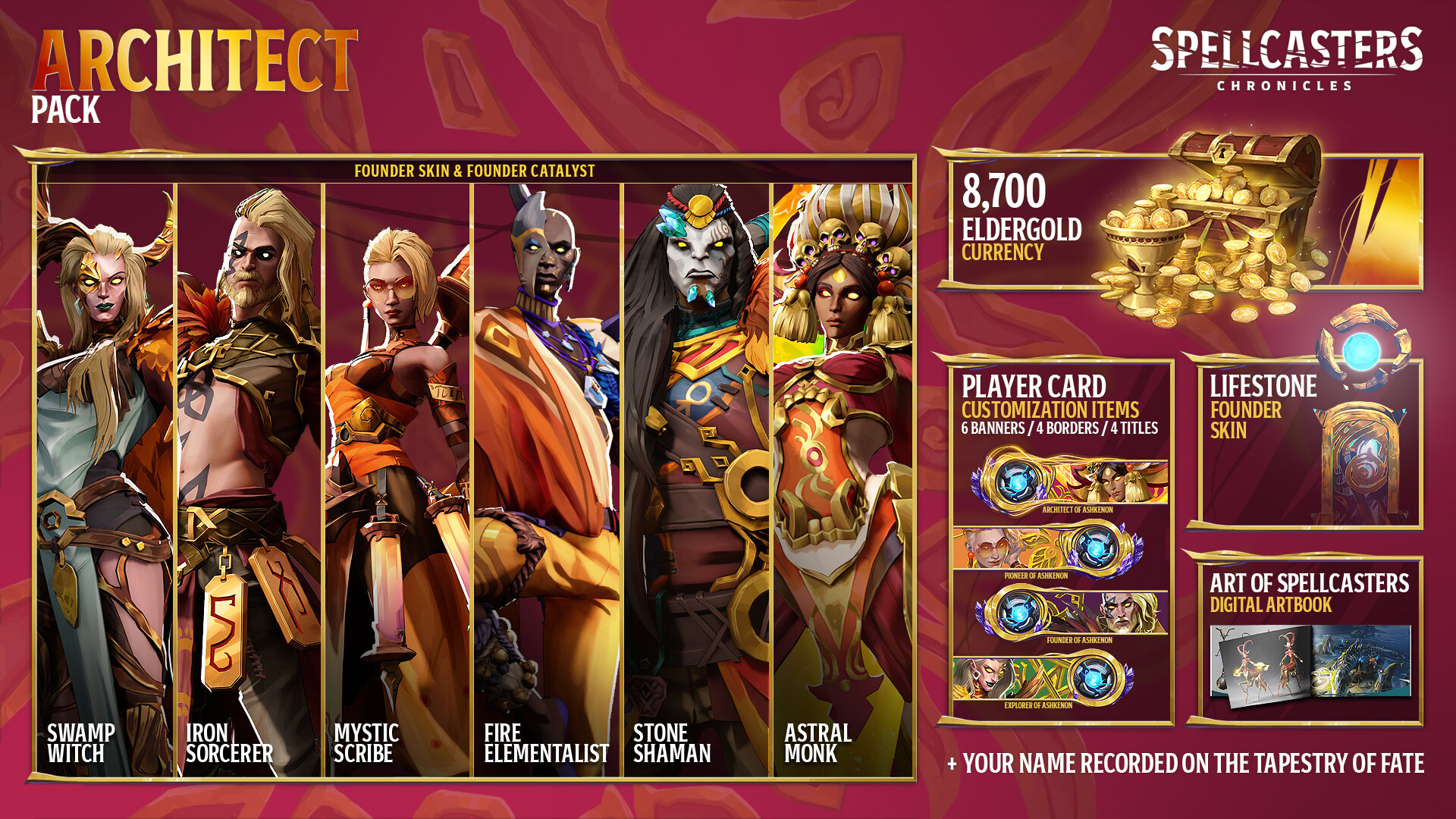
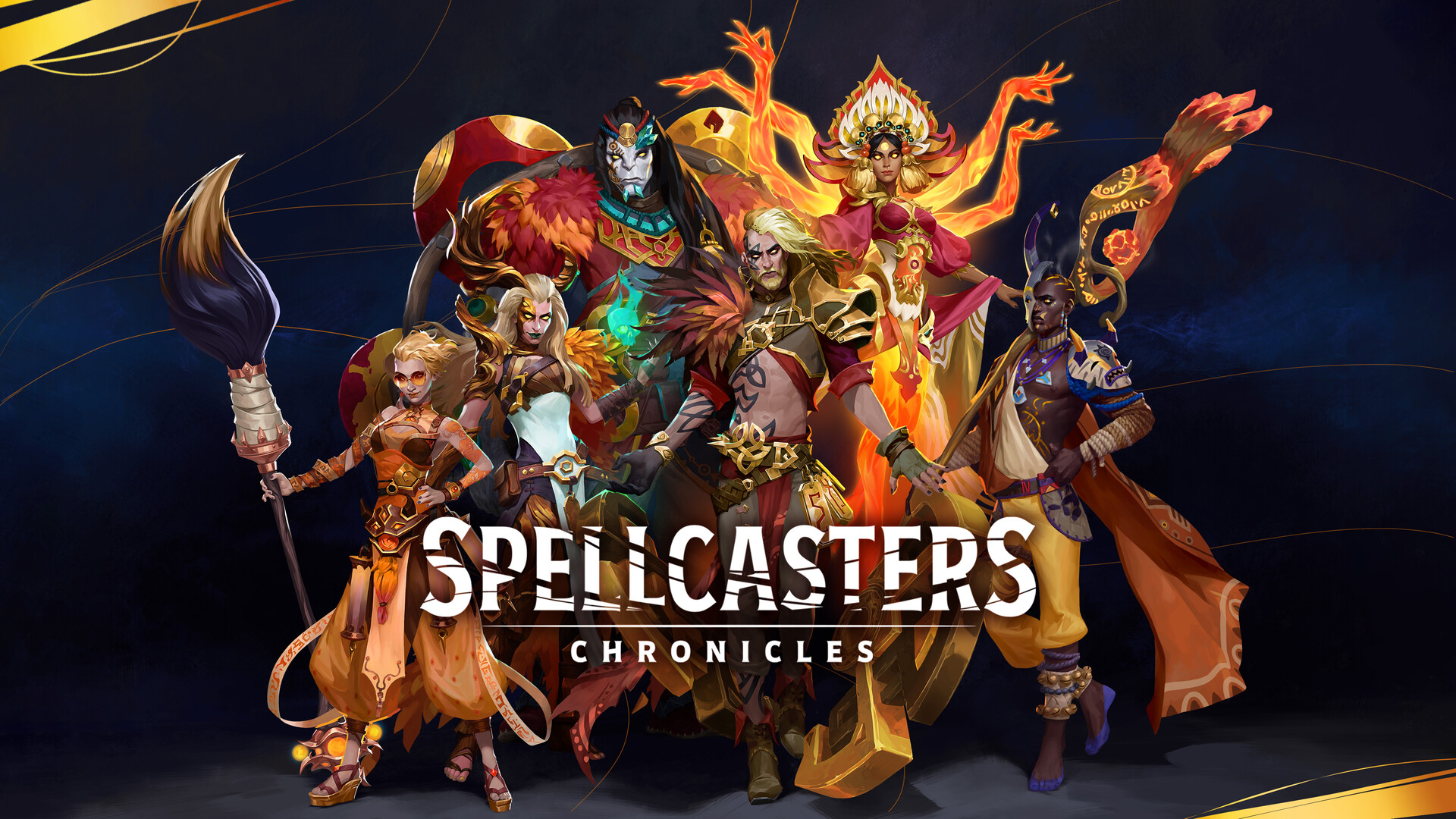
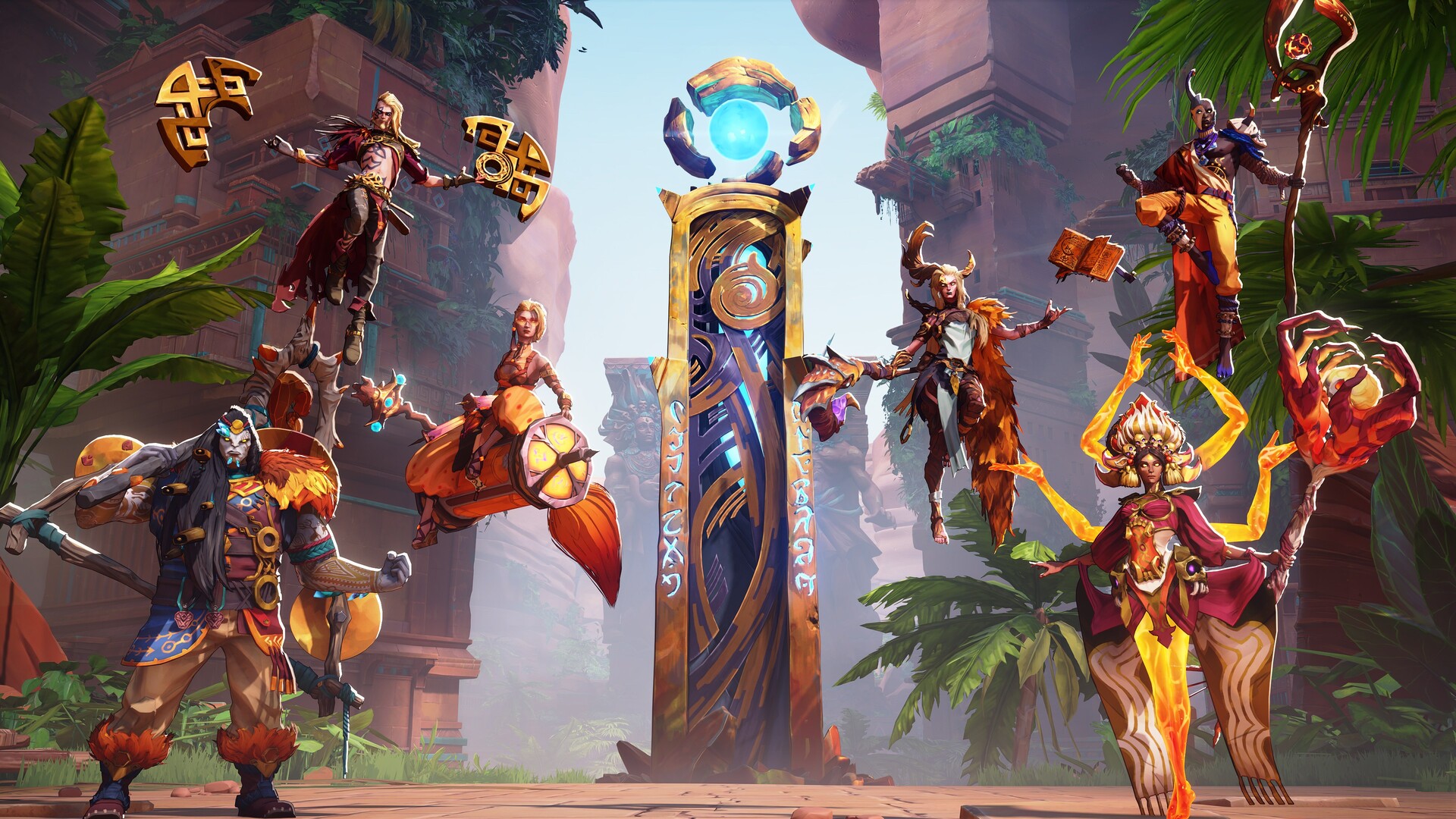
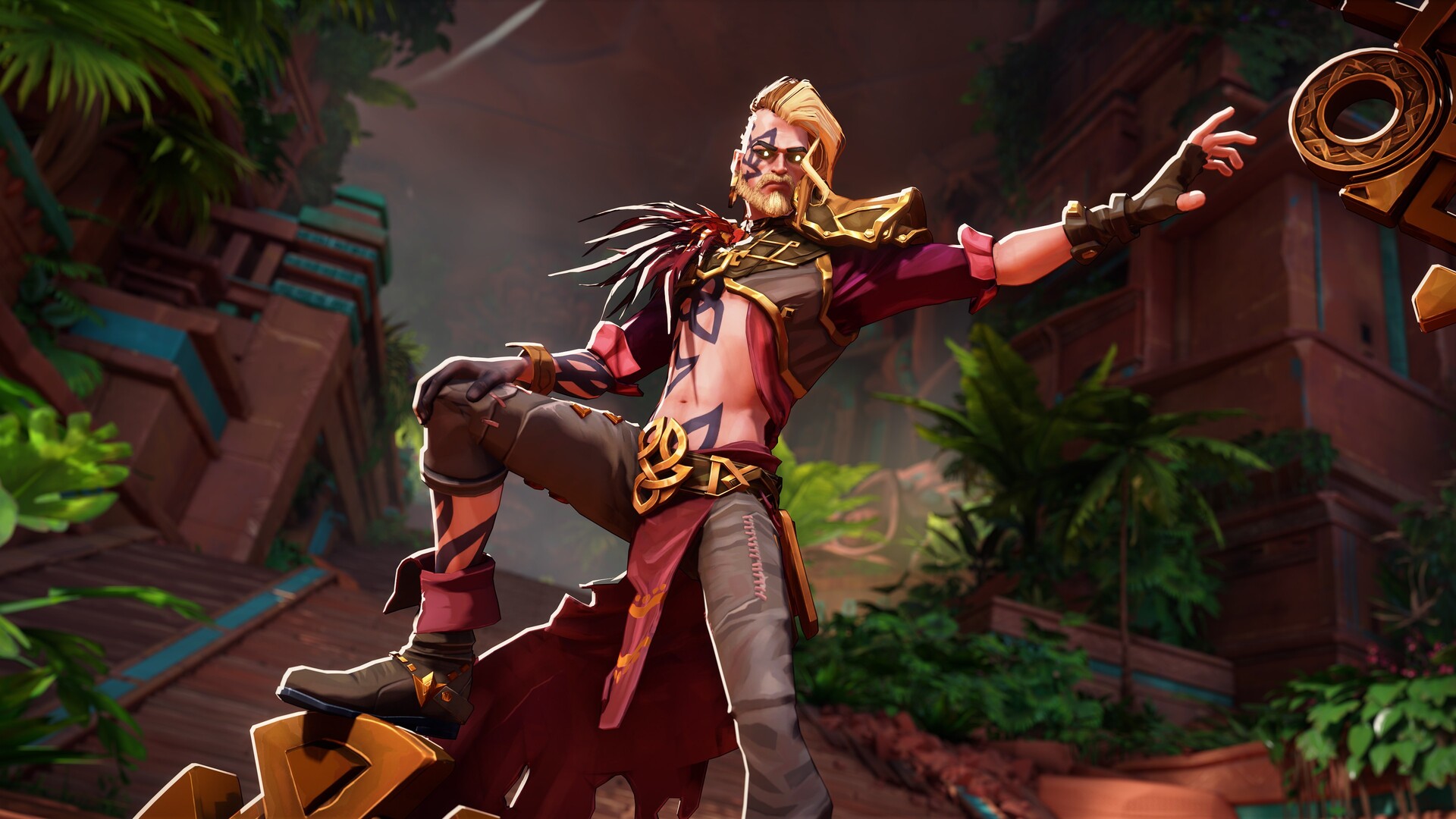
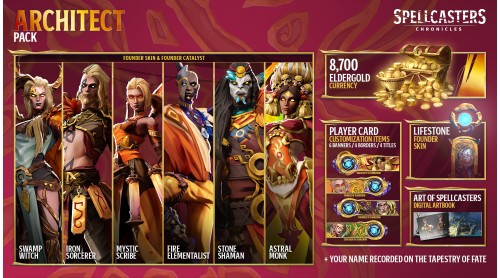
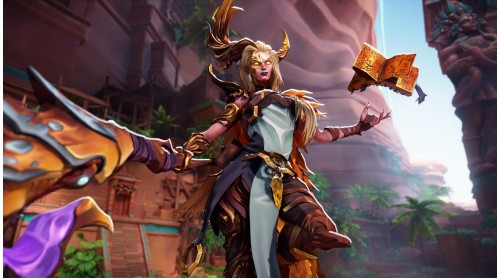
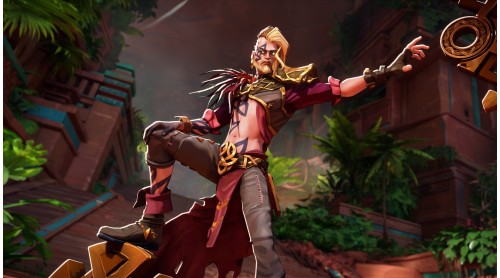
The Architect Pack is the definitive Founder customization experience, including Founder skins with unique VFX for six Spellcasters, each with matching Founder Catalyst, plus the full suite of Founder cosmetics.
The full pack Includes:
8,700 Eldergold* which can be used to purchase additional cosmetics in-game starting from Early Access
Titles: “Architect of Ashkenon,” “Pioneer of Ashkenon,” “Explorer of Ashkenon,” “Founder of Ashkenon”
Banner Borders: “Architect,” “Pioneer,” “Explorer,” “Founder”
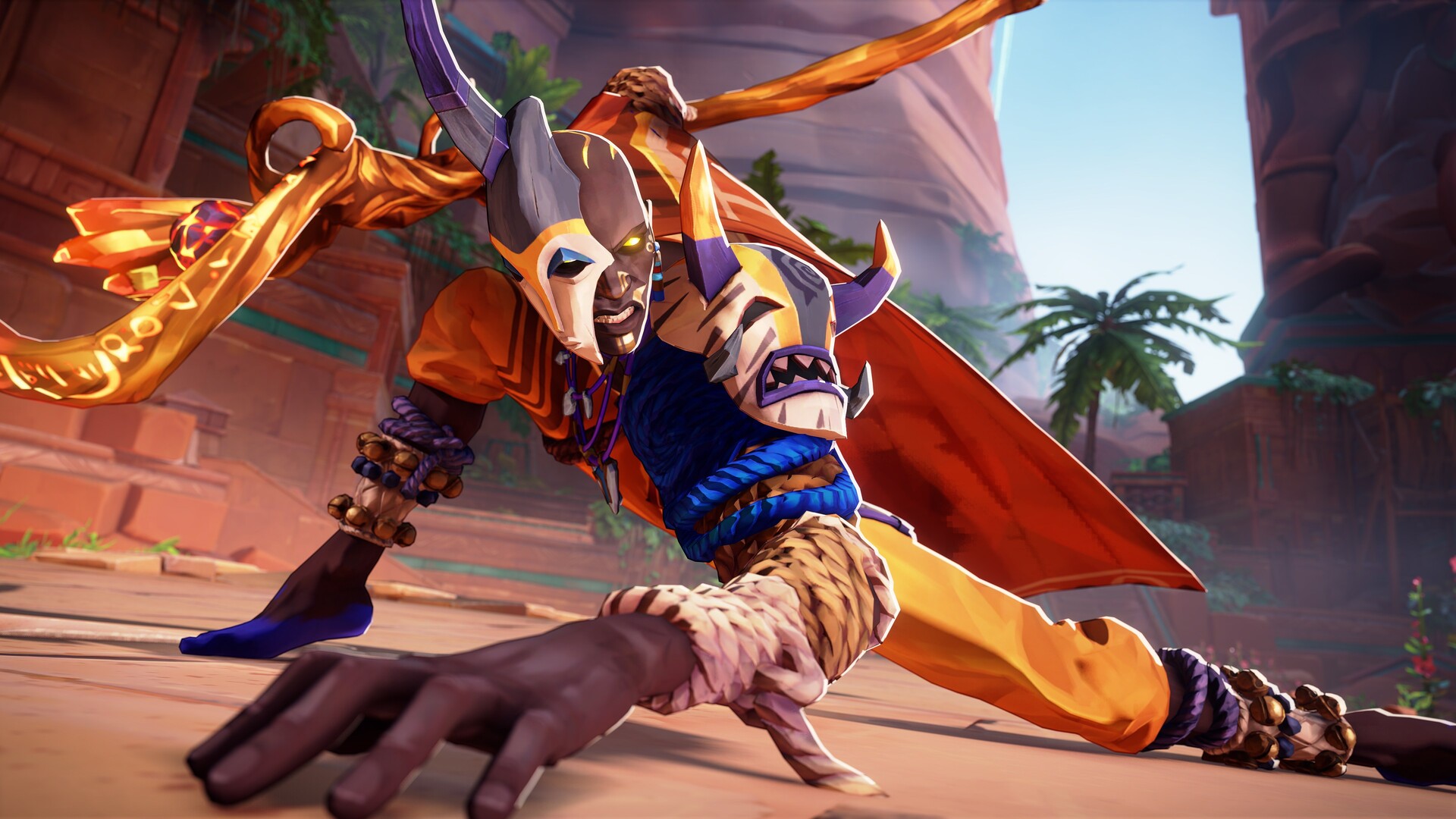
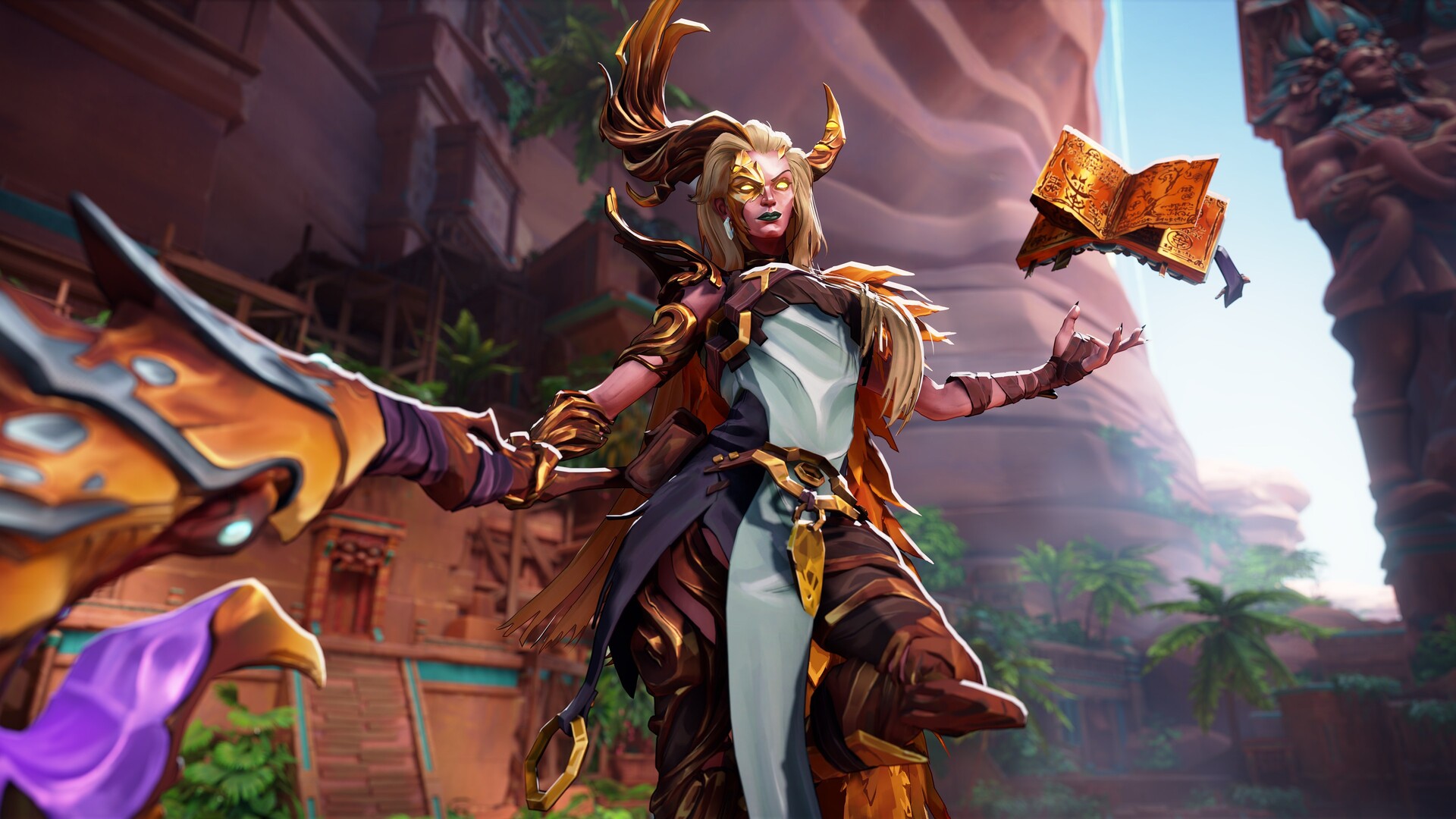
Founder banners: Witch, Sorcerer, Scribe, Elementalist, Monk, Shaman
Founder Skin for Lifestones
Animated Border Banner
Your in-game nickname added to the Tapestry
Digital Art Book
* This pack includes a total of 8,700 Eldergold. You pay for 7,069 Eldergold, and we offer 1,631 Eldergold as a bonus.
The amount included in this pack is exactly what you will receive. It does not stack with the in-game currency included in other packs.
All items included in this pack will be unlocked at Early Access launch. Learn more about this pack on our website's Support page.
Spellcasters Chronicles © 2025 Quantic Dream. Developed and Published by Quantic Dream. Spellcasters Chronicles, Quantic Dream and the Quantic Dream logos are trademarks of Quantic Dream.


How to activate your Steam key?
1. Open your Steam client. (If you don't have a Steam Client, you can install from here https://store.steampowered.com/about/)
2. Sign in to your Steam account. (If you don't have a Steam Account, you can create from here https://store.steampowered.com/join/)
3. Click “ADD A GAME” button which is at the bottom of the Steam Client.
4. Now select "Activate a product on Steam..."
5. Write or copy-paste your Steam key which you purchased from Gamesforpc.
6. Now your game is in your library.
7. Find your game in your library, select and click install to start your download.