Description
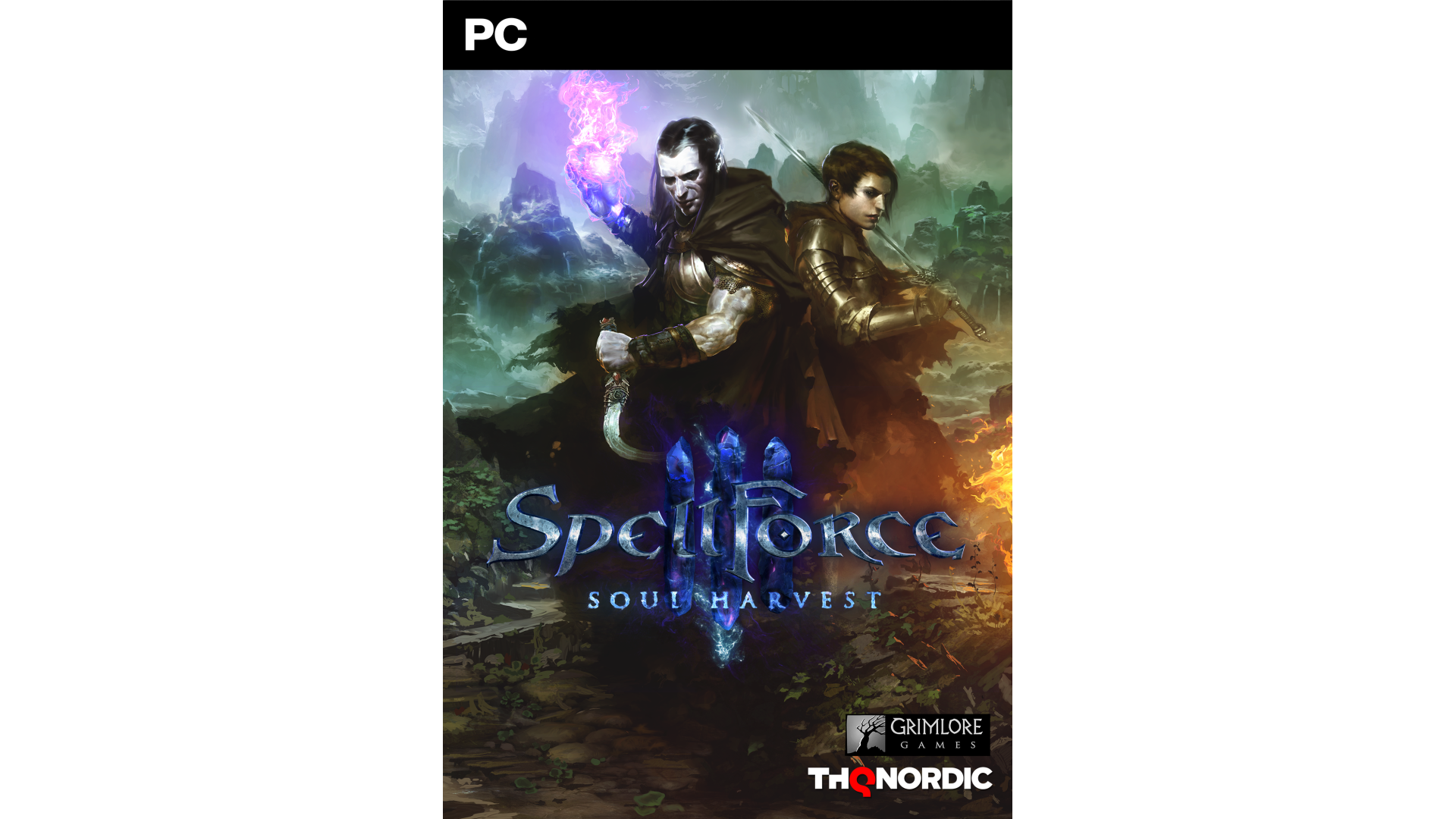
Three years after the Purity Wars, Nortander is on the cusp of a new era.
However, things aren’t as peaceful as they seem – when the Queen calls you, a disgraced General, back to your homeland, you’re plunged in a war on many fronts: While a hatemonger threatens to tear apart the Dwarven realm, an enigmatic cult of Dark Elves harvests the souls of people for reasons unknown.

Gather your allies and prevent a catastrophe!
Features:
- Standalone addon to the RTS/RPG mix SpellForce 3
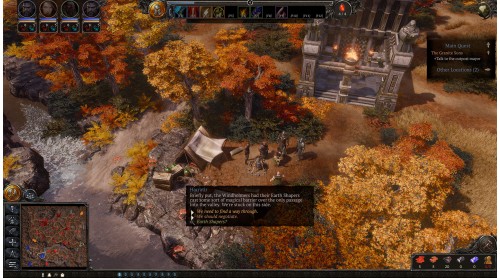
- Story mode featuring a dark and enthralling story with a playtime of around 20 hours
- Build your distinct heroes by a deep skilltree
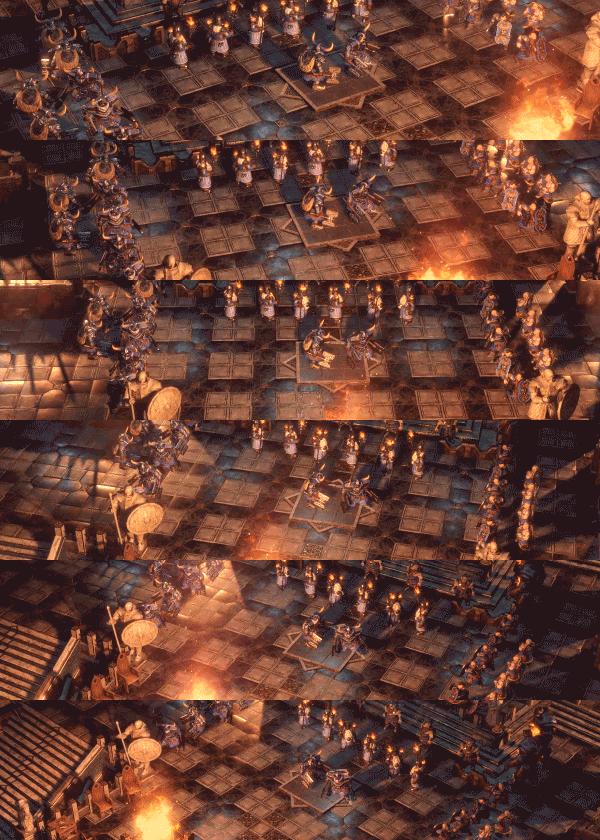
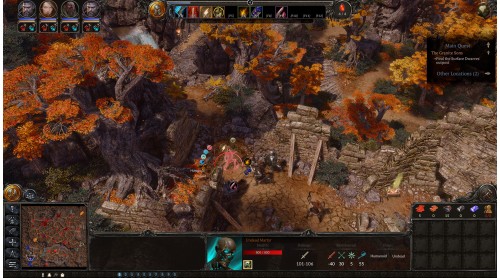
- Lead your army to victory in a new sector-based RTS system
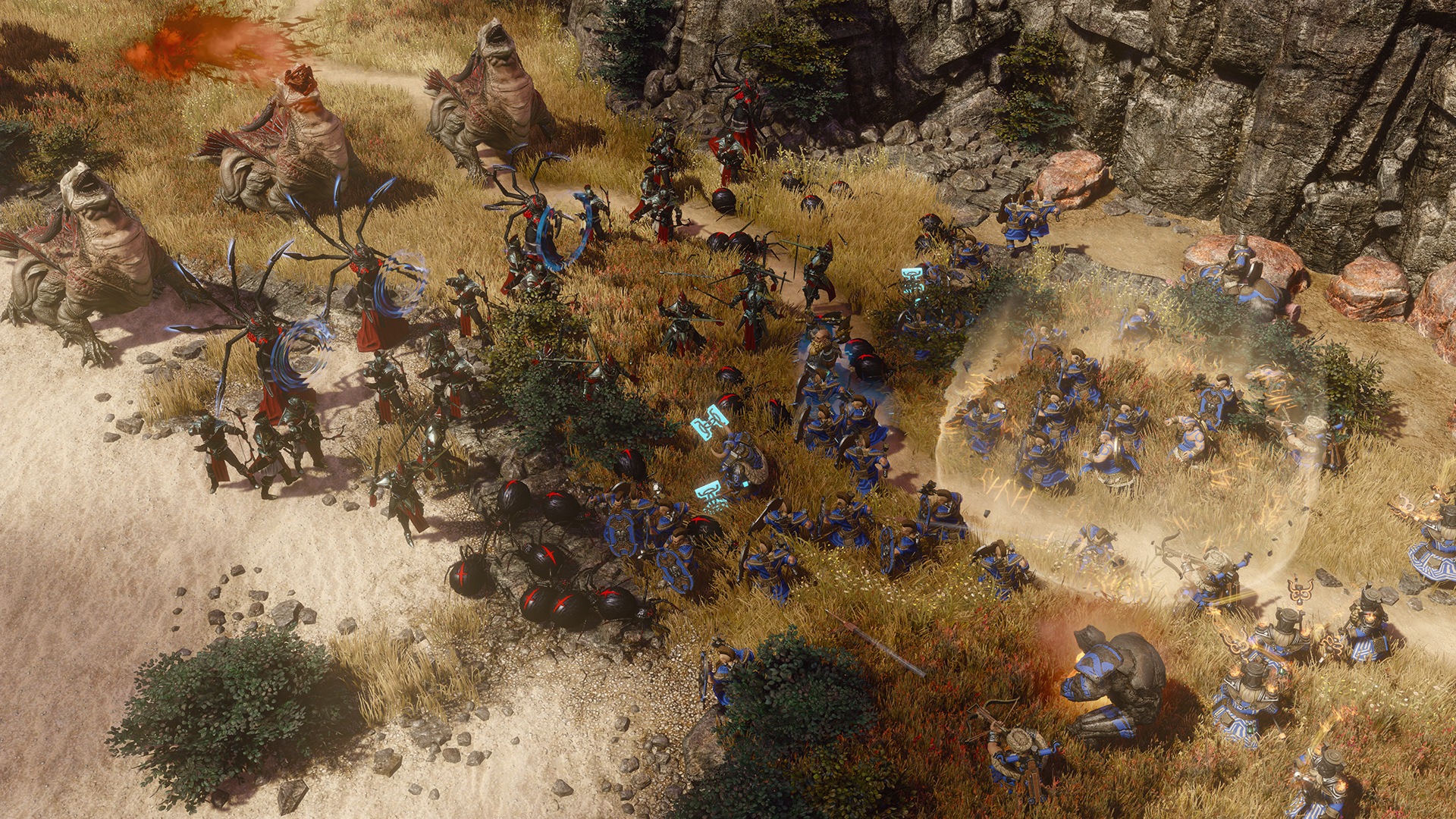
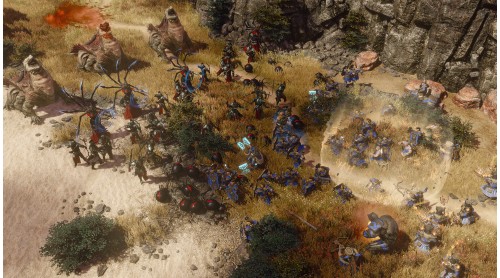
- Use unique mechanics of your army units to win epic battles
- Use flying units for even more advance tactics
- Play 5 distinct factions: Humans, Orcs, Elves, Dwarves and Dark Elves
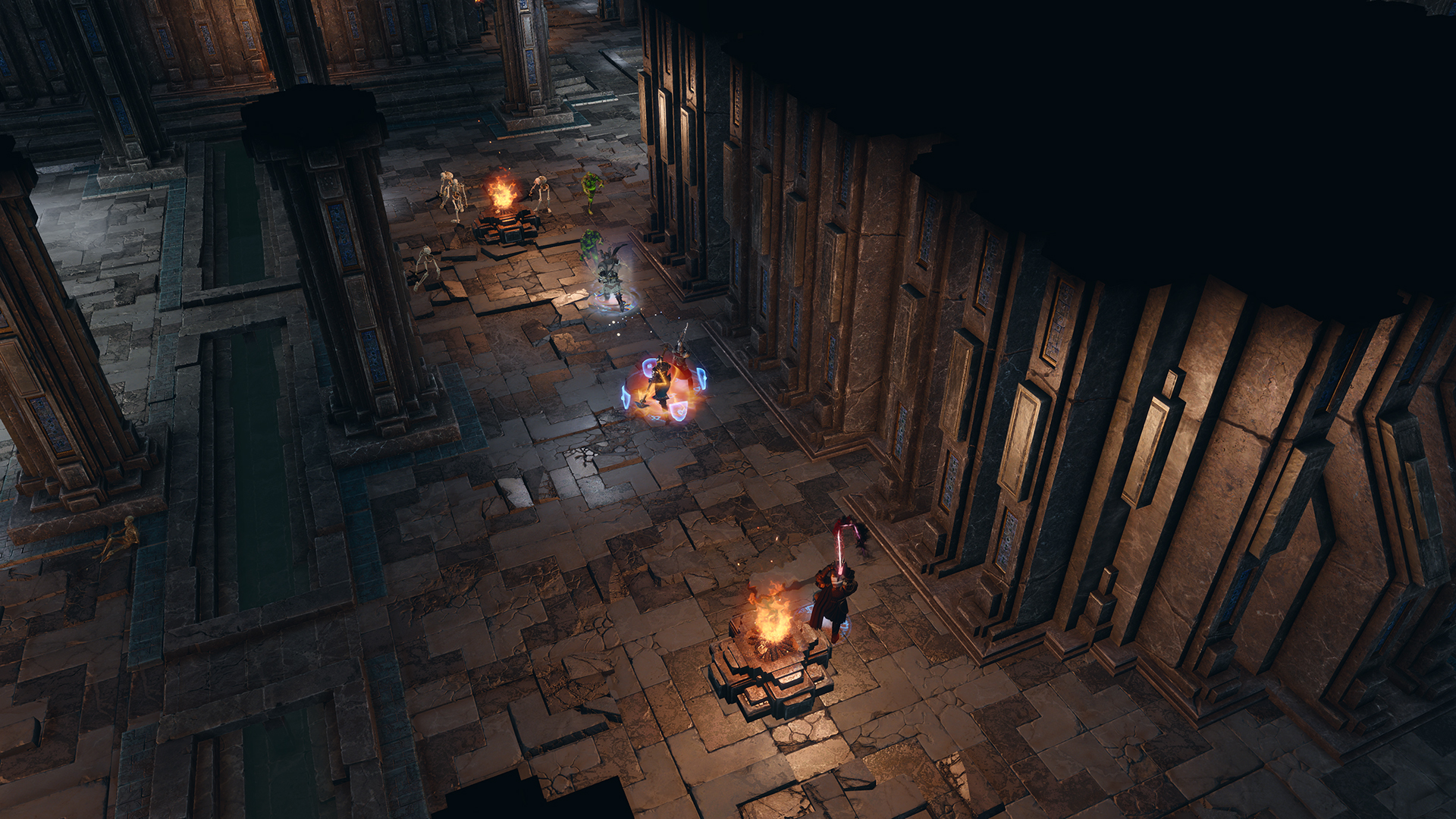
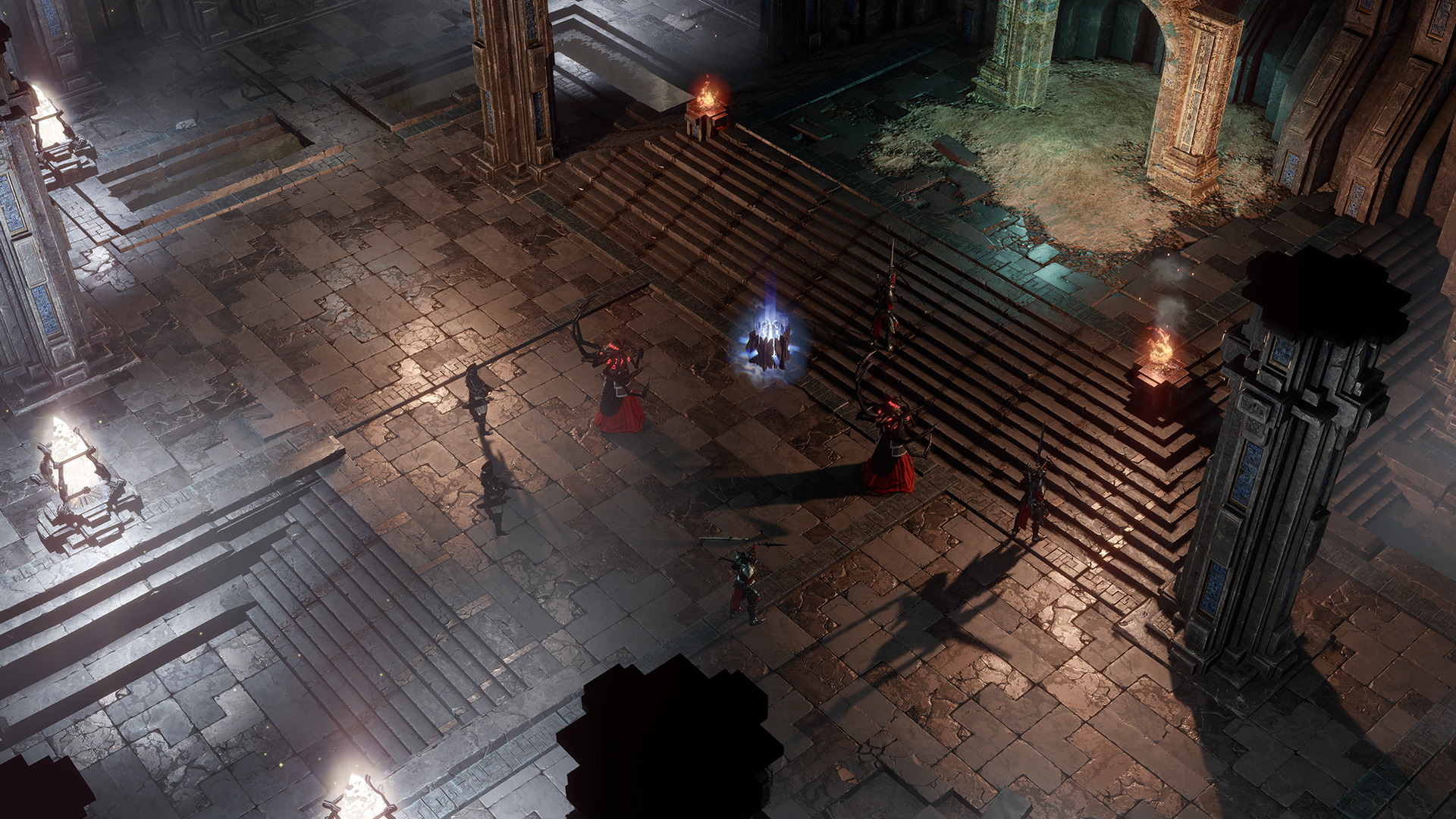
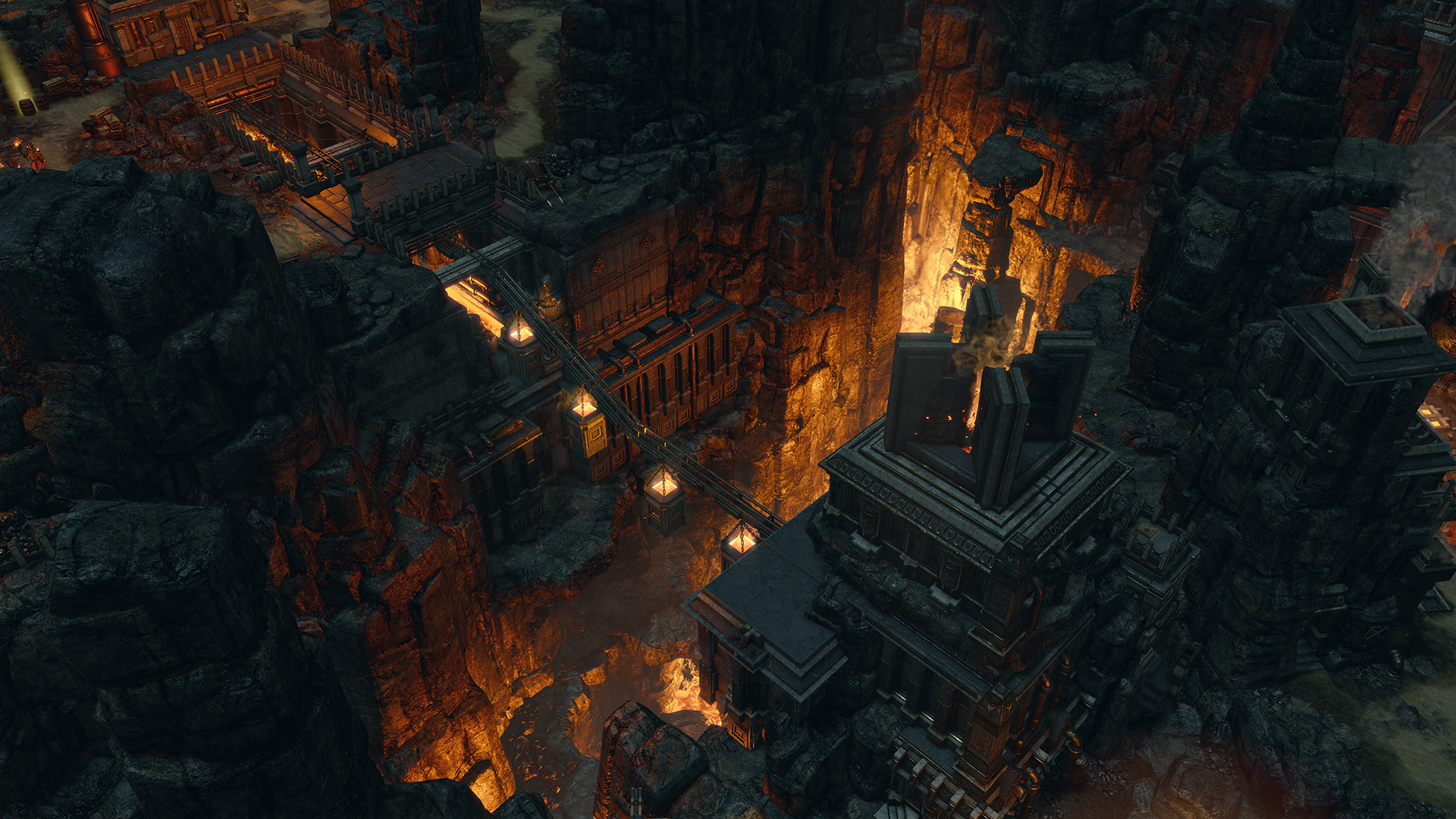
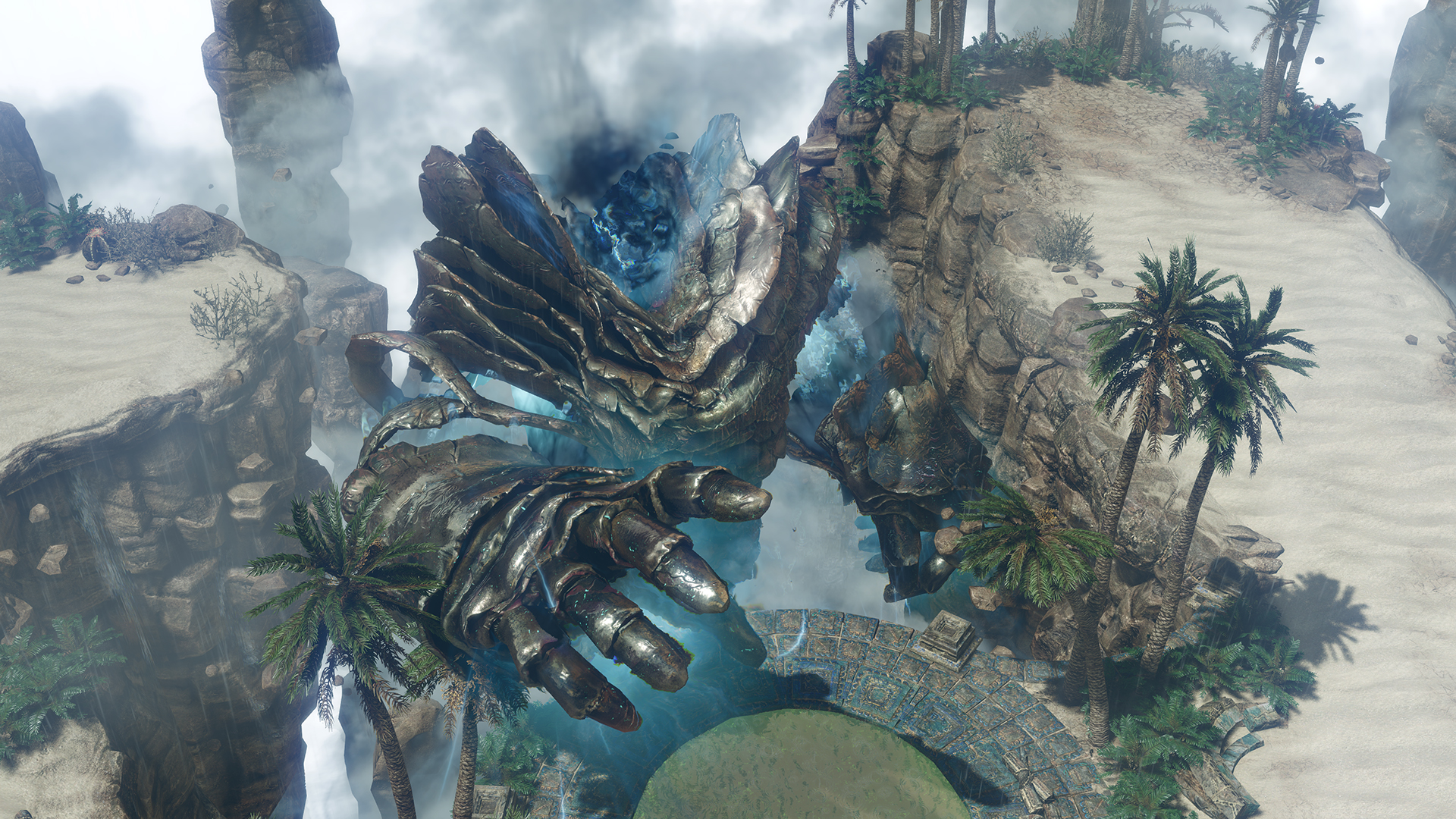
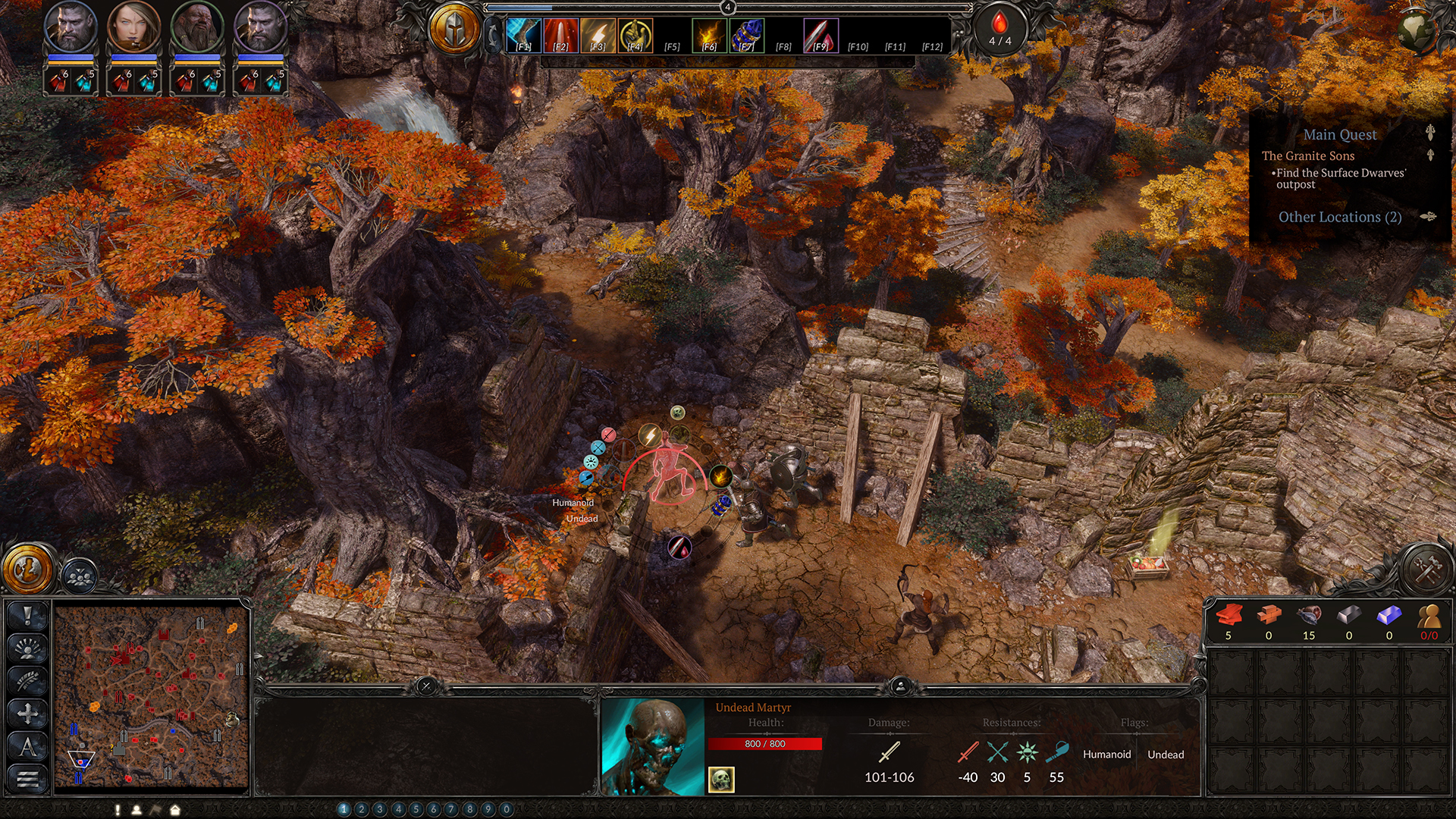
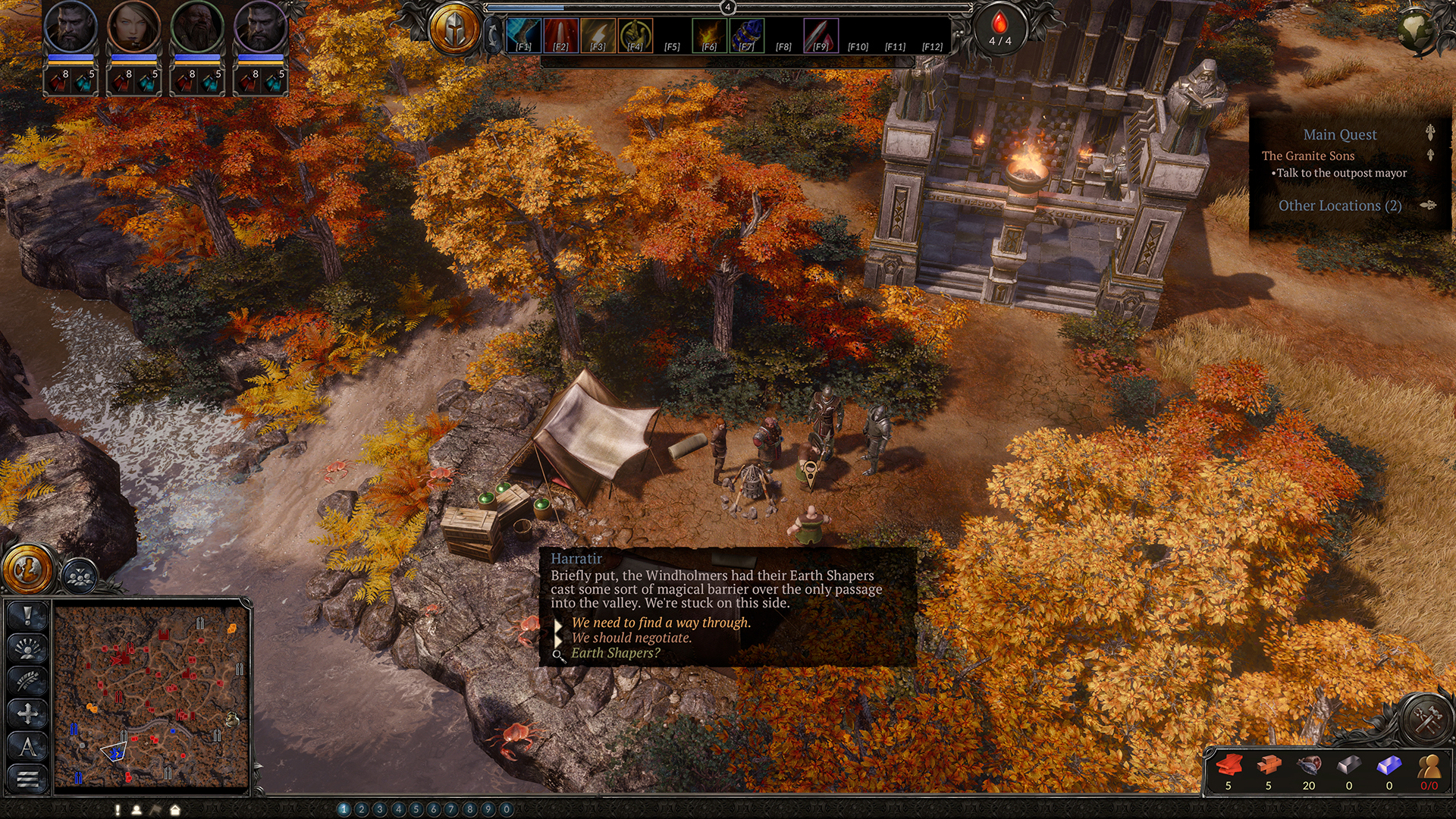
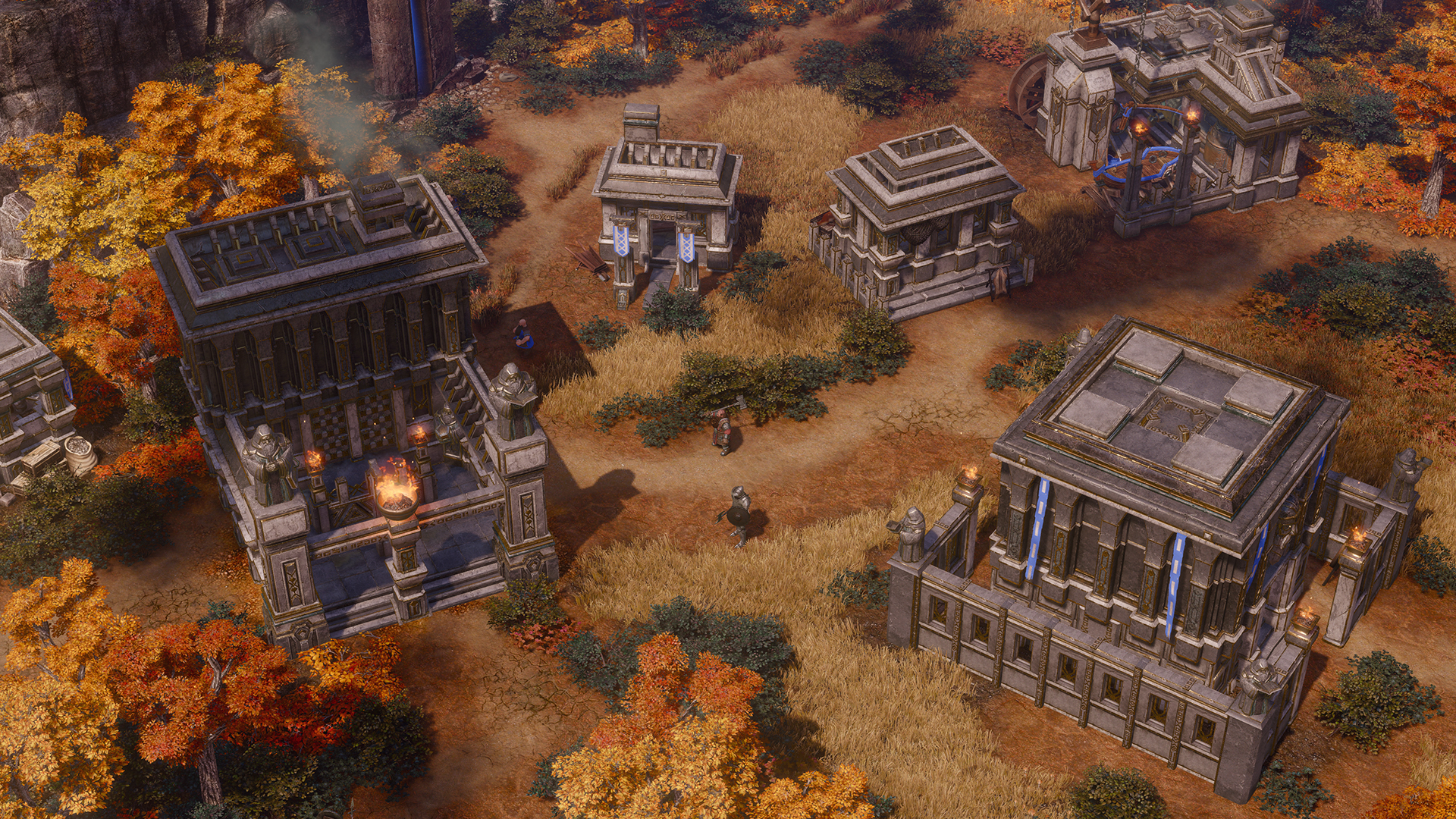
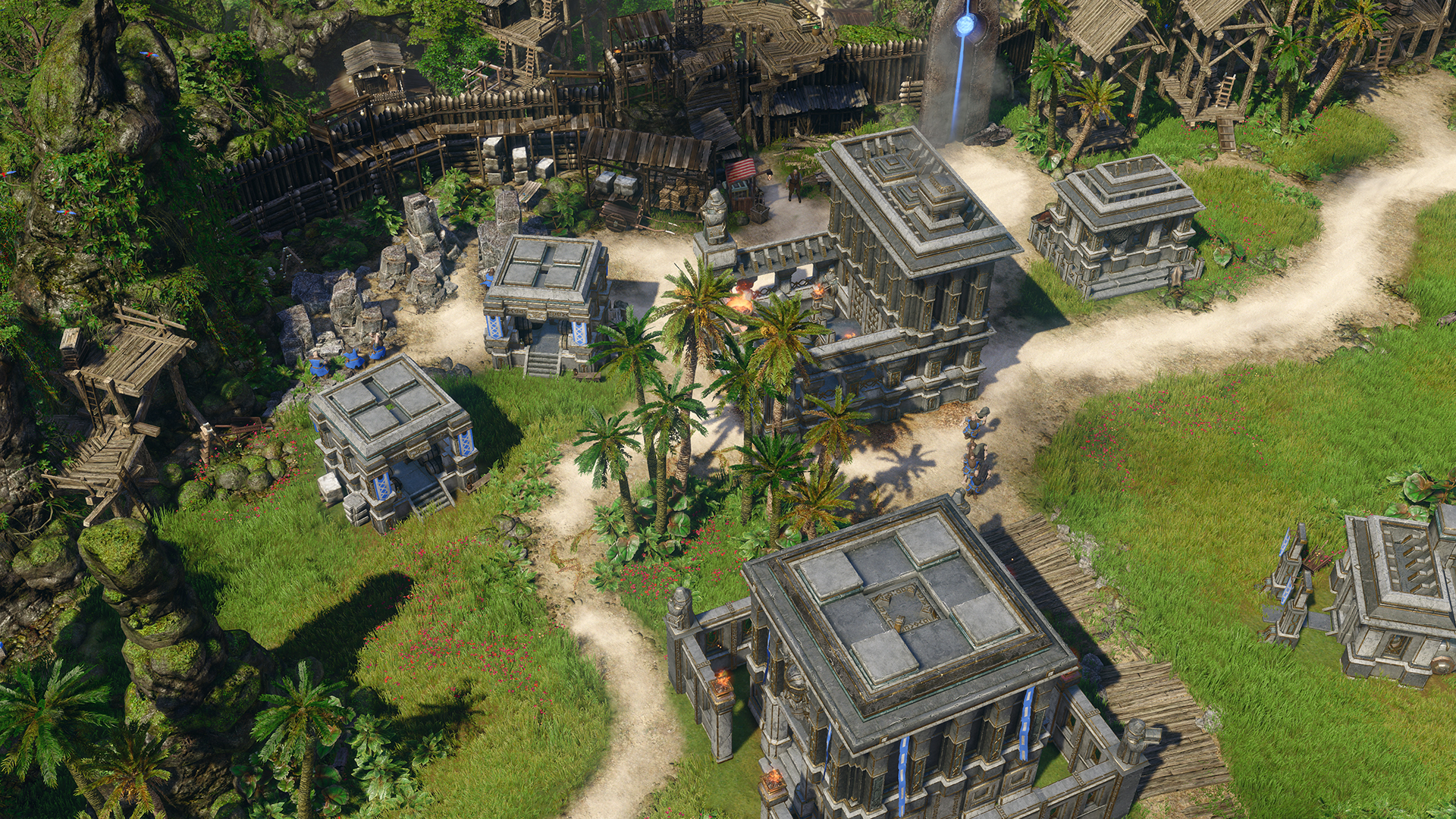
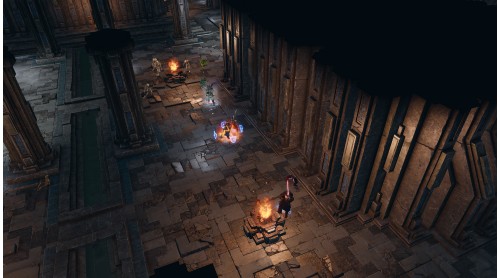
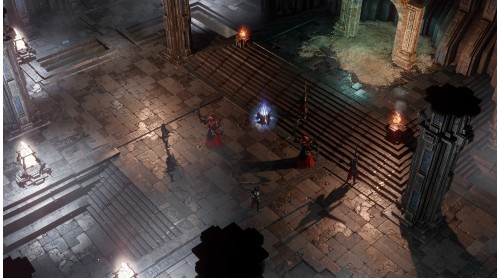
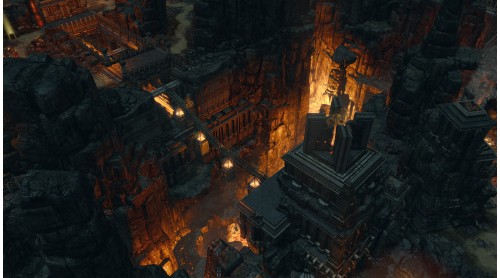
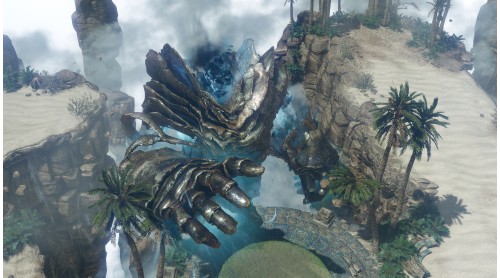
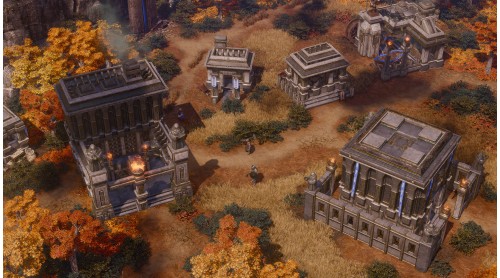
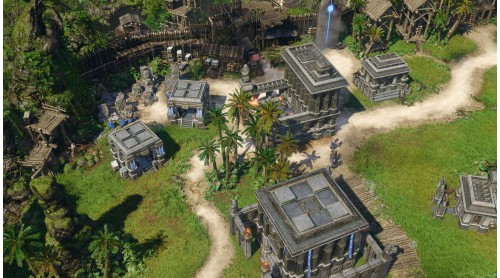
- Epic fantasy soundtrack and bleeding edge top down graphics
Multiplayer Features:
- Each faction has three unique heroes that compliment individual play styles
- A modern multiplayer lobby will allow easier matchmaking and ranked play
- Play new game modes for a special challenge
- Create your own maps with the powerful modding tools.

New features compared to SpellForce 3:
- All-New Campaign: Featuring new storyline with over 20 hours of content
- All-New abilities and skilltrees for even more diverse heroes
- All-New RTS Gameplay: Sector-based system with a focus on global resource distribution and unique faction mechanic
- Unique mechanics and unique unit kits make the races feel very diverse and offer replay-value in the campaign
- Flying units allow more tactical elements
- New factions: Dwarves and Dark Elves
- Overhauled UI makes the game more pleasant to look at and more readable

© 2019 by THQ Nordic GmbH, Austria. Developed by Grimlore Games GmbH, Germany. Published by THQ Nordic GmbH. SpellForce is a registered trademark of THQ Nordic AB, Sweden. All other brands, product names and logos are trademarks or registered trademarks of their respective owners.
 Steam
Steam  Windows

How to activate your Steam key?
1. Open your Steam client. (If you don't have a Steam Client, you can install from here https://store.steampowered.com/about/)
2. Sign in to your Steam account. (If you don't have a Steam Account, you can create from here https://store.steampowered.com/join/)
3. Click “ADD A GAME” button which is at the bottom of the Steam Client.
4. Now select "Activate a product on Steam..."
5. Write or copy-paste your Steam key which you purchased from Gamesforpc.
6. Now your game is in your library.
7. Find your game in your library, select and click install to start your download.